GOG is one of the world's most popular digital storefronts for PC games. It's beloved by players for releasing PC games without DRM restrictions and releasing long-awaited ports of classic games like Breath of Fire 4 and Dino Crisis, fully updated to run on modern PCs.GOG has reached its 18th anniversary this year. To celebrate, it will be hosting its first-ever gaming showcase event called the "GOG Showcase" on November 5, 2026, to reveal new games, new features
GOG is one of the world's most popular digital storefronts for PC games. It's beloved by players for releasing PC games without DRM restrictions and releasing long-awaited ports of classic games like Breath of Fire 4 and Dino Crisis, fully updated to run on modern PCs.
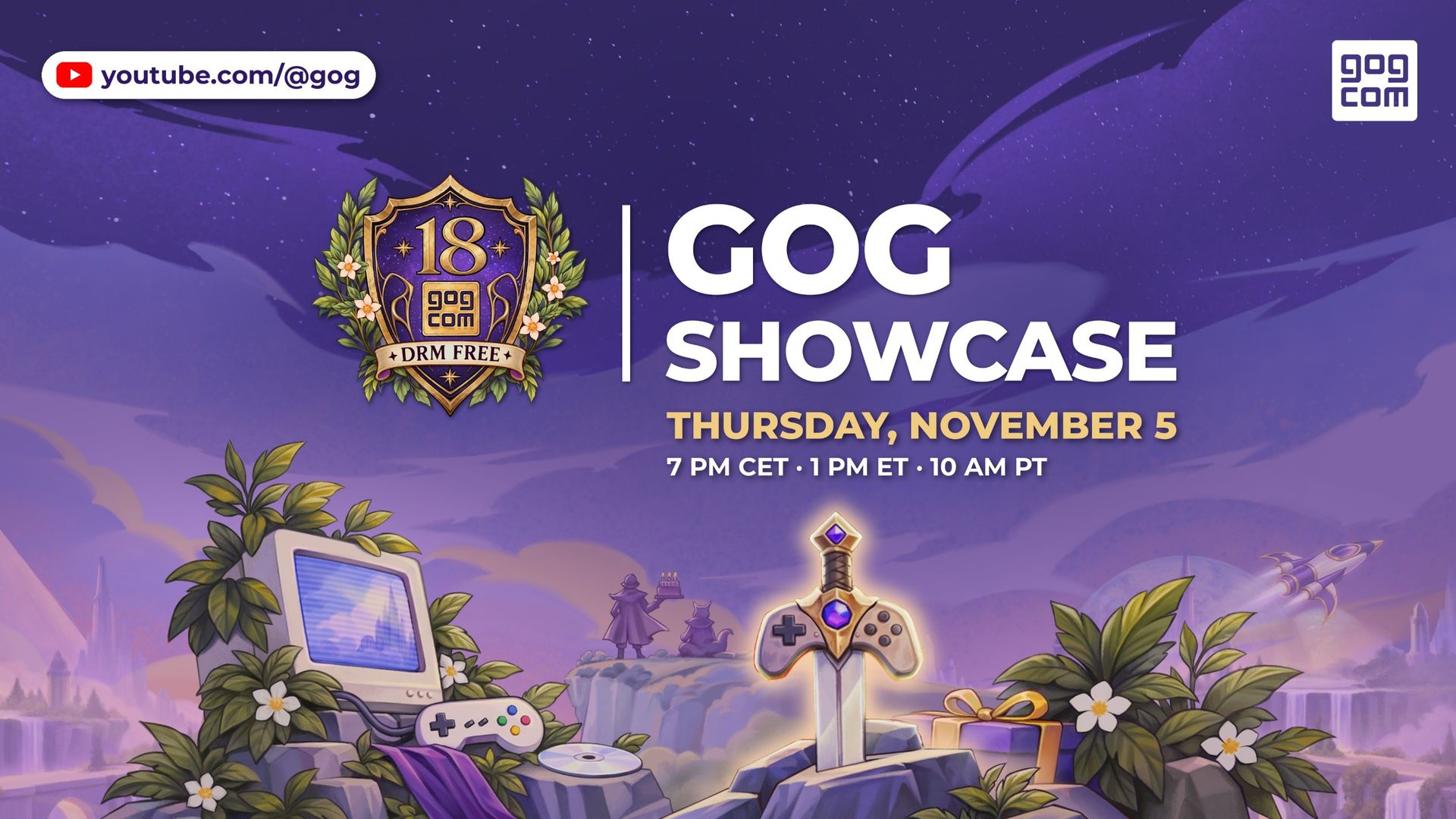
GOG has reached its 18th anniversary this year. To celebrate, it will be hosting its first-ever gaming showcase event called the "GOG Showcase" on November 5, 2026, to reveal new games, new features, and more surprises as it enters a new chapter.
The GOG Showcase will be broadcast on GOG's YouTube channel at 7:00 PM CET / 1:00 PM ET / 10:00 AM PT / 6:00 PM GMT.
However, when it comes to providing games players can keep forever with their own dedicated launchers and with no DRM to hinder their performance (with a 30-day return as a bonus), GOG has its competition beat in that regard.
So I'm looking forward to seeing what retro games from the past GOG plans to bring back next on PC when the GOG Showcase begins tomorrow (fingers crossed they bring back the PS1 JRPG classic, Legend of Dragoon).
Join us on Reddit at r/WindowsCentral to share your insights and discuss our latest news, reviews, and more.
The Xbox Nano's worst-kept secret is finally out in the open, and Xbox Cloud Gaming is more accessible than ever. We’ve been following the ultra-portable Xbox Nano Controller since its initial reveal, and while its pocket-friendly, SNES-inspired design has been the main talking point, we were pretty bemused by the lack of Wi-Fi capabilities. However, as the controller landed in reviewers hands, it turned out there was indeed Direct to Wifi connection included but
The Xbox Nano's worst-kept secret is finally out in the open, and Xbox Cloud Gaming is more accessible than ever.
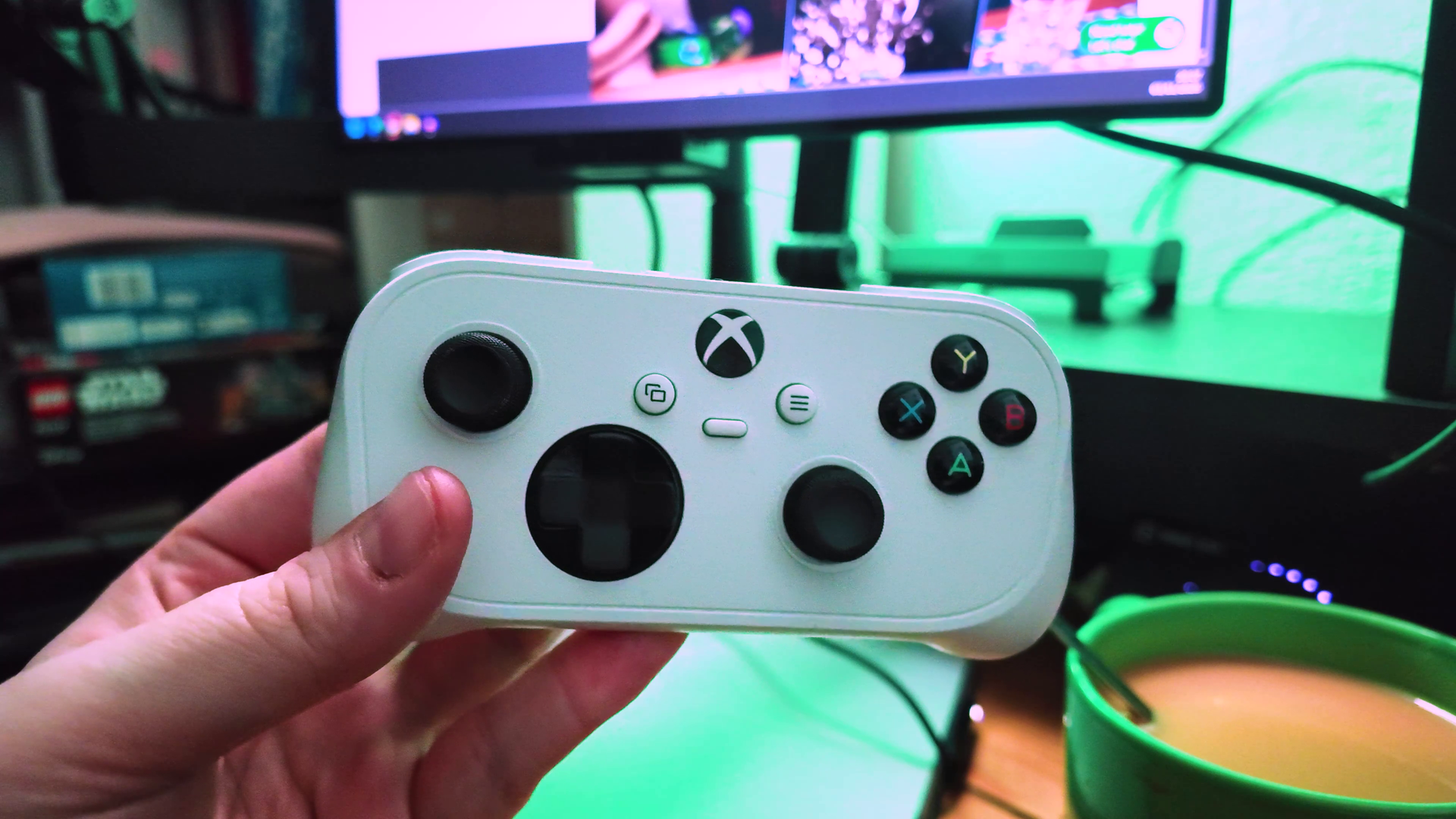
We’ve been following the ultra-portable Xbox Nano Controller since its initial reveal, and while its pocket-friendly, SNES-inspired design has been the main talking point, we were pretty bemused by the lack of Wi-Fi capabilities. However, as the controller landed in reviewers hands, it turned out there was indeed Direct to Wifi connection included but Microsoft had kept it a secret for some unknown reason. Today, Xbox officially revealed the news officially. The much-anticipated direct Wi-Fi connection feature, officially dubbed "Cloud Connect", is rolling out in preview.
But the real surprise reveal lies in the rest of the announcement. Xbox have also announced a brand-new feature that lets you use your smartphone as a virtual controller for Xbox Cloud Gaming on supported Smart TVs. This will truly open Cloud Gaming up wide to loads of people who want to try it out.
Here is everything you need to know about the new updates and how to test them out.
The Nano's secret weapon: Cloud Connect
(Image credit: Windows Central | Adam Hales)
If you caught our preview of the Xbox Nano Controller, you already knew this was coming. Up until now, playing Xbox Cloud Gaming on a TV or web browser meant connecting your controller via Bluetooth. While functional, Bluetooth does introduce an extra layer of input latency before your command even begins its journey to the cloud servers.
Cloud Connect bypasses that entirely. By using a direct Wi-Fi connection from the Xbox Nano Controller straight to Microsoft’s cloud servers, input latency is significantly reduced, making gameplay feel noticeably more responsive. It is the exact same approach that Google Stadia's controller used, and bringing it to the Xbox ecosystem is a massive win for cloud players.
How to try it out:
Currently, the Cloud Connect preview is restricted to players in the US, and it is limited to supported Smart TVs and web browser experiences.
To set it up, you will need to configure the Nano Controller to your home Wi-Fi network. You can do this using the Xbox beta app on Android, or the Xbox Accessories app on PC (note: PC setup requires you to be enrolled in the Xbox Insider program). Once connected to your Wi-Fi, simply launch a supported Xbox Cloud Gaming session and sign in with the same Xbox account used during your setup. The controller will handle the rest.
The best news, your phone is now an Xbox controller?
Some Xbox Cloud games have in built touch controls, but now you can use your phone as a standalone for all games and play on the TV. (Image credit: Windows Central | Jez Corden)
The Nano getting Wi-Fi Connect wasn't really the biggest news today. If you want to fire up a cloud game on your Smart TV but don't have a physical controller handy, Microsoft has rolled out a solution: your phone.
In a new global preview available on supported Smart TVs where Xbox Cloud Gaming is live, players can now use an iOS or Android smartphone as a virtual gamepad.
The controls load entirely within your phone's web browser, meaning there is no bulky companion app required to get started. Even better, Xbox confirmed that some games will feature custom-tailored touch layouts specifically designed for how they play, rather than just slapping a generic digital gamepad on your screen.
How to try it out:
To access the virtual phone controller, boot up the latest Xbox Cloud Gaming app on your supported Smart TV and navigate to Settings > Account. Toggle on Preview Features. From there, whenever you launch a game without a physical controller connected to the TV, you will be prompted with an option to link your phone for that session.
Both of these features are still in their testing phases, so expect the occasional hiccup and a limited roster of fully supported titles while Microsoft gathers telemetry and player feedback. You can check out the official support page for guidance.
Behold the sheer convenience of using your phone for a quick Vampire Survivors run on the living room TV!
Join us on Reddit at r/WindowsCentral to share your insights and discuss our latest news, reviews, and more.
RedMagic’s 12 Pro starts at $949 in the US. Explore its gaming specs, charging features, software support and November sales dates before buying.
The post RedMagic 12 Pro Launches Globally With $949 US Starting Price appeared first on TechRepublic.

 Connexion