❌

Vue normale

Reçu — 4 novembre 2026 ⏭ Windows Central - News, Forums, Reviews, Help for Windows 10 and all things Microsoft.

Xbox and PC prices are out of control, and Microsoft clearly knows it

Microsoft's big news this week is about how Windows 11 is now considerably more responsive on 8GB of RAM. A couple of weeks ago, it was the Xbox Series X|S and AMD-powered gaming handhelds getting AMD's FSR 4.1 upscaling to help boost performance.

What do these stories have in common? To me, they're evidence that the standard tech market model is breaking down in the face of unprecedented hardware shortages.

Laptops and desktop PCs keep rising in price, even as they're stripped of memory and storage. Xbox consoles have never been pricier. The latest gaming handhelds, including the MSI Claw 8 EX AI+, are ballooning in price, to the point that they cost as much as a high-end gaming laptop from just a few years ago.

Consumer hardware that used to brute-force its way to acceptable performance in Windows, games, and beyond is no longer on the table for a lot of people because of AI-inflated prices.

What's left? Microsoft, despite its major role in the AI race, can't directly make hardware cheaper. It can, however, make it last longer by focusing on optimizations and innovations that offset the current economic reality that's keeping old hardware in our hands.

Windows 11 running better on 8GB PCs is part of a bigger picture

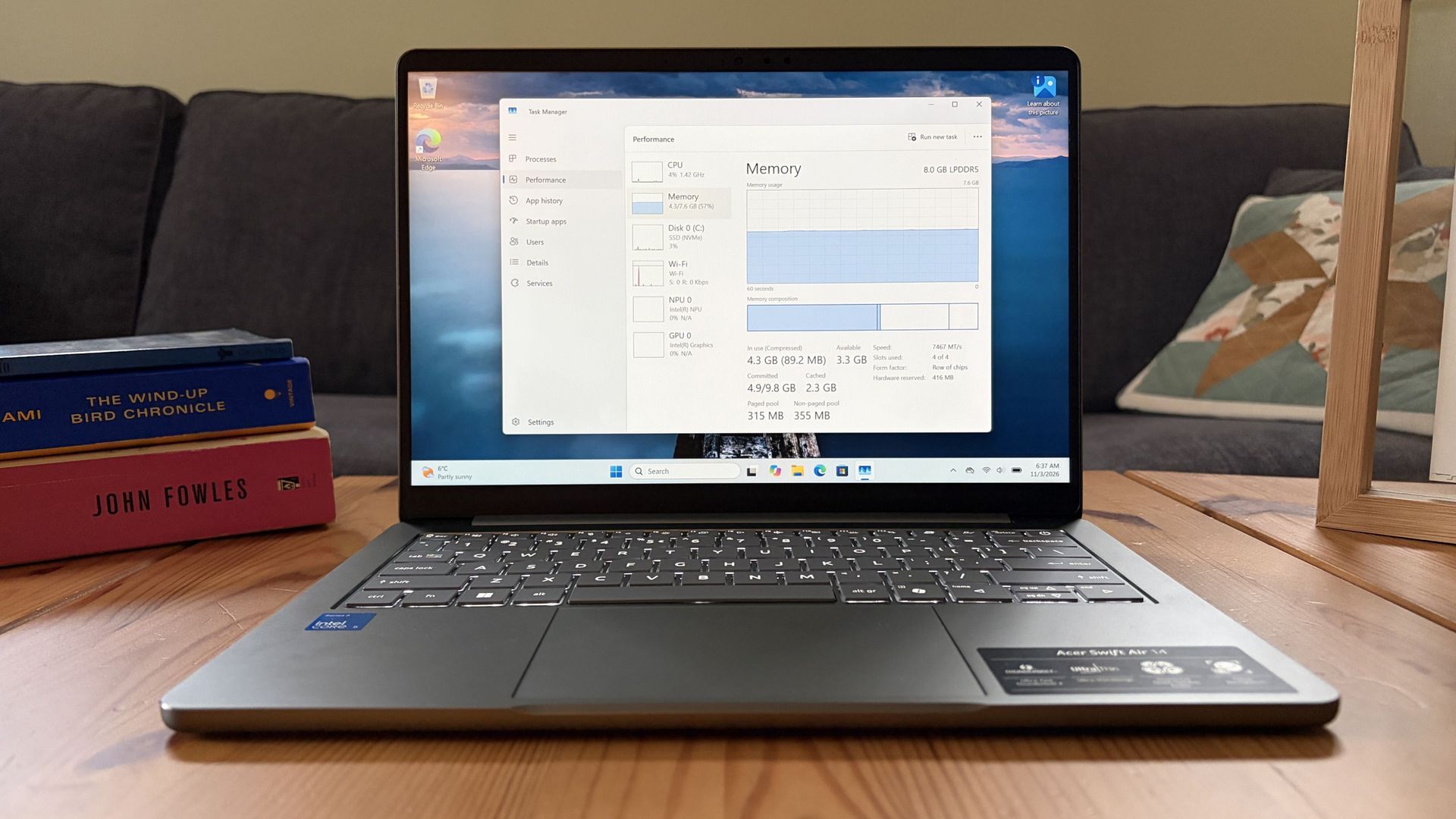
A laptop sits on a wooden coffee table, displaying Windows Task Manager’s Memory page; books and a sofa frame the quiet home setting.

The Acer Swift Air 14 with 8GB RAM, on which I tested RAM usage in Windows 11 26H2. (Image credit: Future)

The bigger story surrounding Windows 11's 8GB improvements is that Microsoft is putting significant engineering efforts into improving the OS for low-end hardware. And it's not afraid to show it off.

To me, this is a reversal of tradition. For what feels like all my life until recently, the answer to a sluggish PC was to upgrade the hardware. Microsoft and its OEMs loved this tradition, of course, because it let them sell more products.

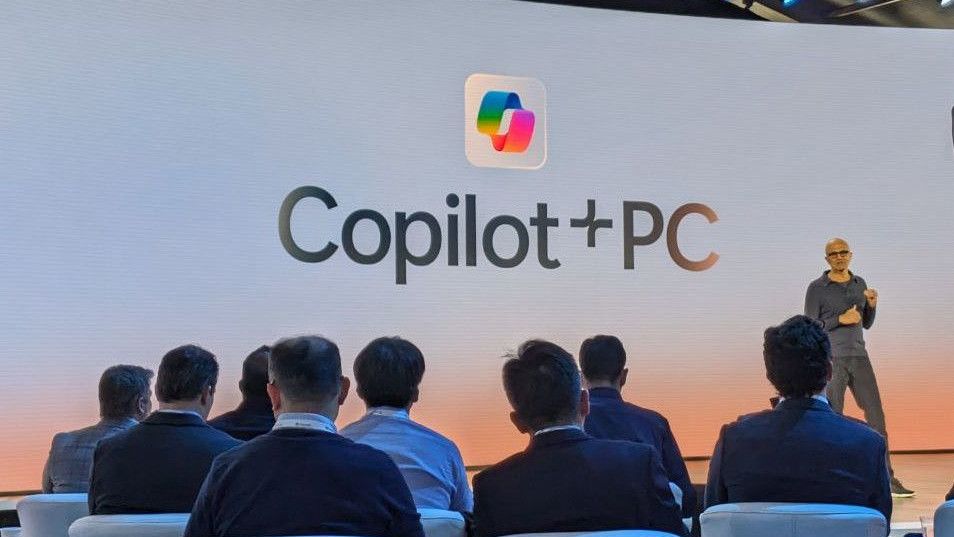
Copilot+ PC launch event with Satya Nadella

The Copilot+ PC initiative only lasted for a couple of years.

Now, the focus is shifting to making the hardware we have feel like it can indeed last until an upgrade becomes affordable.

This shift comes a couple of years after Microsoft's massive Copilot+ PC initiative, which I'm sure was conceived as an ultimate ploy to get users to buy new hardware.

That didn't turn out so well for Microsoft. The AI tools built into the OS failed to capture the whimsy of the average user. Adoption was slow, no doubt largely because of rising prices. The Copilot+ PC badge was eventually phased out in September 2026.

Microsoft must have realized at some point during this transition that the millions of Windows users still running old hardware are not going to upgrade any time soon.

Optimization used to be a nice bonus when it arrived, but it's now becoming a major pillar in Microsoft's consumer strategy.

AMD's FSR 4.1 will held extend the life of consoles and handhelds

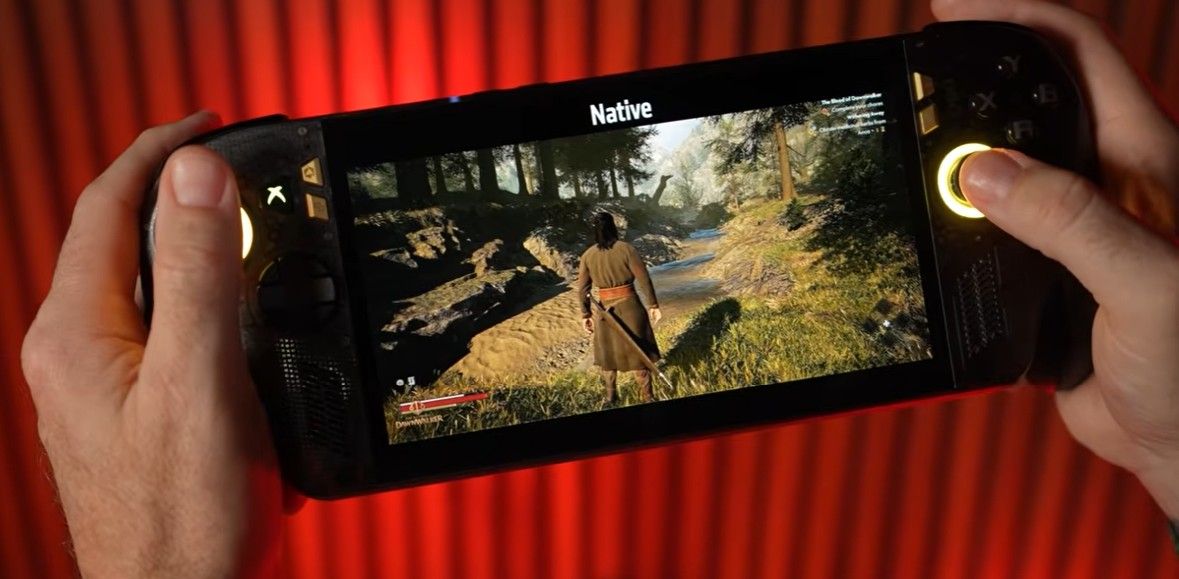
FSR 4.1 on an Xbox Ally

AMD FSR 4.1 running on the ROG Xbox Ally. (Image credit: AMD)

Microsoft isn't just working on optimizations for Windows users. AMD recently announced it's bringing its FSR 4.1 upscaling technique to its older hardware, which includes Xbox Series X|S, Radeon RX 6000 GPUs, and a host of Ryzen-powered gaming handhelds, including the ROG Xbox Ally X.

I've discussed how this update gives the current console generation some much-needed legs in the face of next-gen uncertainty. It improves image quality, makes rendering easier, and boosts framerates (maybe not all at the same time).

It won't turn your Xbox into a supercomputer, but it is the next best thing to buying an entirely new device with more power. This is particularly important as rumors of the next-gen Xbox Helix's $1200-$1800 price begin to swirl.

Xbox Helix logos

Helix is so far expected to cost somewhere between $1200-$1800 when it launches. (Image credit: Microsoft | XBOX)

If Helix indeed launches at that price, Microsoft has to know that adoption won't be fast. But the company also knows it can't afford to lose those Xbox gamers.

Keeping the Series X|S relevant longer into the future ensures that gamers keep buying Game Pass subscriptions, keep buying new games, and, ultimately, remain inside the ecosystem.

Microsoft doesn't really need people to buy new PCs

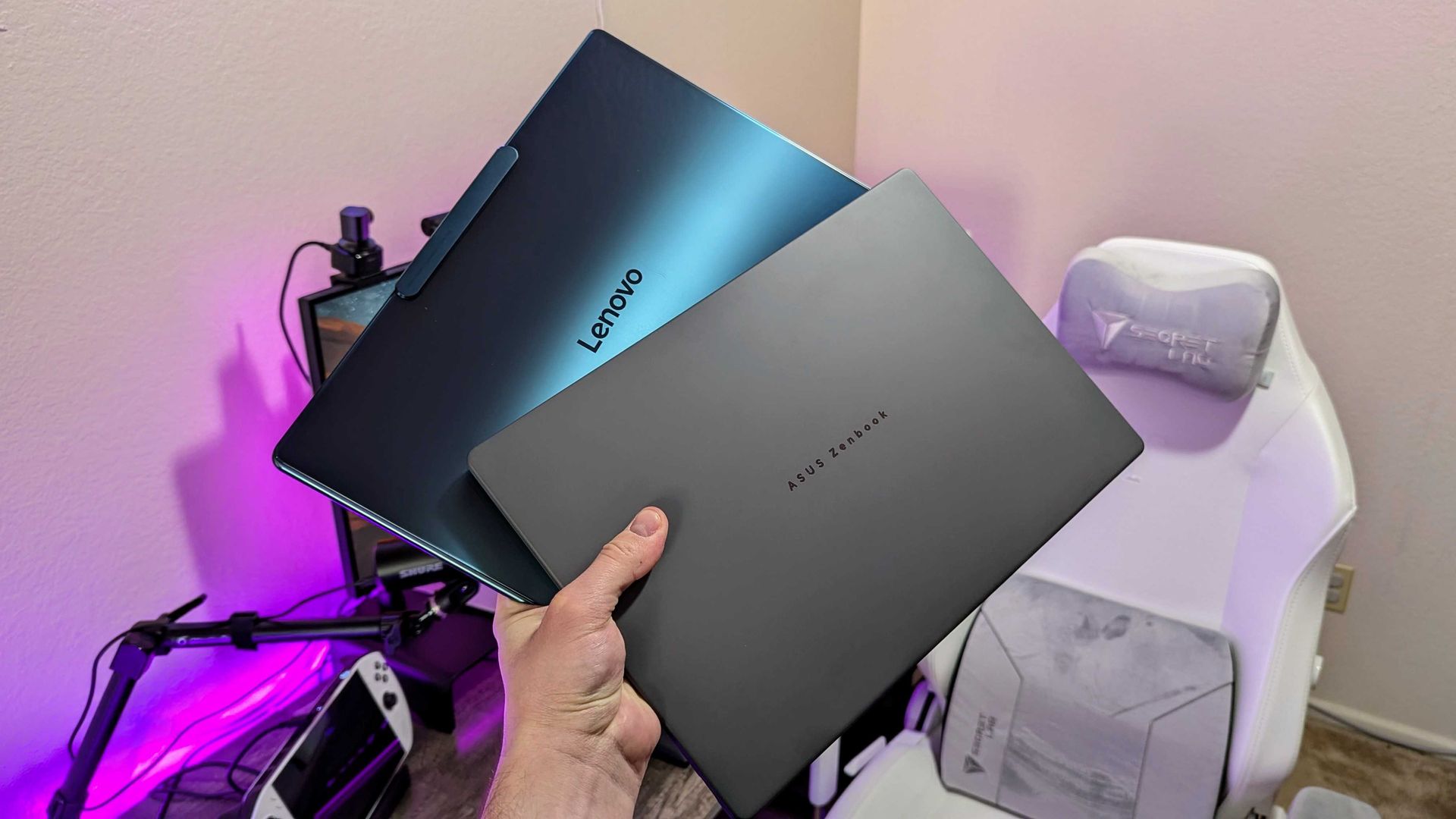
Image of the Lenovo Yoga Slim 9i 14 (Gen 10) and ASUS Zenbook A14 (2025) laptops.

PC sales are no longer such a big part of Microsoft's business model. (Image credit: Windows Central | Zachary Boddy)

Microsoft used to make ungodly amounts of money from licensing Windows on PCs. However, it's arrived at a point where licenses are a tiny fraction of revenue. It's all about the subscriptions now, including Game Pass, Microsoft 365, OneDrive, Copilot, Azure, and many more.

Don't get me wrong; I'm sure Microsoft would still love to be selling a ton of PCs. That's just good for business. That's not what's happening these days. PC sales are on a steep decline because of rising prices.

But as long as people are still using some sort of Windows PC that doesn't frustrate them with sluggish performance, there's a good chance that Microsoft will receive at least one monthly payment and remain within the ecosystem.

The current upgrade cycle is stuck in place

RAM sinking into the ocean

Unbelievably high RAM and storage prices have halted the tech upgrade cycle for a lot of people. (Image credit: Windows Central | Jez Corden)

Microsoft realized at some point that the upgrade cycle we're currently in is going to last for a lot longer than usual, especially as prices keep climbing.

And although I'm sure there were external circumstances playing a role in these recent optimizations I laid out, the big story is that Microsoft knows software is the answer to unaffordable hardware.

Do you agree with my opinions above? Do you think we'll be seeing a lot more software optimization in the years to come if PC prices don't drop? Do you think this is all just a small bandage on a seeping wound? Let me know in the comments section below!

Click to join us on r/WindowsCentral

Join us on Reddit at r/WindowsCentral to share your insights and discuss our latest news, reviews, and more.
Steam’s latest survey is a reality check for anyone who thinks PC gamers all have high-end rigs

Steam's October hardware survey has landed, and it basically performed a round trip compared to the previous month's results.

In September, I noted that the massive 4.77% jump in 32GB RAM systems was likely due to an influx of Chinese players, as it lined up with a 7.42% growth in the language on Valve's platform.

That appears to have been true. The 32GB tier took a massive 5.16% dive in October, falling back to 37.06%.

At the same time, the 16GB tier moved back into top position with a 3.60% increase to arrive at 41.42%. Users polled with Simplified Chinese as their main language dropped 9.41%.

The bigger news for many of our readers is the jump in Windows 11 adoption, which continues at a fairly steady pace.

Steam's share of Windows 11 users continues to rise

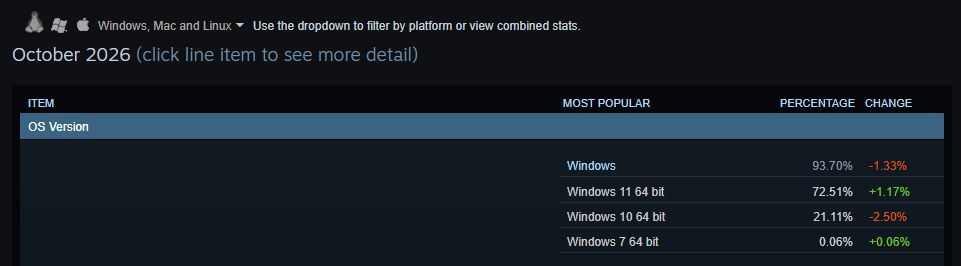
Dark October 2026 analytics dashboard showing Windows OS versions: Windows 11 64-bit leads at 72.51%, with percentages and changes listed beside each version.

Windows 11 jumped 1.17% overall in Steam's October 2026 hardware survey. (Image credit: Future)

In October, Windows 11 users on Steam climbed by a respectable 1.17% to 72.51% overall. This caused Windows 10's share to drop 2.5%, hitting 21.11%.

About Steam's survey...

Steam's hardware survey is not mandatory, and results depend on who decides to opt in. This can skew results from month to month, as we saw in September 2026.

This is a better improvement than September, which saw just a 0.37% rise for Windows 11. In the same month, Windows 10 also rose by 0.71%.

Are gamers suddenly abandoning Windows 10 at a faster pace? Probably not. What's more likely is another correction to do with the polled sample. Windows 10 is still holding onto just more than a fifth of the overall OS share among Windows, Linux, and macOS.

NVIDIA's RTX 3060 reclaims the top spot

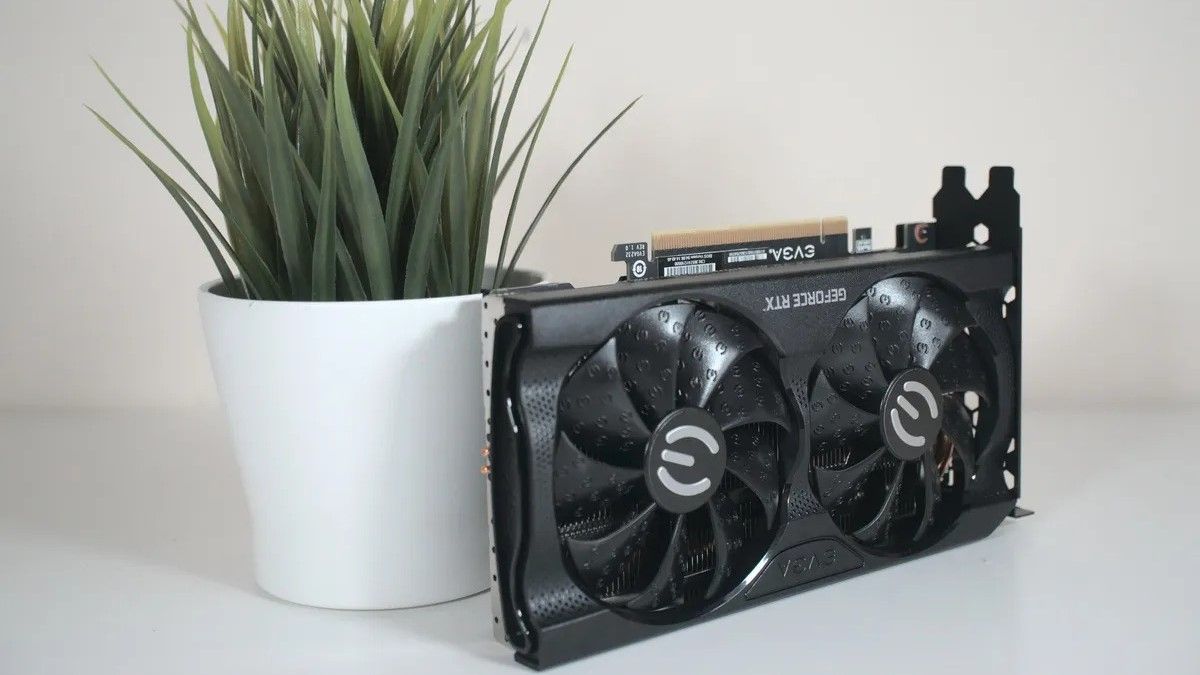
NVIDIA GeForce RTX 3060

The NVIDIA RTX 3060 just won't quit, especially with current GPU prices. (Image credit: Windows Central)

Another interesting tidbit from the October survey lands in the GPU section. Whereas last month the RTX 5070 took top place with a significant 5.86% share, it fell by 2.3% in October to land at 3.56%.

The GPU to replace it as the most common amongst polled Steam users? The legendary NVIDIA RTX 3060, jumping 0.08% to hit 3.62% overall.

Looking at the overall results, 8GB GPUs (especially the RTX 3060) are back in top spots alongside 1920x1080 monitors, which now make up 50.23% (a 2.32% improvement since last month).


If RAM and storage prices were indeed driving users to upgrade, last month's 32GB RAM and RTX 5070 anomalies wouldn't have been crushed out so quickly or so drastically.

To me, as I mentioned, this seems to be more of a correction for September's skewed survey than large moves by consumers as they deal with the ongoing RAM and storage crisis.

Windows Central's take

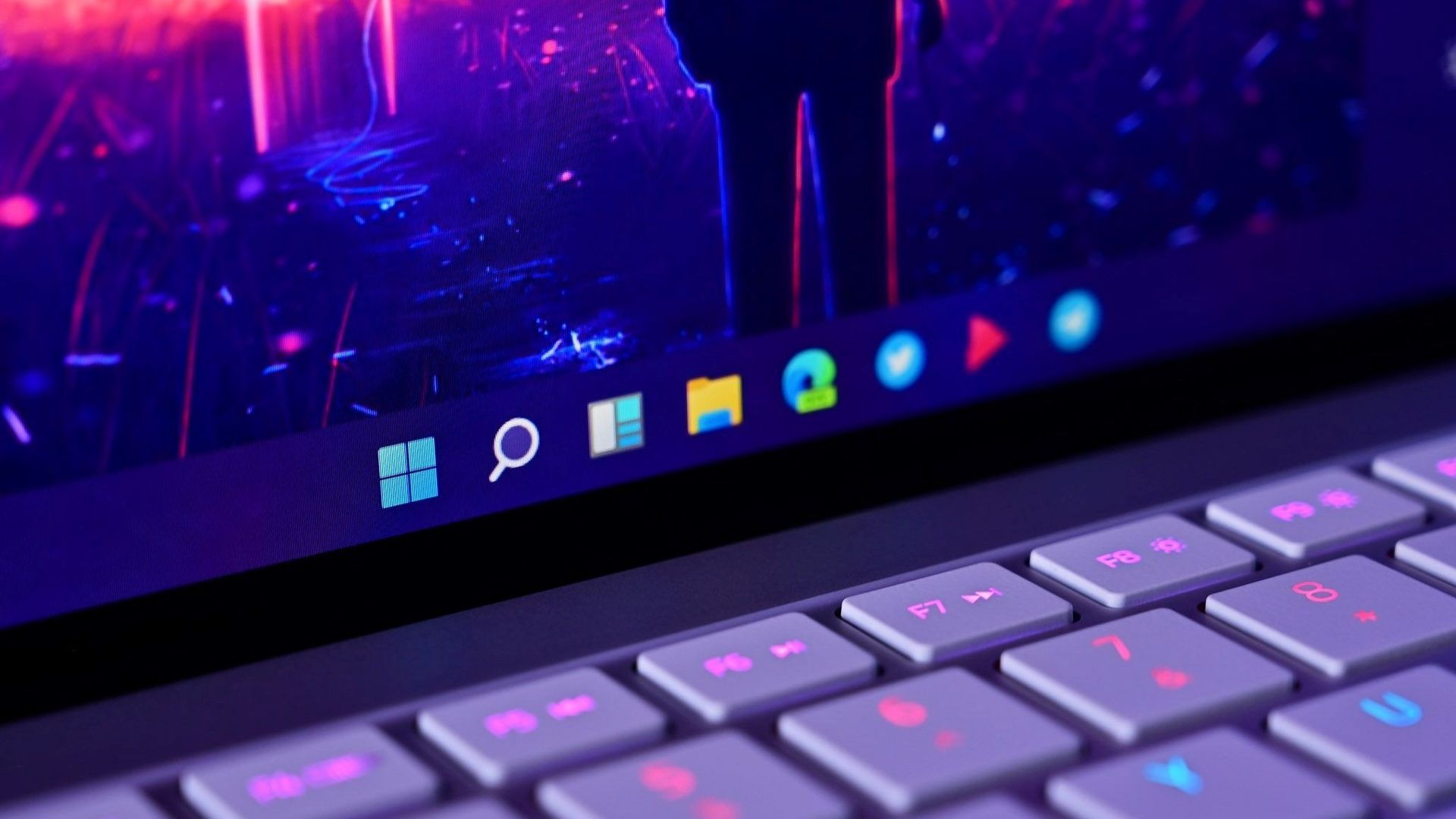
Windows 11 Taskbar closeup

Windows 11 adoption keeps climbing amongst Steam users.

It seems to me, based on Steam's October survey, that PC gamers are continuing to update their software while holding onto their hardware.

For example, Windows 10's end-of-life support that was extended until October 2027 is still looming over many heads. At the same time, PC component prices are obscene, forcing gamers to reconsider upgrades.

This could be bad news for game developers, as many rely increasingly on hardware that's priced out of the average gamer's reality.

For next month, I'm keeping an eye on whether or not Windows 11 keeps rising and if RTX 50-series GPUs get another boost in shares against older cards.

Click to join us on r/WindowsCentral

Join us on Reddit at r/WindowsCentral to share your insights and discuss our latest news, reviews, and more.
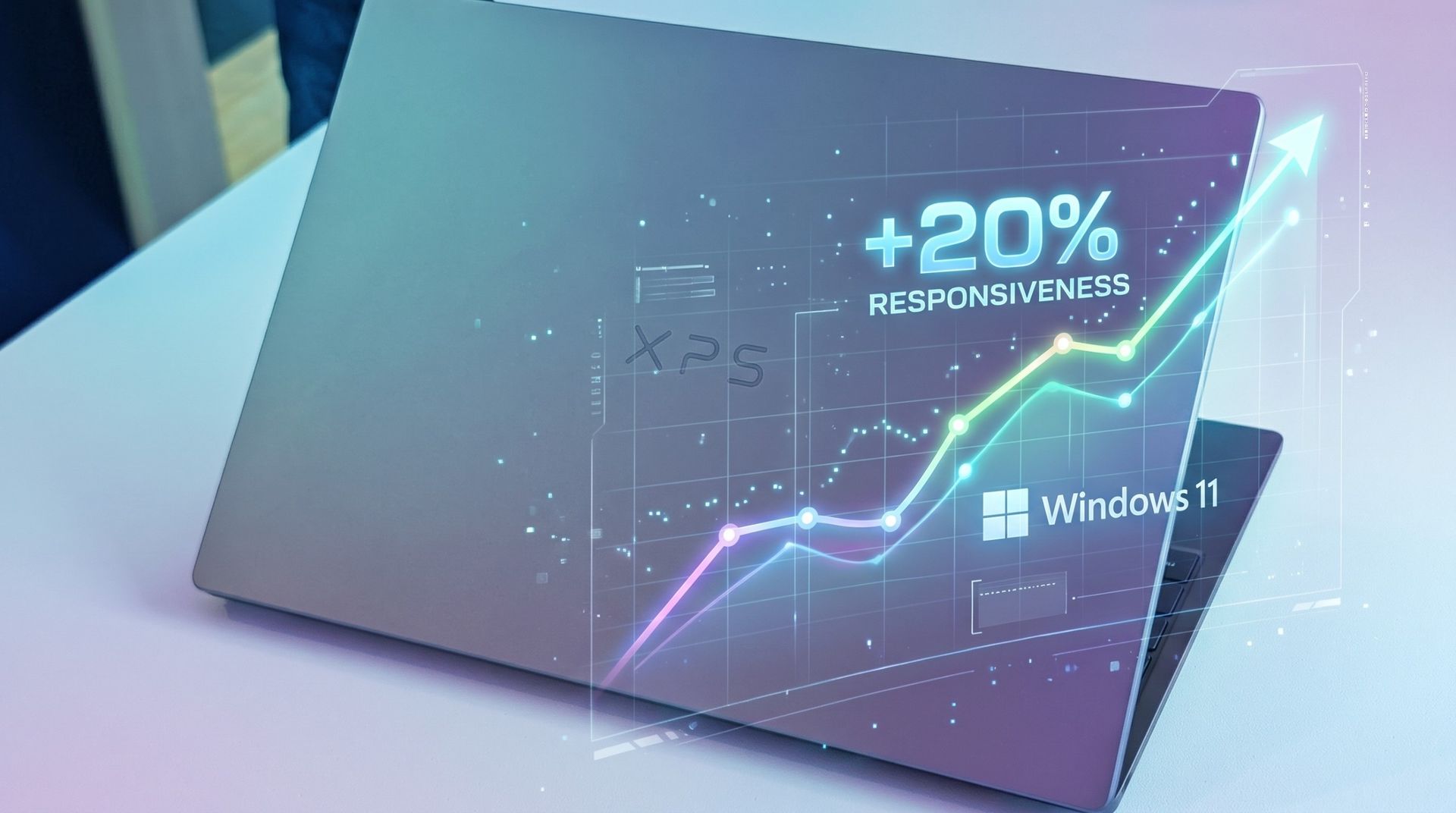
Does Windows 11 26H2 actually use less RAM? I tested to find out.

Microsoft has revealed the depths of its work to make Windows 11 feel less sluggish, with the company claiming, among other things, up to 20% better responsiveness on systems with 8GB of RAM.

Microsoft has claimed before that things "seem faster," but is there any juice behind this new claim? I decided to find out myself by running some tests on an 8GB laptop in my office.

The results will likely be surprising to some, especially once we get into the heavier workloads below.

How I tested Windows 11's responsiveness on an 8GB laptop

A Dell XPS laptop with a gray lid and an open Swift Air 14 display showcasing specifications. An abstract logo in pink, purple, and yellow overlaps the images.

Dell's XPS 13 and Acer's Swift Air 14 are both from a new group of 8GB laptops running on Intel Core Series 3 chips. (Image credit: Future)

I installed a barebones version of Windows 11 25H2 (262000.7019) from about a year ago on an Acer Swift Air 14 with an Intel Core 5 320 CPU, 8GB of LPDDR5x RAM, and a 512GB M.2 PCIe 3.0 NVMe SSD.

I didn't touch the page file (4524MB), and I only installed the necessary drivers before beginning my tests. I used the Best Performance power profile for all tests.

Once I'd completed all tests on 25H2, I upgraded to Windows 11 26H2 (26300.9711), which was released in October. Same system, same drivers, same programs.

Microsoft used telemetry data from things like Search, Settings, File Explorer, and Snipping Tool to measure responsiveness. I took a look at RAM usage instead; lower usage generally means fewer hiccups and interruptions, leading to an overall better experience.

Testing Windows 11's fresh-boot memory footprint with 8GB of RAM

Task manager window showing Memory usage on Windows 11 25H2.
Windows 11 25H2's baseline memory usage after a fresh boot.Future
Task manager window showing Memory usage on Windows 11 26H2.
Windows 11 26H2's baseline memory usage after a fresh boot.Future

For this test, I checked both new and old versions of Windows 11 about 10 minutes after booting the PC. This gives me a baseline to work with. I opened no additional apps and just let the system idle.

Windows 11 25H2 (262000.7019)

Windows 11 26H2 (26300.9711)

Total RAM Usage

5.3GB

4.1GB ^

Available RAM

2.3GB

3.5GB ^

Paged / Non-Paged Pool

351MB / 257MB

275MB / 300MB ^

Cached

2.2GB

2.3GB ^

Committed

4.7GB/9.5GB

4.4GB/9.5GB ^

The older Windows 11 25H2 version was eating up 5.3GB of RAM in this scenario, leaving 2.3GB free. Windows 11 26H2 dropped RAM usage to 4.1GB, leaving 3.5GB free. That's a big drop.

Although both commits are the same at 9.5GB, Windows 11 26H2 uses slightly less at 4.4GB compared to 4.7GB.

TL;DR: Windows 11 26H2 is well ahead in the boot test where no additional apps are running, using significantly less RAM than 25H2.

Testing common workloads in Windows 11 with 8GB of RAM

Windows 11 Task Manager showing Memory usage graph in 25H2.
Windows 11 25H2 memory usage in a common workload.Future
Windows 11 Task Manager showing Memory usage graph in 26H2.
Windows 11 26H2 memory usage in a common workload.Future

Now that I've established a baseline, I put together a test to see how each PC handles an average user's daily workload.

I opened 10 tabs in Edge with a mix of Windows Central, Reddit, YouTube, Gmail, X, Amazon, etc. I also opened a Word document, Slack messenger, and the Spotify app.

Windows 11 25H2 (262000.7019)

Windows 11 26H2 (26300.9711)

Total RAM Usage

7.0GB

6.6GB ^

Available RAM

563MB

1018MB ^

Paged / Non-Paged Pool

332MB/397MB

300MB/345MB ^

Cached

580MB

738MB ^

Committed

11.5GB/12.2GB

9.1GB/10.4GB ^

Windows 11 25H2 climbed to 7.0GB RAM usage, while 26H2 hit just 6.6GB. That's about a 0.4GB improvement. Windows 11 26H2 was able to keep its cache larger while also committing less RAM at 10.4GB compared to 12.2GB.

For reference, committed memory indicates how much RAM the PC is setting aside for operations. In this case, 12.2GB of RAM committed includes physical system RAM and virtual memory (set by the page file). Committing less RAM keeps your system from clogging up, so this is good news.

TL;DR: Windows 11 26H2 keeps its lead under load, actively using less RAM and allocating less RAM overall.

Testing heavy workloads in Windows 11 with 8GB of RAM

Windows 11 25H2 Task Manager window showing memory usage graph.
Windows 11 26H2 memory usage in an extreme workload.Future
Windows 11 26H2 Task Manager window showing memory usage graph.
Windows 11 25H2 memory usage in an extreme workload.Future

Although the fresh crop of recommended Windows 11 laptops with 8GB of RAM aren't really meant to handle workloads this heavy, I knew it would be fun to really stress out the PC.

I opened Edge (with 20 tabs), a Word document, an Excel spreadsheet, Spotify, Slack, Microsoft Store, the Photos app, File Explorer, and GIMP simultaneously for this test.

Windows 11 25H2 (262000.7019)

Windows 11 26H2 (26300.9711)

Total RAM Usage

7.3GB

6.8GB ^

Available RAM

352MB

764MB ^

Paged / Non-Paged Pool

355MB/434MB

318MB/357MB ^

Cached

383MB

638MB ^

Committed

14.7GB/15.2GB

9.8GB/10.4GB ^

You can see the 7.3GB total RAM usage on 25H2 and just 6.8GB on 26H2. That's a good sign, but there's some nuance.

Windows 11 25H2 began requiring more RAM than the system could provide, which led to paging and swapping, which led to disk usage spikes as the PC moved increasingly to virtual RAM.

Windows 11 26H2 also saw some disk usage spikes, especially when jumping around between apps and tabs, but not quite as severe.

The big number that stands out is committed RAM. 25H2 has 15.2GB allocated, while 26H2 has just 10.4GB allocated. Overall, the system is still using less RAM.

TL;DR: Heavy workloads bog down any 8GB system, but Windows 11 26H2 puts up a much more responsive fight than 25H2 from a year ago.

Windows Central's take

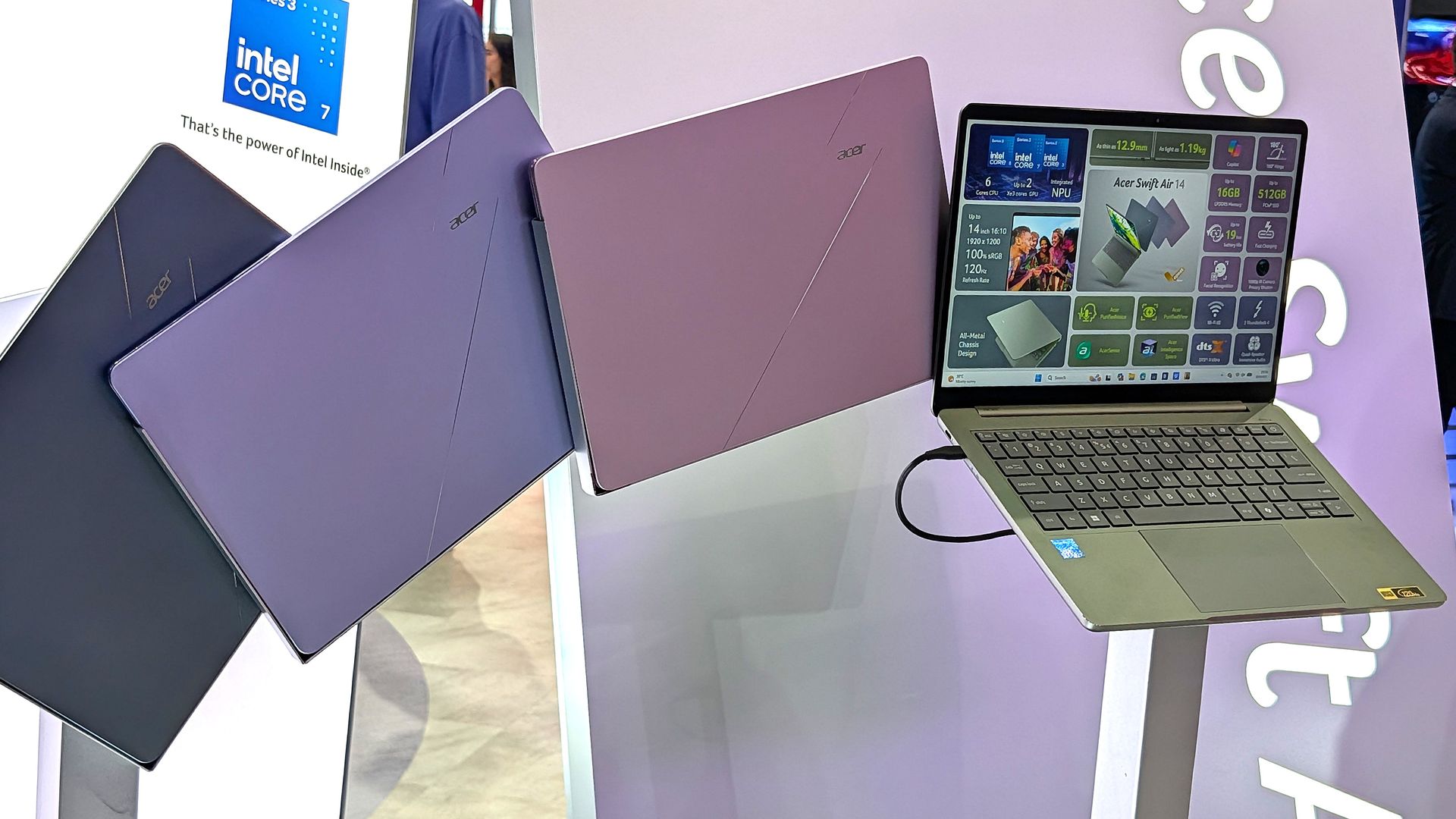
Acer Swift Air 14

Acer's Swift Air 14 that I used for testing (pictured here at Computex). (Image credit: Zac Bowden / Windows Central)

It's a bad time to be shopping for a new PC. The world's supply of memory and storage is constrained due to demand from AI data centers, leaving scraps for the rest of us.

The shortage is also forcing PC brands to raise prices. To offset costs, these brands are also reintroducing 8GB RAM models. This has led to plenty of discourse as to whether or not that's enough memory for modern Windows 11, which I explored in June.

In my opinion, Microsoft is A) listening to its user base that has been asking for a more streamlined Windows 11, and B) making it easier for OEMs to sell 8GB laptops to a wider range of people.

I'm here for it. There's no reason Windows 11 should be bogging down a system with 8GB of RAM, especially if it's just being used for common tasks. Compared to almost exactly one year ago, it definitely appears that the work was well worth the time.

Click to join us on r/WindowsCentral

Join us on Reddit at r/WindowsCentral to share your insights and discuss our latest news, reviews, and more.

Microsoft made Windows 11 more responsive on these 8GB laptops

Microsoft has been busy at work reducing the amount of RAM that Windows 11 consumes, and it finally made an official statement today on the topic.

As it turns out, the company has already been quietly shipping performance improvements in the latest Windows 11 updates, focusing on making systems with 8GB of RAM feel a lot more responsive.

The result? Microsoft says Windows 11 is now about 20% more responsive on 8GB PCs compared to before this work started. The work also applies to systems with 4GB, 16GB, and beyond, with specific tuning for each amount.

This couldn't come at a better time. RAM and storage shortages (explained below) are driving up the cost of all PCs, and models with 8GB of RAM are being revived to lessen the burden on consumers.

Our favorite 8GB Windows laptops in November 2026

Dell XPS 13

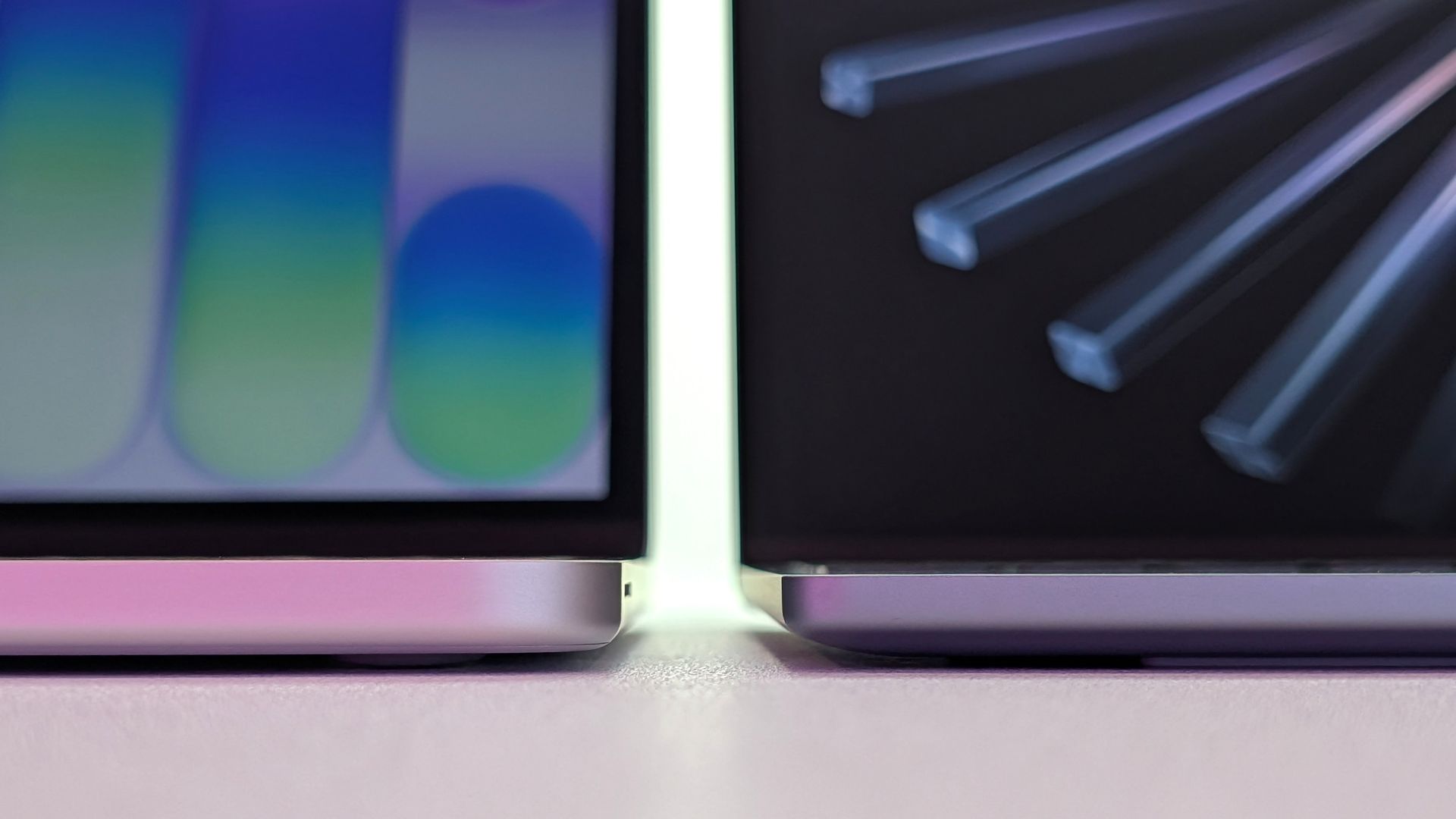
Dell's thinner XPS 13 (2026) on the right, Apple's thicker MacBook Neo on the left. (Image credit: Zac Bowden / Windows Central)

Companies like Dell, Acer, and HP have all recently launched 8GB laptops that cost somewhere around $699, with student and regular discounts frequently dropping those numbers lower.

If you were hesitant to shop for an 8GB laptop before, the recent Windows 11 updates should have you reconsidering, especially when prices are this reasonable. Here are my three favorite 8GB laptops right now.


Dell's awesome XPS 13 starts at $699.99 (or $599.99 if you're a student) and includes an Intel Core 5 320 CPU, 8GB of LPDDR5x RAM, a 256GB M.2 PCIe 4.0 NVMe SSD, and a 13.4-inch touch display with 2560x1600 resolution

👉 See at Dell.com

Dell's new XPS 13 for 2026 wowed both Zac Bowden and me at Computex earlier this year, and it's been available to buy since June.

It's a laptop with many premium features despite its price, including a higher-res 2560x1600 (QHD+) display with a 120Hz refresh rate, an IR camera for Windows Hello facial recognition, capable speakers, and a comfortable keyboard/touchpad combo.

👉 Does Acer's Swift Air 14 beat Dell's awesome XPS 13?

It does not, however, offer USB-A or 3.5mm audio ports. Its display does not use an OLED panel; it uses IPS instead. And the $599 price is only available for students.

Still, $699 for everyone else is not bad at all in this economy, and most users should have no issues with the XPS 13.

OmniBook 5 14: was $699.99 now $599.99

HP's 14-inch OmniBook 5 is currently on sale for $599.99. It has an Intel Core 5 320 CPU, 8GB of LPDDR5x RAM, a 256GB M.2 PCIe 4.0 NVMe SSD, and a 14-inch OLED touch display with 1920x1200 resolution.

👉 See at HP.com

HP's OmniBook 5 14 comes with the same Intel Core 5 320 CPU as the other laptops in this roundup, so don't expect any major performance changes.

The OmniBook 5 includes an OLED panel for deeper contrast and more vivid color than IPS. The tradeoff is a lower 1920x1200 resolution and lower 60Hz refresh rate compared to the XPS 13.

HP's laptop also includes HDMI and 3.5mm audio ports alongside dual USB-C at 10Gbps. It's nice to have native video, but the lack of Thunderbolt is a letdown.

This laptop is currently on sale for $599.99 for everyone, making it (temporarily) the best deal of the bunch.


Acer's Swift Air 14 costs $699.99 and comes with an Intel Core 5 320 CPU, 8GB of LPDDR5x RAM, a 512GB M.2 PCIe 4.0 NVMe SSD, and a 14-inch non-touch display at 1920x1200.

👉 See at BestBuy.com

Acer's Swift Air 14 immediately makes an argument for itself with twice as much storage (512GB) as the Dell and HP laptops. For those who prefer to store locally, this could be the deciding factor. However, it does drop down to PCIe 3.0 speeds.

Performance is largely the same thanks to it having the Intel Core 5 320 chip inside, with 8GB of LPDDR5x RAM.

The display hits a 1920x1200 resolution; it doesn't have touch, but it does hit a smoother 120Hz refresh rate. You're definitely giving up some screen quality to land that extra storage.

While the keyboard is great, the touchpad leaves something to be desired. Your experience may vary.

Why is Microsoft concerned with reducing Windows 11 RAM usage?

Acer Swift Air 14

Acer's new Swift Air 14 is available in four different colors. (Image credit: Zac Bowden / Windows Central)

Sure, Windows 11 could always be more streamlined, but this big push for more RAM efficiency is also a result of the ongoing memory and storage crisis.

See, AI data centers are eating up many of the foundational components of PCs, making the consumer side far more expensive.

RAM in particular has exploded in price; the same 32GB kit of DDR5 I bought for my gaming PC a few years ago, for example, is roughly 600% more expensive today. Storage isn't much better.

This is forcing PC makers to reevaluate their product lineups, as many consumers can no longer afford PCs with 16GB or more of RAM.

Cutting RAM in half is a huge cost saver and won't likely stop anytime soon (the RAM crisis could last for years to come), so it's great to see Microsoft taking user complaints about Windows 11's responsiveness (or lack thereof) seriously.

Click to join us on r/WindowsCentral

Join us on Reddit at r/WindowsCentral to share your insights and discuss our latest news, reviews, and more.
❌