❌

Vue lecture

Optoma’s $599 4K Projector casts a 150-inch Screen for the price of an Android Phone
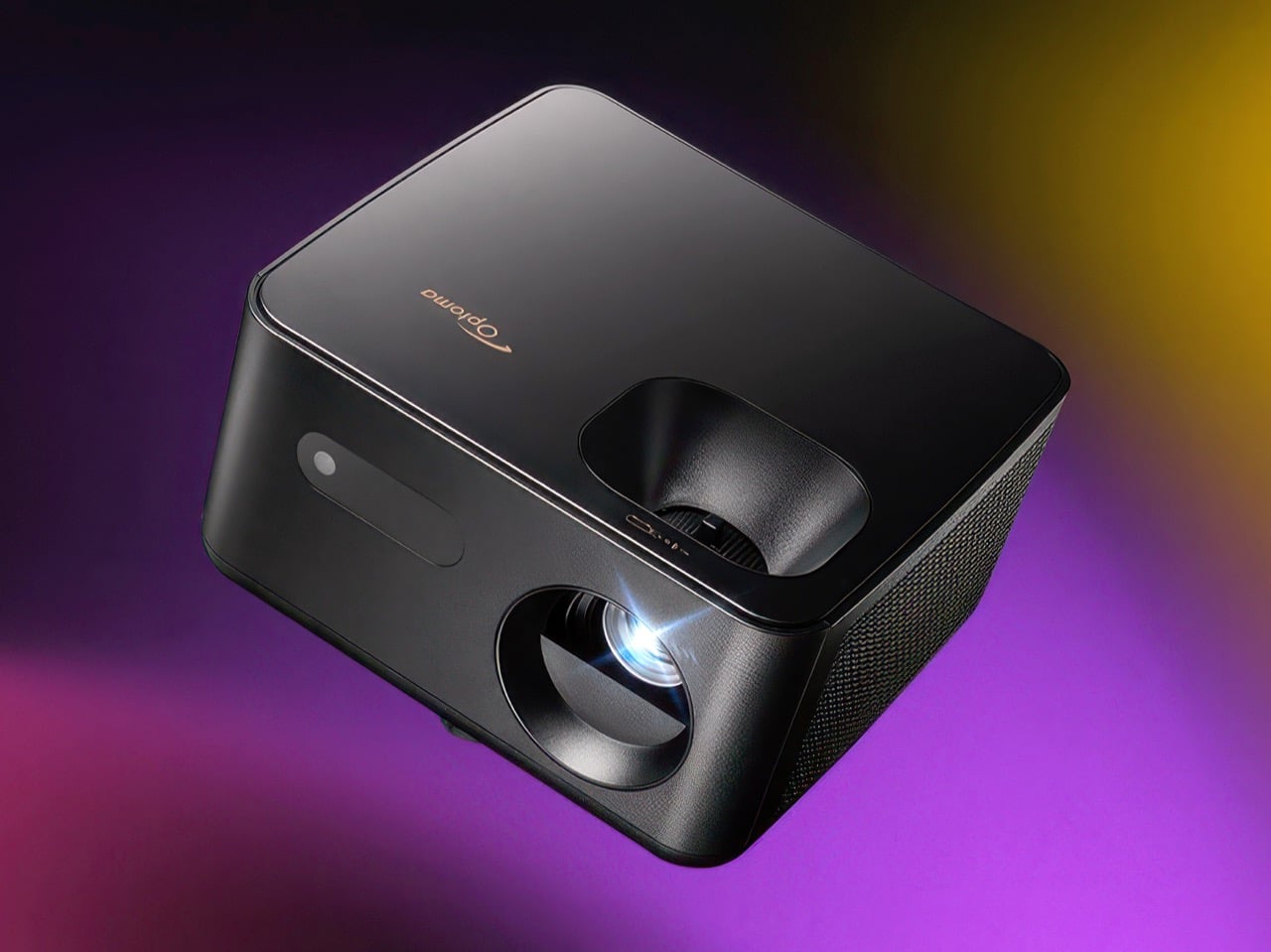
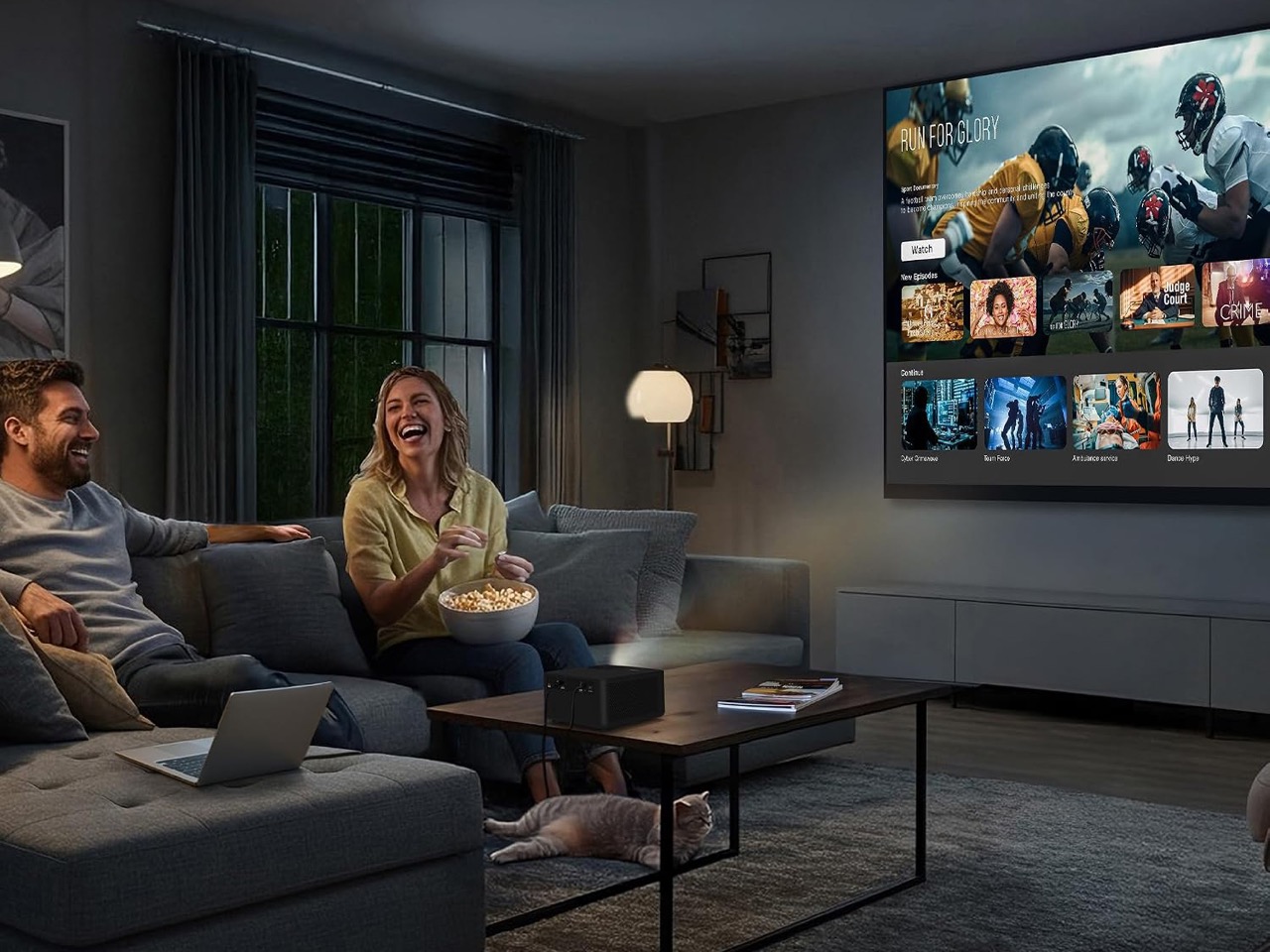
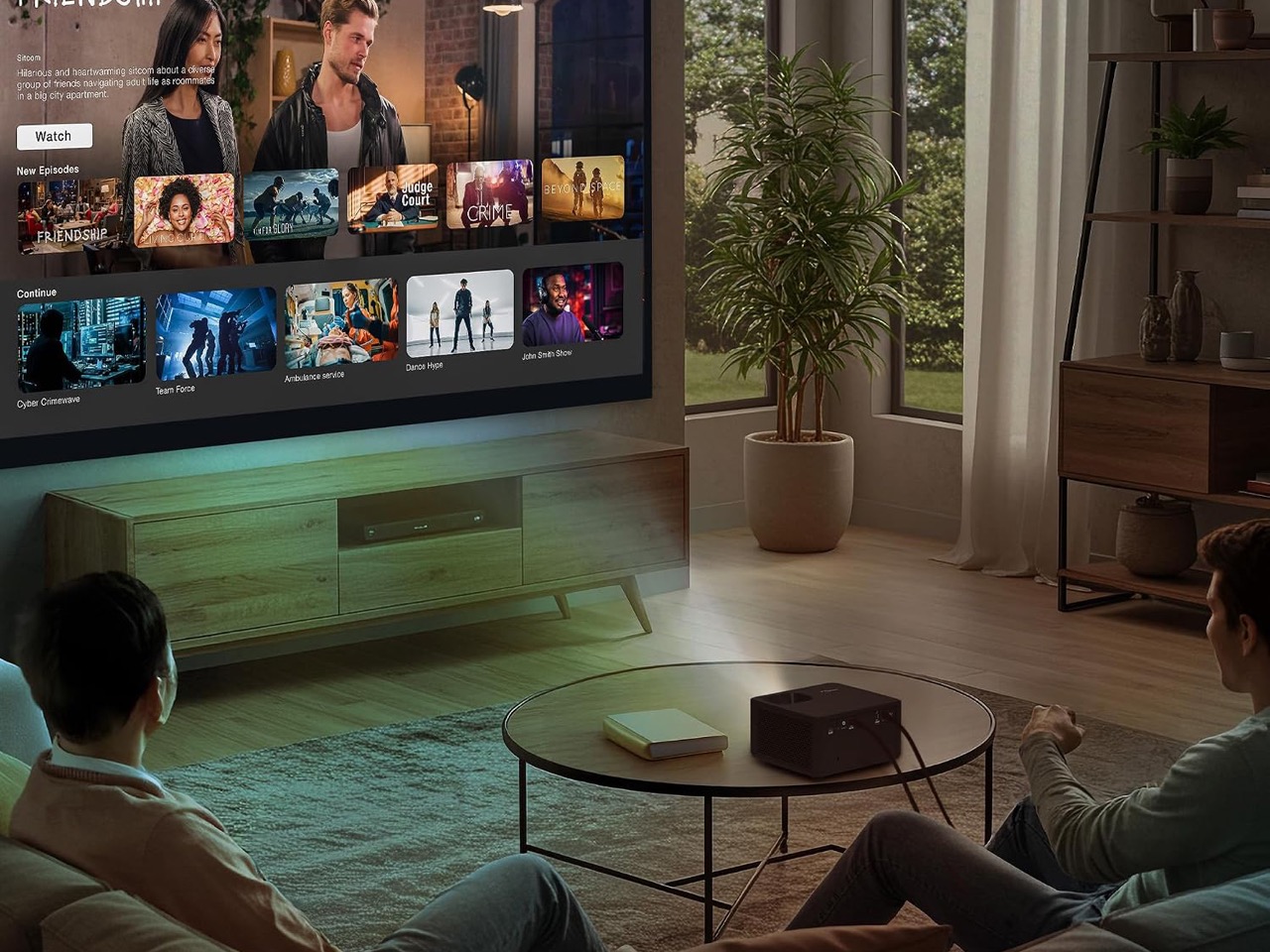
My first apartment had a living room wall the size of a parking space and a TV budget the size of a parking ticket. Had the Optoma Photon Life PK31 existed back then, I would have eaten instant noodles for a month to buy it. This 4K projector can cast an image up to 150 inches, and it currently sells for around $599, which is what you’d pay for a decent midrange Android phone. One gives you a 6-inch screen. The other fills a wall, and I know which one my 25-year-old self would’ve picked.

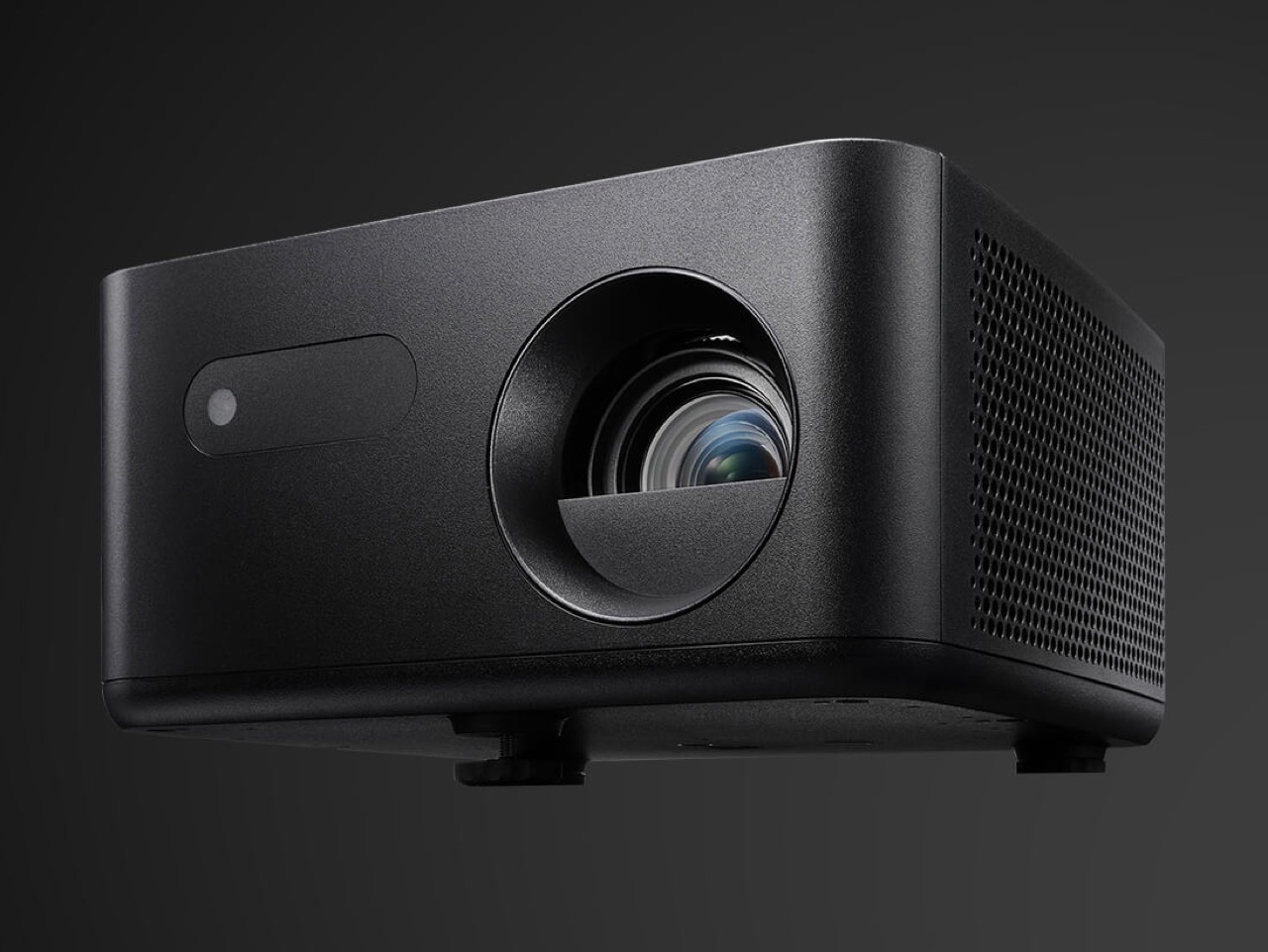
The PK31 is a compact, 5.2-pound projector that looks more like a smart speaker than the beige AV boxes projectors used to be. A smooth top shell sits over a textured matte body, a perforated grille wraps around the side, and the lens sits inside a deep circular cowl. It uses a Texas Instruments DLP chip and an RGB LED light source, with claimed coverage of 95% of the DCI-P3 color space. At a rated 900 lumens, it’s best suited to a dark room. Input lag is rated as low as 4.6ms, though that’s at 1080p and 240Hz, not 4K.

Click Here to Buy Now

A Projector Built to Live on Your Bookshelf
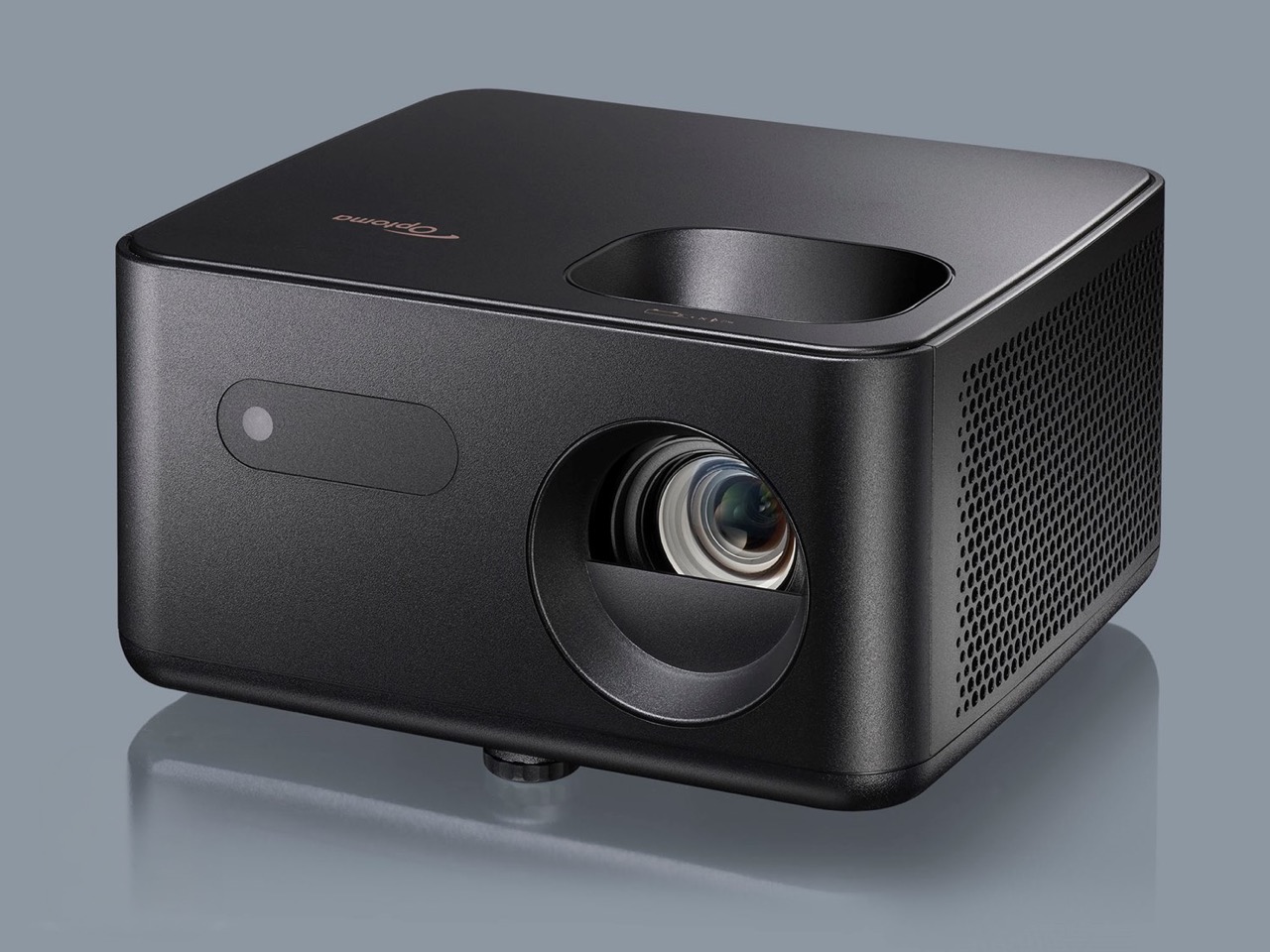
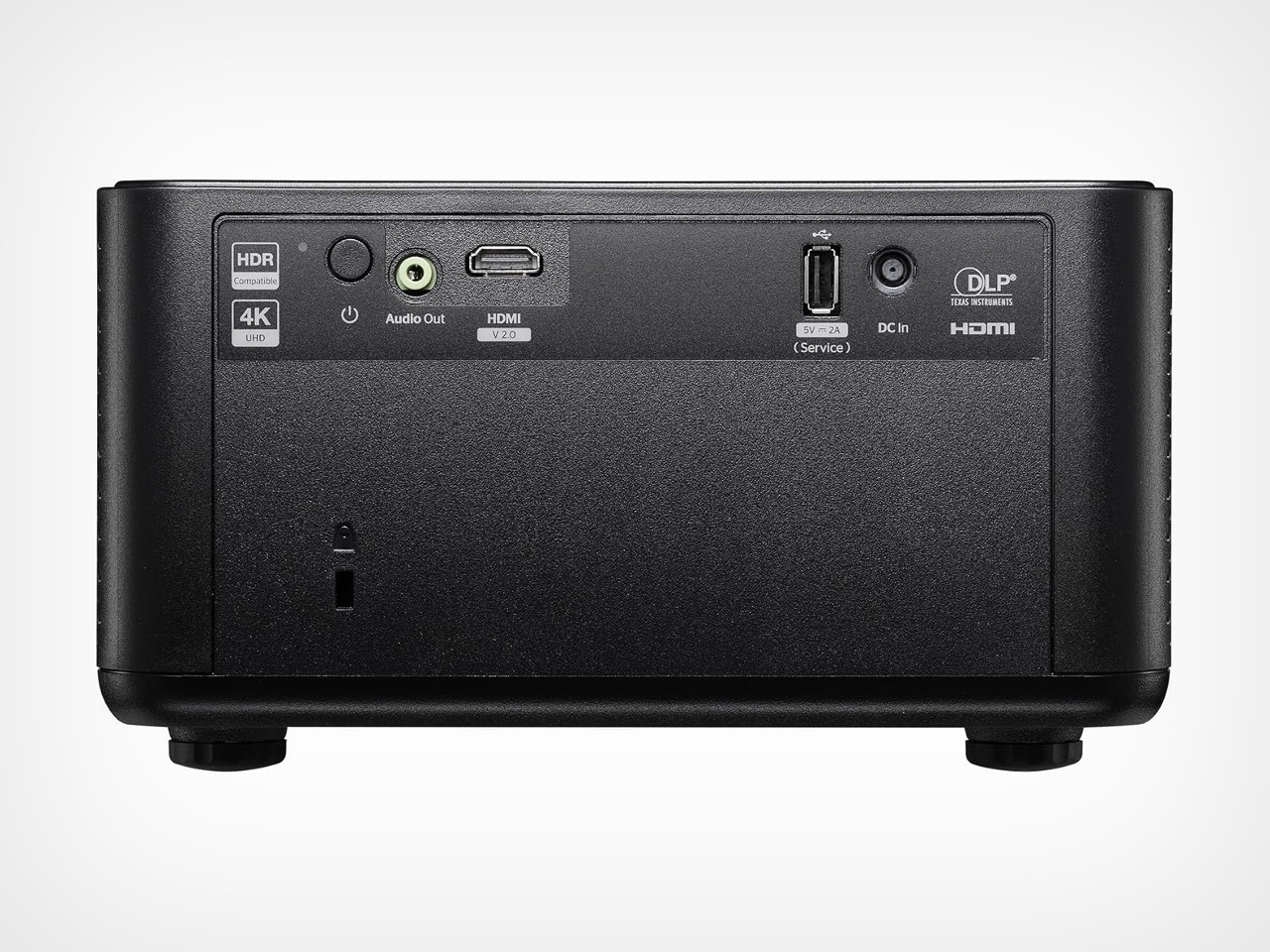
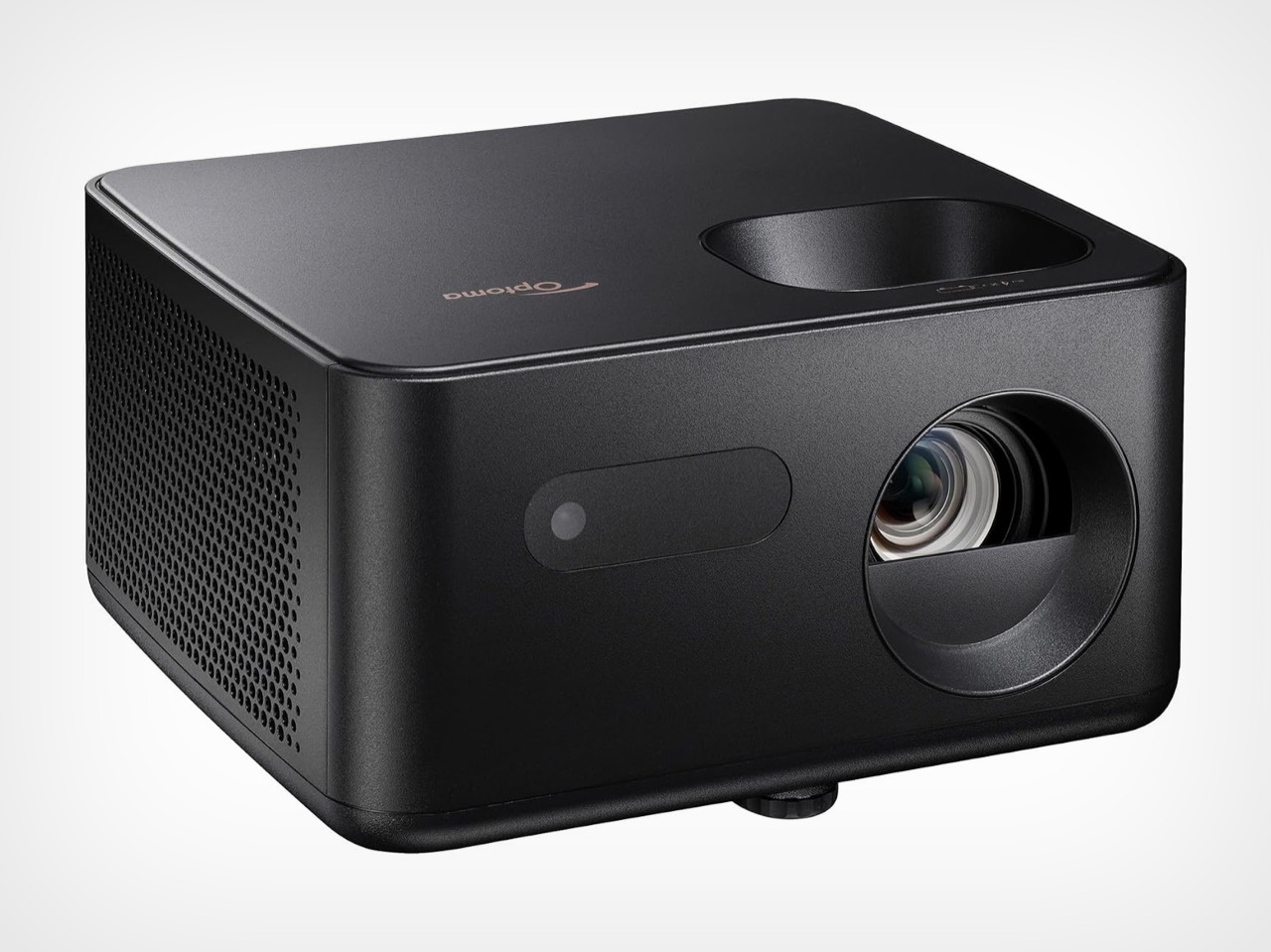
The body measures 9.37 x 8.46 x 4.64 inches (238 x 215 x 118 mm), roughly the footprint of a hardcover cookbook lying flat. That lets it sit on a shelf between the plants and the Bluetooth speaker without looking like it wandered in from a conference room. Optoma prints its logo in copper on the top panel, a small, warm accent against the all-black body. Every port sits inside a recessed panel on the back, keeping connections out of sight from the front. The grille wraps around the side, helping the cooling vents blend into the textured body.

The lens sits off to the right, balanced on the left by a pill-shaped window for the IR receiver, giving the front a friendly, slightly lopsided face. Its 1.5 to 1.65 throw ratio translates to about 11 feet (3.4 meters) of distance for a 100-inch picture. The full 150 inches needs roughly 17 feet (5.2 meters), so this suits a long living room better than a cramped studio. Focus and the 1.1x zoom use manual rings, and a twist-adjust foot handles tilt. A standard tripod thread underneath adds mounting flexibility, while four-corner correction and a warp tool help adjust the image to an uneven wall or an inflatable backyard screen.

Sharp 4K and Low-Lag Gaming
The 0.47-inch Texas Instruments chip uses microscopic mirrors to direct light toward the screen. XPR pixel shifting shifts the projected image by fractions of a pixel to produce a 3840 x 2160 picture. Separate red, green, and blue LEDs handle color, and the projector supports HDR10 and HLG. Projector Reviews measured 862 lumens in the brightest mode, close to Optoma’s 900-lumen rating. The reviewer also rated its color as good as or better than that of any RGB LED compact projector he’d tested.

That review recommends about 90 inches for everyday content and 75 to 80 inches for HDR, so don’t expect the same brightness at the maximum 150-inch size. Gamers get the bigger surprise. Input lag, the delay between a button press and the corresponding action on screen, is rated at 4.6ms at 1080p and 240Hz, 8ms at 1080p and 120Hz, and 16ms at 4K and 60Hz. The reviewer’s lag tester confirmed those figures. One catch: low-latency mode disables keystone correction, so line the projector up straight before the boss fight.

How It Stacks Up Against TCL, BenQ, and Hisense
TCL sells a smart projector for considerably less: the TCL C1 normally goes for about $250 with Google TV, Wi-Fi, and Bluetooth built in. The fine print says 1080p, though, and its “4K support” means it accepts a 4K signal and scales it down. The PK31 produces a 4K image but skips the smart OS, Wi-Fi, and Bluetooth entirely. Its single HDMI 2.0 port takes a Roku or Fire TV Stick, and the USB-A port can supply power to it, letting the setup run from one wall outlet. A 5W mono speaker provides onboard audio, and a 3.5mm jack connects external speakers for movie night.

Another 4K option is the BenQ GP520, a cube-shaped projector with a higher 2,600-lumen rating and Google TV. It launched at $1,499 and now has a street price closer to $999. Optoma’s own PK32 adds an amber LED, autofocus, and two HDMI ports for $1,299, while the Hisense M2 Pro costs the same with Android TV on board. The PK31 launched at $1,099 and now sells for about $599 at Walmart and Amazon. At that price, you could add a streaming stick and still spend considerably less than you would on those three.

Click Here to Buy Now

The post Optoma’s $599 4K Projector casts a 150-inch Screen for the price of an Android Phone first appeared on Yanko Design.
  •  

This Light-Charging E Ink Frame Gives Your Photos a Home Beyond Your Phone

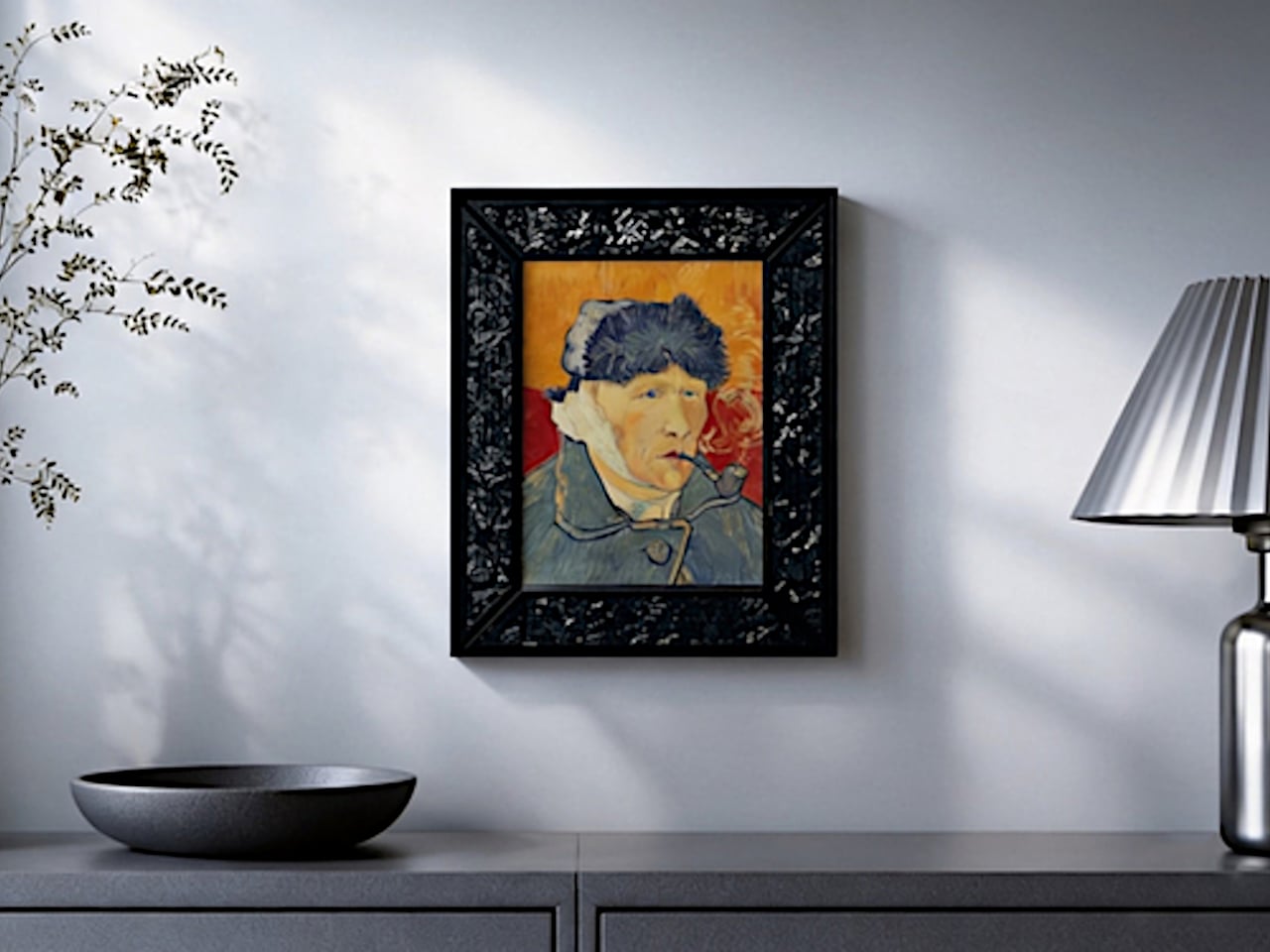
Taking photographs has become almost effortless, but getting them off our phones is another matter. There’s always a favorite vacation snapshot that deserves better than being buried between screenshots and receipts. Inkanva is developing a color E Ink canvas that gives those pictures a more permanent place at home, with a paper-like display and indoor-light charging on its two smaller models.

The difference starts with what the display doesn’t do. There’s no backlight turning a family portrait into another glowing rectangle in the living room. Instead, E Ink Spectra 6 reflects ambient light and uses six physical pigments to create color. Like a printed photograph, it needs light to be seen, which makes its relationship with the room quite different from a backlit tablet’s.

Designer: Inkanva

Click Here to Buy Now: $159 $239 (34% off). Hurry, only a few left! Raised over $358,000

1

Light also has another job here. The 7.09-inch and 13.3-inch editions include a perovskite photovoltaic component that harvests indoor light to replenish the battery. That’s a rather technical way of addressing a familiar decorating problem: finding somewhere for an electronic object without planning around a nearby power outlet. The component attaches magnetically and can be removed without opening the display housing.

Of course, the room still has a say in how that works. Charging depends on available light and how often you change the picture, so a dim corner isn’t the same as a well-lit shelf. E Ink helps by retaining a static image without continuous display power. The aim is fewer charging interruptions, rather than a promise of unlimited activity.

1

1

Changing the picture follows a routine that should feel familiar to anyone who’s edited a photo on a phone. Choose an image in the Inkanva app, adjust the crop, and send it over Wi-Fi. A trip to the coast could replace last year’s family portrait without another print order, leaving the physical frame where it is while the memory inside changes.

There’s room for less conventional contributions, too. The app offers AI tools that turn spoken ideas or doodles into artwork, giving a quick sketch another direction to explore. A child’s drawing could become the starting point for something new, although there’s no obligation to involve AI at all. Your own photograph can take the same place without being reinterpreted by software.

1

Those who’d rather manage their pictures closer to home have a separate local mode with a browser interface and its own image library. It’s an alternative to app-based management, rather than another remote control running alongside it. Home Assistant support also leaves room for custom routines, such as putting a different artwork on display for the start of the week.

The surrounding frame matters almost as much as the image, especially when it shares a room with furniture you’ve chosen carefully. On the 13.3-inch edition, a separate decorative wood surround can be swapped without replacing the display. Moving it from a study to a living room doesn’t have to mean keeping the same finish, even if the photograph stays exactly as it was.

1

Scale changes that relationship as well. The 7.09-inch canvas suggests a personal photograph beside a desk, while the 13.3-inch version gives an image more presence on a shelf or wall. There’s also a 28.5-inch edition for a larger wall composition, although it doesn’t include the light-harvesting panel.

A photograph doesn’t need to change every morning to deserve a place on the wall. It might stay there for months, gathering the sort of familiarity that makes a room feel like yours. Inkanva leaves that decision with the person living beside it. When another picture finally earns the spot, you can change what’s inside without taking down the frame.

Click Here to Buy Now: $159 $239 (34% off). Hurry, only a few left! Raised over $358,000

The post This Light-Charging E Ink Frame Gives Your Photos a Home Beyond Your Phone first appeared on Yanko Design.

  •  

A Pop-Up Book Vase Offers Six Looks Without Extra Vases

I am not much of a flower person and, consequently, not much of a flower vase person. As much as I know that they can add to the aesthetic beauty of any space, I don’t have much space to display them or add to my messycore clutter. Also, most flower vase designs don’t appeal to me enough that I’d actually make space for them. But as a certified book lover, anything that’s close to the look of a book is something I might actually consider.

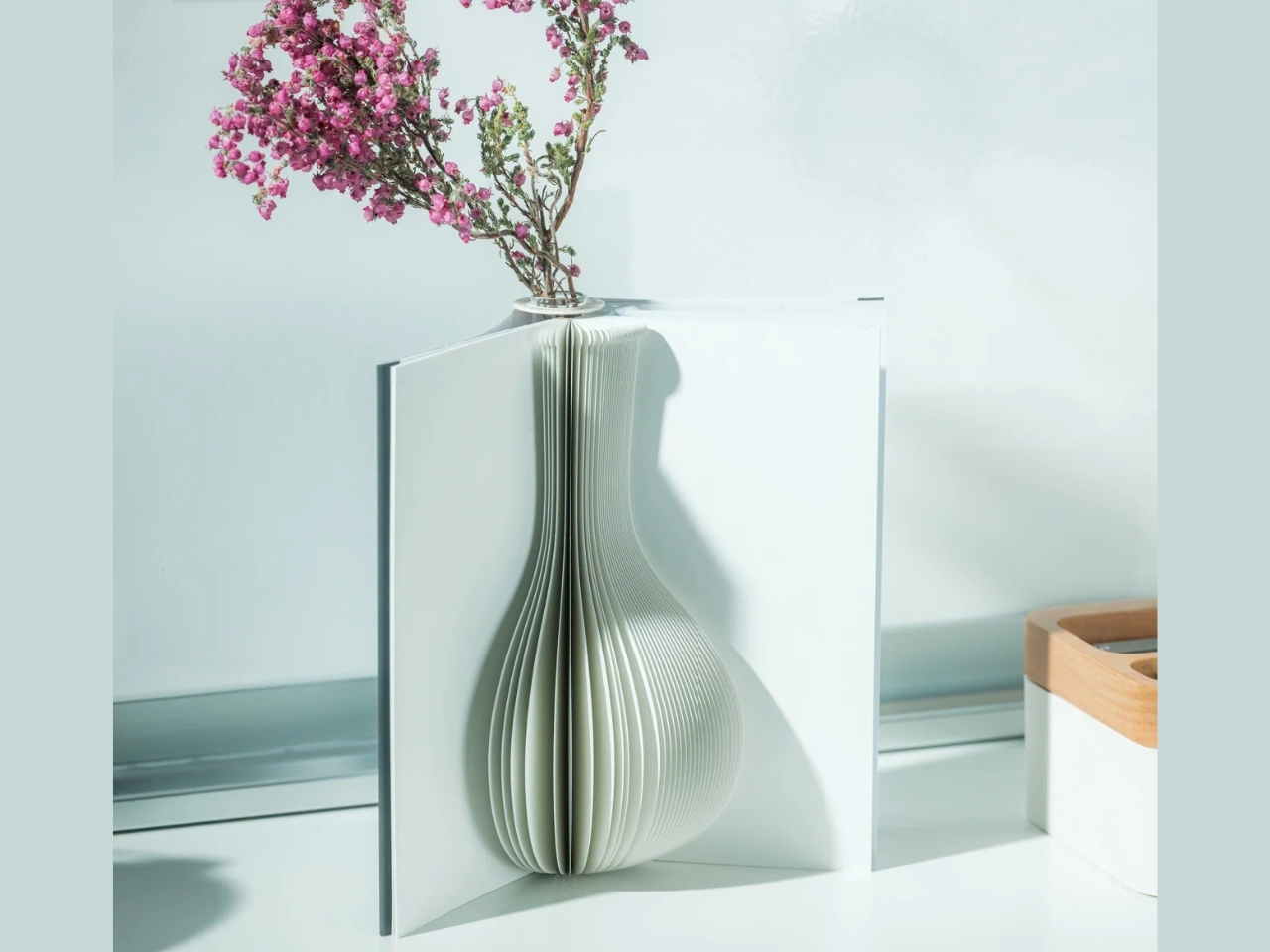
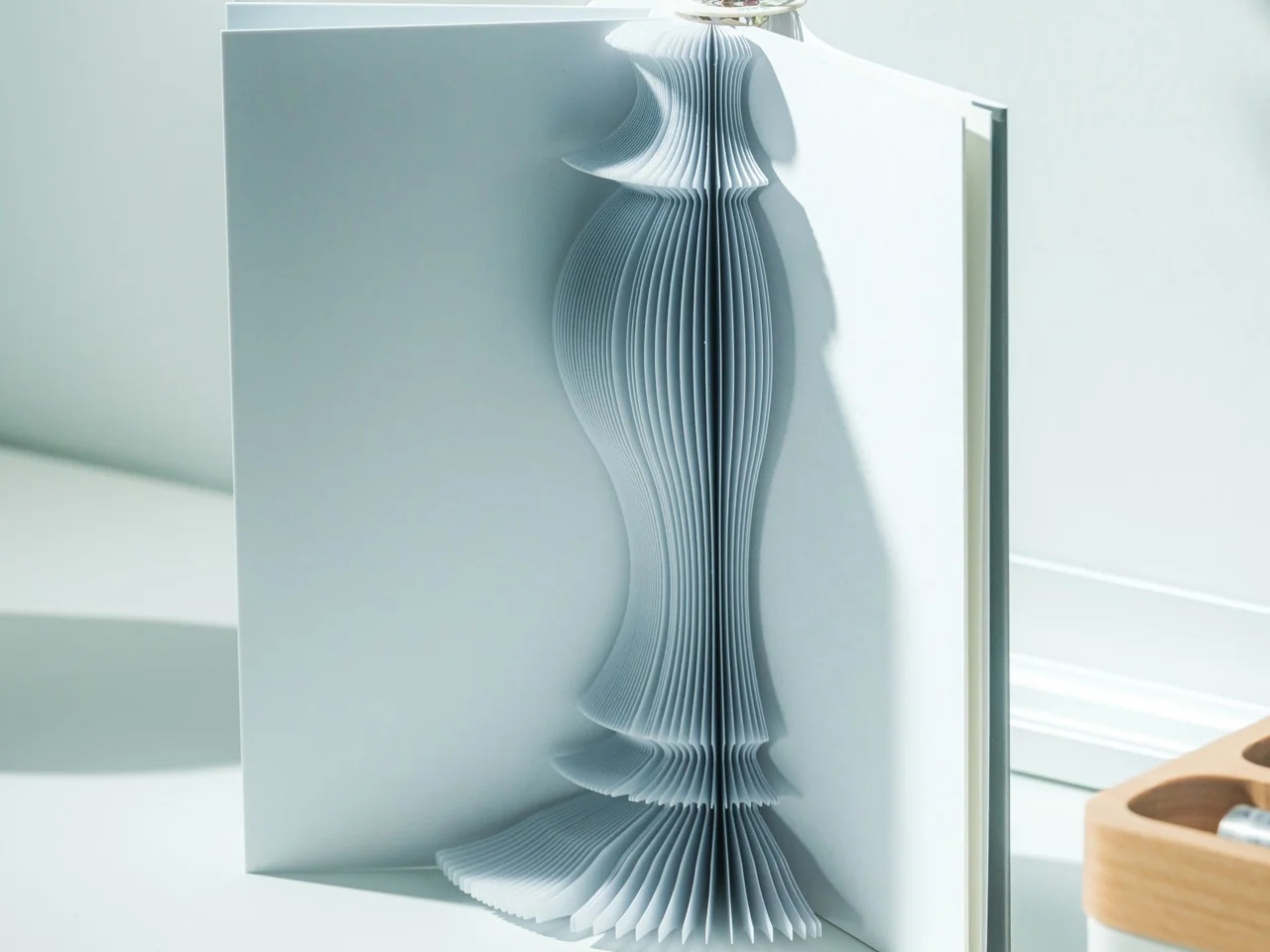
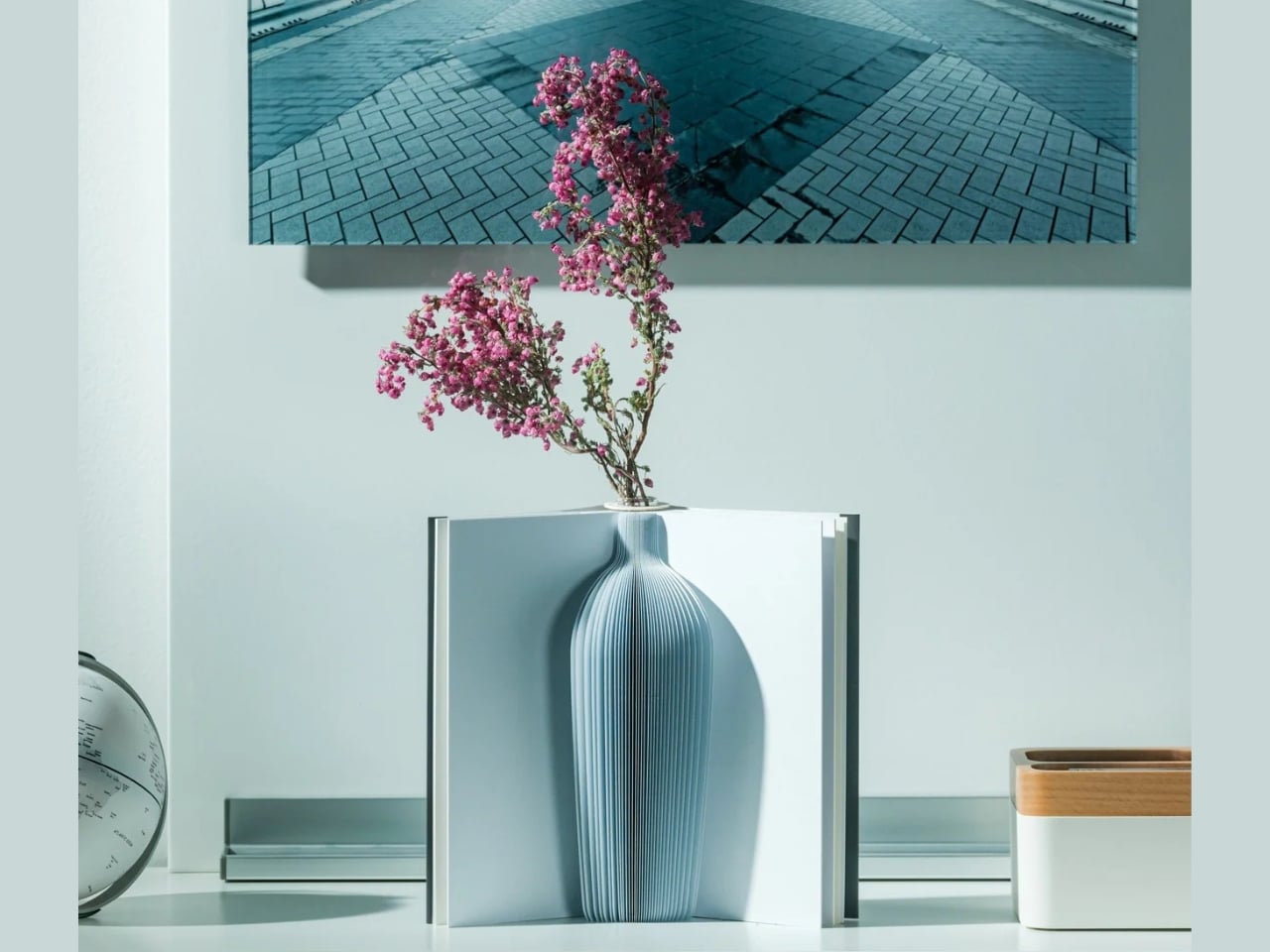
The Pop-up Book Vase is one such flower display that has a certain look I might go for if I decide to buy a few flowers and display them. It uses a book aesthetic where you can turn the page and get a new look with its three-dimensional paper vase silhouette. This way, you get a different look by switching among the three designs if you’re the kind of person who wants something new to look at every once in a while.

Click Here to Buy Now: $45.00

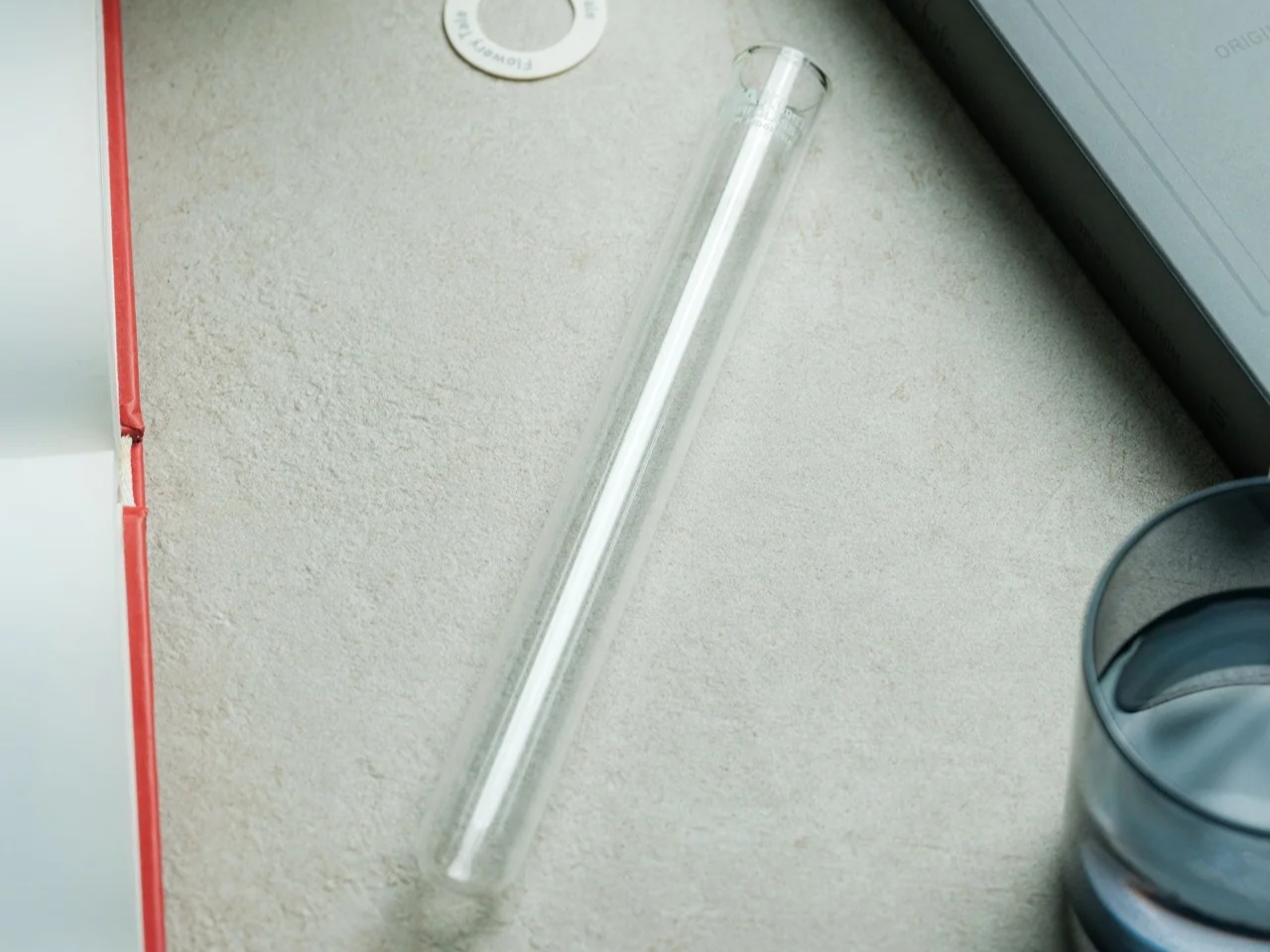
The way this vase is designed goes beyond printing a book pattern on a regular vase. The flowers go into a glass test tube, which fits into the book’s spine. Each book has three vase shapes that you can change as you turn the page. Turning the book upside down changes which end of the silhouette is wider, so you get something new again. You basically get six possible configurations of a vase in just one object, rather than six separate containers.

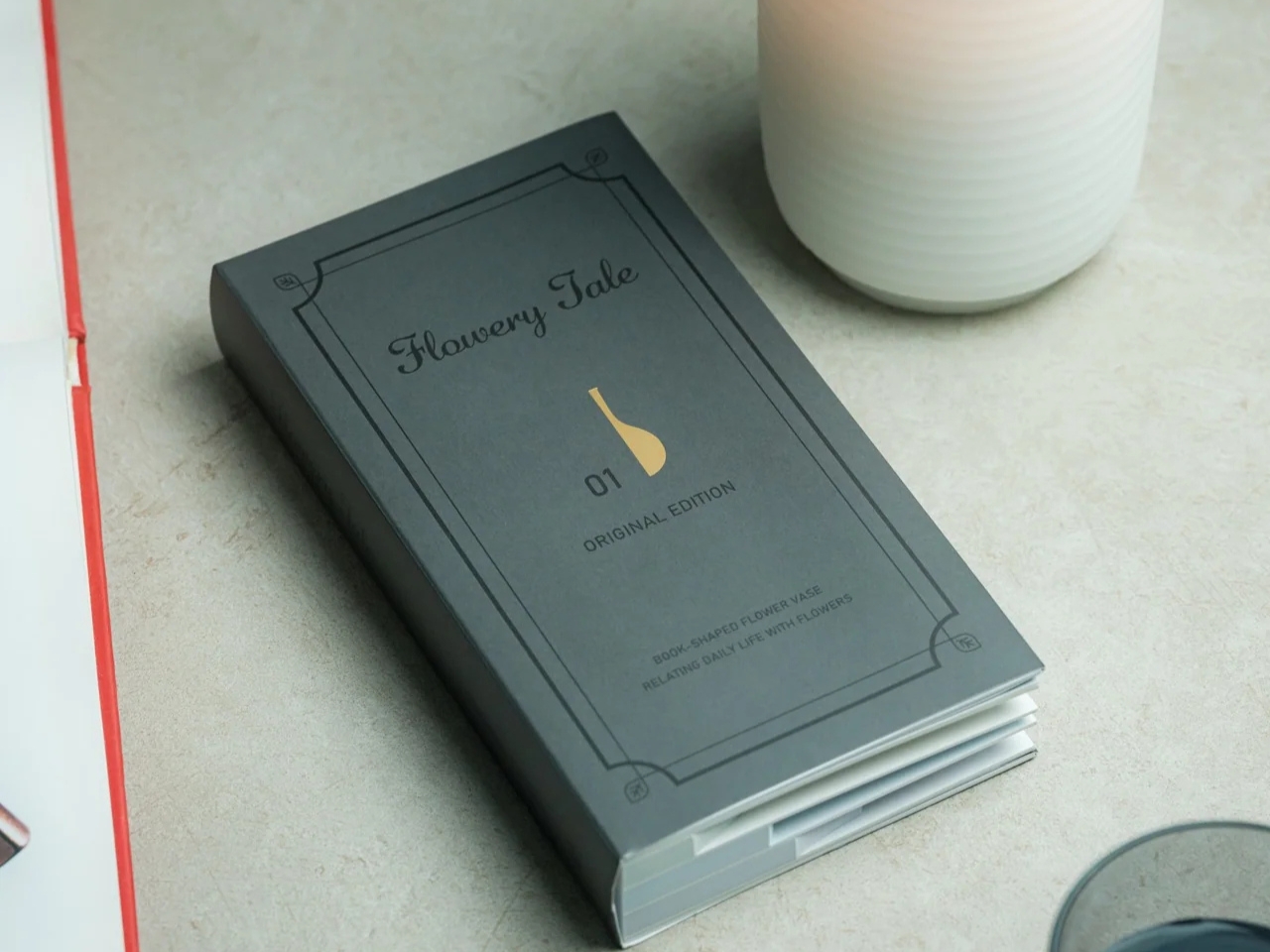
That division between the materials is what makes the idea work. The paper creates the decorative shape, while the glass holds the water. MECLI calls the design Flowery Tale and specifies water-resistant paper, but that doesn’t mean you should treat the whole thing like a waterproof vessel. The brand advises wiping up water promptly and letting the paper dry thoroughly before storing it. I’d still keep the messy part of refilling away from my actual books.

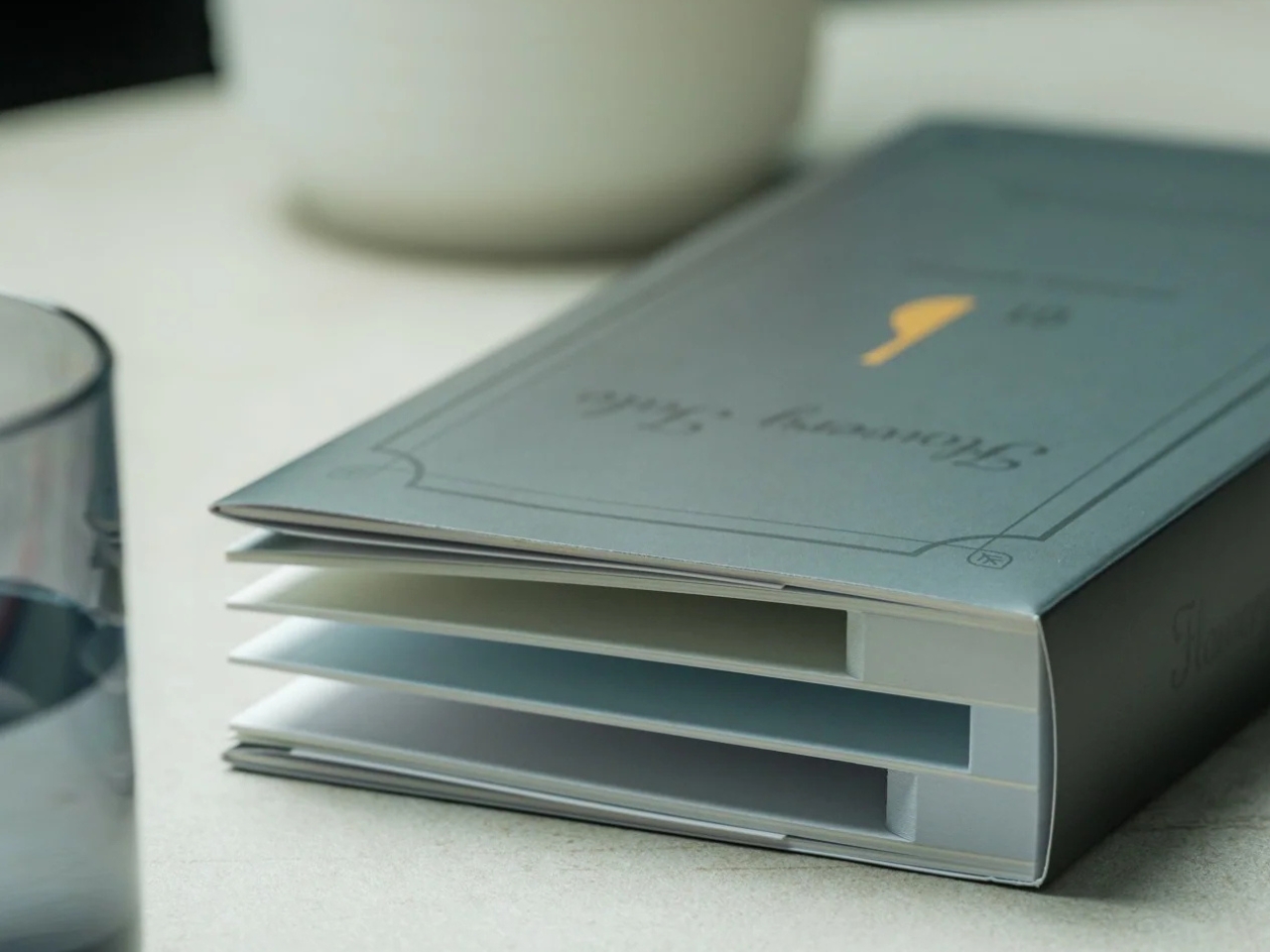
The storage aspect is probably what appeals to me most. MECLI says you can return it to a bookshelf when it’s not in use. The closed book measures approximately 3.9 inches wide, 1.2 inches deep, and 7.2 inches tall. For someone who doesn’t regularly buy flowers, that’s more useful than having an empty vase taking up display space between bouquets. It still needs room when open, of course, so I wouldn’t expect it to magically solve my clutter problem. But I like that it has somewhere to go when the flowers are gone.

It’s also a nice option for someone who wants a small floral gesture rather than a full centerpiece. The test-tube format suggests starting with a single bloom instead of trying to squeeze in a large bouquet. For me, that makes the idea of displaying flowers feel a little less like another decorating project. The page-turning is part of the appeal, too: I’d be choosing a shape to go with the flower rather than buying another vase.

At $45, though, the Pop-up Book Vase is a decorative purchase rather than the cheapest way to display a flower. IKEA’s VILJESTARK, a 6¾-inch glass vase listed at $1.99 in the US, handles the basic job for much less. Its shape stays the same, whereas the Pop-up Book Vase offers changing silhouettes and book-shaped storage. If all you need is a small container for a stem, IKEA makes more financial sense. Here, the extra money is buying the paper construction and the pleasure of changing the display.

I don’t think this would suddenly turn me into someone who always has fresh flowers at home. But it gives me a reason to consider making room for one. A vase that can spend its downtime on a bookshelf feels more suited to my habits than one that needs a permanent spot on the table.

The post A Pop-Up Book Vase Offers Six Looks Without Extra Vases first appeared on Yanko Design.
  •  
❌