❌

Vue lecture

Excel copy and paste breaks once again after Microsoft update

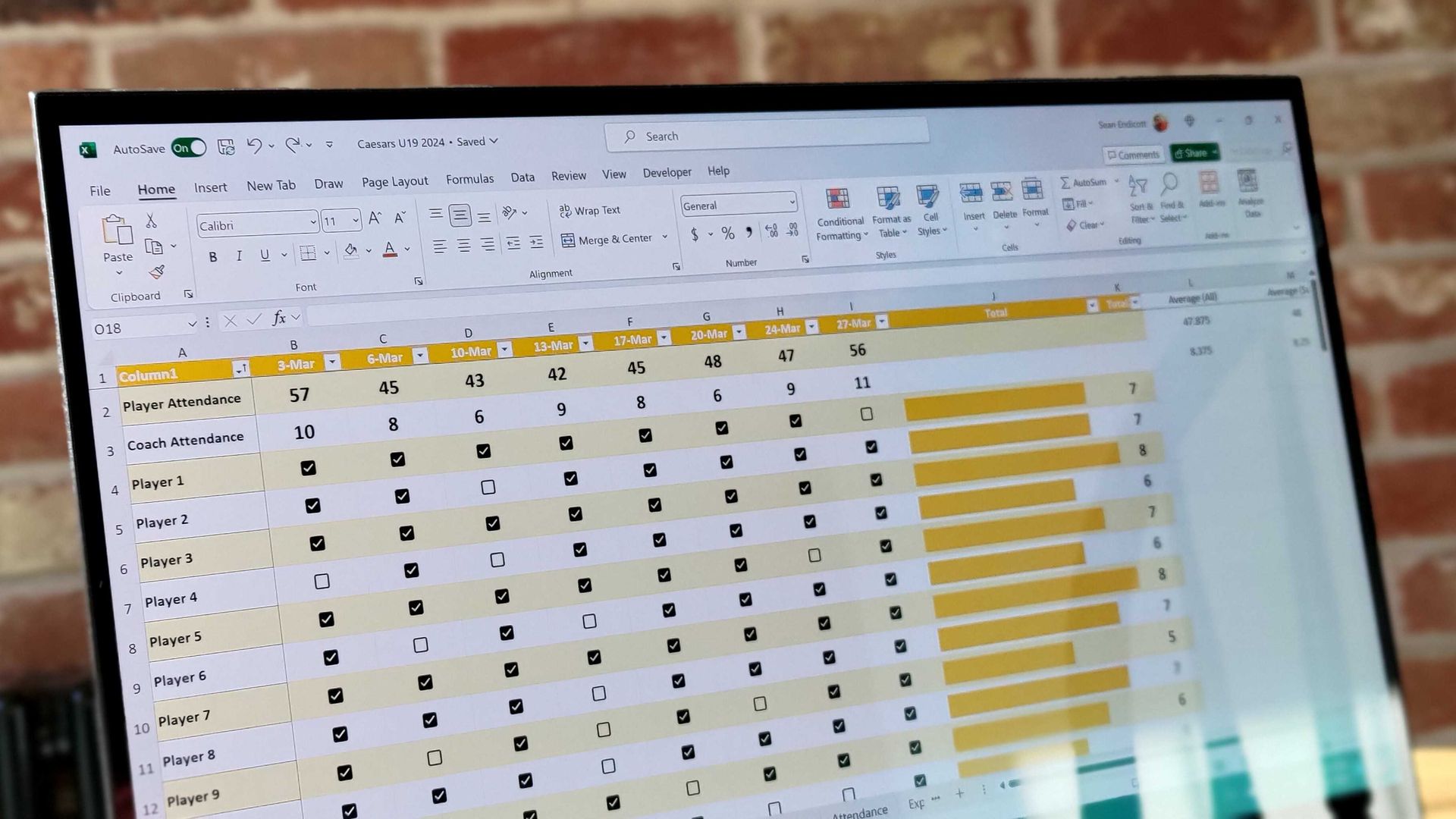
Copying and pasting continues to be an issue for those who install the latest updates from Microsoft. Just one month after an update broke functionality in Excel, October's release has caused the same issue.

The latest issues are caused by the KB5002934 update for Microsoft Excel, which is for Excel 2016. That version replaces KB5002665, which included a hotfix for a copy/paste bug. Despite superseding the previous update, the KB5002934 update can also prevent you from copying and pasting if a workbook contains conditional formatting.

Only a small set of Excel users should be affected by the bug, since it's limited to Excel 2016. Newer versions of Excel do not have the issue.

The bug appears in a way that may confuse those who run into it. Rather than Excel showing an error message or making a noise, the function simply fails.

The updates to Excel ship through Windows Update, though they aren't updates to the operating system itself. They function similarly to updates for other Microsoft apps such as Edge.

Luckily for those facing the issue, Microsoft has already fixed the bug. The company released a new build of Excel that fixes the issue. If Excel is running build 16.0.5574.1006 (or later), you should be fine.

You can check your Excel version by opening File > Account and looking under About Excel.

If for some reason you are still facing the issue, you can try these steps from Microsoft as a workaround:

  • On the Home tab, select the Paste dropdown list, and then select Paste Special.
  • In the Paste Special window, select one of the following options:
    • Formulas
    • Formulas & Number Formatting
    • Values
    • Values & Number Formatting
    • Link

I'm glad that Microsoft fixed the problem so quickly, but it's concerning that updates caused the same issues two months in a row.

Click to join us on r/WindowsCentral

Join us on Reddit at r/WindowsCentral to share your insights and discuss our latest news, reviews, and more.
  •  

Microsoft is tackling Outlook's search problem, and it wants your feedback

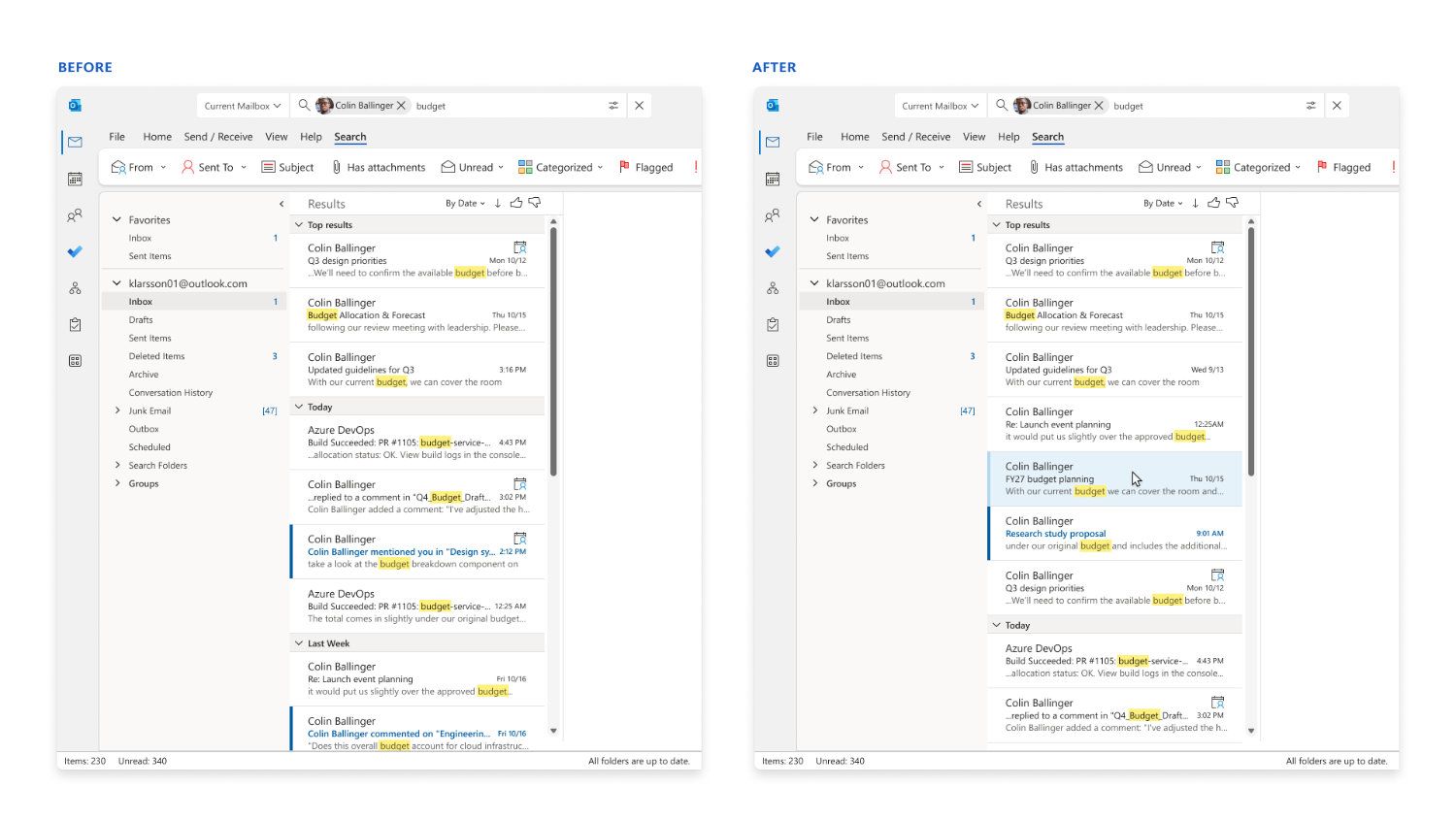
Searching for a specific email in Outlook can prove challenging. Outlook search can sometimes return irrelevant results while missing the exact email you need. Microsoft is looking to improve that frustrating experience with a revamped search.

The new search has a feature that genuinely removes the most frustrating part of Outlook for me. That phrase is thrown around a lot online and is often clickbait, but I mean it here emphatically.

Outlook now handles stop words better. Those words, such as "the," "and," and "is," often clog search results with irrelevant emails. I can't tell you how many times those tiny words have led to terrible searches that made me fish through the results that appear chronologically.

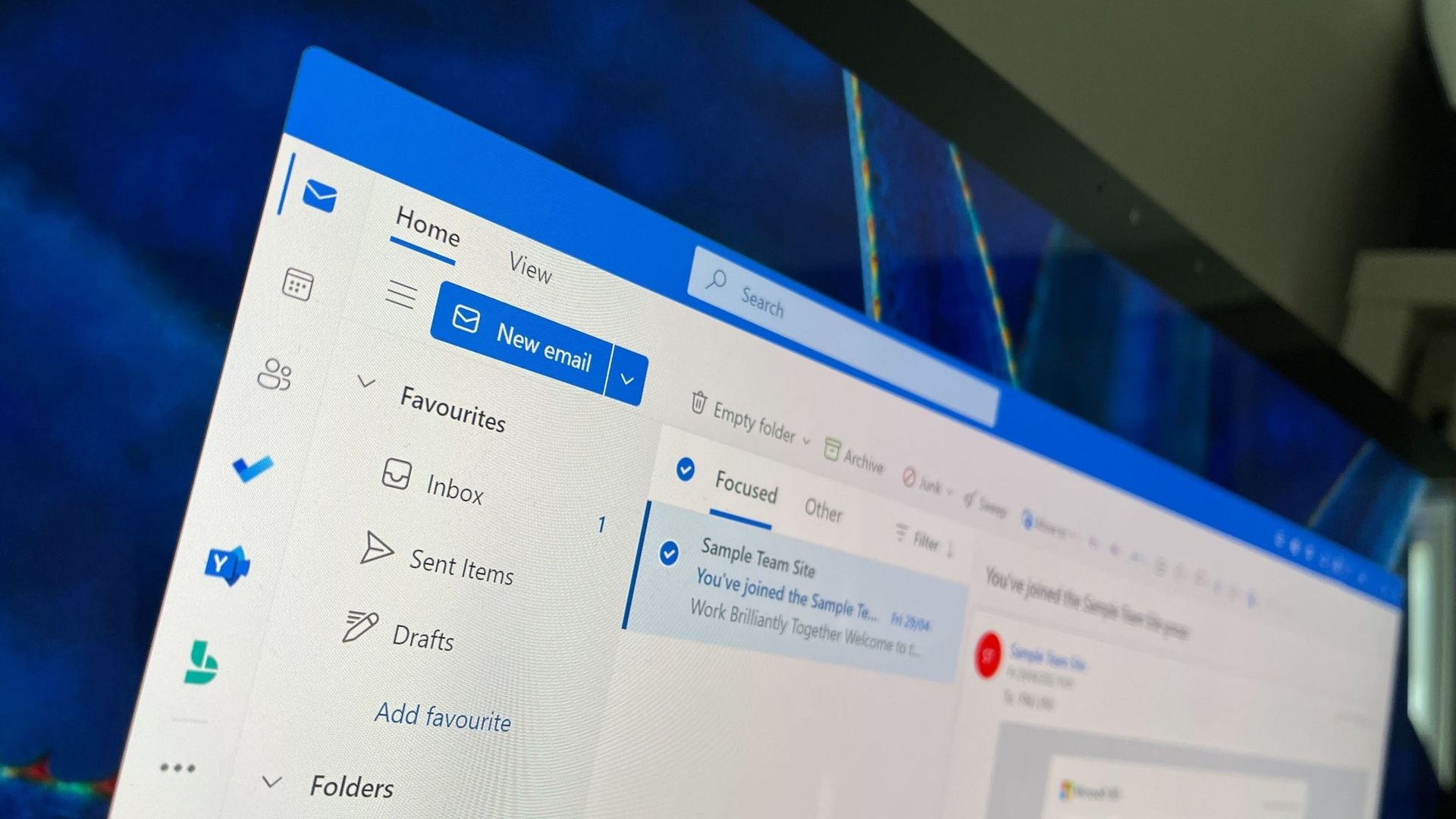
Microsoft's example from a blog post shows how drastically different the results are when searching "the FY27 budget" using the old Outlook search versus the new one.

Before-and-after comparison of Outlook search results showing Microsoft's improved relevance ranking for emails matching a budget-related query.

Microsoft's example shows how Outlook's updated search ranks relevant emails higher in the results instead of surfacing messages that only happen to contain common search terms. (Image credit: Microsoft)

The improvements highlighted by Microsoft center around ranking emails better. Microsoft focused on three areas when building the new search tool in Outlook: better ranking, improved performance when connectivity is poor, and a tighter feedback loop.

When you search for an email within Outlook, you will see seven ranked results rather than three. Those emails are ranked based on recency, sender, how much the message has been interacted with, and other factors. Expanding the number of ranked messages presented should show users more relevant emails while also helping Microsoft improve its ranking systems over time.

The new ranking layout is available across several versions of Outlook, including the new and Classic versions.

There are other upgrades as well. Classic Outlook now automatically falls back to locally indexed content when connectivity is poor. That same functionality is on the way to new Outlook but will ship later.

Users of Classic Outlook should also see faster search results. Microsoft also said recent improvements reduced latency for the slowest 5% of Outlook searches.

The improved rankings in Outlook are the result of a small language model ranker built specifically for Outlook. That model is trained through distillation, meaning it is built under the supervision of a larger model.

Distillation helps Outlook search be more efficient than if it had to run a larger model just to look through and rank emails.

I'd probably be okay with using a larger model in Outlook if it cut out irrelevant results that appear simply for using an article or common verb like "is." I bet I'd still save some time that way. But I don't have to test that theory because the new Outlook search is lightweight.

Click to join us on r/WindowsCentral

Join us on Reddit at r/WindowsCentral to share your insights and discuss our latest news, reviews, and more.
  •  

Microsoft’s Xbox 25th anniversary gift is 25 free games for new Windows 11 PC buyers

We're quickly approaching XBOX's 25th anniversary. Many companies are celebrating the event with special accessories and gear, but you can also build your game library as part of the festivities. If you purchase an eligible Windows 11 PC, you can claim 25 XBOX games that have a total value of over $500.

When Microsoft announced the promotion, it highlighted The Elder Scrolls V: Skyrim Special Edition, Halo: Combat Evolved Anniversary, Age of Empires II: Definitive Edition, Minecraft Dungeons, and Gears of War: Reloaded as games you can claim after buying a PC. We now have a full list of what you'll receive.

  • The Elder Scrolls V: Skyrim Special Edition
  • Halo: Combat Evolved Anniversary
  • Age of Empires II: Definitive Edition
  • Minecraft Dungeons
  • Gears of War: Reloaded
  • Call of Duty: WWII
  • The Elder Scrolls Online
  • Fallout 76
  • DOOM
  • DOOM II
  • The Elder Scrolls IV: Oblivion Game of the Year Edition
  • Age of Mythology: Retold
  • Quake
  • Quake II
  • Wolfenstein: The New Order
  • The Outer Worlds
  • Rise of Nations: Extended Edition
  • As Dusk Falls
  • Battletoads
  • Pillars of Eternity II: Deadfire
  • Zoo Tycoon: Ultimate Animal Collection
  • Fuzion Frenzy
  • Gears Tactics
  • Crimson Skies: High Road to Revenge
  • BLINX: The Time Sweeper

That collection of games includes old classics like Fuzion Frenzy and recent AAA games. The bundle is a great way to grow your library or to help a friend or family member get started if you grab them a PC or gaming handheld as a gift.

Gaming handhelds are eligible

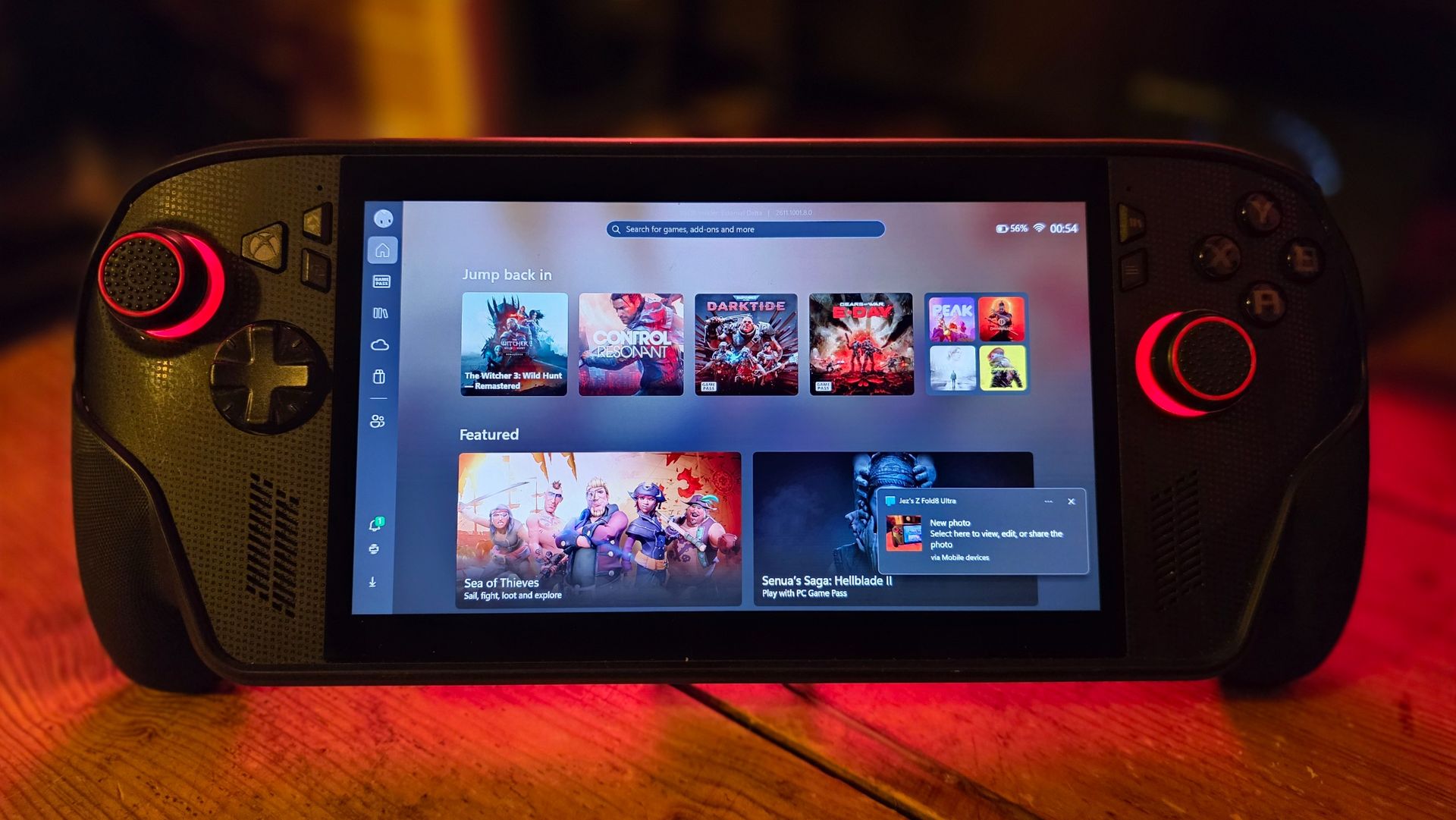
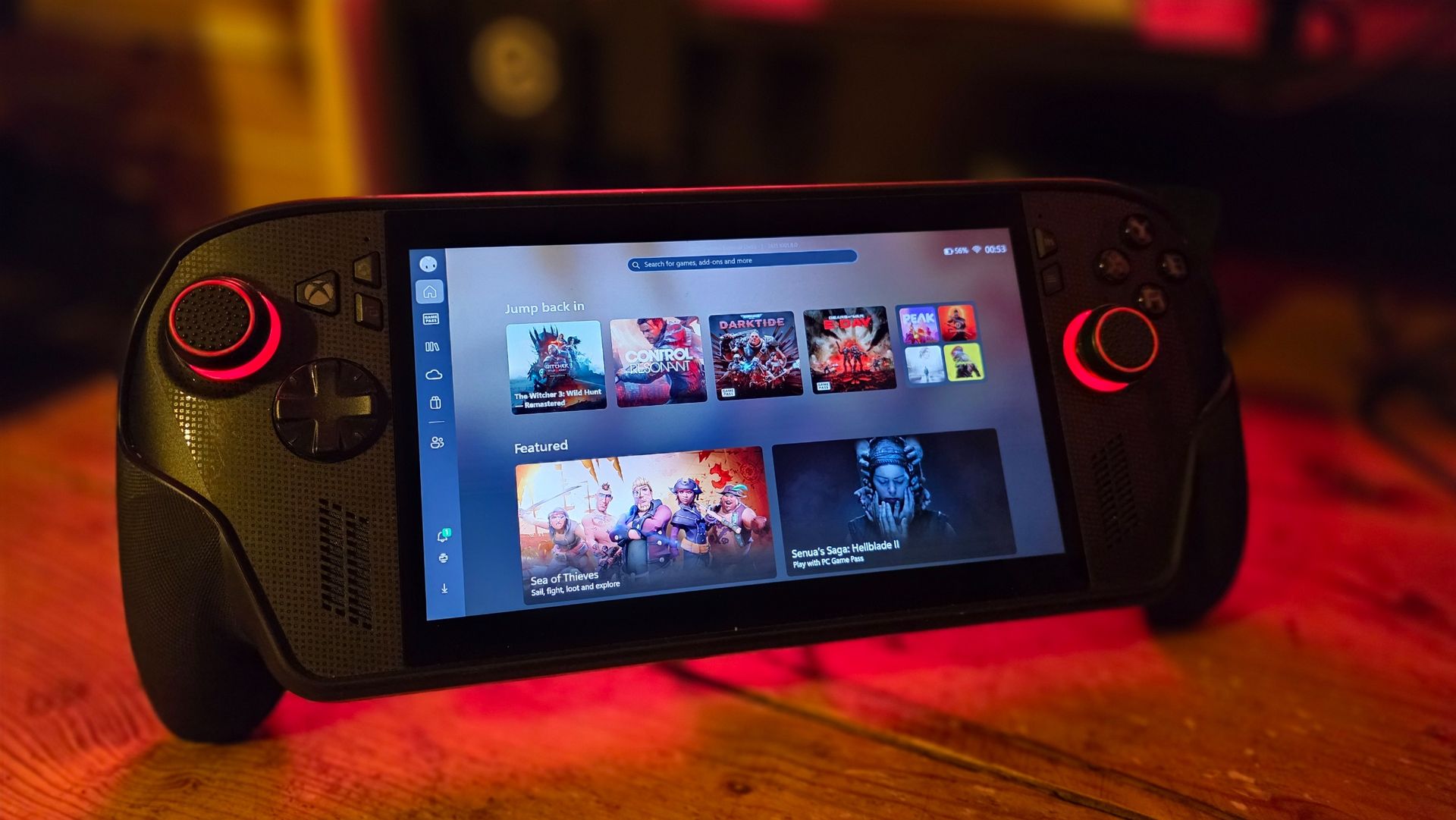
Xbox Ally X on a desk with Xbox PC app open

(Image credit: Windows Central)

The X25 bundle can be claimed after purchasing any eligible PC running Windows 11, but I'd argue that it's best paired with a gaming handheld PC. Those types of devices are going to be popular gifts over the coming months. They allow you to take many of your favorite games on the go and are also a comfortable way to enjoy your favorite titles around your home.

Many of the games included in the bundle support XBOX Play Anywhere, meaning you can play them on your Windows PC and XBOX consoles. Age of Empires II: Definitive Edition, Gears of War: Reloaded, and The Elder Scrolls Online all support XBOX Play Anywhere.

There are some notable games that do not support XBOX Play Anywhere, meaning their Windows and XBOX versions are treated separately. Call of Duty: WWII, Fallout 76, Halo: Combat Evolved Anniversary, and Minecraft Dungeons are the biggest games from the bundle to not support XBOX Play Anywhere.

Our Managing Editor Jez Corden just re-reviewed the XBOX Ally X after using the gaming handheld for the past year. He called the gaming handheld "a fantastic device, a perfect companion for any XBOX player with a big Xbox Play Anywhere library."

That praise makes the XBOX Ally X arguably the best Windows PC to pick up when looking to claim the X25 bundle.

Terms and conditions

To get the free games, you need to purchase an eligible PC. Microsoft outlines the requirements:

"Eligible PCs include new Windows PCs and handhelds pre-installed with Windows Home and new Windows PCs pre-installed with Windows Pro running on NVIDIA RTX Spark silicon. Refurbished Windows PCs, and PCs purchased from unauthorized resellers, online marketplaces, liquidators, or auction websites, are not eligible."

The promotion runs from November 2, 2026 until December 31, 2026. You have to be in the United States to claim the games.

To claim the games, you'll have to open the Microsoft Store app on Windows 11. No later than November 30, 2026, the bundle will appear on eligible PCs and give you a chance to claim all 25 games.

Before you make any plans to purchase a PC to claim the free games then return the computer, Microsoft notes that it may revoke promotional benefits if a purchase is returned, canceled, or incomplete for other reasons.

Click to join us on r/WindowsCentral

Join us on Reddit at r/WindowsCentral to share your insights and discuss our latest news, reviews, and more.
  •  
❌