Monitors generally last so long that I often forget how significant an upgrade can be, but seeing some of the 4K displays and OLED panels in our recent reviews always proves they're among the best investments you can make. After all, you're looking at your PC monitor most of the time, so it's worth it.
Sure enough, Dell is offering generous discounts on some of the best monitors we've tested, including a gaming variant in its Alienware subbrand. If you're thinking about a screen upgrade for your new semester, now's the right time to buy. Here's my curated collection of Dell monitors that are easy to recommend.
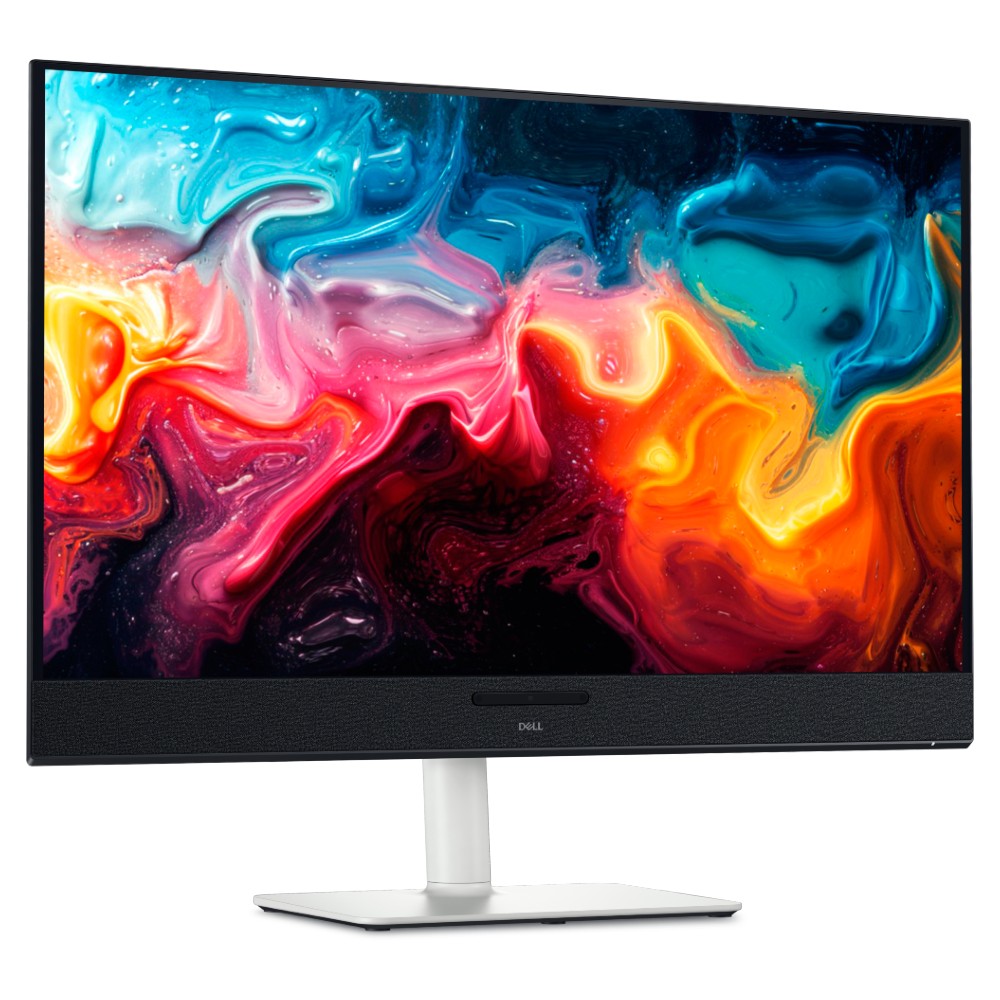
Dropping below $600 makes this an easy choice for anyone who has the space. You get built-in audio with 5 speakers and a gorgeous, color-accurate 4K QD-OLED panel.
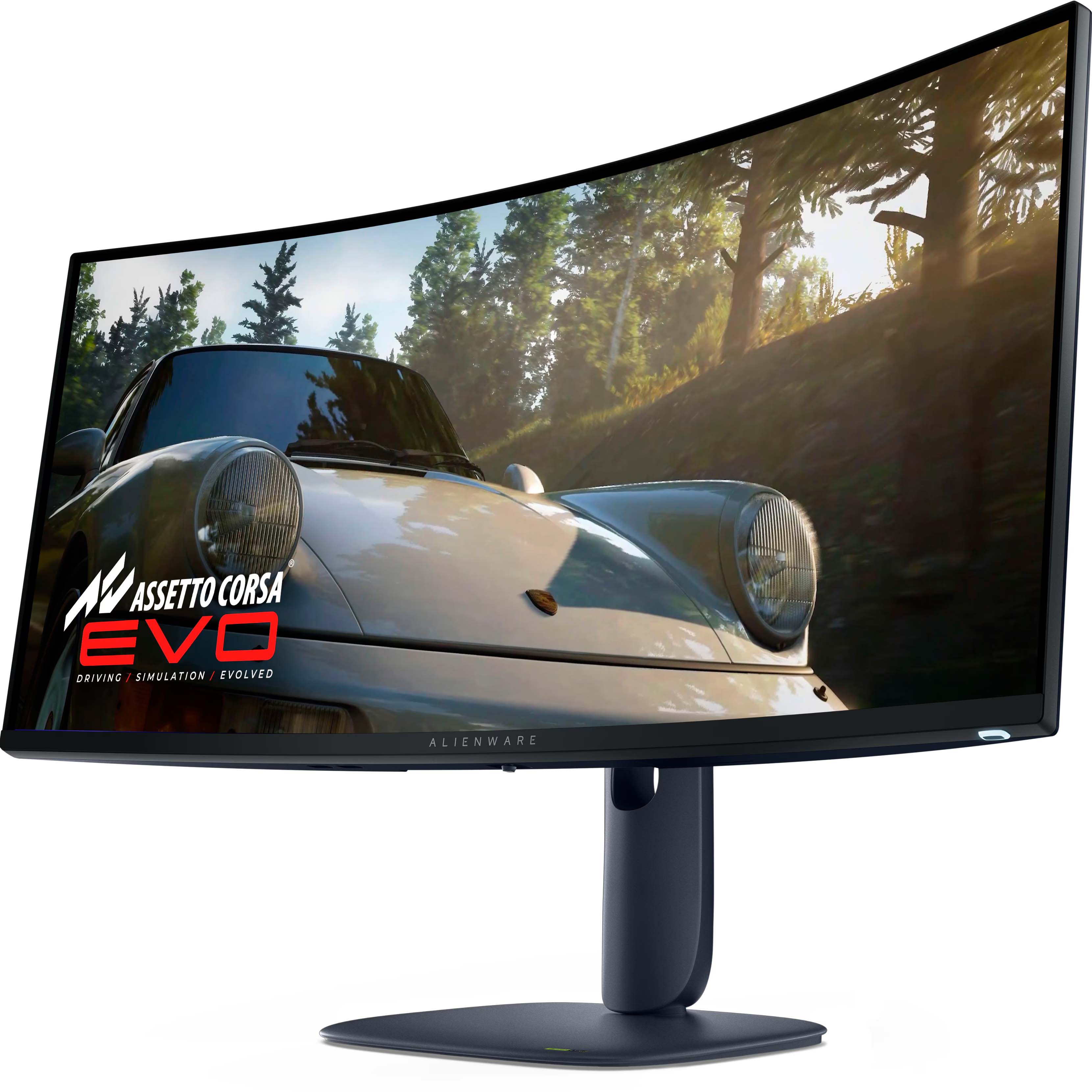
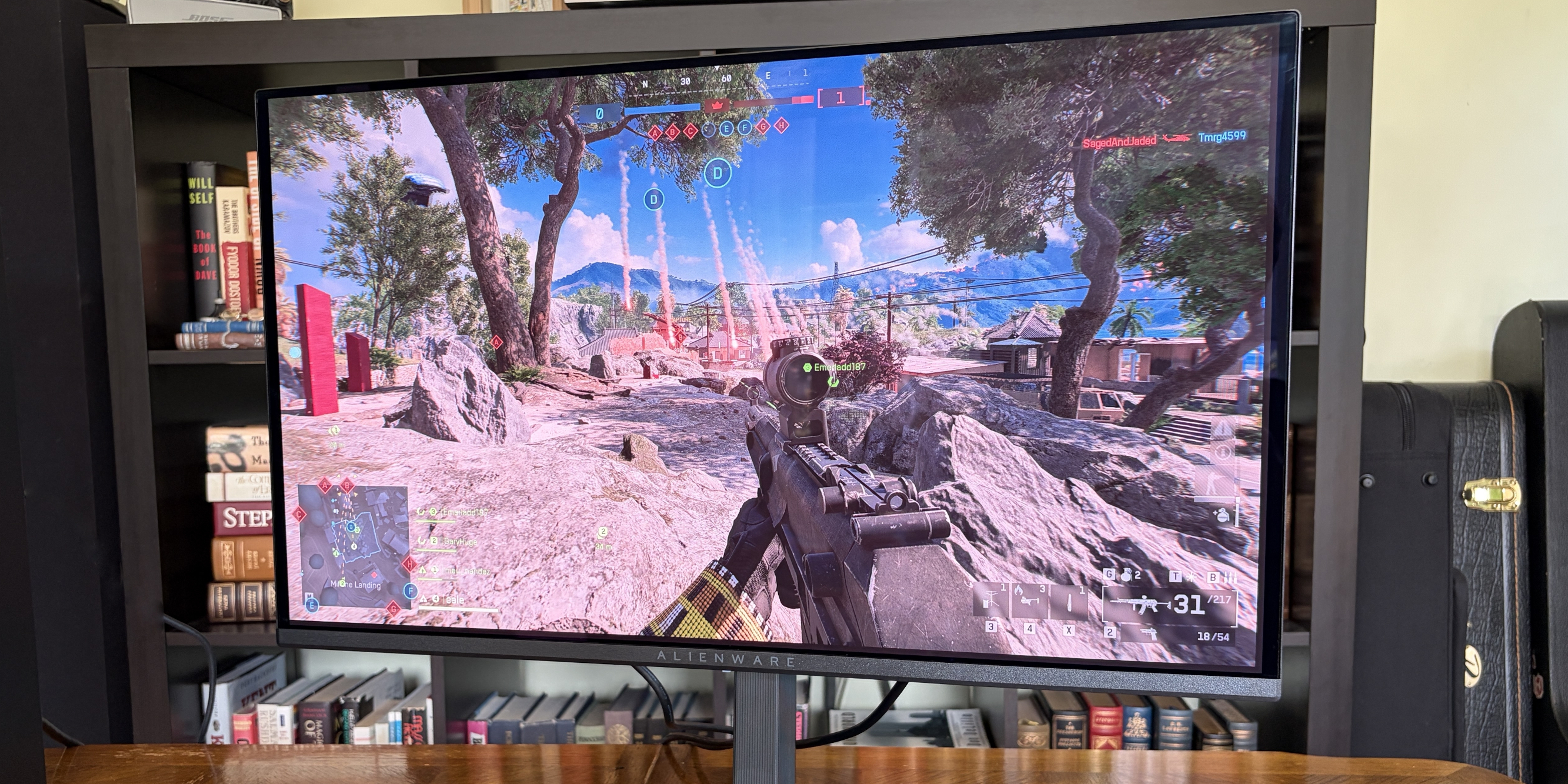
For the gamers — and it's a beast. A curved QD-OLED 1440p (not 4K) panel running at 240Hz, with a 0.03ms response time, alongside HDR and G-Sync support.
Dell 32 Plus 4K QD-OLED Monitor (S3225QC). (Image credit: Windows Central | Zachary Boddy)
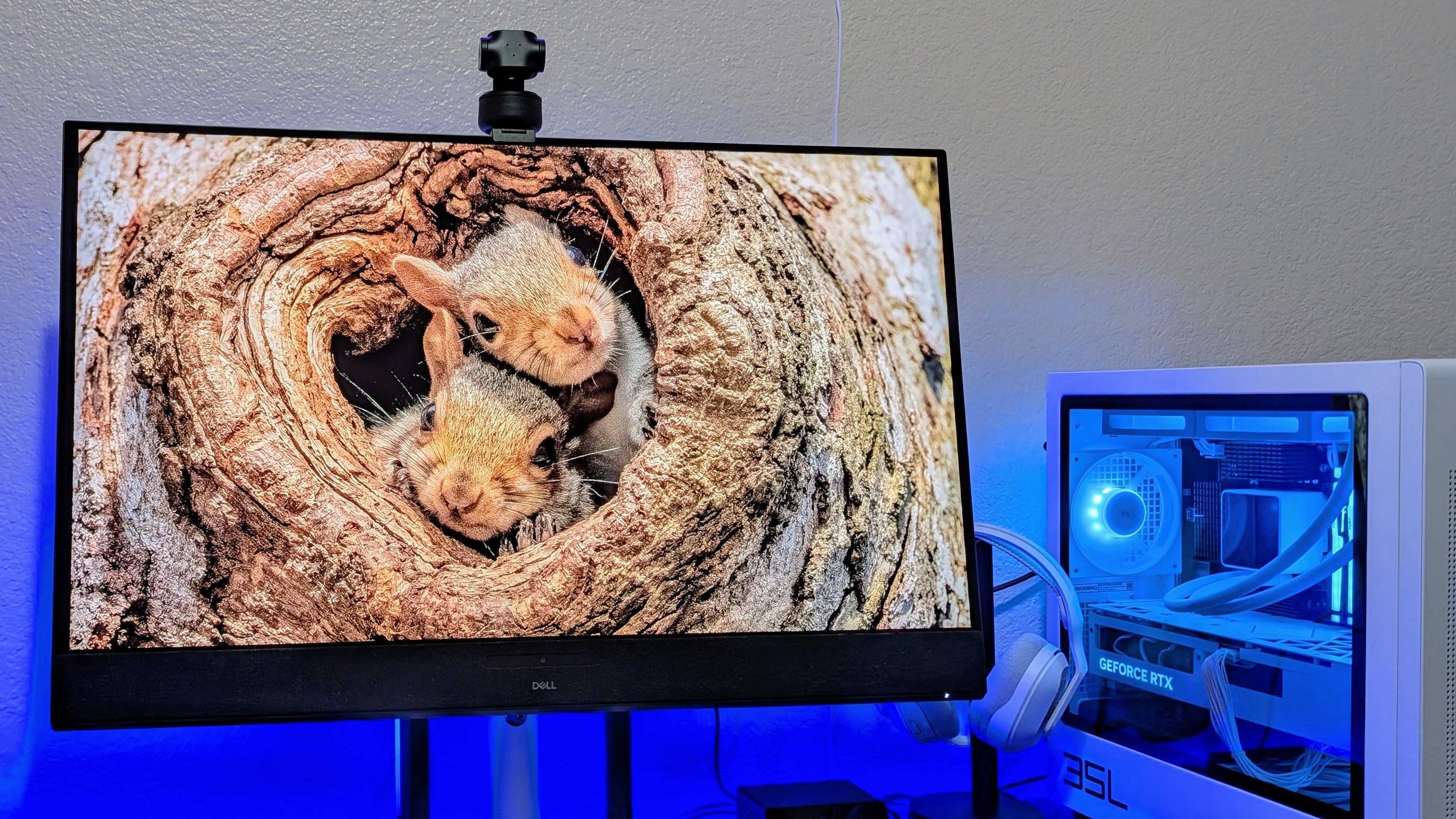
Dell has consistently impressed my team and me with each monitor that we've sampled — and in some cases permanently adopted — with accurate color representation on sharp panels with good contrast. Their construction is consistently above average, too, often with a toolless setup and included stands offering plenty of tilt and swivel adjustment options.
The Dell S3225QC's 5-speaker system easily sounds better than the majority of monitors with built-in audio.
Zachary Boddy, Former Staff Writer
With its $200 saving, the 32 Plus 4K QD-OLED (S3225QC) stands out as the best deal, and we particularly praised its five-speaker array for delivering "some of the best audio you'll hear in a monitor or TV". Indeed, it includes a two-piece toolless stand for a straightforward setup and affordable access to a Quantum Dot OLED (QD-OLED) panel with "perfect" contrast.
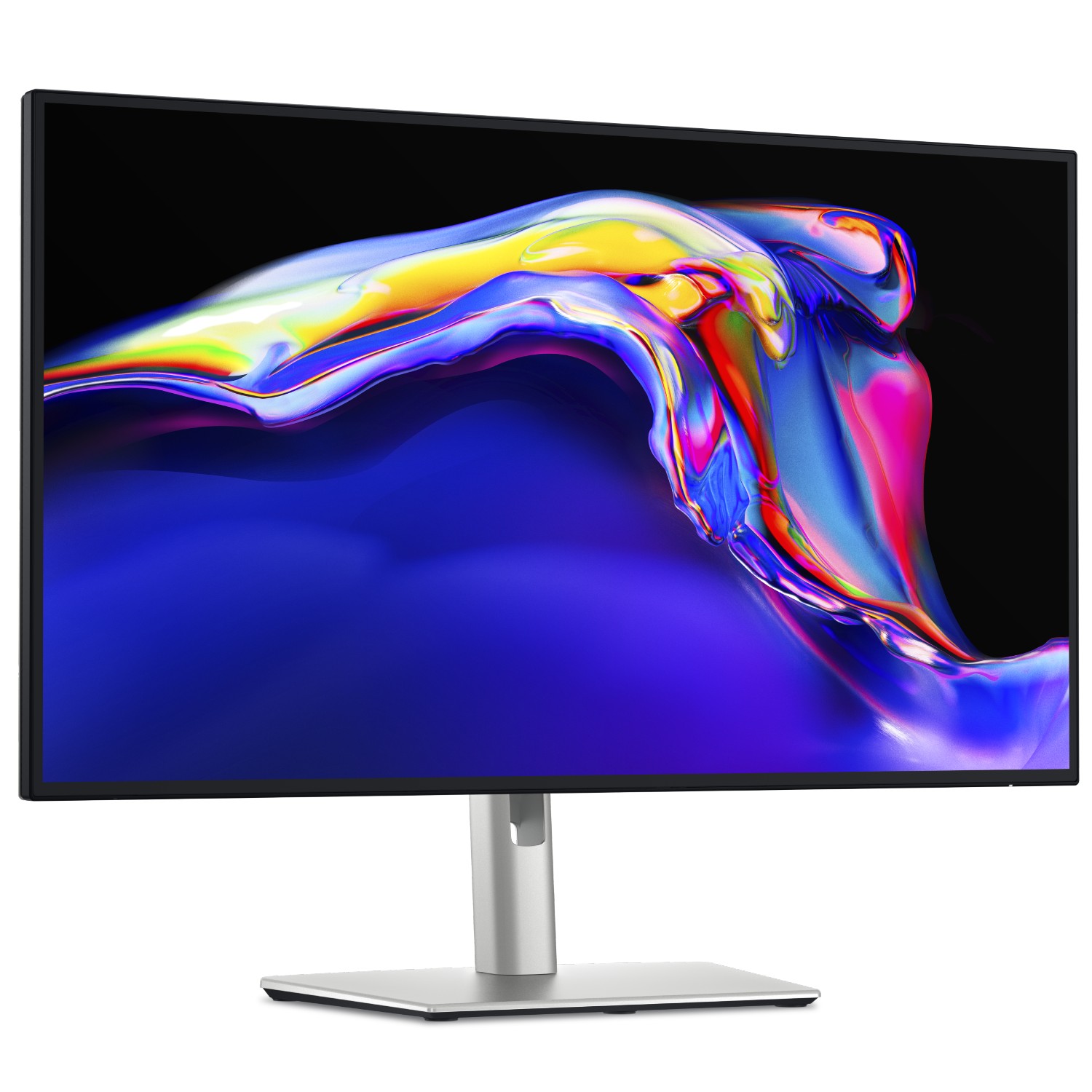
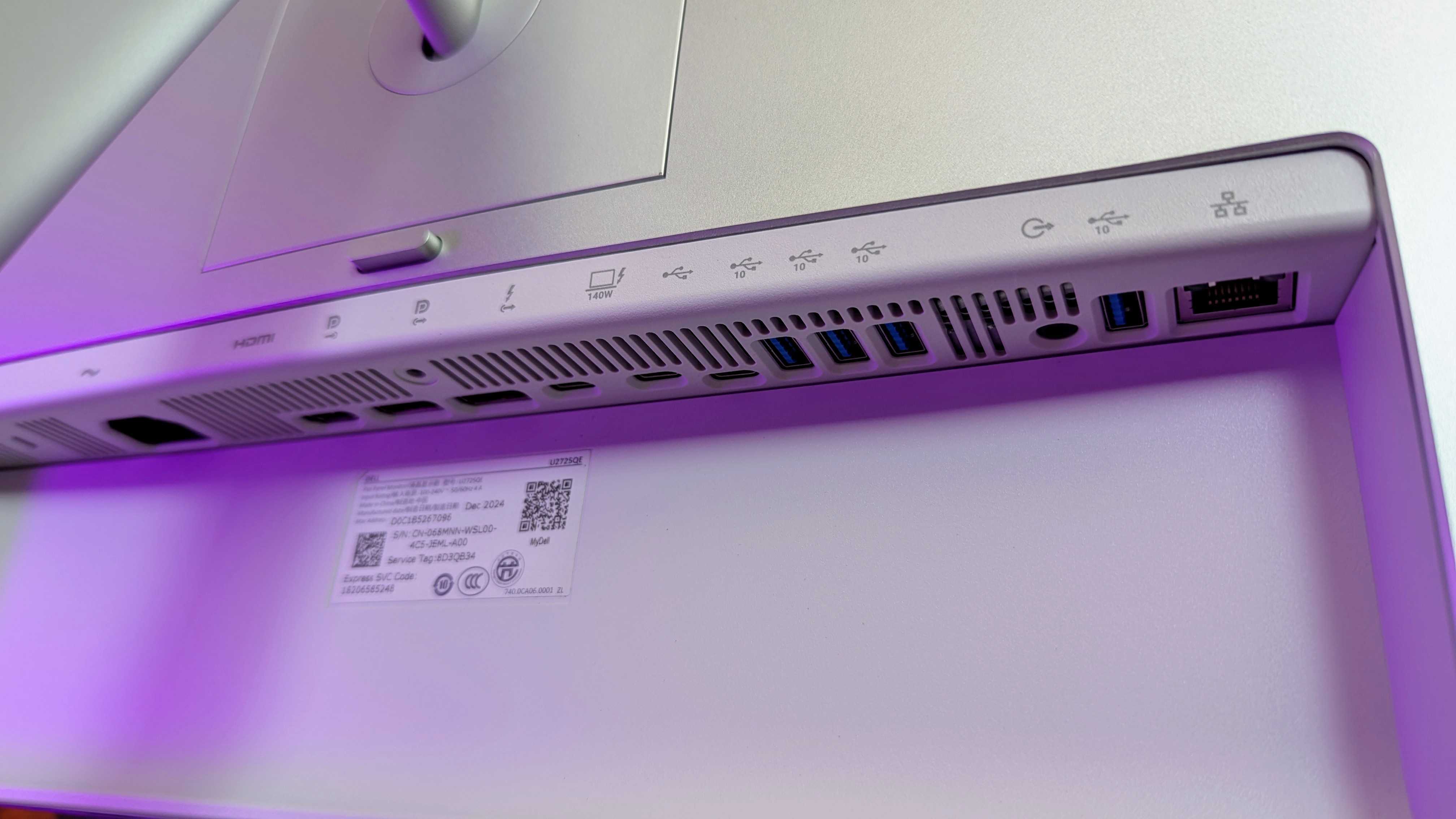
Connectivity is bountiful on the UltraSharp 27. (Image credit: Windows Central | Zachary Boddy)
One of the most important considerations is connectivity and whether your existing PCs and devices can connect to the monitor you buy. For example, the S3225QC offers a gorgeous panel, but it's limited to a single HDMI port and two USB-C ports — one of which supports DisplayPort 1.4 output — but there's nothing for a traditional full-sized DisplayPort cable.
The opposite side of that coin is the UltraSharp 27 4K (U2725QE) with its Thunderbolt Hub and two DisplayPort options, HDMI, alongside a positively huge array of USB-A and USB-C ports. For gamers, responsiveness matters more, and the Alienware AW3425DW dominates with a 240Hz refresh rate and a 0.03ms response time built into a 21:9 (3440 x 1440) panel.
Overall, our own testing proved that Dell monitors are great picks for practically anyone. Nevertheless, you should always consider your needs, including which display size best fits your desk setup (or whether you'll use a mounting arm over the included stands). Right now, availability is healthy at Dell's US store, with fast delivery times.
Join us on Reddit at r/WindowsCentral to share your insights and discuss our latest news, reviews, and more.
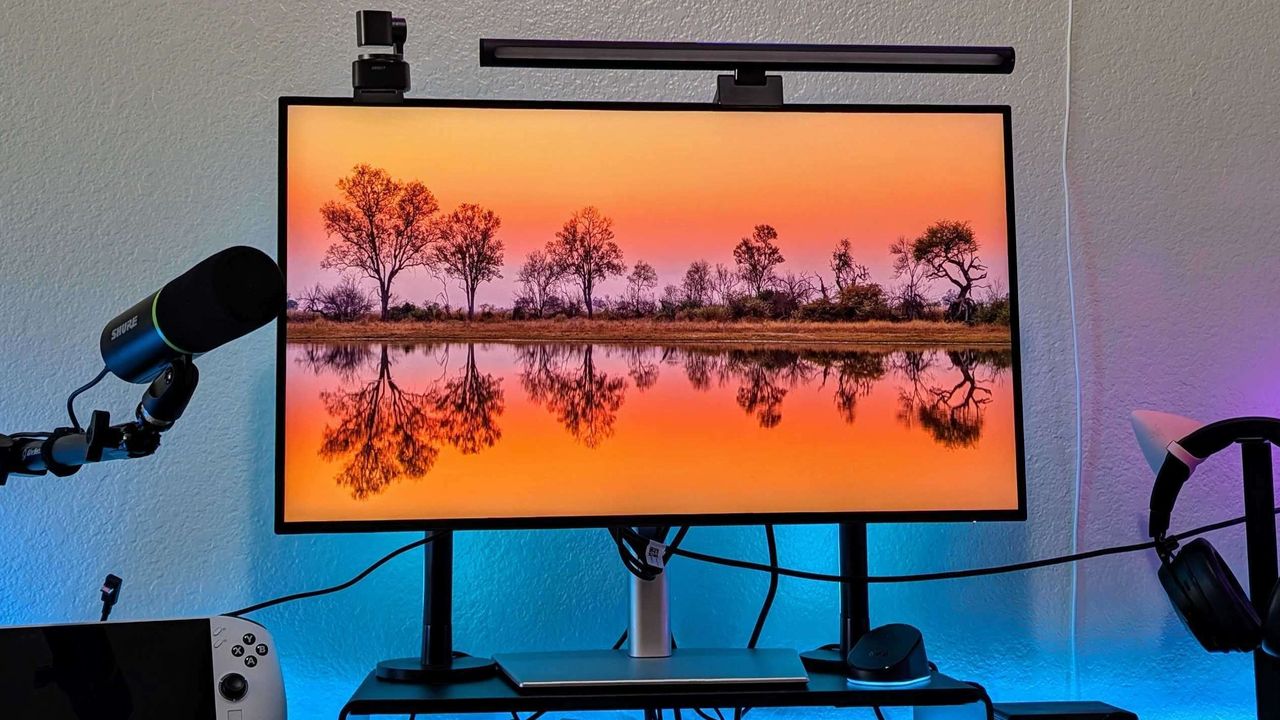
Image of the Dell UltraSharp 27 4K Thunderbolt Hub Monitor (U2725QE).
Keyboard switches used to be a fairly niche topic. Enthusiasts knew what they wanted and sought it out, while more casual gamers and typists just went with what seemed best.
I'm talking about the feel, the sound, and the speed — not to forget pricing, durability, hot-swap support, and layout, especially when getting into gaming keyboards.
But the days of switches being an enthusiast's niche are over. Hall Effect and optical switches are enjoying a mainstream push, especially in gaming hardware, and the less flashy keyboards for office work are also seeing some major upgrades.
These advancements can make buying a new keyboard in 2026 a confusing endeavor. You step away for a few months, and it feels like there's a completely new set of literature to read up on.
I'm here to lay out the main types of different keyboard switches you may encounter, helping you get the perfect hardware for your needs.
What are mechanical keyboard switches?
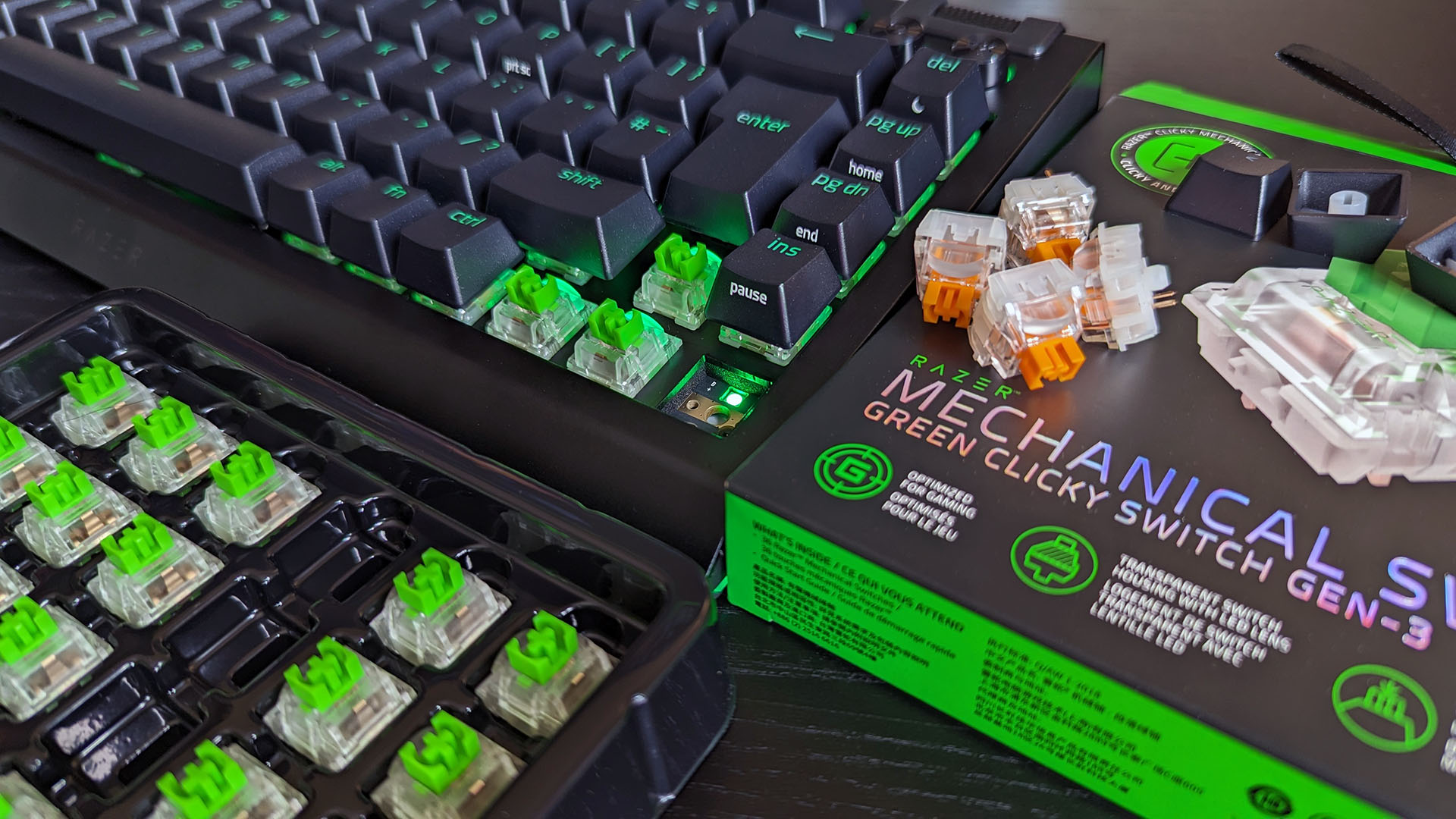
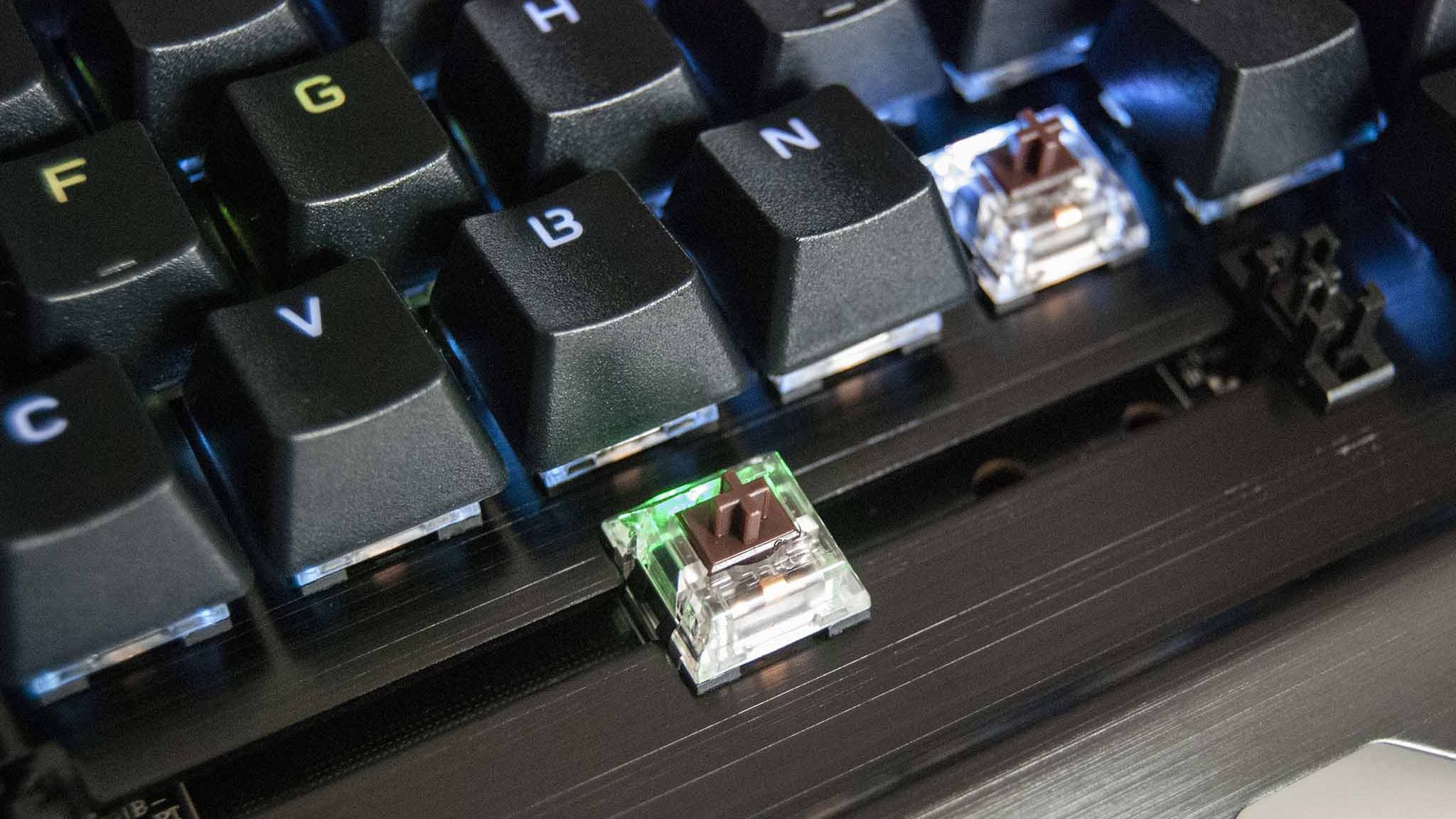
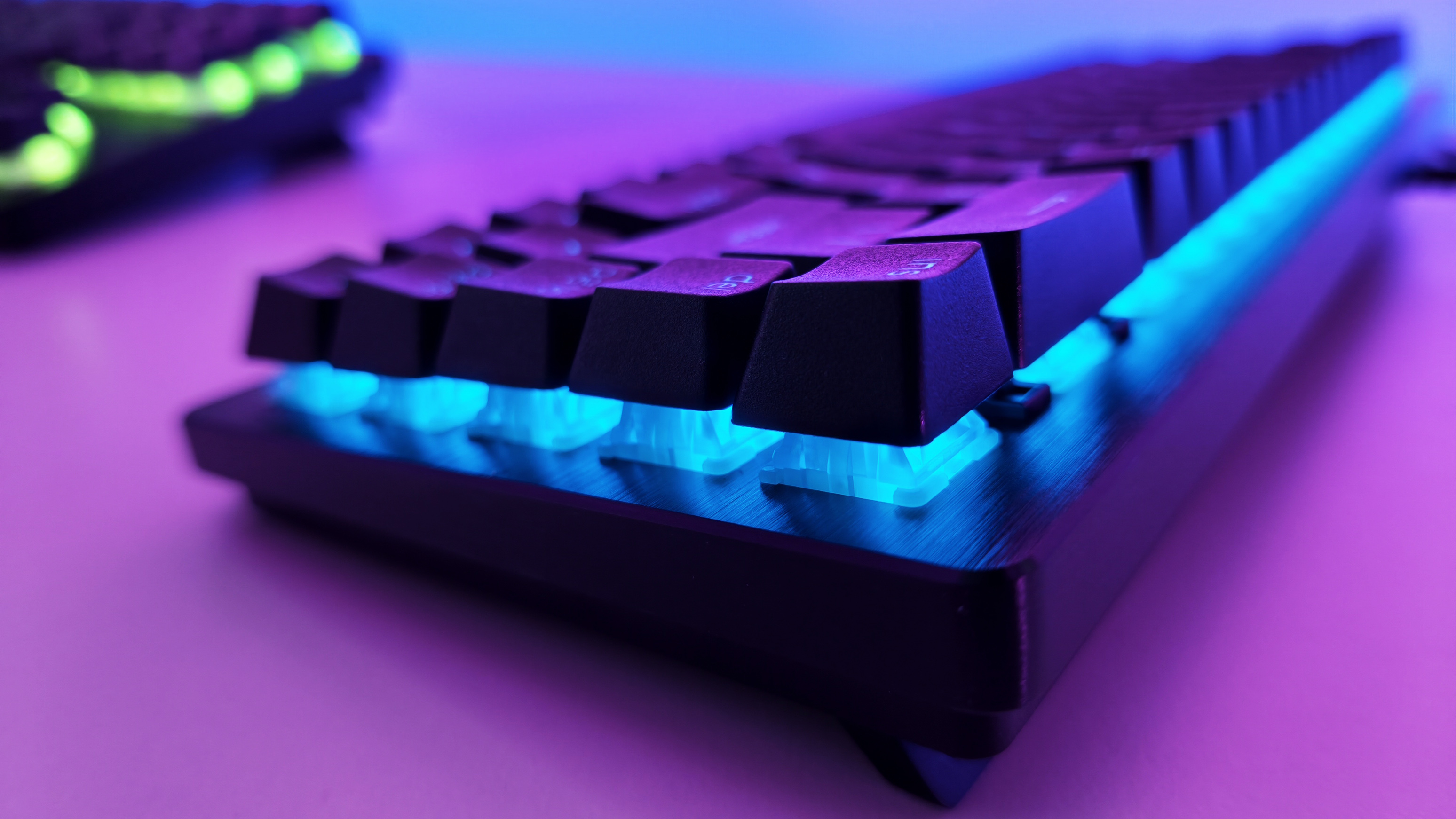
A Razer BlackWidow V4 with its keycaps removed to show off the mechanical switches. (Image credit: Ben Wilson | Windows Central)
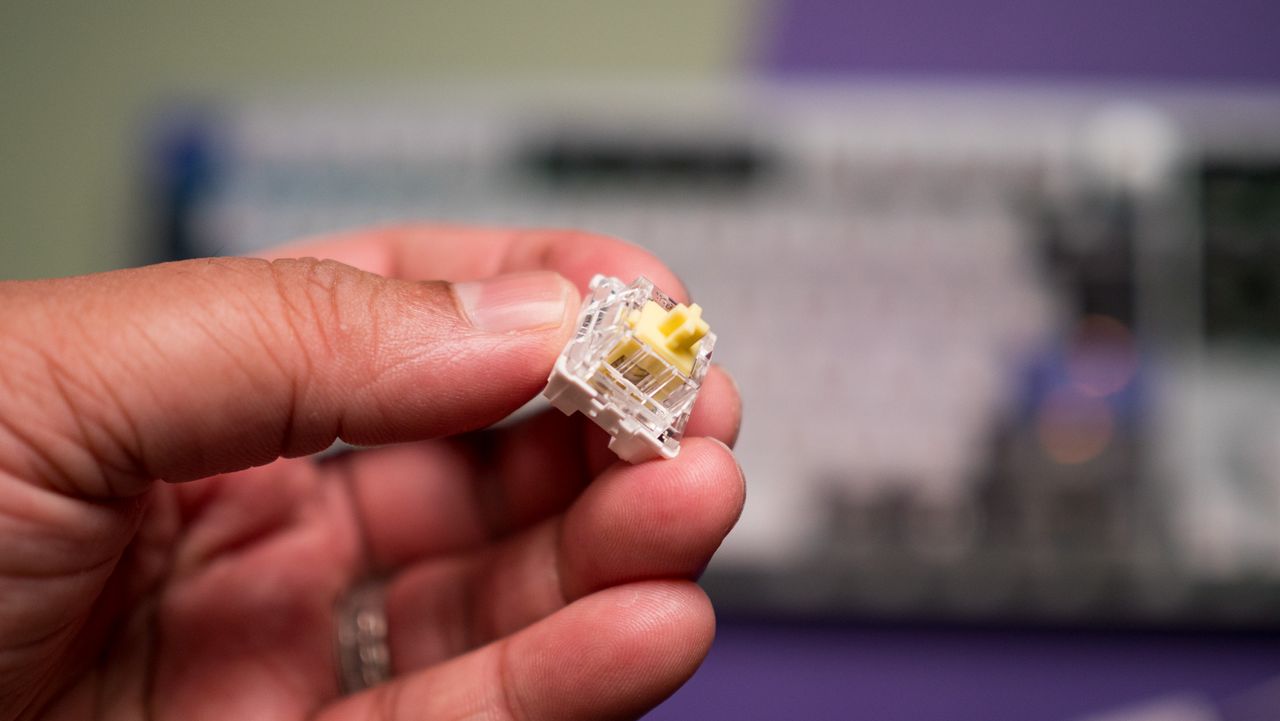
Mechanical switches are the baseline for keyboards. When the keycap is pressed, a stem compresses a spring, and two separate metal contacts touch to complete a circuit and let your PC know you've performed a keystroke.
Mechanical boards are popular because they allow for quick swapping of keycaps (and in many cases, the switches themselves) without needing any special tools. If you're just starting on your path down the keyboard rabbit hole, a mechanical option is likely your best bet.
You might have heard of Cherry MX before, and that's because it's the company that essentially created the mechanical keyboard in the 1980s. It's still the default switch today, with many competitors attempting to outdo its creations.
There are three basic versions of mechanical switches that you'll most often encounter when shopping: Linear, Tactile, and Clicky.
Linear switches
Linear switches offer a smooth feel from the top through to the bottom. There's no noticeable bump when you hit the actuation point (in this case, the two metal contacts coming together), and there's minimal noise while typing.
Cherry MX Red and Cherry MX Black switches are probably best known, but there are also Speed Silver, Silent Red, and Low Profile Speed options.
Linear switches are great for PC gaming because they're generally faster and more consistent when the action gets going. The fact that they don't make noise is also a boon, especially if you're gaming in a shared space.
Tactile switches
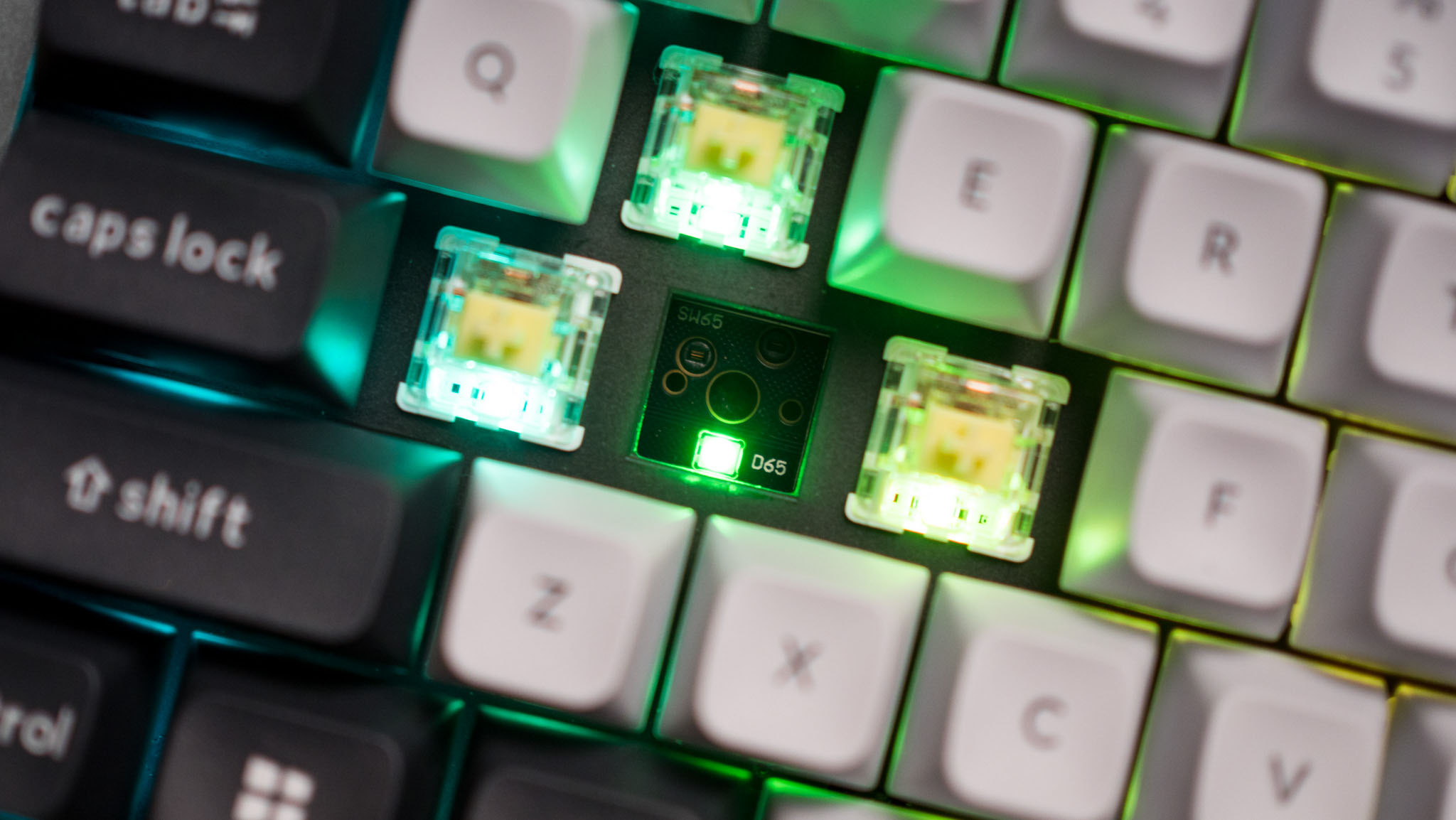
The Keychron Q6 Pro's tactile switches are an excellent option for gaming or for work. (Image credit: Harish Jonnalagadda / Windows Central)
Tactile switches are a common ground between linear and clicky. They offer a small, noticeable bump at the actuation point without adding a loud click.
Cherry MX Brown is the classic example of a tactile switch. They're sought after by gamers and typists alike who prefer having that little bit of pressure to let them know that a keystroke has been made.
Clicky switches
Clicky switches are what I consider the "extreme" version. They offer the same noticeable bump as tactile switches when the actuation point is hit, but a loud click follows.
Some typists and gamers prefer the heavier feel and the loud click (especially if you're going for a retro vibe), but that audible feedback can definitely get annoying over time.
Cherry MX Blue switches are the default example here, but there are also Green and Ultra Low Profile clicky switches to watch out for.
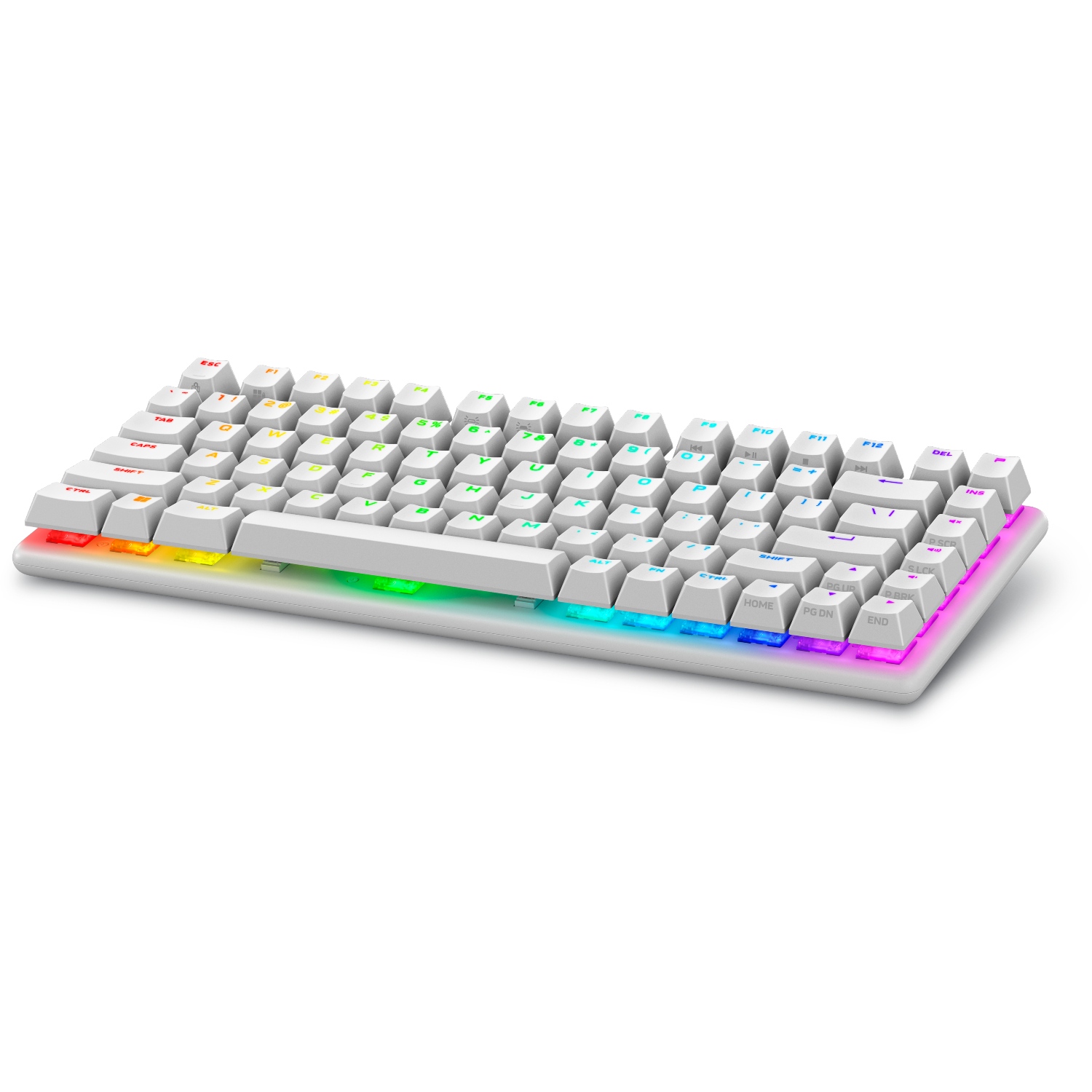
Pro Wireless Gaming: It's a result of a collaboration between Alienware and over 100 esports athletes, and it's a genuine step up over the company's previous products. Build quality is exceptional, typing feels great, and gaming performance is flawless.View Deal
Cherry MX's competition in the mechanical market
The Glorious GMMK 3 Pro is available will classic MX or Hall Effect switches. (Image credit: Harish Jonnalagadda / Windows Central)
Cherry MX remains the brand that's best known, and it has been upgrading its switches to better compete with new competitors. For example, its MX2A lineup with a redesigned stem helps make its switches feel a lot smoother.
This innovation to compete is driven by companies like Gateron, Kailh, and Glorious that have jumped on expiring patents to create their own mechanical switches. They generally fall into the same three basic mechanical switch categories, so it's not too difficult to figure out what's best for you.
What are optical keyboard switches?
Optical switches on the IOGear HVER PRO X gaming keyboard. (Image credit: Windows Central)
Optical keyboard switches are a lot like their mechanical counterparts. They use the same stem-and-spring setup, but there are no metal contacts to form a circuit when pressed.
Instead, optical switches place a beam of infrared light below each key. When you press a keycap, that beam is interrupted, and your PC recognizes a keystroke.
The main benefits of an optical switch are durability and response. There are no metal contacts to wear out, and keypresses are usually registered just a bit faster.
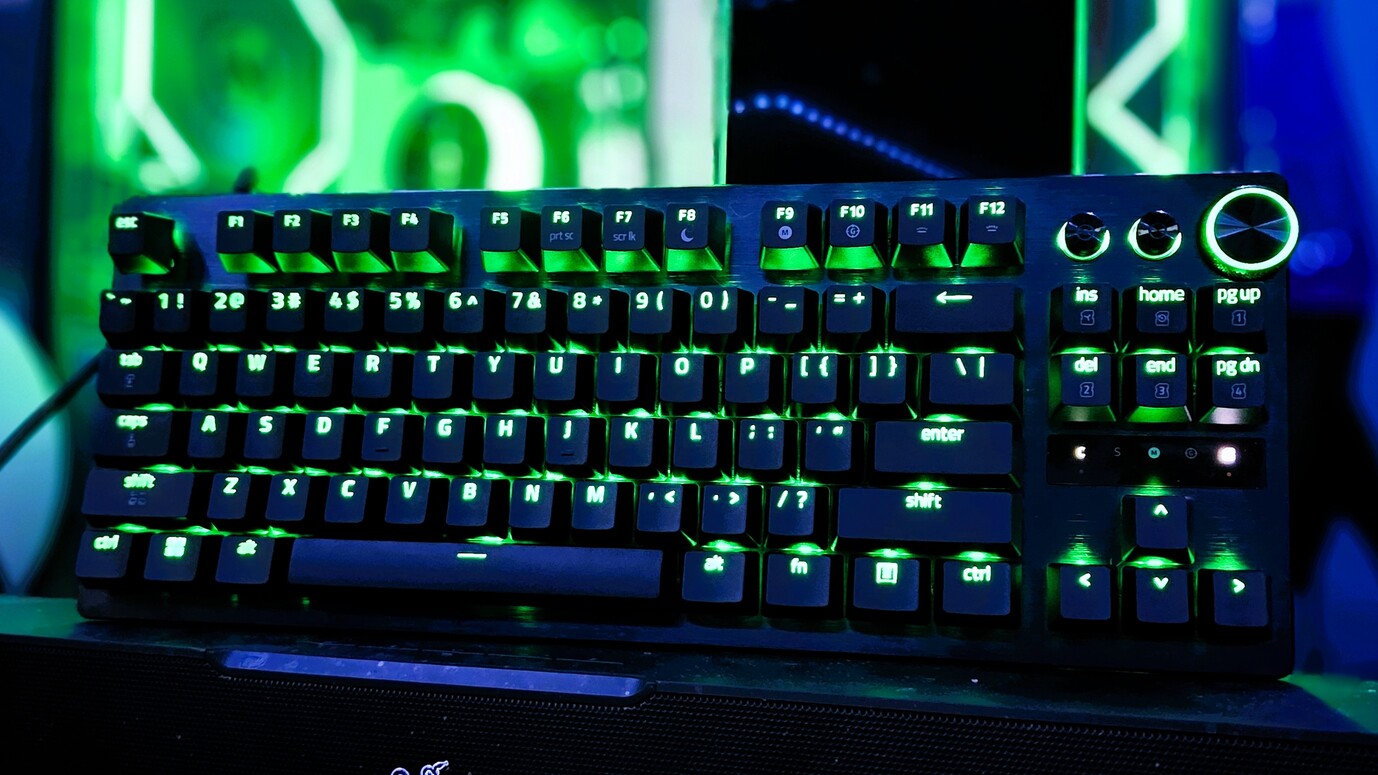
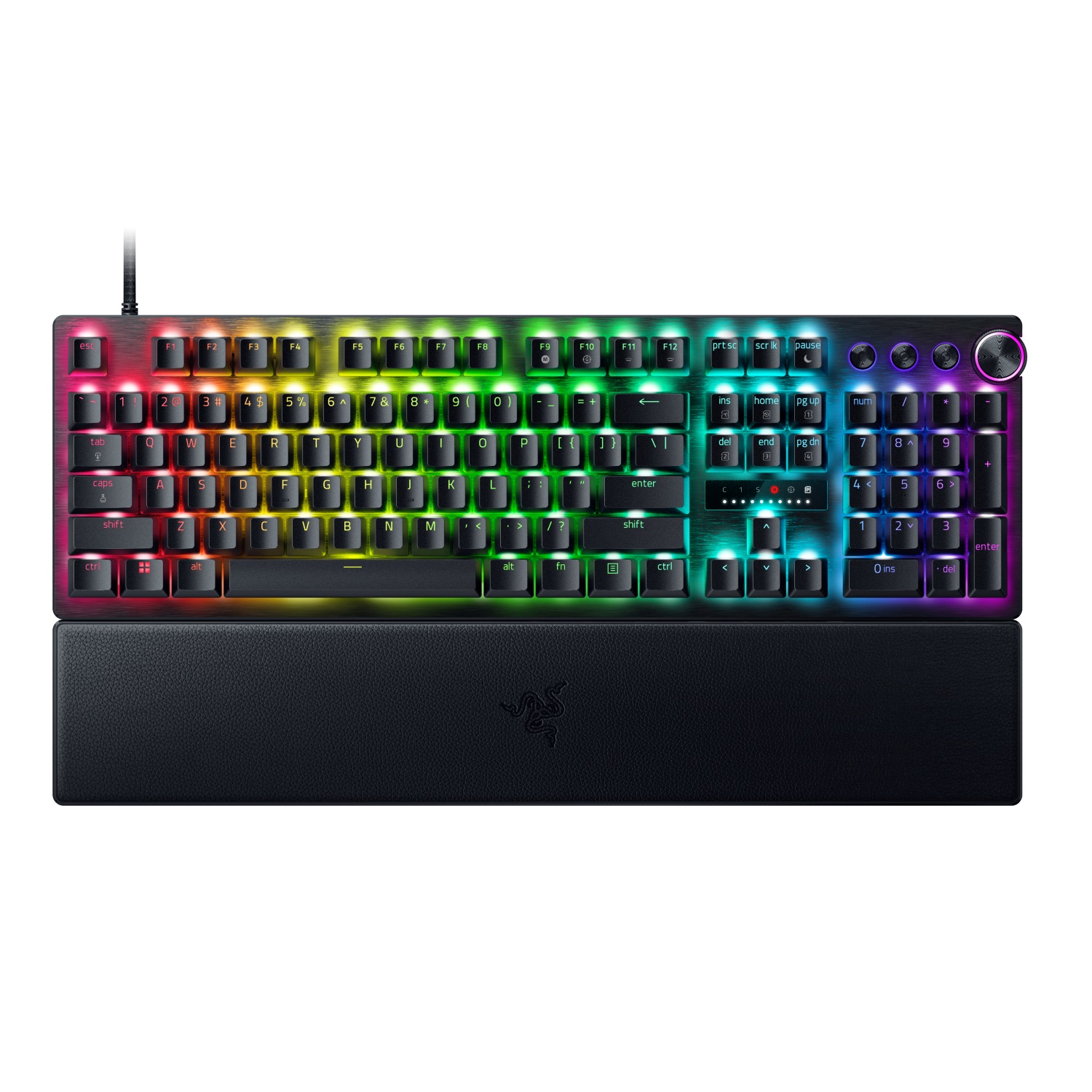
The Razer Huntsman V3 Pro features optical keyboard switches. (Image credit: Michael Hoglund)
When I think of optical switches, I usually think of Razer. It's the brand spearheading this tech most of the time; its Analog Optical Gen-2 switches in the Razer Huntsman V3 Pro are a perfect example. There are, however, competing brands.
Optical switches offer things like adjustable actuation (making keys easier or harder to register keystrokes) and rapid trigger mode (allowing for faster repeated presses).
Most optical switches are hot-swappable like their mechanical counterparts. However, the main catch is that optical switches can't be added to mechanical keyboards, and vice versa, due to different circuit technology underlying each option.
Razer's Huntsman V3 Pro uses optical switches for improved durability and performance, making it a particularly excellent option for gamers who don't want to spend extra on Hall Effect hardware.View Deal
What are Hall Effect keyboard switches?
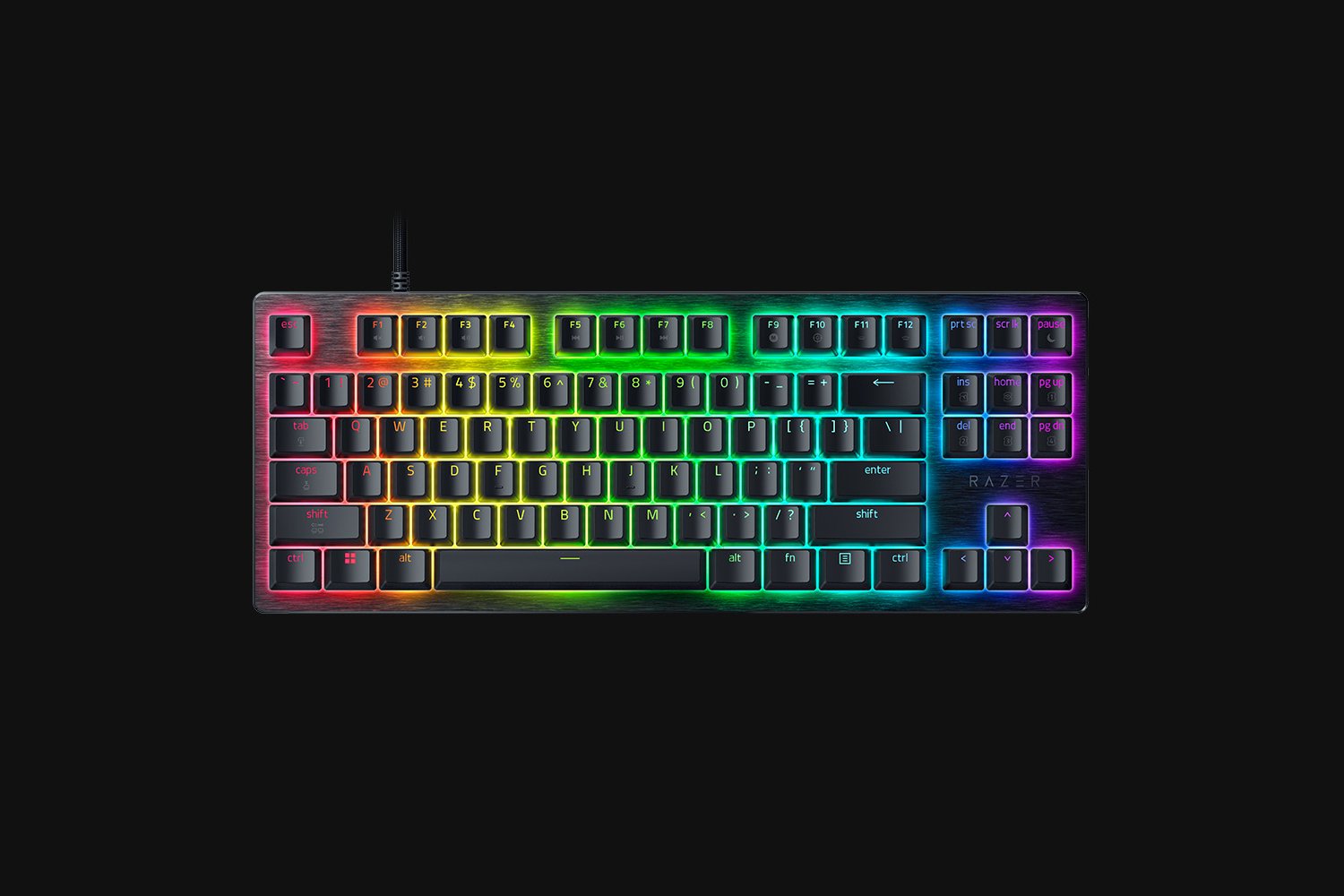
The Razer Huntsman V3 HE Magnetic Mini keyboard with Hall Effect switches. (Image credit: Daniel Rubino)
I first began hearing about "Hall Effect" to do with controller joysticks some years ago, but the tech actually originated with keyboards way back in the 1960s. Hall Effect seems to have now become the upgrade choice for many gamers in 2026.
Hall Effect works by placing a magnet in the switch's stem. A separate sensor measures how far the switch travels based on magnetic strength, meaning there's no actual physical or optical activation required.
This opens Hall Effect switches up to far more customization options than mechanical or optical hardware. Actuation distances can be fine-tuned, often as low as 0.1 mm, as in the Razer Huntsman V3 HE Magnetic we recently reviewed.
Because Hall Effect switches offer such tight customization and because there are fewer mechanical parts to wear out, they're becoming much more popular in PC gaming circles.
It was Wooting that really kicked this category off in the early 2020s, but since then, companies like SteelSeries, ASUS, Corsair, Keychron, Logitech, and the aforementioned Razer have jumped into the market.
Huntsman V3 HE Magnetic TKL 8KHz: With adjustable actuation from 0.1–4.0 mm, Rapid Trigger, Snap Tap, Snap Flex and Dynamic Keystroke, Razer’s HE Magnetic TKL give players granular control over inputs and movement — and back it with factory calibration, a 100‑million keystroke rating and on-demand recalibration via Synapse.View Deal
What are Topre switches?
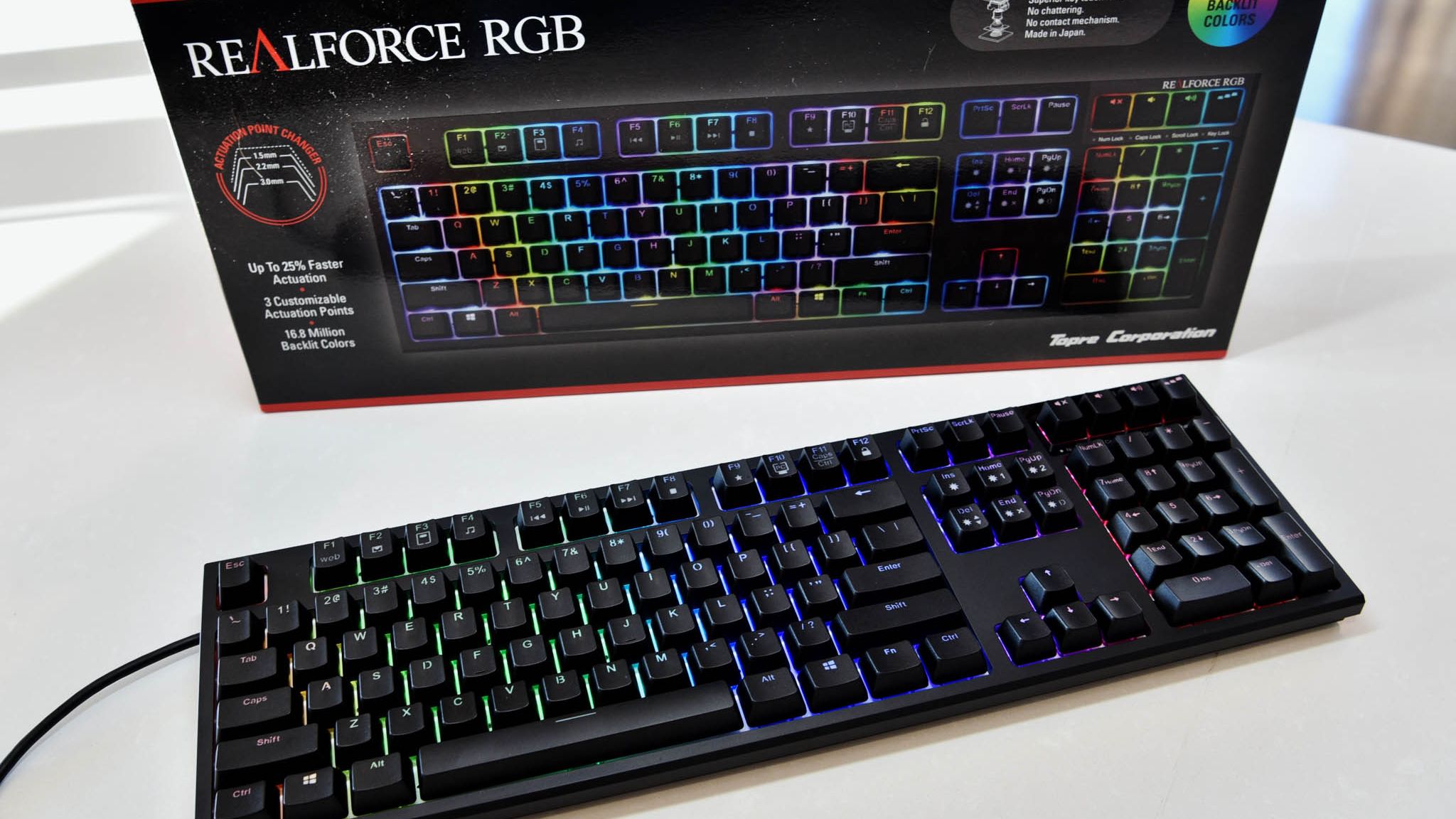
The RealForce RGB is a Topre keyboard we reviewed in 2020.
The final switch category I'm covering separately is Topre. These are capacitive switches designed by a Japanese company of the same name, and they're proving to be popular amongst people who type all day every day.
They work by combining a rubber dome on top of a spring. A sensor detects when the dome compresses (aka when you press down on the keycap) and registers a keystroke. It's a lot like Hall Effect, where there's no circuit to complete, but they have a softer feel that doesn't bottom out as hard.
Keyboards using Topre switches, like those from RealForce, are generally more expensive, but for some people, that extra money might save them from serious typing fatigue.
Other types of switches worth mentioning
The switches I mentioned above are the major options you'll find when shopping for a new keyboard. But there are a few others worth mentioning.
Mechanical, optical, and Hall Effect switches sometimes come in a low-profile option, which just means that the keycaps are not nearly as high. You'll sometimes find these keyboards installed in high-end gaming laptops, but there are plenty of standalone options available as well.
For budget keyboards, you're almost always going to find membrane or scissor switches in play. They're generally quiet, cheap, and relatively comfortable. The big problem? They don't usually last nearly as long, and they don't feel nearly as nice to type on.
Which type of keyboard switch should you buy?
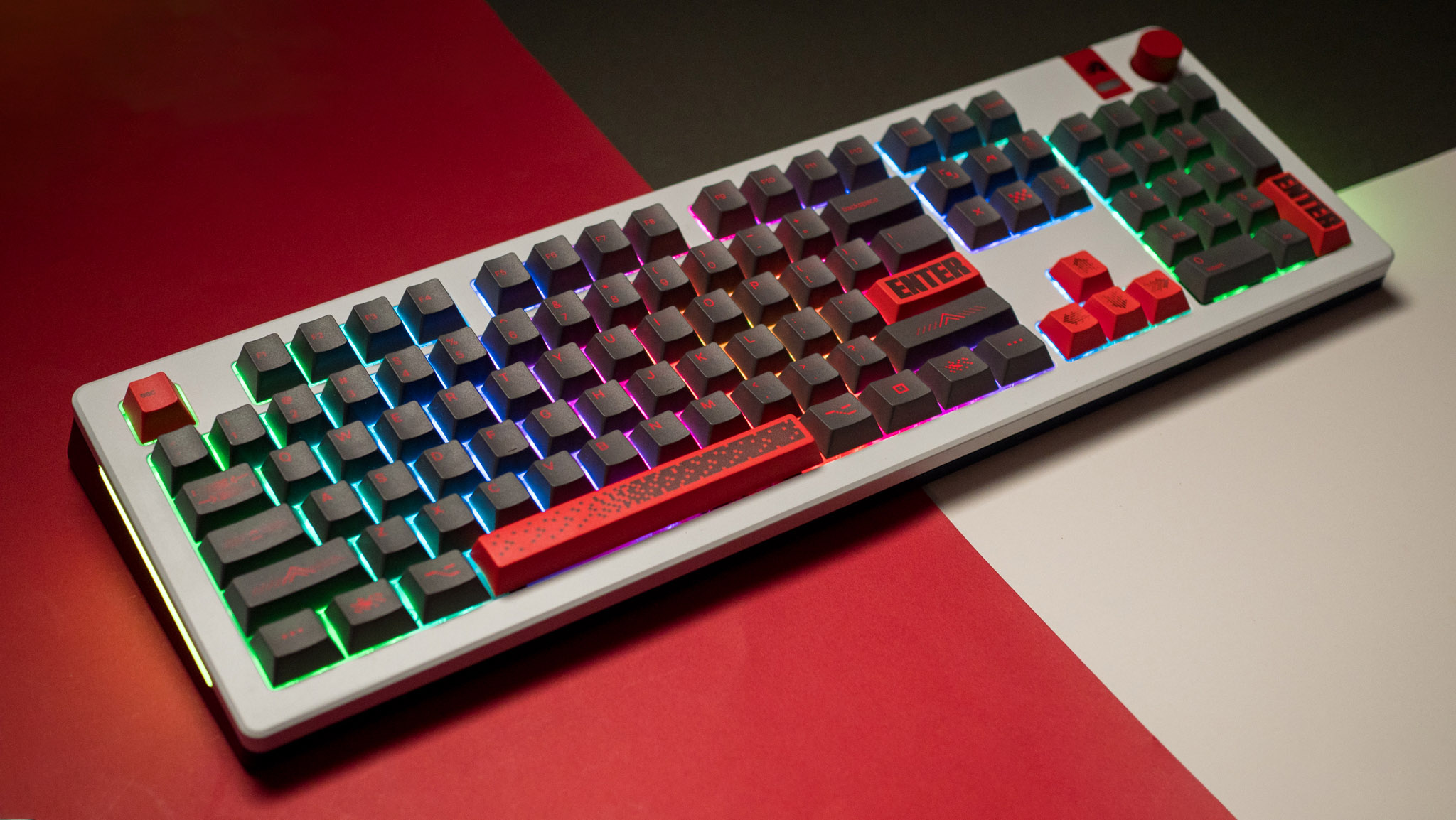
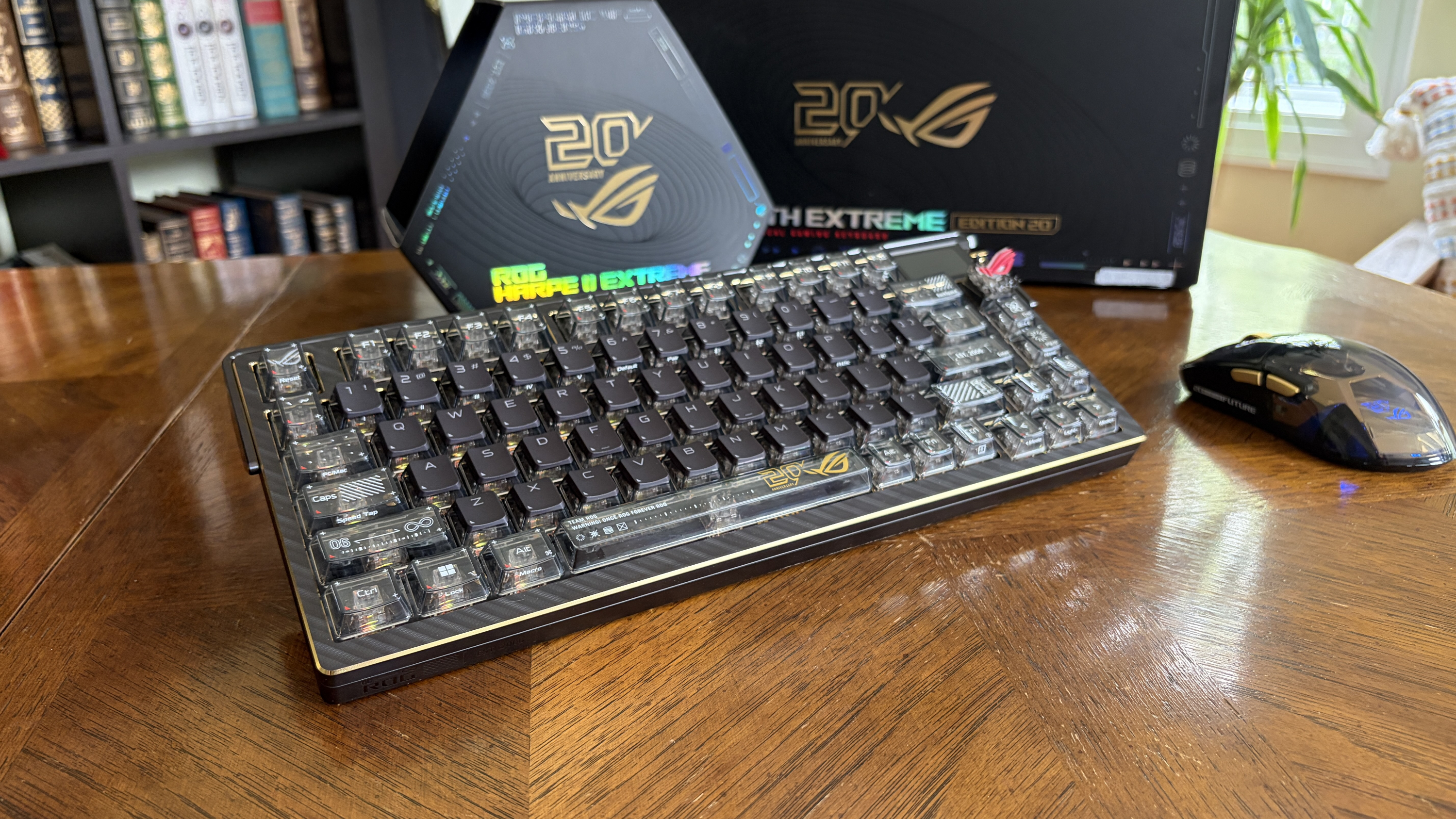
The ASUS ROG Azoth Extreme Edition 20 mechanical keyboard is one of the most expensive on the market today, but not because of its switches. (Image credit: Future)
So, with all the keyboard switch info in mind, which one should you buy? Our guides to the best keyboards and best gaming keyboards are great places to start, but let me break it down into the different categories of PC users who care most about their hardware.
Competitive PC gamers should seriously consider investing in a Hall Effect keyboard. They're more durable, they offer extreme precision, and they can be customized to your liking. Optical switches can also do a great job here if you'd rather skip the magnetic setup.
Casual PC gamers might want to splurge on Hall Effect or optical switches, and there's nothing wrong with that. But for the majority, classic mechanical switches, whether linear, clicky, or tactile, will do a great job of keeping up with repeated keypresses. You won't have to spend as much, and you can still have a lot of fun customizing your board.
For professional typists or programmers, I recommend a tactile mechanical switch. You still get a comfortable setup and extra durability, without all the extra noise that might annoy you or those around you over time. If you have the budget, this is where Topre switches can also be super appreciated.
And if you're on a budget, you can always check out a cheaper mechanical switch. There are plenty of options available at the low end of the market. And if you really don't care? Just get a cheapo membrane keyboard and forget everything you just read.
Join us on Reddit at r/WindowsCentral to share your insights and discuss our latest news, reviews, and more.
Huion, known for creating high-quality drawing tablets and pen displays, is launching a back-to-school sale on some of its best models. These discounted tablets are built for the aspiring student, whether they need extra help taking notes during class or creating beautiful digital works of art.
There are tons of discounts on offer, so I've picked out some of the best in both the budget and premium price ranges while showcasing a couple of drawing tablets we've reviewed and given high marks in the past. So, if you want to overcome a wave of AI-generated knock-off art by showing off real creativity with top-grade drawing tablets, these are for you.
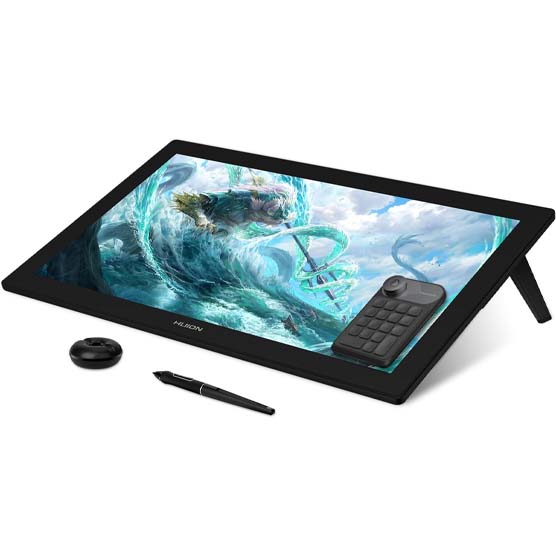
"This is a worthy competitor to Wacom with its 24-inch drawing surface that produces a great color gamut with 4K clarity. It offers 8,192 pressure levels to accurately depict strokes and there are a number of useful items included in the box such as an amazing Keydial Mini for better control while drawing, an artist glove, multiple pen nibs, a pen holder, and more." ~ Rebecca Spear, Former Gaming and News Editor
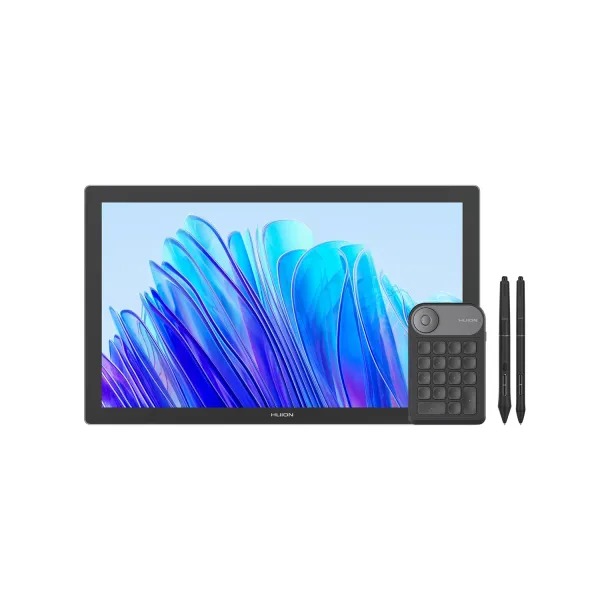
"This purchase nets you a drawing display, two pens, a pen holder, replacement nibs, a drawing globe, and a Keydial Mini. The display offers great color and works creates excellent brush stroke pressure to add depth to my pen strokes." ~ Rebecca Spear, Former Gaming and News Editor
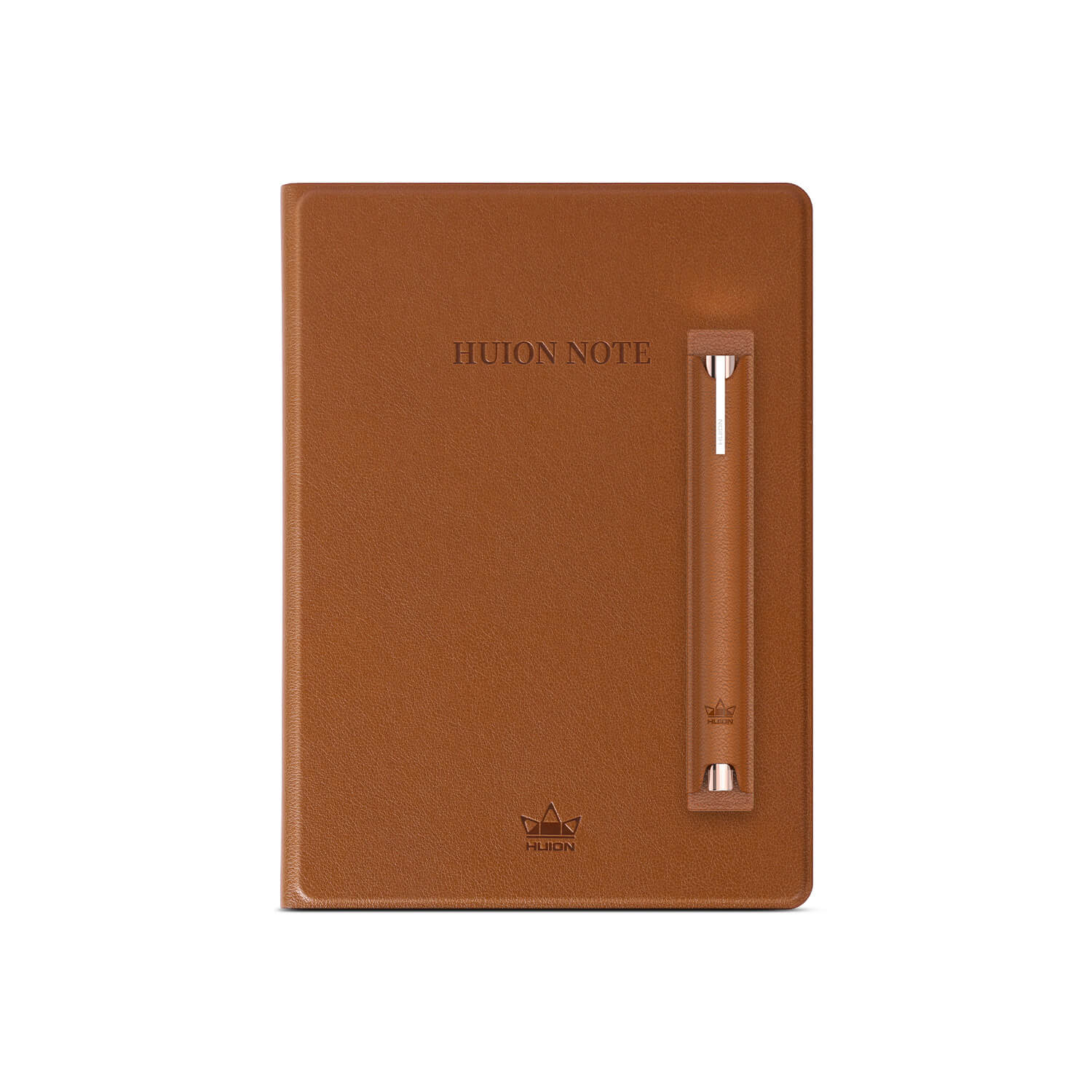
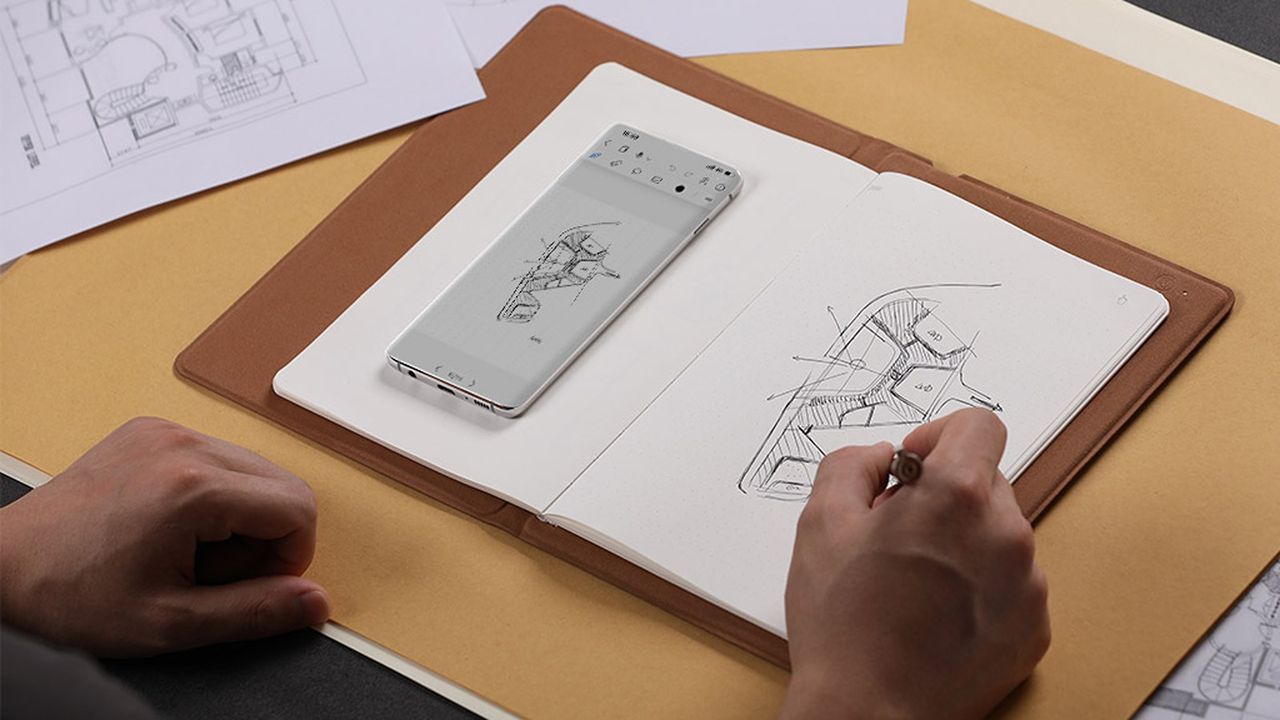
Transfer your handwritten research notes from paper onto your phone as PDF files with the press of a button or record and sync your art sketches with your phone through the power of the Huion Note.
This smart notebook features 50 A5-sized pages, a battery life of 18 hours, Bluetooth 5.0 connectivity, 4 ballpoint pen refills, and 2 plastic pen nibs.View Deal
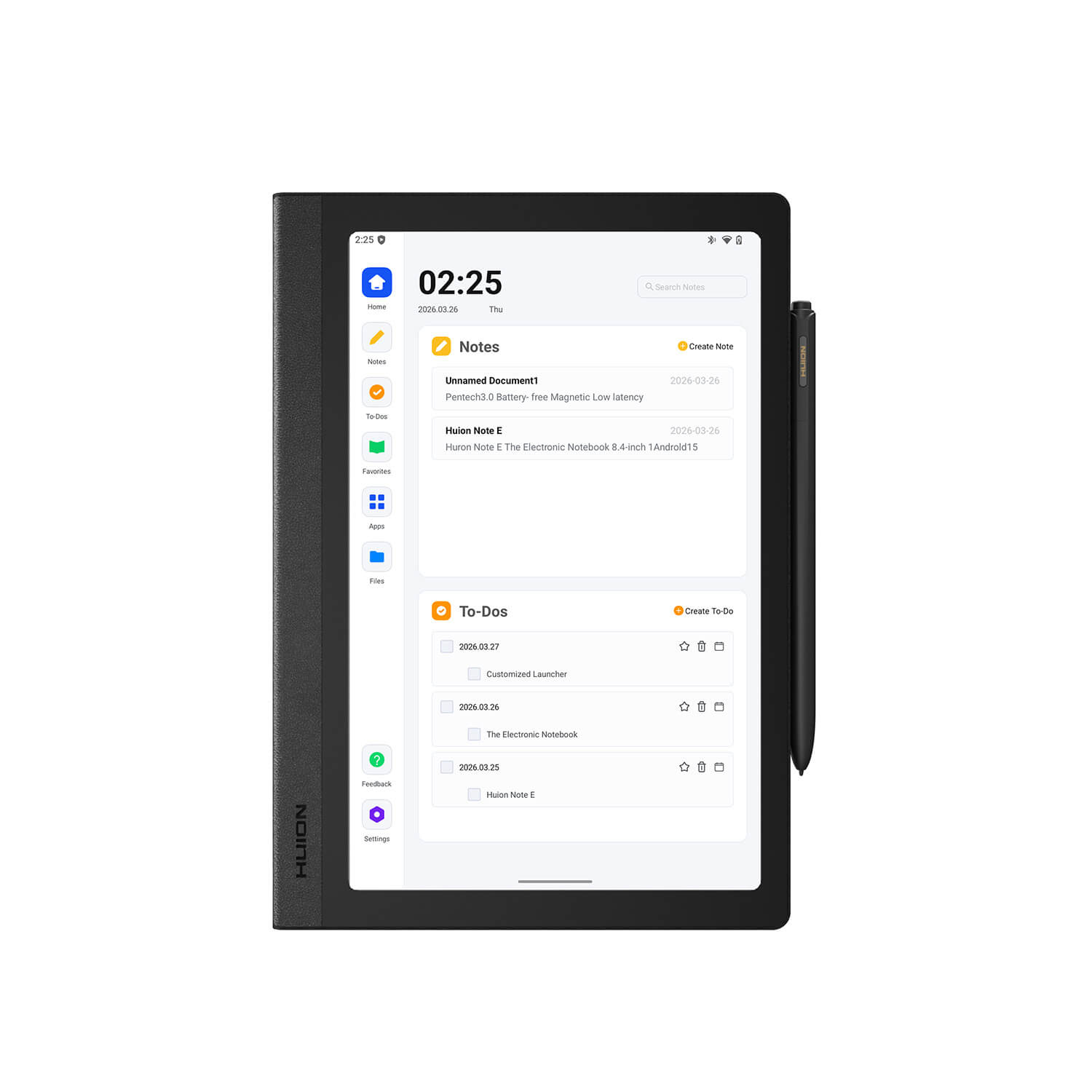
This is a Huion Note's beefier 'E' variant, with a display screen capable of 1920x1200 resolution with 60Hz refresh rates, a bundled stylus pen, a soft-light screen for protecting eyes, a customized launch interface with smart handwriting tools, and more features that will make note-taking a much less tedious chore.View Deal
With a 1920x1080 display that features 99% sRGB Gamut Coverage, a durable anti-glare glass casing, and a responsive tablet pen with tactile feedback that feels like a real pen, the Kamvas 13 (Gen 3) makes for a fine drawing tablet for beginner and veteran digital artists.View Deal
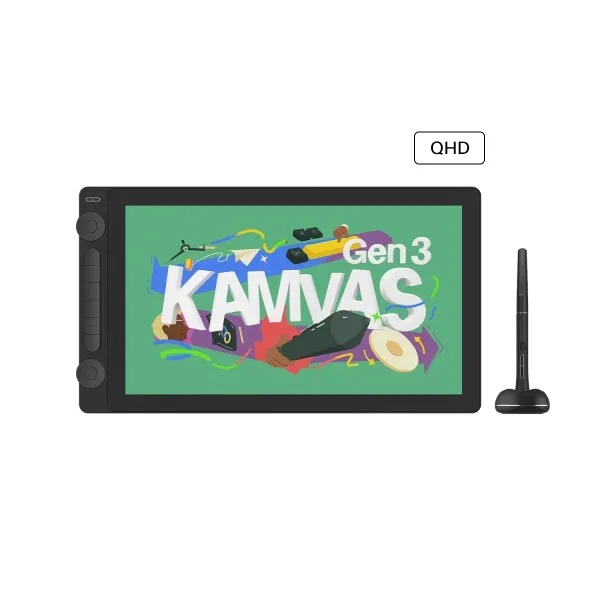
The Kamvas 16 (Gen 3) is the cream of the crop when it comes to drawing tablets by Huion, as it's built for drawing the cleanest, most digital art thanks to its 15.8-inch, 2.5K QHD display and PenTech 4.0 technology.View Deal
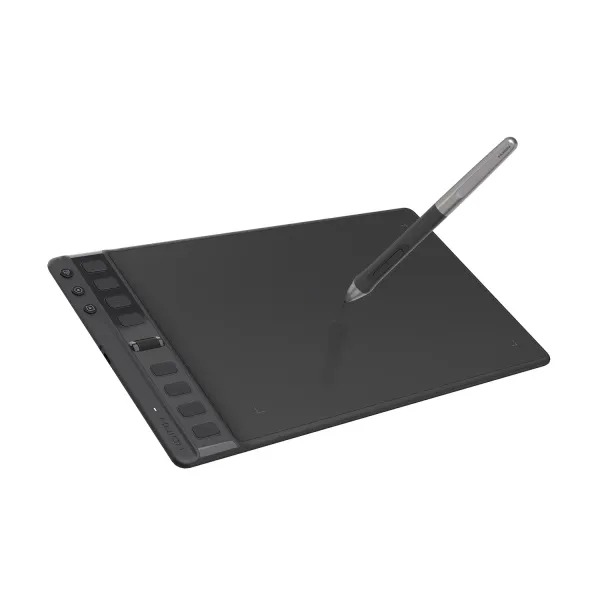
This is one of the most budget-friendly drawing tablets you can buy from Huion. It features respectable performance rates, a responsive stylus pen that uses PenTech 3.0 technology, and 8 programmable keys.View Deal
FAQ
Which of these tablets is best for note-taking?
The Huion Note E is the best standalone for taking notes as it doesn't rely on paper or internet connections to get the job done.
Which of these tablets is for digital art?
The Kamva Pro 19 and Pro 24 (Gen 3) are the best overall tablets for drawing digital art thanks to their rich features, responsive stylus pens, and high-quality displays that render images with crisp resolutions.
The Kamvas 16 (Gen 3) and Kamvas 13 (Gen 3) are good mid-range alternatives in case you don't have the budget for the Pro tablets that offer very good resolutions, display sizes, and portable-friendly designs.
How long with Huion's Back-to-School campaign sale last?
Huion's Back-to-School campaign sale will last from August 14, 2026, to September 15, 2026.
Join us on Reddit at r/WindowsCentral to share your insights and discuss our latest news, reviews, and more.
A person uses a stylus to draw a floor plan in a notebook, while a smartphone displaying a similar digital sketch rests on the open pages nearby.
The computer peripheral market has always been more experimental at its edges than in the mainstream. Ergonomic trackballs, in particular, have attracted a devoted following among power users, but the options tend to cluster at two extremes: consumer-facing products with locked-down firmware, and niche open-source hardware that trades polished finish for deep customizability. Finding something that genuinely does both has rarely been straightforward.
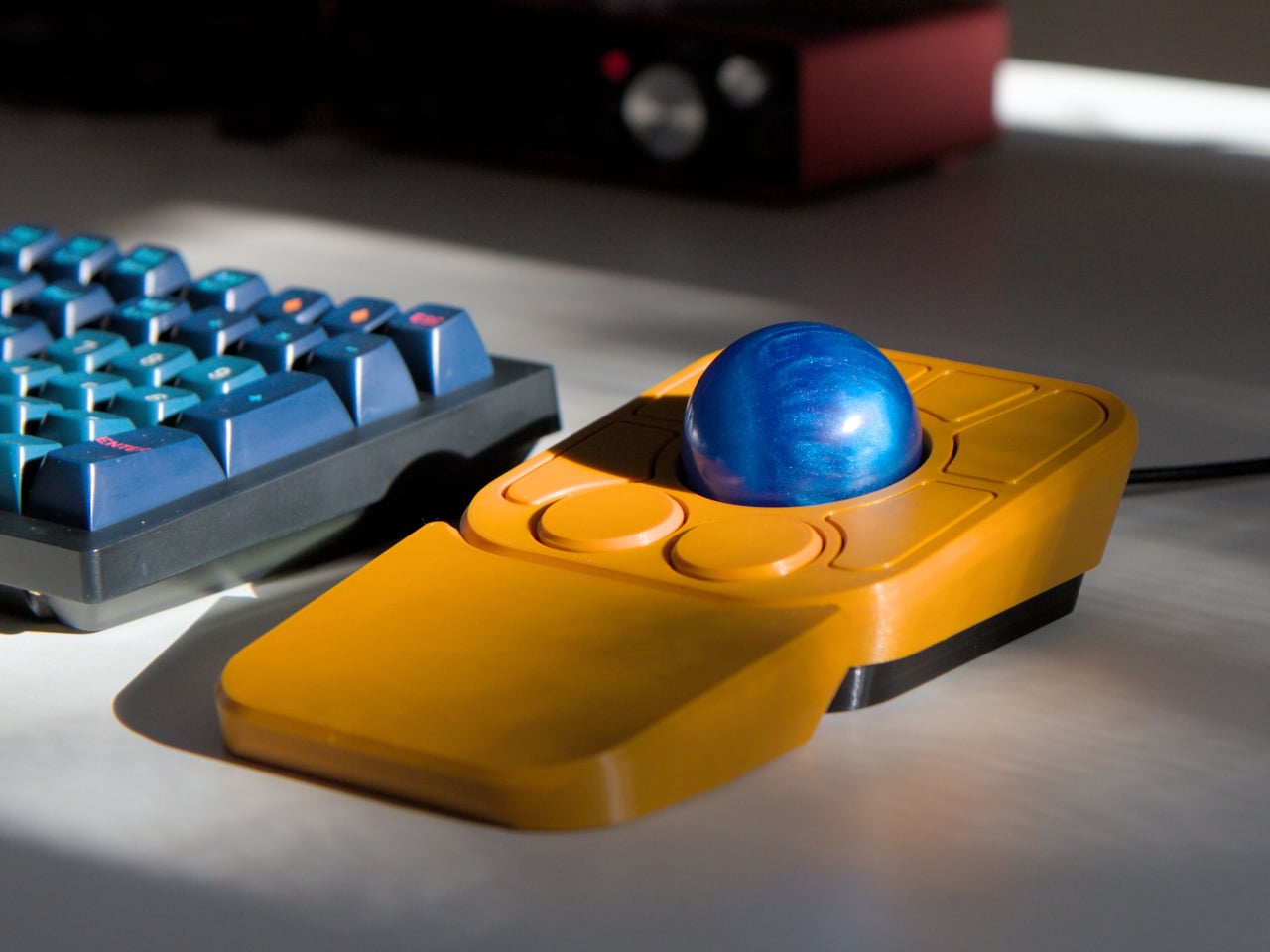
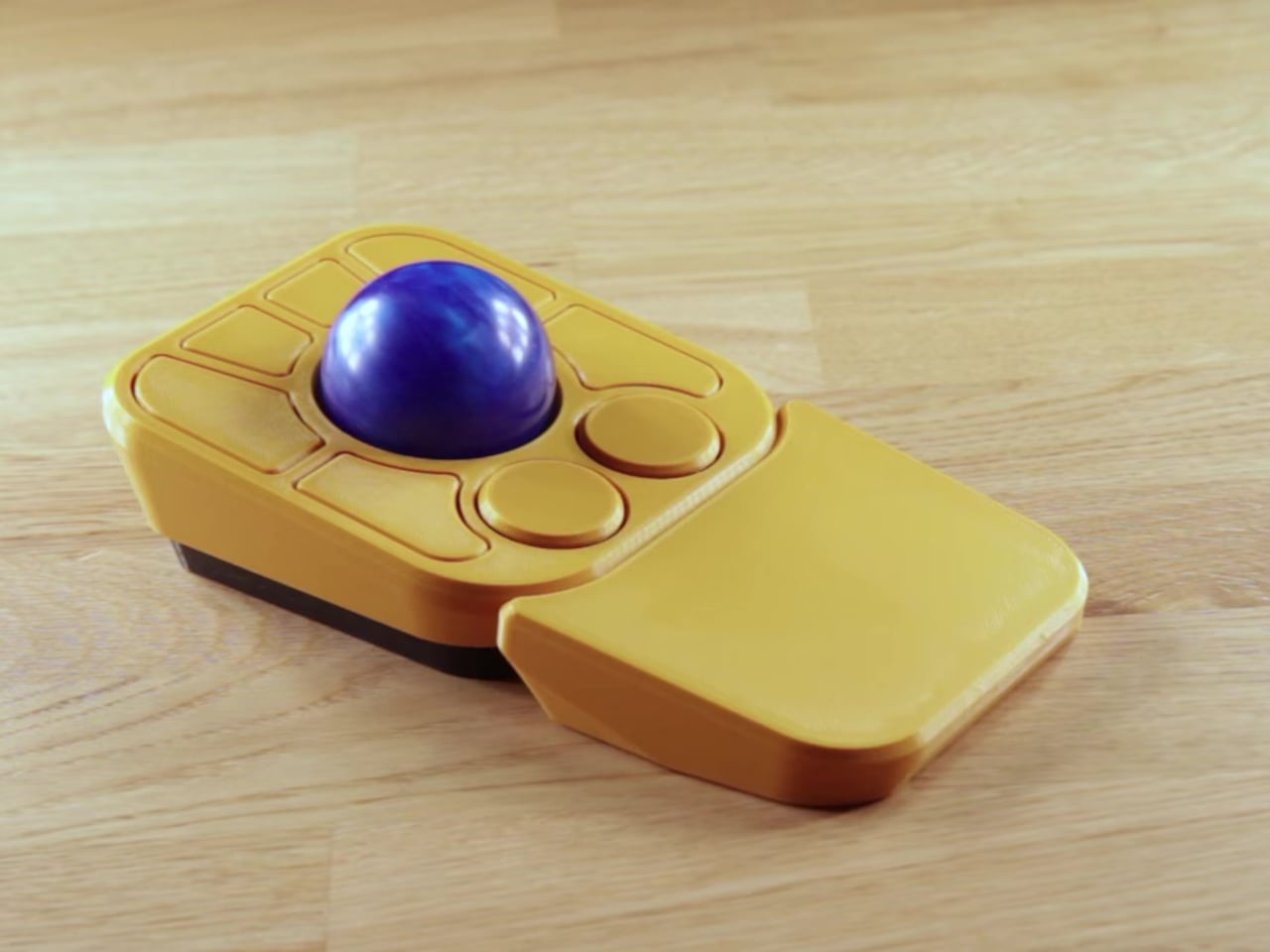
Ploopy’s Adept trackball made a compelling case for the latter category, earning a loyal following with its open-source, 3D-printed design and QMK compatibility. But it always felt like it had more to say. Its circuit board had always reserved space for two more switches that never made it to production, and the base had slots for a wrist rest that never materialized. The A+ is that unfinished story, now finished.
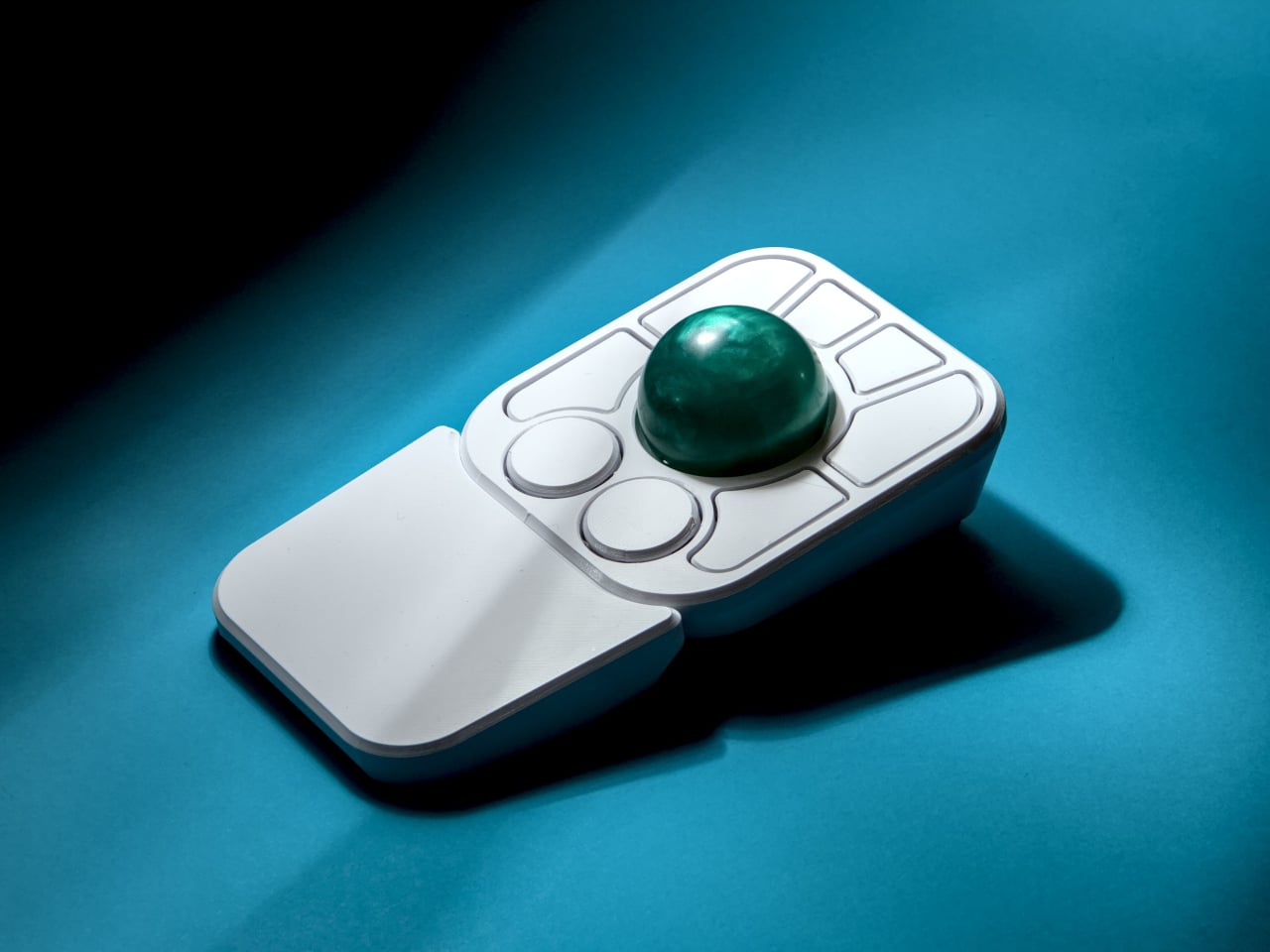
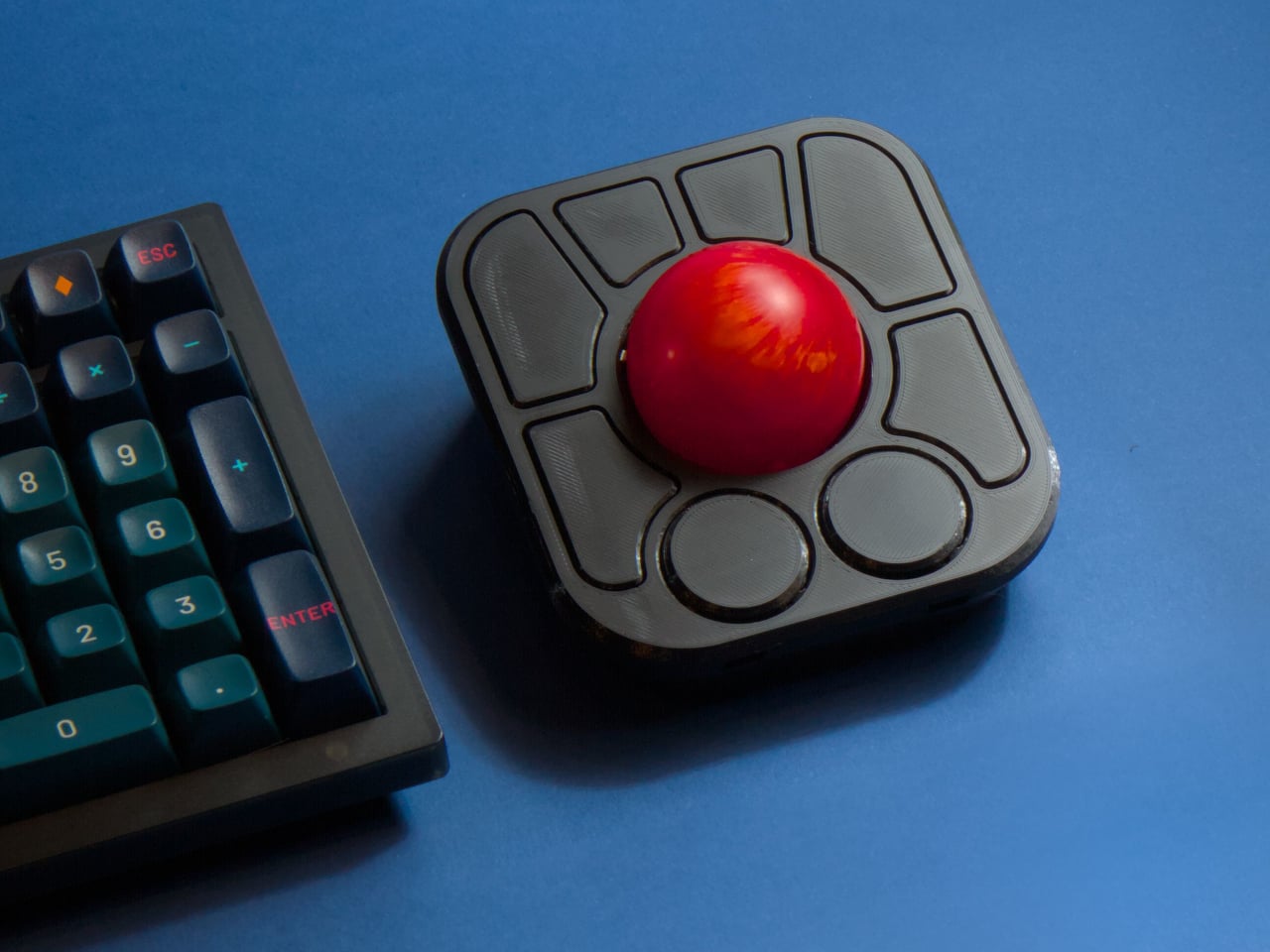
The most visible addition is the button count. The Adept had six; the A+ has eight, two of which also function as knobs. Out of the box, the knobs handle high-resolution vertical and horizontal scrolling, but both are fully reprogrammable for other functions. That dual-purpose approach keeps navigation and control within a single hand without needing a separate scroll wheel or accessory sitting alongside it.
The gesture system is arguably the more interesting addition. Hold a button and flick the ball in any of eight directions, and the device fires a command. By default, the left knob activates cut, copy, paste, desktop switching, and media controls. For someone who lives inside a browser and a text editor all day, that’s a significant amount of functionality without ever lifting a hand off the device.
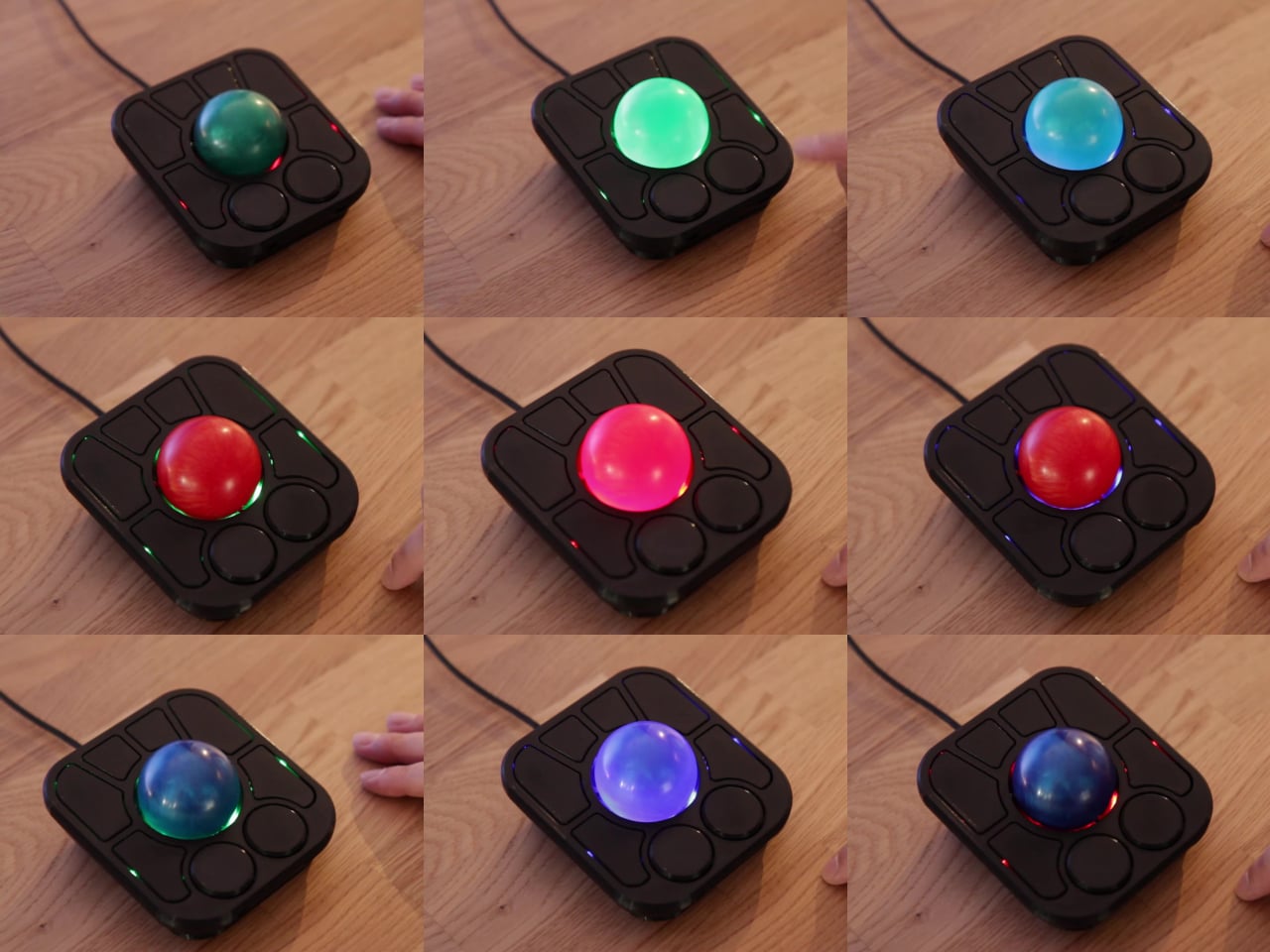
Layers add another dimension. The A+ has two: a navigation layer for everyday use and a control layer accessed via the right knob. The control layer handles on-device configuration, covering left-hand mode switching, toggling between high-resolution and stepped scrolling, and other adjustments. It’s the first trackball to bring this kind of layered behavior, working entirely without any software running on the host computer. There are also two bright LEDs that can be used to visually tell you what layer you’re on without having to rely on some embedded screen.
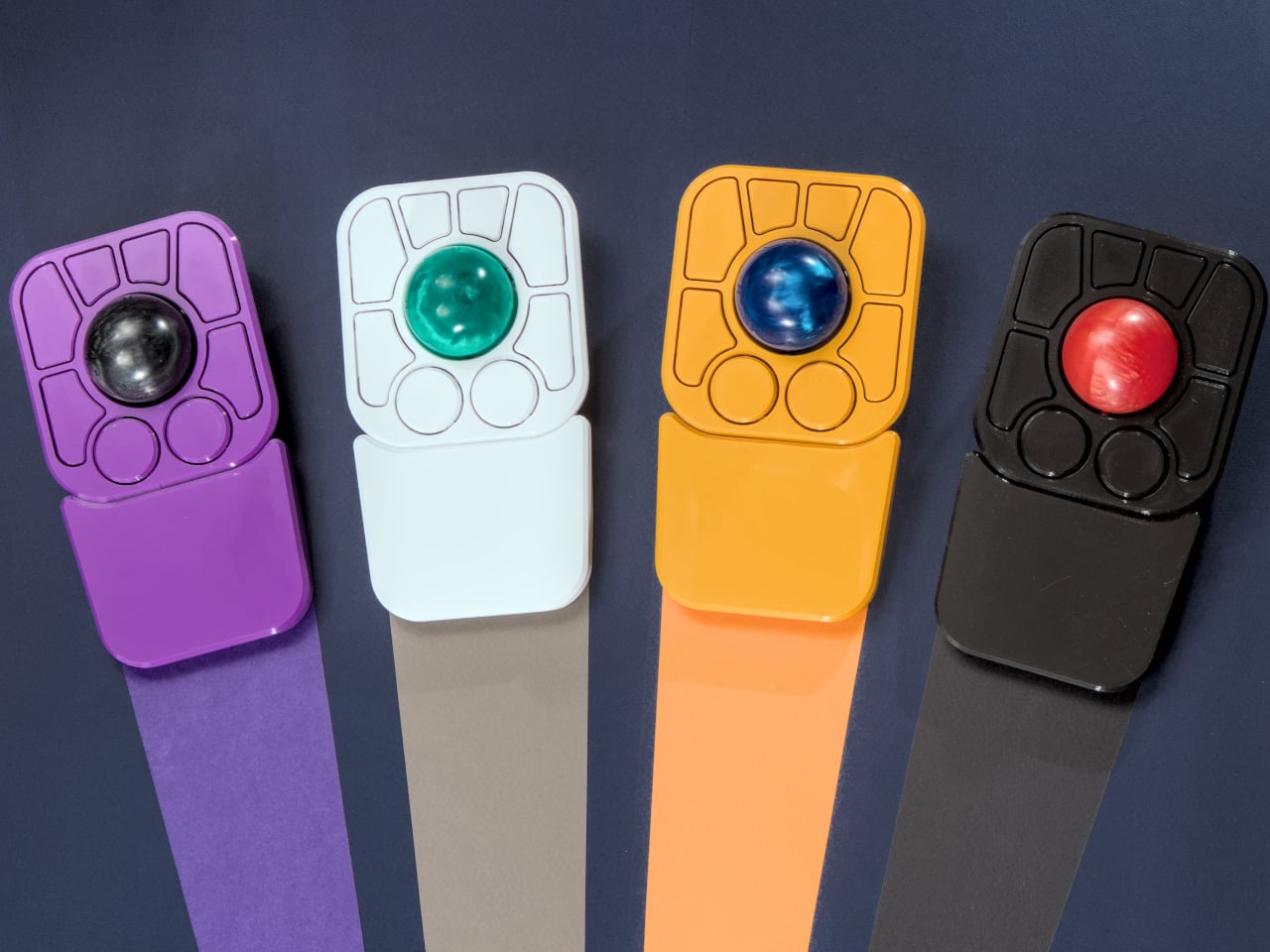
The detachable wrist rest is another long-promised feature that finally arrives with the A+. It slots in or out during use and can be screwed on permanently if preferred. The device stays ambidextrous throughout, and its 3D-printed shell means the community can print modified bodies, alter the layout, or swap in custom colors. That kind of adaptability isn’t an afterthought; it’s part of how the whole thing is designed.
The Pixart PMW-3360 sensor carries over from the Adept, running at a 1,000Hz polling rate with the tracking accuracy that has made it a standard for performance-oriented pointing devices. Omron D2LS-21 switches handle the physical buttons. The firmware remains QMK, configurable through VIA, with all design files, firmware, and assembly instructions freely available on GitHub. Kits start at $99 CAD.
I made the switch to a full-time OLED monitor a few months ago, and it's been a welcome upgrade on my desk for gaming and for work.
Apparently, I'm far from the only one who decided to make this upgrade.
The latest market research fromTrendForce shows that the OLED monitor market picked up momentum as it moved through the second quarter of 2026.
In fact, TrendForce saw global OLED monitor shipments rise by a healthy 26.1% in Q2 2026 compared to Q2 2025. Year over year, shipments are up a whopping 98%. No, I don't think the OLED display market is in any jeopardy.
TrendForce posits that the OLED market's growth in Q2 2026 was largely driven by the launch of new models, especially those that measure 27 inches (the industry's most popular size).
Alienware's AW2726DM is an outstanding OLED gaming monitor for those who want to spend $350. (Image credit: Future)
Another market growth factor TrendForce includes is China's 618 shopping day. It's akin to the Black Friday/Cyber Monday events on this side of the Pacific, when countless people make tech upgrades.
ASUS remains at the top of the OLED industry with a healthy 23.1% market share. It notably launched the 34-inch ultrawide ROG Strix XG34WCDMSrecently, which is currently being tested here in my office.
Samsung remains in second place with 13.1% market share, with MSI and AOC coming in at number three and four with 12.8% and 8.6% market share, respectively.
LG remains in last place out of the big brands with 8.4% market share, and I wouldn't be surprised to see that number drop next quarter as the company deals with fallout from its monitors installing unwanted adware on Windows 11 PCs.
The hidden driver behind the rise in OLED monitor sales
The price of many PC components, including NVIDIA GPUs, is on the rise due to AI-influenced hardware shortages. (Image credit: CFOTO/Future Publishing via Getty Images)
The TrendForce report suggests that improved OLED panel supply chains have helped smaller brands compete with the big names I mentioned above, but I suspect there's another reason driving monitor sales that TrendForce doesn't mention.
The ongoing RAM and storage crisis doesn't seem to have any end in sight. The rosiest of estimates puts a market correction towards the end of 2027, but more realistic estimates are pushing into the 2030s, barring some sort of AI bubble collapse.
The shortage of DRAM and NAND chips is affecting other hardware prices as well, including GPUs. When your next PC upgrade is looking, at best, like a motherboard and CPU swap, many enthusiasts are looking elsewhere for a meaningful (and not overpriced) upgrade path.
Dropping $350 on a new OLED gaming monitor doesn't seem so bad when standard RAM kits cost hundreds more. (Image credit: Future)
The recent drop in OLED prices, highlighted by the $350 Alienware AW2726DM monitor I reviewed, is making it a perfect time to swap monitors. And when other PC upgrades are off the table, OLED really starts to make sense.
Do you agree that sky-high PC component prices are forcing people to look at other upgrade avenues? Do you think OLED sales will level out in the next quarter as the market becomes more saturated? Let me know in the comments section below!
Join us on Reddit at r/WindowsCentral to share your insights and discuss our latest news, reviews, and more.
Windows Central's Ben Wilson wearing a black cap sits at a desk playing Euro Truck Simulator 2, with the ASUS ROG Strix OLED XG32UQWMS monitor showing a DAF truck interior.
Windows Central's Ben Wilson wearing a black cap sits at a desk playing Euro Truck Simulator 2, with the ASUS ROG Strix OLED XG32UQWMS monitor showing a DAF truck interior.
I am not a parent myself, but I have been around enough parents that I make some unsolicited observations (to myself, to be fair), especially when it comes to them carrying babies and toddlers. Whenever I see them carrying babies on a sling, I keep thinking, “That doesn’t seem to be that comfortable for both the parent and the kid.” So it’s interesting to see baby brands try to come up with design solutions for this kind of problem, since it’s something that will be around forever.
South Korean baby brand Konny’s contribution to easing the life of parents is the Dual Support Hip Seat Carrier. It aims to solve two of the prevalent problems that they face when using slings. First, it has a foldable hip pad and back pad to make it more comfortable for the kid. Second, the parent doesn’t just bear the weight on one shoulder because of this carrier’s Dual Support.
This portable baby hip seat carrier’s main purpose is to replicate the security of a parent’s arms so the baby is upright, safe, and comfortable. It has a foldable hip pad combined with a back pad to give this sense of security. It even has a non-slip bottom so the kid will not slide off the seat, which I sometimes see happen with other seat carriers. The seat is made of soft 3D mesh, giving a more comfortable feeling for your baby as you carry them around.
It also takes into consideration the comfort of the parents since they’re carrying the heavy load, so to speak. The carrier has wide shoulder straps that are able to spread the weight evenly across the back to avoid the one-shoulder strain that a lot of parents experience. You also have the option to carry the baby from a hip position or a front-facing hold. The fabric used is the same stretch-and-resilience material that the other Konny Baby Carriers use, a fabric tested and trusted through over one million carriers sold.
The Dual Support Hip Seat Carrier weighs only 0.5 lbs and can be folded into a small enough item to put in a purse or a diaper bag. But when not being used to carry a baby, it can actually function as a chic and stylish bag that you can carry stuff around with. It claims to be a one-size-fits-all accessory as it is accessible for all kinds of body types.
What I find particularly reassuring, especially for those who aren’t baby gear experts, is that the Dual Support Hip Seat Carrier is IHDI certified. The International Hip Dysplasia Institute recognizes baby carriers that actively support healthy hip development in infants, so this isn’t just a comfort win for parents; it’s a safety win for babies, too. That kind of certification adds a layer of trust that goes beyond just good design.
And speaking of good design, the carrier actually won the 2024 Good Design Award, one of the most prestigious design honors in the world. The jury praised it for achieving a “near-perfect balance between infant safety and parental convenience,” and honestly, it’s easy to see why. The fact that it doubles as a bag when you’re not carrying a baby is already a clever touch, but knowing that the structure was the result of dozens of prototypes and extensive real-world customer testing makes it even more impressive.
The Dual Support Hip Seat Carrier is available on konnybaby.com starting at $59.99, and it comes in a range of colors, from classic Charcoal and Black to more playful options like Green Tea and Blue Grey, as well as a Corduroy version for something a little more textured.
As someone who has watched many a parent struggle with a squirming toddler and a lopsided sling, I’d say this is the kind of product that makes you think, “Finally.” It may not replace the full-on baby carrier for long hauls, but for that “carry me now” stage, when your toddler suddenly decides their legs no longer work, this seems like exactly the right tool for the job.
Home fragrance, for the most part, has been a market of compromises. Scented candles are warm and atmospheric but burn through a fragrance’s more delicate top notes in the process, gone with the smoke. Reed diffusers take a gentler approach but dilute the oil with water, delivering something noticeably thinner than what was originally intended. Neither gives much meaningful control over how much scent actually fills a space.
Droplet’s Scent Amplifier takes a fundamentally different approach, one that borrows more from audio than from aromatherapy. The idea is to treat scent the way a good amplifier treats sound: amplify it faithfully without altering what’s already there. Instead of heat or water, the device uses pressurized air to atomize neat fragrance oil into micro-particles, so what reaches you is the fragrance exactly as it was composed.
That analogy isn’t just conceptual; the physical form carries it well, too. The Scent Amplifier is built around a walnut-toned wooden base, with a hand-blown crystal glass vessel sitting on top that’s shaped much like a vintage light bulb. A single oxidized silver dial handles all the control. When switched on, the base emits a warm, tungsten-like glow that rounds out the valve-amp look completely.
Unlike most home-fragrance gadgets that quietly get shuffled out of sight, this one’s meant to be displayed. Droplet designed it to sit in a living space as a sculptural object rather than pass as a functional appliance. And it holds up to that treatment. It has the quiet confidence of something that belongs in a room rather than something that just happens to be sitting in one.
Using it is simple enough. Fill the glass vessel with oil, turn the dial to the preferred level, and the device handles the rest. It diffuses fragrance for three minutes, rests for two, and repeats, keeping the scent consistent rather than releasing it all at once. Only four to six drops are needed for an average-sized room, and a 10ml bottle lasts roughly a month.
On a full USB-C charge, it runs for up to 15 hours of cordless diffusion, which means it isn’t tied to a wall socket or any fixed spot. That’s a more practical detail than it might seem. You can move it to the bedroom before winding down for the night, or take it out of the study when you’re done working, without losing anything.
The six fragrance oils that pair with it were developed in Grasse, France, essentially the historical heartland of perfumery. The range covers floral, fruity, citrus, earthy, and woody profiles, each tied to a specific place in the world. You can go from fig leaf and cedarwood to orange blossom and tuberose, or something brighter like wild berry and bergamot, without much fuss. All six are vegan and cruelty-free.
The glass vessel is refillable, and switching between scents takes under a minute with no residue left behind. The Scent Amplifier costs £80 on its own, with the full six-oil set running £125. That’s not bad for something that does away with all the usual trade-offs, keeps the fragrance pure, and looks good enough on a sideboard that you’d actually want to leave it out.

 Connexion