Vue lecture

This new Windows 11 clipboard utility is genuinely great, but I think the name is holding it back

A new clipboard manager for Windows 11 is here, and it's better than Microsoft's in a few key ways. "Edge Drop" is still in its early stages of development, but the current preview build is very promising.

Edge Drop is a clipboard manager that can also be used for some light file management. It stays tucked away on the left side of your screen until you swipe your mouse over it or use a keyboard shortcut (Alt + C).

The app supports text, images, and several file types. Any item you copy on Windows 11 is added to Edge Drop by default. You can also drag items into Edge Drop.

Drag and drop functionality makes it easy to grab a few files, place them in Edge Drop, and then paste them somewhere else.

Edge Drop supports stacking content together, which I find useful for organizing projects. I'd love to see stacks work with different content types, such as text and images.

The developer of Edge Drop, AdiArtist, shared the app on Reddit. You can download Edge Drop through the app's website and read more about it on GitHub.

As a quick note, I wouldn't get used to the name of the app. Microsoft already has a feature named "Edge Drop." Even though that browser feature is being retired, I suspect Microsoft will want to protect the name.

Windows 11 Clipboard vs Edge Drop
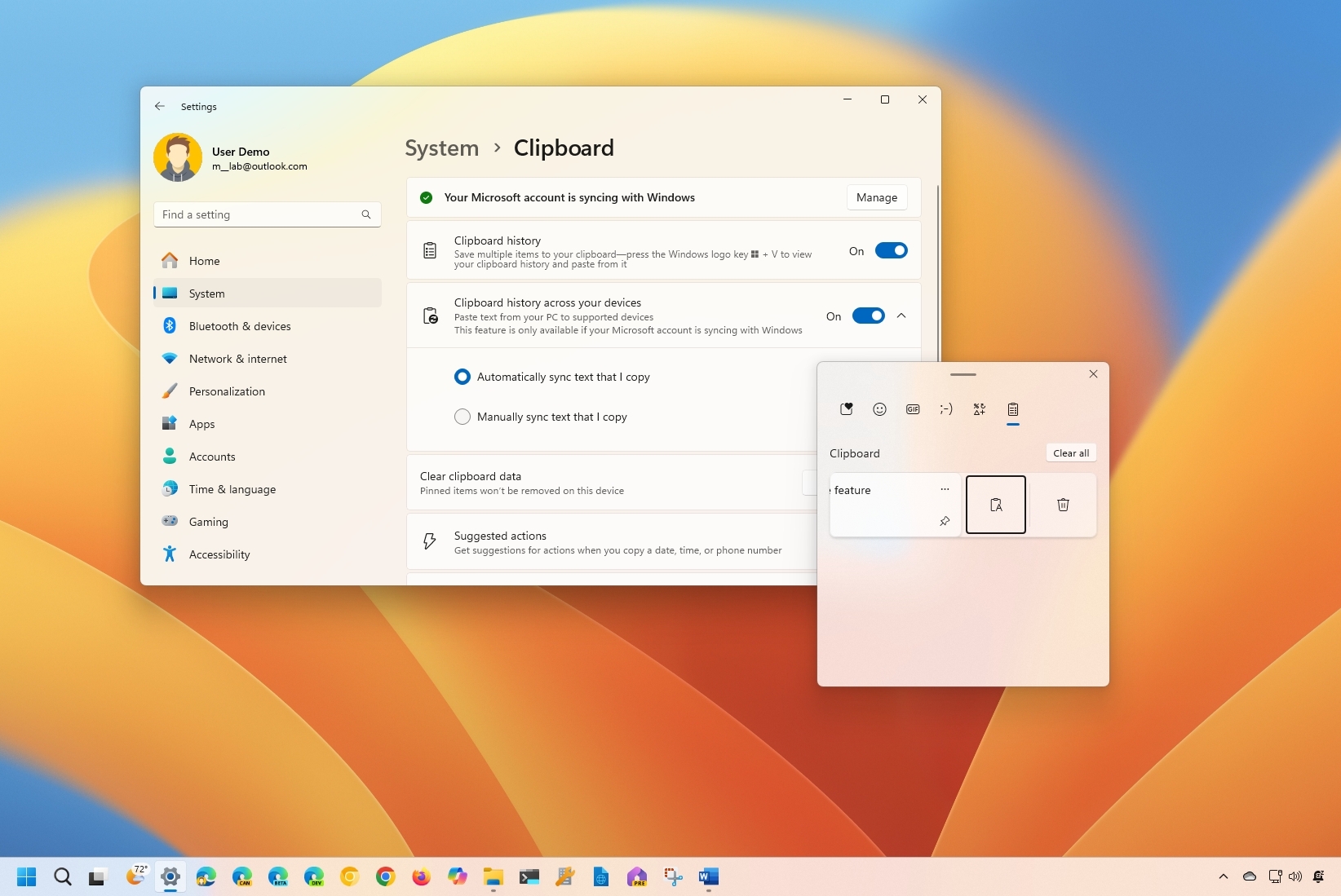
Windows 11 Clipboard History

Windows 11's Clipboard can be summoned with a shortcut and supports pinning items. (Image credit: Mauro Huculak)

Windows 11 already has a robust, built-in clipboard history that you can summon with Win + V. It supports pinning items, syncing across devices, and has been an integral part of my workflow for years. Even with Edge Drop installed, I'm not abandoning it.

Where Windows 11's clipboard is heavily keyboard-driven, Edge Drop is more built for the mouse. If you're working on a creative project, dragging and dropping items into organized stacks feels completely natural.

It reminds me of when I reviewed the HyperSpace TrackPad Pro (which, sadly, was canceled). Using that trackpad shifted my workflow; editing video with it felt entirely different than navigating a webpage. It didn't replace my mouse, but it became a perfect companion tool.

I feel the same way about Edge Drop. It’s a convenient, mouse-oriented clipboard manager that’s always just a gesture away, and it has earned a permanent spot right alongside Windows 11's default clipboard.


Blank Pixel

Click to join us on r/WindowsCentral

Join us on Reddit at r/WindowsCentral to share your insights and discuss our latest news, reviews, and more.

The Edge Drop app interface displayed on a monitor, showing a list of shared images and a cursor hovering over the "Clear" button.
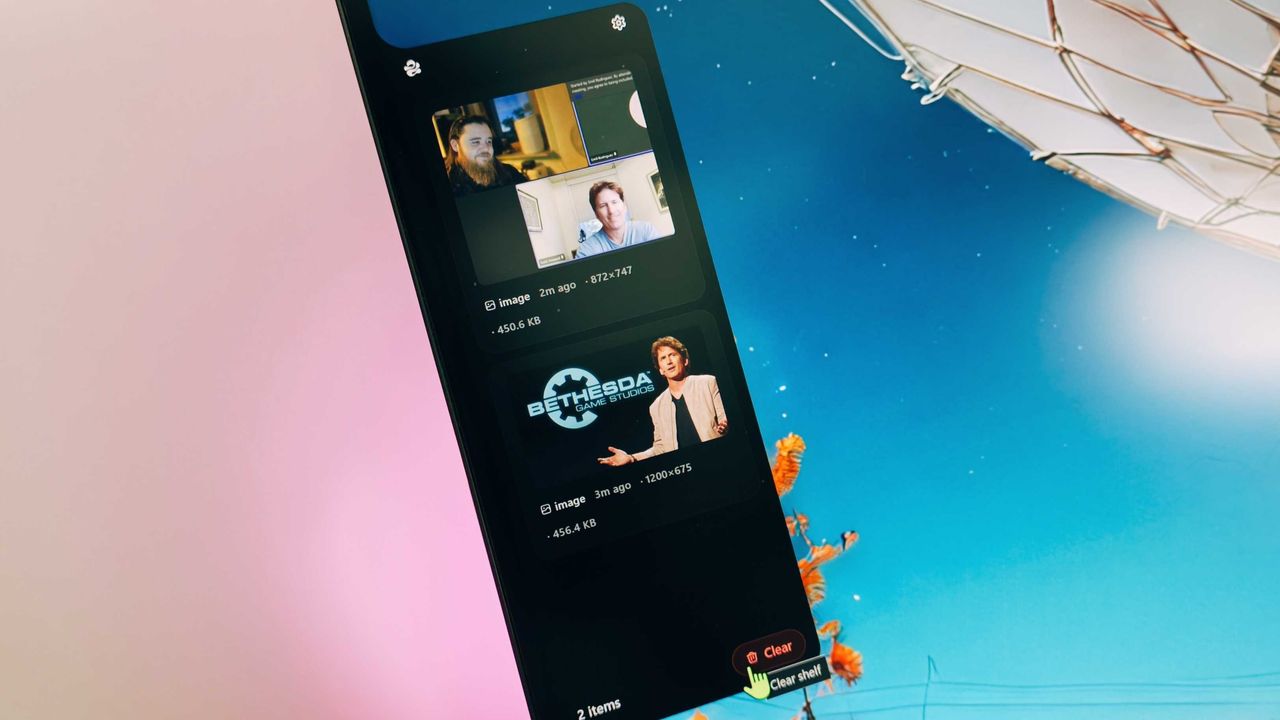
Edge Drop is a third-party clipboard manager for Windows 11 that tucks away on the side of your screen.
  •  

Linux is not a "social warrior project," says its creator Linus Torvalds as he puts his foot firmly down against anti-AI comments

The day when AI isn't completely polarizing feels like it'll never arrive, and there's a definite divide between those for and those against.

This drama has now spilled into the Linux kernel, prompting a lengthy and firm response from its creator, Linus Torvalds (via GamingOnLinux).

It emerged as a topic referencing using AI and a tool called "Sashiko" for agentic reviews of changes to the Linux kernel. Then in swoops Torvalds to firmly put his foot down.

The full transcript of his response is below:

"Yes.

And no, that's not the position of the Linux kernel. I realize that some people really dislike AI, but this is an area where I'm willing to absolutely put my foot down as the top-level maintainer.

Linux is not one of those anti-AI projects, and if somebody has issues with that, they can do the open-source thing and fork it.

Or just walk away.

AI is a tool, just like other tools we use. And it's clearly a useful one.

It may not have been that "clearly" even just a year ago, but it's no longer in question today.

There are other questions around AI (like what the economy of it will actually look like in the end), but "is it useful" is no longer one of those questions. Anybody who doubts that clearly hasn't actually used it.

Yes, it can also be a somewhat painful tool, both for maintainer workloads and just from a "it keeps finding embarrassing bugs" standpoint.

But the solution is not to put your head in the sand and sing "La La La, I can't hear you" at the top of your voice like some people seem to do.

The solution is to make sure those LLM tools _help_ maintainers instead of just causing them pain. There's no question on that side.

We're not forcing anybody to use it, but I will very loudly ignore people who try to argue against other people from using it.

And no, AI isn't perfect. But Christ, anybody who points to the problems at AI had better be looking in the mirror and pointing at themselves at the same time.

Because it's not like natural intelligence is always all that great either.

The kernel project has been and will continue to be about the technology.

Sure, the social angle of working on open source is important and often a very motivating part of the project, but in the end that's a side benefit, not the _point_ of the project.

This is *NOT* some kind of "social warrior" project, never has been, and never will be.

In the kernel community we do open source because it results in better technology, not because of religious reasons.

And so we make decisions primarily based on technical merit. Not fear of new tools.

Linus"

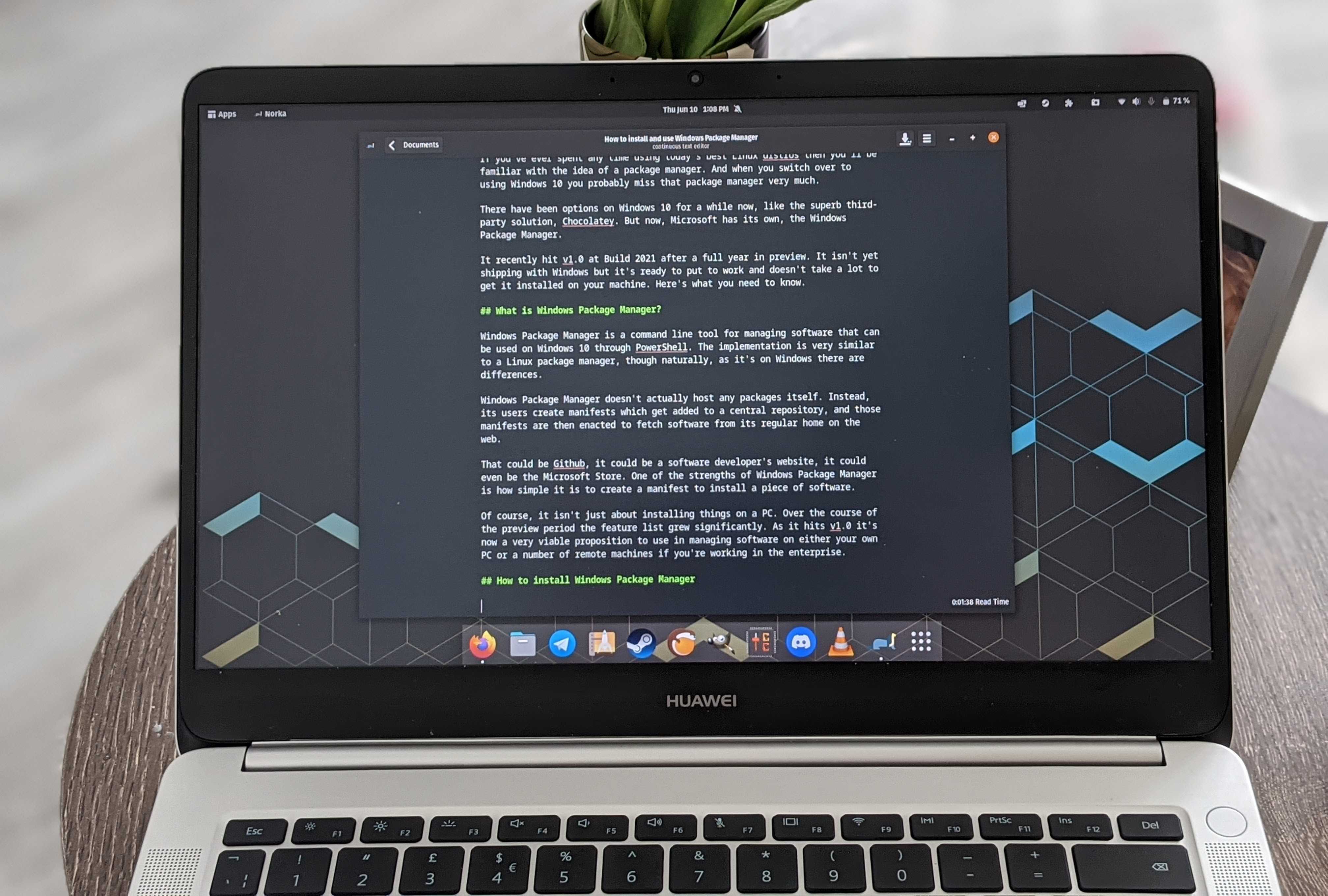
A Huawei MateBook D running Linux

Linux is not a "social warrior" project. (Image credit: Windows Central)

I can already see the pitchforks rising, but let's take a step back. While Torvalds does appear to be flexing some muscle, if you read carefully, he's also not actually advocating for AI.

"AI is a tool... And clearly a useful one." There's no ideology behind it. He's not suddenly saying that the Linux kernel is going to be built using AI. More that if it can be used to make certain parts of the process better, then it will be.

And as he says, human intelligence isn't exactly perfect, is it?

It's a sticky wicket and sure to provoke some discussion. Linux is where many of the most serious enthusiasts go, and plenty just have a fundamental opposition to AI. I'm not getting into that, because it's exhausting, and we've been round and round on the topic plenty.

I do like Torvalds' approach in addressing this, though. Unlike, say, Microsoft, there are no business interests to push and bank accounts to swell by pushing the general public into using AI. There's also an alternative; if you don't like it, you can fork it and make your own. There are already plenty of custom kernels on Linux.

He's simply being pragmatic. The genie is free from the lamp; AI is here, and ignoring it simply isn't an option. Everyone can have their own opinion, but as he states, Linux isn't a "social warrior" project. They're just trying to make the best software, and increasingly, that's going to mean folks leveraging AI. Like it or not.

Blank Pixel

Click to join us on r/WindowsCentral

Join us on Reddit at r/WindowsCentral to share your insights and discuss our latest news, reviews, and more.

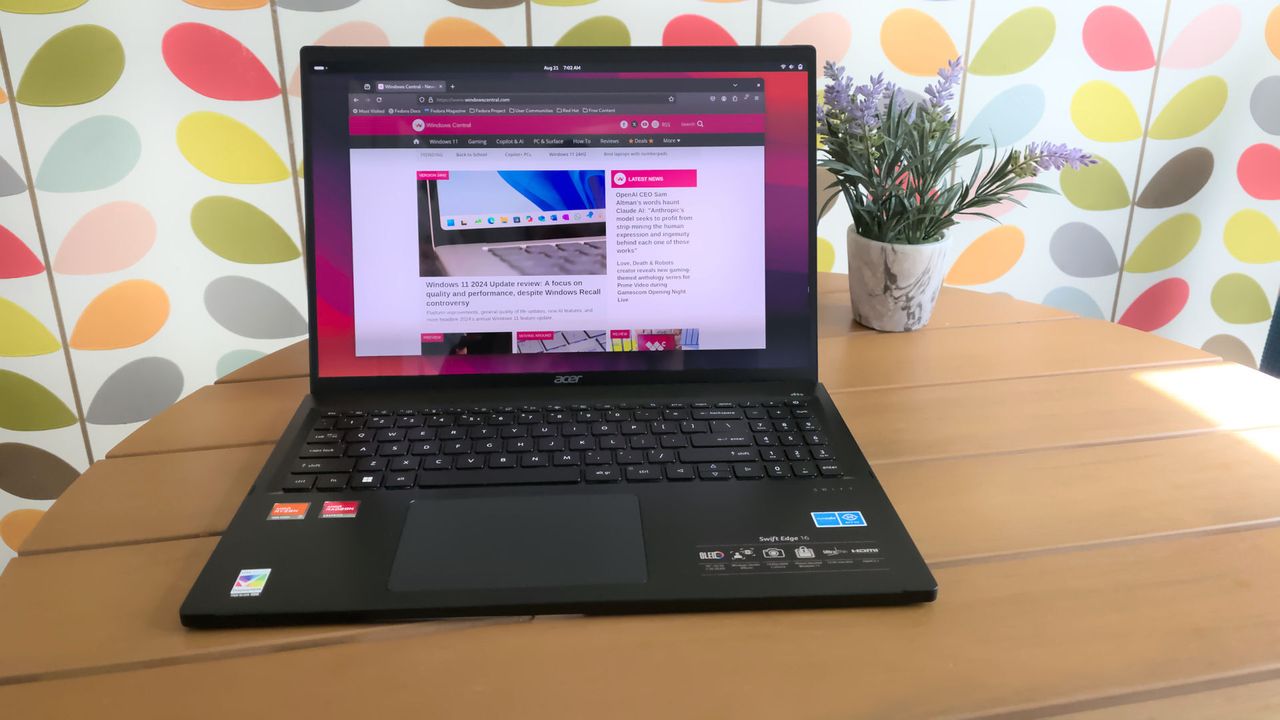
Acer Swift Edge running Linux

There's apparently no room for anti-AI sentiment when it comes to the Linux kernel anymore.

  •  

Windows Movie Maker still beats Clipchamp in an important way

If you ever feel like you need a break from social media and influencers, you may long for the more fun-focused video content of yesteryear. Windows Movie Maker was a simple program for creating videos, and it can now be yours once again.

The folks at The Internet Archive uploaded Windows Movie Maker 6.0, making it easily accessible and preserving it. The app has been tested on Windows 7, Windows 10, and Windows 11.

Downloading ancient technology can be a fun way to see how far things have changed over the years. Generally, Windows and its built-in apps have improved since the year 2000. But the modern movie-making app on Windows, Clipchamp, falls short of Windows Movie Maker in one key area.

Clipchamp now requires you to sync content to OneDrive to edit video projects. Media within your projects can be stored locally, but the projects cannot be edited unless you save the project to OneDrive.

That controversial change arguably broke Clipchamp. The app still works, but it does not feel like an app that should be bundled with Windows 11. Instead, it feels like a cloud-based app you should download alongside Microsoft 365.

Windows Movie Maker may lack the modern features of Clipchamp, but at least it works offline.

Ever wanted to use Windows Movie Maker 6.0 again but unsure where to get it for modern Windows?Well, "want" no longer! I've uploaded a setup for exactly that on The Internet Archive. Tested on Windows 7, 10, & 11, all working on each.Get it here:https://t.co/yEnF0sZv7n pic.twitter.com/LhozBBGtWNJune 30, 2026

Perhaps Microsoft could justify requiring OneDrive to edit videos if projects could easily extend across devices, but that's not the case. Microsoft retired Clipchamp for iOS last month, meaning you can no longer export video files from that app. Users are now encouraged to uninstall Clipchamp from any iOS devices.

Microsoft never even made an Android version of Clipchamp, so the company has effectively restricted the app solely to the desktop. There is a web version of Clipchamp, but it is optimized for desktop use.

How to download Windows Movie Maker for Windows 11

Windows Movie Maker was not meant for modern versions of Windows, but it can run on Windows 11 or Windows 10. The download link for the program is available through the Internet Archive.

As a warning, I had to refresh the page a few times to get the link to work. The Internet Archive claimed it was a bad link for some reason, but it does work after refreshing.

The file is available in several formats. I'd argue the easiest to use is the executable file because many people have clicked to install one of those before.

To install Windows Movie Maker, you'll need to click through the installation steps, agree to some terms, and click finish.

Blank Pixel

Click to join us on r/WindowsCentral

Join us on Reddit at r/WindowsCentral to share your insights and discuss our latest news, reviews, and more.

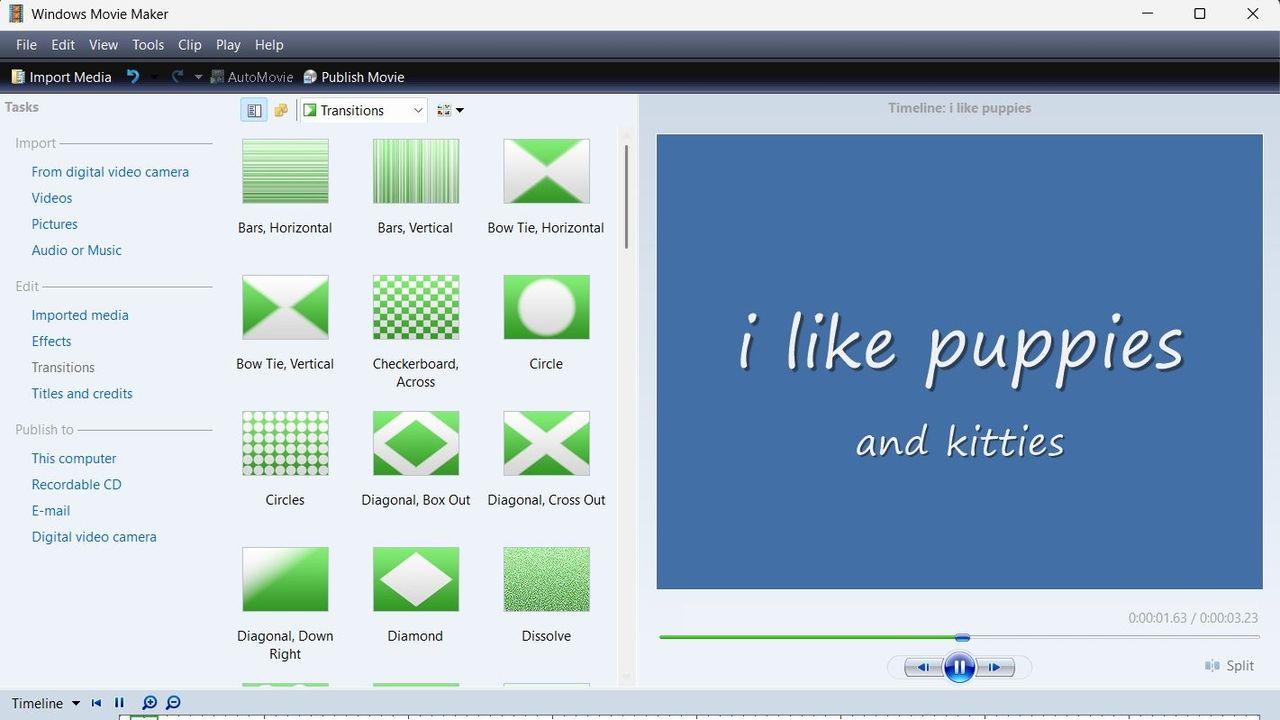
A screenshot of Windows Movie Maker showing a range of transitions.

Windows Movie Maker looks clunky by modern standards, but at least it supports offline editing.

  •  
❌