Vue lecture

Wacom Art Pen 2 Review: A Stylus That Finally Moves Like a Real Brush
PROS:


  • Ergonomic design with raised and angled buttons

  • 360-degree barrel rotation sensitivity

  • Iconic Wacom flared grip design

  • Accessible price point for a pro tool

CONS:


  • Limited compatibility with Wacom drawing tablets

  • No option for custom weight swapping


RATINGS:

AESTHETICS
ERGONOMICS
PERFORMANCE
SUSTAINABILITY / REPAIRABILITY
VALUE FOR MONEY

EDITOR'S QUOTE:

The Wacom Art Pen 2 proves that sometimes one feature is all it takes to make a tool feel irreplaceable.

Digital drawing has matured to a point where the pen you use often defines the kind of work you’re capable of. Most tablets ship with a capable stylus included, and pressure sensitivity has become nearly standard. Where real differences emerge is in the finer details: tilt support, button placement, barrel thickness, and the nuanced control that separates a general sketching tool from something more professional.

Wacom knows this territory well, having refined its pen technology across decades of products. The Art Pen 2 is its latest attempt to push that nuance even further, reviving a feature from its predecessor that dedicated artists genuinely missed: 360-degree barrel rotation. It’s an accessory designed not for everyone, but for those who want their digital brushes to behave as closely as possible to the real thing.

Designer: Wacom

Aesthetics

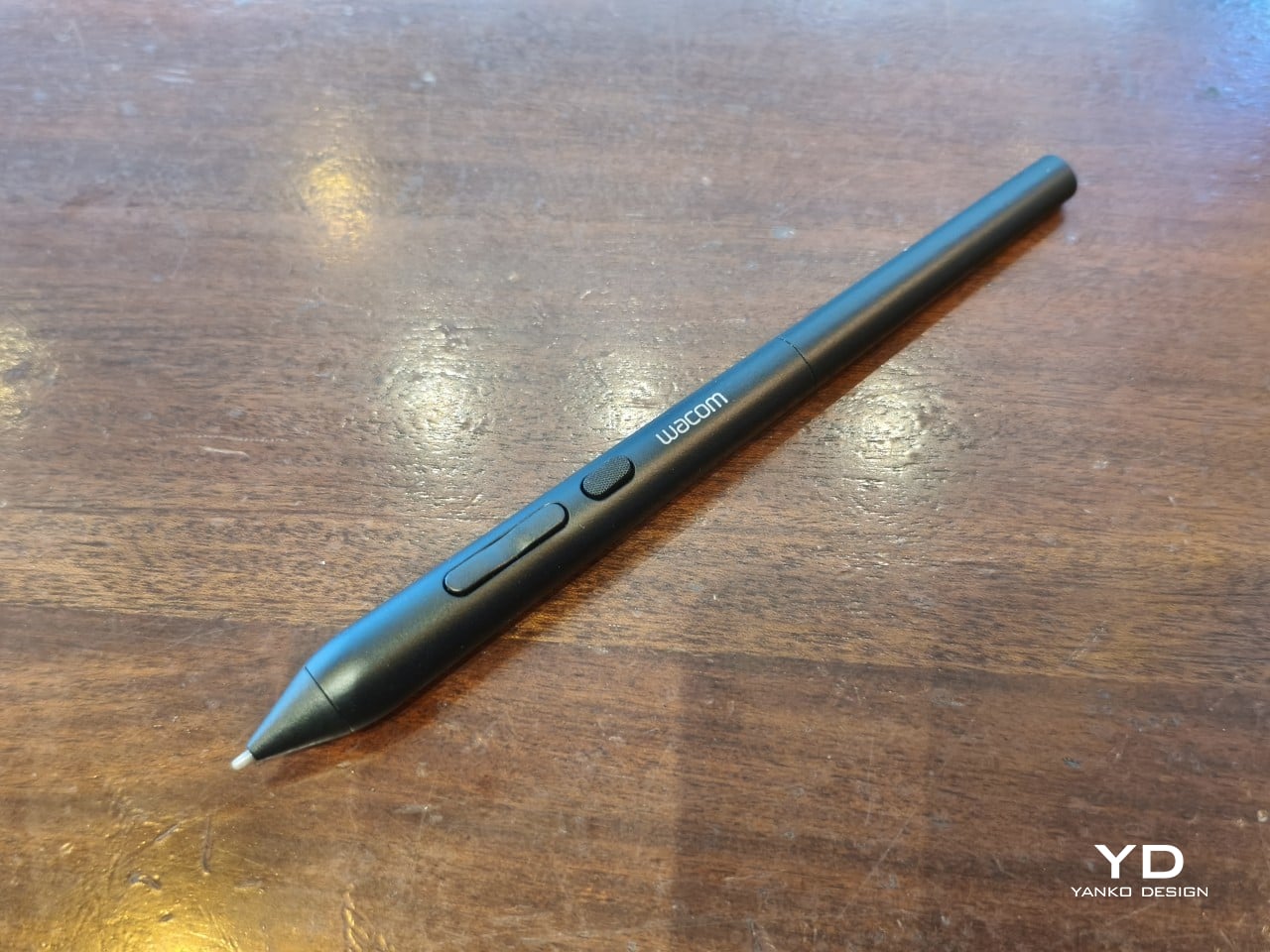
The Art Pen 2 carries Wacom’s iconic flared grip design, widening toward the tip and tapering toward the back. It gives the pen more visual character than a plain cylinder, while the two raised side buttons, set at a slight angle, add a bit of intentional texture to an otherwise clean barrel. The shape looks distinctly professional without being flashy, which suits the kind of serious work it’s built for.
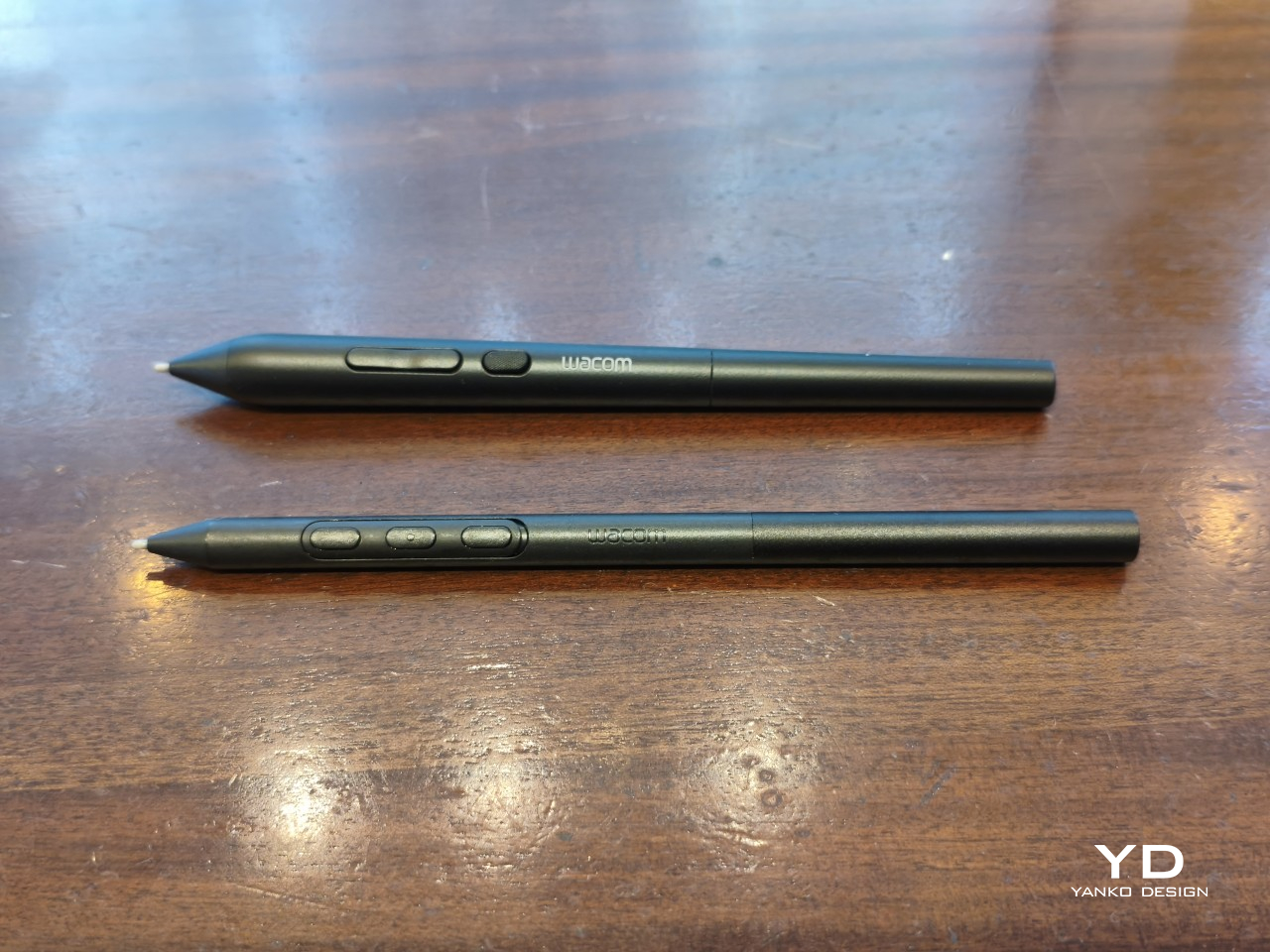
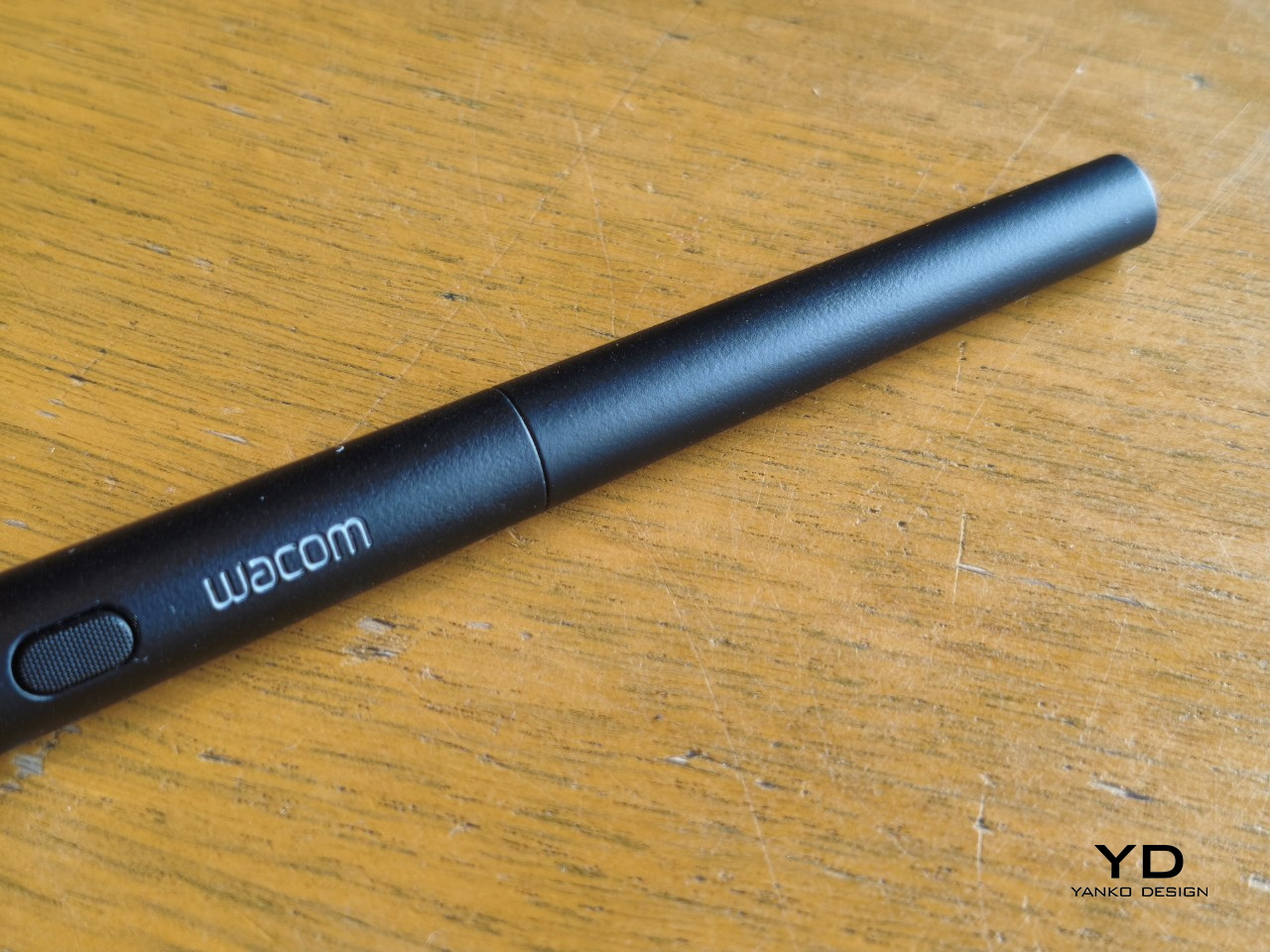
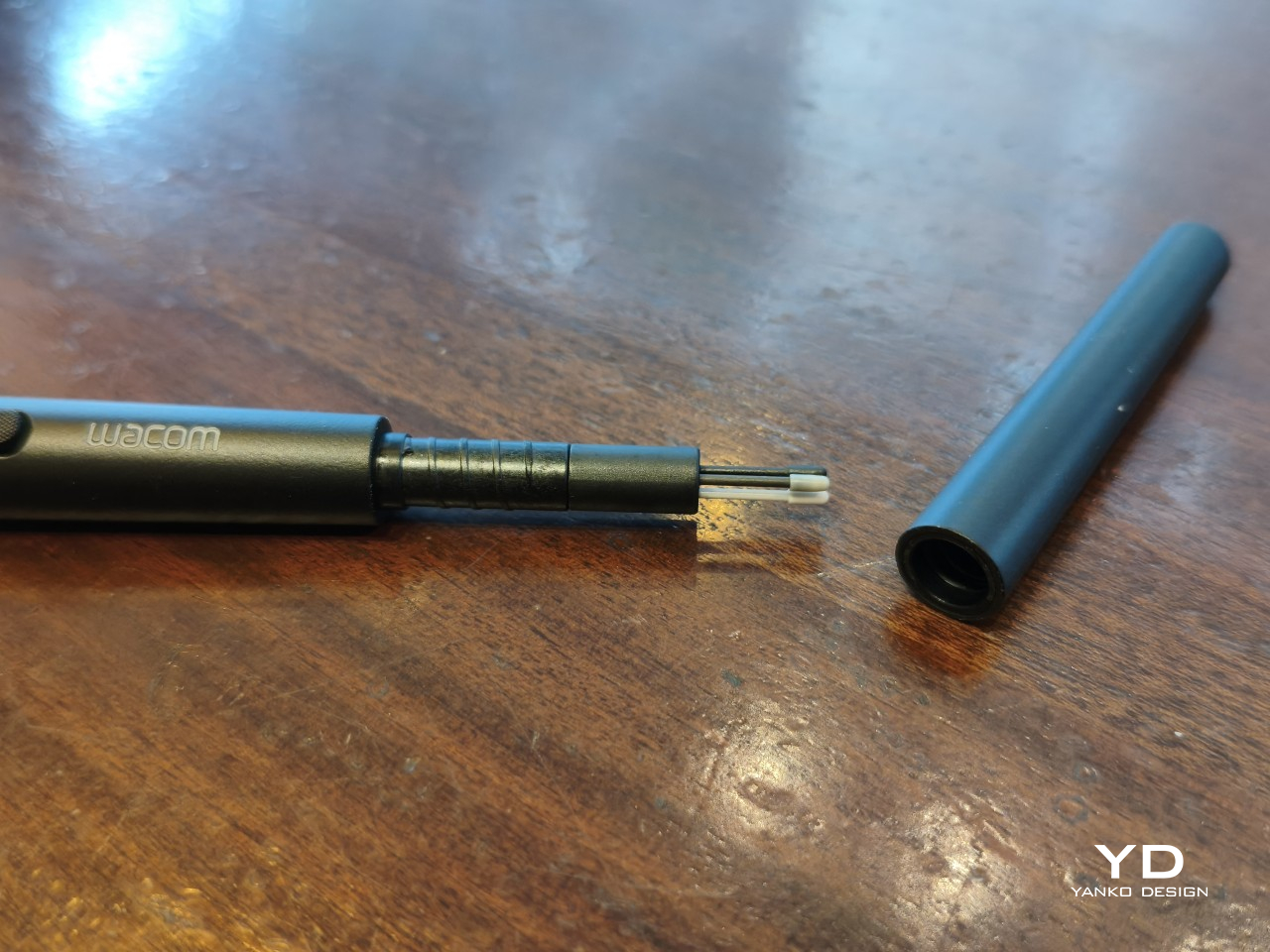
Unscrew the back half, and a small nib compartment is tucked inside, keeping replacement tips within arm’s reach during a session. It’s a detail borrowed from the Pro Pen 3 and one that makes swapping nibs far less disruptive mid-drawing. The pen comes in an all-black finish, which keeps things clean and consistent, and makes the angled buttons stand out just enough to locate them quickly by sight.
Ergonomics

The pen is well-balanced and feels substantial in the hand without being heavy. The wider barrel suits anyone who finds slimmer pens like the Pro Pen 3 a bit uncomfortable during long sessions, though that’s always a personal call. The three raised, angled buttons make accidental presses nearly impossible and are effortless to identify by feel, which matters when your eyes are glued to the canvas.
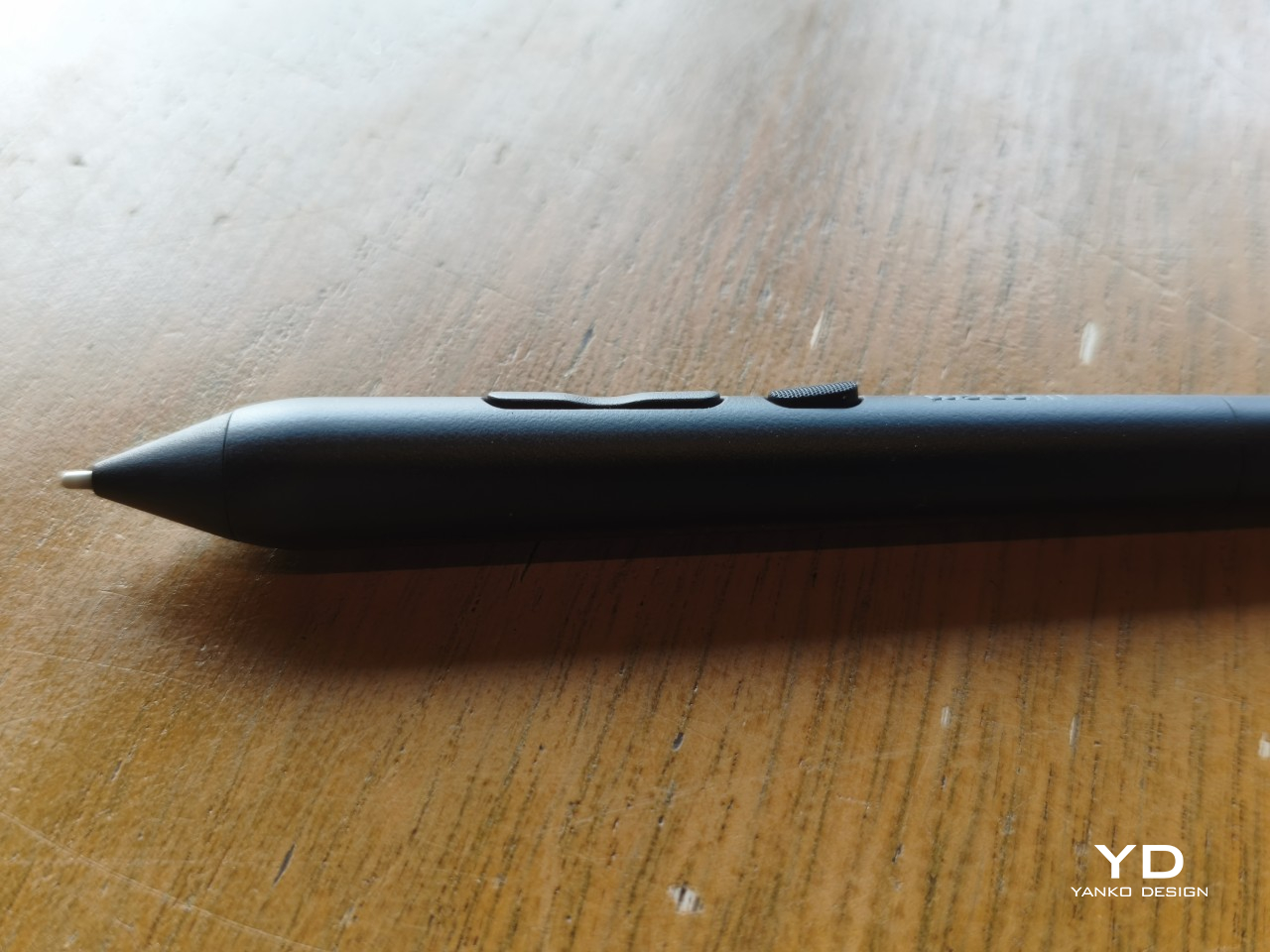
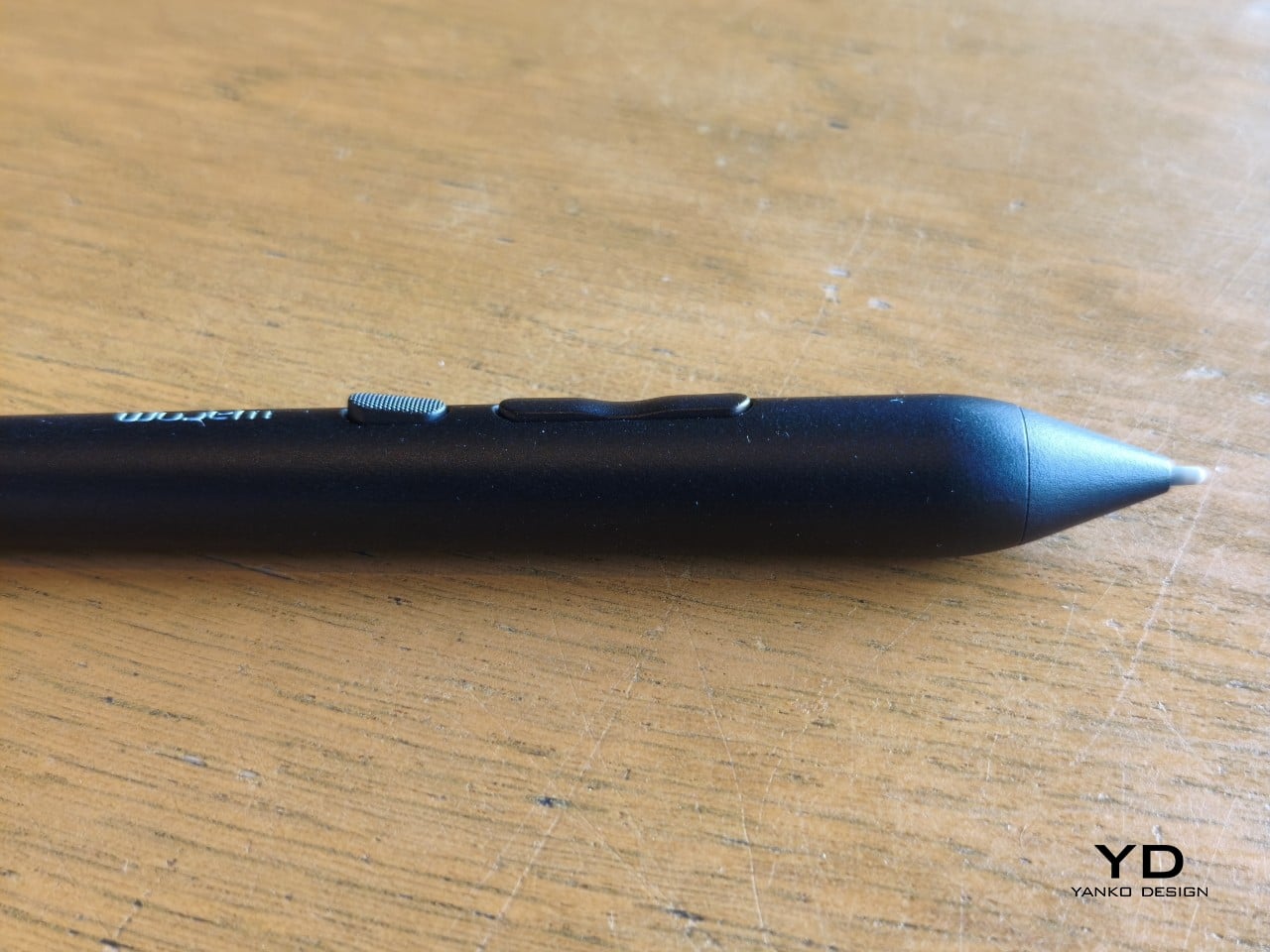
The flared shape does come with a trade-off. It won’t sit easily in most pen loop accessories or grip covers, and there’s no way to slim it down if the barrel feels too wide. That’s the opposite situation from the Pro Pen 3, where an aftermarket grip can always bulk things up. The Art Pen 2’s shape is fixed, and you work with it or find something else.

Performance

Pressure sensitivity sits at 8,192 levels with full tilt support, putting it on par with the best pens at any price. Accuracy and response are exactly what you’d expect from Wacom, meaning there’s nothing to second-guess. What sets the Art Pen 2 apart, though, is the 360-degree barrel rotation, which picks up precisely how much and in which direction the pen shaft is turned.
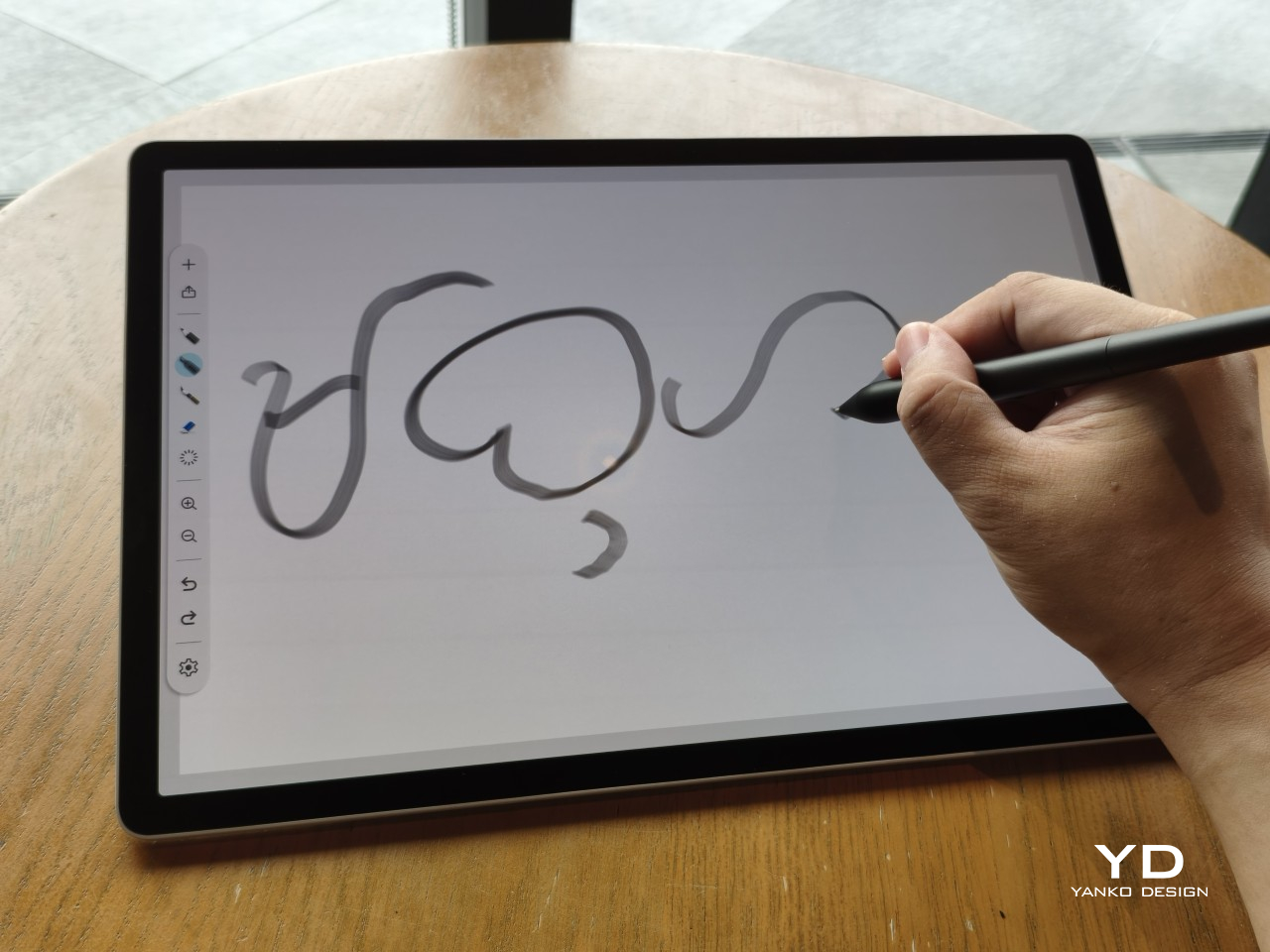
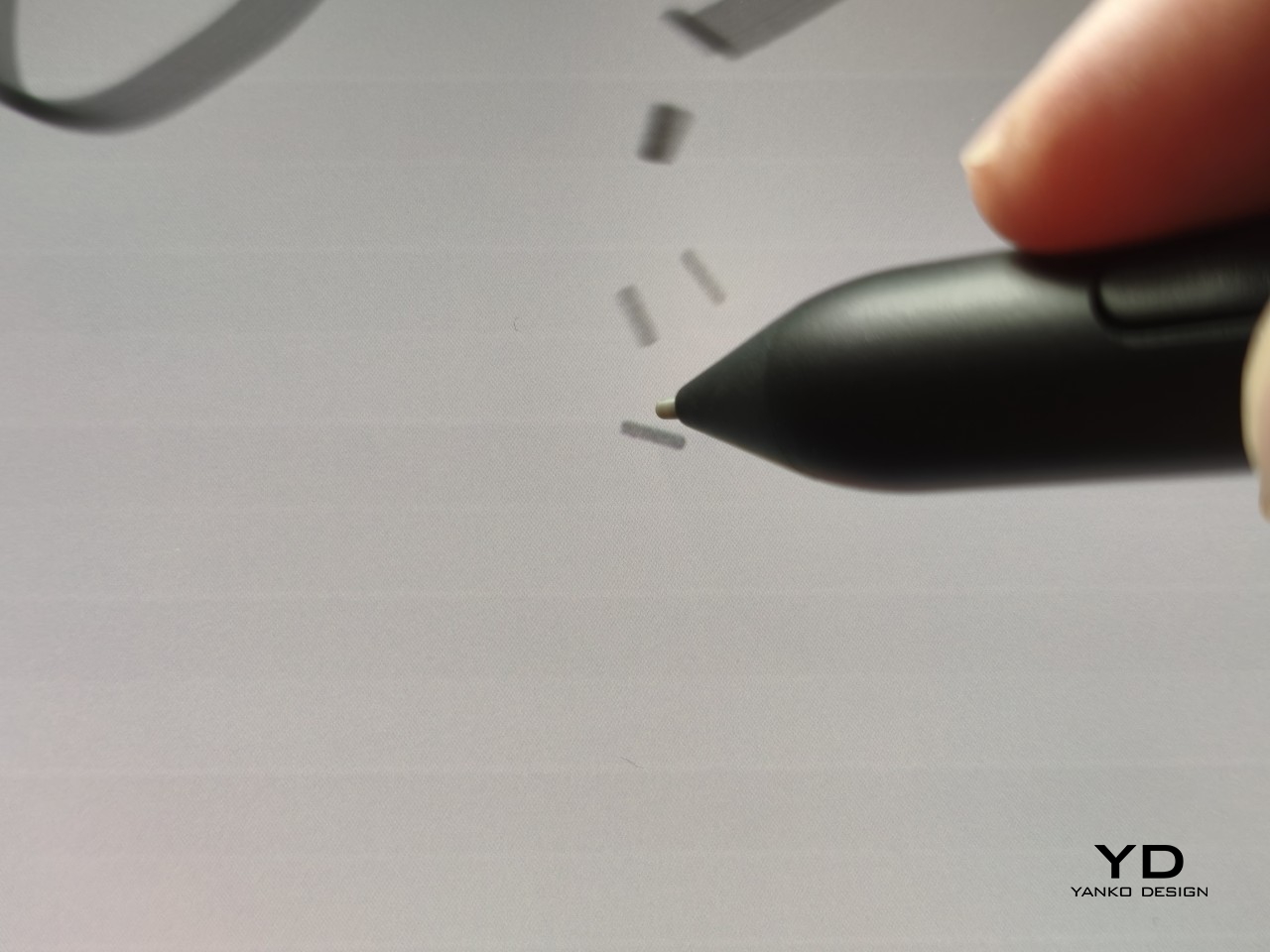
For tools like calligraphy brushes or natural-media simulations, barrel rotation is genuinely transformative. It’s worth noting, though, that it’s also a fairly niche feature and not many drawing apps currently support it. Casual users probably won’t miss it at all. Where it resonates most is as an upgrade path for those who owned and relied on the original Art Pen before it was discontinued.
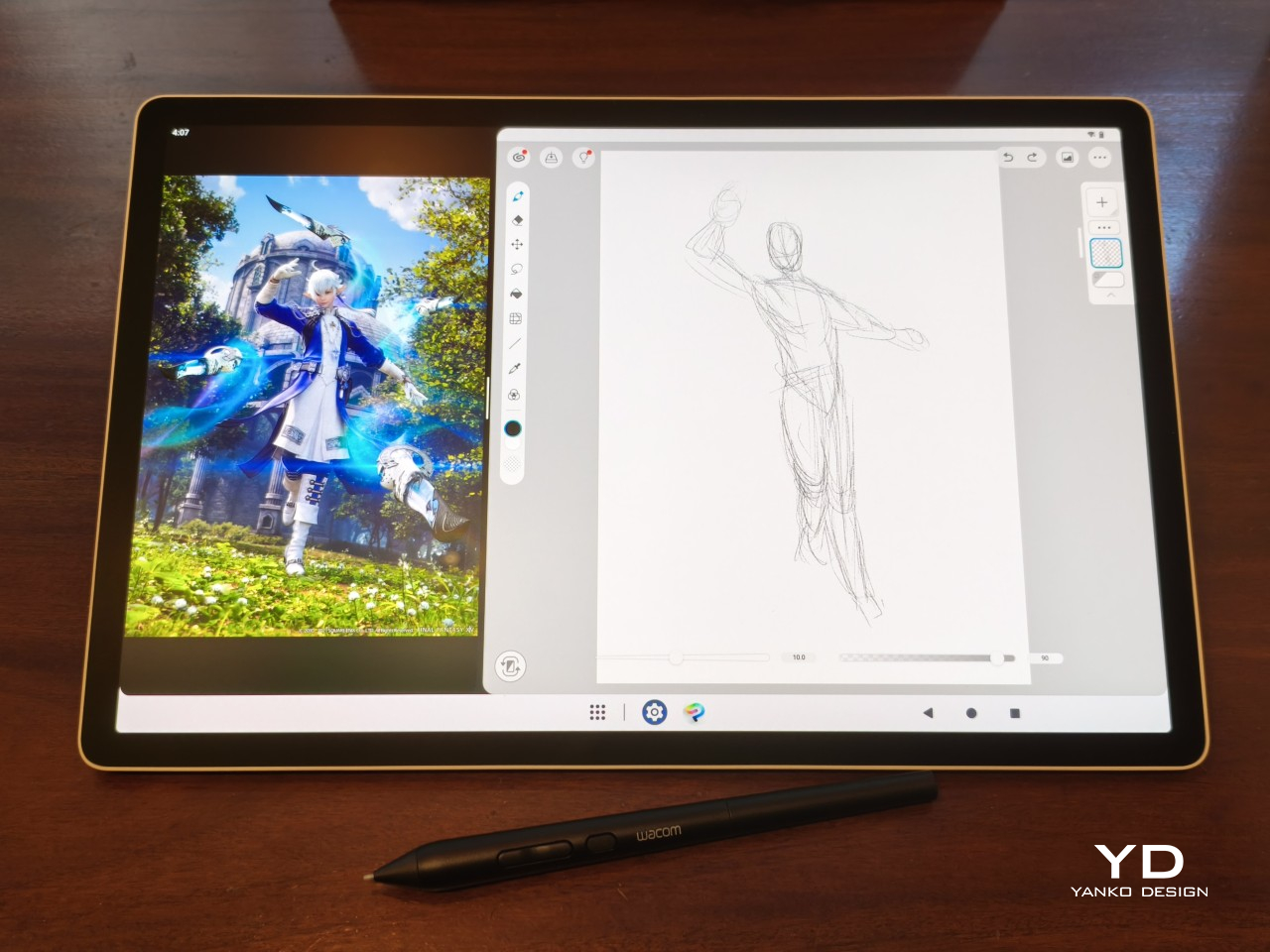
Compatibility is currently limited to a specific set of devices: the Wacom MovinkPad Pro 14, select Cintiq models (DTK168, DTK246, DTH246), and three Intuos Pro variants (PTK470, PTK670, and PTK870). Wacom has said that support for additional Pro Pen 3-enabled devices will be added over time, but for now, buyers should double-check their tablet is on the list before committing.

Sustainability

Like most professional accessories, the Art Pen 2 is plastic and metal, with nothing notably sustainable about the materials themselves. There’s no recycled content or eco-conscious material choice to speak of. Packaging tells a different story, though. It’s minimal, plastic-free, and fully recyclable, which aligns with what Wacom has been doing across its more recent product releases. A small step, but a consistent one.
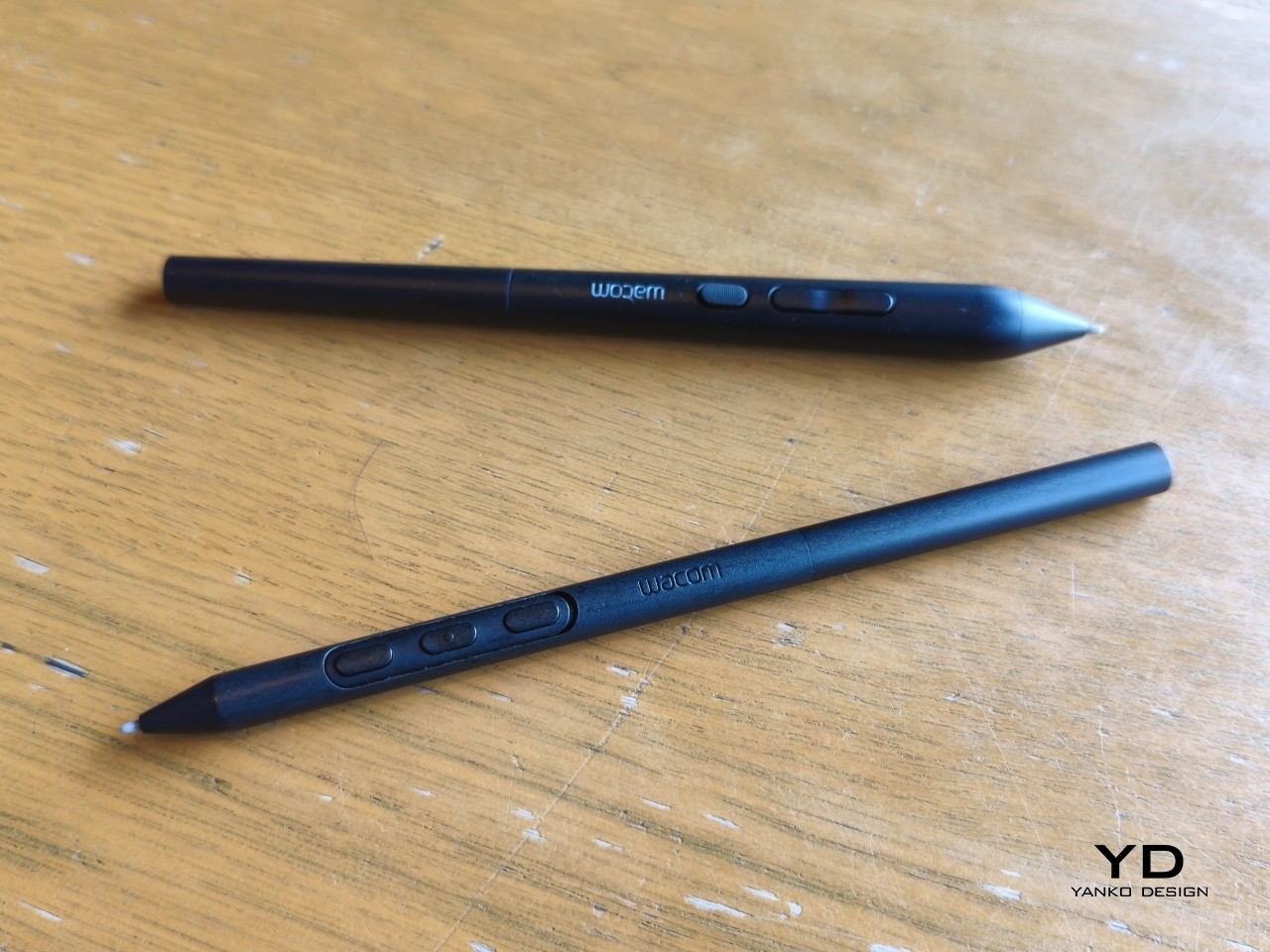
What does count in the pen’s favor is Wacom’s track record for longevity. The original Art Pen was in production and active support for close to 16 years, an almost unheard-of lifespan for a digital accessory. If the Art Pen 2 follows a similar path, the investment stretches well beyond what most accessories can promise, and that kind of durability is its own quiet form of sustainability.

Value

The barrel rotation feature does limit the Art Pen 2’s broader appeal. Plenty of artists won’t need it, and for those users, there’s still a reasonable case for sticking with the more standard Pro Pen 3. If rotation has never factored into your workflow, the Art Pen 2’s most distinctive selling point simply won’t move the needle for you, and that’s worth being honest about.
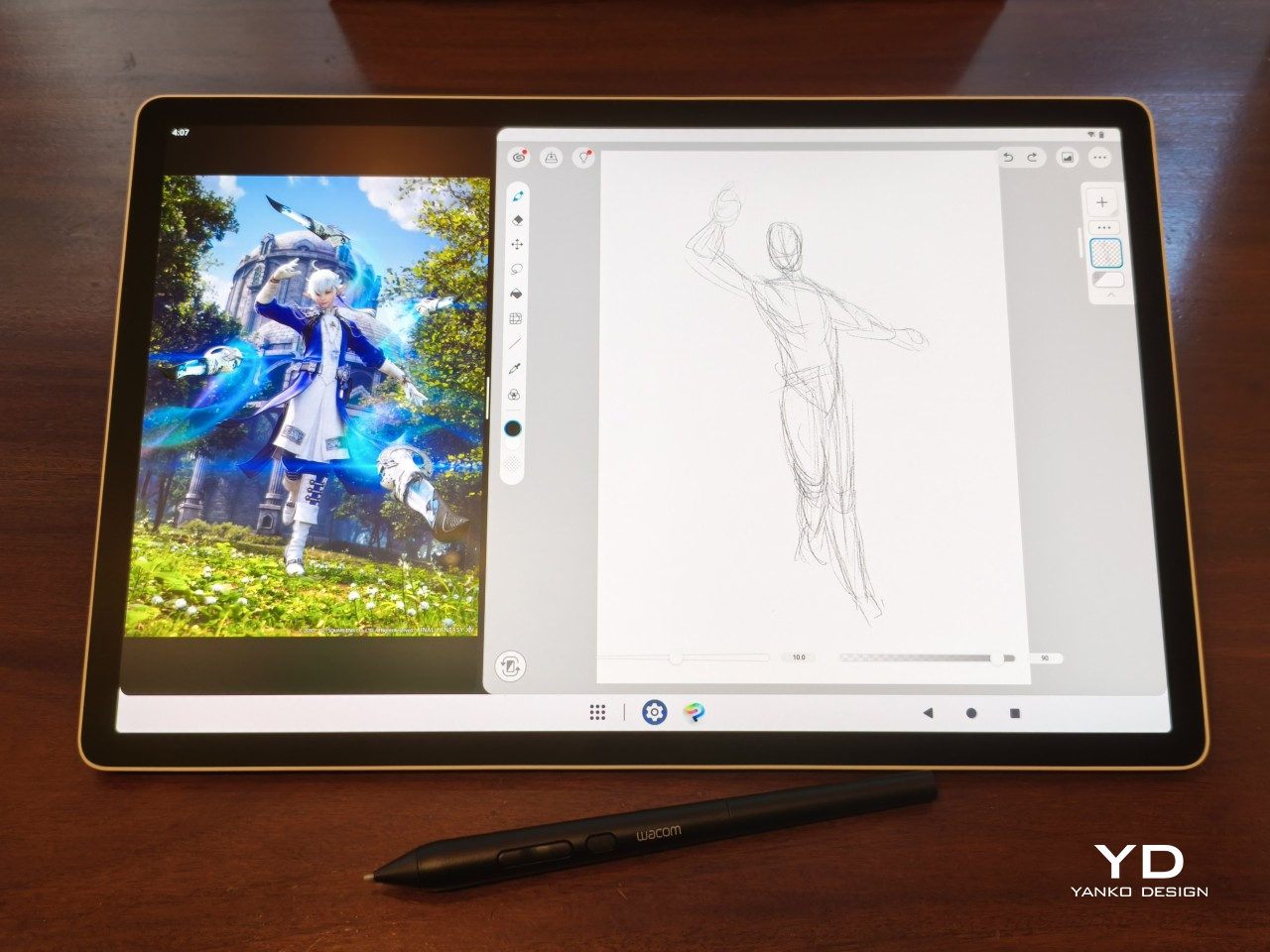
That said, there’s a hidden value worth considering. At $99.95, the Art Pen 2 is $30 cheaper than the Pro Pen 3, with nearly identical core performance and barrel rotation on top. For those who prefer a thicker grip, it also sidesteps the added cost of official grip accessories. As a package, it makes considerably more financial sense than it first appears.

Verdict

The Wacom Art Pen 2 is a well-considered accessory for a specific type of creative. It doesn’t try to replace the Pro Pen 3, and it’s clearly not aimed at casual sketchers. What it offers is a combination of pro-level pressure sensitivity, a comfortable and distinctive grip, and a rotation feature that no competing pen at this price comes close to matching.

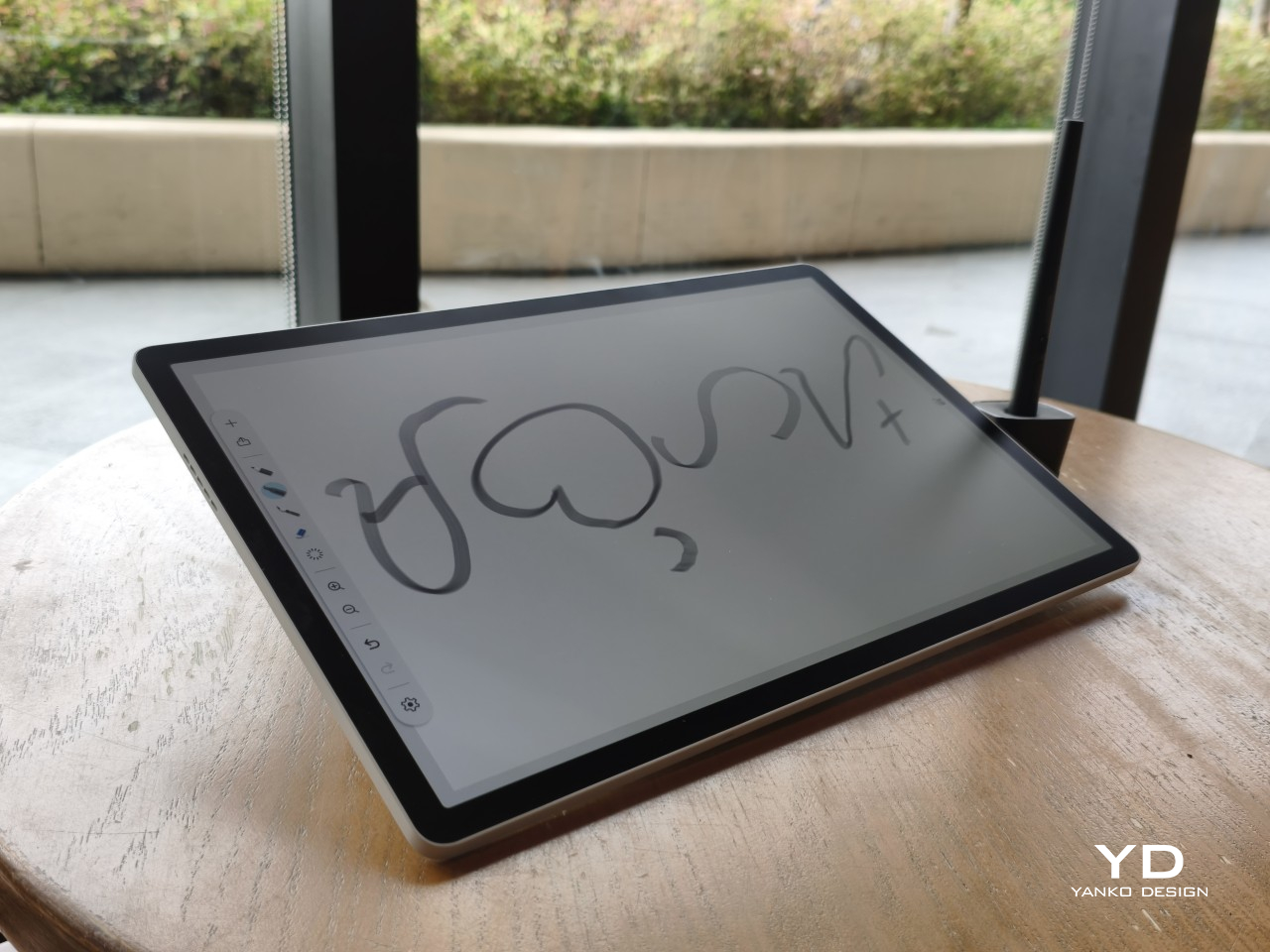
The limited compatibility list is a real constraint, and Wacom should address it sooner rather than later. But for those drawing on a supported device, particularly the MovinkPad Pro 14, the Art Pen 2 is a genuinely valuable add-on that earns its asking price without much argument. Especially at $99.95, it delivers a kind of brush-like expressiveness through barrel rotation that no standard pen, regardless of price, can replicate.
The post Wacom Art Pen 2 Review: A Stylus That Finally Moves Like a Real Brush first appeared on Yanko Design.
  •  

This Portable Self-Ironing Gadget Is Designed for People Who Hate Ironing

Our homes are filled with appliances that have become smaller, smarter, and more independent over time. Vacuums now navigate rooms on their own, and countertop ovens can execute complex recipes with minimal input. Yet the world of garment care has remained stubbornly analog and labor-intensive, still revolving around large tumble dryers and the manual work of an iron. The category has been waiting for a device that truly understands the constraints of modern living, particularly for those in small apartments or constantly on the move. That wait may be ending.

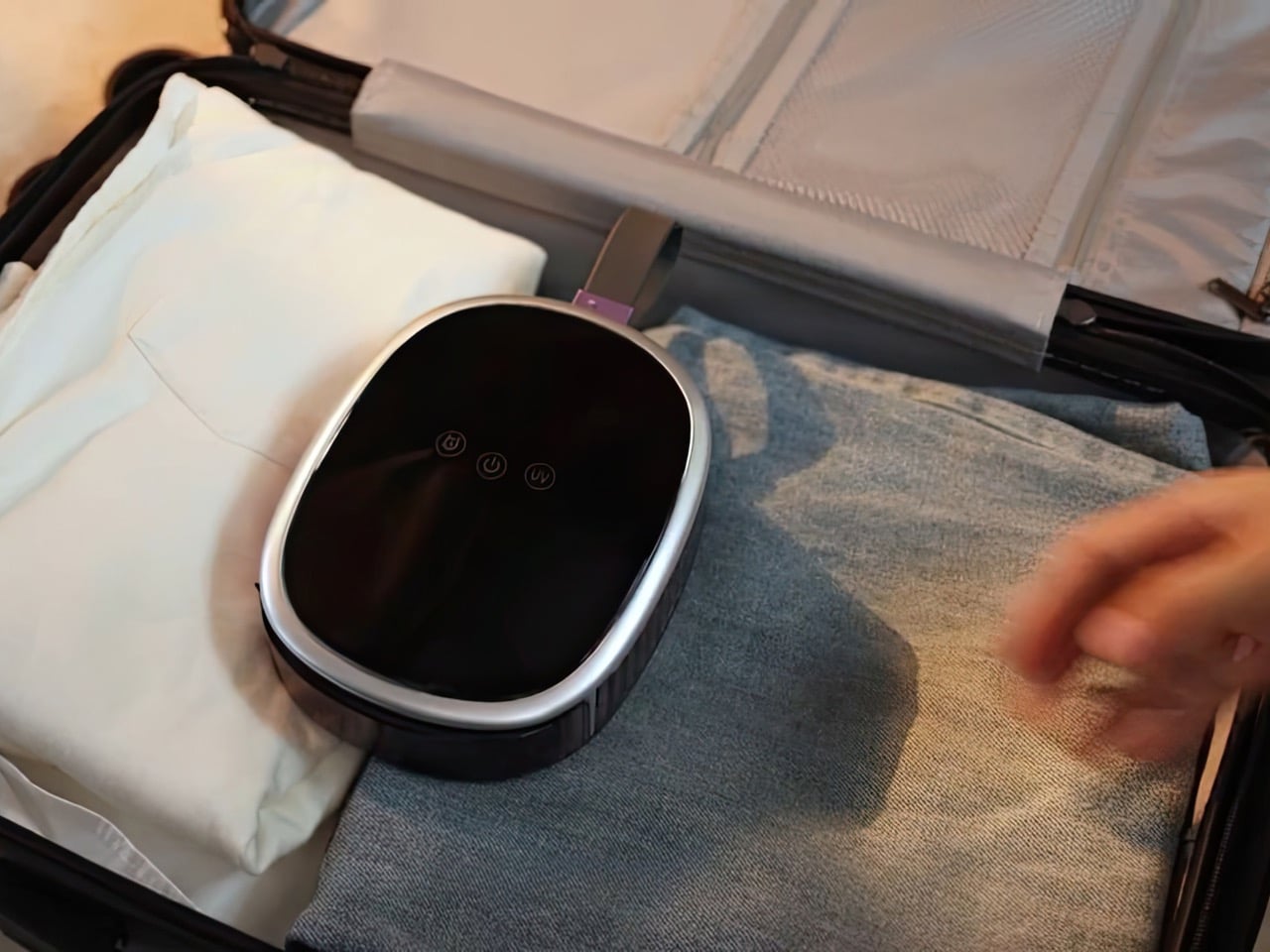
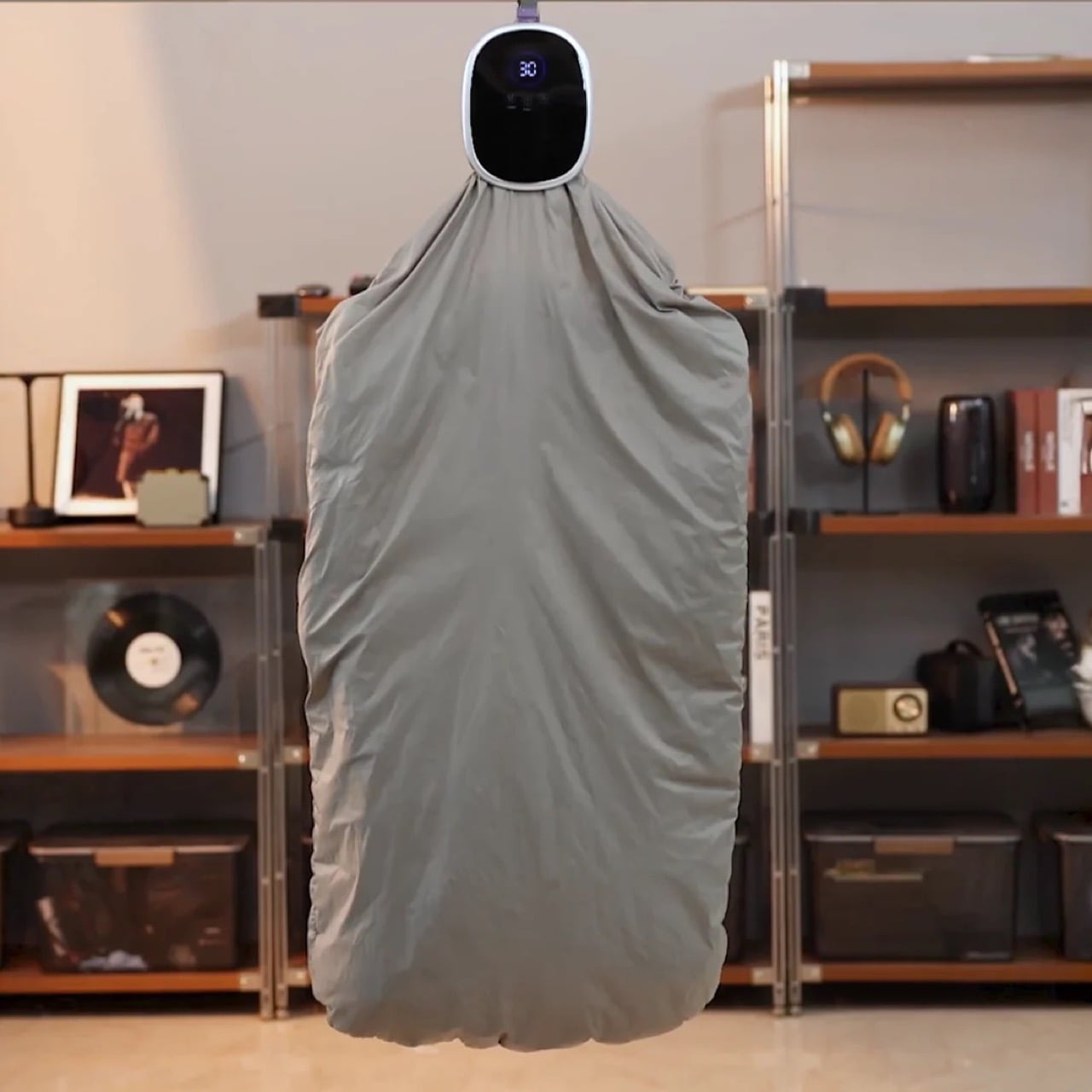
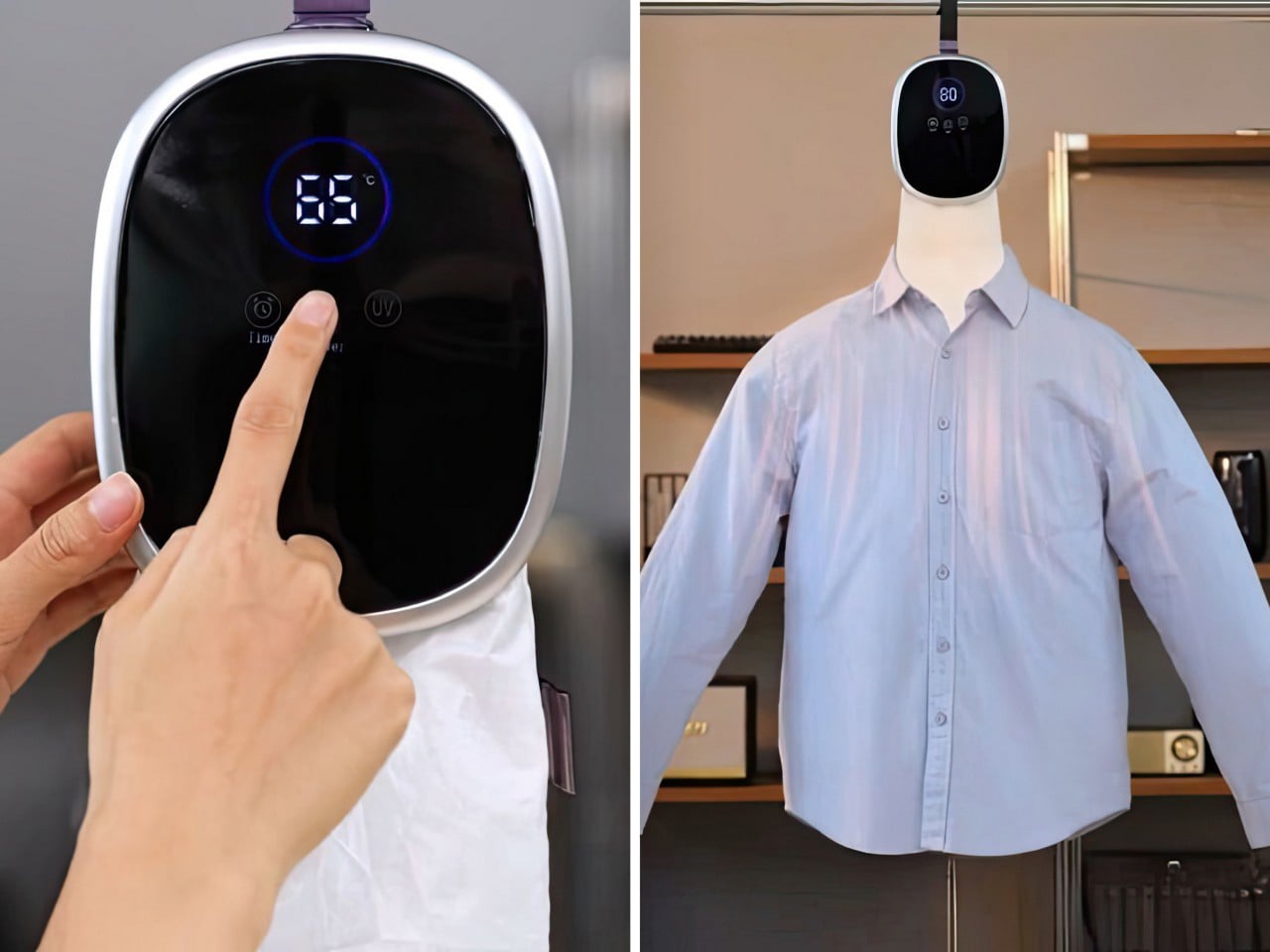
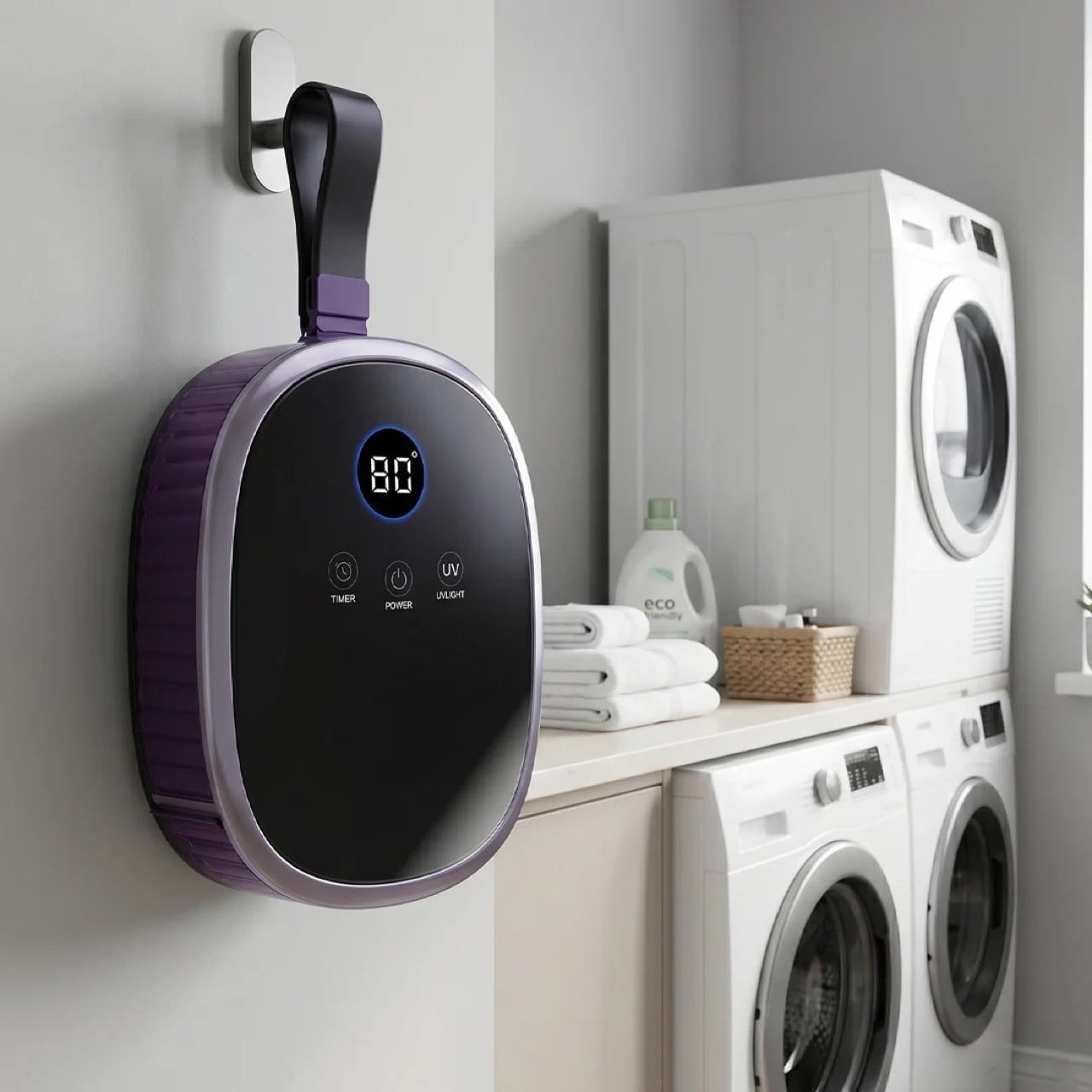
Foldryn presents a compelling vision for what the evolution of this category could look like. It is a portable self-ironing device that collapses the functions of a dryer, an iron, and a clothes steamer into one compact, travel-friendly unit. The core innovation is its use of inflatable forms that hold clothes in their intended shape while circulating hot air, effectively removing wrinkles as the fabric dries. This approach shifts garment care from a dedicated, multi-step task to a single, automated action you can initiate from a hanger anywhere you have a power outlet. The whole system is compact enough to live permanently in a carry-on bag.

Designer: Foldryn

Click Here to Buy Now: $89 $149 (40% off) Hurry! Only 23 of 120 units left.

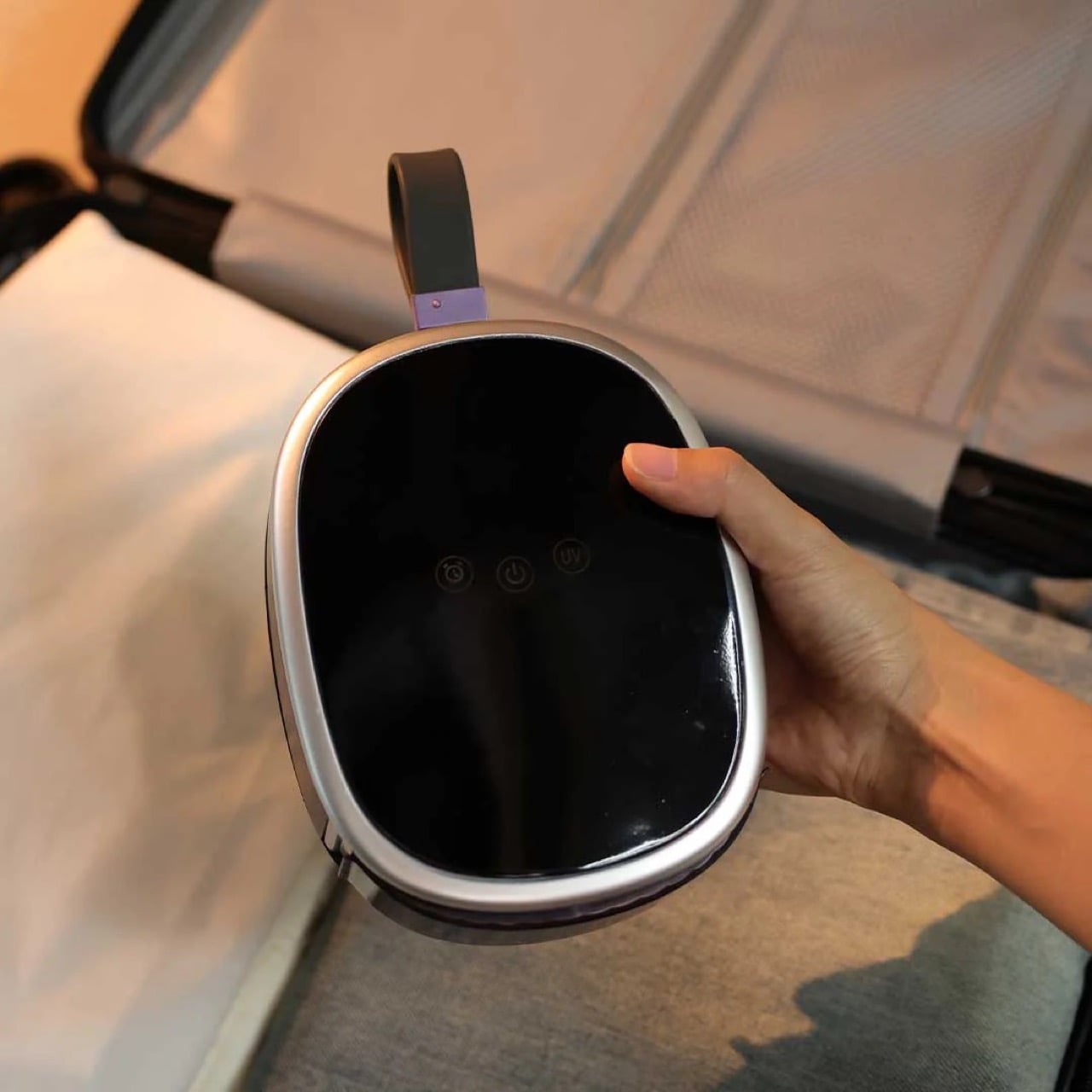
At 170 x 132 x 48mm and 565 grams, Foldryn has the aesthetic language of a personal tech device rather than a laundry appliance. Its glossy PC+ABS body, digital temperature display, and rounded profile place it closer to a portable smart speaker than anything you would find near a washing machine. Every visual reference to traditional garment care, irons, boards, steamers, has been designed out of the object entirely. It looks like something you would pack alongside your laptop charger, which is entirely deliberate. This aesthetic de-domestication is what allows the product to feel genuinely new rather than a shrunken version of an existing tool.

Dual high-speed motors pair with graphene heating technology to reach 80 degrees Celsius within one second, with a thermal accuracy of plus or minus one degree. A humidity sensor chip reads the environment continuously, and an AI thermal control chip adjusts heat and airflow in real time. Two modes give users a choice between Fast at 80 degrees for quick turnarounds and Normal at 65 degrees for delicate fabrics like silk and wool. Drying a standard T-shirt in around 25 minutes while simultaneously smoothing wrinkles follows directly from keeping that airflow stable and contained inside the garment cover. Stable heat that circulates rather than lingers is the engineering principle the device is built on.

Rather than applying heat to loosely hung fabric, Foldryn inflates shaped bags that hold each garment in its natural silhouette throughout the cycle, continuously infusing a unique hot airflow into a specially designed drying bag that also releases excess heat, making it suitable for all fabric types without causing damage. A large drying bag accommodates five to six garments at once. Dedicated torso and pants airbags hold individual pieces in their proper form for faster, more targeted results. The torso airbag handles hoodies, jackets, and sweaters, while the pants airbag manages trousers, jeans, and shorts. Giving the garment a form to press against the airflow is what separates this from the generic portable dryers that have populated travel accessory markets for years.

UV-C sterilization runs during the Normal mode cycle, adding a hygiene dimension most compact travel dryers skip entirely, ensuring you always have clean garments ready for any environment. At a noise level of just 40 decibels at full capacity, the device operates quietly enough for hotel rooms, tents, and shared living spaces. The 100-240V wide voltage input and power cords compatible with various international plugs mean it works out of the box in any country, removing the adapter friction that plagues most travel appliances. For frequent travelers who pack light, those three attributes make a stronger cumulative case than any single headline feature. Near-silence, universal compatibility, and built-in sanitization are the quiet specs that matter most when you are far from home.

Packing fewer clothes becomes a genuinely viable travel strategy when a single device can refresh, dry, and smooth a garment on demand in under 25 minutes. For anyone who has hunted down a hotel iron five minutes before a meeting, the appeal is immediate. At 170 x 132 x 48mm, Foldryn fits cleanly inside most hard-shell carry-on cases alongside a laptop and a charger. Its presence makes packing duplicate garments as wrinkle insurance an unnecessary habit. The device is designed to replace the ironing board, and leaves everything else in your routine untouched.

The Foldryn Standard Kit, which includes the dryer unit, a drying bag, and a hanger, carries an MSRP of $149. The Ultimate Kit adds the torso airbag, pants airbag, and a dedicated storage bag for $199. Individual airbag attachments are available separately at $19 MSRP each. Both kits ship with power cords matched to the buyer’s regional plug standard, and the device is rated for 100-240V input, making it globally compatible. Shipping is anticipated for July 2026, with more information available on the Foldryn campaign page.

Click Here to Buy Now: $89 $149 (40% off) Hurry! Only 23 of 120 units left.

The post This Portable Self-Ironing Gadget Is Designed for People Who Hate Ironing first appeared on Yanko Design.
  •  

I'm sick of fake Prime Day deals — this genuine discount is the one I recommend most

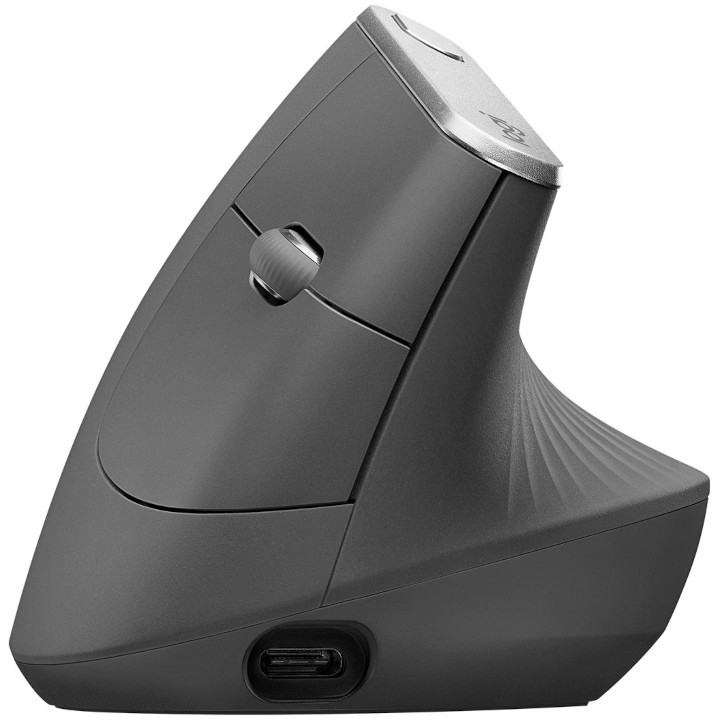
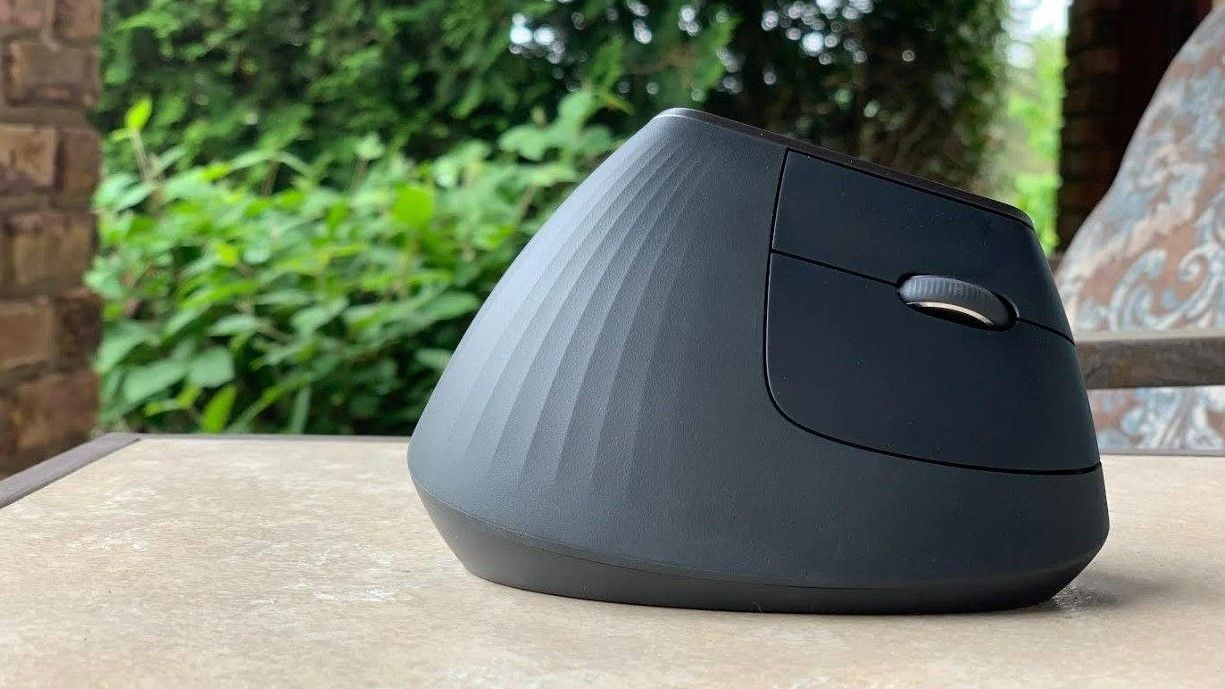
I found the one Prime Day deal I can recommend above all others. At $67.67, the Logitech MX Vertical is an excellent purchase.

I hate the fact that Prime Day still requires hunting for deals. You'd think an event centered around shopping would guarantee great prices, but that's not the case.

I was pleasantly surprised to see the Logitech MX Vertical discounted by 44% on Prime Day.


"I honestly can't think of a thing I'd change about the Logitech MX Vertical. I dislike having to use other mice because I've been spoiled by the Logitech MX Vertical. " ~ Sean Endicott, news writer, Windows CentralView Deal

Are Prime Day deals worth it?

Some Prime Day deals are worth it. The shopping event is genuinely a good way to save money on some items. But that doesn't mean anything you see on sale during Prime Day is a good deal.

It's normal to see an item marked up a few weeks before Prime Day to make the Prime Day "discount" look better.

In the worst cases, an item actually becomes more expensive than usual during Prime Day. Retailers manipulate price history to make a bad price look good.

These are the types of things our team of experts looks out for when finding Prime Day deals. It's also why hand-picked Prime Day deals are better than blindly trusting a sale tag.

The Logitech MX Vertical is currently $67.67 for Prime Day. According to CamelCamelCamel, that is almost the lowest price ever for the mouse (it once hit $63.79 on Amazon). Perhaps more importantly, the price is significantly lower than what we've seen the majority of this year.

Why buy the Logitech MX Vertical

The Logitech MX Vertical is an ergonomic mouse that allows your wrist and arm to rest at a natural angle. That results in less muscle strain and reduced wrist pressure.

Because of the shape of the mouse, you don't have to move your hand as much. Tiny movements add up, and being able to keep your hand in place does a lot to reduce strain.

The Logitech MX Vertical is by far the best mouse I've used.

Over the years, its rubber grip has held up well. The mouse still lasts for ages when running on battery. It's easy to top up through USB-C when it's time to charge.

It checks all the boxes I want in a mouse.

The only downside of the Logitech MX Vertical is its retail price, but the massive discount on the mouse makes that a non-factor.

Click to join us on r/WindowsCentral

Join us on Reddit at r/WindowsCentral to share your insights and discuss our latest news, reviews, and more.

Logitech MX Vertical Mouse

My Logitech MX Vertical mouse has sat on my desk for years, and it has aged incredibly well.

  •  

The Seiren V3 Pro proves Razer can build a true studio‑grade mic, and it might be the company’s most mature product yet

The Razer Seiren V3 Pro arrives as a pro‑level streaming microphone that finally feels like the centerpiece of Razer’s recent run of impressive peripherals. It pairs studio‑grade hardware — a large 30 mm dynamic capsule, USB‑C and XLR outputs, and tactile controls — with deep Synapse software and Chroma RGB flair, aiming to satisfy both serious creators and RGB enthusiasts.

This review cuts through the marketing: I’ll show what the mic actually sounds like, how its software and features stack up against rivals, and whether it’s worth swapping in for your current setup.

Razer had no input, nor did it see the contents of this review, prior to publication.

What it is

The Razer Seiren V3 Pro ($249.99 / €289.99) is a hybrid dynamic microphone tailored specifically for streamers, podcasters, and music producers.

At its heart sits a custom 30 mm dynamic capsule purpose-built to capture broadcast-style depth and natural warmth.

Structurally, it features a robust, resonance-resistant zinc unibody frame paired with an integrated, vibration-dampened adjustable arm mount.

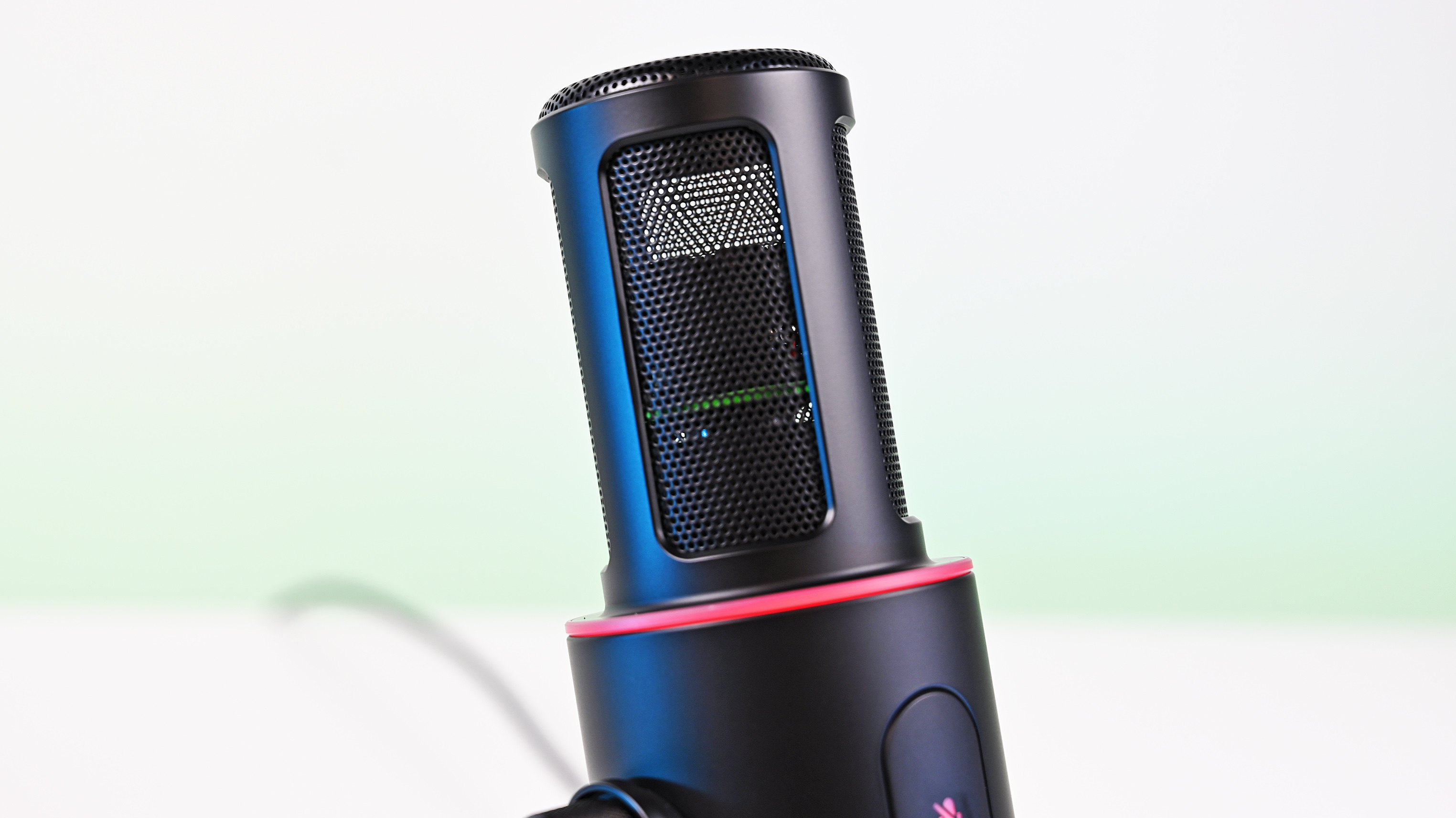
To round out its premium aesthetic, it includes a gorgeous Razer Chroma RGB lighting ring that doubles as a real-time status and live mute indicator, which can be enabled by the mic button.

Quick set up

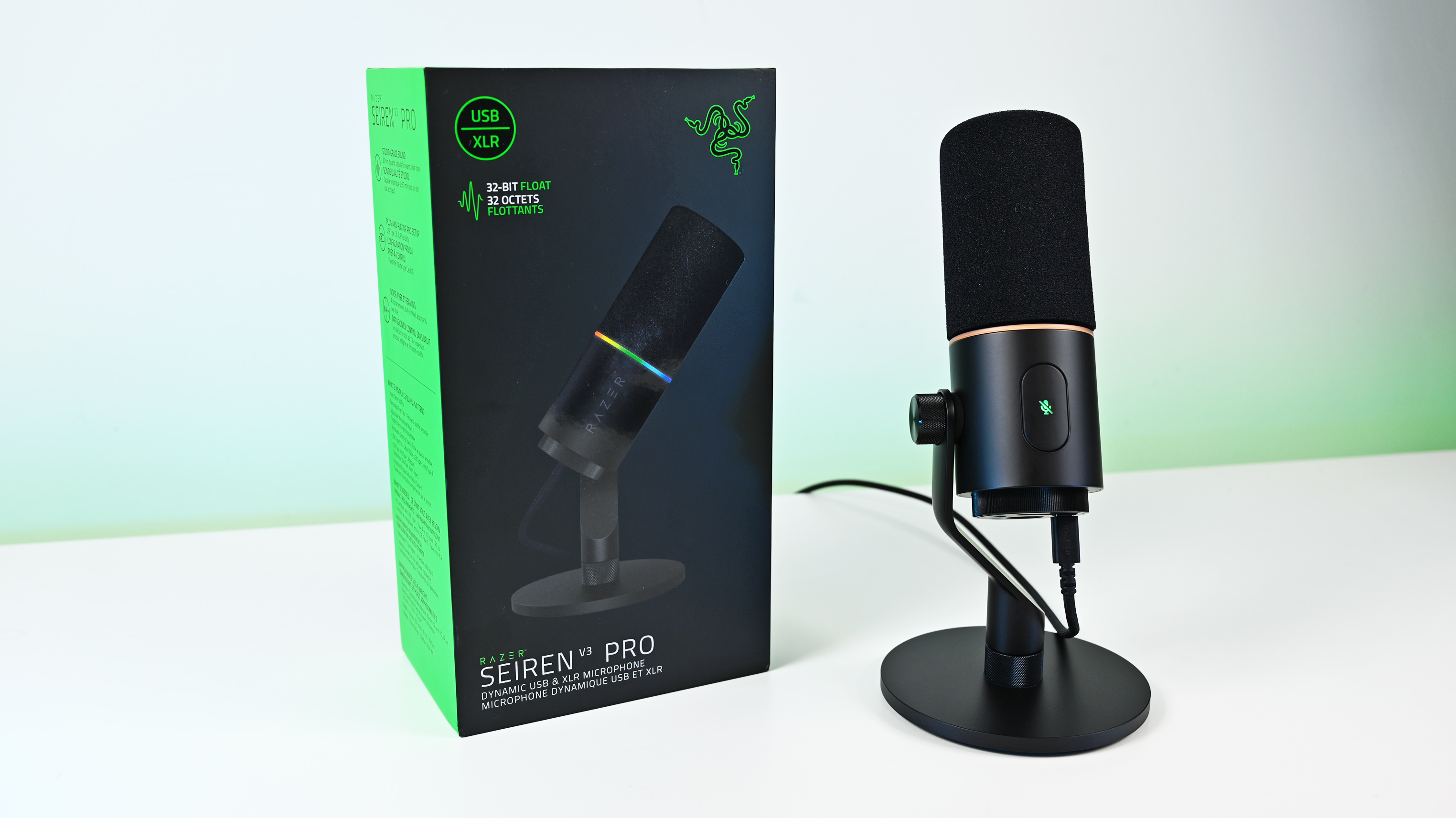
Angled shot of the Razer Seiren V3 Pro microphone on a white desk next to its packaging, highlighting the green side panel of the box.

(Image credit: Daniel Rubino)

Unboxing the Razer Seiren V3 Pro is refreshingly simple. Unlike many high-end microphones that leave you scrambling to buy external accessories, this mic is entirely ready to rock right out of the box.

It features an included desktop stand, a built-in shock absorber, and a removable pop filter. Just plug it in via the included USB Type-C cable, complete a quick configuration, and you are up and running.

If you want to jump into the pro tier immediately, you can just as easily route an XLR cable (not included) straight from the base into an audio interface or mixer.

It’s a frictionless setup that gives you studio-grade enhancements with zero technical expertise required.

How it's different

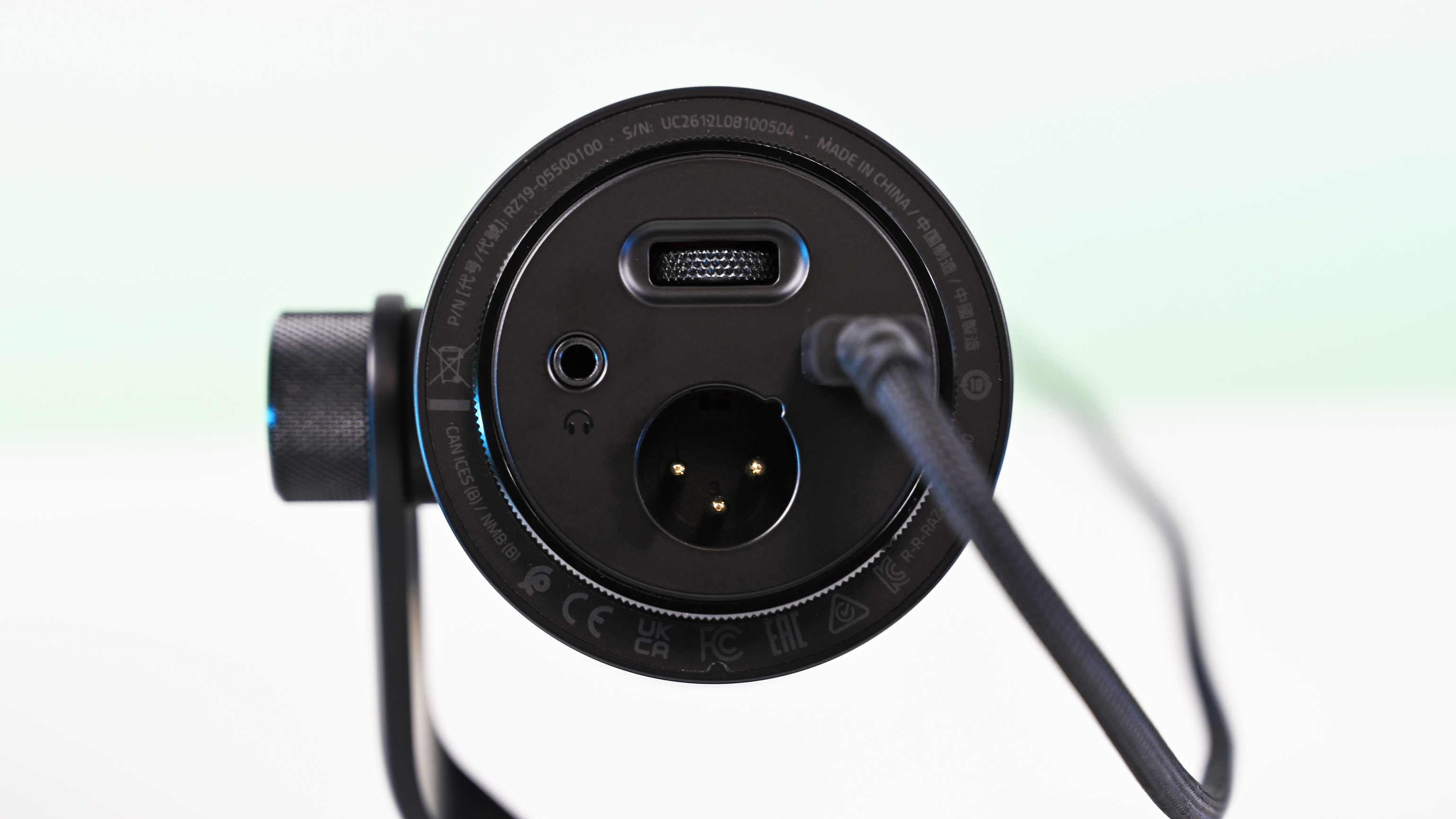
Bottom view of the Razer Seiren V3 Pro microphone showing the circular base with a headphone jack, XLR port, USB-C cable plug, and gain wheel.

USB, XLR, microphone port, and gain control are on the bottom of the Seiren V3 Pro. (Image credit: Daniel Rubino)

The Seiren V3 Pro separates itself from the pack by flawlessly bridging mainstream USB convenience and professional XLR performance.

Its primary direct competitor in this hybrid category is the HyperX Flipcast, which we've also reviewed. However, the Seiren V3 Pro secures a massive hardware victory right away: it includes a high-quality desktop stand and integrated shock mount in the box, whereas the Flipcast notoriously ships without a stand or boom arm, forcing an immediate extra purchase.

Furthermore, the software support here is on an entirely different level. While HyperX’s NGENUITY app offers rudimentary controls, Razer Synapse unlocks deep, granular audio customization:

  • 32-Bit Float Support: Available via Synapse, this format captures a dramatically wider dynamic range to effectively eliminate digital clipping and distortion.
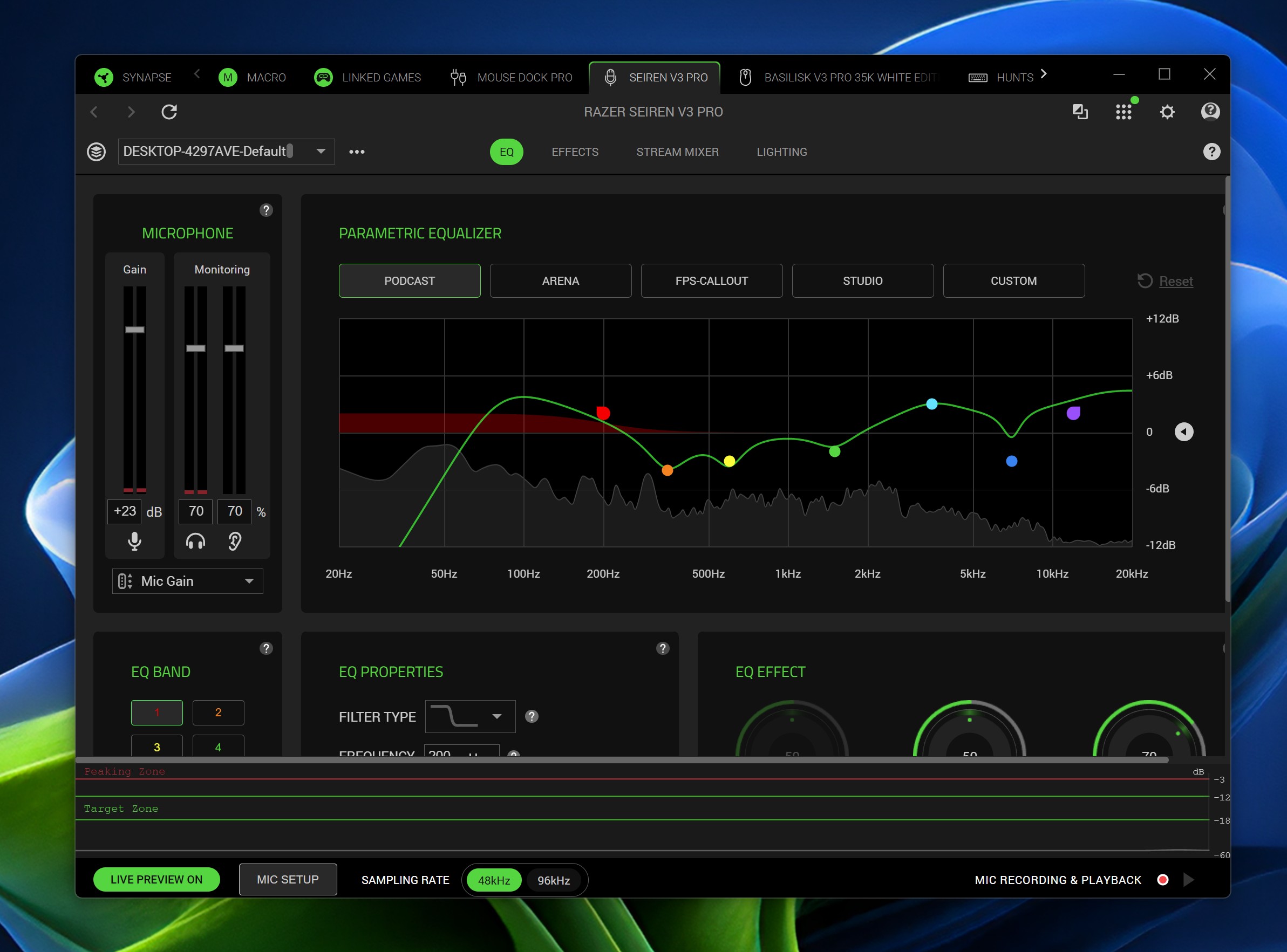
  • Advanced Audio DSP: Houses an advanced parametric EQ, noise gate, compressor, limiter, and AI noise remover directly powered by an onboard hardware engine.
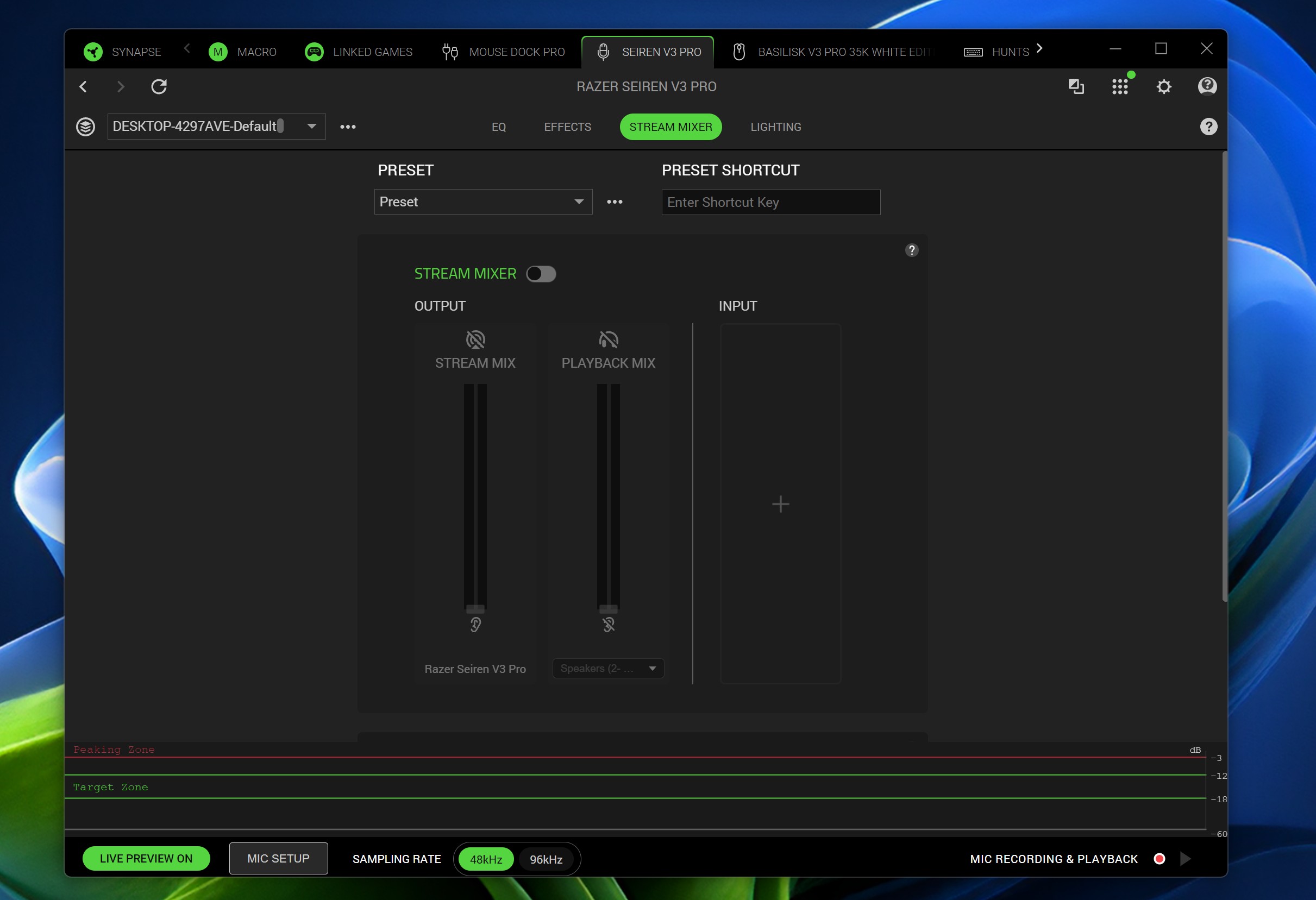
  • Synapse Advanced Mixing: Allows for multi-channel stream routing right within the application interface.

What it's great at

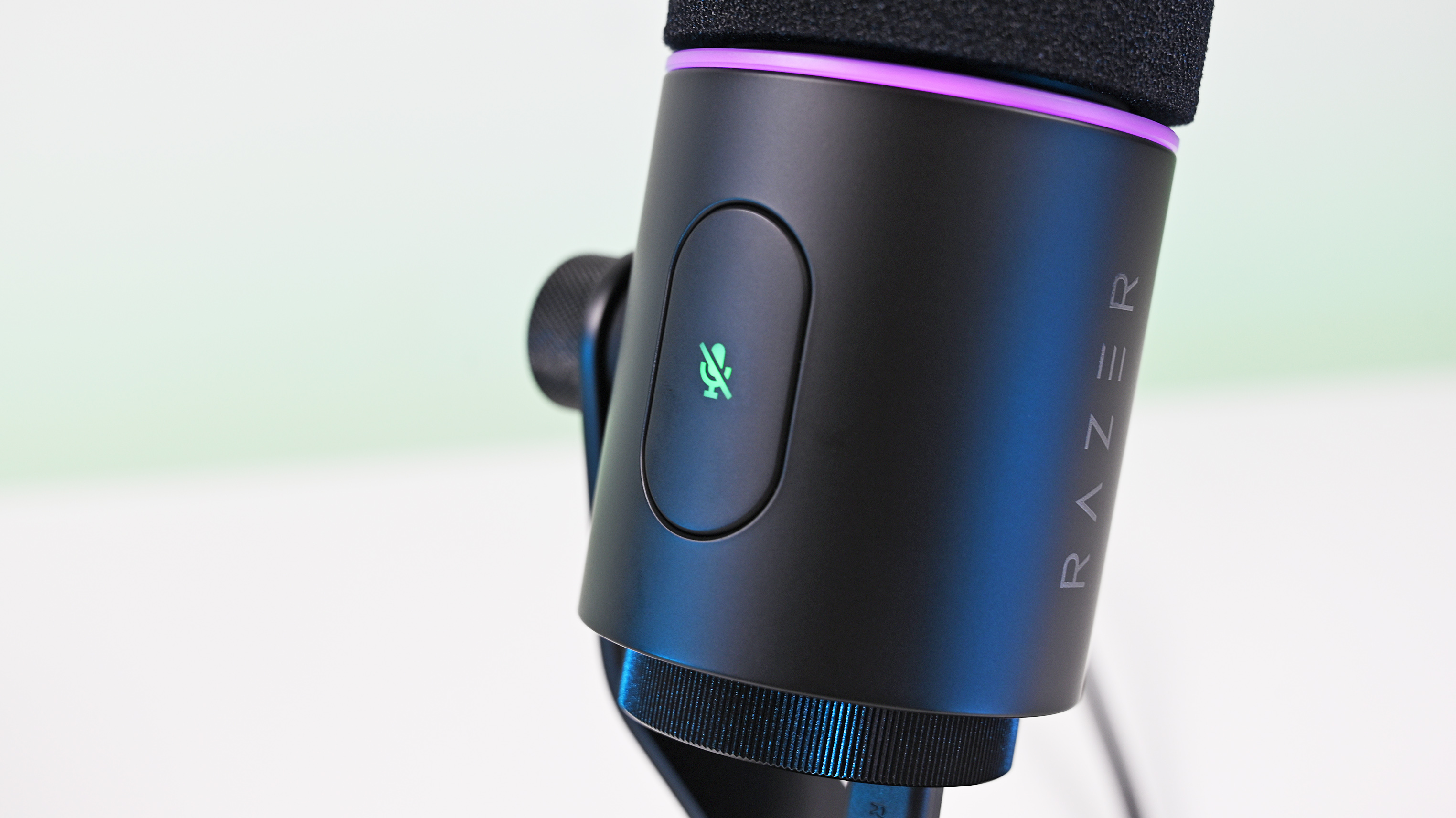
Close-up of the Razer Seiren V3 Pro microphone housing, showing the glowing green tap-to-mute button icon and a purple LED ring.

A big mute button on the side is enabled/disabled with a light tap, so you don't disturb the mic while on a mount. (Image credit: Daniel Rubino)

The biggest hardware triumph here is the dual-connectivity workflow. Having both USB-C and XLR connections on one microphone offers massive advantages, though it comes with standard hybrid trade-offs:

  • The Pros: It provides immense versatility. Newcomers can start with a simple, plug-and-play desktop configuration and seamlessly transition into an advanced analog signal chain down the road without buying a new microphone. Interestingly, you can keep both the USB and XLR cables plugged in simultaneously and dynamically switch between them on your Windows PC.
  • The Cons: You are paying a premium for dual internal electronics, and advanced Synapse software functions (like 32-bit float, the parametric EQ, and advanced mixing) are strictly limited to the digital USB connection.

During testing, there wasn't a noticeable difference in tonal warmth when swapping between the two connections, but the USB interface emerged as the clear favorite for me purely because it unlocks Synapse's superior sound features and DSP suite.

My experience otherwise with the mic has been great. You can hear it in action in the short review video accompanying this article, as well as on our recent Windows Central Podcast, Episode #396.

For now, I plan to keep using this mic over my HyperX ProCast. While the ProCast is an excellent, gold-sputtered large-diaphragm XLR condenser, it is strictly analog, requires 48V phantom power, and entirely lacks the modern digital conveniences, RGB integration, and software agility that make the Seiren V3 Pro so effortless to use daily.

Plus, while the ProCast had an original MSRP of $199.99 and dropped as low as $99.99 on sale, it now appears to be discontinued and increasingly hard to find, completely out of stock at both Best Buy and HyperX.

Screenshot of the Razer Synapse application showing the custom Parametric Equalizer settings and visual frequency curve for the microphone.
Daniel Rubino
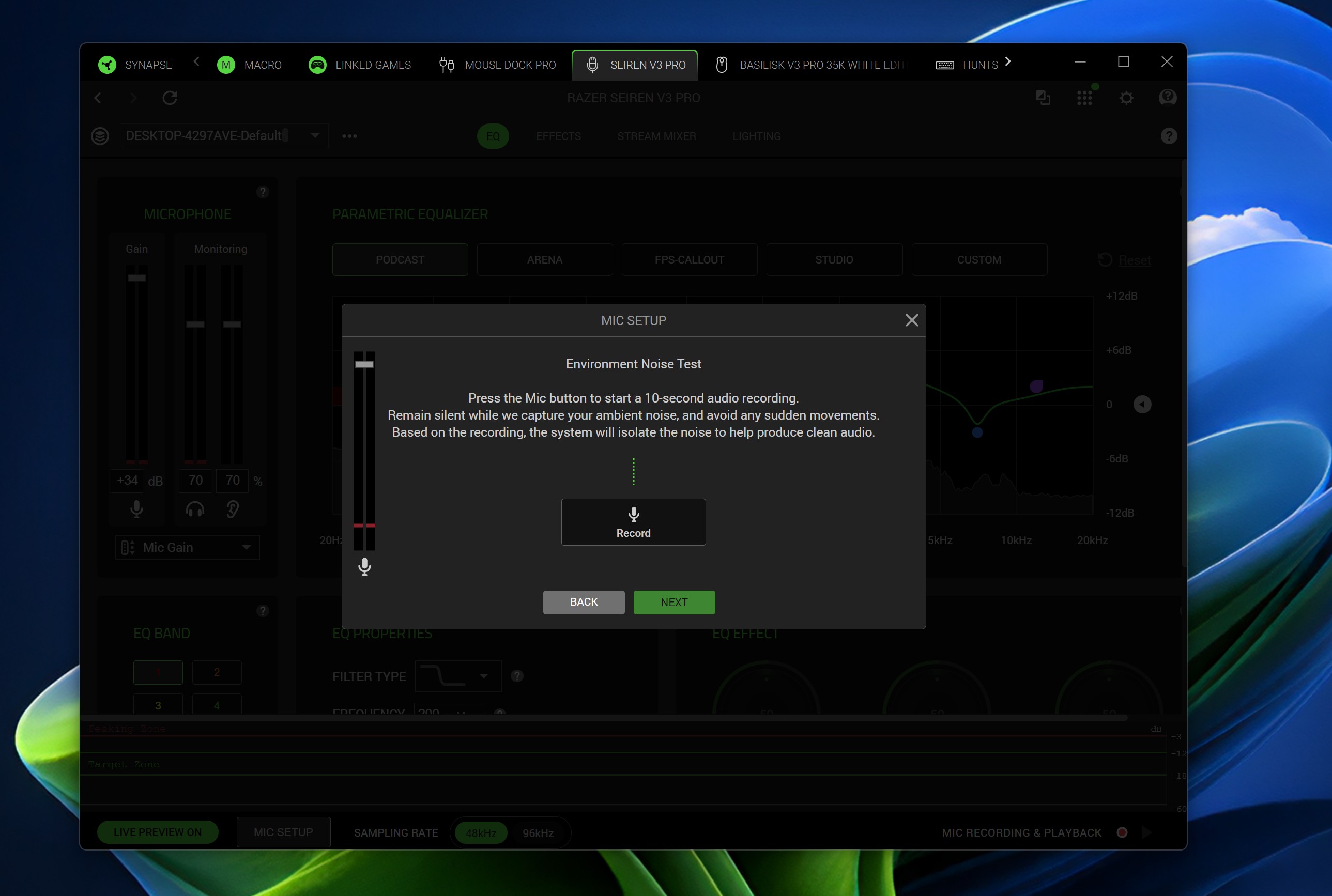
Screenshot of the Razer Synapse software displaying a pop-up window for an automated 10-second Environment Noise Test to isolate ambient sound.
Daniel Rubino
Screenshot of the Razer Synapse software on Windows, showing the Stream Mixer tab configuration for the Seiren V3 Pro microphone.
Daniel Rubino

The Razer Synapse software features offer brilliant audio tuning, particularly the automatic environment noise test and AI noise remover. They do a spectacular job of silencing background hums and room reflections.

The Razer Synapse setup here was awesome: Hit a button and record yourself talking for 10 seconds. Hit another button and say nothing for 10 seconds. Then answer a few questions, e.g., what is your goal here (streamer, podcast, general, etc.) and what do you have fans running, environmental noise, etc. From that data, the system suggests your tuning, which you can then accept, and you're done. You can re-run the process anytime in Synapse should anything change.

The only minor catch is that the aggressive noise cancellation can occasionally cut your voice out a bit during quieter moments. Because of this, some manual tweaking of the noise gate threshold may still be needed to get it dialed in perfectly.

Finally, if you are already invested in Razer’s ecosystem—sporting a Razer keyboard, mouse, or monitor—adding this mic beautifully completes the package. The Chroma RGB ring integrates flawlessly into your existing lighting profiles, satisfying RGB enthusiasts while giving clear visual feedback on your live mute status via the tap-to-mute sensor.

Who's it for

Close-up of the Razer Seiren V3 Pro with its foam pop filter removed, revealing the metal mesh grille, internal dynamic capsule, and red LED ring.

The mic is "naked" without its pop-filter, which slides off. (Image credit: Daniel Rubino)

This microphone is built for the forward-thinking content creator. It is perfect for game streamers, podcasters, and hybrid musicians who want beautiful aesthetic flair and USB simplicity today, but demand the studio-grade security of an XLR output as their production setup grows.

Should you buy the Razer Seiren V3 Pro?

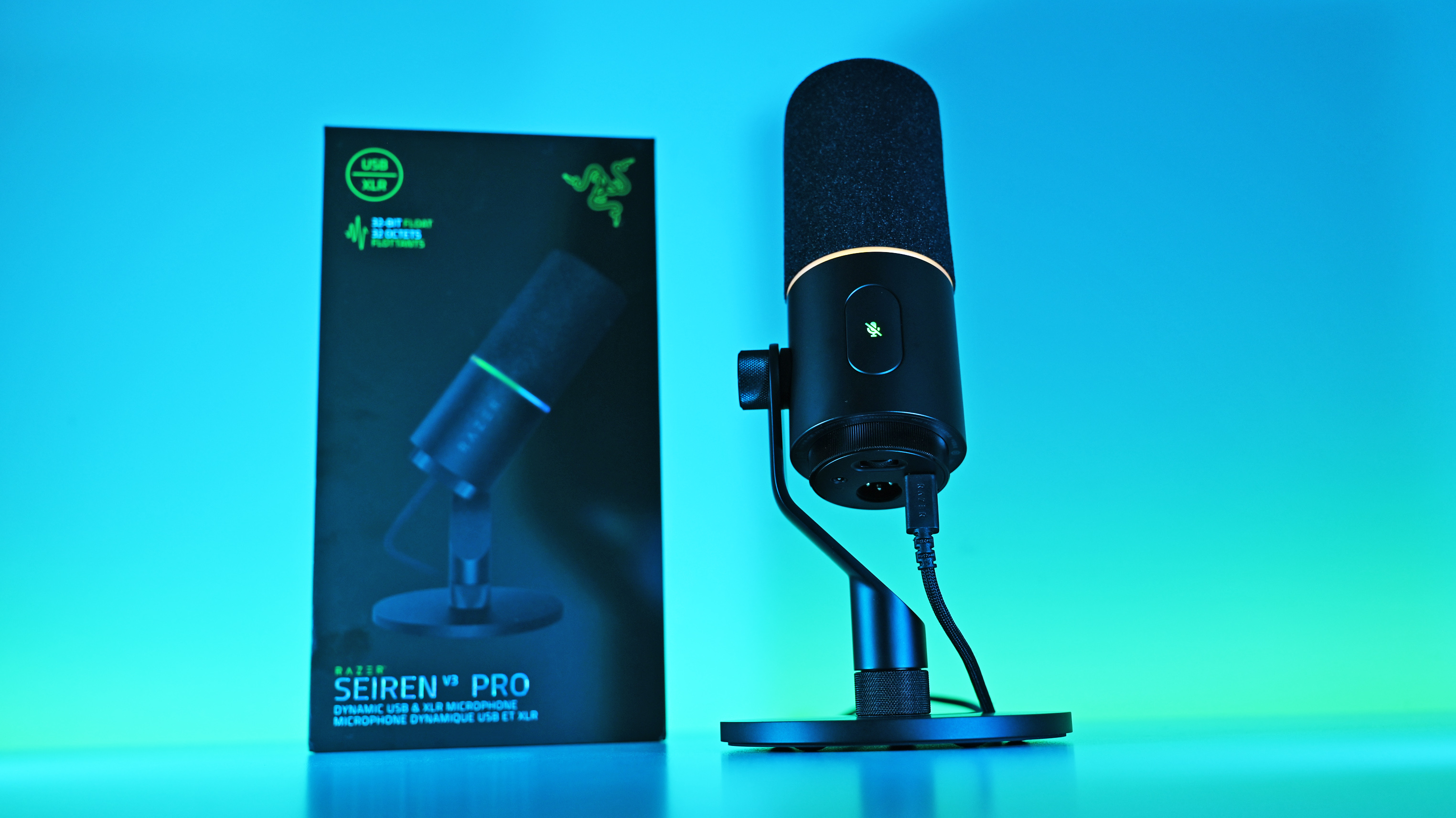
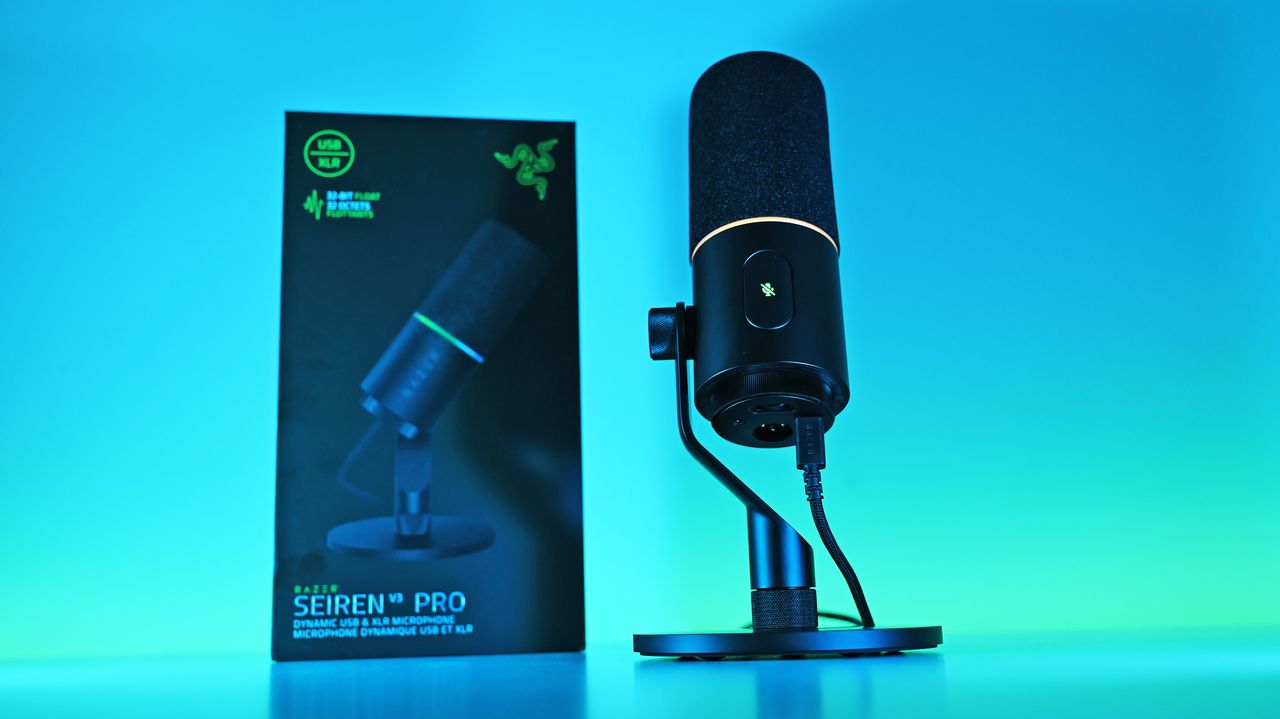
Low-angle shot of the Razer Seiren V3 Pro mic plugged into a USB-C cable next to its box, illuminated by a vivid blue and cyan background.

I ended up liking the Seiren V3 Pro more than I expected, largely due to the software and DSP controls. (Image credit: Daniel Rubino)

You should buy it if ...

✅ You want USB‑C now, XLR later.

✅ You use Razer Synapse/Chroma and want full integration.

✅ You need onboard DSP (32‑bit float, AI noise removal) to cut post‑work.

You should not buy this if ...

You prefer a pure XLR, software‑free workflow.

You’re on a tight budget and don’t need RGB or Synapse.

You need full feature parity on macOS without Windows Synapse.

Ignore

Admittedly, my "you should not buy ifs" here are nitpicky. You can just use this as an XLR mic with a software-free workflow if you want and not worry about USB or software. But there are also more affordable XLR-only mics, hence the con.

At $249.99, Razer positions the Seiren V3 Pro firmly in the higher-end premium tier compared to the HyperX Flipcast (which currently sits at $179.99 against a $229.99 MSRP) and the now-evaporated ProCast.

However, for me, the incredible Razer Synapse DSP more than makes up for that higher cost. The sheer quality of the out-of-the-box hardware processing saves massive time in post-production. I didn't expect that to be the big selling point, but it's clever software and the kind of "don't think about it" setups I prefer.

While you could look at other heavy hitters at this price point like the Shure MV7+ or SteelSeries Alias Pro, Razer brings an unmatched physical build quality, out-of-the-box completeness, and ecosystem synergy to your desk. It delivers studio sound, simply and effortlessly.

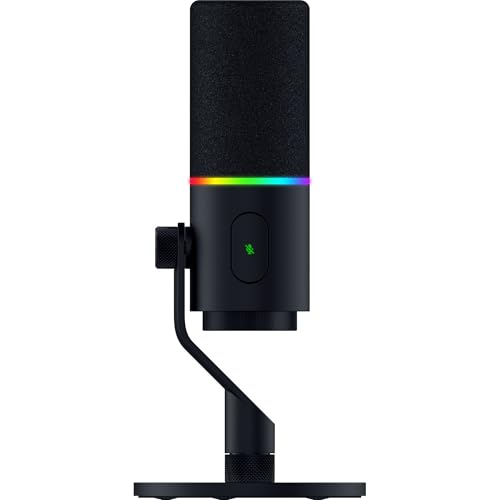
Razer Seiren V3 Pro Microphone — Dynamic Usb Type C & Xlr Streaming Mic, 32-Bit Float Support, Built-In Audio Dsp, Ai Noise Removal, Shock Absorber & Pop Filter, Chroma Rgb Lighting Ring — Black

Razer
Razer Seiren V3 Pro Microphone

Razer's new studio‑grade mic with 32‑bit float clarity, USB/XLR flexibility, built‑in DSP and pop filter, RGB status ring, and durable zinc design for clean, professional sound in streaming or recording setups.

Low-angle shot of the Razer Seiren V3 Pro mic plugged into a USB-C cable next to its box, illuminated by a vivid blue and cyan background.

Low-angle shot of the Razer Seiren V3 Pro mic plugged into a USB-C cable next to its box, illuminated by a vivid blue and cyan background.

  •  

From controllers with high polling rates to ergonomic chairs, Razer's gaming accessories are some of our favorites, and several of their best are now on sale

Out of all the gaming accessory manufacturers, Razer has got to be my absolute favorite. From providing comfortable gaming chairs to esports-ready controllers and headsets, Razer's products have enriched mine and many others' lives, and it's about to enrich a lot more of them.

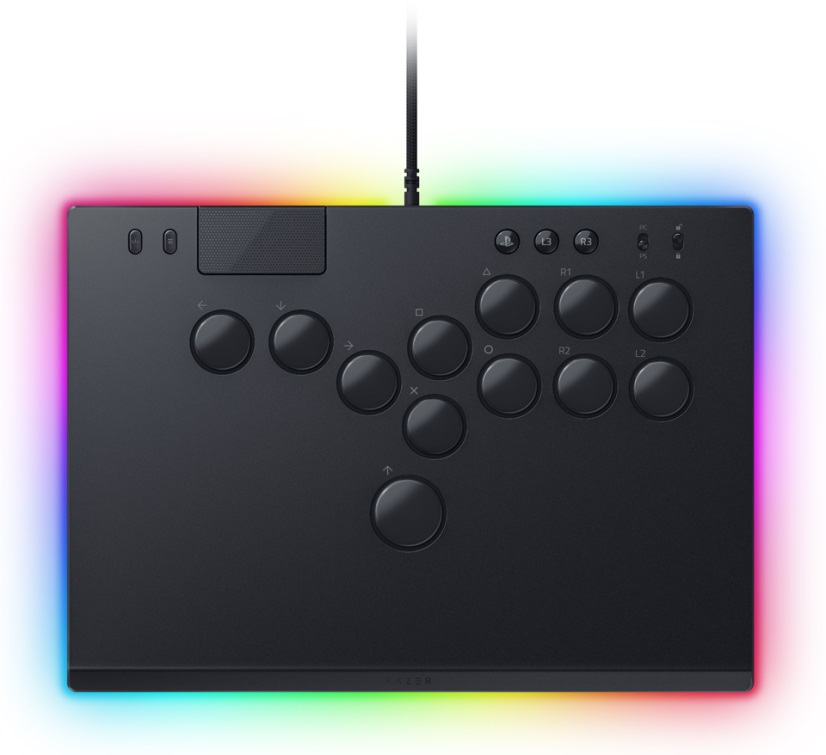
Razer is hosting an Amazon Prime Day sale on several of its top-grade PC gaming peripherals, lifestyle furniture, controllers, and more for a limited time, and we've rounded up some of its best for you to check out.


"The Razer Viper V3 Pro is the new champion of Razer's high-end esports gaming lineup, and it packs a ton of impressive tech into a lightweight package." ~ Zachary Boddy, former Staff Writer

Windows Central Review: ⭐⭐⭐⭐½ View Deal


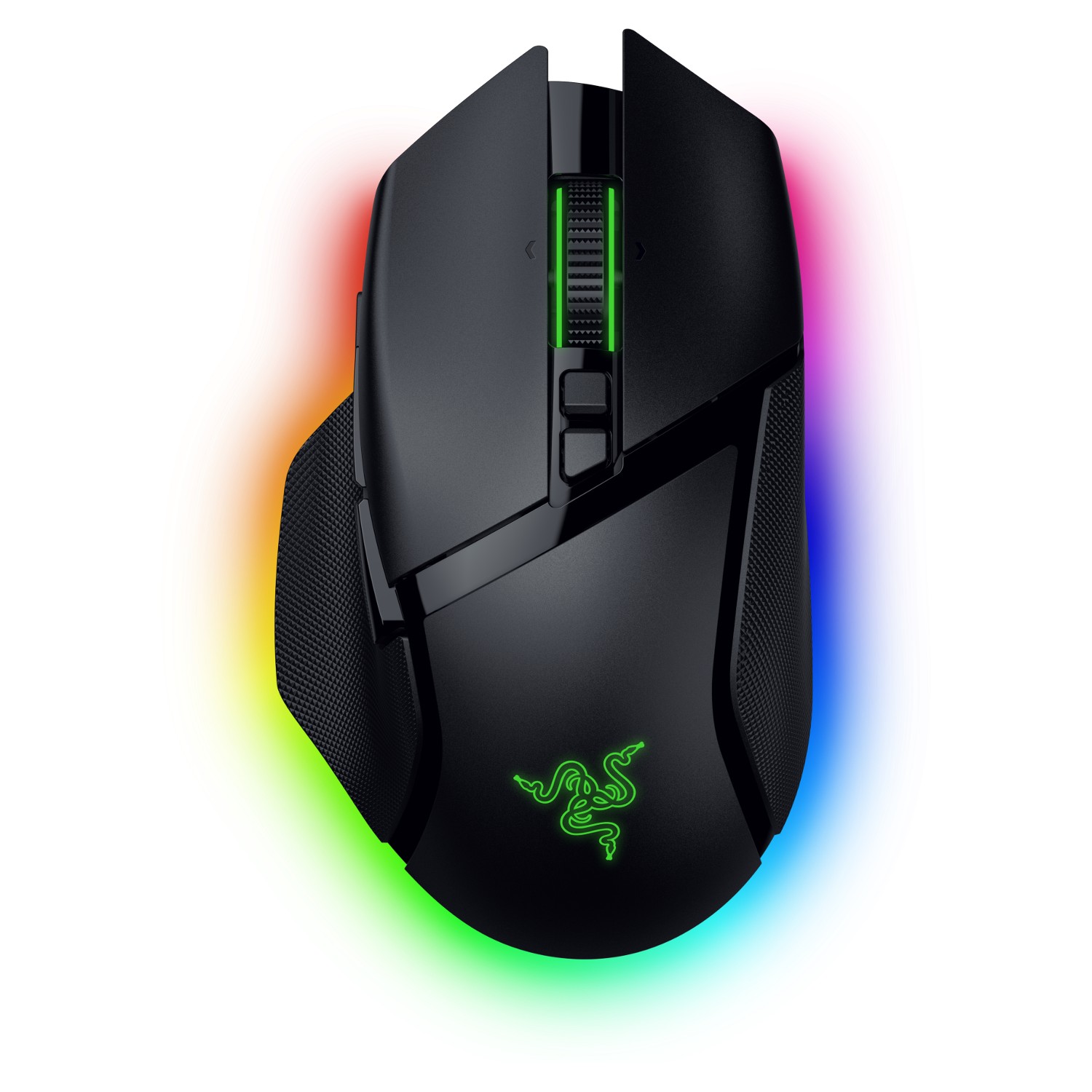
"The Razer Basilisk V3 Pro 35K takes an already great mouse and elevates it further. Its bulk and weight won’t be for everyone, but there’s no doubt it brings an awful lot to the table." ~ Alex Blake, Freelance Contributor at TechRadar

TechRadar Review: ⭐⭐⭐⭐½ View Deal


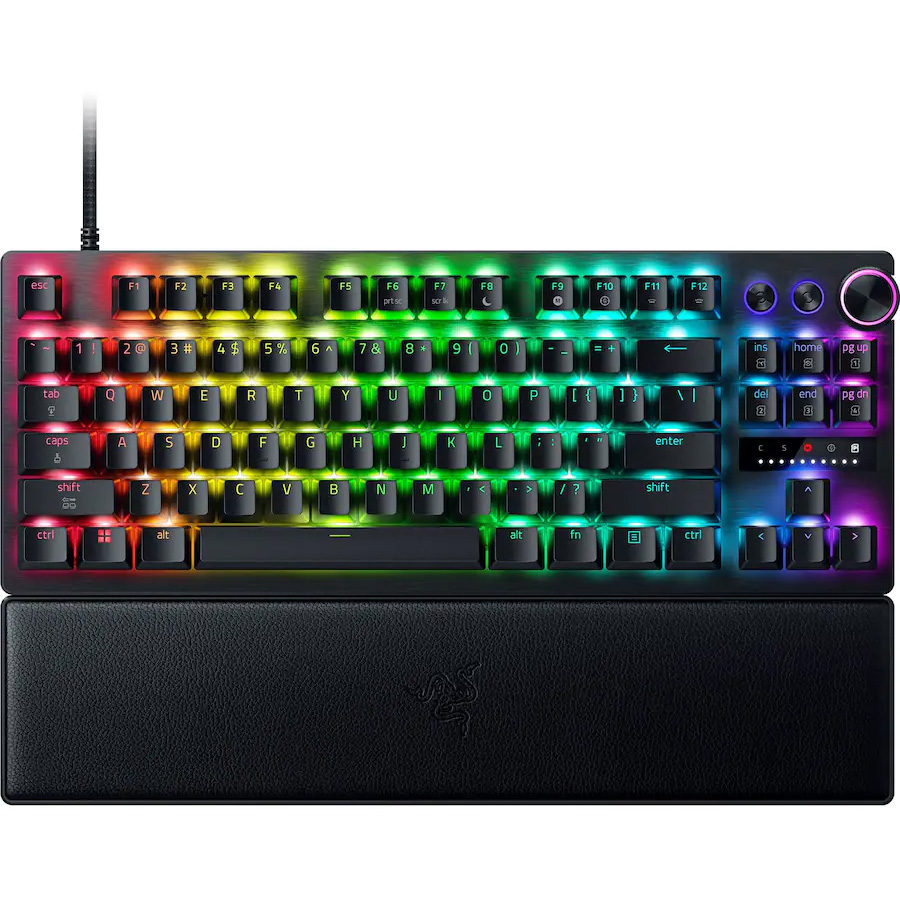
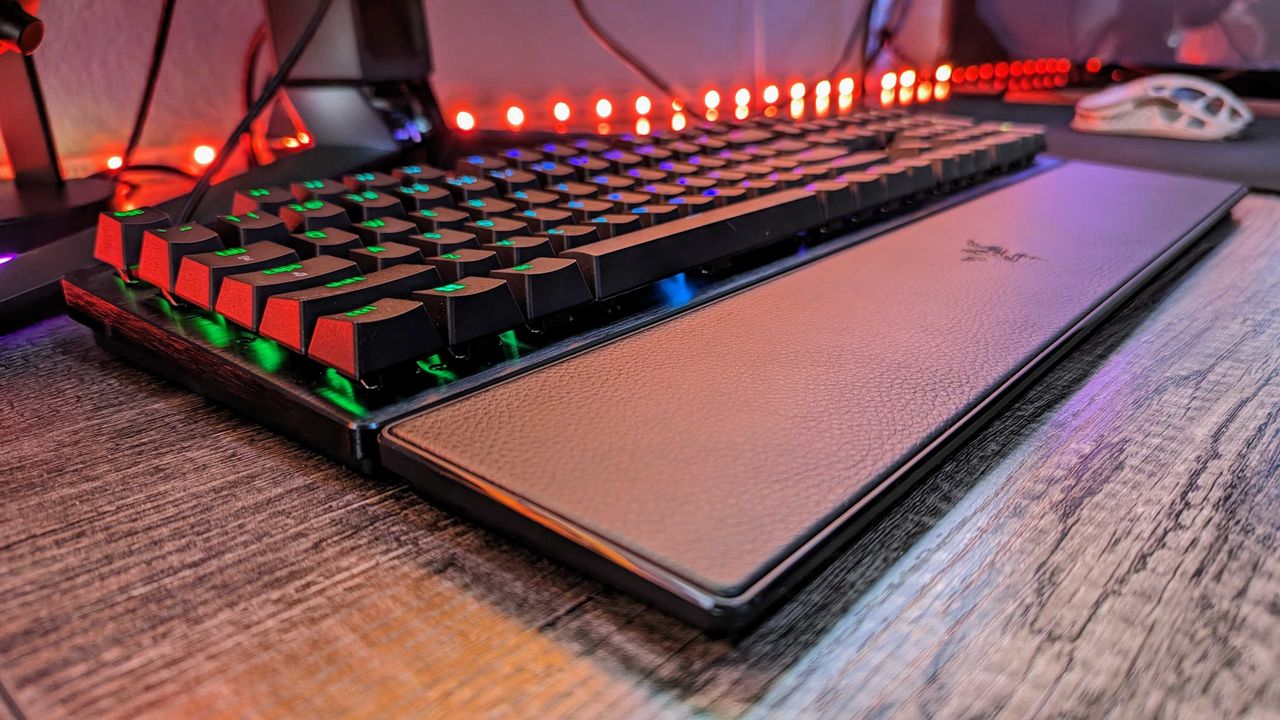
"The Razer Huntsman V3 Pro is undeniable as the world's most advanced gaming keyboard. Adjustable actuation and endless customization make it a boon for any professional esports gamer." ~ Zachary Boddy, former Staff Writer

Windows Central Review: ⭐⭐⭐⭐View Deal


"The Razer Huntsman V3 Pro is undeniable as the world's most advanced gaming keyboard. Adjustable actuation and endless customization make it a boon for any professional esports gamer." ~ Christopher Coke, Contributing Writer at Tom's Hardware

Tom's Hardware Review: ⭐⭐⭐⭐View Deal


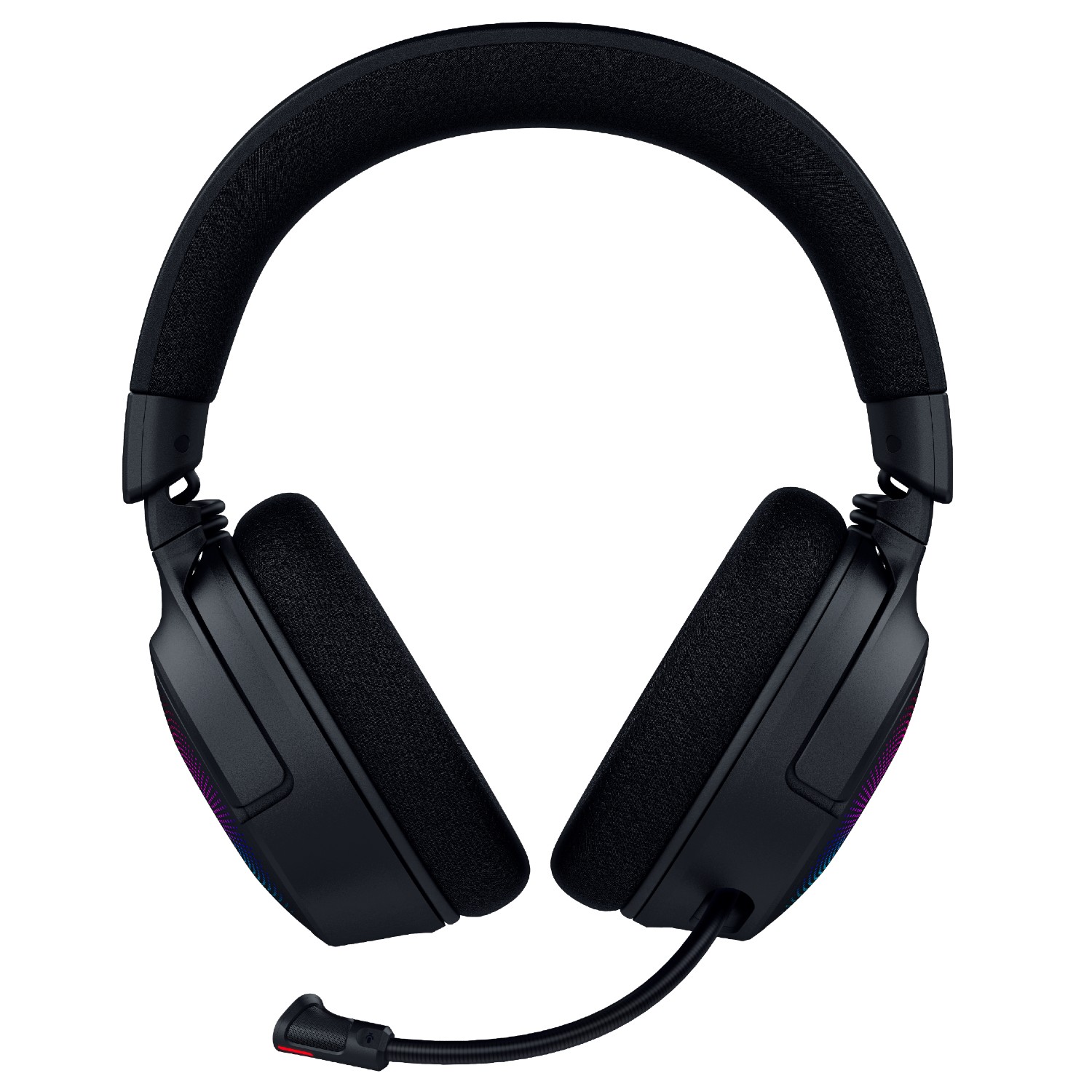
"The Razer Kraken V4 refines the comfortable design to be slimmer and more attractive, adds more RGB lighting, and improves the audio quality across the board." ~ Zachary Boddy, former Staff Writer

Windows Central Review: ⭐⭐⭐⭐½ View Deal


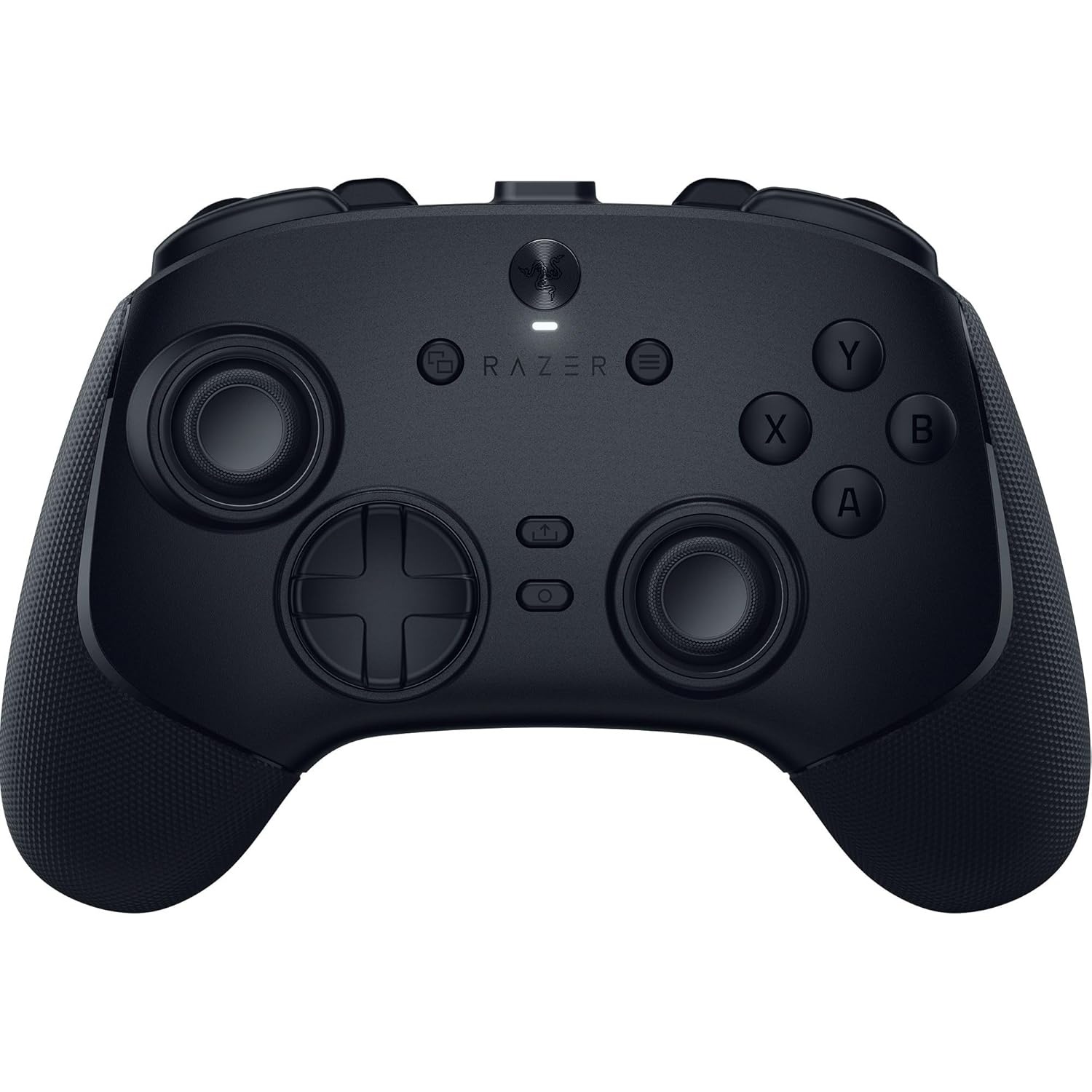
"Razer has finally made a wireless controller for the Xbox and overall it's absolutely brilliant. Combining the best aspects of previous Wolverine controllers, Razer has updated it for the present day with its excellent mouse switch technology, hall effect sticks and an ergonomic design that I would argue is better even than Microsoft's own." — Richard Devine, Managing Editor

Windows Central review: ⭐⭐⭐⭐½View Deal


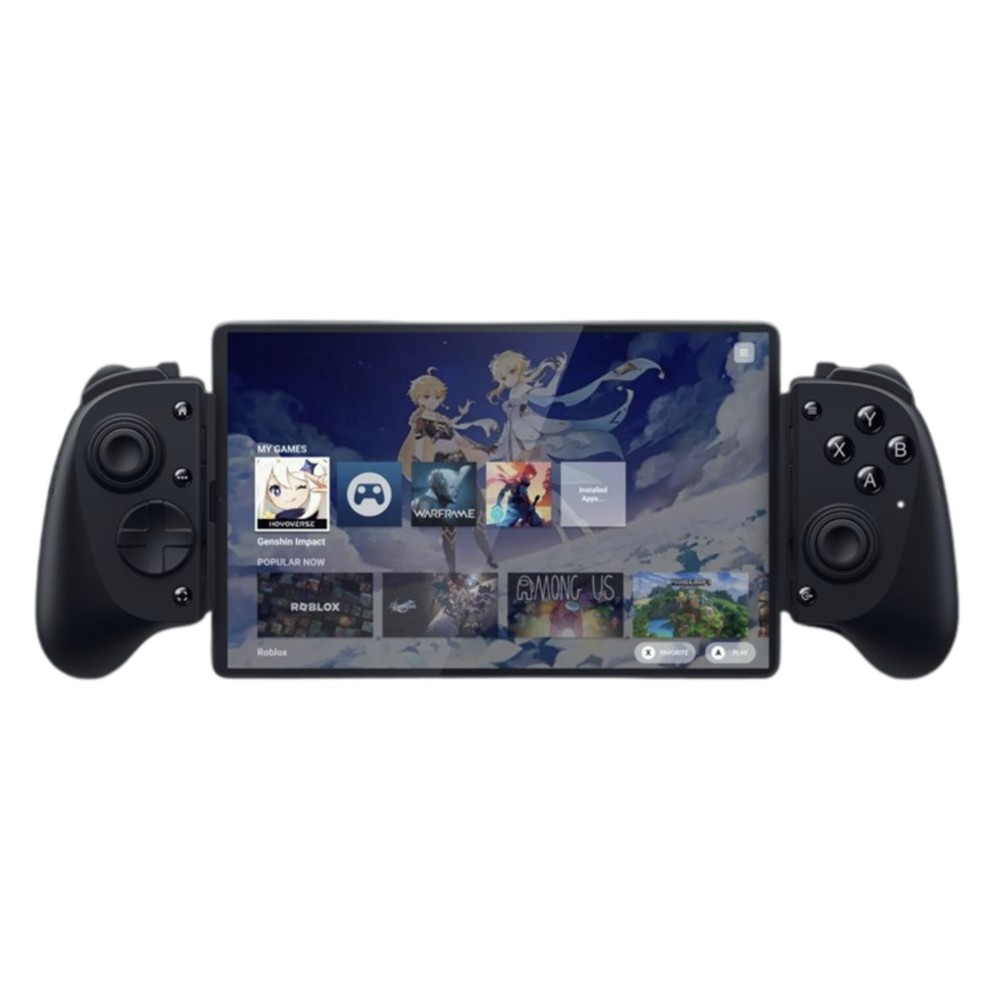
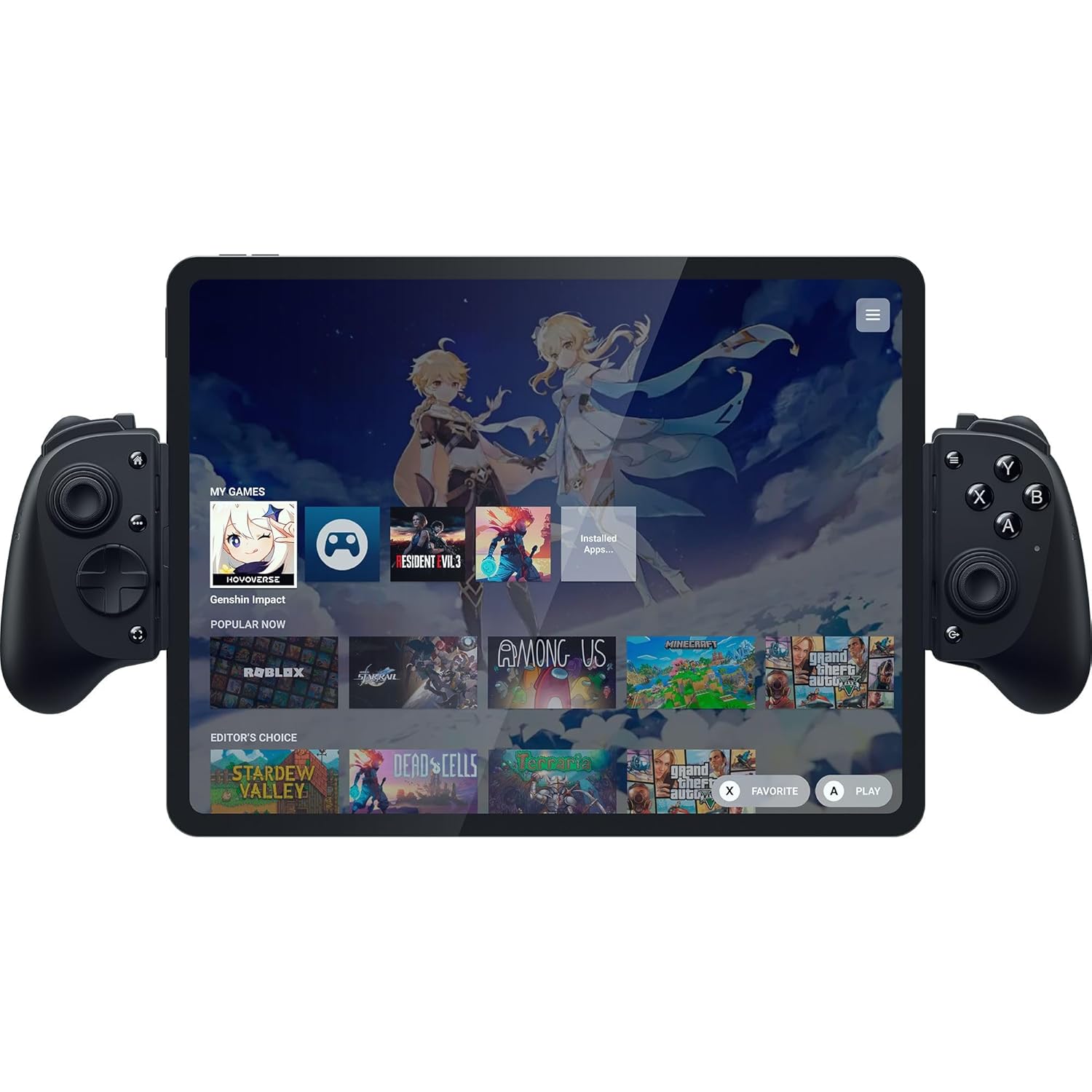
"The Razer Kishi V3 Pro takes everything great about Razer's excellent Kishi Ultra and adds more buttons and features and plenty of other enhancements. It's truly the ultimate mobile gaming controller, as long as you don't mind the size." ~ Zachary Boddy, former Staff Writer

Windows Central Review: ⭐⭐⭐⭐½ View Deal


This is the extra-large version of the Kishi V3 Pro controller built to accommodate Android and iPad tablets up to 13-inches big.View Deal


"The Razer Basilisk V3 Pro 35K takes an already great mouse and elevates it further. Its bulk and weight won’t be for everyone, but there’s no doubt it brings an awful lot to the table." ~ Rhys Wood, Hardware Editor at TechRadar

TechRadar Review: ⭐⭐⭐⭐½ View Deal


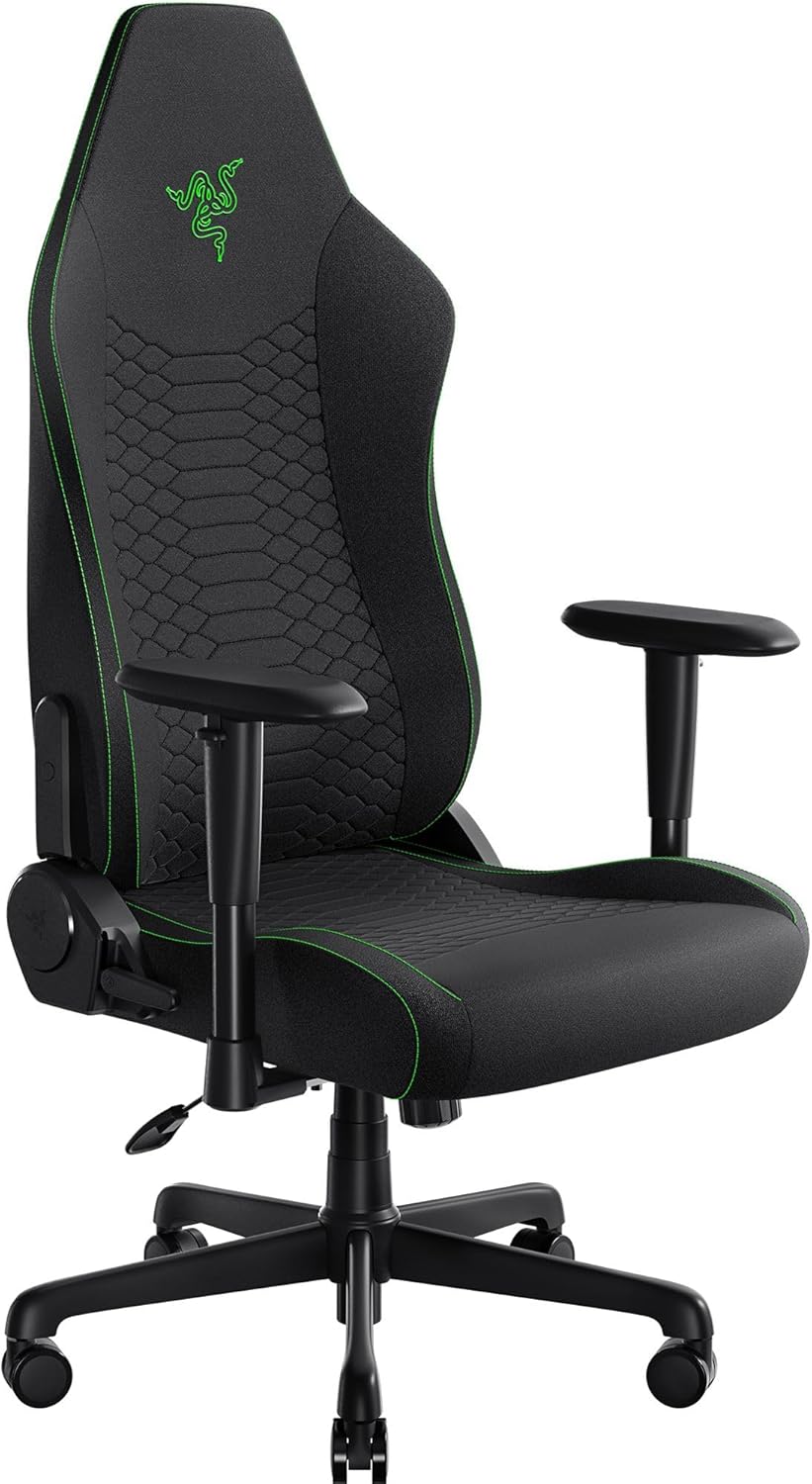
"Despite its stiff backrest and lumbar support, the Razer Iskur V2 X is a great gaming chair with high-quality seat cushioning and padded armrests that will keep you relaxed during long periods of gaming." ~ Alex Corden, Staff Writer

Windows Central Review: ⭐⭐⭐⭐½ View Deal


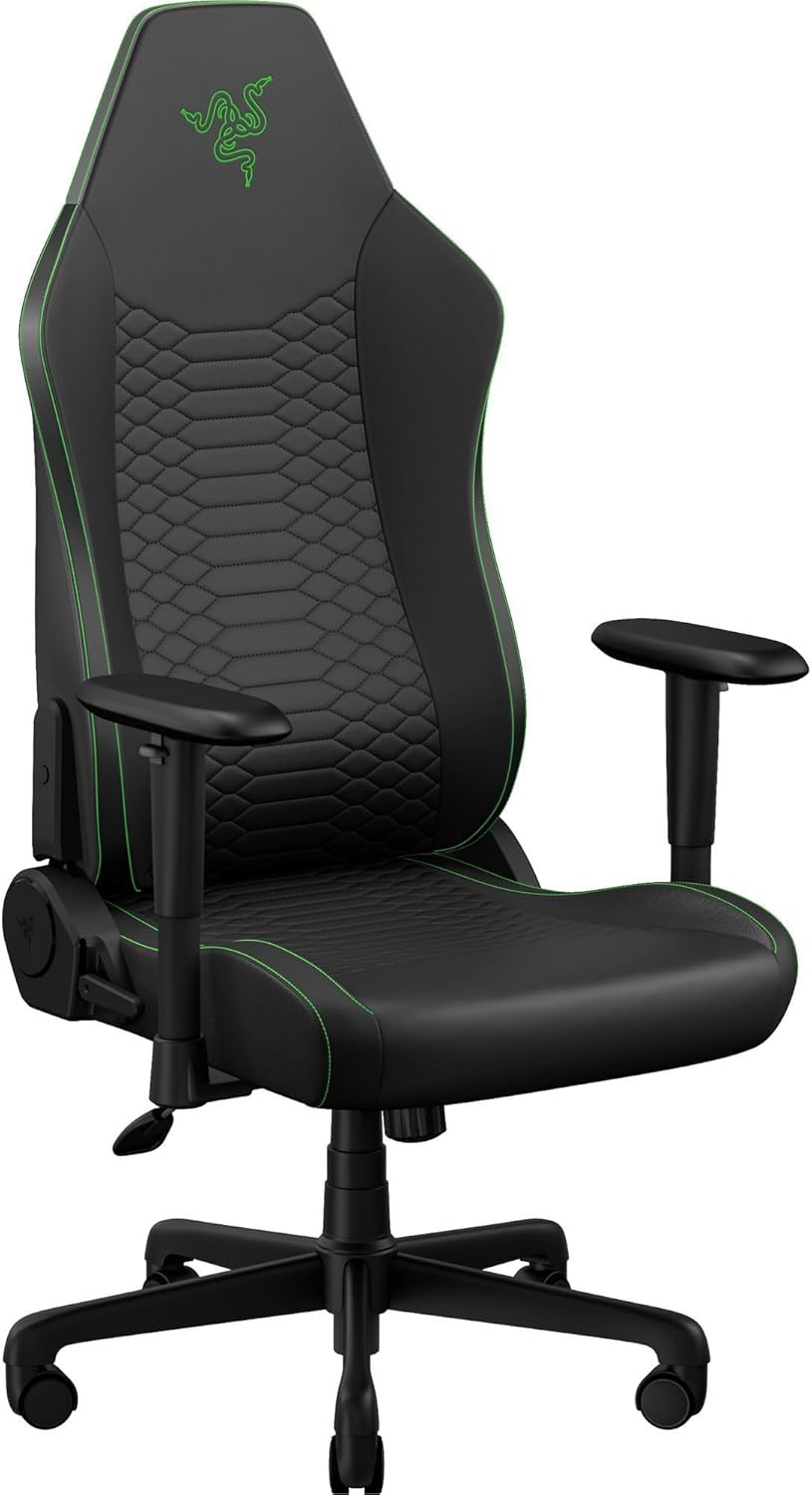
This is the upgraded version of the Iskur V2 X chair built with Razer Gen-2 EPU leather and Cool tech, so it's 13 times more durable, breathable, and comfortable to sit in.
View Deal

FAQ

When does Amazon's June Prime Day event start?

Amazon's Prime Day June event starts on June 23, 2026 and will last until June 26, 2026.

Click to join us on r/WindowsCentral

Join us on Reddit at r/WindowsCentral to share your insights and discuss our latest news, reviews, and more.

Image of the Razer Huntsman V3 Pro gaming keyboard.

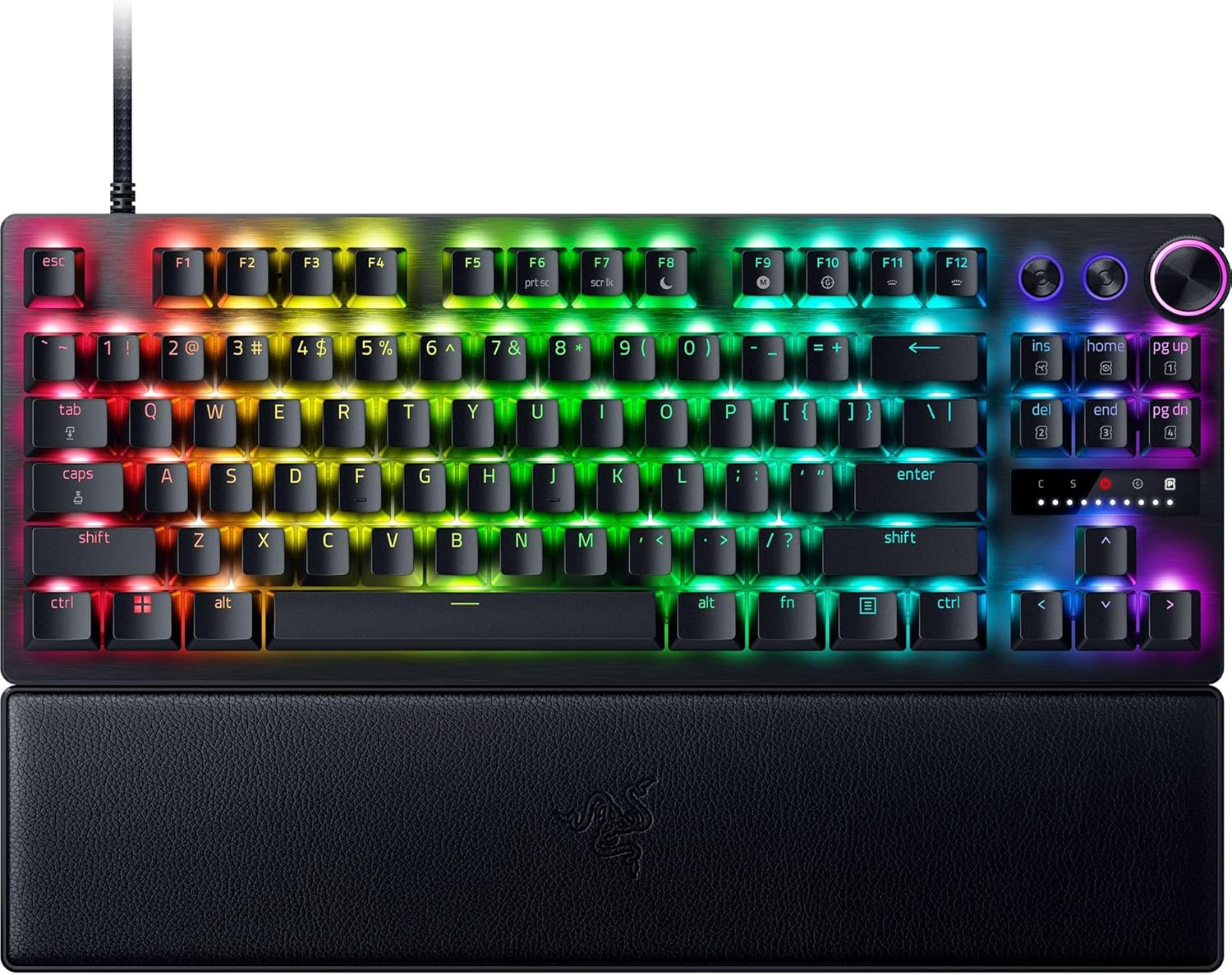
Image of the Razer Huntsman V3 Pro gaming keyboard.

  •  
❌