Vue lecture

You can feel Windows 11 with the Surface Slim Pen 2 — no need for an overpriced Surface Pro 12 or Surface Laptop 8

Microsoft has updated the Surface Slim Pen 2 with support for Windows 11’s new system‑level haptics. The change lets older (and more affordable) Surface devices use the same tactile feedback that ships with the latest Surface hardware.

A Surface Slim Pen 2 rests in a recessed slot above a grey keyboard, with a tablet screen displaying the Windows 11 taskbar in the background.
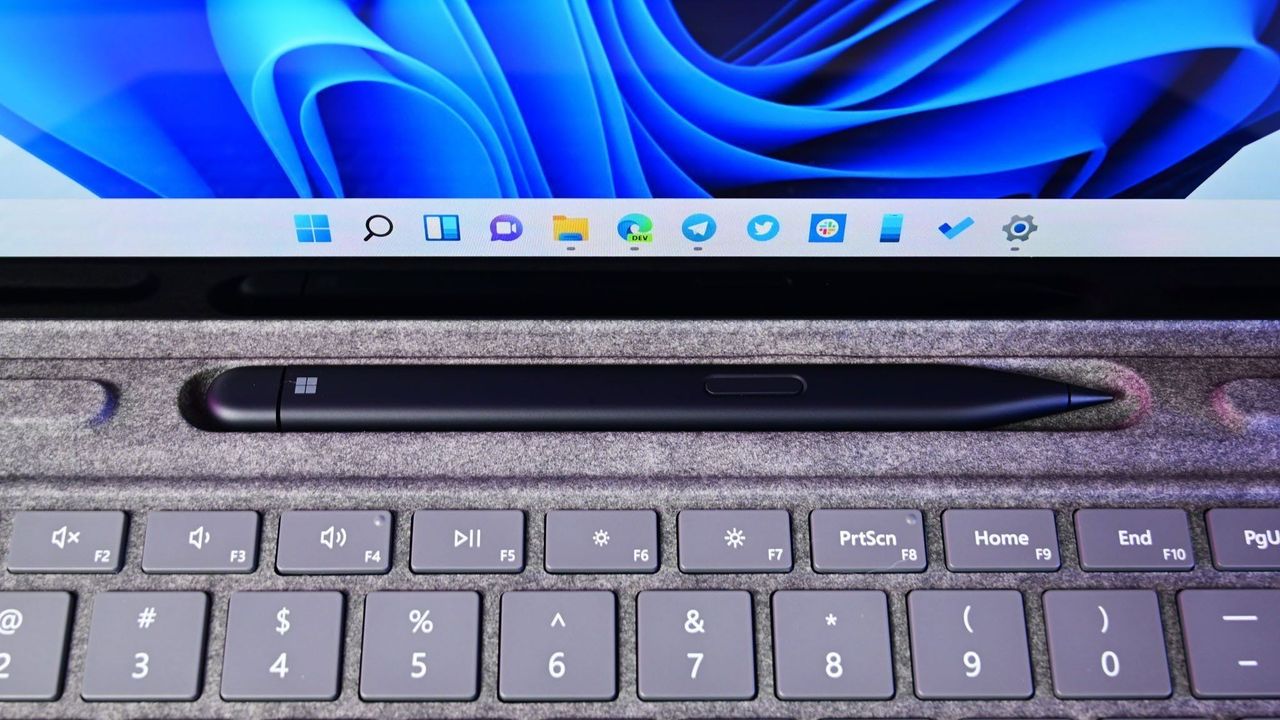
The Surface Slim Pen 2 now supports haptics that integrated with Windows 11.
  •  

"Leave it to Surface to do it best": Privacy screens are changing, and I dug into how Microsoft's approach differs from HP, Lenovo, and Dell

Microsoft upgraded its Surface Laptop for Business (8th Edition) with an integrated privacy screen unlike the others. I went back into our archives to figure out which laptop brand did it first, who followed up, and why Surface has the new best implementation.

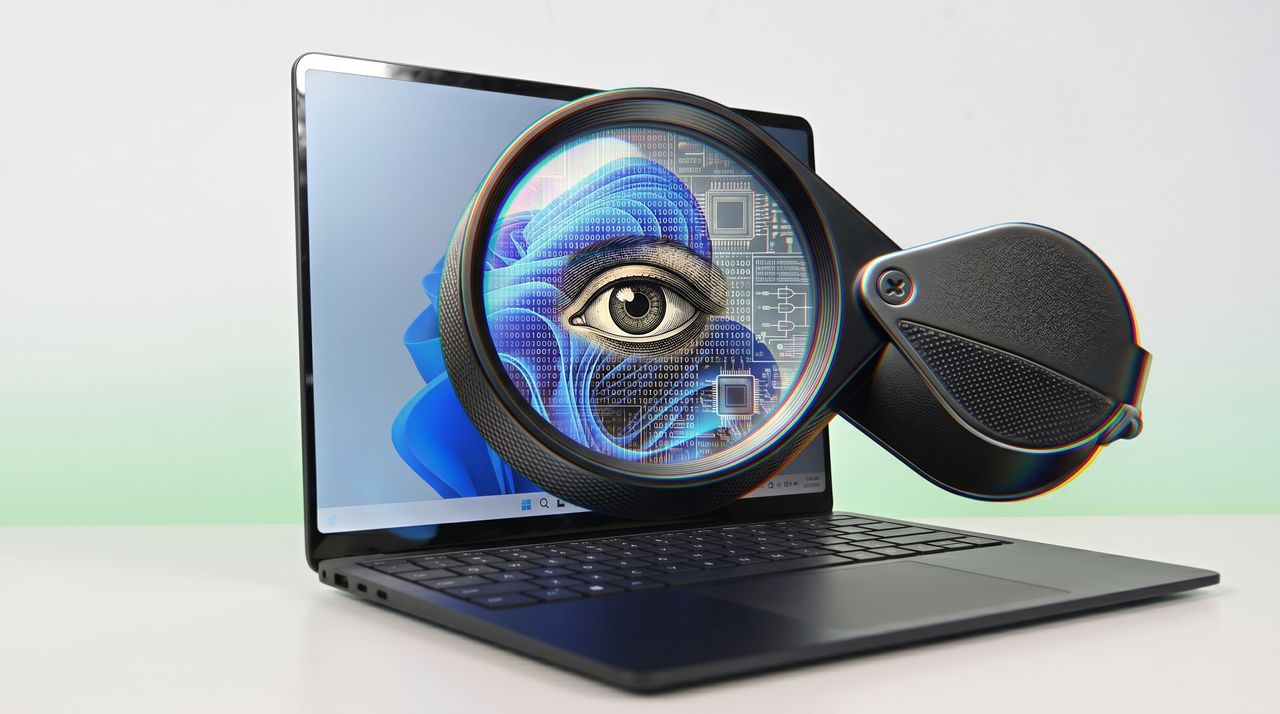
A Surface Laptop 8 displays a digital face blending with circuit patterns, under a magnifying glass highlighting an eye, symbolizing technology and digital surveillance.

A Surface Laptop 8 displays a digital face blending with circuit patterns, under a magnifying glass highlighting an eye, symbolizing technology and digital surveillance.

  •  
❌