❌

Vue lecture

RAY’s 3D Print Scraper Concept Refuses to Be Another Rectangle
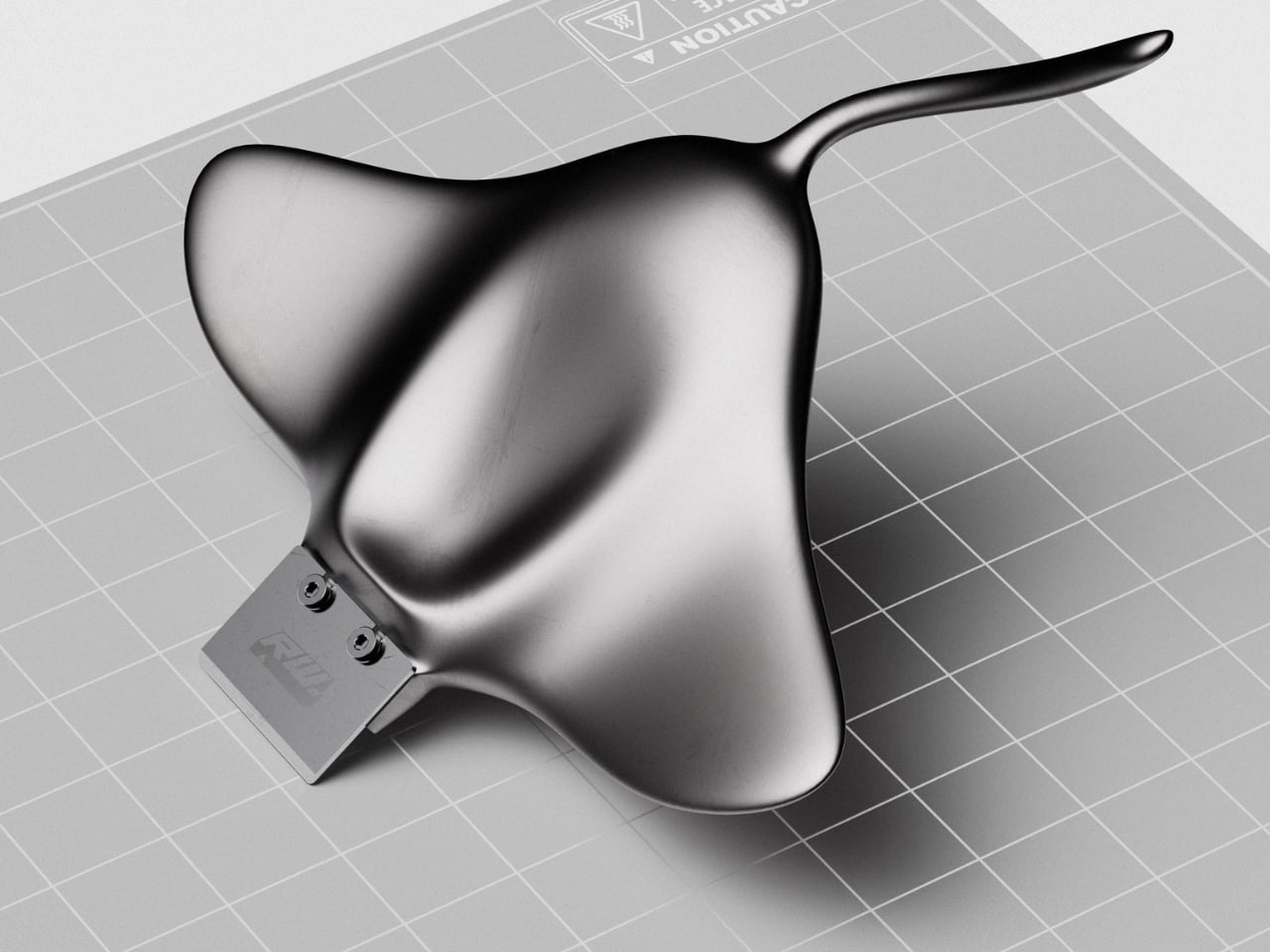
The little rectangular blade gives RAY away. Without it, Marija Kucurski’s stingray-shaped design could pass for a small sculpture, all sweeping fins and a curling tail. It’s actually a concept for a 3D print scraper, a tool meant to help release stubborn plastic from a printer’s build surface. Presented through renderings on Render Weekly, it gives an unglamorous workshop accessory a silhouette I’d happily leave out on the bench.

The practical problem is straightforward: a print needs to stay attached while it’s being made, but removing it afterward can take care. Prusa recommends letting its flexible steel sheets cool before bending them to release a print, sometimes using a spatula for assistance. RAY explores a handle for that scraping job while tackling a second, more personal frustration. Kucurski wanted to get away from the cubes, rounded rectangles, and racetrack shapes that had started to feel repetitive.

Designer: Marija Kucurski
In her project description, Kucurski compares working with SubD to playing with pizza dough or clay. That experimentation led her toward a stingray. I like how modest that explanation is. There’s no elaborate story about the ocean teaching us to scrape plastic more efficiently. She wanted to try a different shape, followed the modeling process, and arrived at an animal whose broad body gives the tool a recognizable identity. Sometimes that’s a perfectly worthwhile starting point.

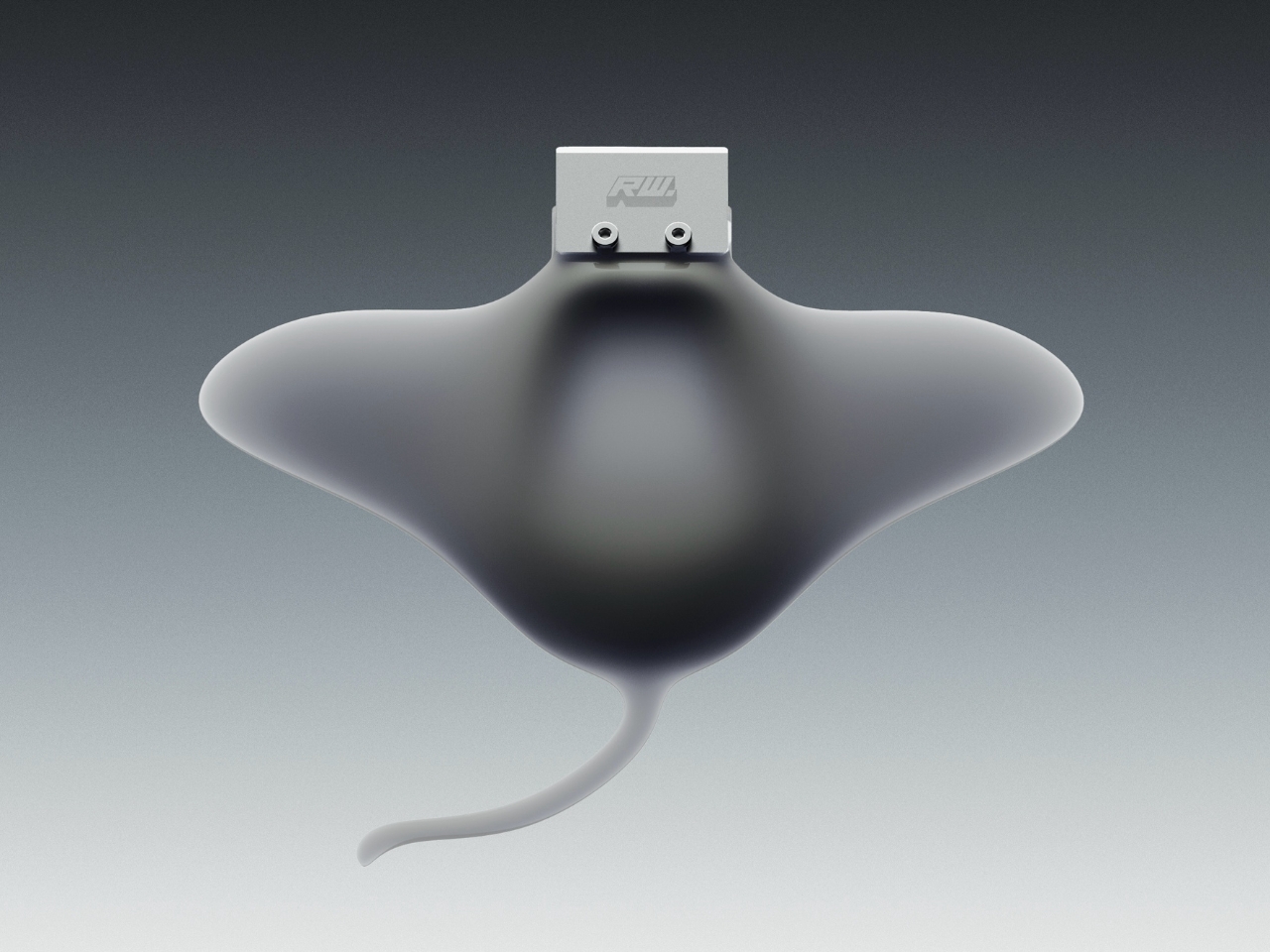
Seen from above, RAY spreads outward into two rounded wings, with a raised central body flowing into a slender, curved tail. The dark, metallic-looking surface catches light across those changes in curvature, making the body feel more sculpted than assembled. That’s a visual effect in the renderings, not confirmation of a particular material. The blade sits at the front, interrupting those soft contours with a plain rectangle and two exposed fasteners.

A separate visualization makes the proposed grip clearer. A hand cradles the broad body, with the thumb resting near the center and fingers supporting the wings from underneath. The tail extends back toward the wrist rather than serving as a conventional narrow handle. That arrangement suggests a different relationship between hand and tool: more of a palm-supported object than something held by a stick. I’d be curious to see how that translates when applying pressure close to the build plate.
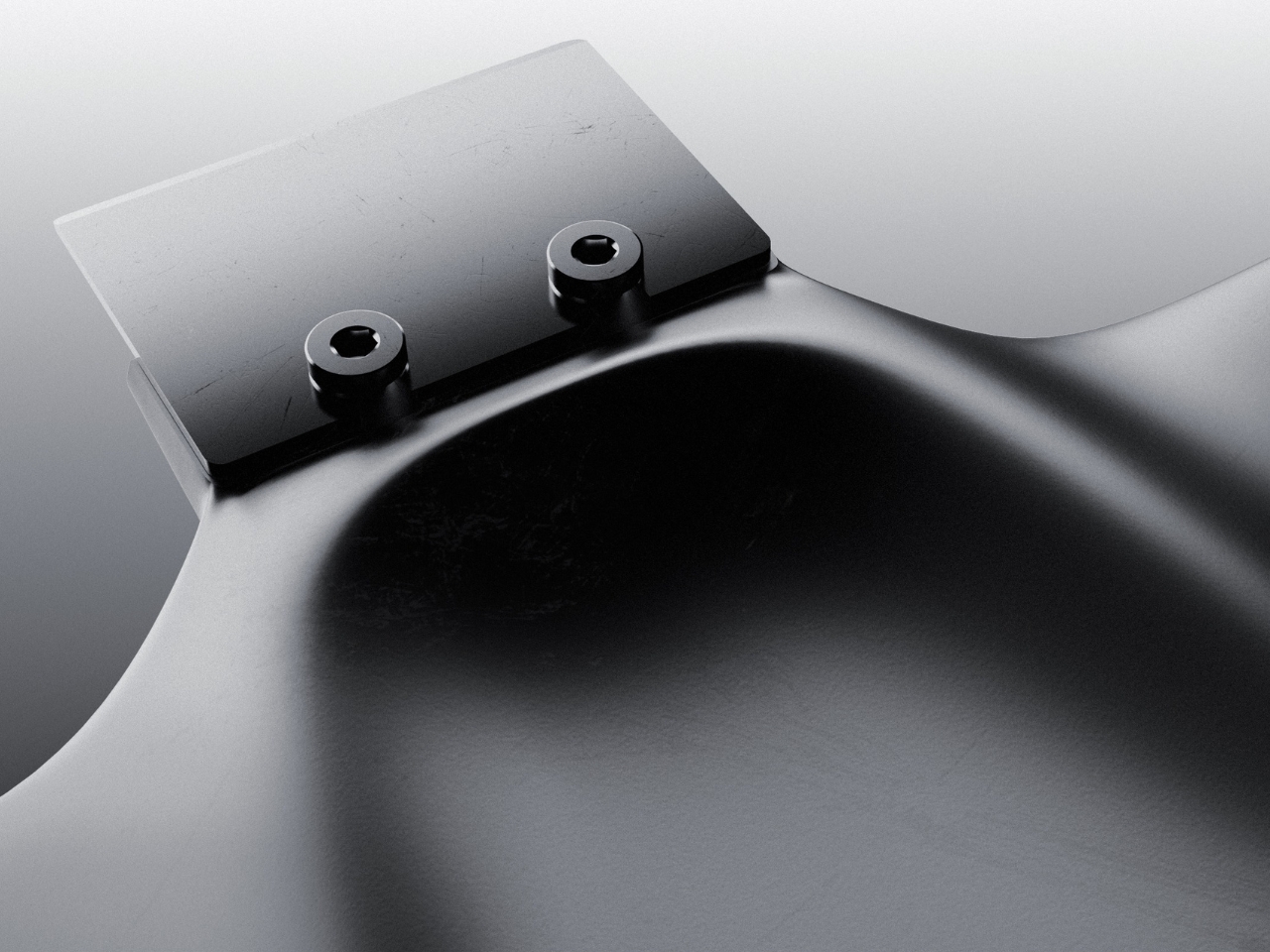
The blade attachment is a useful visual anchor. Two visible screw heads keep the business end legible, so the animal reference doesn’t completely swallow the tool’s purpose. I appreciate that decision. A perfectly uninterrupted stingray would make a cleaner sculpture, but the exposed hardware gives RAY a little workshop credibility. It also draws attention to the connection that would need to hold up during use.

My hesitation is mostly about the tail. It completes the stingray immediately, and removing it would make the design less memorable. But I’d want to know whether it contributes anything to handling or simply asks for extra space in a drawer. The wide wings raise a similar question about storage. Neither concern ruins the idea. They’re the ordinary negotiations that make a playful concept interesting once you imagine it sharing a bench with other tools.

The available presentation doesn’t establish grip comfort, scraping performance, or compatibility with particular build surfaces. Those details would matter more than the silhouette if RAY moved toward production. Even a beautiful scraper needs to respect the surface underneath it. Prusa specifically cautions against damaging the sheet when using a spatula and recommends slipping it beneath the model while the sheet is slightly bent, rather than digging into a flat surface.
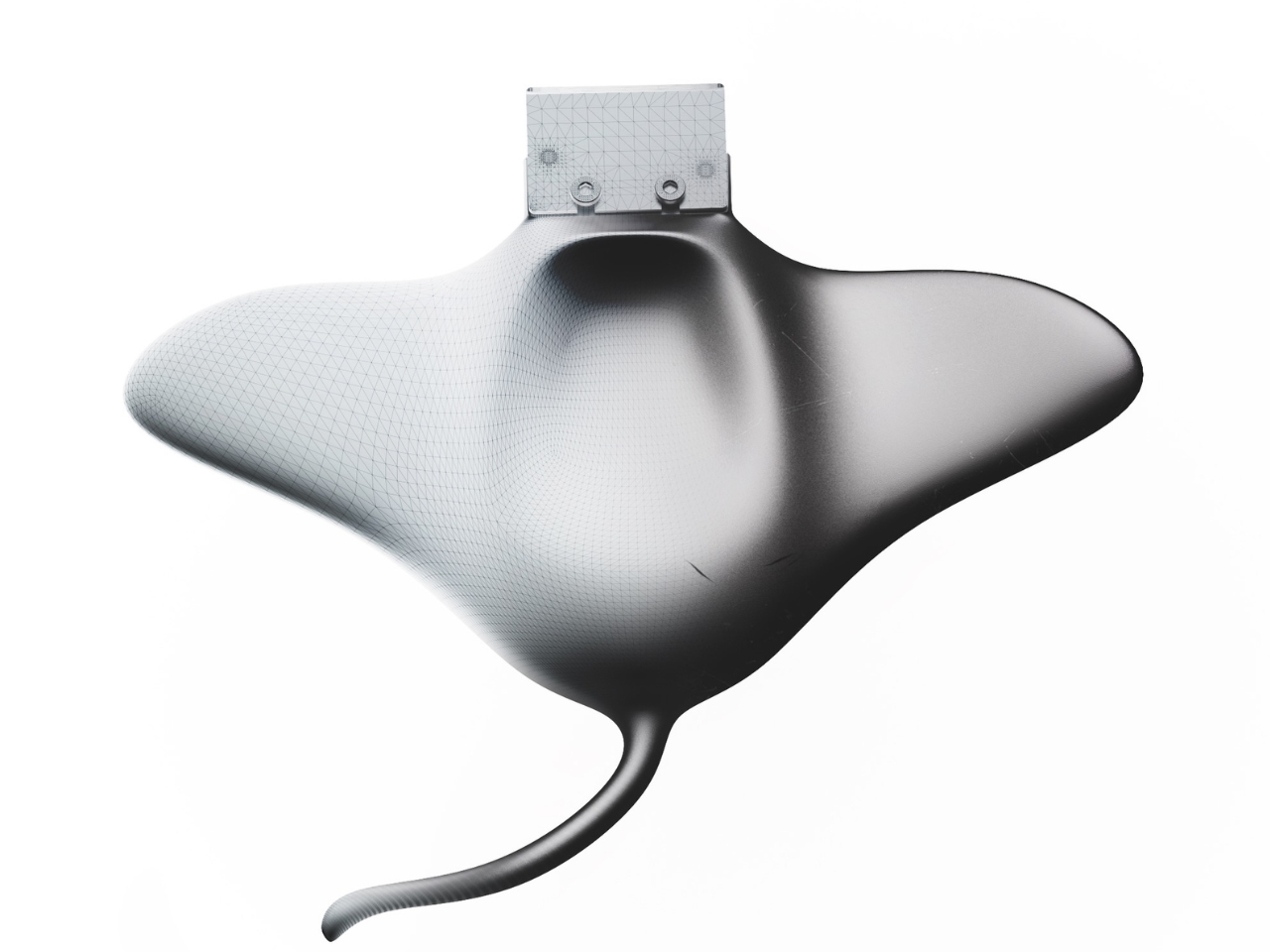
Still, I’m glad Kucurski followed the less predictable shape. I don’t need every tool to resemble a sea creature, but I do enjoy a design that makes its maker’s curiosity visible. RAY earns attention through the sweep of its body and the almost comically practical blade attached to its front. The next step would be putting that expressive form to work, finding out which curves help the hand and which ones are simply along for the ride.

The post RAY’s 3D Print Scraper Concept Refuses to Be Another Rectangle first appeared on Yanko Design.
  •  

ELEGOO DAY 2026 Invites the World to Create, Share, and Grow With Nexprint

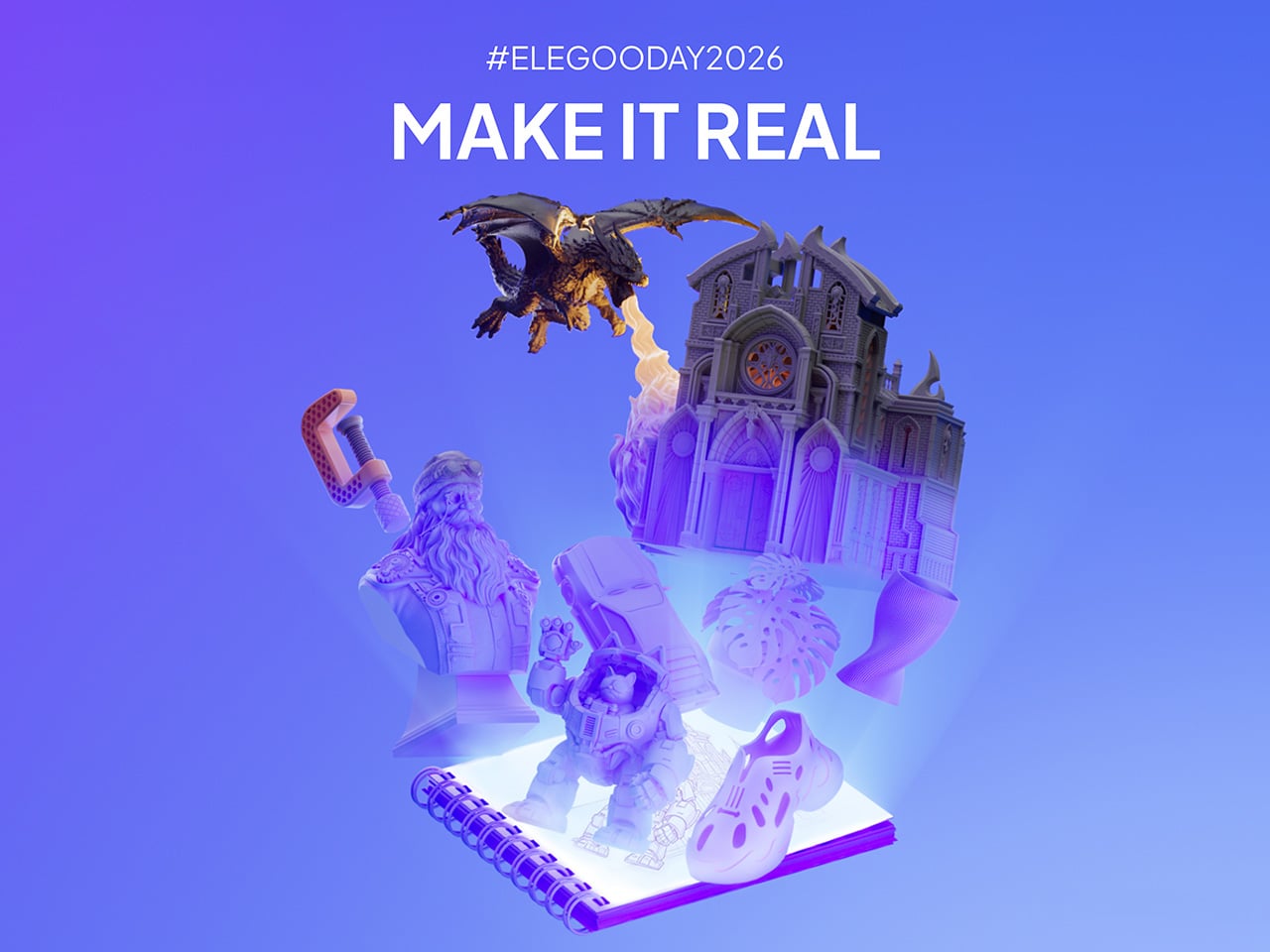
Every idea deserves somewhere to go, and for a lot of 3D printing hobbyists, that place has been missing. ELEGOO wants to change that with ELEGOO DAY 2026, launching September 10, its annual celebration built around bringing creators together on Nexprint. This year folds in a creator fund, a design contest, new model generators, and a sale, all pointing toward one goal: getting more people to create, share, and be part of a growing community.

Most of that action happens on Nexprint, ELEGOO’s open-source 3D model platform, built on the belief that creation should be open to anyone with an idea. Think of it as the hub tying everything together: models get uploaded, tools get discovered, and creators get a real reason to keep contributing. That shift is slowly turning ELEGOO from a printer maker into a community built around making.

Designer: ELEGOO

Click Here to Submit Now | Click Here To Buy Now.

The centerpiece is the new $1,000,000 Creator Fund, ELEGOO’s way of recognizing and rewarding people for sharing 3D models on Nexprint, not just paying for output but investing in the community itself. Rewards start with your very first submission, no waiting for likes or rankings to climb first. Individual models can earn up to $100, and stacking incentives push that ceiling to $300 per model.

There’s more structure built in too. Extra rewards unlock at 3, 5, 10, 20, and 50 submissions, so consistency pays off as much as any single hit model. Monthly rankings hand exclusive prizes to the top five creators, including actual ELEGOO printers, while a new bonus-card mechanism can push individual payouts even higher. It feels less like a marketing gimmick and more like a system built to grow alongside its creators.

From September 10 to October 30, ELEGOO runs the MakeItReal contest on Nexprint, and the premise couldn’t be simpler: take a flat idea, in whatever form it takes, and give it dimension, no design background required. There’s no theme to chase, just that shift from flat to physical. Winning entries will be picked and announced on November 20, each earning up to $300 in ELEGOO coupons for the trouble.

The idea behind it is almost sentimental for a hardware company, echoing ELEGOO’s belief that 3D printing works best as a creative outlet, not a manufacturing shortcut. A photo on your phone or a doodle in a notebook can end up as something you actually hold, not just imagine. Creators don’t need advanced modeling skills to compete, either. Nexprint’s upcoming Text and Image to 3D Generator lets anyone shape a contest entry straight from a photo or a written description, no CAD needed.

That generator is one of three new tools ELEGOO just added to Nexprint, alongside a Vase Generator and a Nameplate Generator, each built to make creation easier for beginners and veterans alike. All three do the same basic job: they take a drawing, a photo, or a few typed words and turn it into a printable model within minutes. None of it replaces real design skill, but it removes the blank-page problem that stops many from starting.

Put it together, and the loop makes sense. Someone sketches an idea, runs it through a generator, shares the result on Nexprint, enters it into MakeItReal, and picks up Creator Fund rewards along the way. None of those steps demand deep technical skill. This is the connected ecosystem ELEGOO keeps referencing, not a slogan, but an actual sequence anyone can walk through starting today.

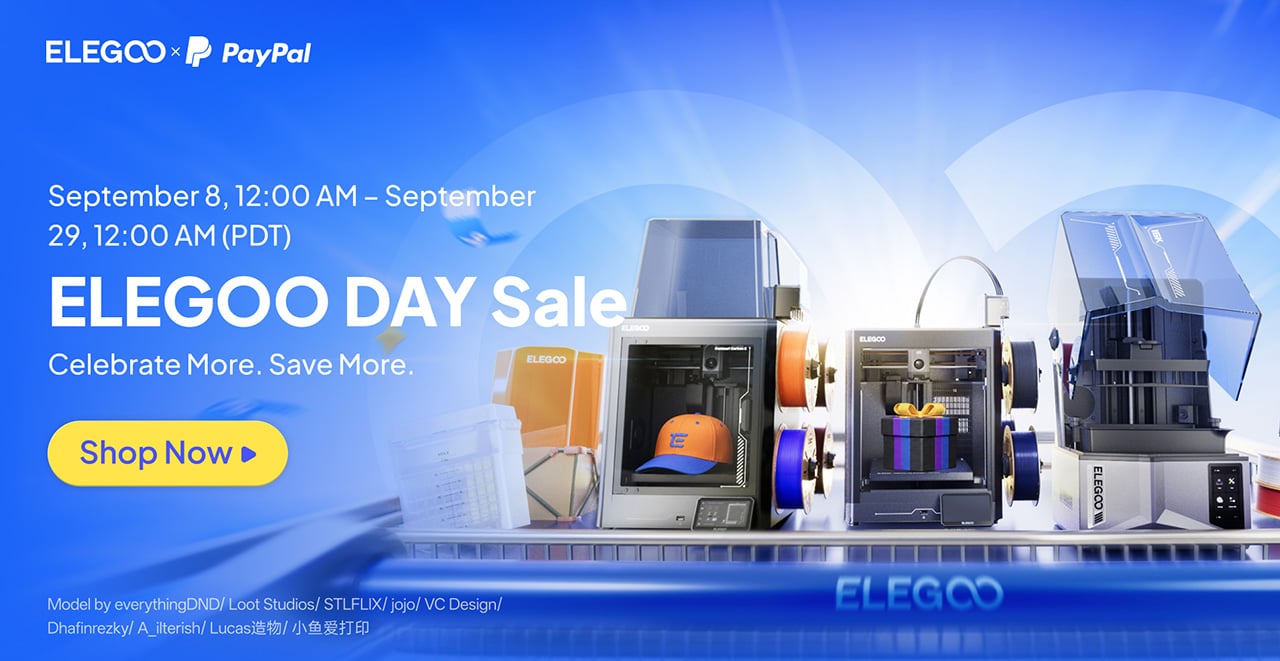
All this activity lines up with the ELEGOO DAY Sale, with discounts of up to 54% on selected products, running September 8 through 29 with regional pricing, ELEGOO’s way of putting that ecosystem into more hands. The Saturn 4 Ultra 16K brings high-resolution resin printing for detailed sculptures, jewelry prototypes, and miniatures. The Centauri Carbon 2 Combo handles multicolor prints for home décor and personalized gifts. The Mars 5 Ultra offers a smaller resin option with sharp detail for tight workspaces.

What stands out about ELEGOO DAY 2026 isn’t any single feature; it’s the shape of the whole thing. A hardware company built its business on printers, then quietly built systems for sharing, competing, and earning that turn a machine into a habit. For ELEGOO, that’s what building an ecosystem means: more chances for people to create, connect, and turn ideas into something real.

Click Here to Submit Now | Click Here To Buy Now.

The post ELEGOO DAY 2026 Invites the World to Create, Share, and Grow With Nexprint first appeared on Yanko Design.

  •  

This $99 Trackball Has Gesture Controls That Work Without Any Software

The computer peripheral market has always been more experimental at its edges than in the mainstream. Ergonomic trackballs, in particular, have attracted a devoted following among power users, but the options tend to cluster at two extremes: consumer-facing products with locked-down firmware, and niche open-source hardware that trades polished finish for deep customizability. Finding something that genuinely does both has rarely been straightforward.

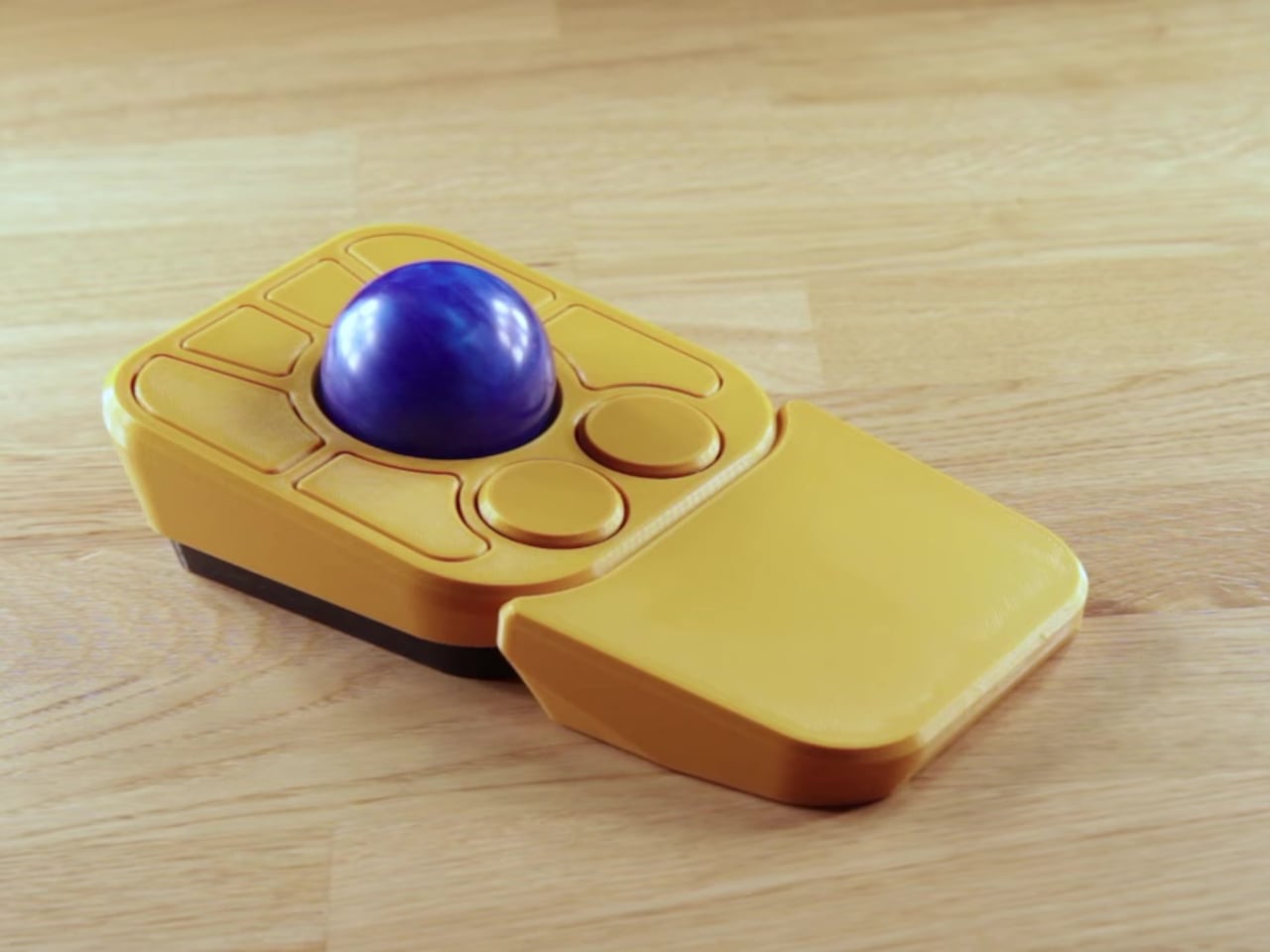
Ploopy’s Adept trackball made a compelling case for the latter category, earning a loyal following with its open-source, 3D-printed design and QMK compatibility. But it always felt like it had more to say. Its circuit board had always reserved space for two more switches that never made it to production, and the base had slots for a wrist rest that never materialized. The A+ is that unfinished story, now finished.

Designer: Ploopy

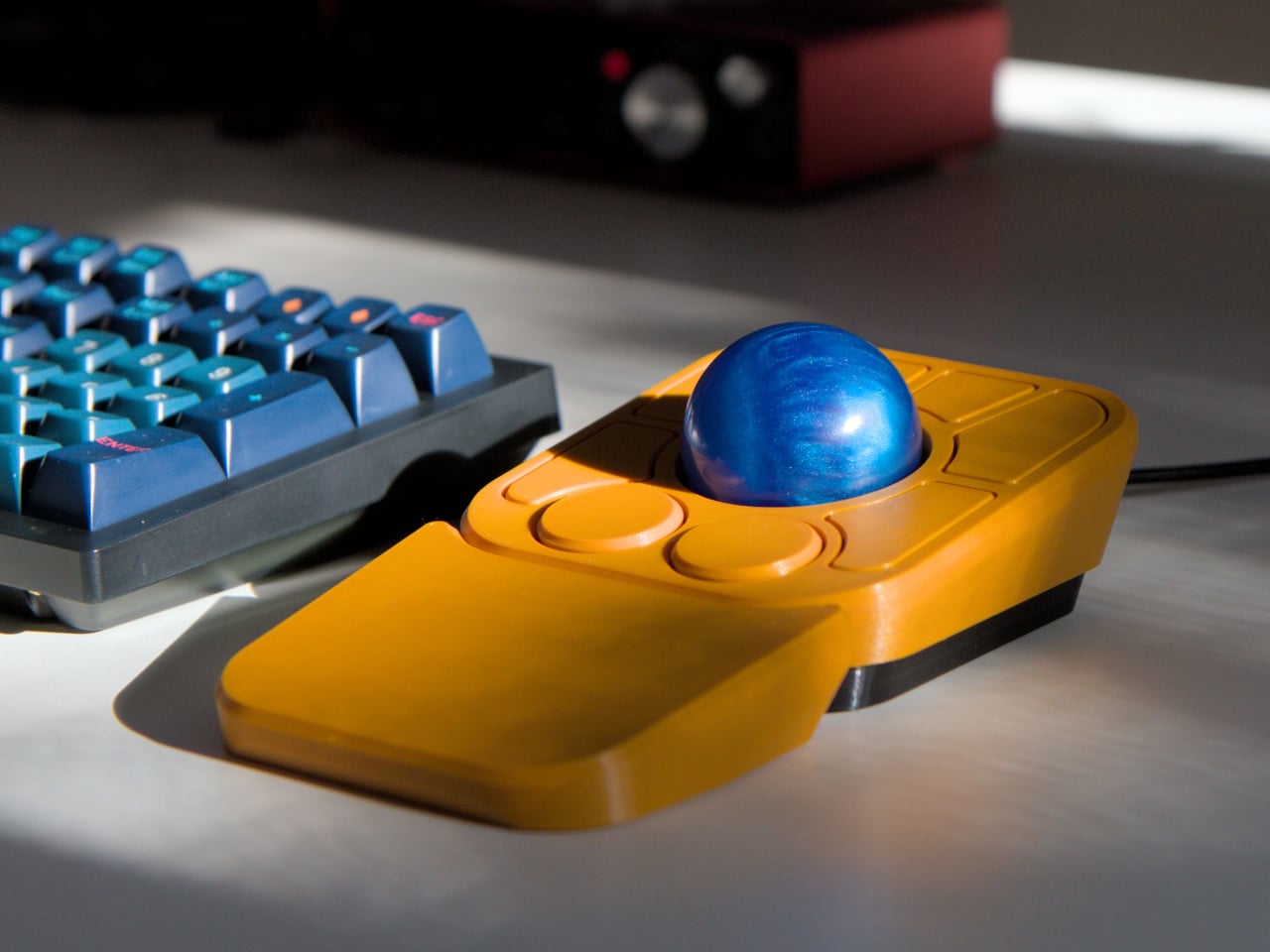
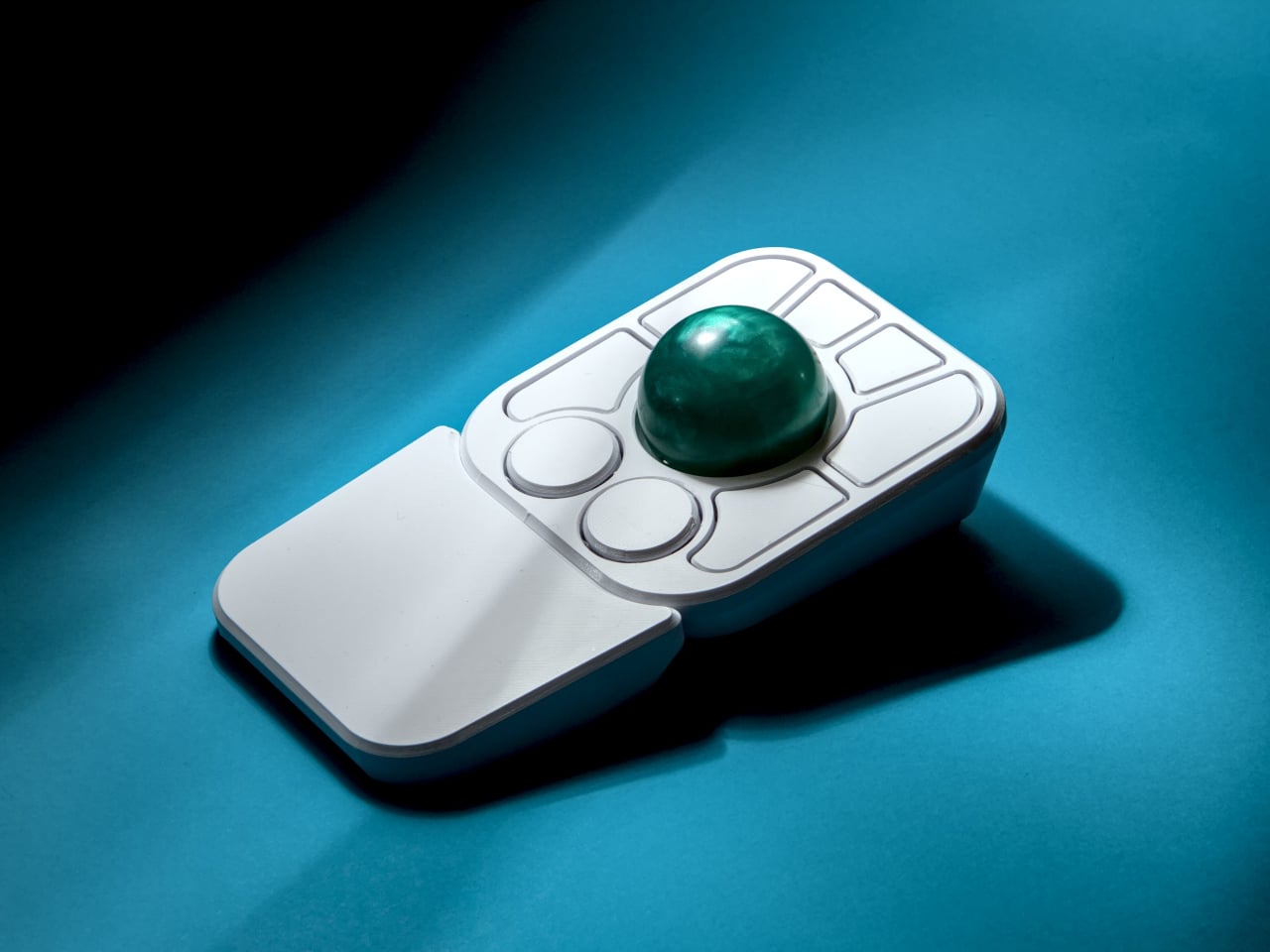
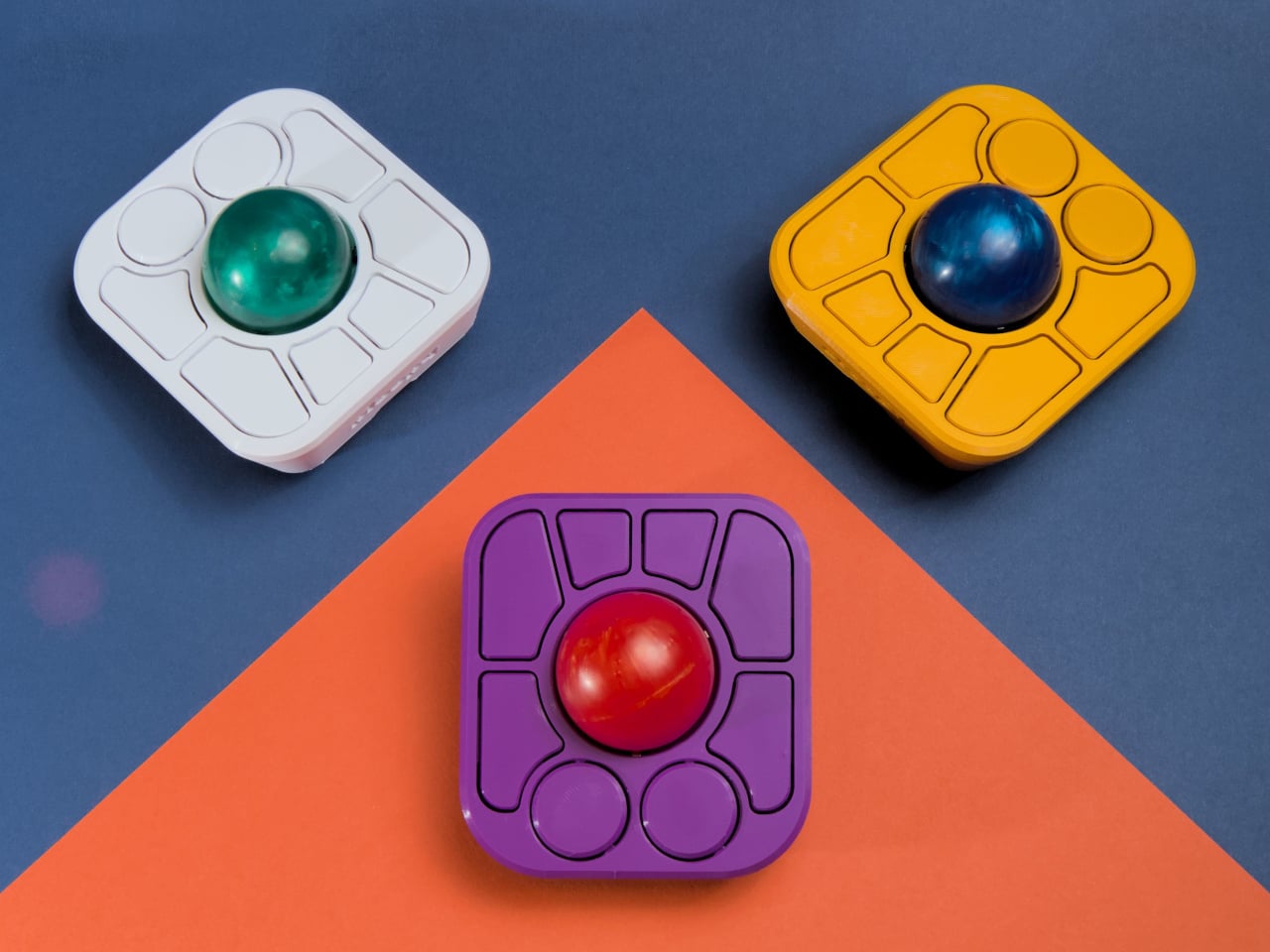
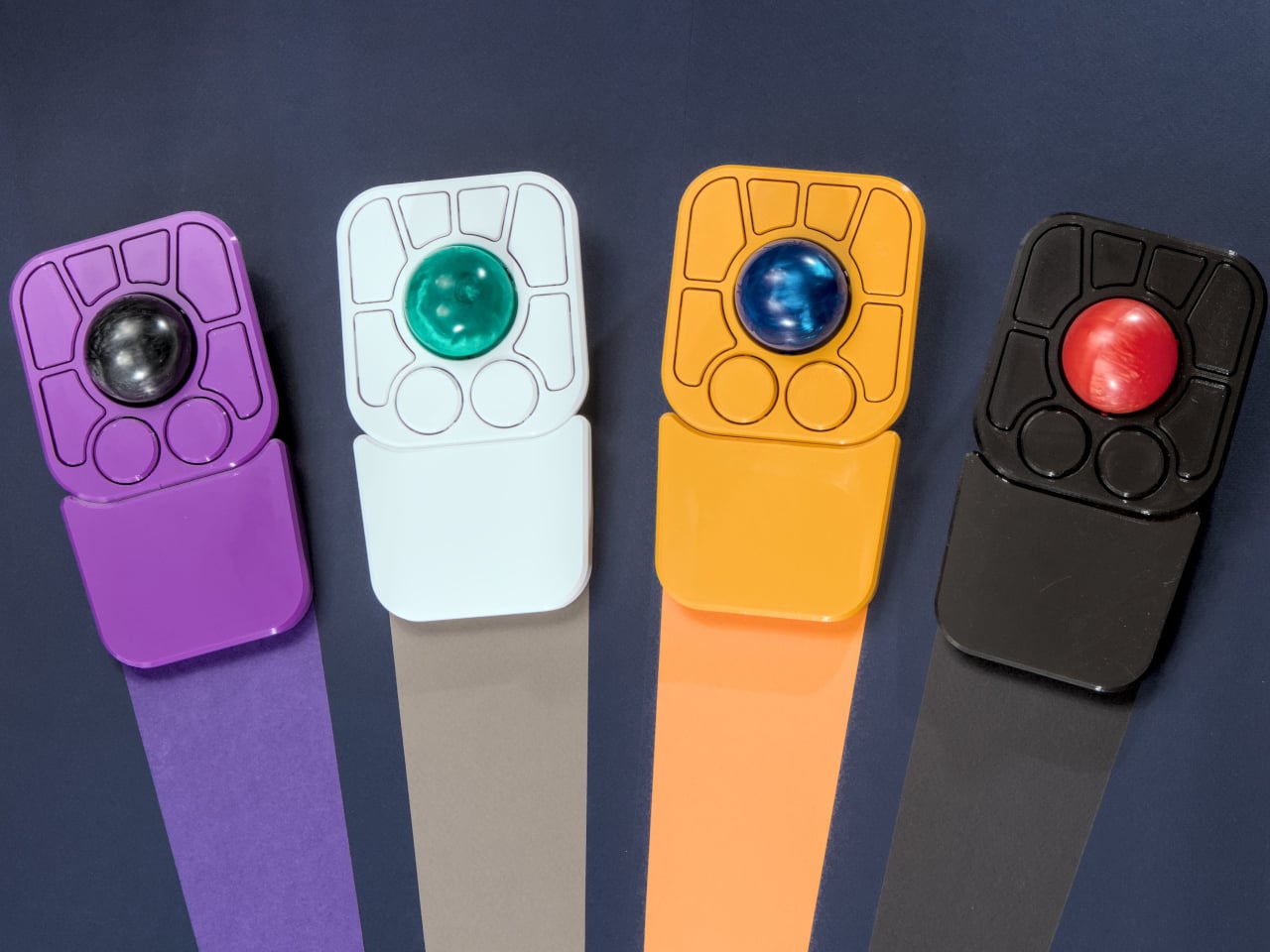
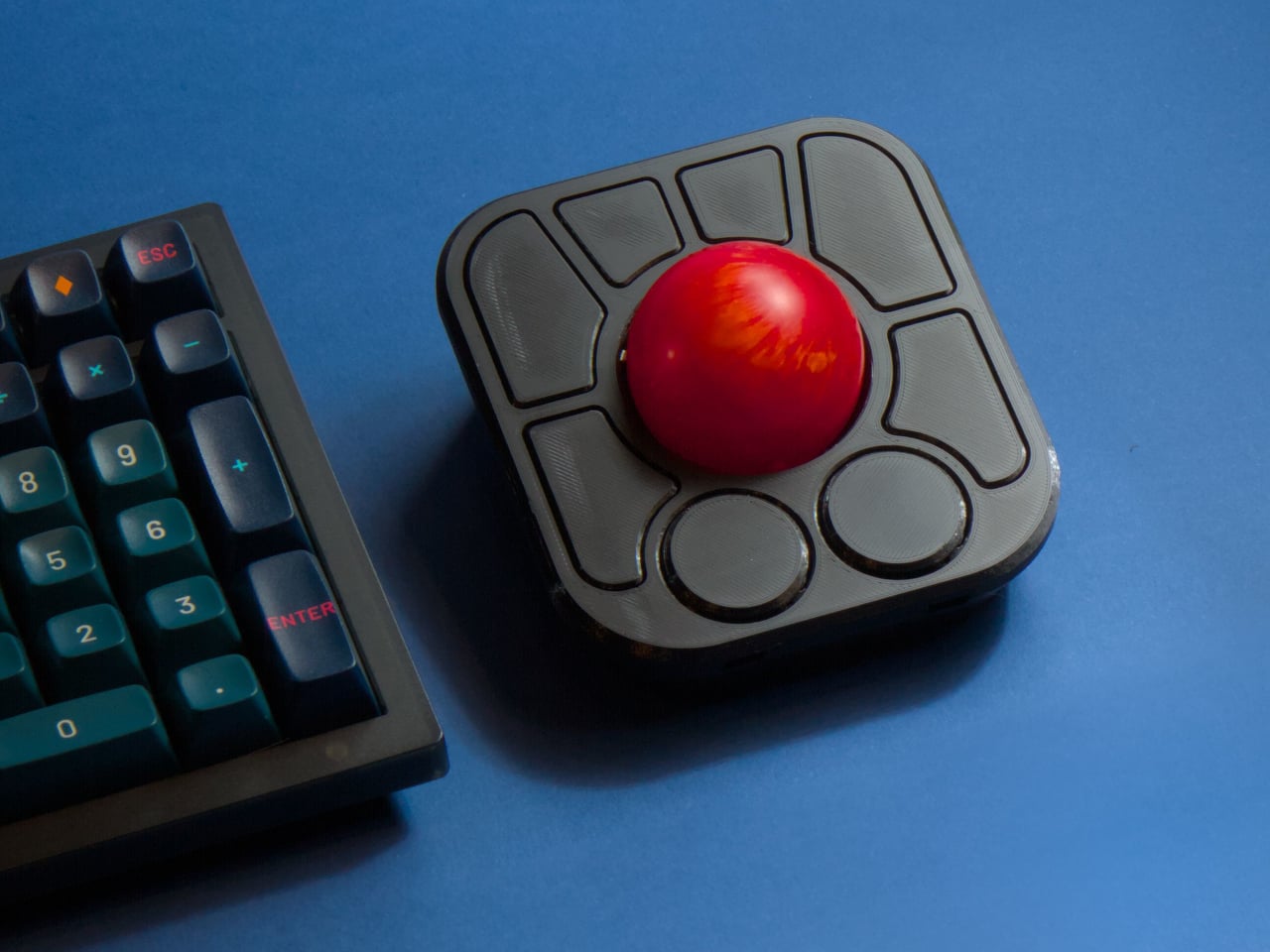
The most visible addition is the button count. The Adept had six; the A+ has eight, two of which also function as knobs. Out of the box, the knobs handle high-resolution vertical and horizontal scrolling, but both are fully reprogrammable for other functions. That dual-purpose approach keeps navigation and control within a single hand without needing a separate scroll wheel or accessory sitting alongside it.

The gesture system is arguably the more interesting addition. Hold a button and flick the ball in any of eight directions, and the device fires a command. By default, the left knob activates cut, copy, paste, desktop switching, and media controls. For someone who lives inside a browser and a text editor all day, that’s a significant amount of functionality without ever lifting a hand off the device.

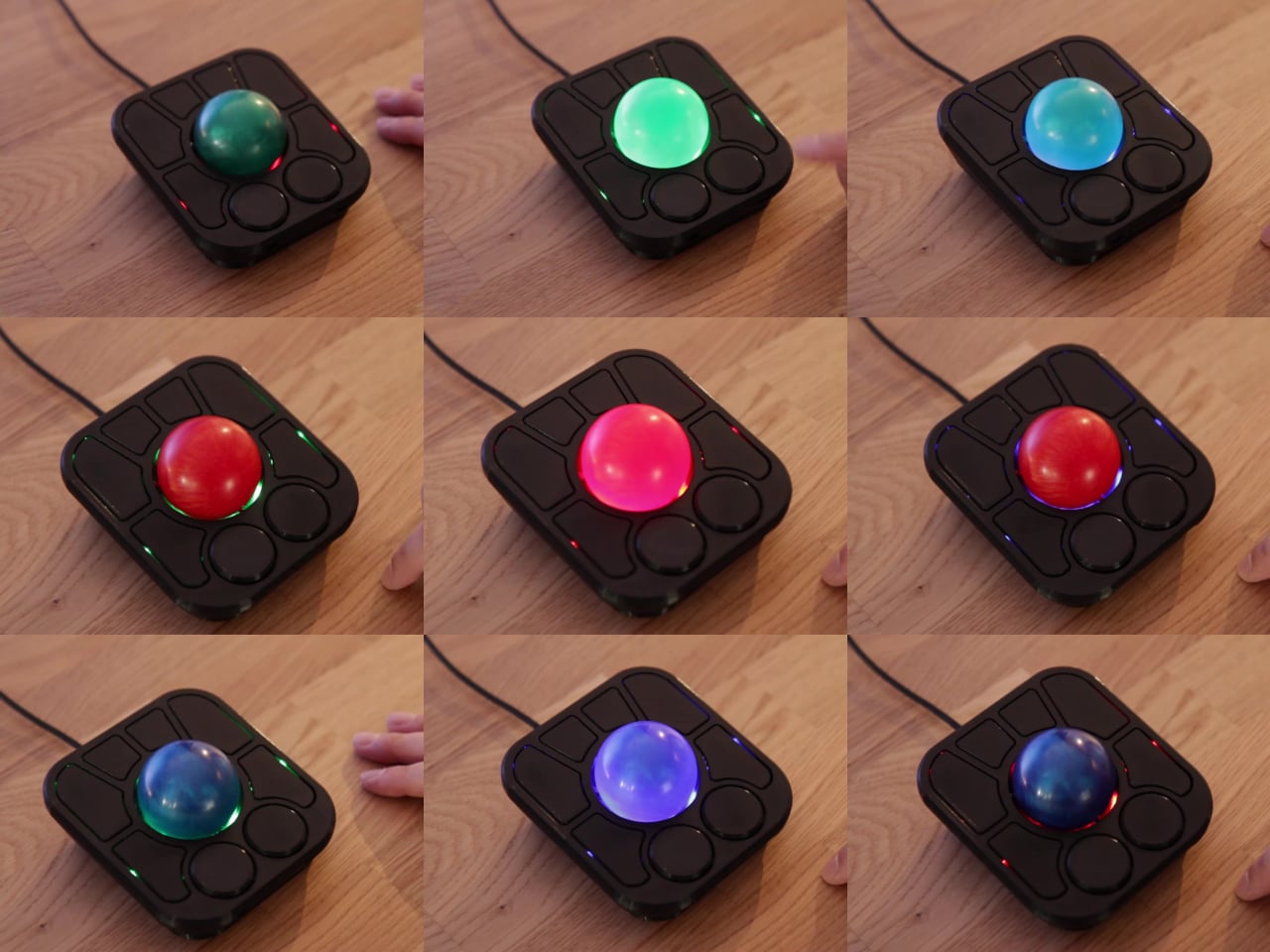
Layers add another dimension. The A+ has two: a navigation layer for everyday use and a control layer accessed via the right knob. The control layer handles on-device configuration, covering left-hand mode switching, toggling between high-resolution and stepped scrolling, and other adjustments. It’s the first trackball to bring this kind of layered behavior, working entirely without any software running on the host computer. There are also two bright LEDs that can be used to visually tell you what layer you’re on without having to rely on some embedded screen.

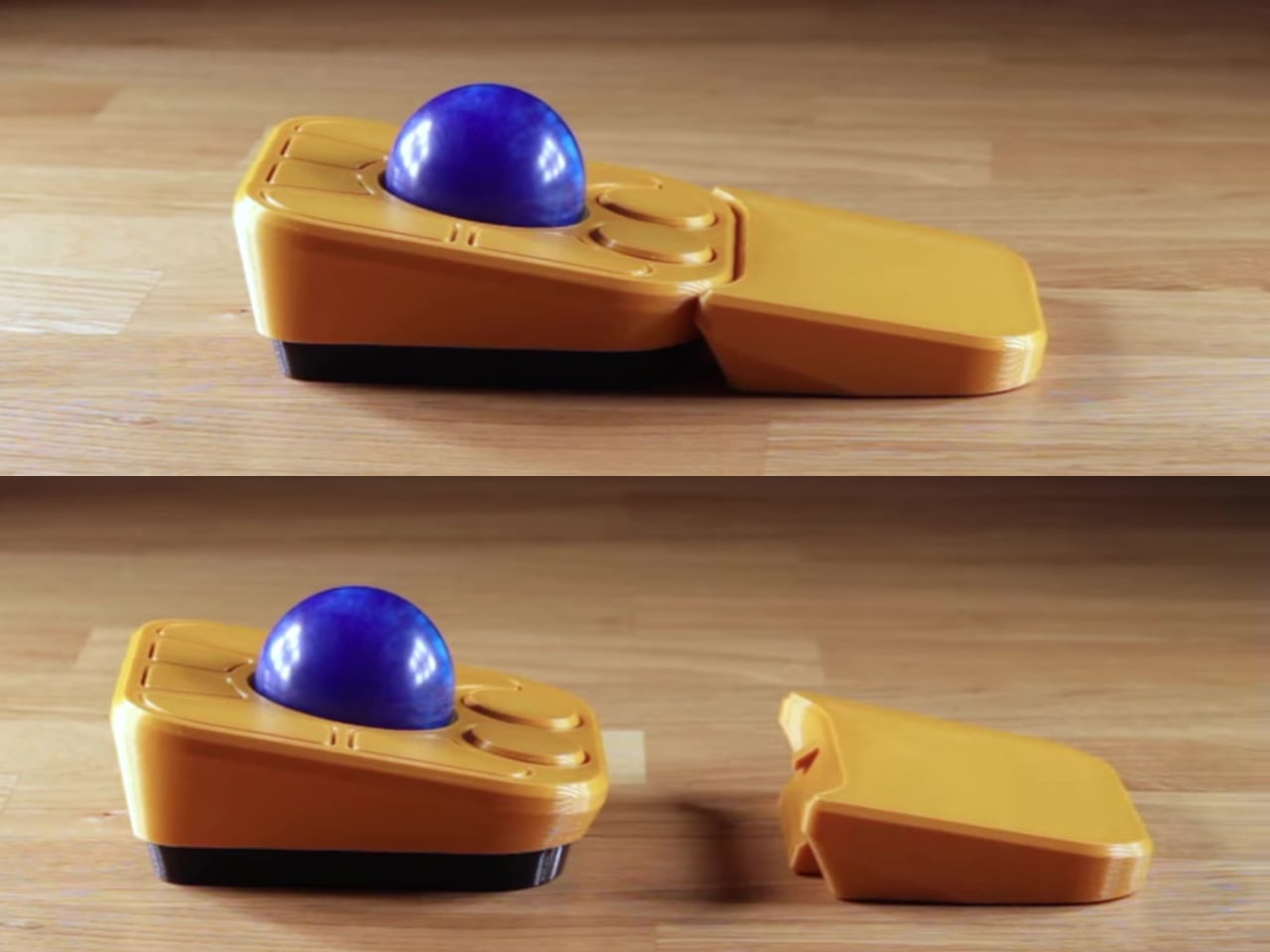
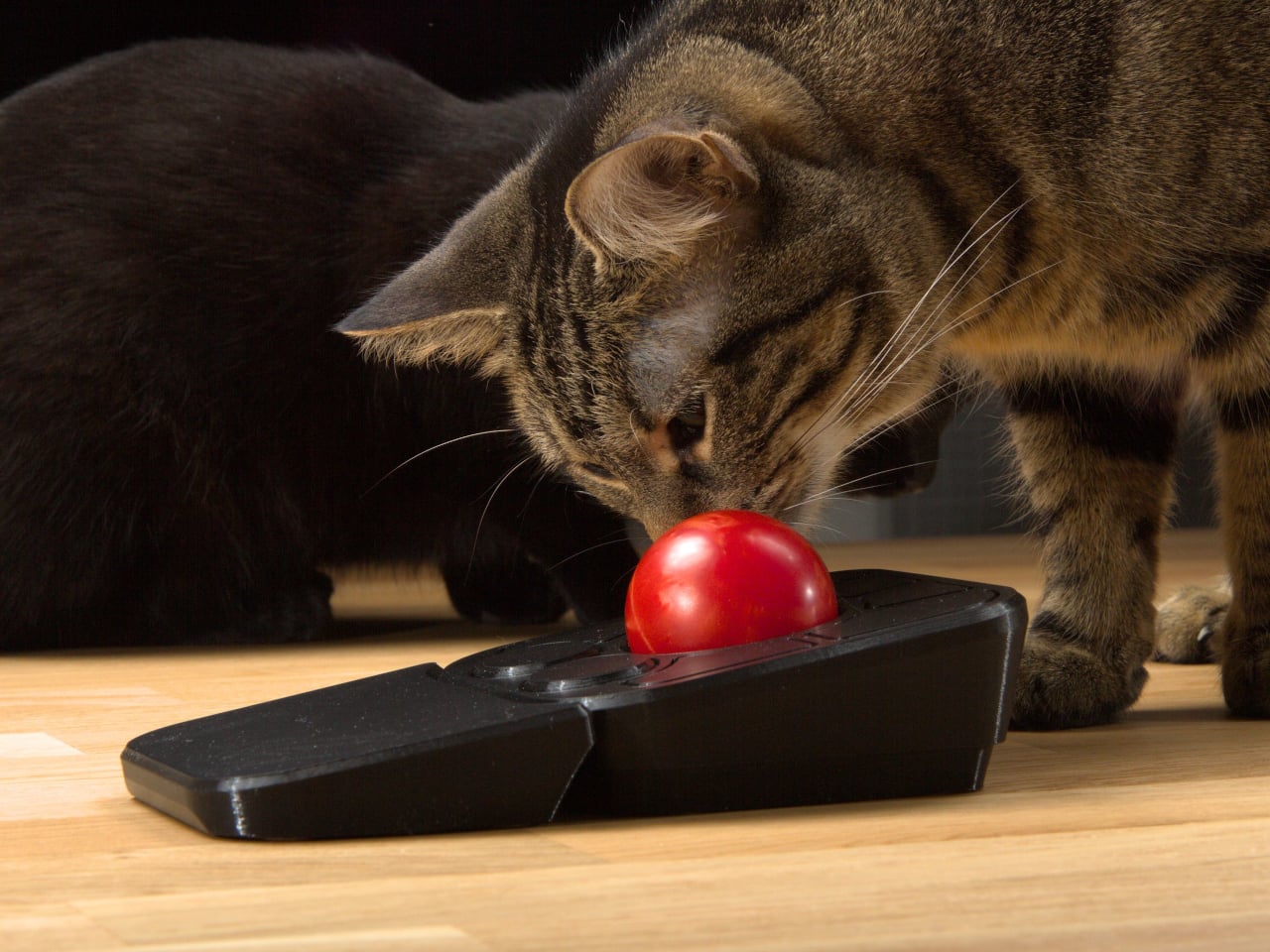
The detachable wrist rest is another long-promised feature that finally arrives with the A+. It slots in or out during use and can be screwed on permanently if preferred. The device stays ambidextrous throughout, and its 3D-printed shell means the community can print modified bodies, alter the layout, or swap in custom colors. That kind of adaptability isn’t an afterthought; it’s part of how the whole thing is designed.

The Pixart PMW-3360 sensor carries over from the Adept, running at a 1,000Hz polling rate with the tracking accuracy that has made it a standard for performance-oriented pointing devices. Omron D2LS-21 switches handle the physical buttons. The firmware remains QMK, configurable through VIA, with all design files, firmware, and assembly instructions freely available on GitHub. Kits start at $99 CAD.

The post This $99 Trackball Has Gesture Controls That Work Without Any Software first appeared on Yanko Design.
  •  
❌