WhenI reviewed the MSI Claw 8 EX AI+ a few months back, I noted how it was a generational jump over AMD’s latest Zen 2 chips found in competing handheld gaming PCs, and when combined with Intel XeSS, it really gave gamers the ultimate handheld we’ve been yearning for.
But there were two problems. One was price. Due to RAM and NAND shortages due to demand for AI compute, MSI had to jack the price by at least $500, putting it at an MSRP of $1,799, which is kind of absurd.
The other was, surprisingly, extremely tight supply. Despite being sold at Best Buy, Amazon, Newegg, and B&H, it sold out everywhere within 24 hours (often due to preorders).
Since its release, that resupply still hasn’t happened. All those retailers are still listing it as out of stock as of me writing this today, and this seems to regularly happen with MSI and its Intel-based handhelds (whether it’s MSI's or Intel’s fault, I’m trying to find out).
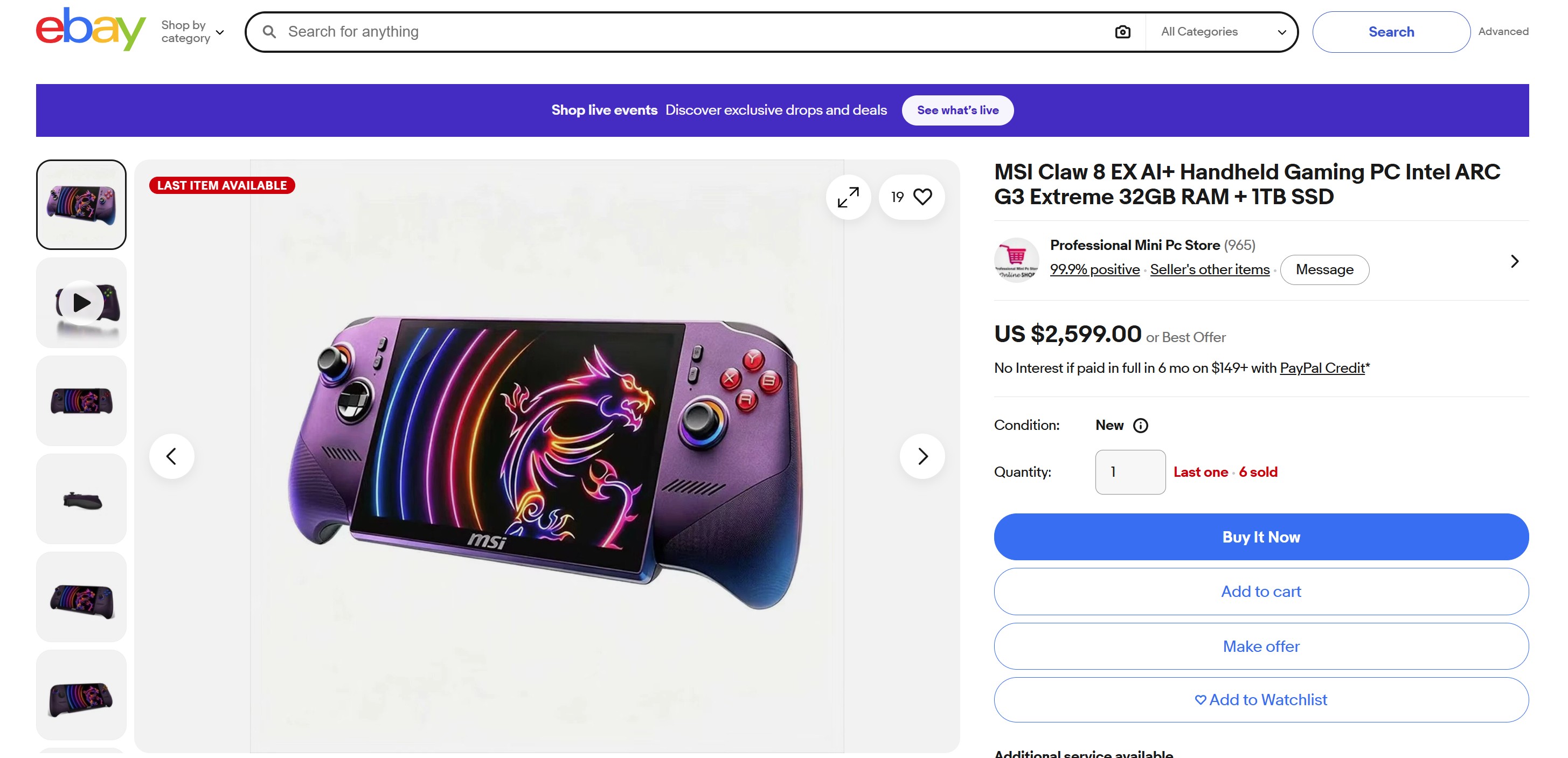
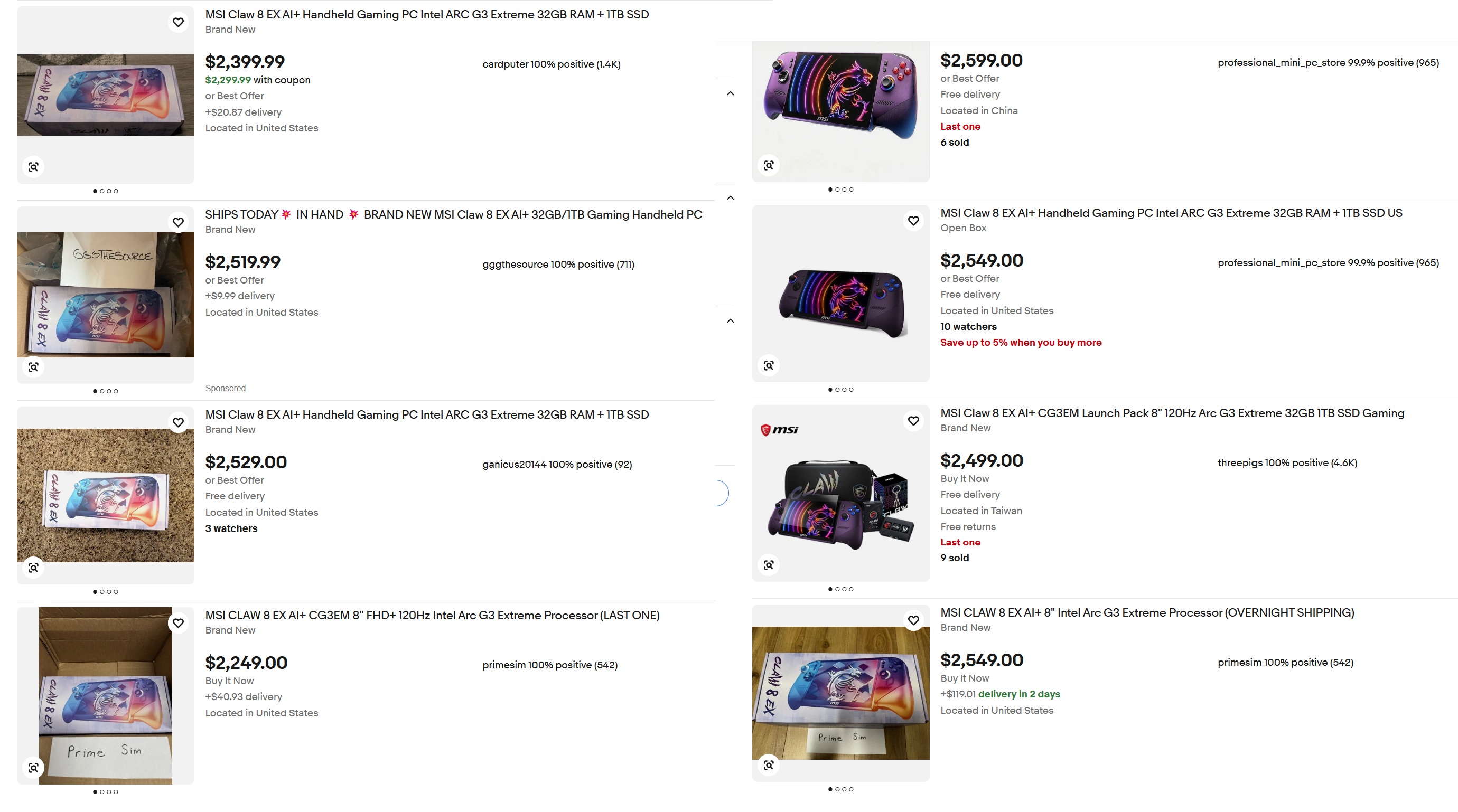
So, out of curiosity, I checked eBay to see what that scene was like for the MSI Claw 8 EX AI+, and sure enough, some online stores are selling the hard-to-find handheld, but at an even more exorbitant $2,599 – which is an $800 surcharge over retail!
ebay | MSIebay | MSI
You may be thinking, but sure, it’s eBay, and people can list items for any price, but are people buying them? The answer appears to be yes. One retailer, seen in the above screenshot, had seven of them in stock but has already sold six, giving a real FOMO to anyone eyeing that last one.
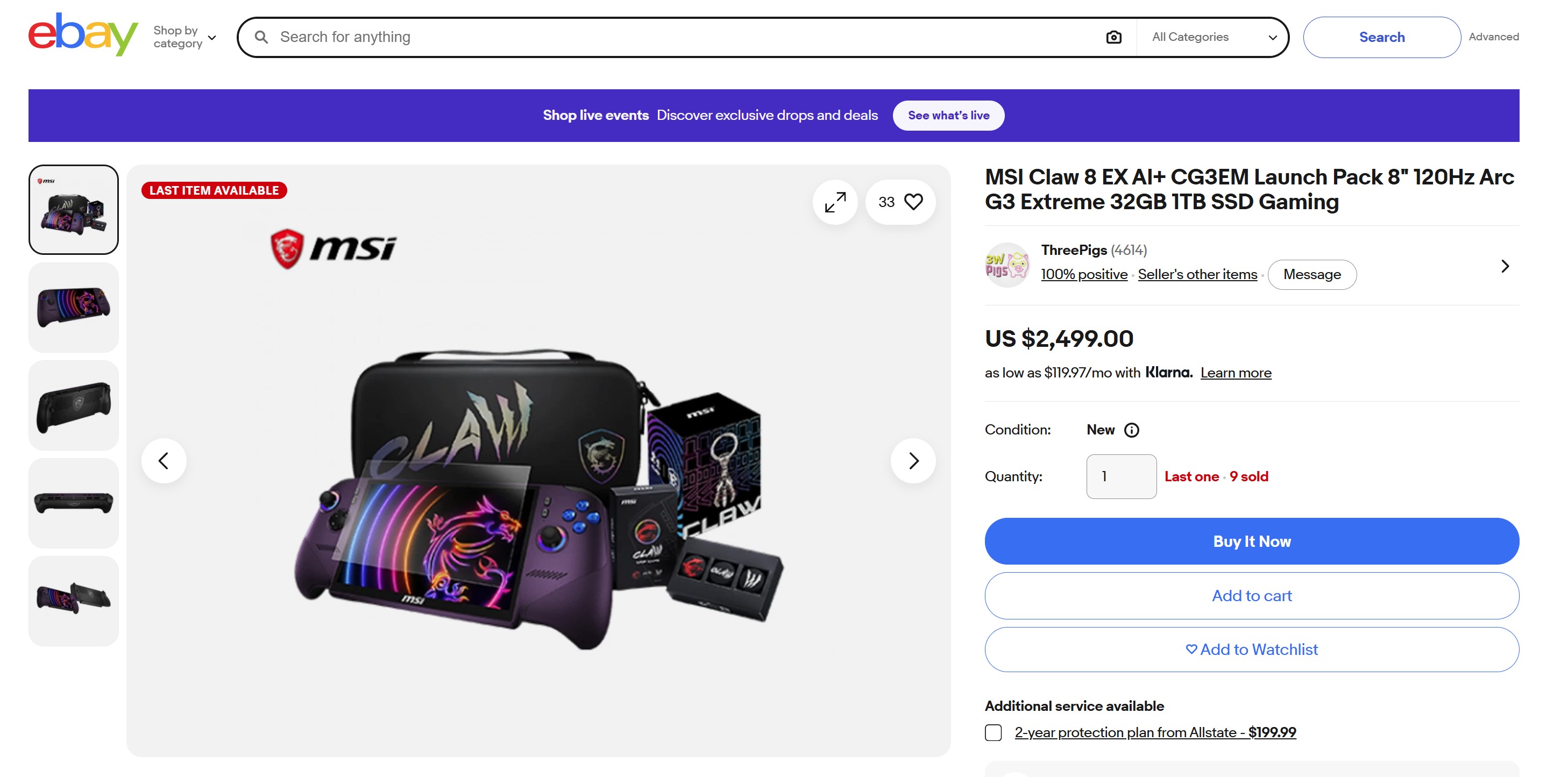
To be fair, I did find a seller with one in stock for $2,299.99 (after coupon, plus $20 shipping), so you’re “only” paying $500 over MSRP. Another seller had nine available, with one remaining for $2,499.
Some of the many hard to find MSI Claw 8 AI EX+ handheld gaming PC auctions on eBay. (Image credit: ebay | MSI)
But you get the point. Not only is the MSI Claw 8 EX AI+ insanely expensive at retail, but its shortage is driving up its price by $500 to $800, with people buying it. It’s why I’ve always noted on our podcast that PC gaming is recession-proof. No matter how bad the economy gets, or how high prices go, there is usually someone willing to pay for it.
For whatever reason, Lenovo can’t keep it in stock, so much so that it eventually removed it from its own website despite excellent reviews and, yes, demand for it, as people were paying $650 over retail just to have one.
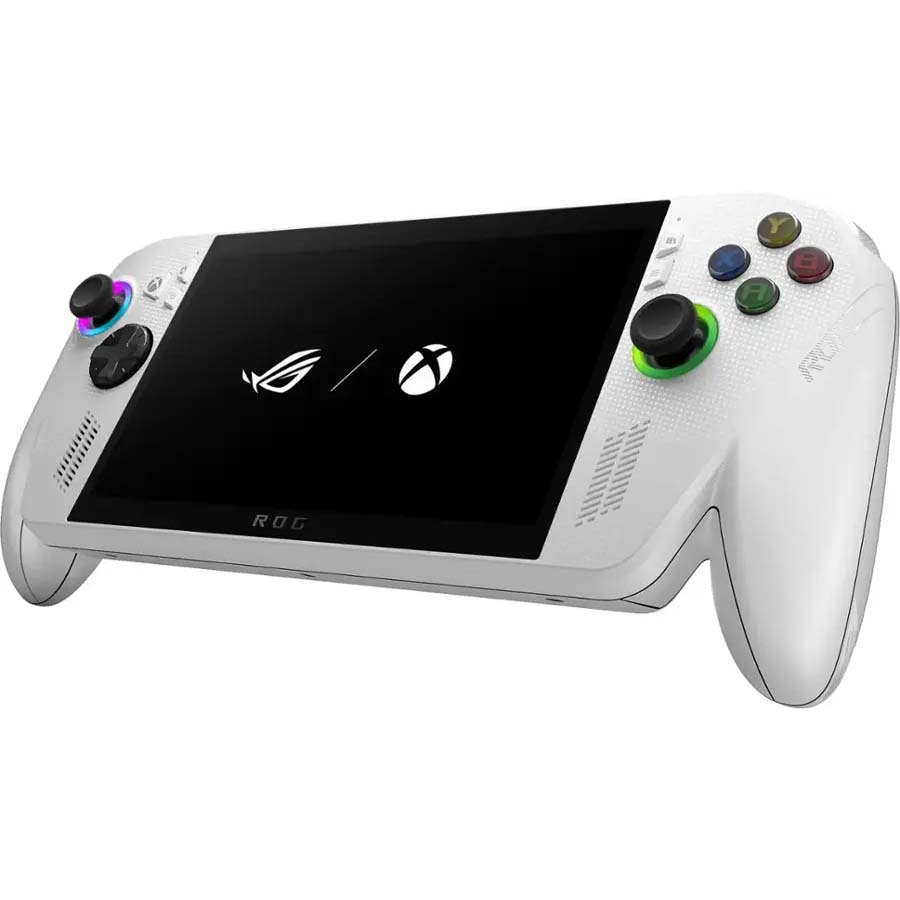
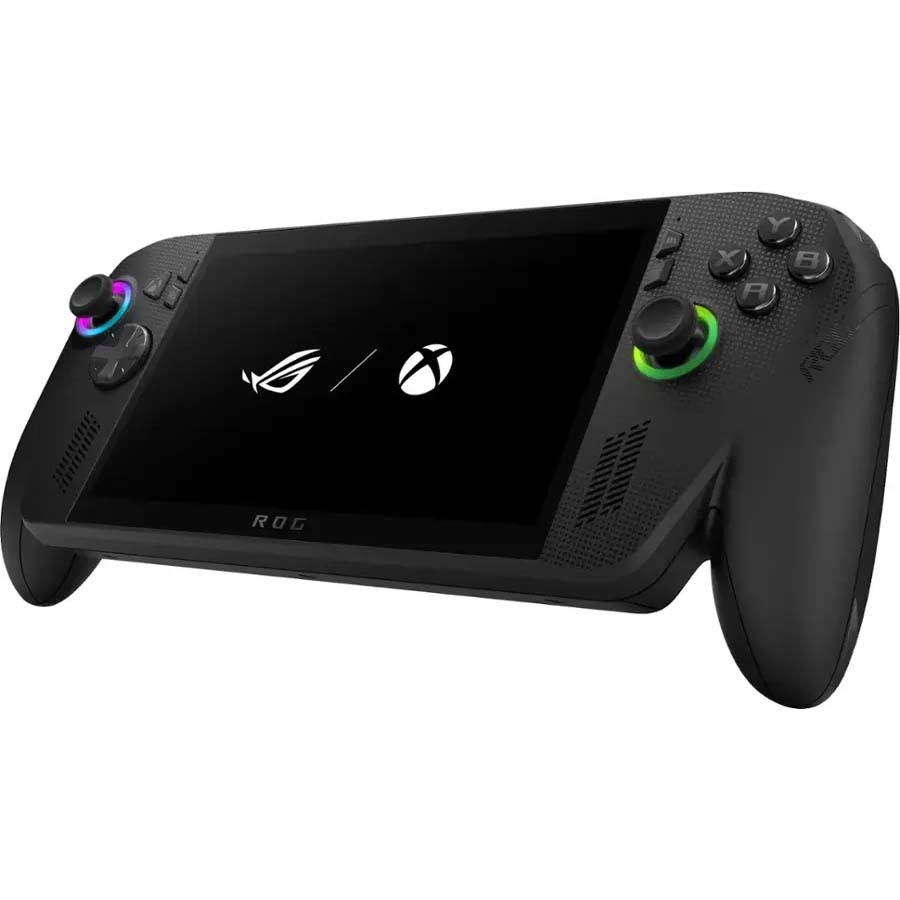
Interestingly, ASUS has been the king of “you want it, just buy it,” as the original ROG Ally and the newer ROG Xbox Ally and Ally X are still widely available online and at your local Best Buy. Moreover, ASUS hasn’t even raised the price, keeping them at $599 and $999, respectively.
The ROG Xbox Ally features a 7-inch 1080p, 120Hz touchscreen and includes an AMD Ryzen Z2 A processor, 16GB LPDDR5 RAM, 512GB PCIe 4.0 SSD, and a 60Wh battery. It's designed for PC gaming across various services.
The premium Xbox Ally X has a more powerful AMD Ryzen AI Z2 Extreme processor, 24GB RAM, 1TB SSD. It's a better choice for people who want to play more graphically demanding PC games.
I hope ASUS can maintain those stock and price levels, as both devices are really solid choices for those looking into handheld gaming. Sure, the Ally X pales in performance to the new MSI Claw 8 EX AI+, but it’s still a really good experience with an outstanding design (a design that will improve with the forthcoming Xbox Ally X20 anniversary edition that features a larger OLED display and many smaller fixes; I expect to be reviewing that when it releases, so stay tuned).
So where does that leave you in this silicon soap opera? Has the RAM/NAND crunch shoved your handheld plans into “maybe in 2028” territory, or are you already rationalizing a purchase with phrases like “long-term investment” and “I deserve this”?
Let me know in the comments what your breaking point is for handheld pricing — and whether $2,599 is where you draw the line, or merely where your wallet starts quietly begging for mercy.
Join us on Reddit at r/WindowsCentral to share your insights and discuss our latest news, reviews, and more.
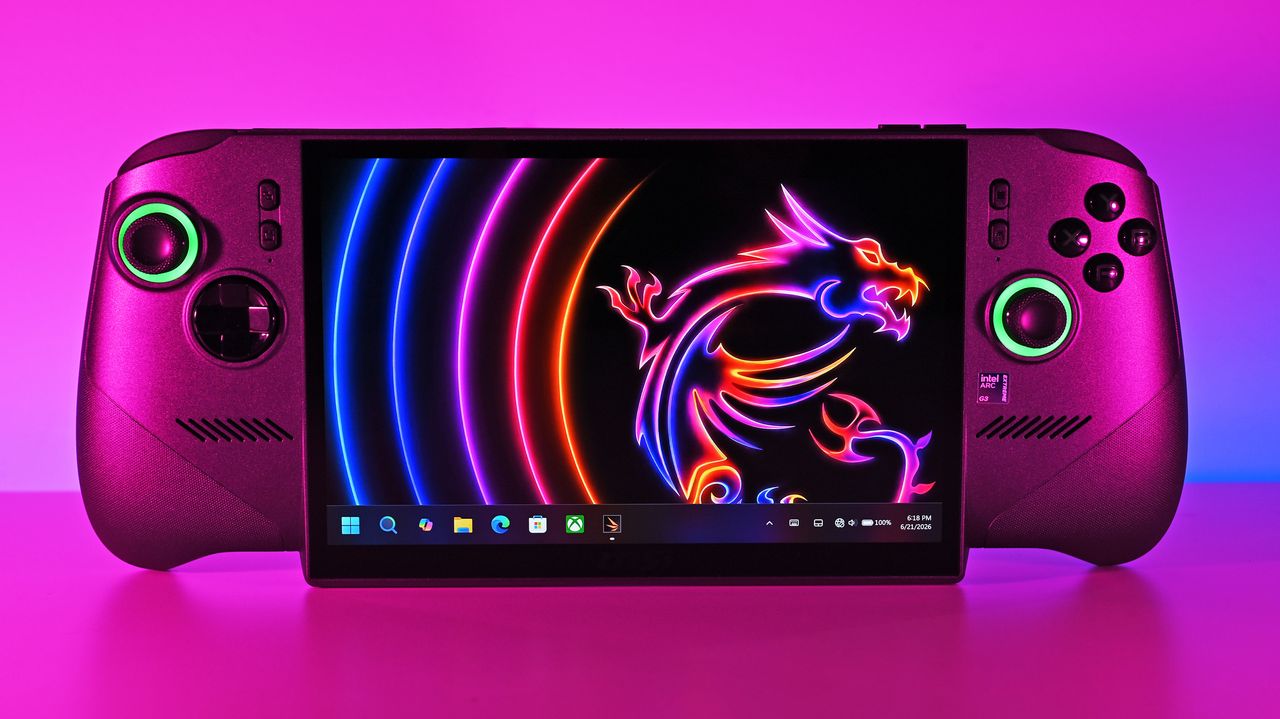
Front shot of the MSI Claw 8 EX AI+ under vibrant pink lighting, displaying the Windows 11 taskbar and a neon dragon wallpaper on its large screen.
Front shot of the MSI Claw 8 EX AI+ under vibrant pink lighting, displaying the Windows 11 taskbar and a neon dragon wallpaper on its large screen.
Johor’s data center pipeline has reached 8,542 MW, but a 0.7% colocation vacancy rate, grid constraints, and water demand mean regional IT buyers need to separate announced capacity from infrastructure they can actually deploy.
Anthropic a annoncé que ses modèles Claude allaient intégrer un filigrane invisible directement dans les textes qu'ils produisent. Vous ne le verrez pas, il ne change ni le sens ni la qualité de la réponse, mais il est là, et il suit le texte au copier-coller.
Anthropic, l'éditeur de Claude et concurrent direct d'OpenAI, a signé le code de bonnes pratiques adossé à l'AI Act, le règlement européen sur l'intelligence artificielle, dont les obligations de transparence s'appliquent depuis le 2 août. Le texte impose que les contenus générés par IA soient identifiables par une machine.
Google, Meta, Microsoft, OpenAI ou encore Synthesia ont signé le même document. Anthropic va plus loin que le minimum demandé, puisque son marquage sera déployé partout dans le monde, et pas seulement en Europe.
Dans la pratique, les modèles lancés dans l'Union européenne à partir du 2 août embarquent le marquage dès leur sortie, et les plus anciens y passeront ensuite, sans calendrier précis. Le filigrane s'appliquera sur le site de Claude, dans l'API, dans Claude Code et jusque dans les versions hébergées chez Amazon, Google et Microsoft.
Anthropic ne détaille pas sa recette. Les filigranes de texte qu'on connaît déjà, le SynthID de Google par exemple, biaisent discrètement le choix des mots pendant la génération, et le motif statistique qui en ressort ne se voit pas à l'œil nu mais se retrouve avec le bon détecteur. La marque survit au copier-coller. Pour la faire sauter, il faudrait réécrire le texte en profondeur, et encore, Anthropic admet ne pas savoir où placer le curseur.
Les images et les fichiers y auront droit aussi, via des métadonnées signées au standard C2PA que les fabricants d'appareils photo utilisent déjà pour tracer l'origine d'un cliché.
La marque signale en fait qu'un texte est passé entre les mains de Claude, sans rien dire de qui tenait le stylo au départ. Votre propre prose, confiée au robot pour une simple relecture ou une traduction, ressortira du coup tatouée pareil qu'un texte généré de bout en bout. Anthropic le reconnaît direct.
Sur les réseaux, l'accueil est un peu agacé, pas mal d'utilisateurs digérant mal l'idée d'une signature cachée glissée dans leurs documents de travail.
OpenAI a signé le même code de bonnes pratiques et marque déjà ses images, ses vidéos et son audio depuis fin juillet. Pour les textes de ChatGPT, rien pour le moment, mais ça viendra peut-être.
Jonathan Blow, le développeur de Braid et de The Witness, a annoncé hier (le 12 août) sur X qu'il laissait tomber VLC... La raison c'est 33 putain de secondes d'attente entre un clic sur un fichier MP3 et le début de la lecture, sous Windows (évidement). C'est vrai qu'une demi-minute pour lancer un son sur une machine récente, c'est abusé ! Du coup, il est repassé au bon vieux lecteur multimédia de Microsoft.
Son point de vue c'est que "tout un secteur du logiciel open source est dans un état franchement embarrassant" dès qu'il s'agit de tourner Windows. Je peux pas lui donner tord, c'est vrai que le ralentissement est réel sous Windows 11, sans qu'on sache vraiment pourquoi...
Mais heureusement,
la réponse de VideoLAN
ne s'est pas faite attendre et a replacer correctement le débat. Pour l'équipe de VLC, la lenteur vient d'un bug de Microsoft Defender arrivé avec une mise à jour de Windows 11, qui a mis le cache de plugins de VLC en quarantaine. L'antivirus maison de Windows a donc classé comme suspect, puis mis de côté, un fichier que VLC génère lui-même. VideoLAN écrit qu'il s'est retrouvé là "comme par magie".
Pour remettre VLC d'aplomb, VideoLAN propose donc de réinstaller le logiciel ou de régénérer ce cache. Mais pas besoin d'aller jusqu'à la réinstallation, puisque l'installeur Windows officiel dispose déjà d'un raccourci qu'il faut dans le dossier VideoLAN du menu Démarrer, "VLC media player - reset preferences and cache files".
Ce raccourci lance vlc.exe avec les deux options de remise à zéro, la configuration et le cache de plugins, puis referme aussitôt le lecteur. Ça devrait faire le taf même si attention, vos préférences partent aux chiottes avec le reste, donc si vous avez bricolé vos réglages de sortie audio, vos raccourcis clavier ou vos sous-titres, vous les perdrez. Mais ensuite, le cache, lui, se reconstruira au lancement suivant.
Après régénérer le cache n'empêche pas Defender de le rechoper par la suite. L'autre option, c'est donc d'exclure une bonne fois pour toutes vlc.exe de la liste d'analyse de l'antivirus.
Bref, ce genre de faux positif n'est pas nouveau chez Windows Defender, qui y'a pas longtemps a même pris des certificats DigiCert pour un cheval de Troie, sans parler des
ISO Linux qui se font flagger régulièrement
.
Voilà, hormis la comm de VLC pour le moment, personne n'a encore publié de détails techniques, et Microsoft n'a rien dit.
I've spent a lot of time this summer gaming on my Steam Deck. It's hot outside, it's hot inside, and my desktop gaming PC simply creates too much heat.
The only major problem I have with my Steam Deck is that it doesn't play nicely with PC Game Pass, to which I'm a subscriber. Yeah, I could stream games to my handheld, but there's now a better solution in the works.
I'm talking about Xodus, an open-source project that's attempting to build a bridge between PC Game Pass and Linux systems, including the Steam Deck. The project is also attempting to iron out similar issues on macOS. No Windows install needed.
Xodus comes from the developers behind the Heroic Games Launcher, a separate open-source app that brings Epic, GOG, and Amazon Prime titles to Steam Deck (it also works on Windows, macOS, and other Linux systems).
The developers are undoubtedly up against a grind with this project. Xbox PC games that come from the Xbox app rely primarily on a Microsoft Game Development Kit (GDK) runtime, which is a far cry from DirectX and Win32 layers that Valve's Proton already handles quite well.
This Microsoft GDK is really what has kept PC Game Pass from running directly on the Steam Deck (and macOS) for so long.
Is Xodus ready for public release?
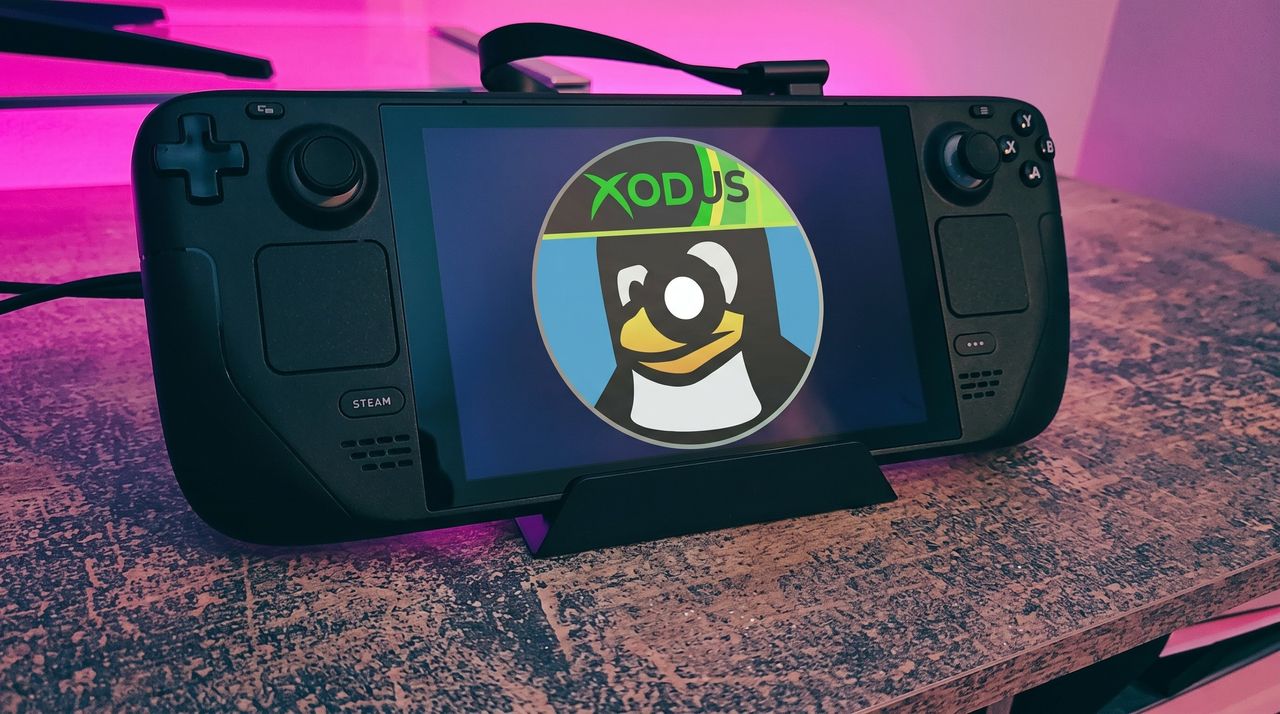
Xodus could finally bridge the gap between PC Game Pass and Steam Deck. (Image credit: Rebecca Spear / Windows Centarl)
According to updates shared on the Xodus GitHub page, the developers have cracked Xbox authorization, license checks, and MSIXVC package (the containers that PC games come in) download and decryption.
In a Reddit post, a Xodus developer noted that the team's main focus is now getting the Software Development Kit (SDK) for each title to run through Wine. It appears that Xodus has its own Wine and Proton forks for this purpose, as well as an open-source version of the xgameruntime.dll file that Game Pass games depend on.
Xodus likely won't support all Game Pass games when it launches, either. Older games that eschew GDK and MSIXVC for UWP will likely come later, if at all.
Why I'm so excited to try out Xodus on my Steam Deck
PC Game Pass on Steam would open up a whole lot of new options for gaming on the go. (Image credit: Future)
As mentioned, the biggest drawback to my Steam Deck, aside from its growing age, is its lack of native PC Game Pass support.
Sure, I could upgrade to a newer handheld that natively runs Windows, but it looks like I might not need to quite yet. That's especially exciting considering just how expensive gaming handhelds have become of late.
Then there's the Steam Machine, another Valve device running the Linux-based SteamOS. A whole bunch of gamers recently got their hands on the Steam Machine when it launched in June, and making PC Game Pass an option can only benefit Microsoft.
Here's the rub: Xodus has no affiliation with Microsoft. It's an unofficial community project created by independent developers. Does that mean Microsoft will have a problem with it? Not likely, but you never can tell.
Xodus still doesn't have an official release date, but it's something I'll be keeping my eyes on as it progresses. If you're a Linux gamer who wishes they could use PC Game Pass natively, you'll definitely want to keep watch as well.
What do you think about Xodus as a bridge between Steam Deck/Machine and PC Game Pass? Is it something you'd use regularly? Do you already have an alternative method that works better for you? Let me know in the comments section below!
Join us on Reddit at r/WindowsCentral to share your insights and discuss our latest news, reviews, and more.
A black Steam Deck handheld gaming device displaying a penguin logo with a cap that says "XODUS," set against a softly illuminated pink and purple background on a textured surface.
Microsoft isn't doing it, so someone else is trying.
Smartphones have made information permanently accessible, but that accessibility comes at a price. The same device that shows you a reminder also delivers a notification for something unrelated, which leads to one more app opened, one more five-minute detour, and one more afternoon where the task you meant to remember sits unfinished somewhere in a mental stack. The problem isn’t access to information. It’s the medium through which it arrives.
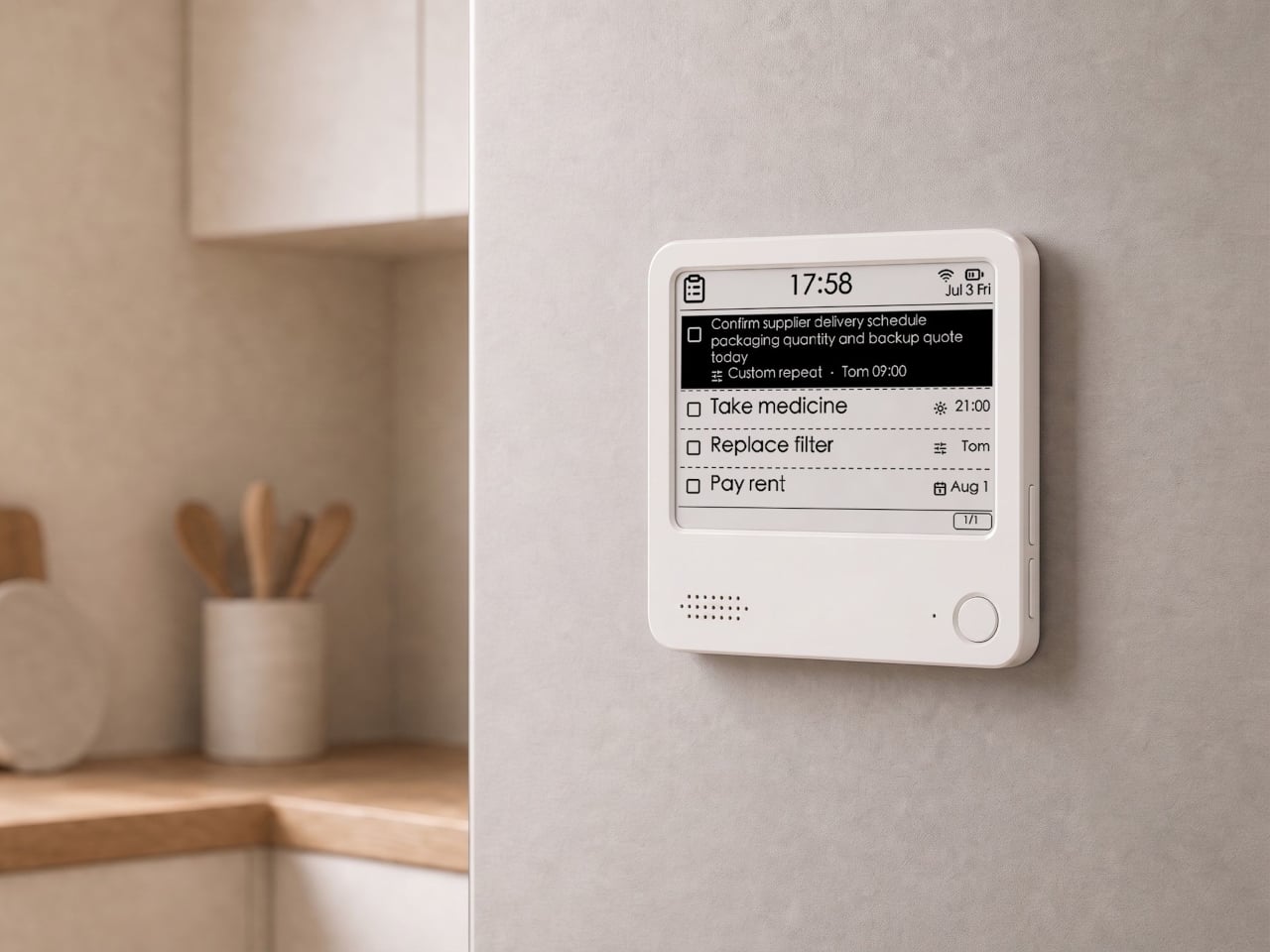
The ZecTrix Note 4 approaches that with a different premise: what if the display that shows your tasks doesn’t connect to your attention the same way a phone screen does? It’s a 4.2-inch e-paper smart display, about the size of a palm, that attaches magnetically to a metal surface and stays there showing whatever you most need to remember, using almost no power to do it.
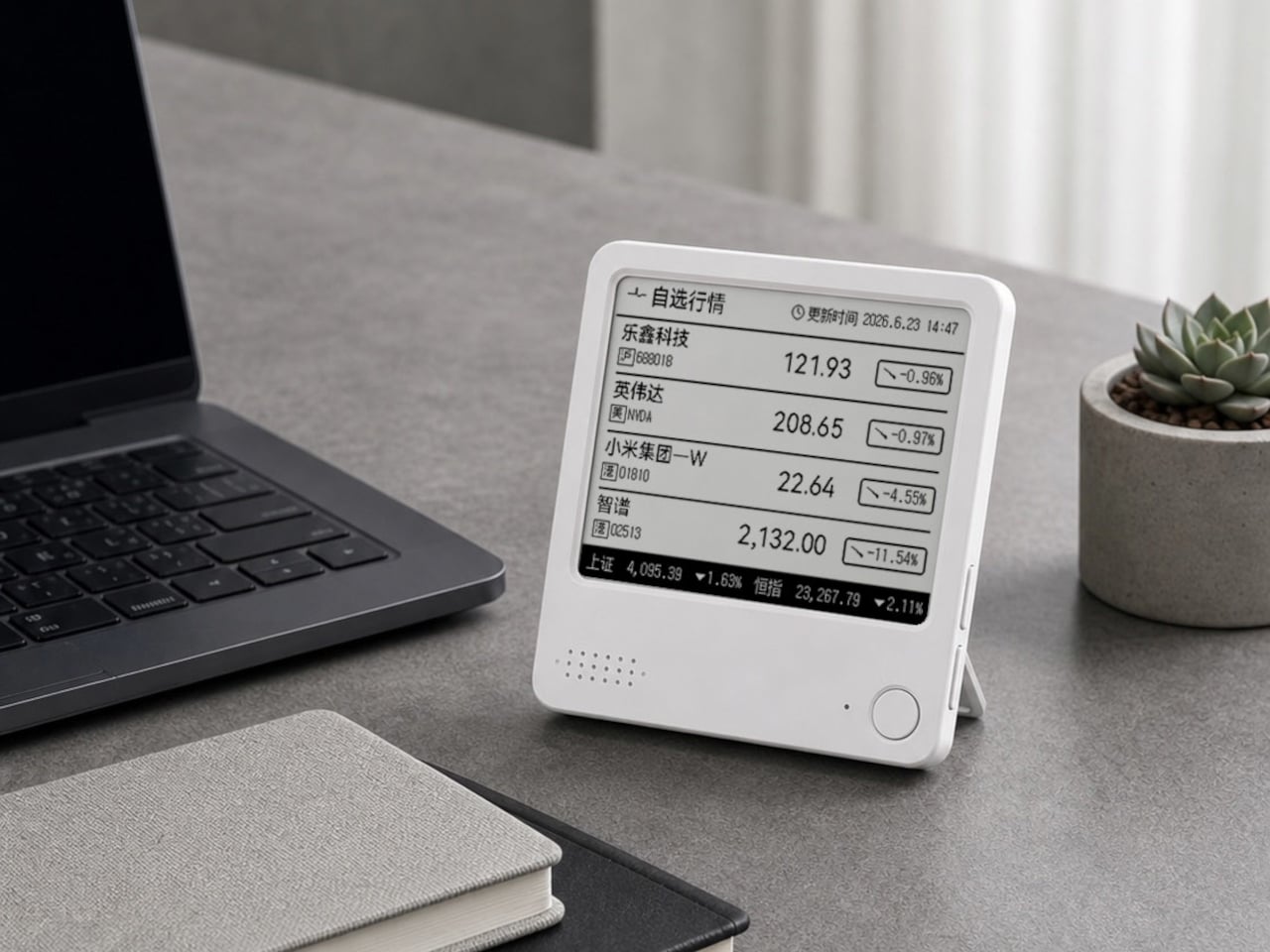
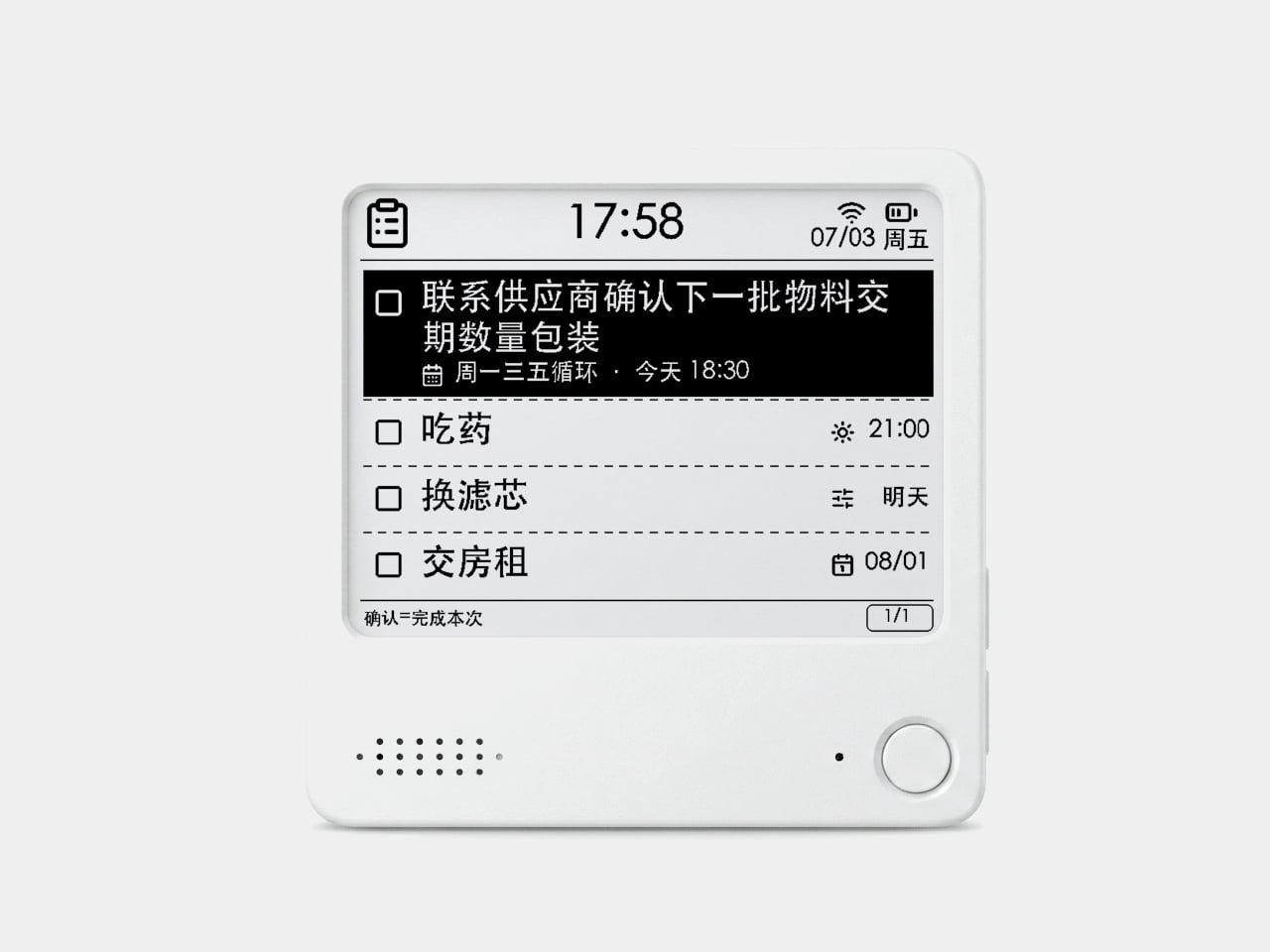
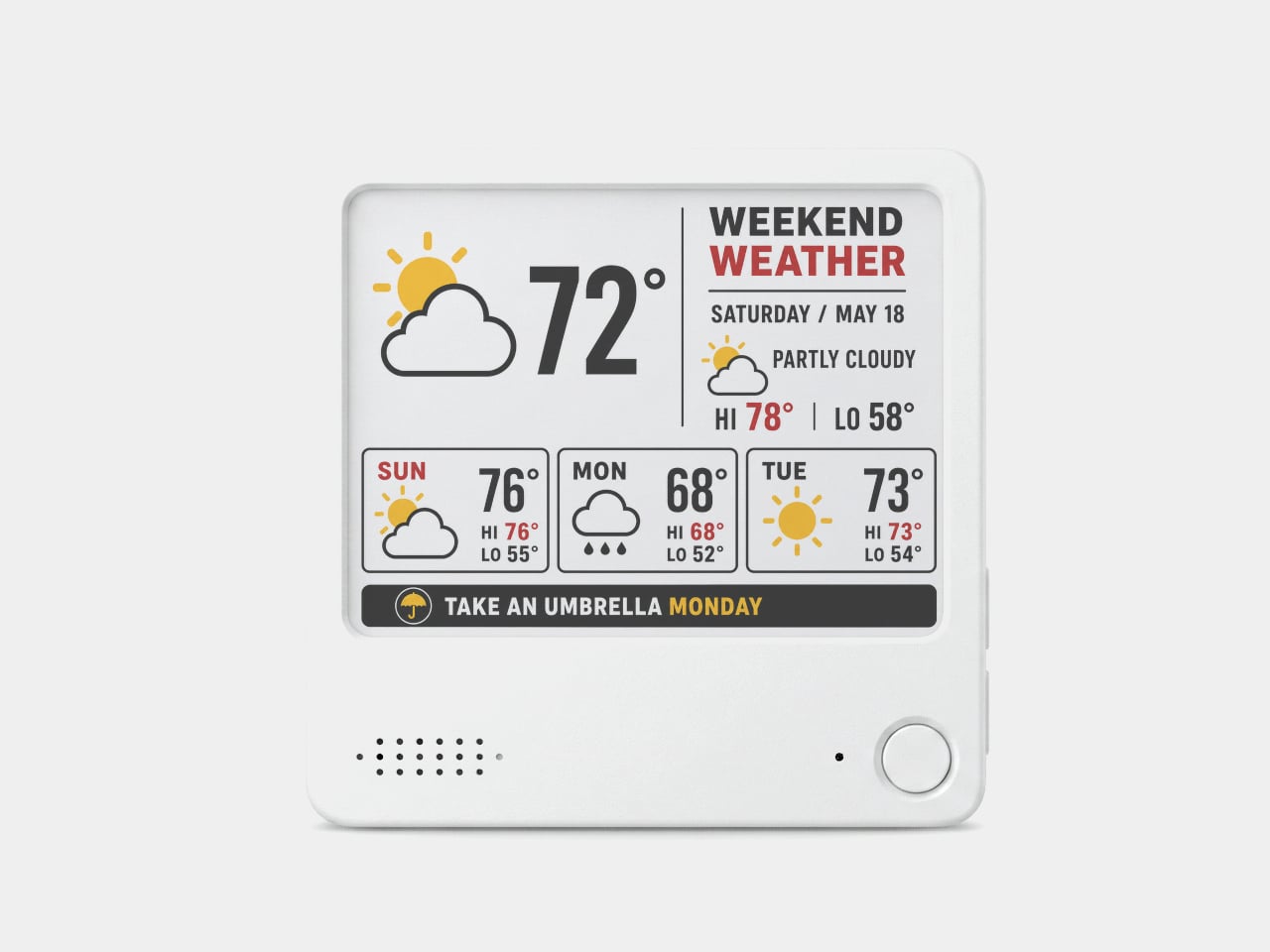
The interaction model is deliberately minimal. Press the physical button, speak your task or reminder, and the device converts that into text and adds it to the display. The built-in AI voice assistant handles the transcription and task management, and the e-paper screen holds whatever it’s showing without any power draw between updates. The display also handles weather, clocks, focus timers, handwritten notes, images, and custom templates.
Hardware underneath is solid for something this compact. An ESP32-S3 dual-core processor with 8 MB of PSRAM and 16 MB of flash handles the AI processing and connectivity, backed by a 2,000 mAh battery, 2.4 GHz Wi-Fi, Bluetooth 5.0, NFC, a speaker, a microphone, and a USB Type-C port for charging. GPIO expansion is also available, which opens the platform to custom hardware additions.
The 97mm x 97mm x 8.75mm square chassis comes in three enclosure variants: an injection-molded Minimal Premium Edition designed for clean desk or kitchen wall placement, a standard Everyday Edition for DIY-minded users, and a Color Edition with open-source 3D model files for those who want to print their own. The magnetic backplate sticks firmly to any suitable metal surface without adhesive or mounting hardware.
For users who want more than a black-and-white display, there’s the Note 4C, which replaces the monochrome panel with a four-color E Ink screen that adds red and yellow to the palette. It runs on the same hardware platform but ships without the consumer AI firmware, positioning it instead as an open development device for people with ESP32 experience. The color panel is slower to refresh, typically over ten seconds per full update, making it better suited to status labels, family photo cards, or API dashboards that update occasionally rather than continuously.
The two products are deliberately distinct rather than tiered versions of the same thing. The Note 4 is a finished product with a lifetime AI voice service included; the Note 4C is an open starting point for a custom build. Both share the same physical form, so the choice comes down to how much of the software someone wants to supply themselves.
Camera batteries are one of those accessories that photographers never think about until something goes wrong. They’re small enough to vanish into the bottom of a bag or a jacket pocket, common enough to own several of and regularly mix up, and important enough that losing one mid-trip can force an early stop to a shoot. The solution most people reach for is buying more of them, which only increases the number of things to keep track of.
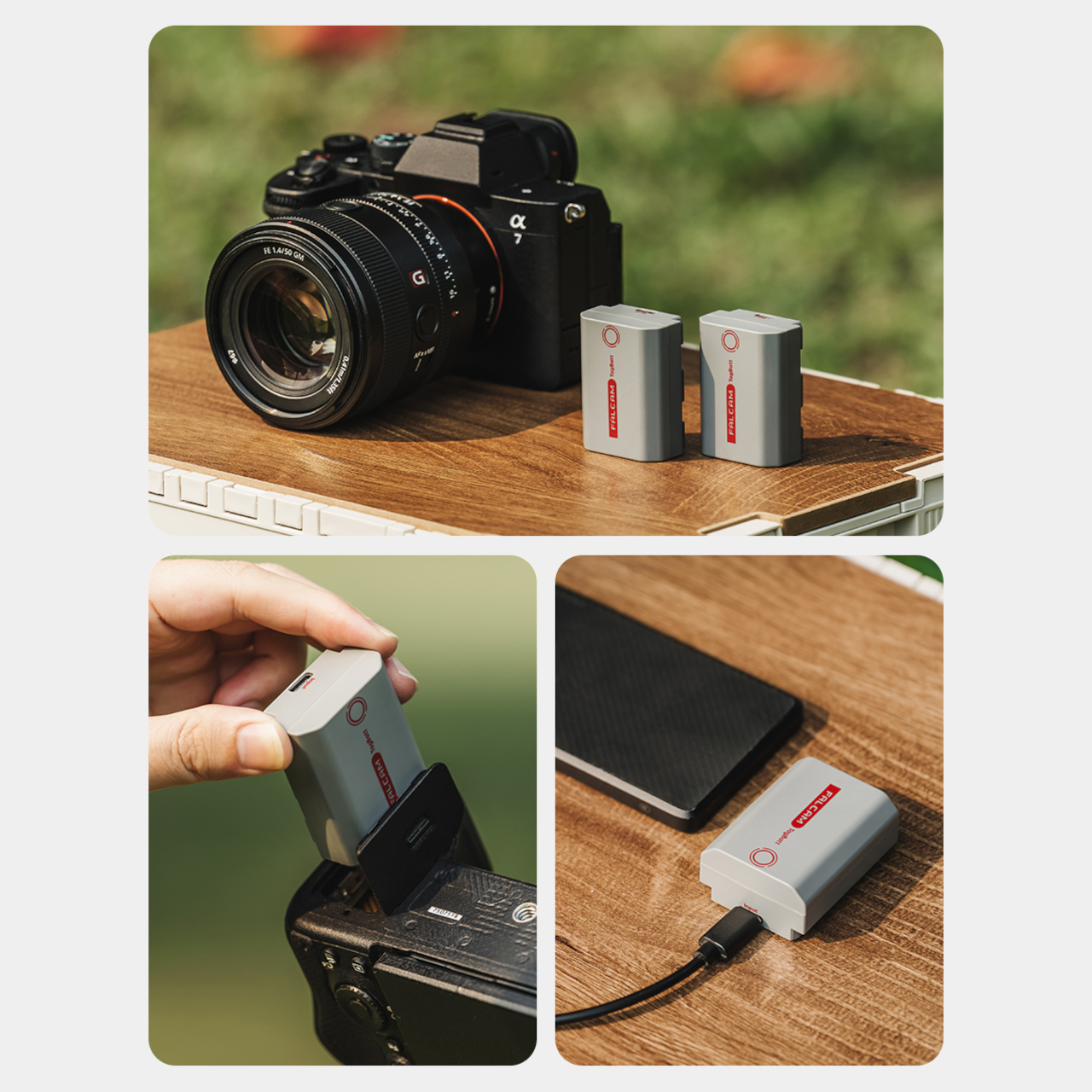
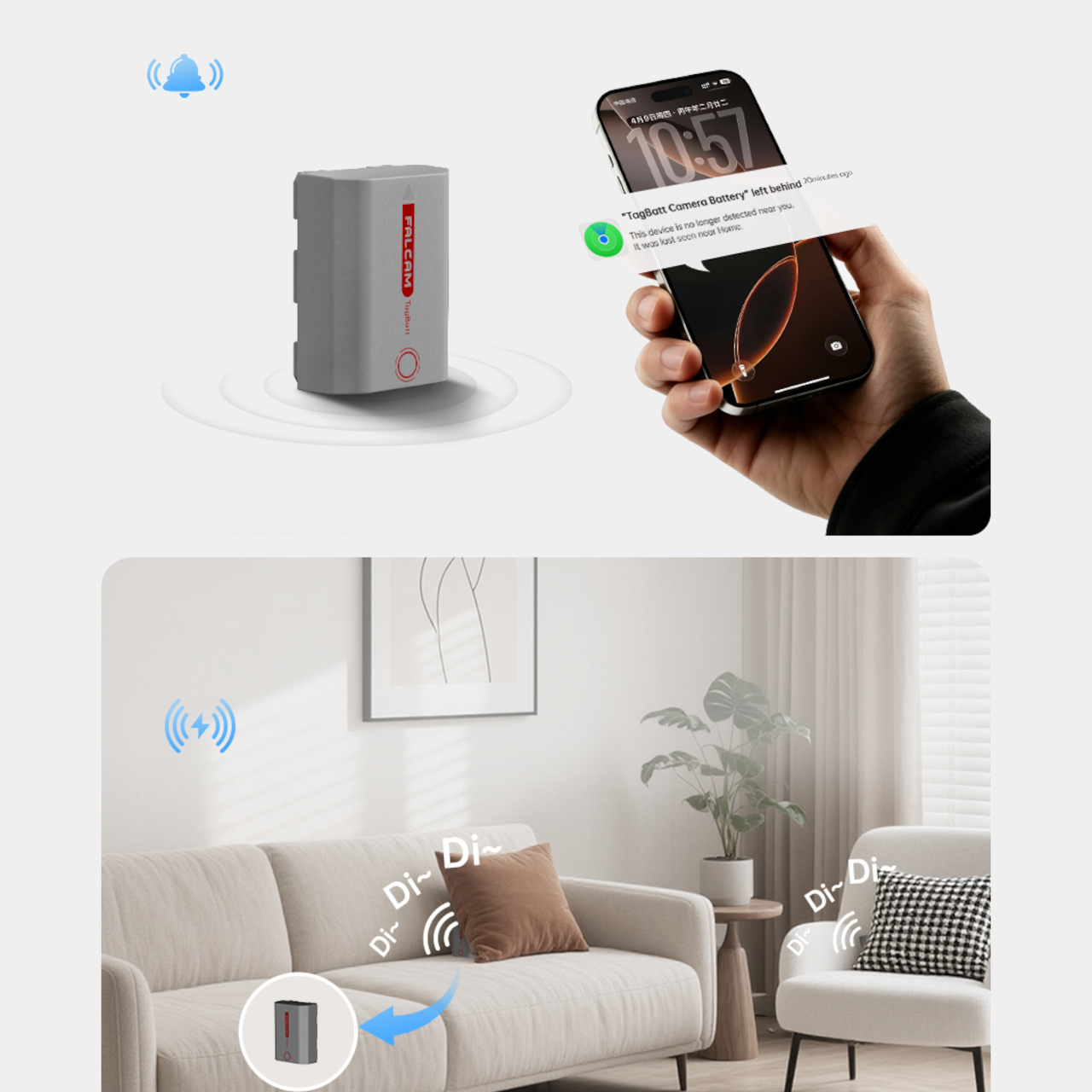
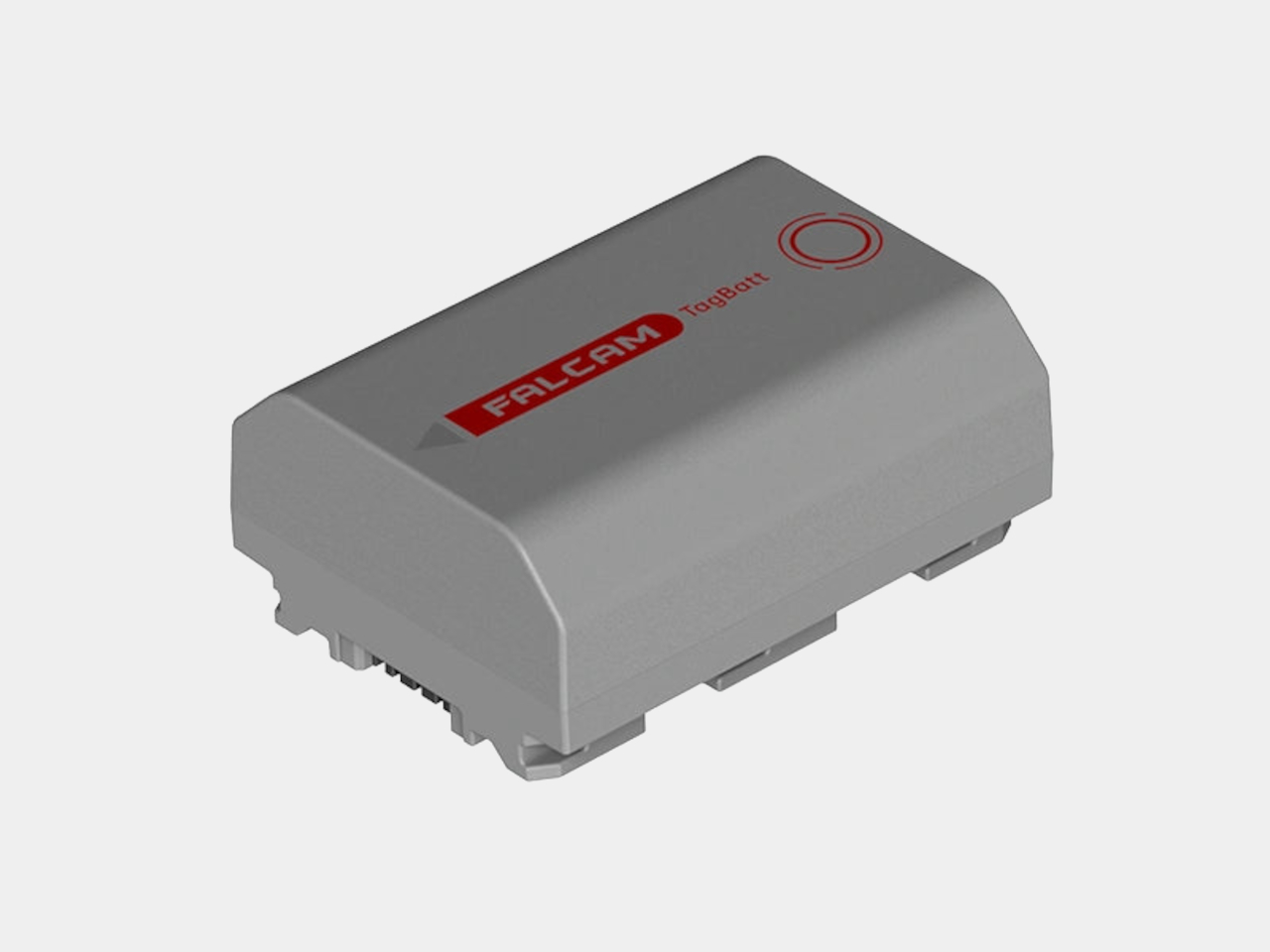
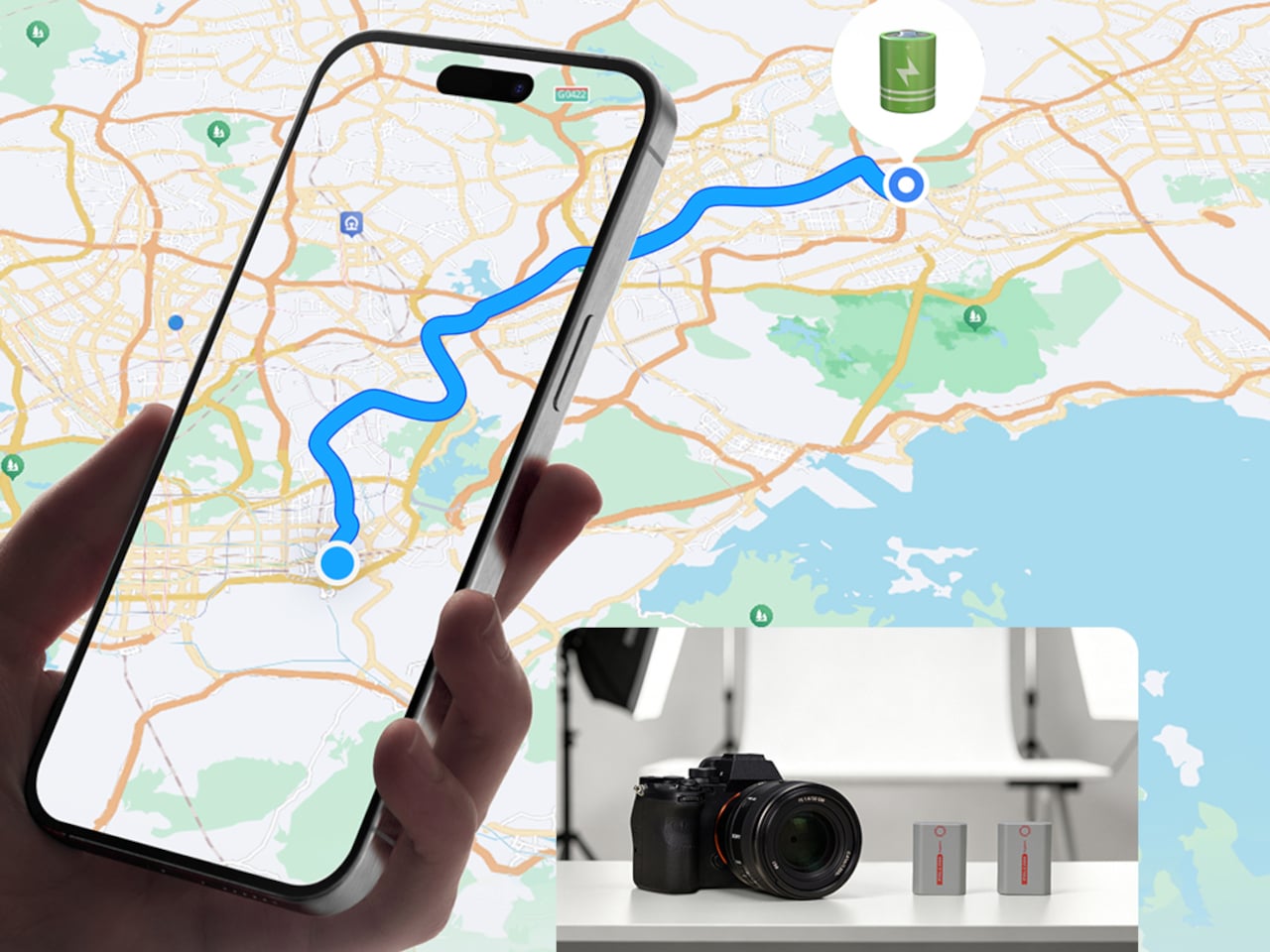
The FALCAM TagBatt addresses the problem from inside the battery itself. Compatible with Sony’s NP-FZ100 form factor, it integrates Apple’s Find My tracking technology directly into the cell, so the battery carries its own location data wherever it goes. If it ends up left behind at a studio, a venue, or the seat pocket of a flight, the Find My app will flag it and show its last known position.
Because the tracker lives inside the battery rather than clipped to a camera strap or screwed into a cage mount, it’s considerably harder to spot. An opportunistic thief who grabs a camera bag and removes any obvious Bluetooth puck from the outside can’t strip out what’s already built into the power source. It’s the kind of discreet integration that external trackers can’t quite replicate, no matter how small they get.
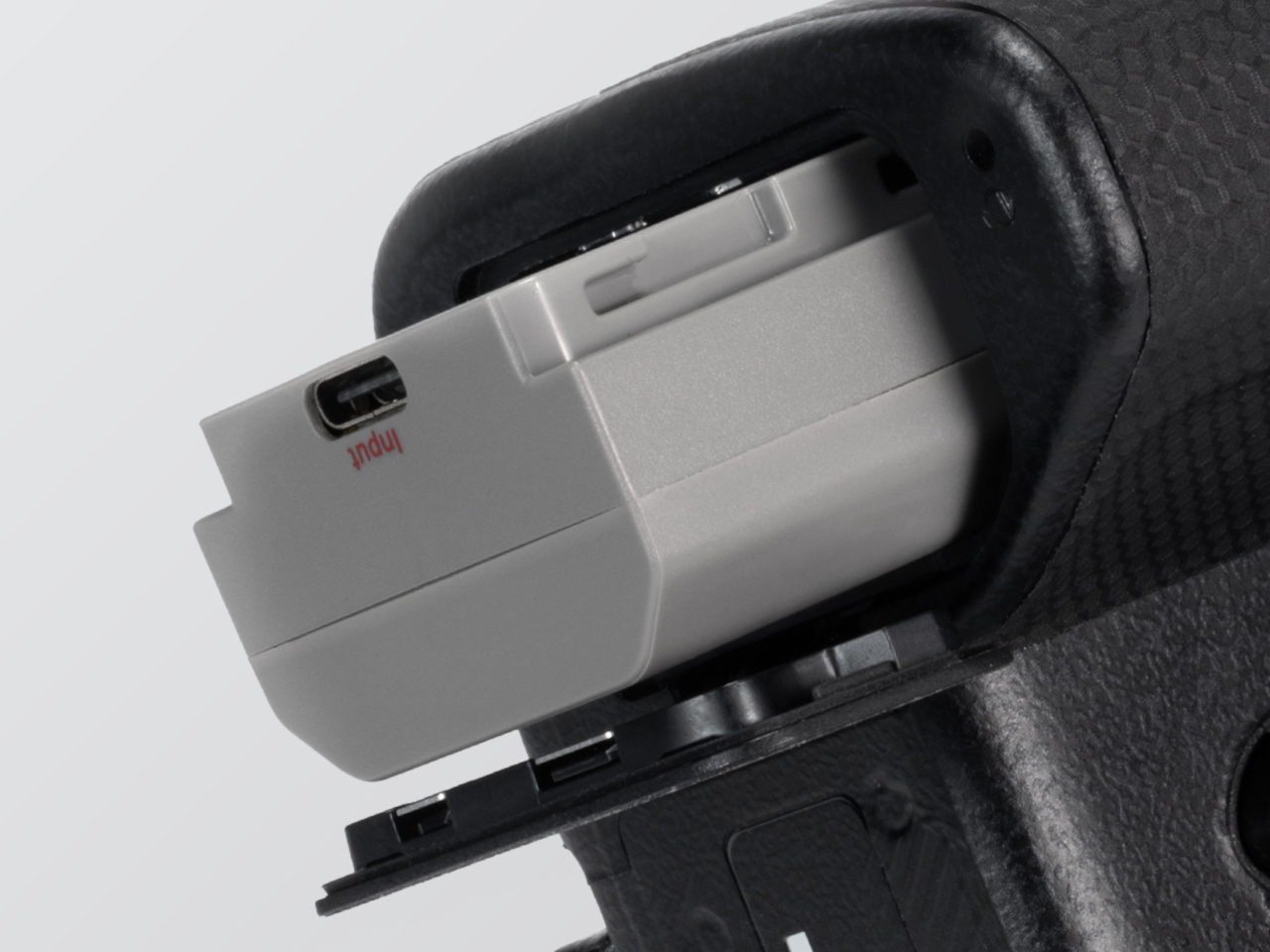
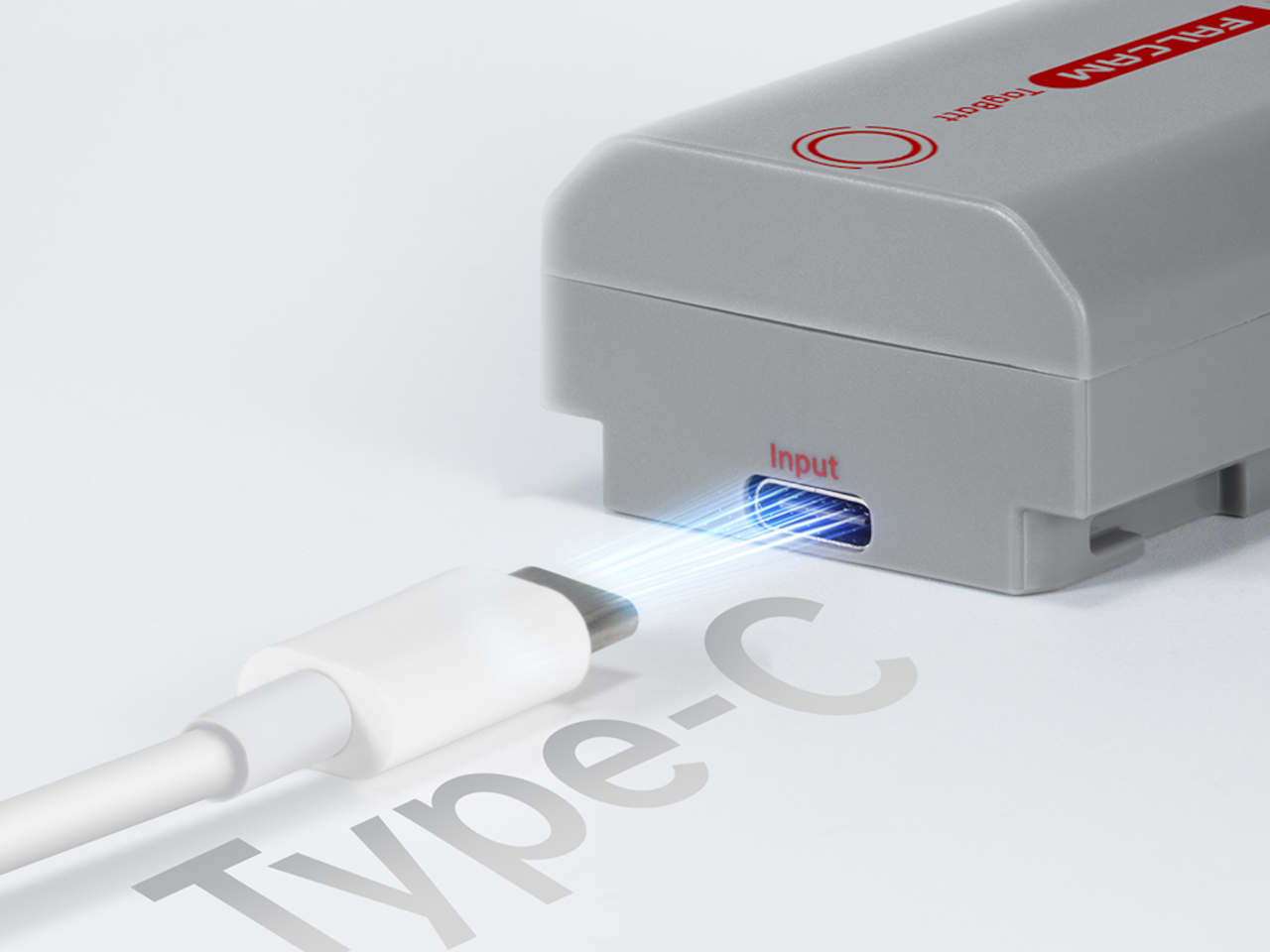
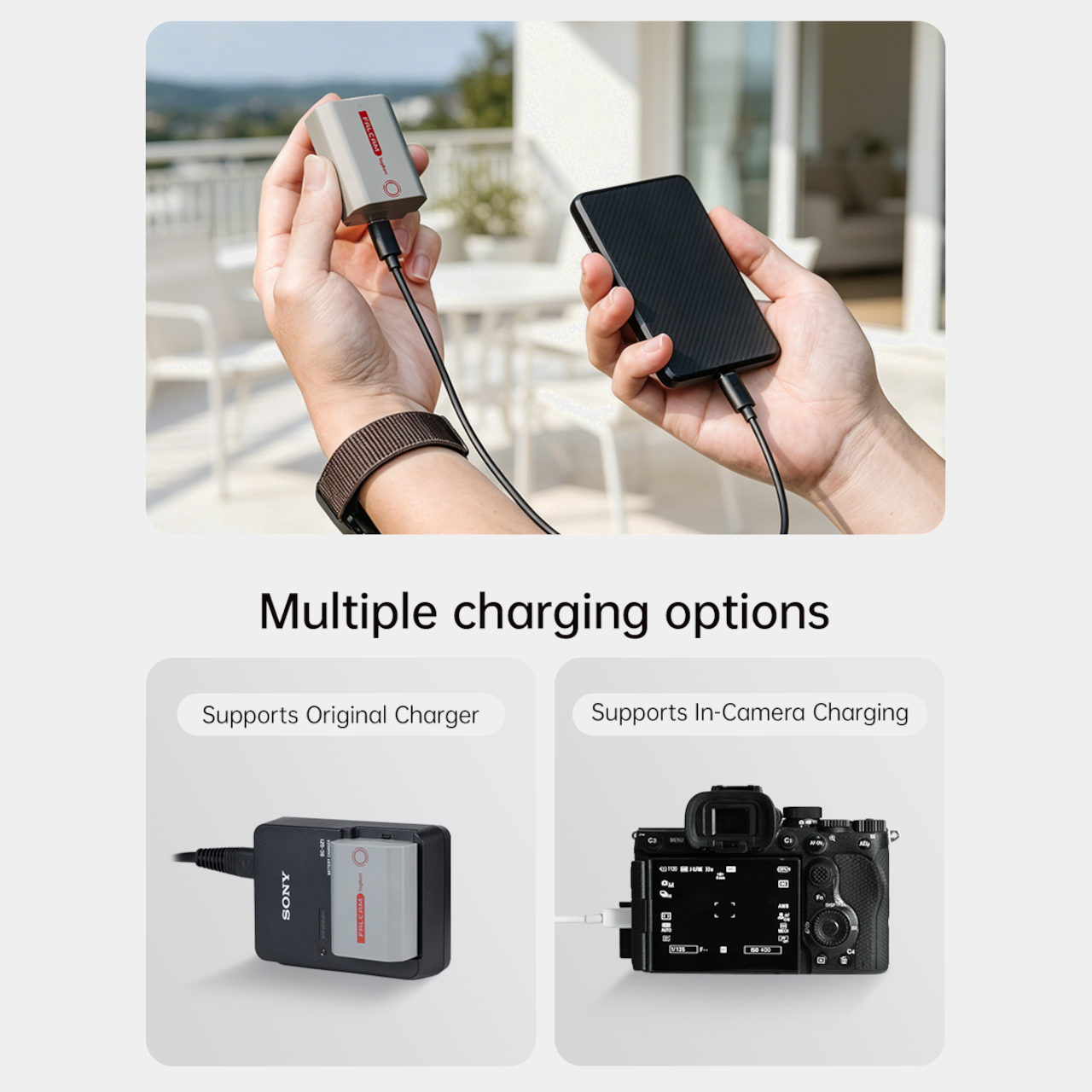
The tracking isn’t the only thing the TagBatt changes about how a camera battery behaves. A built-in USB-C port lets it charge directly from any standard USB-C source, including a power bank or a travel adapter, without needing the dedicated Sony battery charger that typically takes up its own space in a kit bag. Pop it out of the camera, plug it in overnight, and it’s ready in the morning without routing around a charger at all.
Capacity comes in at 2,600mAh against the OEM Sony NP-FZ100’s 2,280mAh, which translates to a modest but real advantage per charge. An advanced decoding chip handles the communication with the camera’s internal systems so the body treats it as it would any genuine battery, with accurate charge-level reporting and none of the “non-genuine battery” warning messages that typically accompany third-party cells.
Compatibility covers a wide sweep of Sony’s current lineup, including the Alpha 7 series through the Alpha 7 V, the Alpha 9 series, the Alpha 6700, the FX3 and FX30, and the ZV-E1, among others. A Canon LP-E6 version is also available now, with Nikon EN-EL15 and Fujifilm NP-W235 versions confirmed to be in development.
At $69.99, the TagBatt costs more than a standard third-party replacement but considerably less than the Sony original, and it comes with two capabilities that the original simply doesn’t offer. For photographers who travel frequently, work in locations where gear occasionally goes astray, or are just tired of carrying a charger they’d rather leave at home, the trade-off makes a fairly straightforward case.

 Connexion