Vue lecture

I never thought I'd call a Razer gaming keyboard a bargain, but the wired Huntsman V3 Pro is a steal right now

Razer's gaming keyboards have consistently ranked as some of the best you could buy, and, of course, they double up as generally excellent options for work and studies. Because let's be honest, if a keyboard doesn't feel good for actual typing, then is it even doing its job?

Crush the new semester with Razer keyboards

We already praised the Huntsman V3 Pro as "the world's most advanced gaming keyboard", and for now, the downside of its high price has been solved as the tenkeyless (TKL) model drops to $124.99 at Best Buy. Compared to its original MSRP of $219.99, it's instantly a much more tempting pick.

That $95 price drop stands alongside a discount on the full-size variant that we tested, bringing that to $180.74 with a much more specific $69.25 discount. Either way, you'll gain access to Snap Tap, Razer's solution for perfect counter-strafing in FPS games that prioritizes the most recently pressed button.
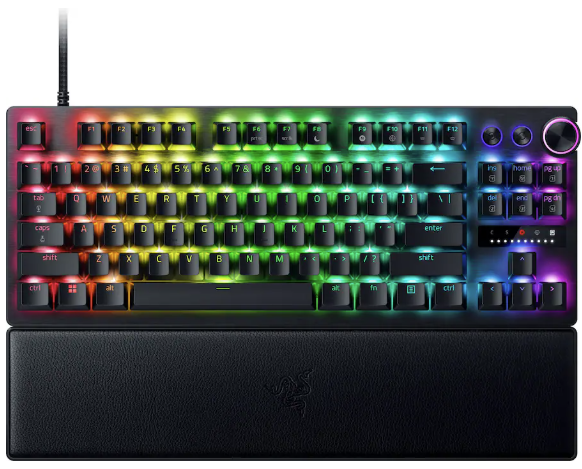
Personally, I prefer to ditch the numberpad for more desk space, so the TKL is perfect for me. It's also enjoying a bigger discount right now, making it even better value.View Deal
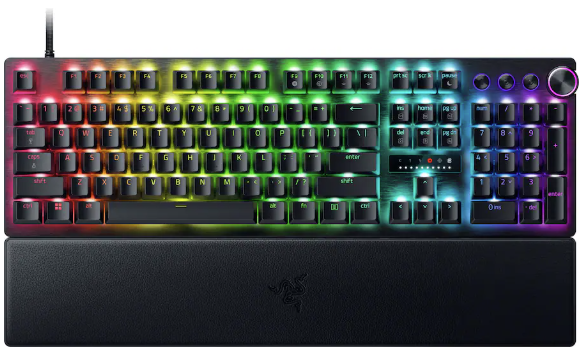
No compromises for larger desks; this gives you everything.
"The Huntsman V3 Pro is one of the best keyboards I've ever used." — Zachary Boddy, Former Staff Writer
Windows Central review: ⭐⭐⭐⭐View Deal

What makes the Huntsman V3 Pro so good?
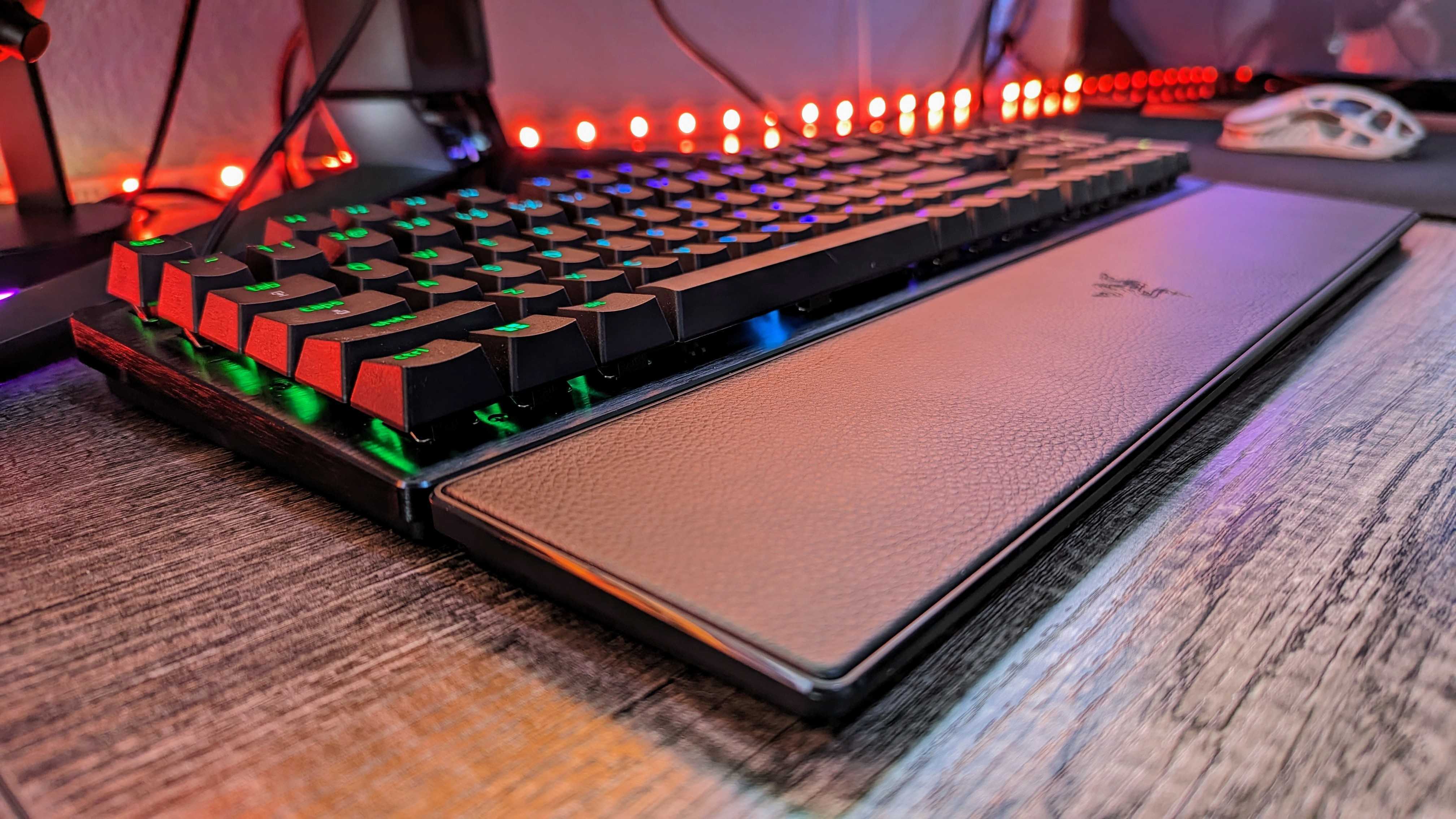
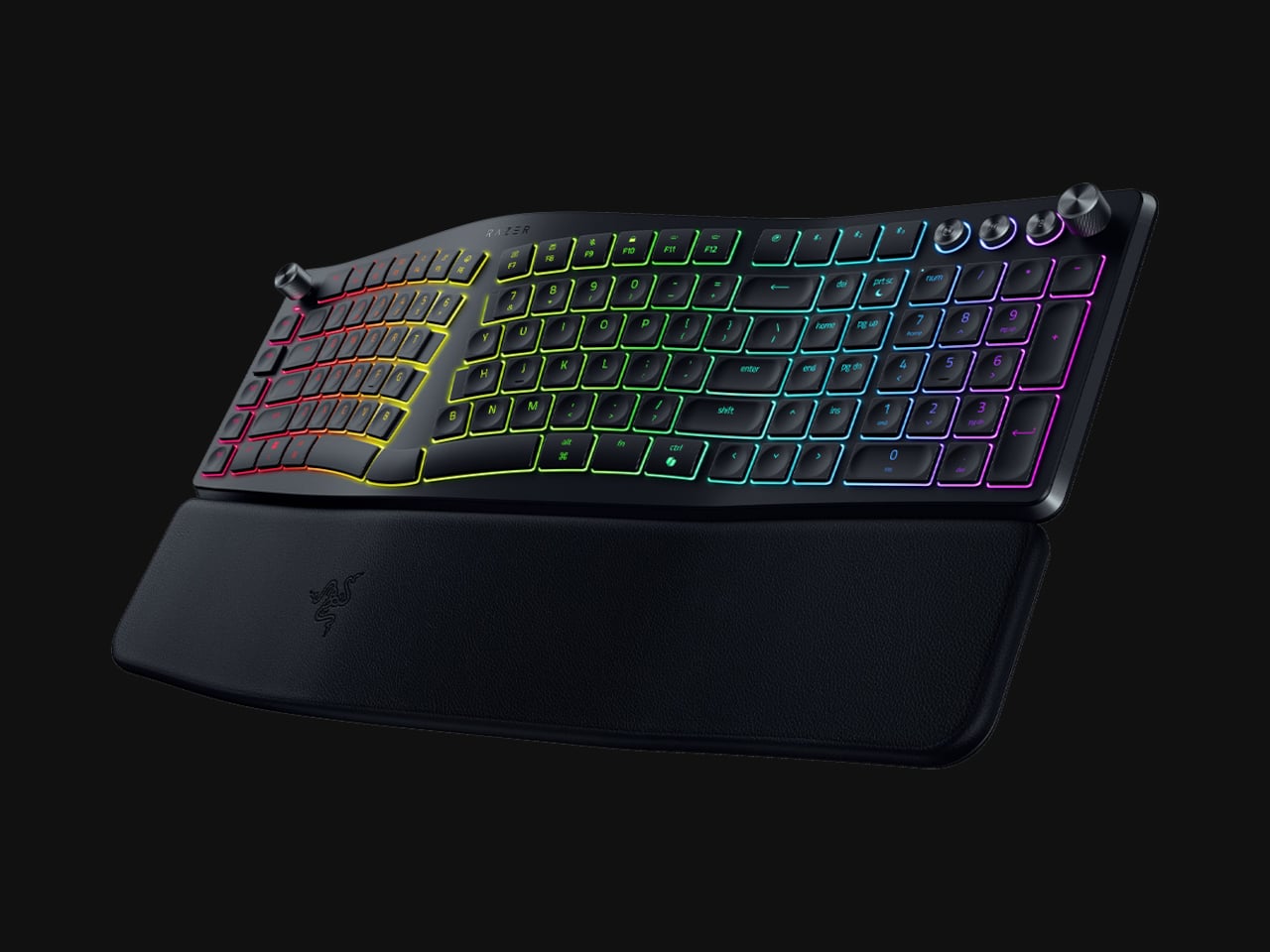
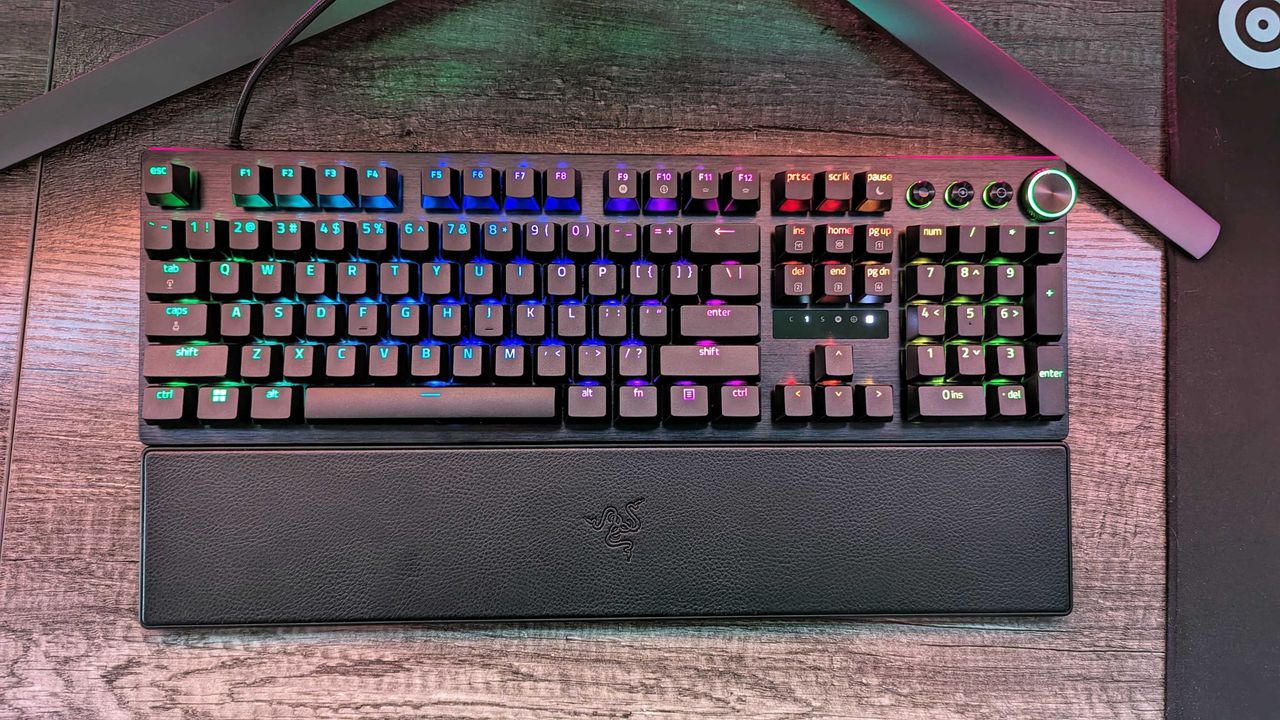
Image of the Razer Huntsman V3 Pro gaming keyboard.

Razer throws in a wrist rest alongside its wealth of extra keys. (Image credit: Windows Central | Zachary Boddy)

Adjustable actuation is one of those phrases that crops up around keyboards, and it's a feature that shines when you have the time to dig into it. Essentially, you can change the depth at which the optical switches underneath the keys detect a valid press, usually opting for shallow pushes during gaming and more deliberate, deeper pushes for typing.

If you're into tweaking and personalization, you'll get a lot out of it by fine-tuning the actuation and saving it to one of the on-board memory profile slots. That, paired with its brushed aluminum chassis and double-shot PBT textured keys for more durable lettering, makes for a comfortable typing experience.

On the flip side, we noted in our (full-size) Razer Huntsman V3 Pro review that the leatherette wrist rest isn't perfect, but it is magnetic, so if you'd rather use it only for typing and remove it for a night of gaming, it's easy to detach. I'd recommend giving it a fair try, as it's generally better to use something to support your wrists than nothing at all, but your mileage may vary.

Overall, this discount makes the Huntsman V3 Pro, whether TKL or full-size, an absolute bargain. Even if you don't make use of all the extra dials at first, diving into customization would help you assign them to your most-used features soon after. It's a quality wired keyboard that works just as hard for daily typing, so you could probably argue it's a back-to-school expense if you tried.

Frequently Asked Questions

Is the Huntsman V3 Pro wired or wireless?

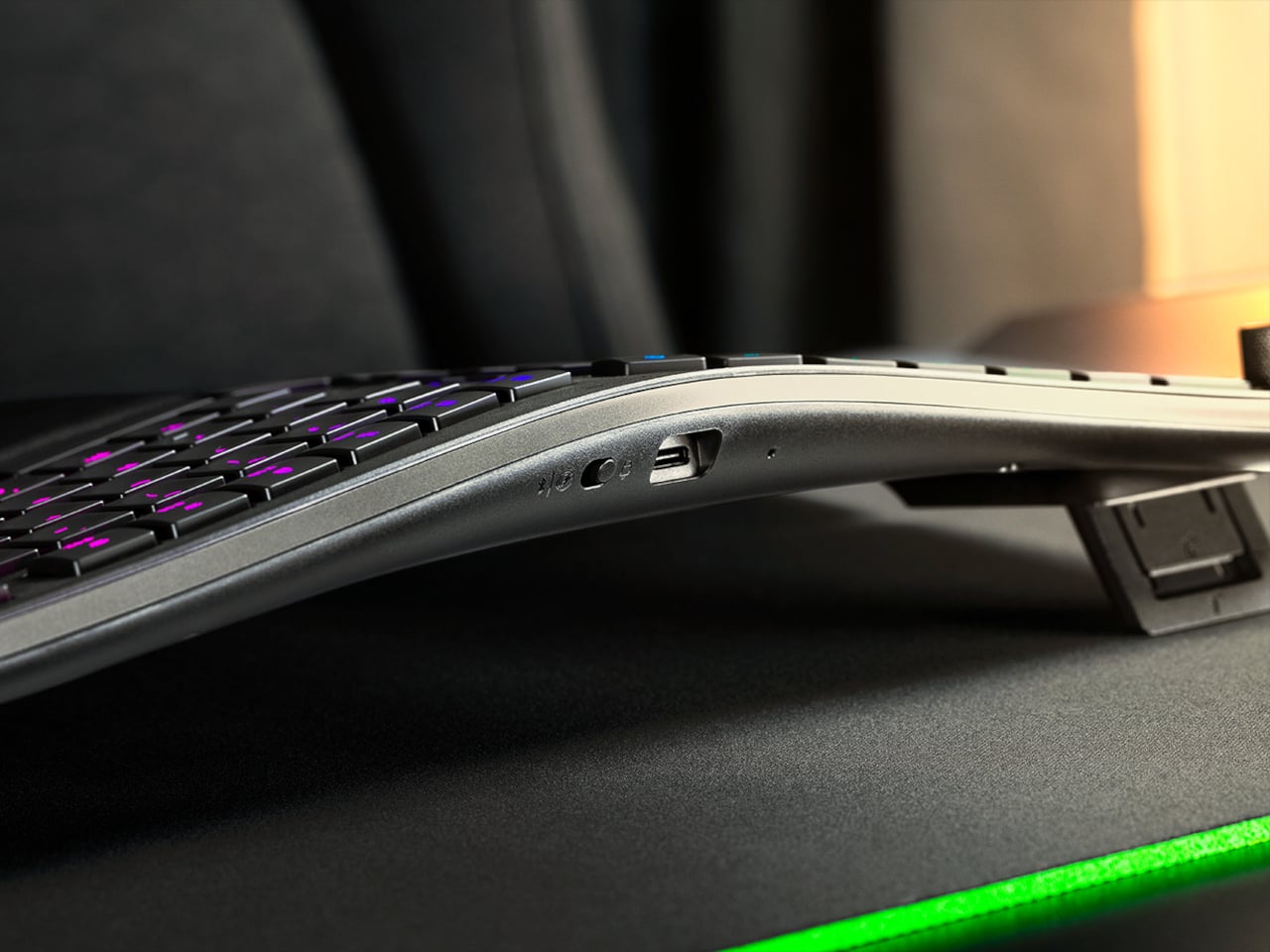
This is a wired gaming keyboard with a braided USB Type-C to USB Type-A cable. It can be detached and replaced with a longer variant, but the keyboard will not operate wirelessly.

What's the difference between full-size and TKL?

A full-size keyboard includes a number pad and is what you might think of as a "standard" model. TKL stands for tenkeyless, and it drops the numeric keypad to save space while retaining the arrow keys and the home/end keys.

Is this a mechanical keyboard?

The Huntsman V3 Pro does not use mechanical switches; instead, it features optical key switches that operate like magnetic Hall-Effect sensors found in popular joypads to support its adjustable actuation.

Click to join us on r/WindowsCentral

Join us on Reddit at r/WindowsCentral to share your insights and discuss our latest news, reviews, and more.

Image of the Razer Huntsman V3 Pro gaming keyboard.
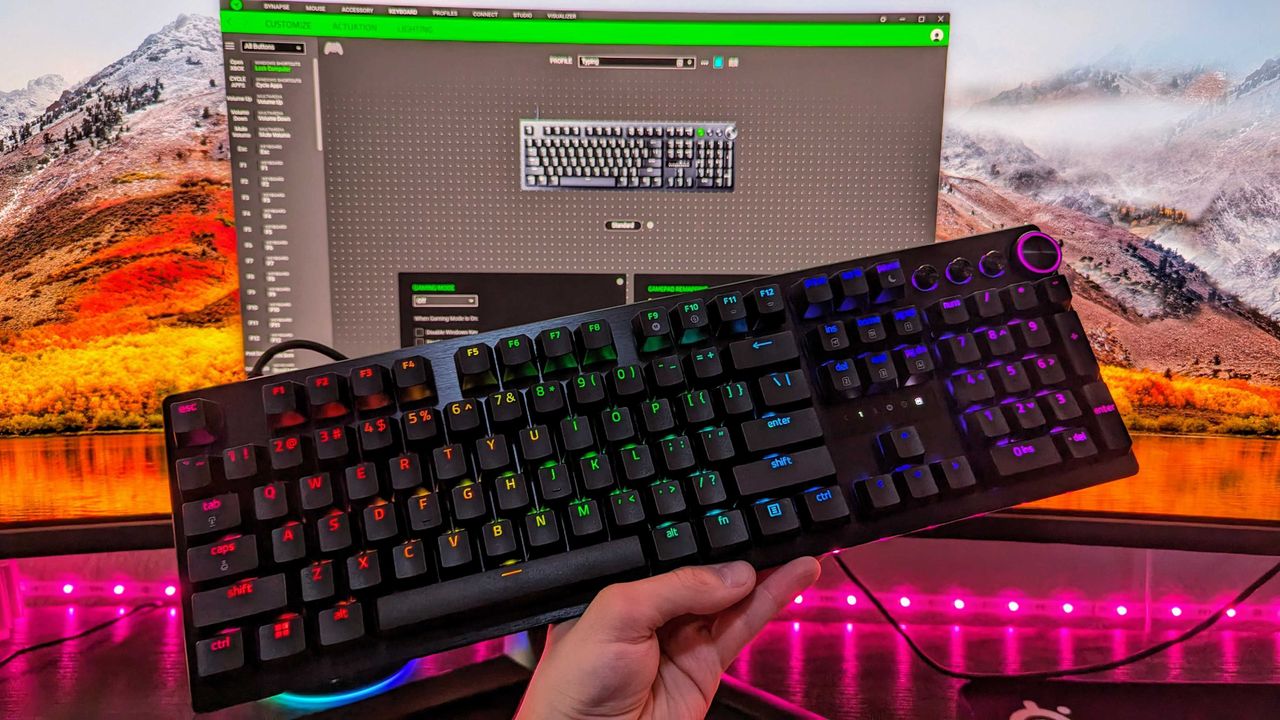
Razer's discounted Huntsman V3 Pro is built for gaming performance but offers a superb typing feel.
  •  

Razer's mechanical gaming keyboard offered "endless customization" — and now it comes with a discounted price tag

The Razer Huntsman V3 Pro is a highly decorated keyboard with vast customization options, sublime responsiveness for gaming and a little bit of productivity, and a design that's built to withstand wear and tear. If you desire its exceptional qualities without paying full price, it's now on sale for a 32% discount for a limited time.

A mechanical keyboard with RGB backlit keys displaying various colors on a wooden desk. It features a wrist rest and a sleek, modern design.

<p>It's a pretty standard keyboard layout, and it's the most refined typing experience in a Huntsman keyboard yet.</p>

  •  

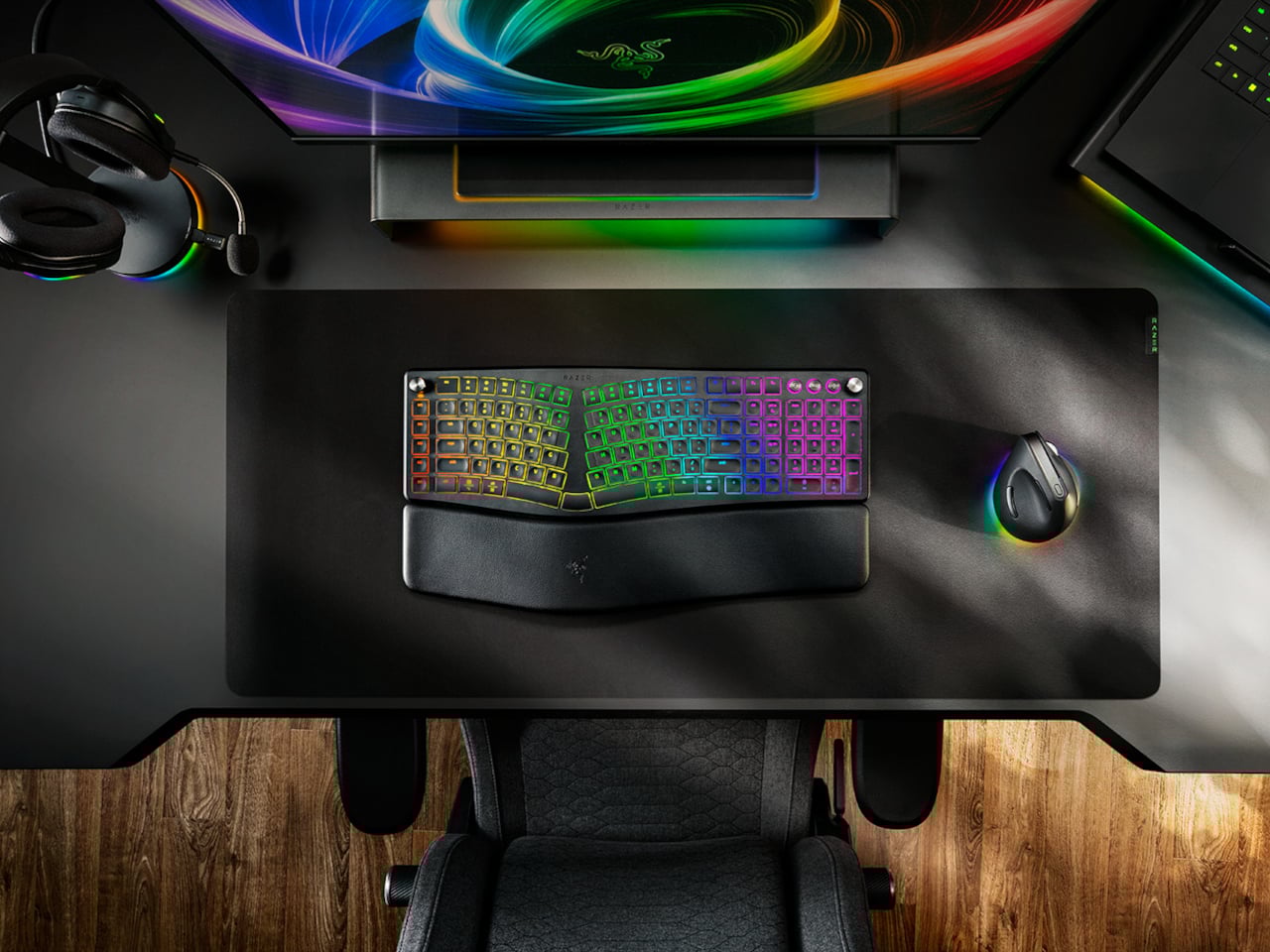
Razer Just Proved Ergonomic Keyboards Don’t Have to Be Miserable

Ergonomic keyboards have a reputation problem. They work, technically, but most of them look like they were designed by someone who’d never sat through a full workday. The splits are too wide, the angles too aggressive, and the learning curve steep enough to make you miss the flat keys you’ve always known. Plenty of people give it a try and quietly go back to what they had before.

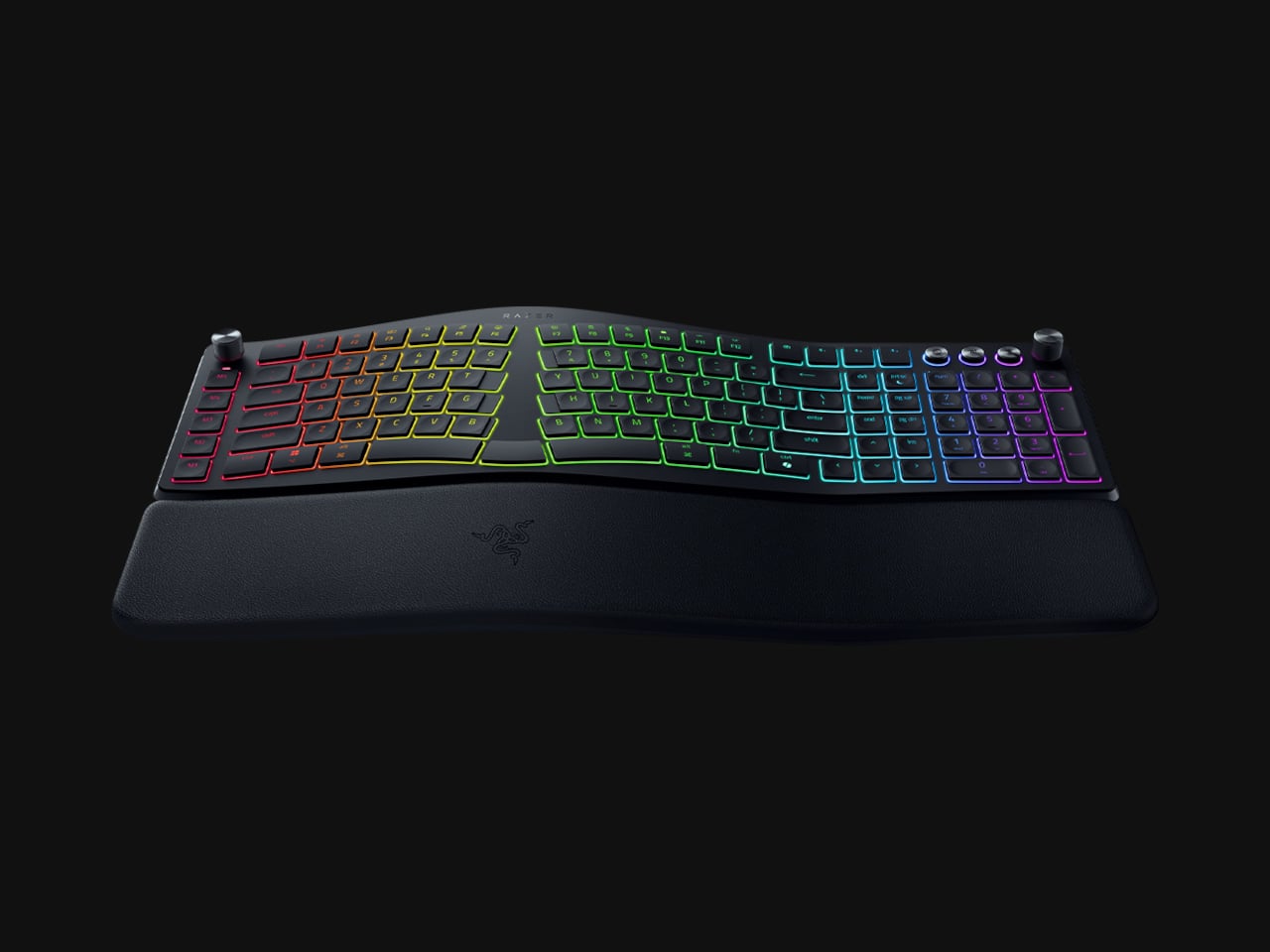
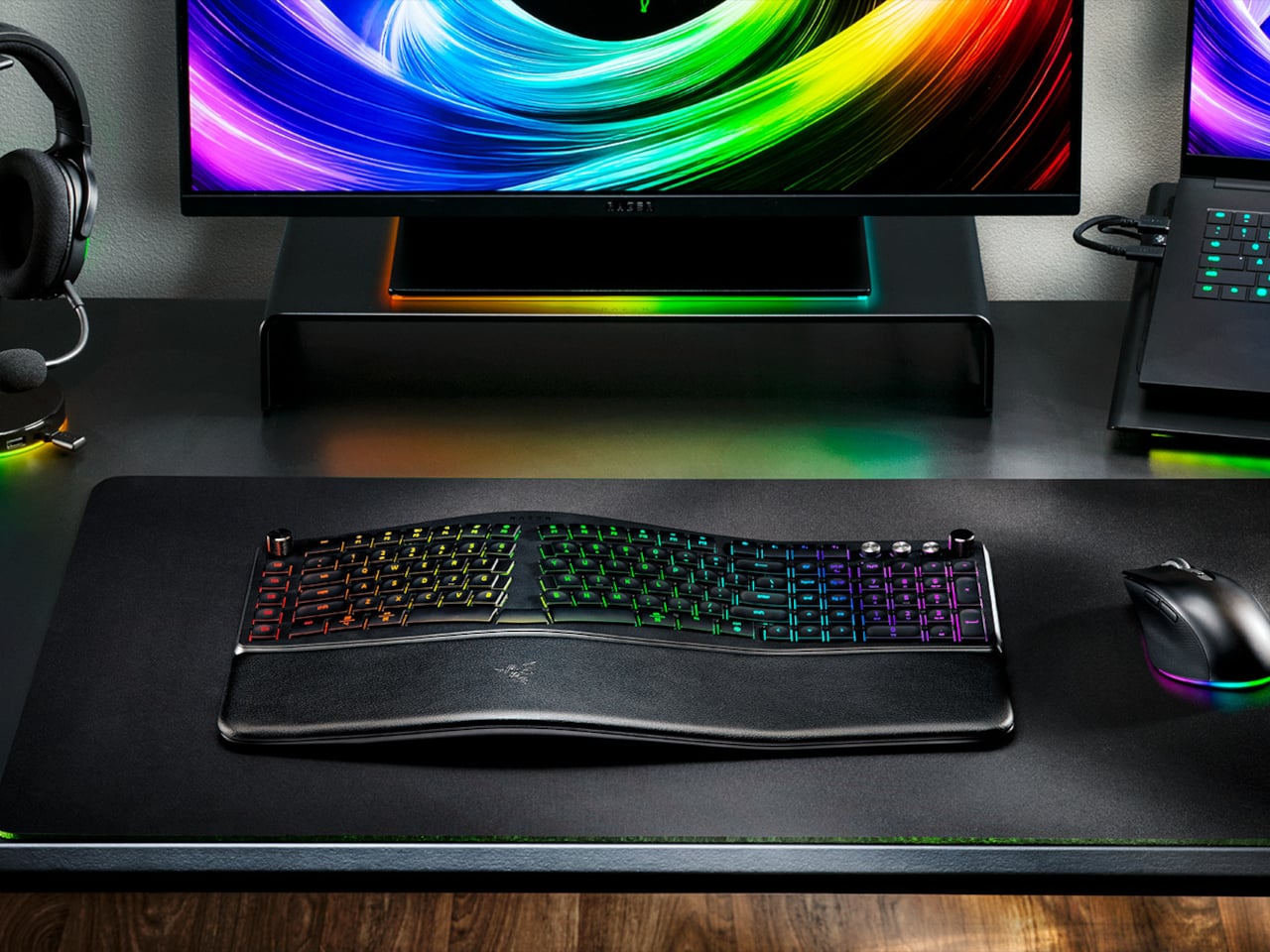
Razer’s answer is the Pro Type Ergo, its first wireless split ergonomic keyboard, built with that frustration clearly in mind. Rather than throwing you into a radical new layout, it’s tuned to feel approachable from the very first keystroke. The split gently angles your hands into a more natural alignment, easing the sideways reach that makes most forearms ache by mid-afternoon, without asking you to completely relearn how to type.

Designer: Razer

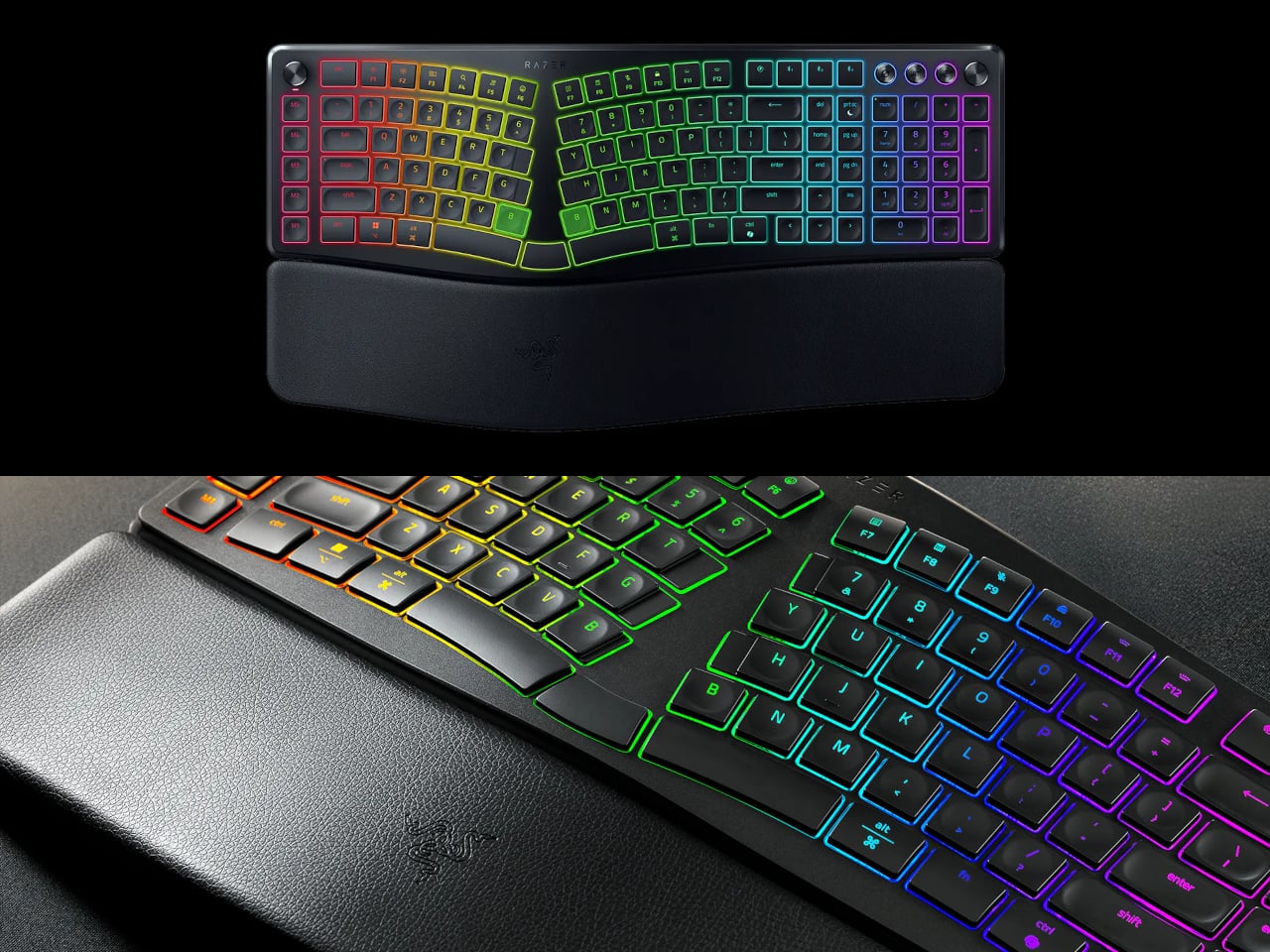
One of the more interesting layout choices is the dual “B” key arrangement, with one on each side of the split, along with an extra backspace tucked between two space bars. The idea is that both thumbs take on common actions, so you’re reaching less and crossing your fingers over each other less throughout the day. It’s a small shift that makes more sense the longer you sit with it.

The keycaps are ultra-low-profile, fitted with subtle spherical indents that nudge your fingertips into the right position without you having to think about it. Sound-dampening layers and tuned stabilizers underneath keep the typing noise low enough for open offices and video calls. Shorter key travel also means less physical effort per keystroke, which doesn’t sound like much until you’ve been at your desk for six hours straight.

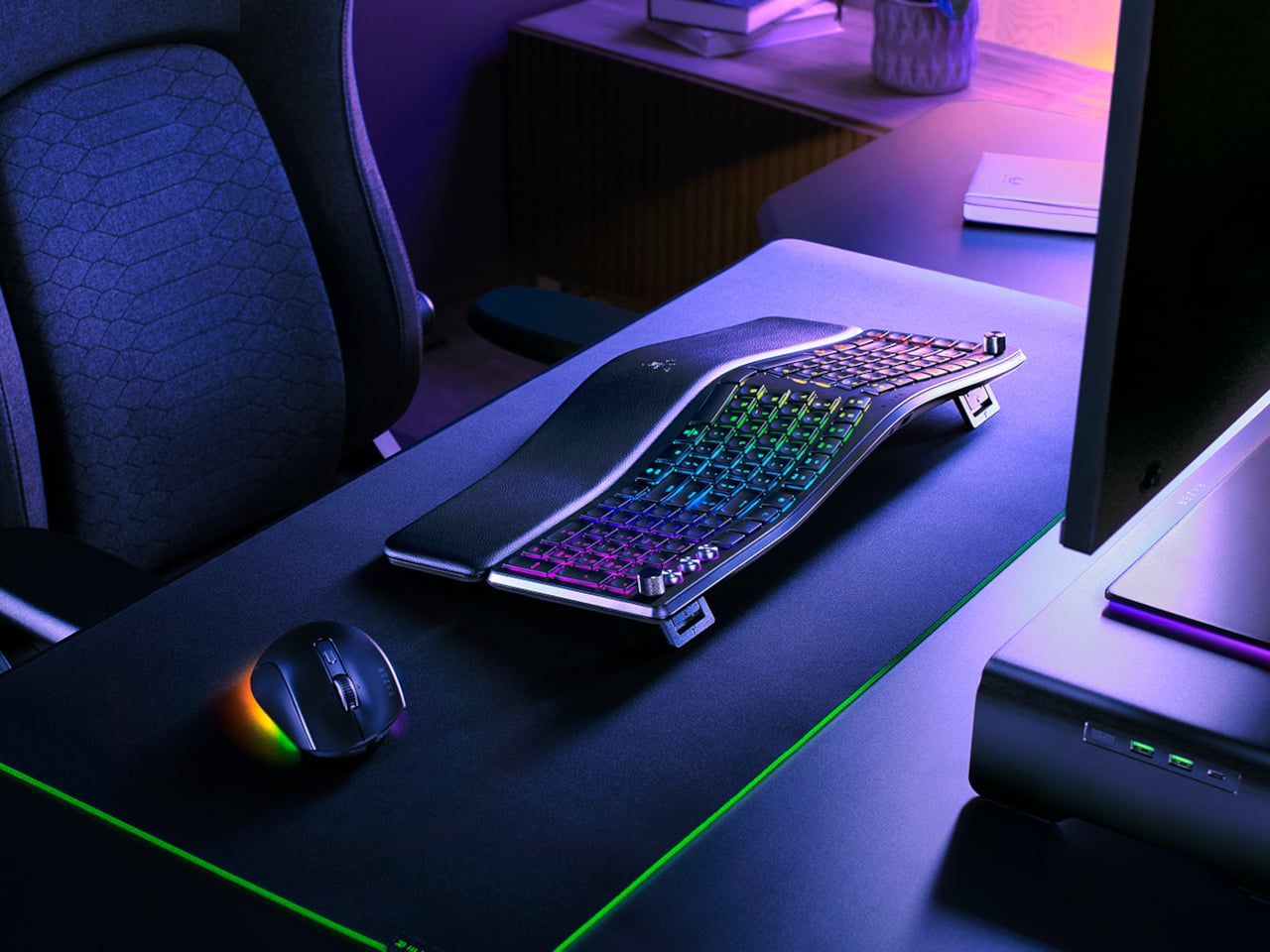
The wrist rest is permanently integrated rather than removable, which turns out to be a feature rather than a limitation. It’s just always there, supporting your wrists from the moment you sit down without any extra setup. A 10-degree base slope sets the starting angle, and five tilt positions, from flat to seven degrees forward or back, let you dial in the fit depending on your desk height and preference.

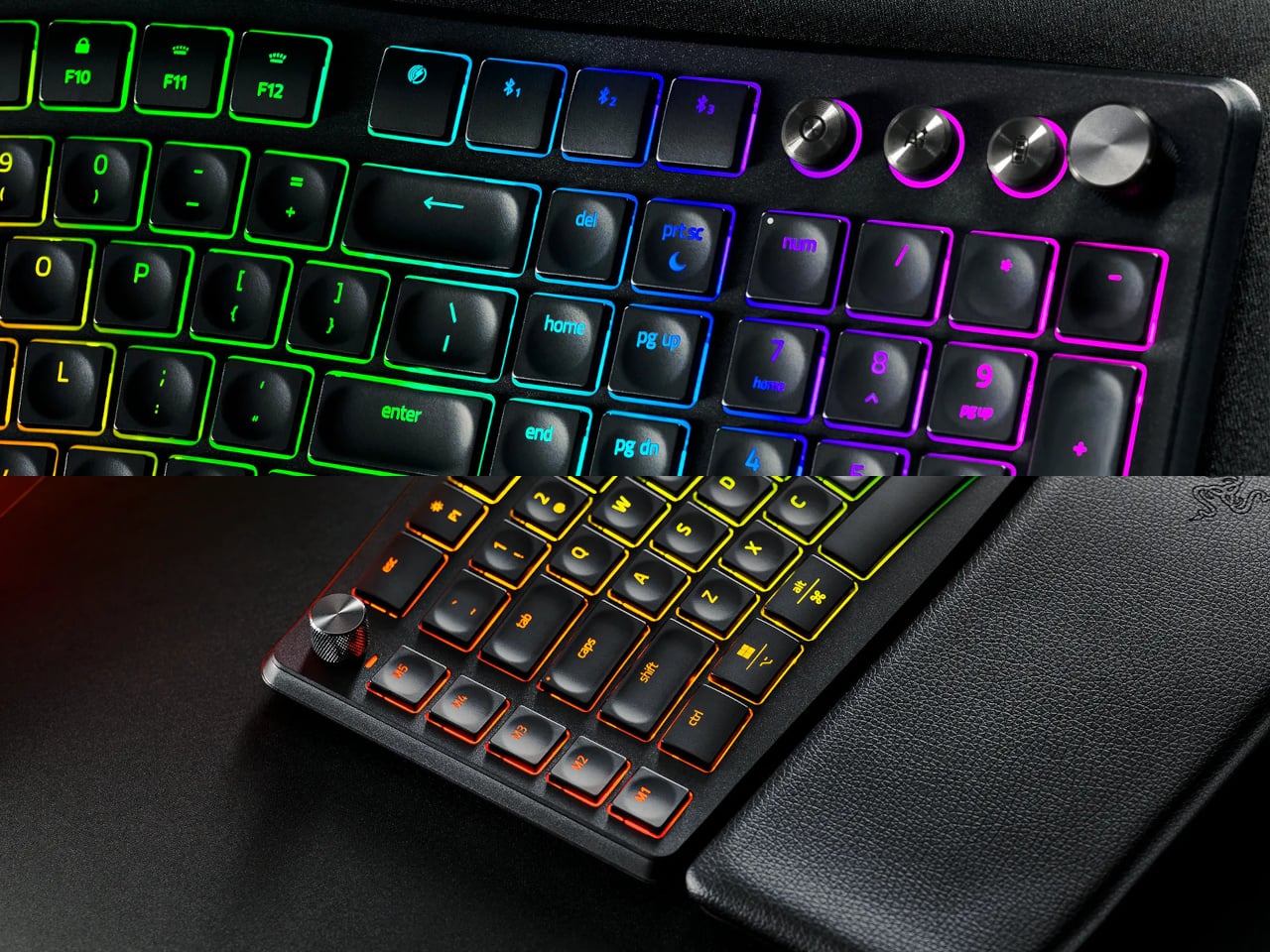
A Razer Command Dial lets you assign up to eight functions, expandable to 100 via Razer Synapse, while five macro keys along the left side keep your most-used shortcuts within easy reach. There’s also a dedicated AI Prompt Master key that handles things like drafting emails, summarizing blocks of text, or kicking off a research query in a single press, without pulling you out of whatever window you’re already in.

Connectivity spans Razer HyperSpeed Wireless at 2.4 GHz, three Bluetooth profiles, and USB-C wired mode, with support for up to five devices total. Razer Chroma RGB backlighting covers 19 customizable zones and can be switched off entirely for offices where animated key lighting might not go over well. The design is clean and understated, a far cry from the aggressively lit gaming keyboards Razer is better known for.

The Pro Type Ergo retails at $189.99, about $30 more than Razer’s conventional Pro Type Ultra from 2021. For anyone who types for a living and has been quietly working around the ache of a standard keyboard layout, that extra cost starts to feel a lot less significant once you’ve spent a full day on something that actually fits how your hands are supposed to sit.

The post Razer Just Proved Ergonomic Keyboards Don’t Have to Be Miserable first appeared on Yanko Design.

  •  

Razer's new Blade 16 drops AMD Ryzen for Intel Panther Lake — Brighter OLED display, faster RAM, and Thunderbolt 5 make it better than ever for mixed use

Razer has taken the wraps off its Blade 16 for 2026, and it's a significant refresh that now builds on Intel's Core Ultra Series 3 "Panther Lake" chips. Here's what you need to know (and where you can buy it today).

Razer Blade 16 (2026)

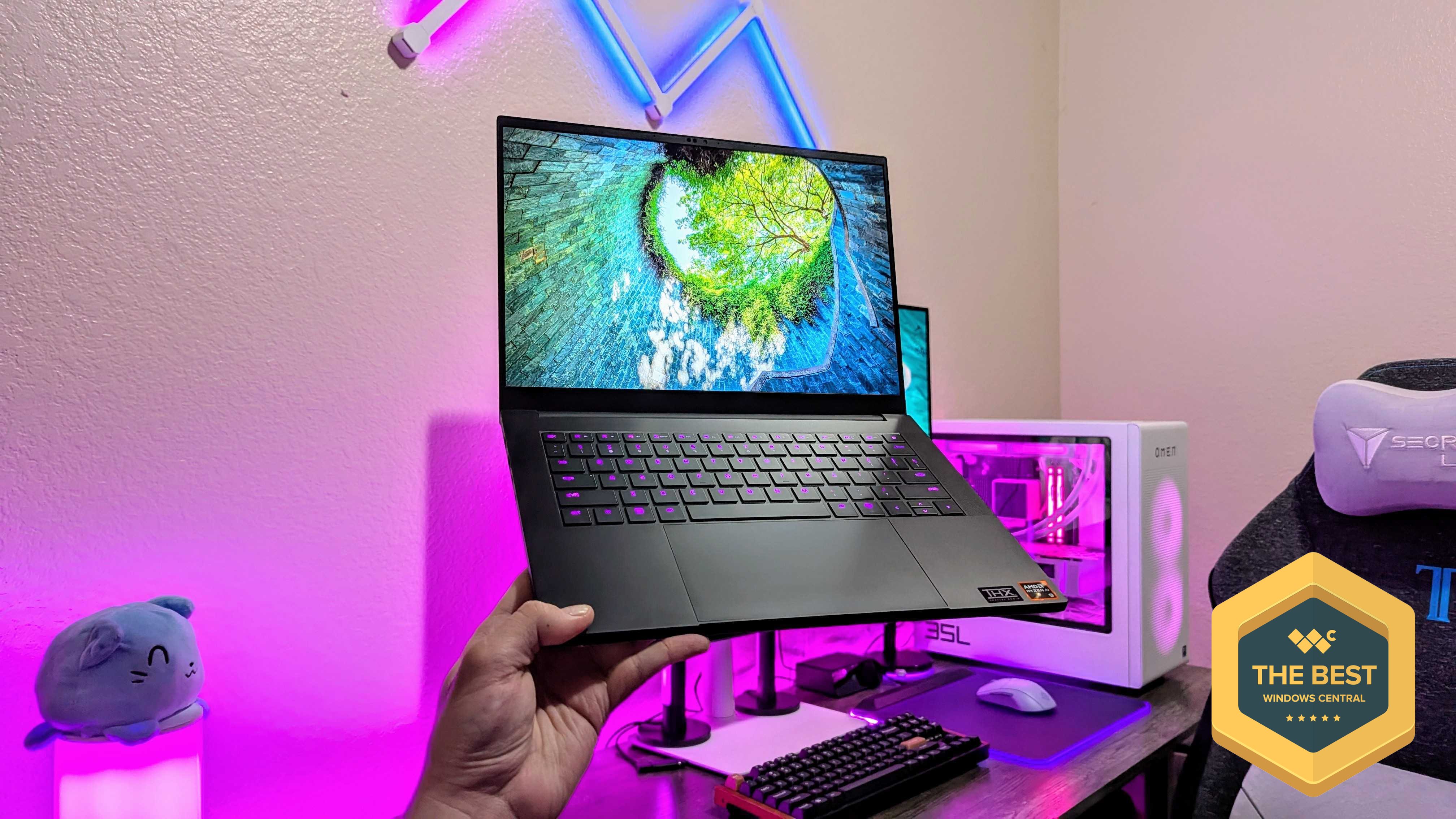
A look at the refreshed Razer Blade 16 for 2026, complete with Intel CPUs and NVIDIA GPUs.

  •  

Razer let its head of design outside — but only to teach me how the company's gaming gear is brought to life

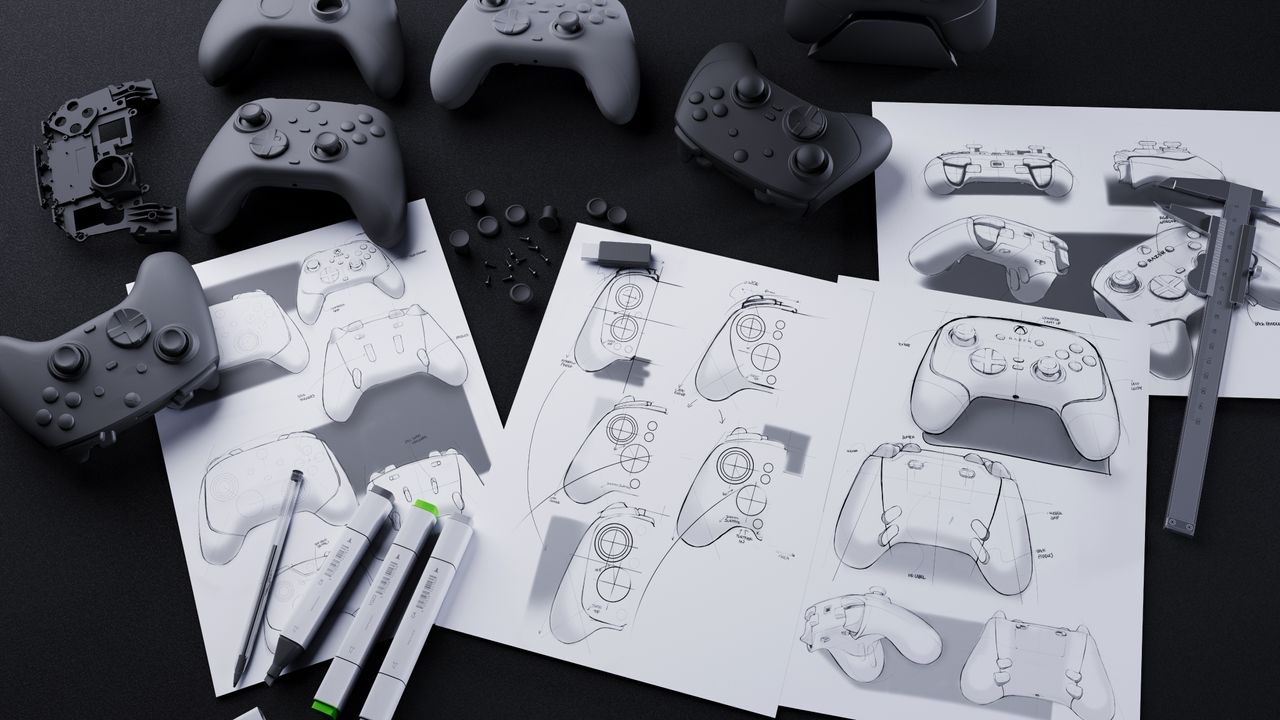
I was given the opportunity to chat with Charlie Bolton, Razer's Global Head of Design, to learn how Razer designs and releases its popular gaming products.

Image of design concepts and prototypes at Razer.

  •  

Kuromi got Razer's best collaboration yet, but these aren't the PC gaming accessories I'd use

The new Razer Kuromi collection brings special editions for six of Razer's PC gaming accessories. They're awesome, but this isn't the gear I'd choose to use.

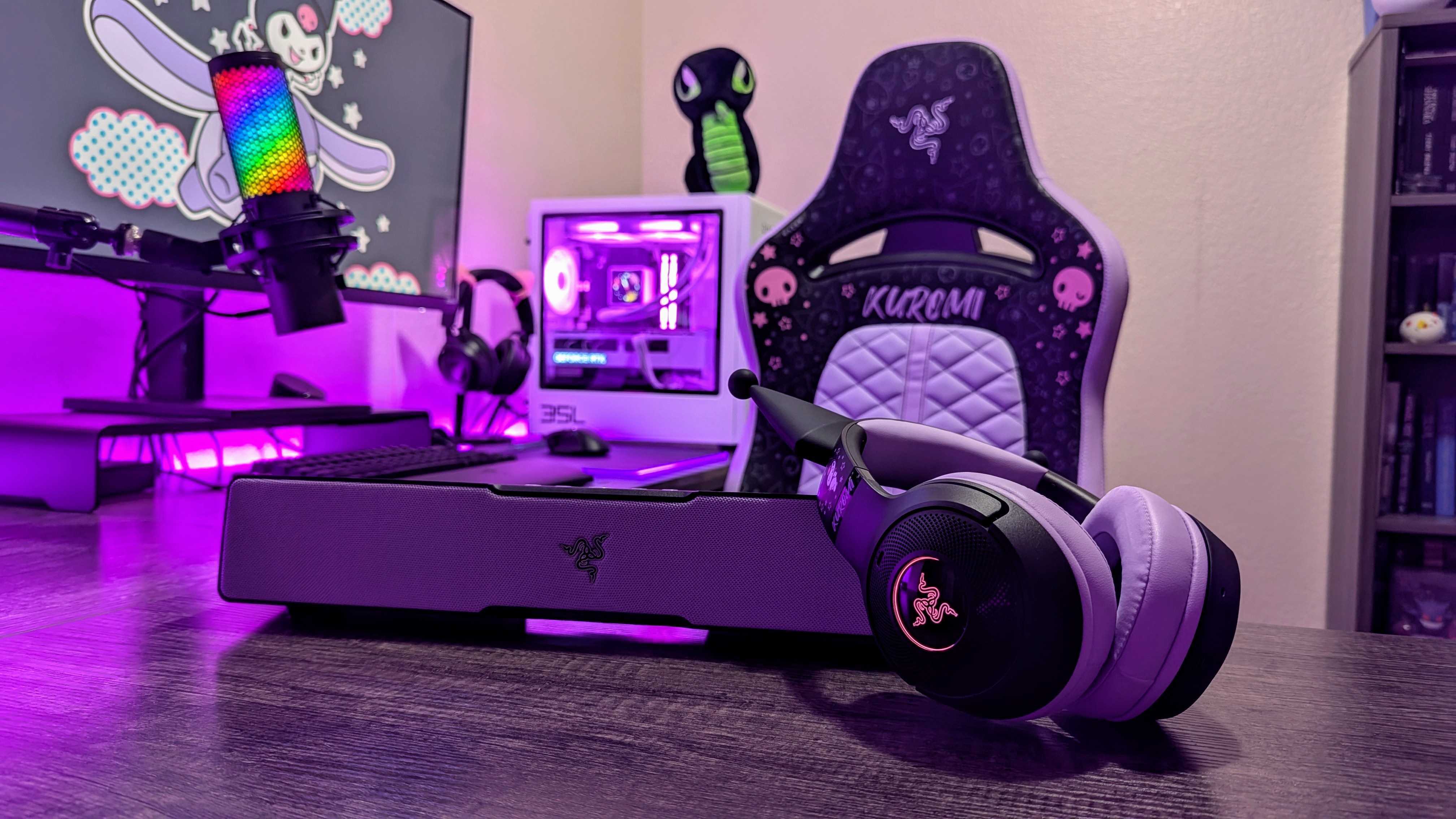
The Razer Kuromi Edition Enki X, Leviathan V2 X, and Kraken Kitty V2 BT.

  •  
❌