Vue lecture

Microsoft optimizes WinUI 3 framework to increase Windows 11 responsiveness

WinUI is a key part of Microsoft's initiative to fix Windows 11, and that framework is being updated. Here's how those improvements will show up on your PC.

Windows 11 file Explorer
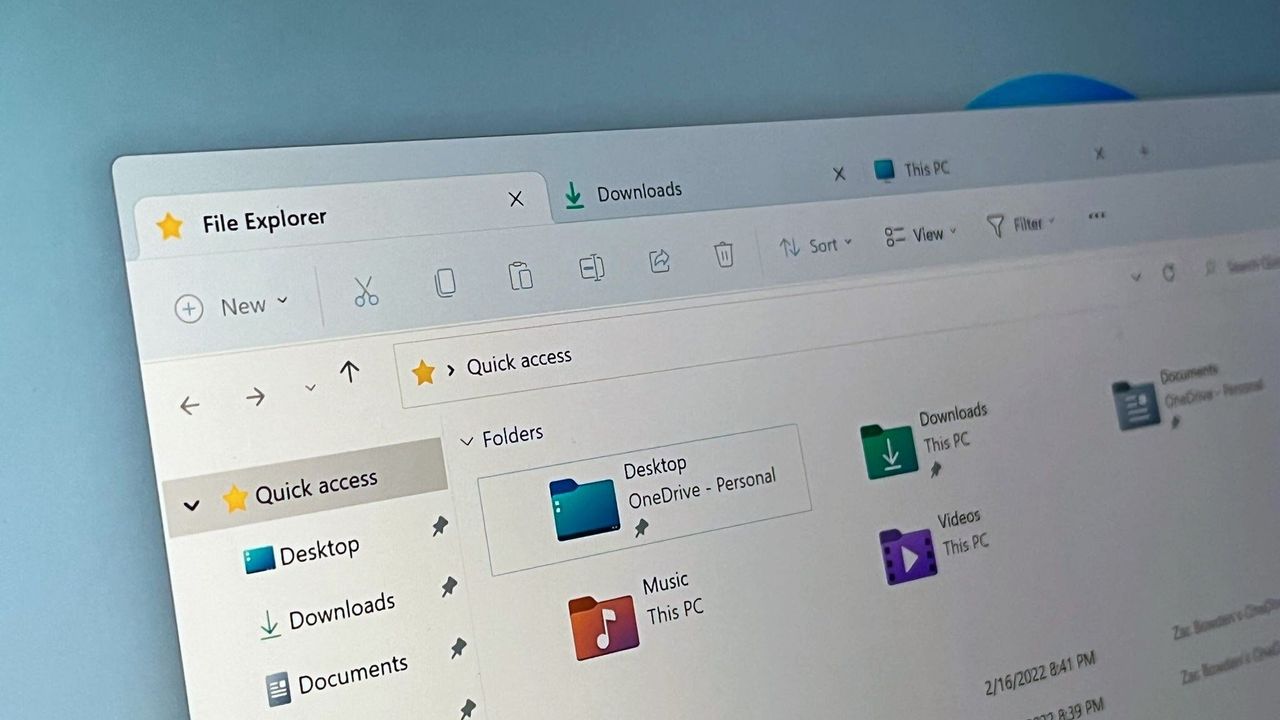
File Explorer launch time is used as a benchmark for WinUI 3 performance improvements.
  •  

Windows Central Podcast: How does Windows K2 impact the next Xbox?

Podcast: Daniel and Zac discuss the latest with Xbox and Windows K2.

A glowing green Xbox logo shines prominently in the center against a blurred background of Xbox Mode promotional image.

A glowing green Xbox logo shines prominently in the center against a blurred background of Xbox Mode promotional image.

  •  

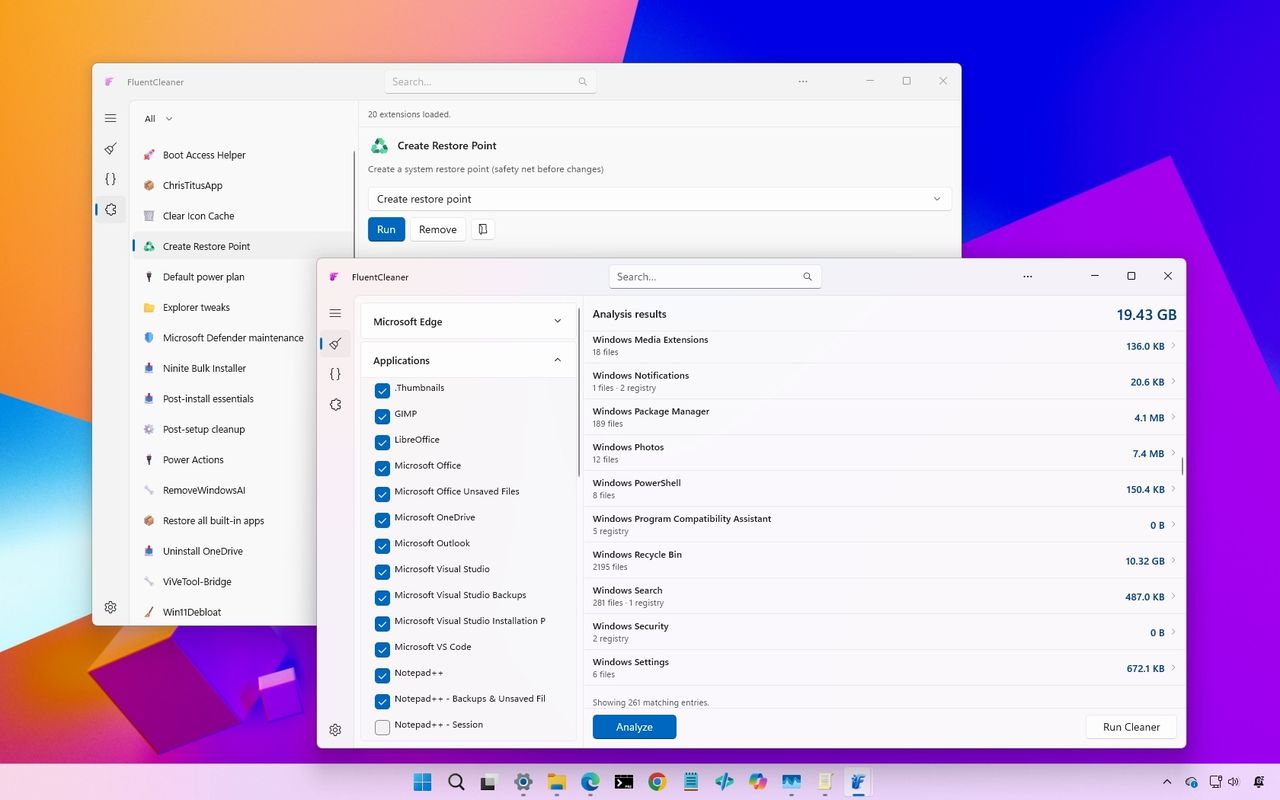
Why Windows 11 users are switching to Fluent Cleaner, the sleek CCleaner alternative that actually feels native

Fluent Cleaner is a modern open-source alternative to CCleaner with deeper Windows 11 cleanup tools, extensions, and a native WinUI design.

The image shows a desktop interface with two overlapping software windows. Both windows feature lists of files and options, with a colorful gradient background.

The image shows a desktop interface with two overlapping software windows. Both windows feature lists of files and options, with a colorful gradient background.

  •  

Every Microsoft Surface should have this tiny Windows 11 app that finally fixes a long‑standing battery headache

Microsoft still makes you dig through the Surface app to pause Smart Charging, but a new third-party tool called Surface Charging Tray brings those toggles to your taskbar.

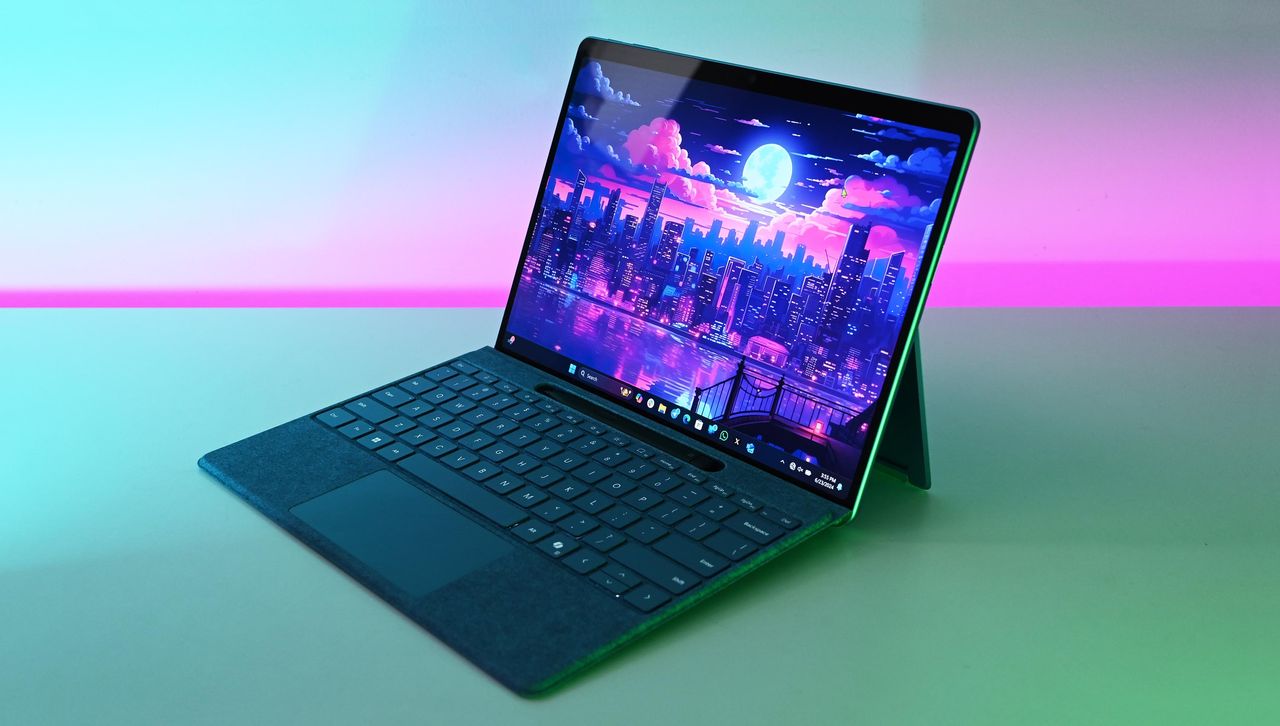
Microsoft Surface Pro 11 with Qualcomm Snapdragon X Elite

Third-party app Surface Charging Tray gives users more control over the battery life of devices like the Surface Pro 11.

  •  

Logitech MX Master 4 update lets you feel Windows 11 through haptics

Logitech’s MX Master 4 now supports native Windows 11 haptic effects, allowing you to feel window snapping, PowerPoint alignment, and UI buttons through your mouse.

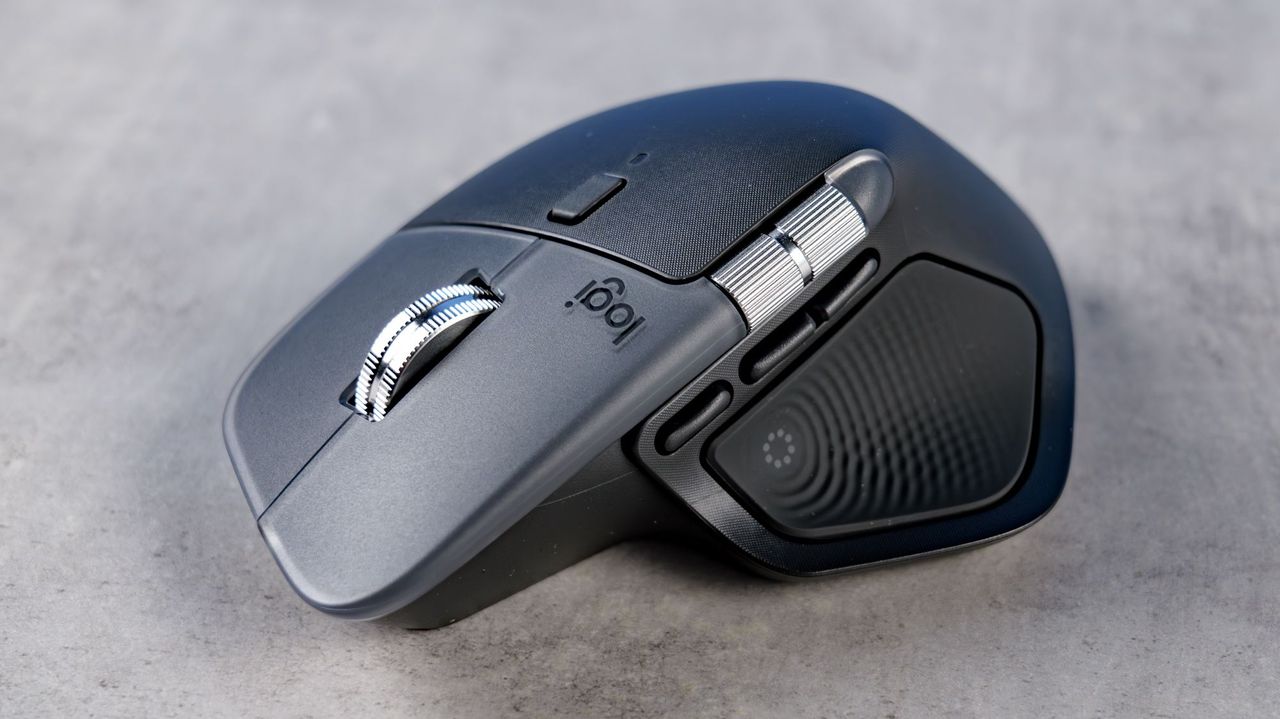
A sleek, ergonomic wireless mouse on a gray surface. It features a metallic scroll wheel and textured side grips, conveying a modern, professional design.

The Logitech MX Master 4 features haptic in a side button where your thumb rests.

  •  

"Apple does this and you love it": Microsoft VP fires back at trolls over Windows 11's new performance boost feature. "It's not cheating; this is how modern systems make apps feel fast."

Windows 11's upcoming "Low Latency Profile" feature has been branded "lazy" by online trolls. Microsoft VP explains why they're wrong.

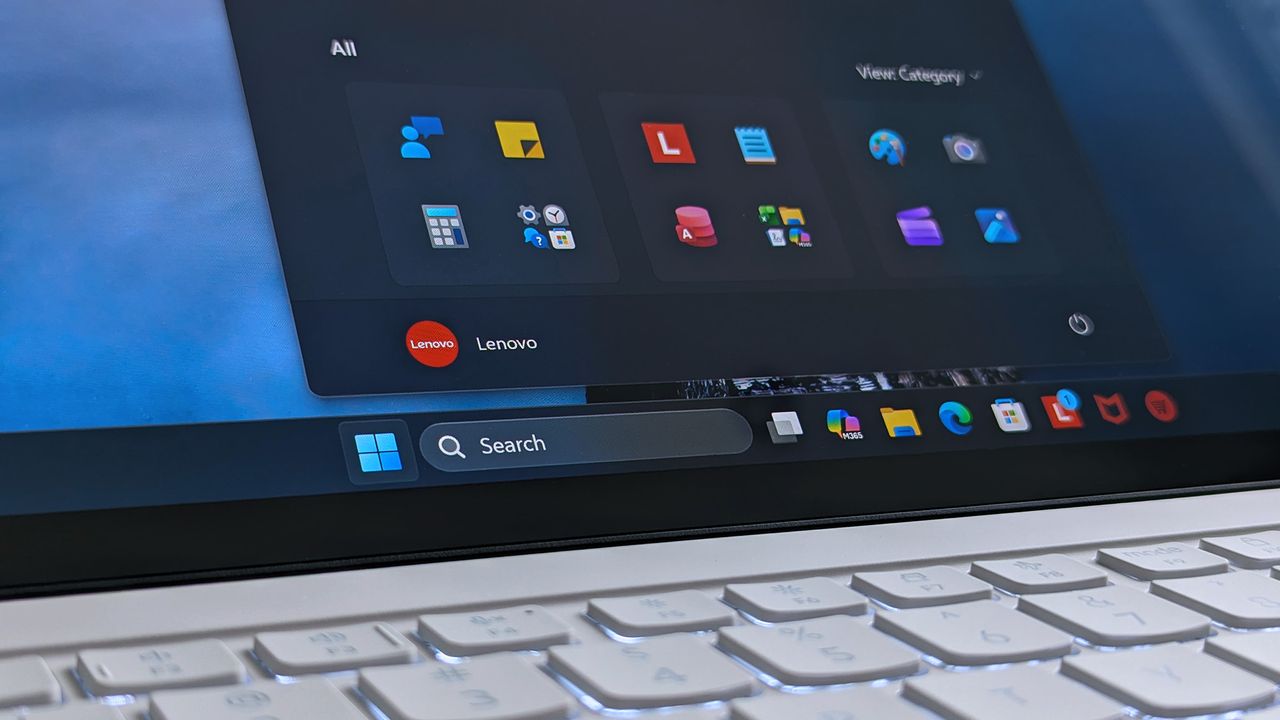
A Lenovo Yoga Slim 7i Ultra (Gen 11) Aura Edition laptop screen shows a home screen with open taskbar featuring app icons.

A Lenovo Yoga Slim 7i Ultra (Gen 11) Aura Edition laptop screen shows a home screen with open taskbar featuring app icons.

  •  

Windows 11’s New CPU Boost Feature Isn’t “Cheating” — macOS and Linux Have Done It for Years

Microsoft’s upcoming Windows 11 performance improvements are sparking debate online after users discovered that the OS can temporarily ramp up CPU speeds to make apps launch faster and menus feel more responsive. But according to developers and power users, this behavior is not unusual at all — in fact, modern operating systems like macOS and […]

  •  

Microsoft confirms “move the taskbar to the top” option is finally coming to Windows 11

Microsoft has officially confirmed that one of the most requested Windows 11 features is finally on the way: the ability to move the taskbar to the top of the screen. The confirmation came from Microsoft’s Jen Gentleman (JenMsft) on X, ending years of speculation and user frustration around the missing customization option. Ever since the […]

  •  

Forget Mouse Shortcuts: Windows Adds “Infinite Scrolling” and More to Touchpads

Microsoft is working on a major upgrade for precision touchpad gestures in Windows 11, bringing several new customization and navigation features aimed at improving productivity and usability across laptops and tablets. The upcoming changes introduce advanced scrolling behavior, adjustable gesture speed, automatic scrolling, accelerated scrolling, and even single-finger scrolling support. These additions could make Windows […]

  •  

Windows 11’s Secret Performance Weapon: The New “Low Latency Profile” Explained

Windows 11 has long faced criticism for feeling “heavy,” even on high-end hardware. Microsoft’s answer? A hidden new feature called the Low Latency Profile. This aggressive performance tweak aims to eliminate the micro-stutters that plague daily tasks, making budget laptops feel premium and high-end workstations feel instantaneous. What is the Windows 11 Low Latency Profile? […]

  •  

You can enable Windows 11’s experimental features right now and the process is easier than you think

Windows 11 now lets Insider users enable experimental features from Settings without ViveTool. Here's how "Feature flags" works.

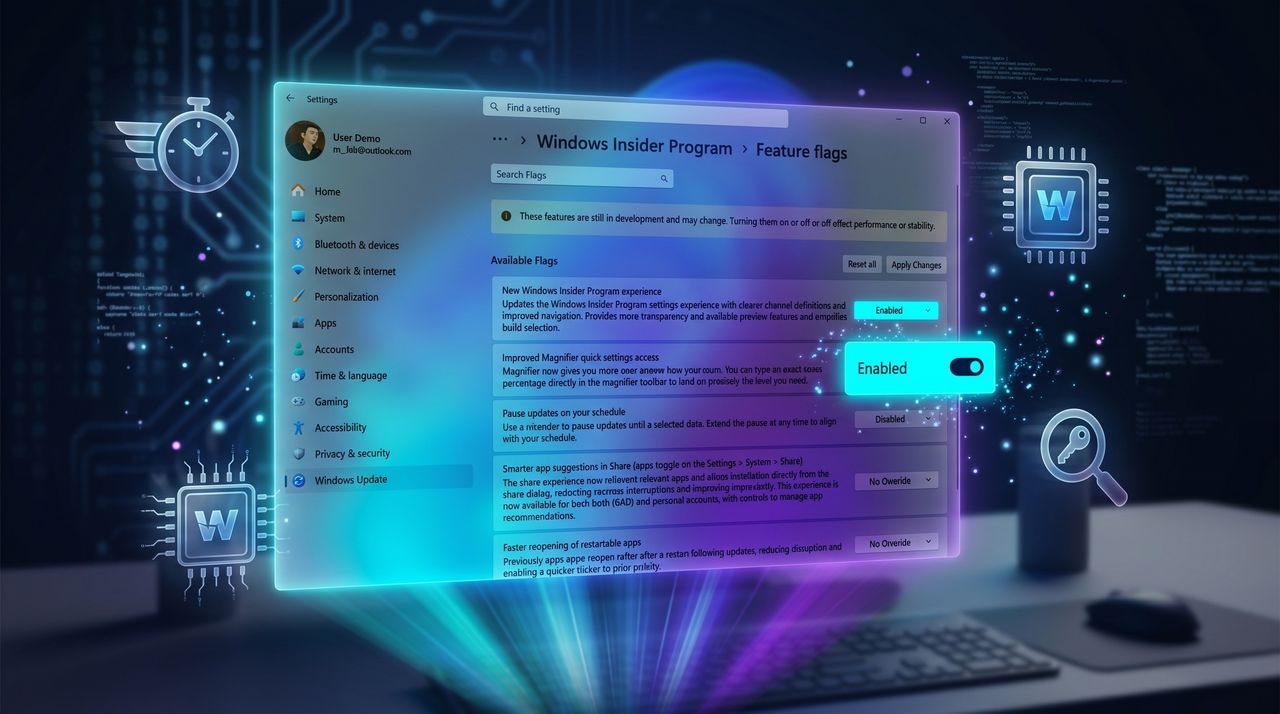
Windows Insider Program settings screen with feature flags. A highlighted toggle labeled 'Pause updates on your schedule' is switched on, set against a blue, futuristic background.

Windows Insider Program settings screen with feature flags. A highlighted toggle labeled 'Pause updates on your schedule' is switched on, set against a blue, futuristic background.

  •  

“I like where the program is going”: Microsoft’s Insider overhaul finally gives us a simpler path, but I had to dig in to understand what really changes next

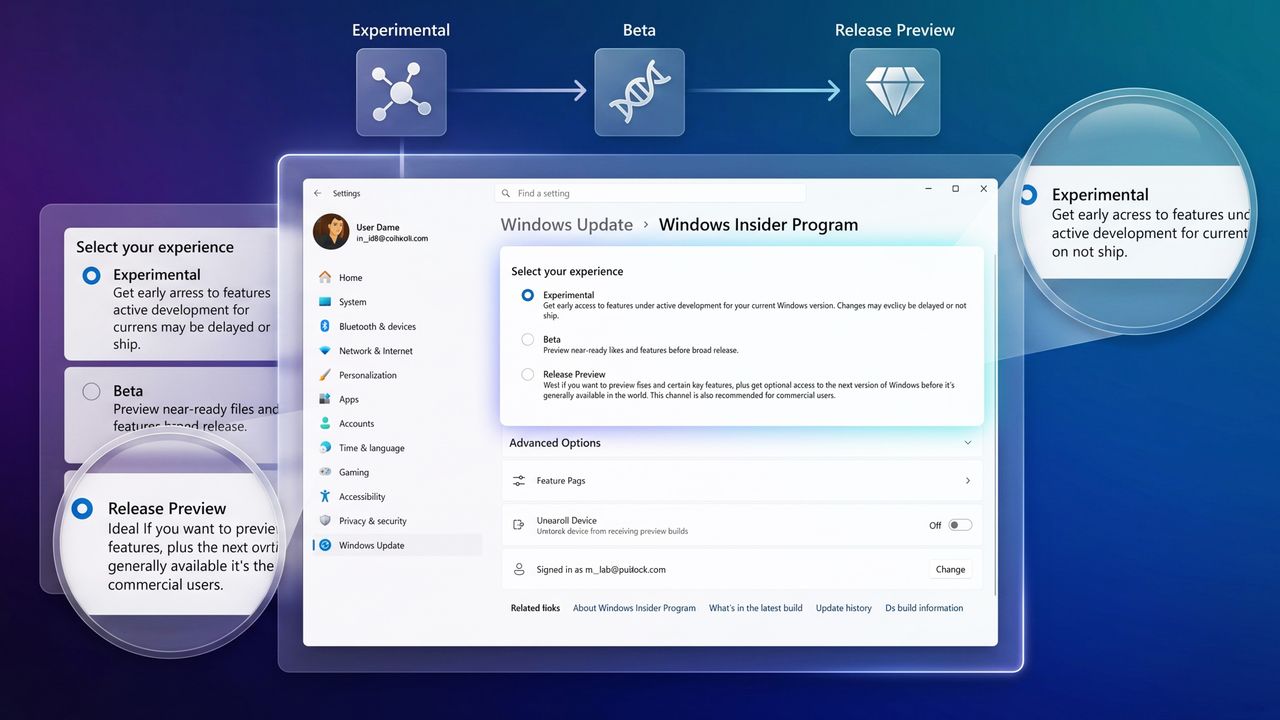
Microsoft revamps the Windows Insider Program with fewer channels, built-in feature flags, and simpler testing for Windows 11 previews.

Settings interface for Windows Insider Program, showing options: Experimental, Beta, and Release Preview. Highlighted Experimental option offers early access.

Settings interface for Windows Insider Program, showing options: Experimental, Beta, and Release Preview. Highlighted Experimental option offers early access.

  •  

Microsoft keeps fixing Windows and Xbox, but the community keeps complaining

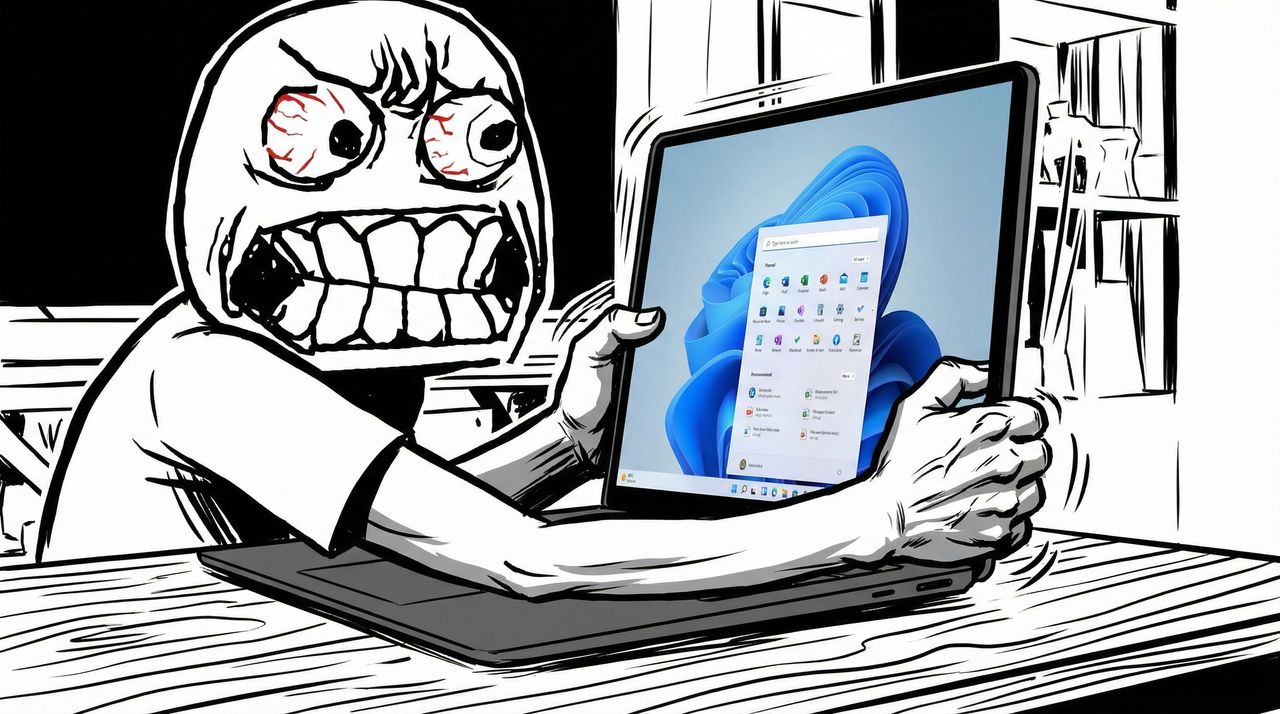
Microsoft is finally delivering the Windows 11 and Xbox features we’ve asked for, but the community remains hostile. Is it skepticism or just a habit of complaining?

Rage face meme grabbing Surface Laptop with Start menu

Rage face meme grabbing Surface Laptop with Start menu

  •  

I dug into the new Windows Update rules coming to Windows 11, and these are the 5 things you need to know

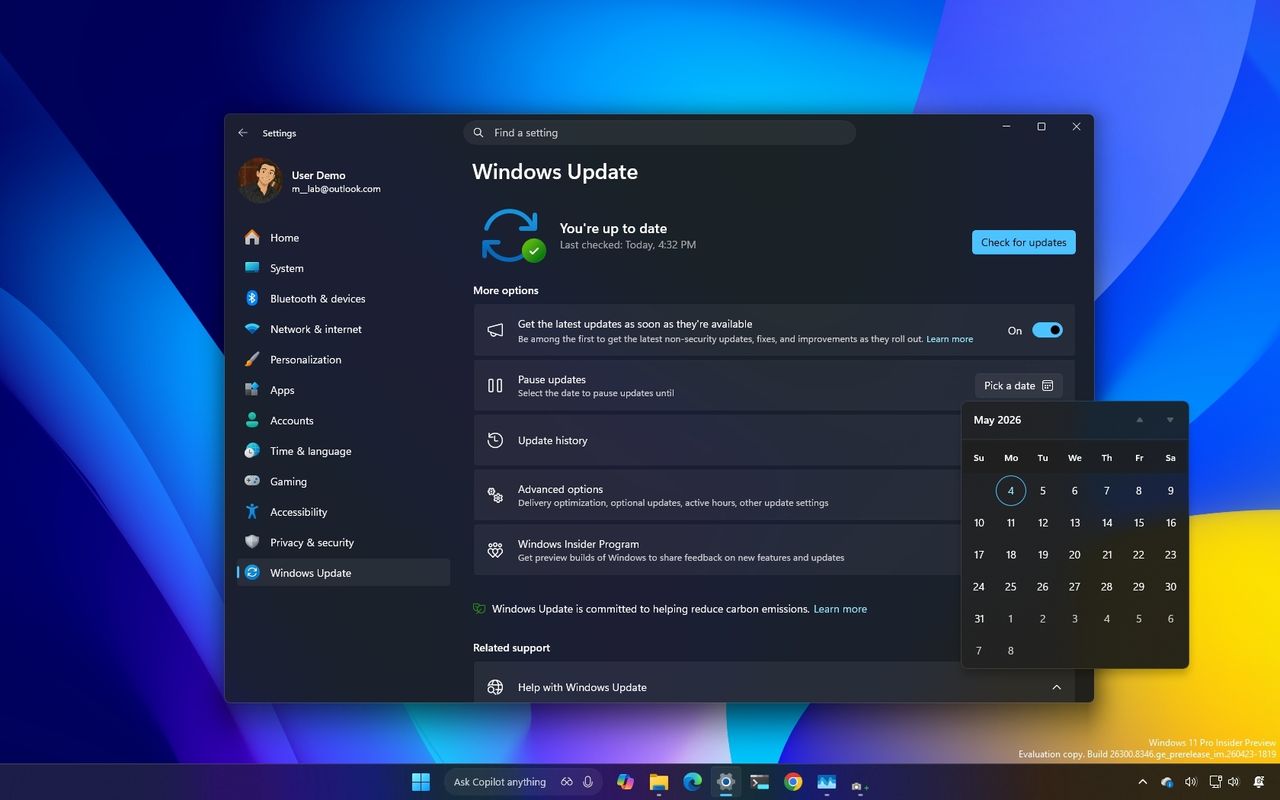
Windows 11 is getting major Windows Update changes with fewer restarts, better controls, and smarter fixes. Here's what you need to know.

Windows Update settings window on a computer screen with a dark theme. The calendar is open, showing May 2025. The background is a gradient of blue, yellow, and purple.

Windows Update settings window on a computer screen with a dark theme. The calendar is open, showing May 2025. The background is a gradient of blue, yellow, and purple.

  •  

How new Windows 11 Insider builds blend smarter touchpad gestures, cleaner File Explorer, and a free EDU upgrade path

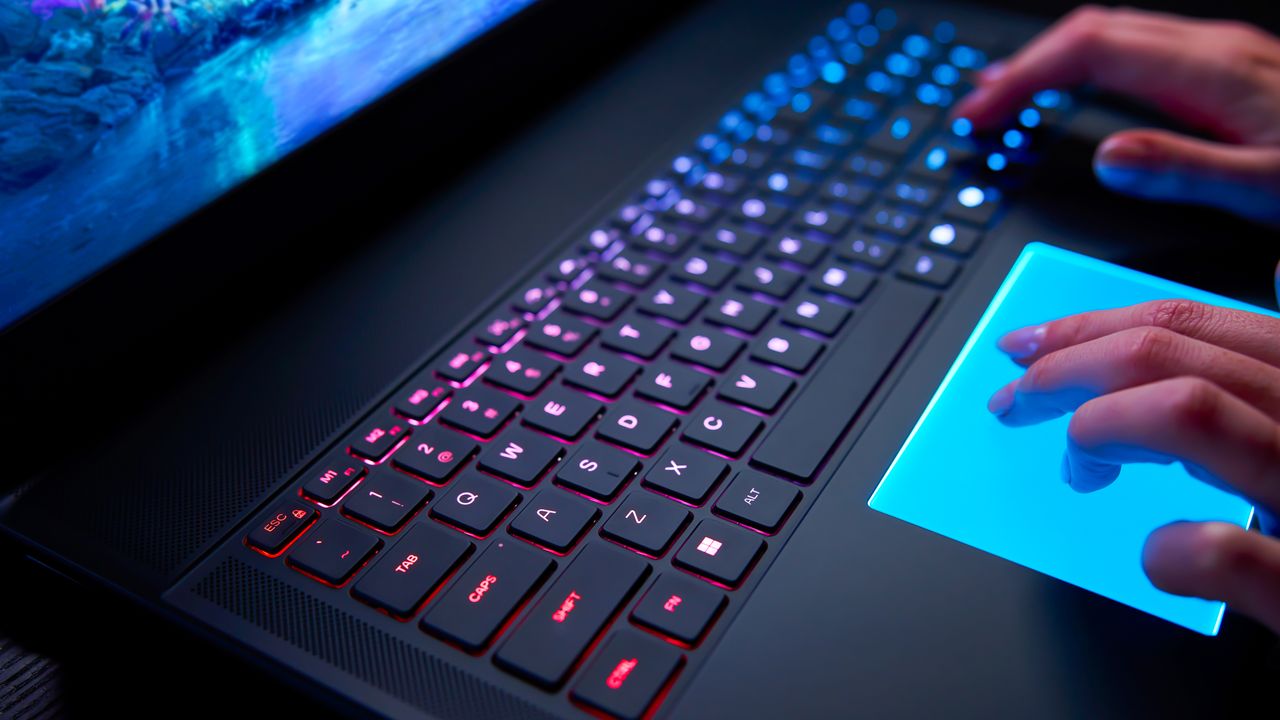
Microsoft rolled out four new Windows Insider builds with upgraded touchpad gestures, clearer File Explorer descriptions, a redesigned voice‑typing UI, and a free K‑12 upgrade path.

A closeup of the Alienware Area-51 laptop's backlit mechanical keyboard and RGB touchpad.

Windows 11 will soon support new gestures that improve scrolling and make it easier to navigate pages.

  •  

Windows 11 can block Google Chrome's 4GB AI model from reinstalling itself on your PC — A simple Registry tweak for "Pro" users

Windows 11 now gives you the power to block Google Chrome and Microsoft Edge from automatically downloading local AI models for on-device generative AI features without explicit user consent.

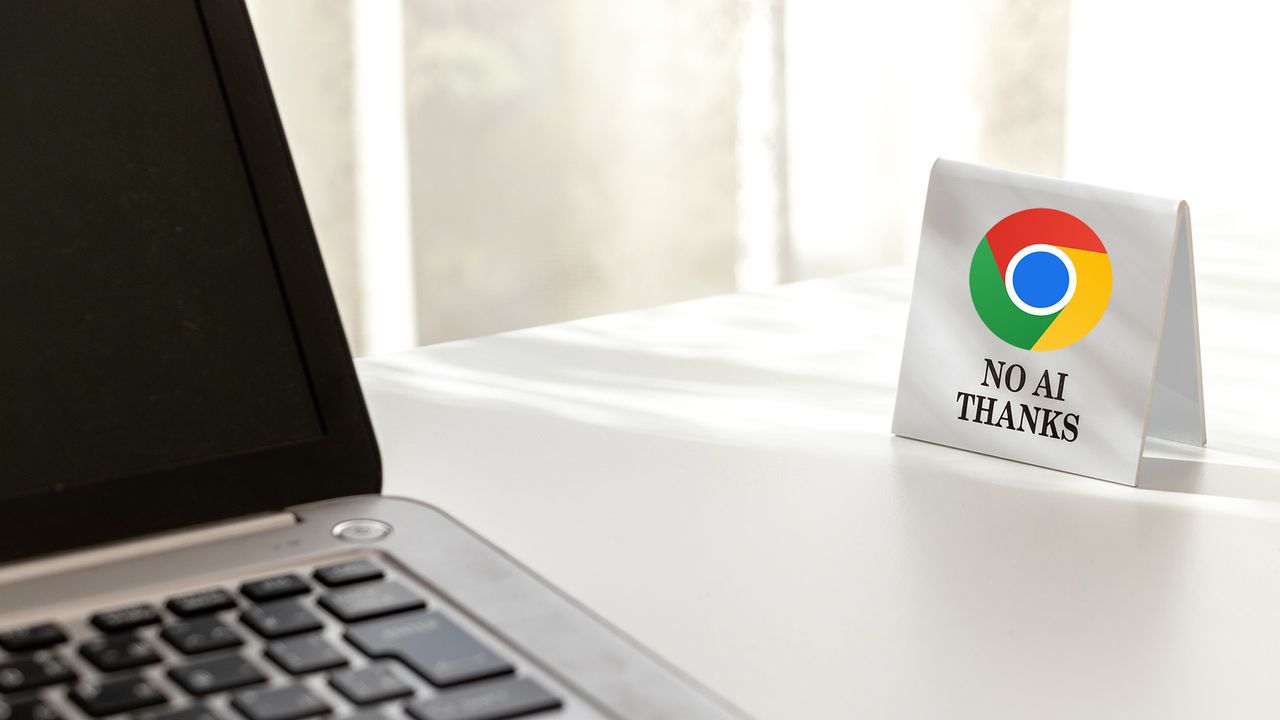
A laptop on a white desk faces a small sign with the Google Chrome logo, saying "No AI Thanks."

A laptop on a white desk faces a small sign with the Google Chrome logo, saying "No AI Thanks."

  •  

My Windows 11 backup broke after KB5083769 — Microsoft says this simple fix might save your files

Windows 11 update KB5083769 may break backups due to blocked drivers. Microsoft says it's not a bug and recommends updating your backup software.

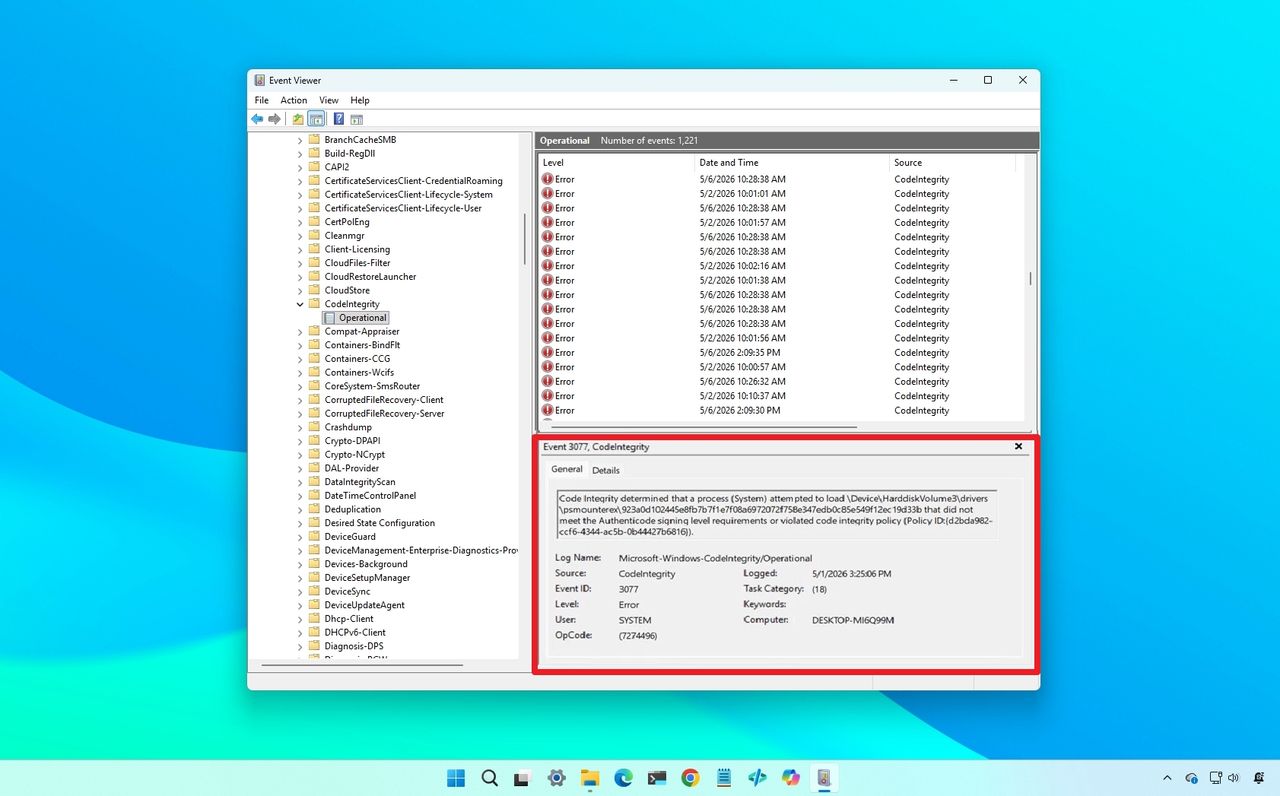
Windows Event Viewer on a blue desktop background, showing a list of "Code Integrity" errors highlighted in red, indicating driver blocked.

Windows Event Viewer on a blue desktop background, showing a list of "Code Integrity" errors highlighted in red, indicating driver blocked.

  •  
❌