Connexion
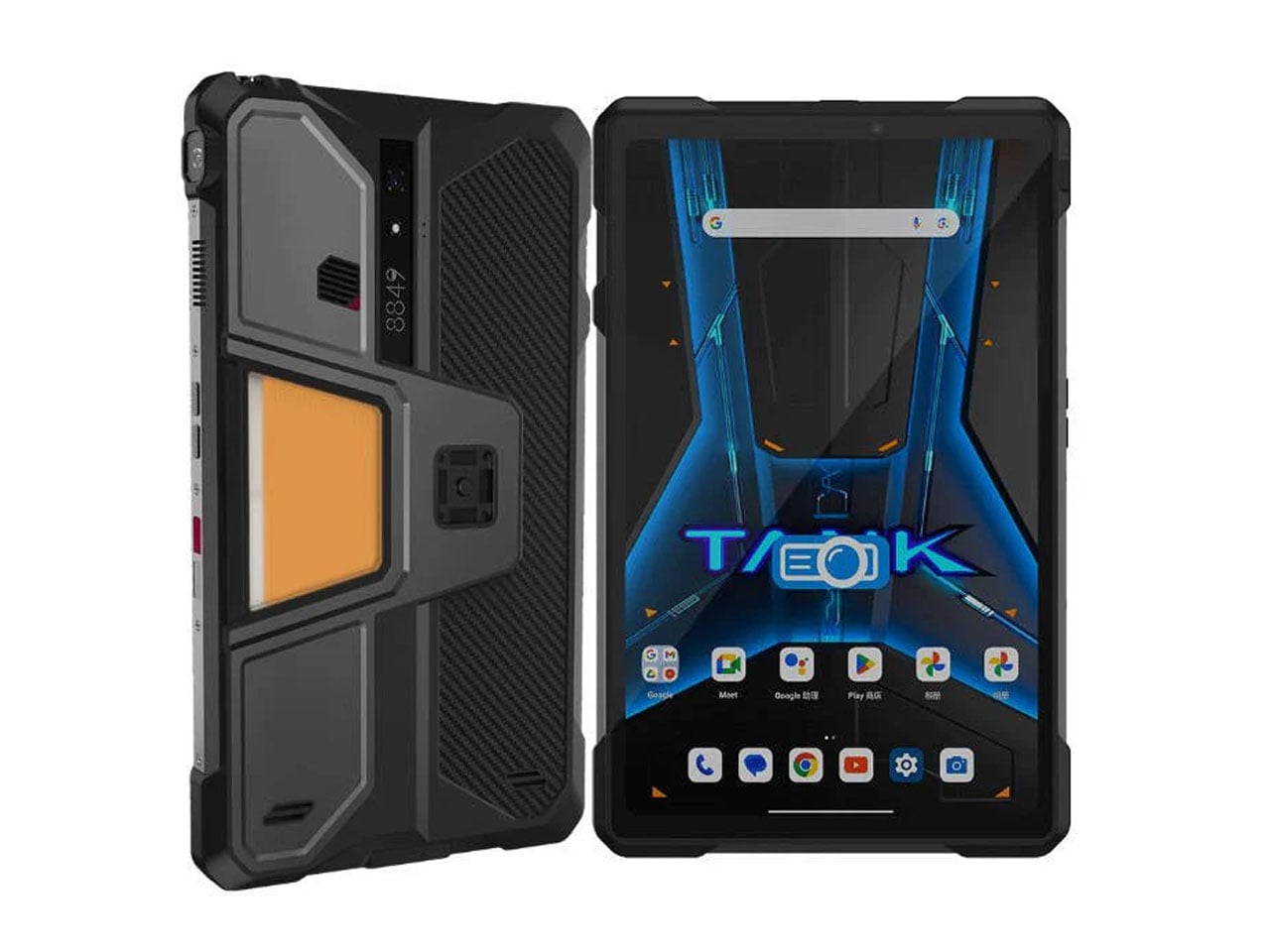
Tank Pad Ultra is a rugged tablet that doubles as a short throw projector
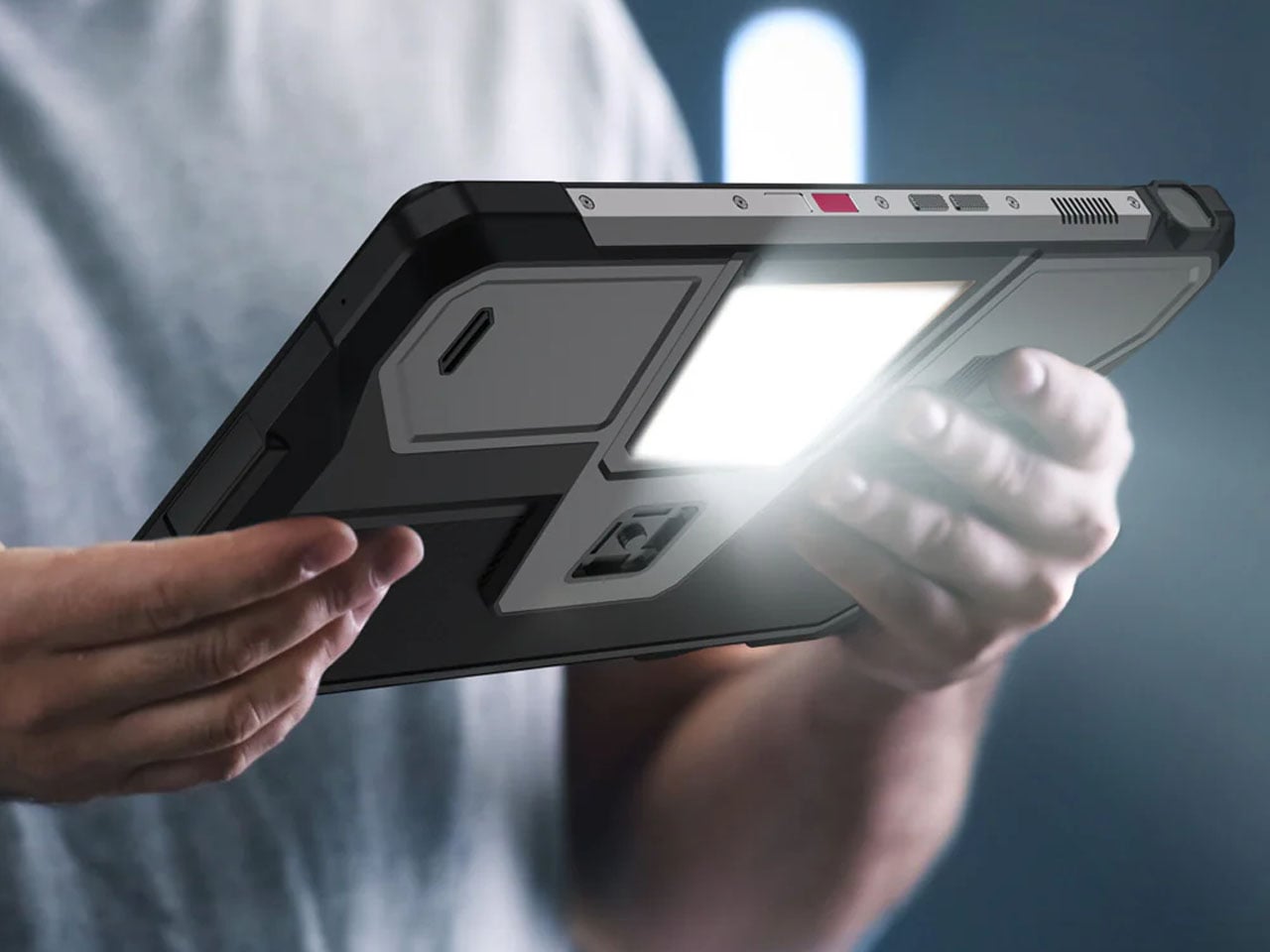
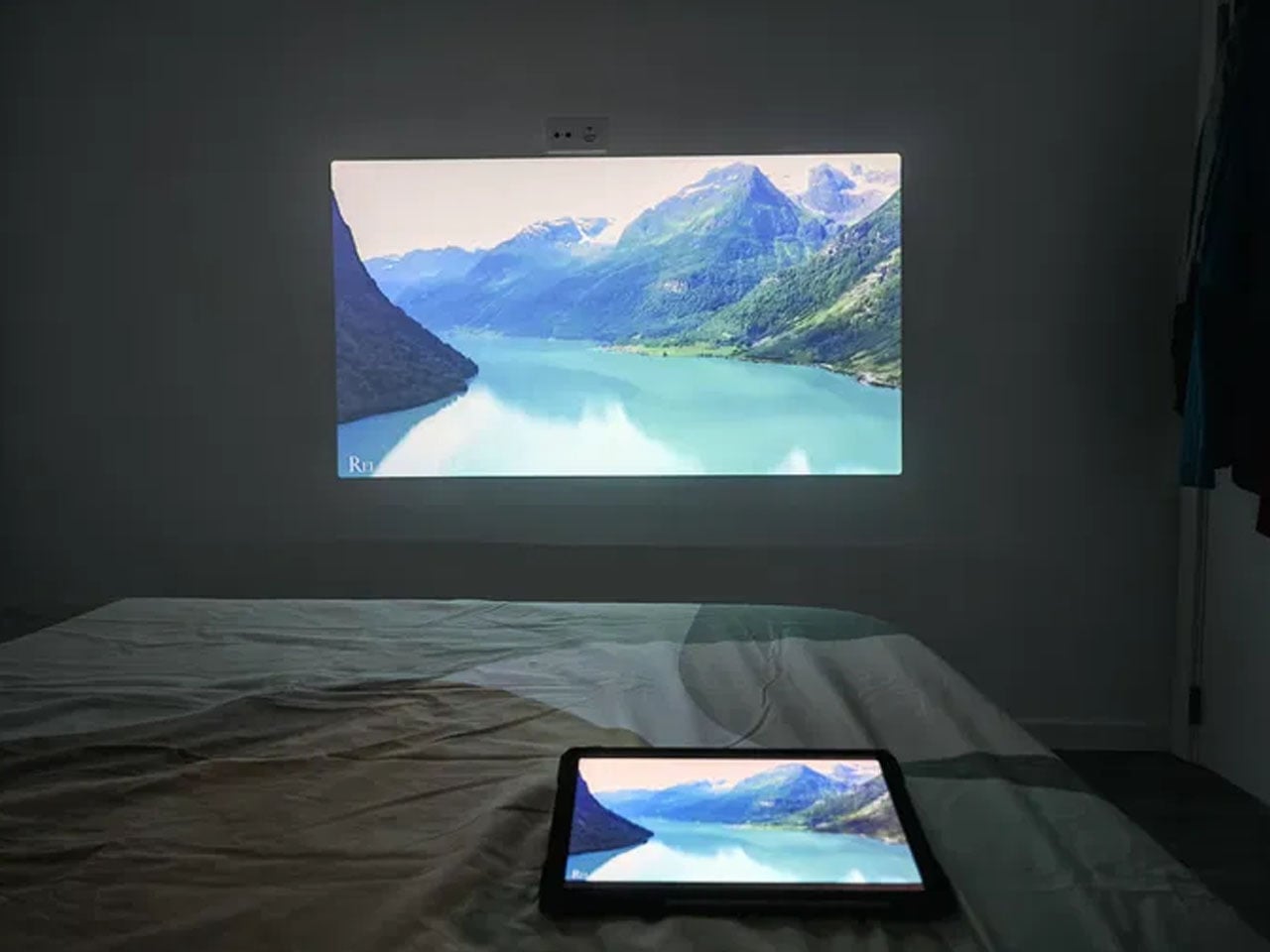
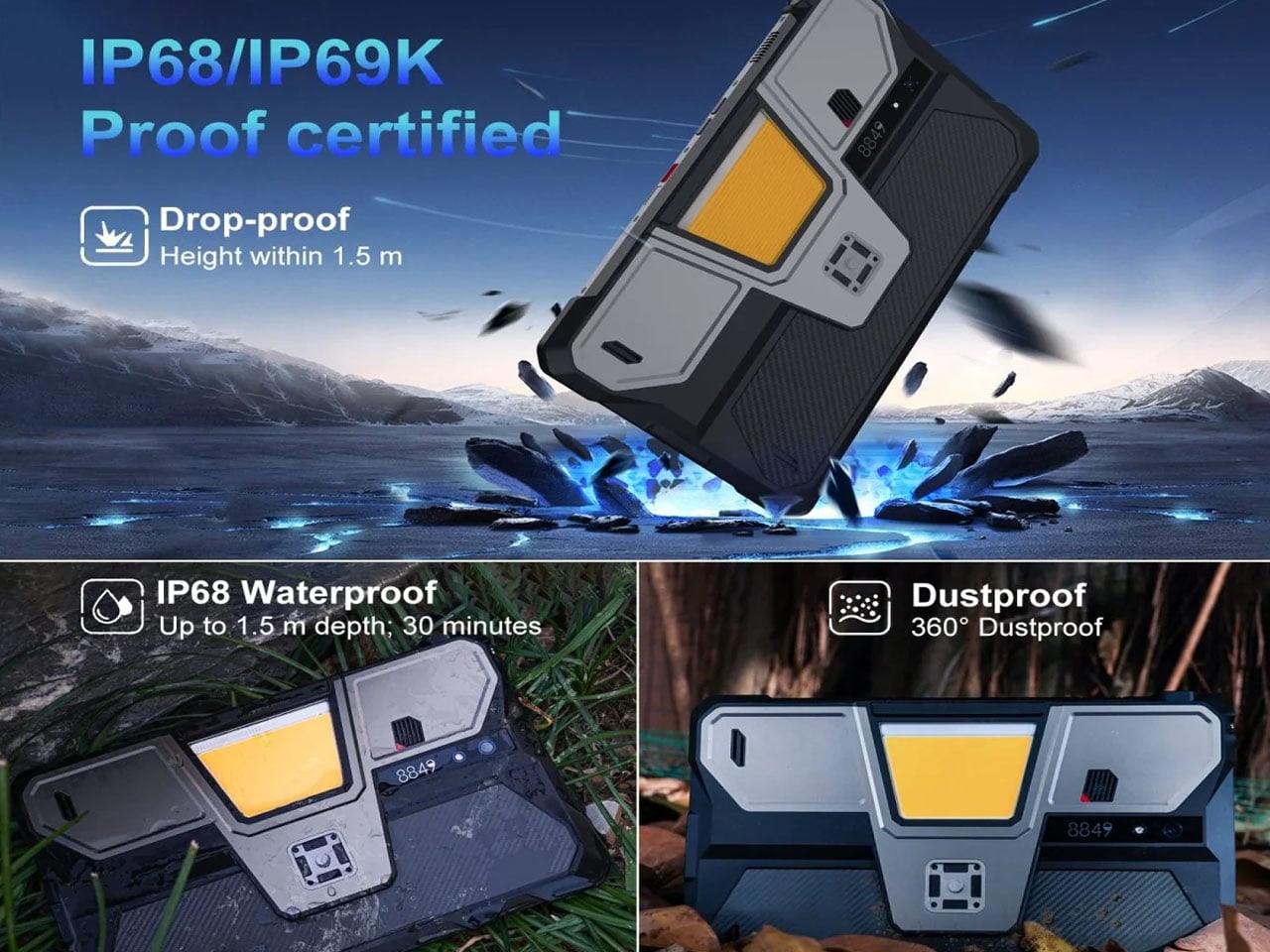
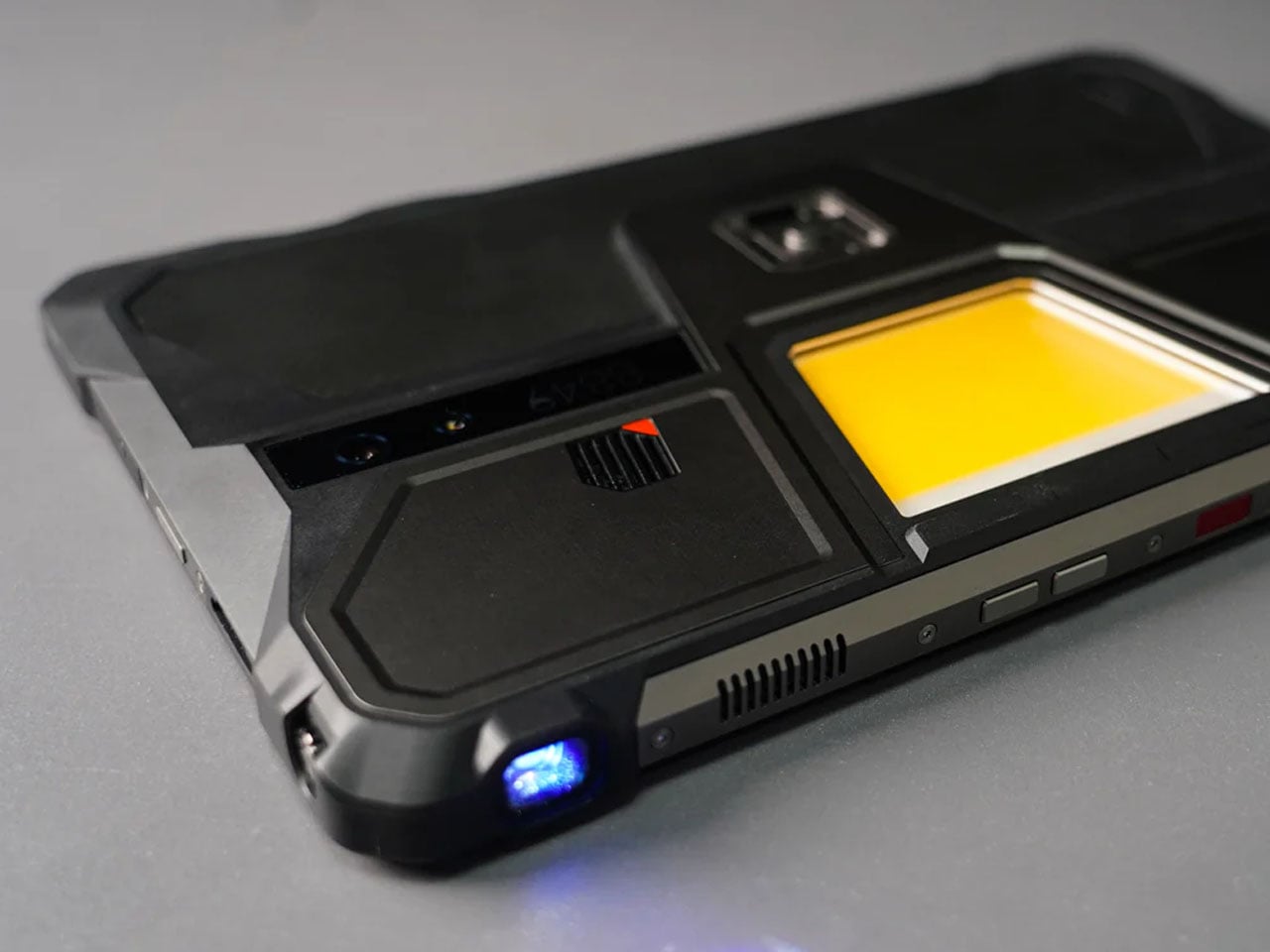
8849tech introduced the Tank Pad last year, leaving the tech world in awe. With the ability to double as a projector, the rugged tablet leapt beyond the already highlighted multitasking capabilities of a normal tablet. Now the beast is back in an improved version to polish out the kinks of the OG version, adding more capabilities for users who demand that little extra.
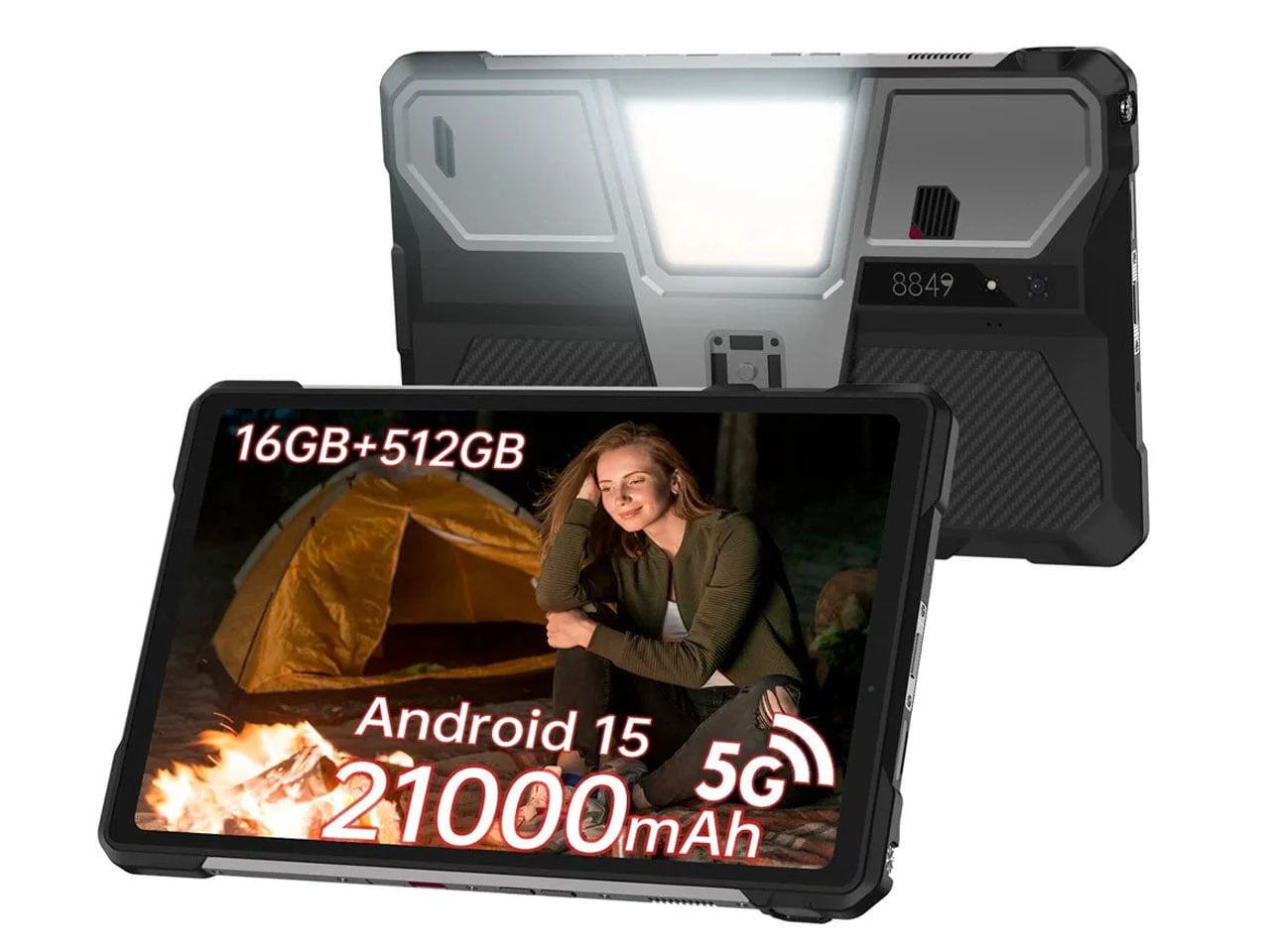
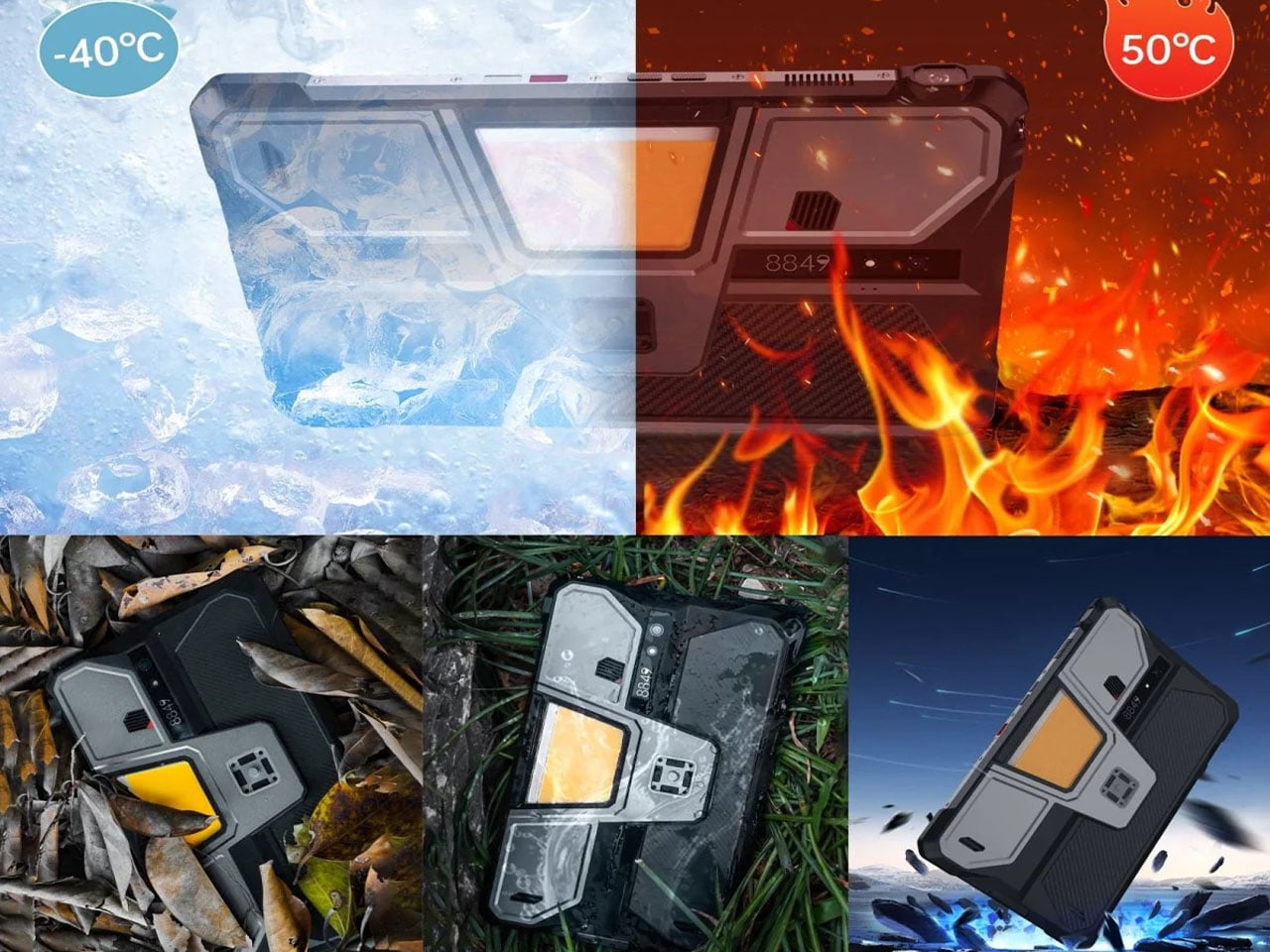
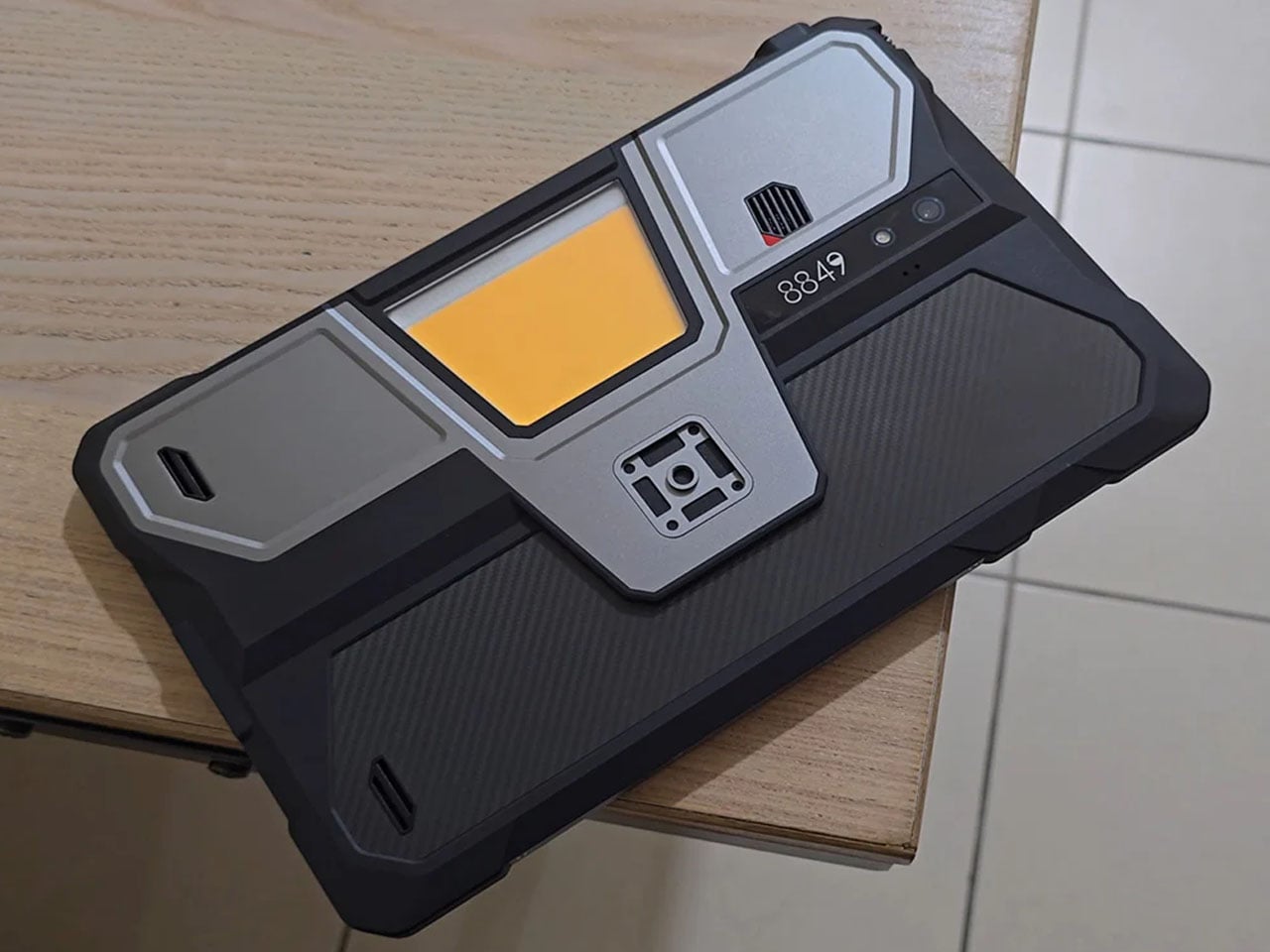
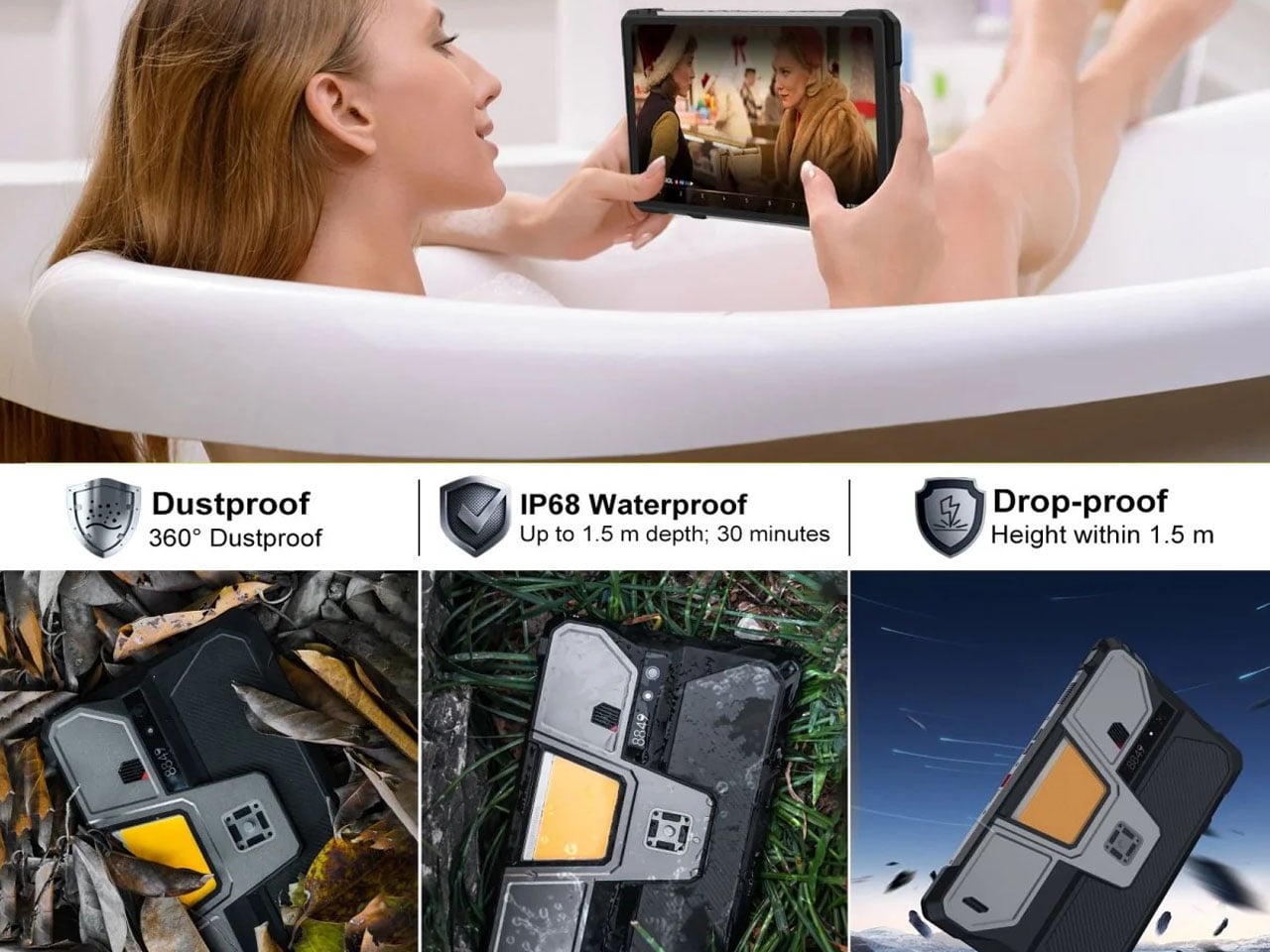
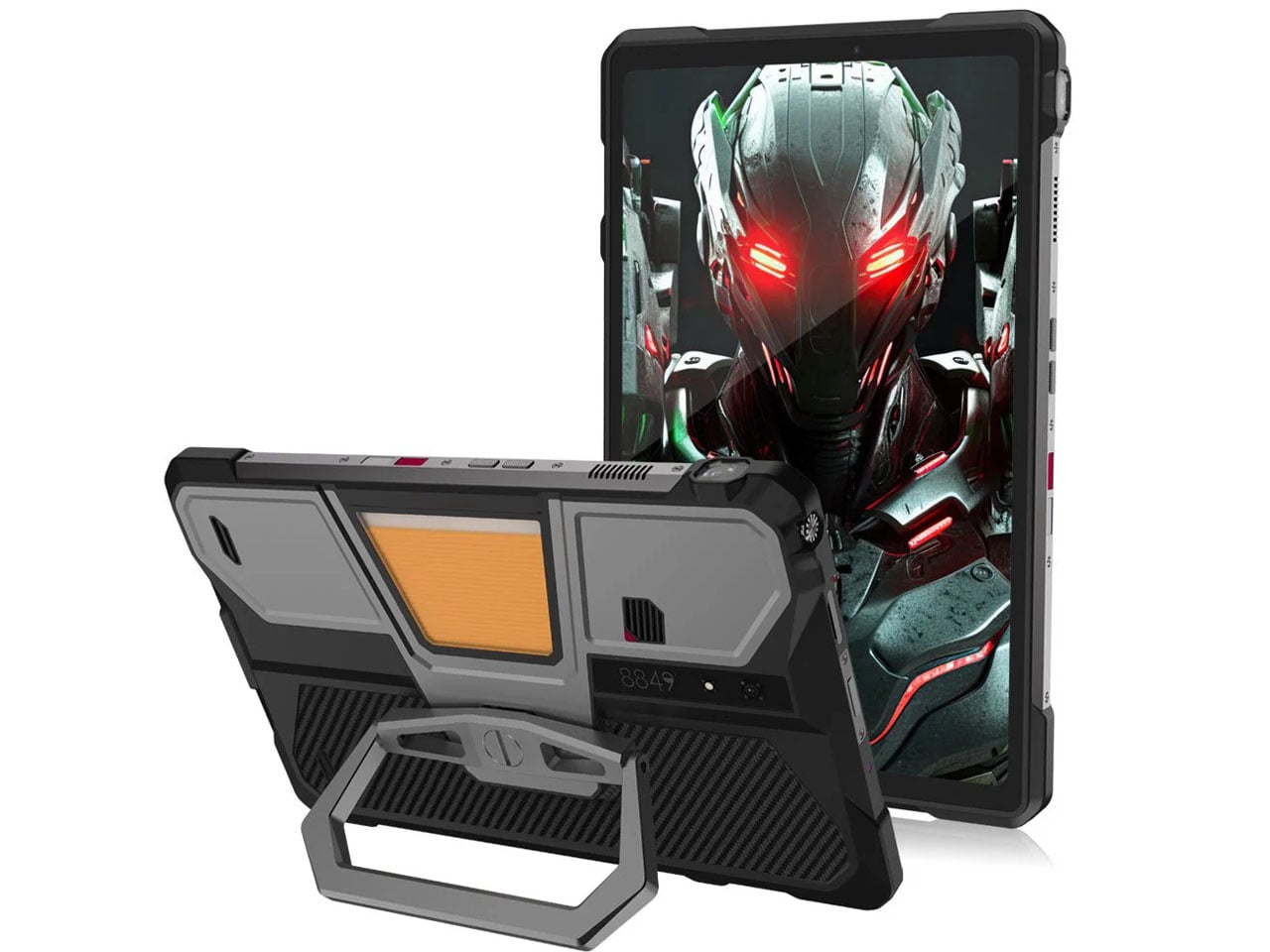
The Tank Pad Ultra has the same promise of all-weather performance, reliability, and durability as its predecessor. If you’re hoping to buy a sleek, lightweight tablet, this one, weighing 1,345 grams and measuring 170.3×268.3×23.6 mm, is not for you. The device is targeted towards professionals and power users who are constantly exposed to challenging environments. Slated to launch two days from now, the rugged tablet is designed for a niche audience with a specific set of needs.
Designer: 8849tech
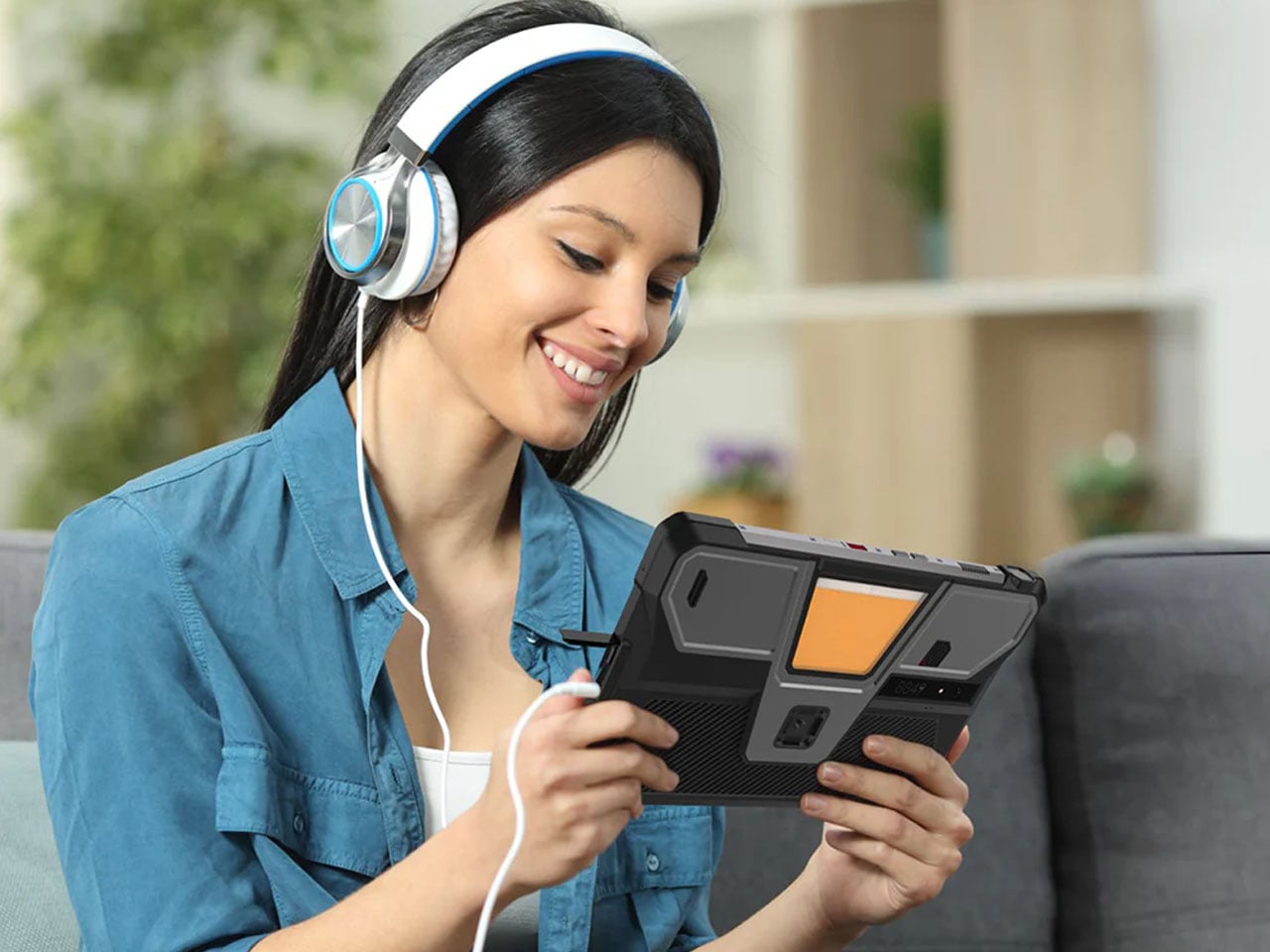
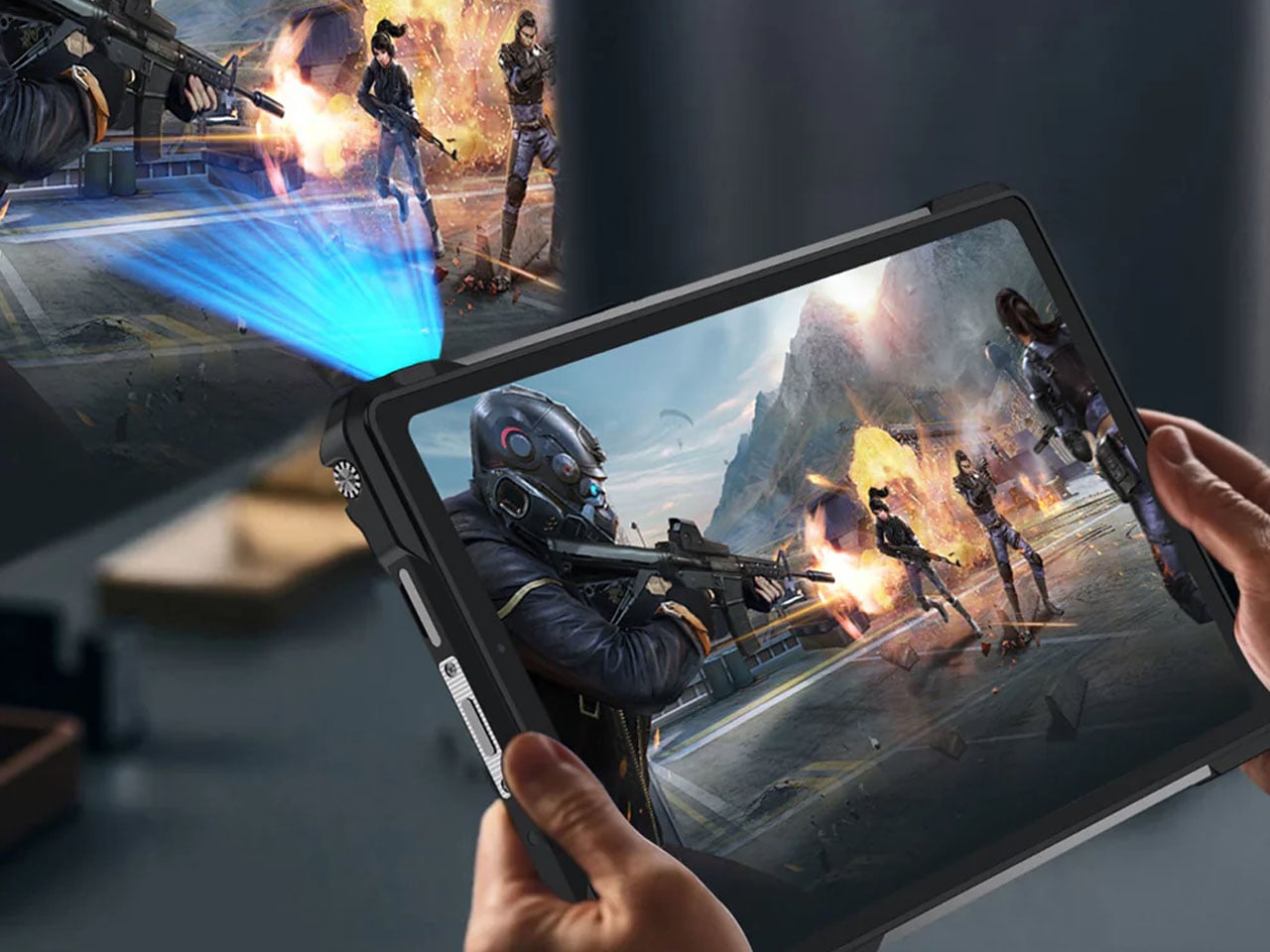
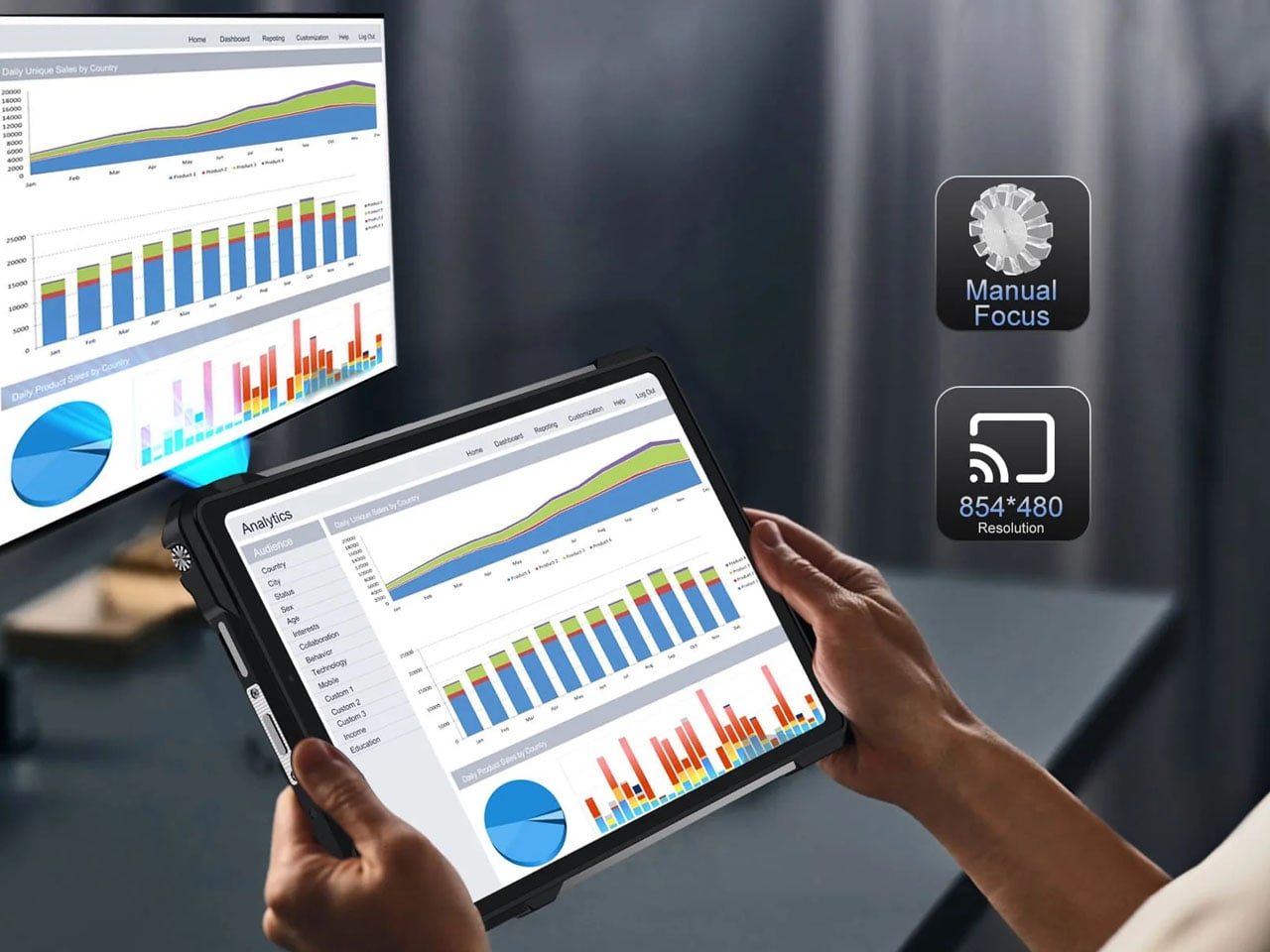
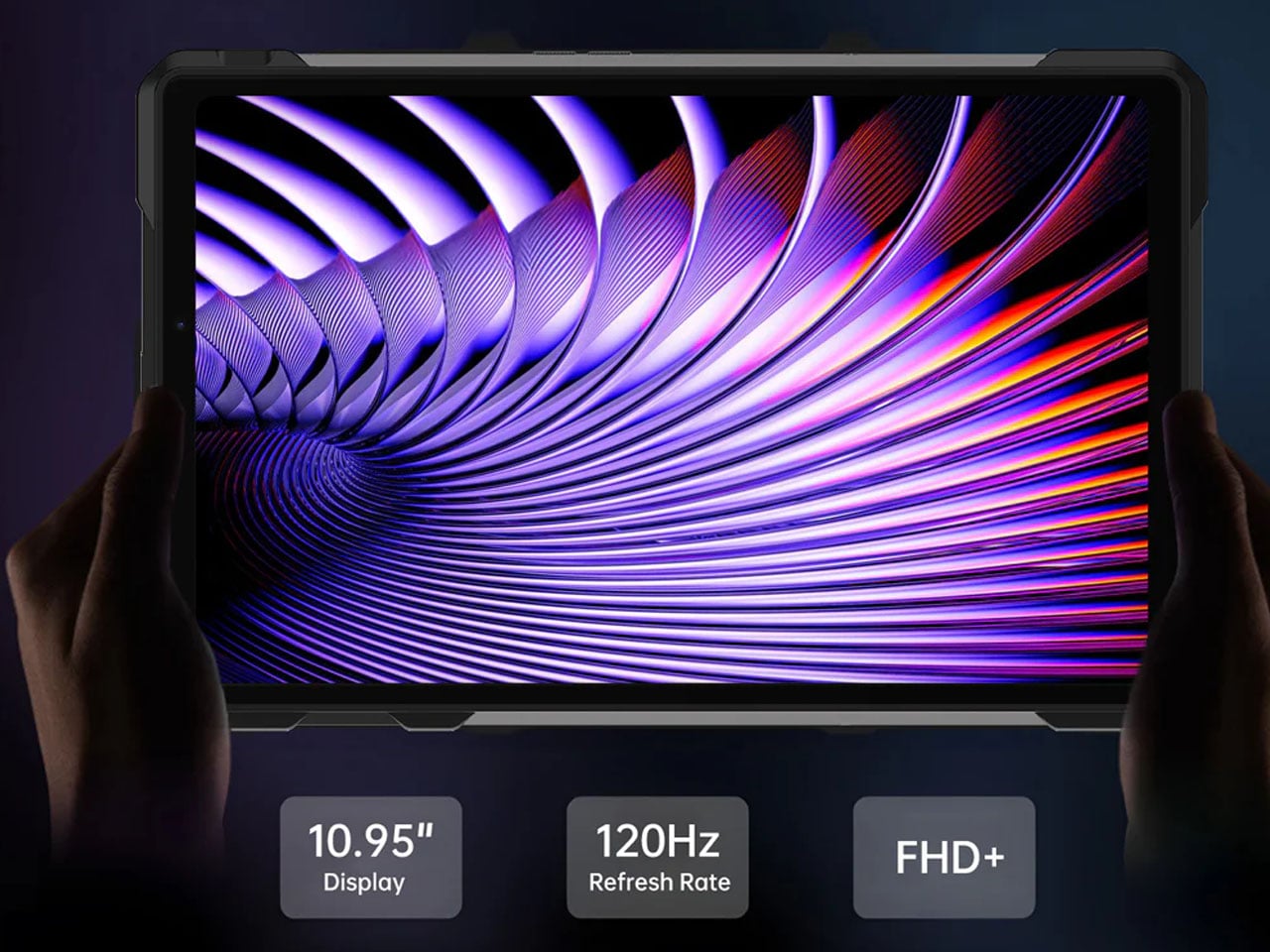
Specifications are the key here as the tab boasts a 10.95-inch, 1920 x 1200 pixel display, which is better than the previous version. Powering the gut is a MediaTek Dimensity 8200 processor, which is a tad slower than the Tank Pad, which has a Dimensity 8300 processor. To support multiple open apps, the 16GB RAM and storage capacity of 512GB (expandable via a microSD card) make things easy for users. Coming onto the integrated DLP projector, it has a 1920 x 1080 pixel resolution. 260 lumens of brightness and auto-focus support. These numbers are technically better than the Tank Pad, which has a 854 x 480 pixel resolution and 100 lumens maximum brightness.
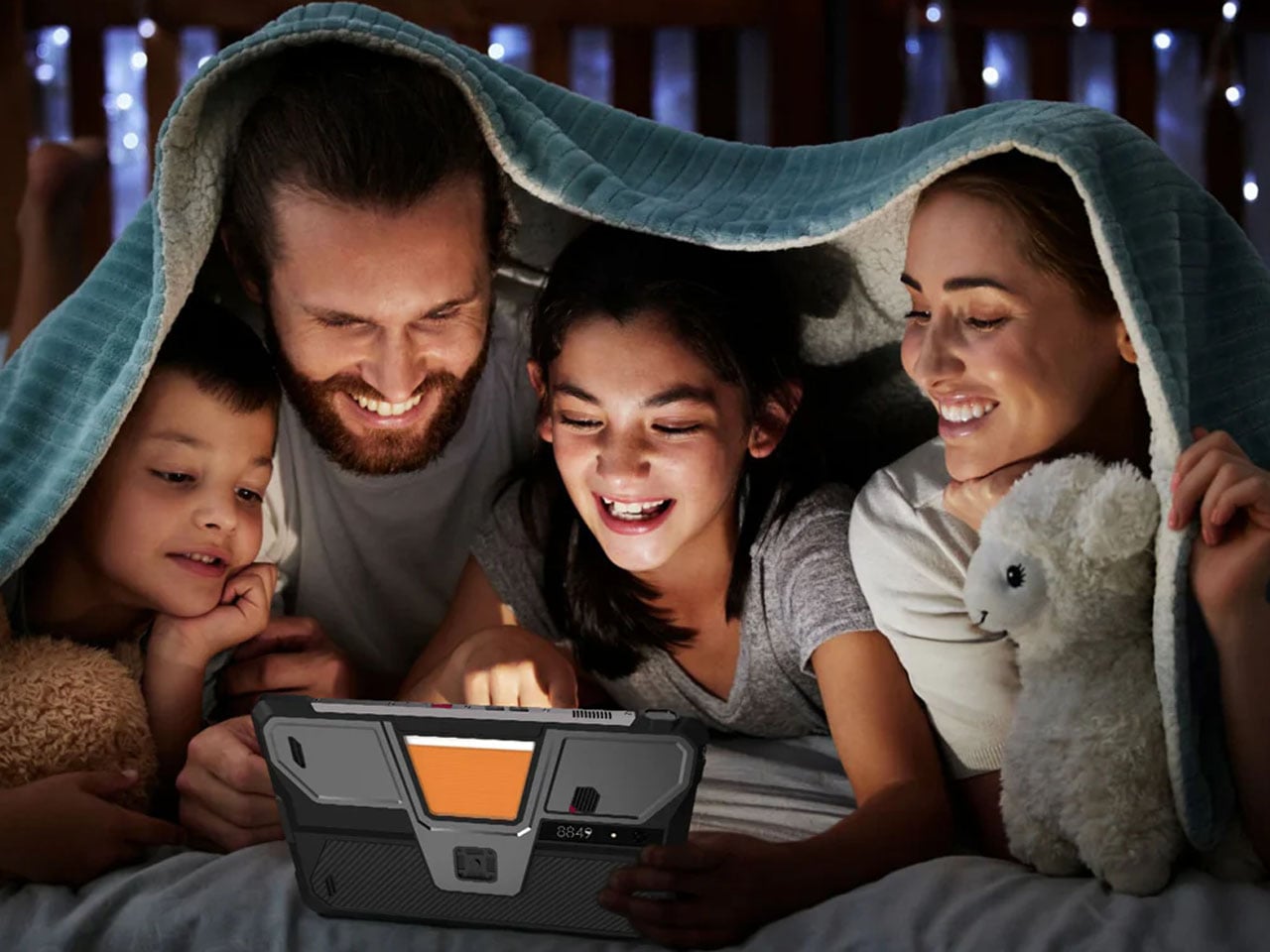
The battery also gets a bump up to 23,400 mAh from the previous 21,000 mAh in the original model. However, both have support for 66W charging, which should be enough to juice up the device for short bursts or power usage in case charging options are limited out in the wild. The Tank Pad Ultra comes with a USB 2.0 Type-C port and the ability to reverse charge your other gadgets. For people who are all-in for a wired multimedia experience, the 3.5mm audio jack is a welcome addition. Since the tablet is going to be used out in unknown environments, it comes loaded with a gyroscope, accelerometer, compass, ambient light sensor, and distance sensor. It also comes with an independent camping light built in to explore in the dark hours.
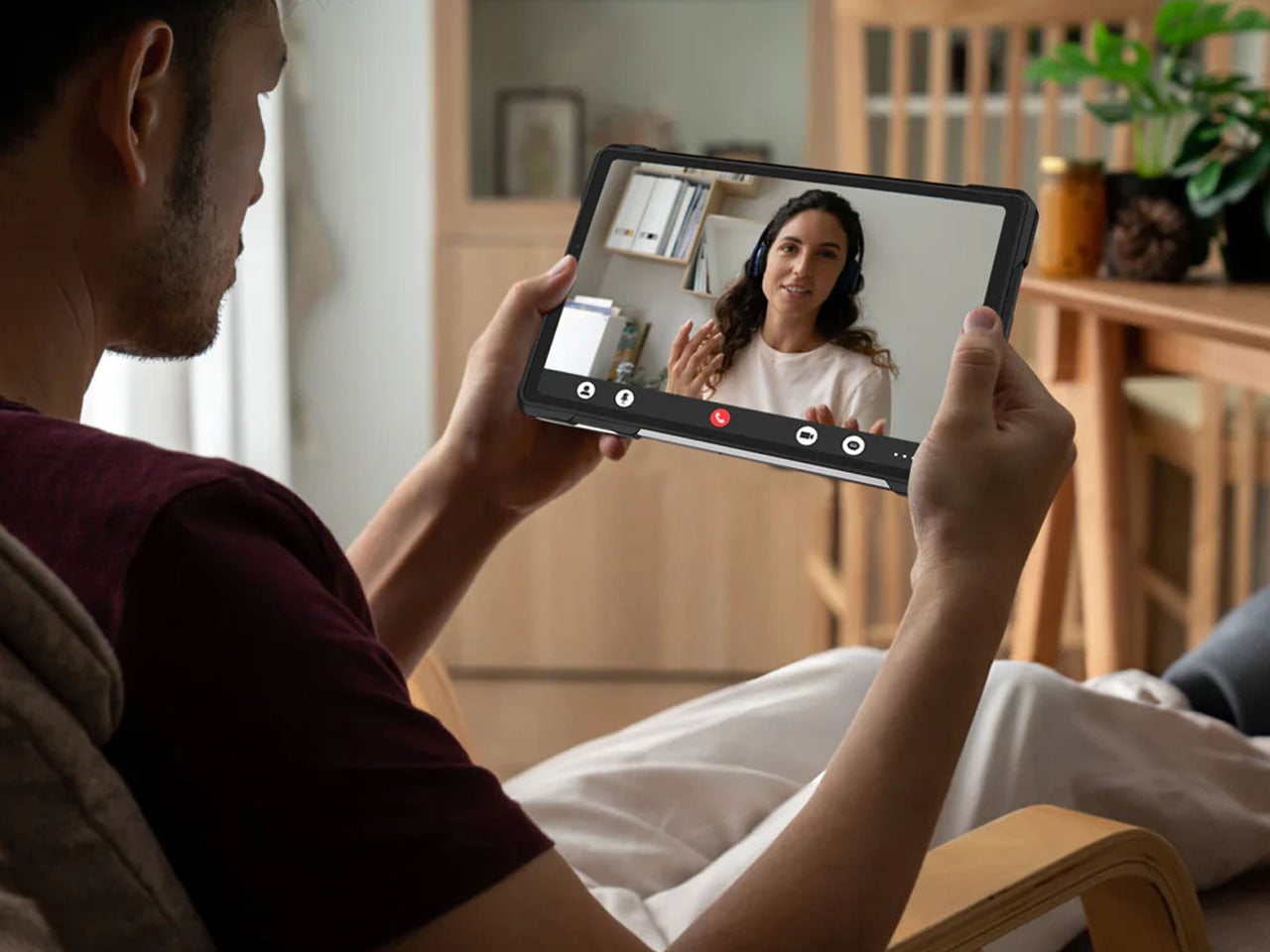
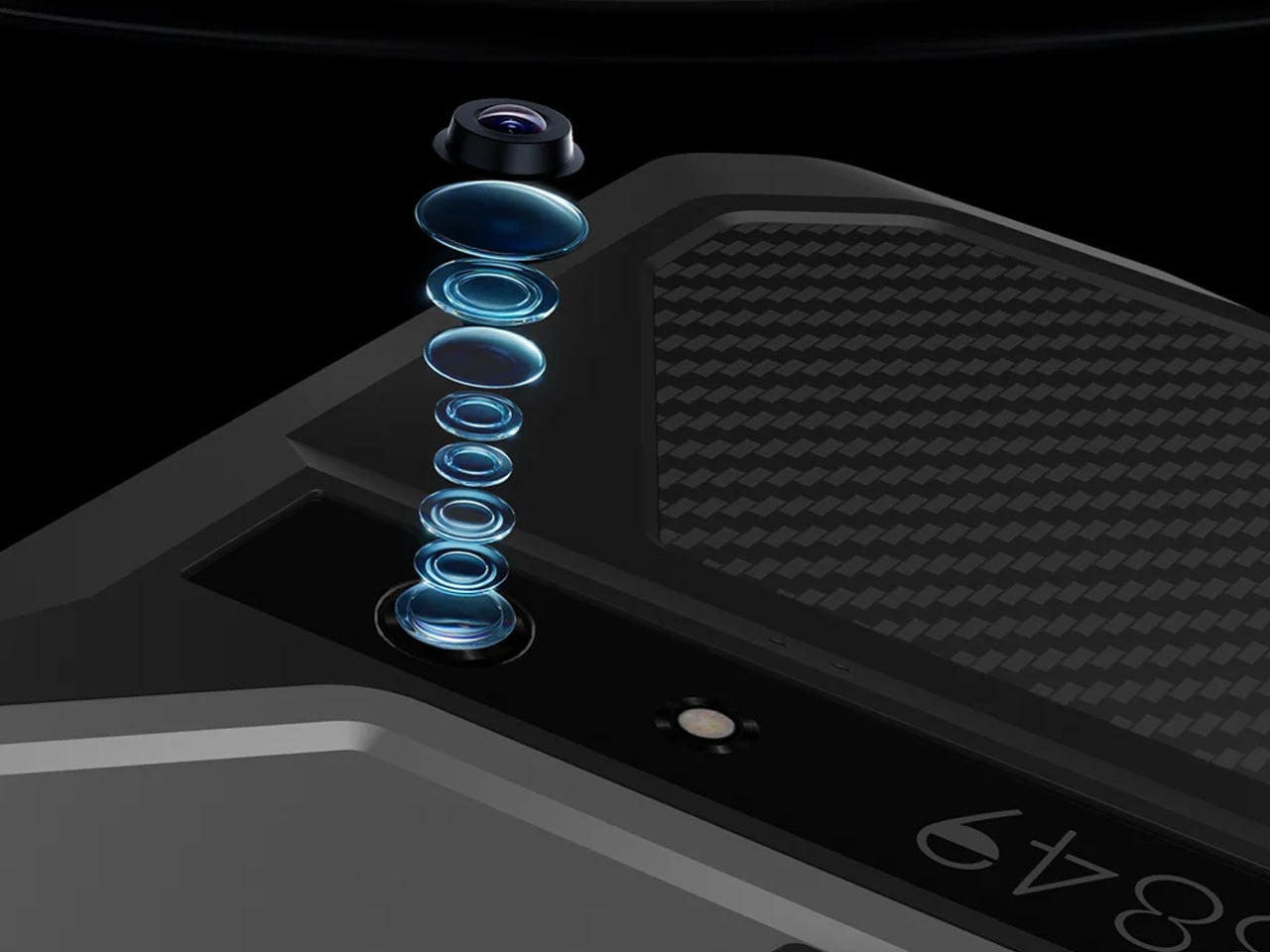
Of course, a mobile device needs to have shooting capabilities, so the Tank Pad Ultra has a 50MP primary camera (with Sony IMX766 sensor) for daylight shooting and a 64MP night vision camera (OV64B) for more awareness of the environment in the dark hours. In the mix is a 32MP front-facing camera (IMX616 sensor), which is potent enough to take video calls in high quality. 8849 has included dual nano SIM card slots with support for 5G NR and 4G LTE networks, which is essential in inhospitable conditions. For a more laid-back connectivity when you arrive back home, the tab has WiFi 6, Bluetooth 5.3, and NFC support.
There’s no word yet on the pricing of this rugged tablet, but going by the price of the previous model, it should be around $550. That information should present itself in a couple of days when the tablet is finally launched.


The post Tank Pad Ultra is a rugged tablet that doubles as a short throw projector first appeared on Yanko Design.