Vue lecture

First it was Neo, and now it's iPhone Duo — Apple keeps robbing Microsoft of its Surface device names, and I'm mad about it

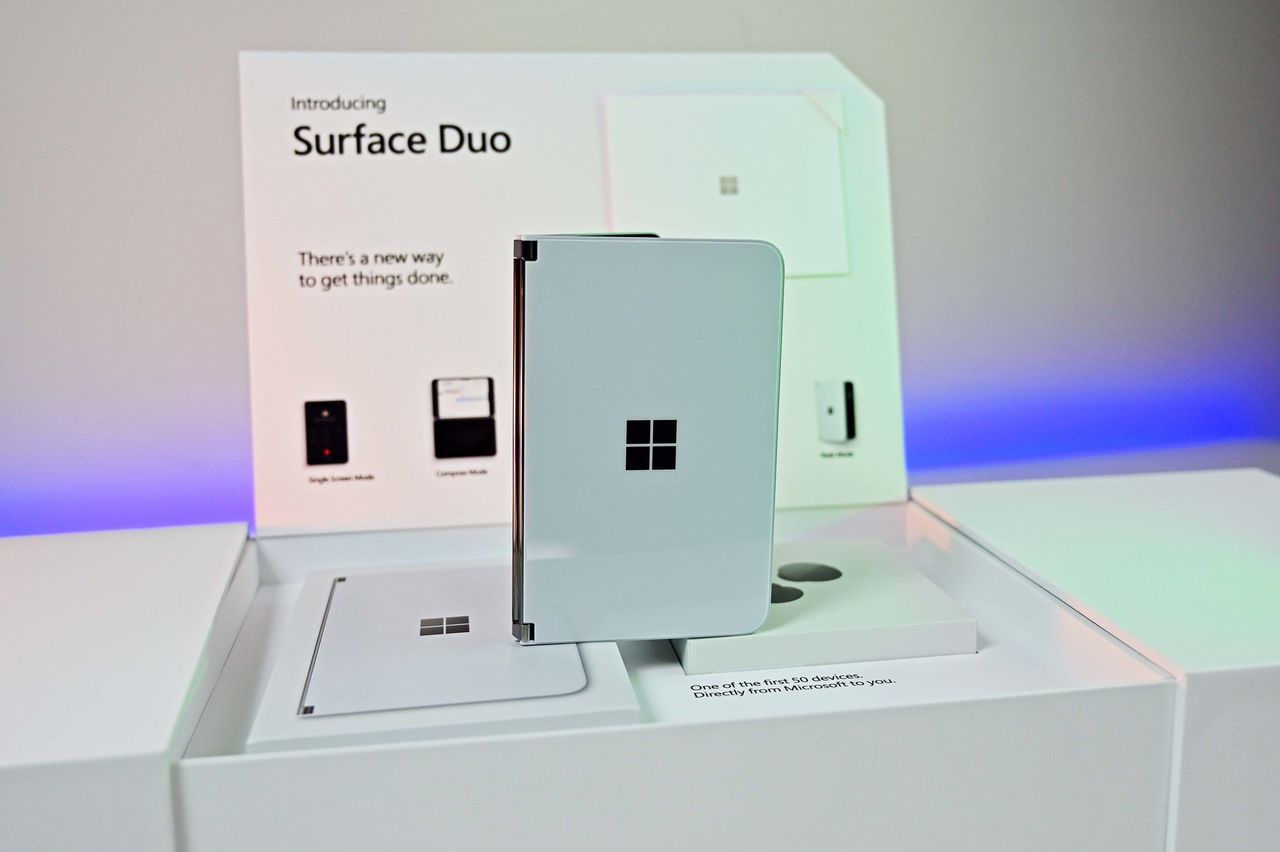
I loved my Surface Duo a lot. It was a unique folding phone with two screens instead of a single foldable display, supported pen input, and was the thinnest of its kind when it launched in 2020 (see our original review). It was a mesmerizing bit of kit, but it failed to gain any real mainstream attention.

And although it never shipped, its bigger brother, the Microsoft Surface Neo PC, was also something a lot of us Windows fans were looking forward to at the time. A dual-screen laptop, to complement my dual-screen phone? Sign me up! In 2020, it really did seem like Microsoft was building out its own unique device ecosystem to compete with Apple, Samsung, and Google.

The Neo and Duo were clever names for these devices. Both names had dual meanings to them, too. Neo, meaning "new," referred to the form factor, as well as being a reference to "The One" from The Matrix. And Duo, obviously signifying the device's unique "duo" screen setup, but it was also a reference to the fact that it was a surprise second device in a pair, alongside Neo.

When Duo was announced, it was a true one more thing moment during the event. There had been rumors that Microsoft was working on a folding phone for years prior, but recent reporting at the time had suggested the project was dead. So when Duo was announced alongside Neo, it was a rare true surprise to those in attendance and watching online.
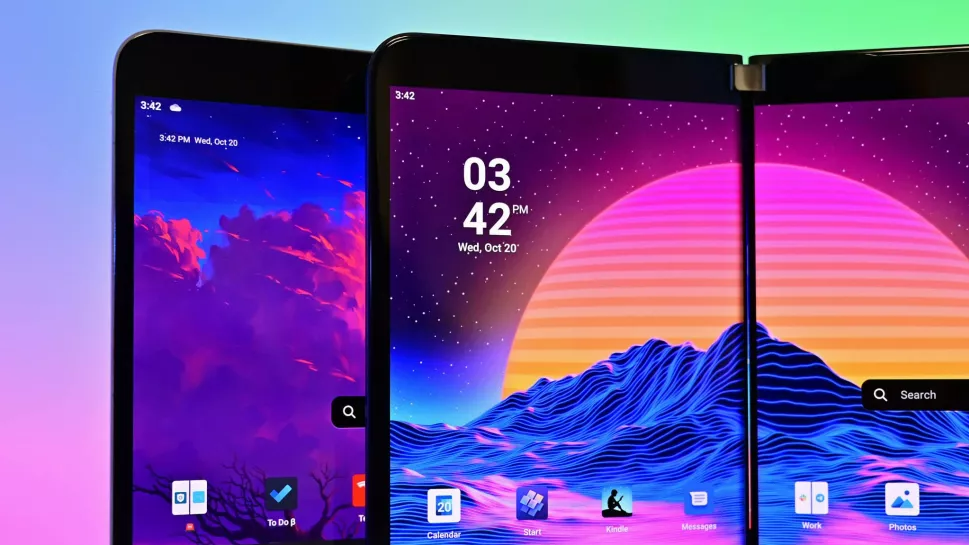
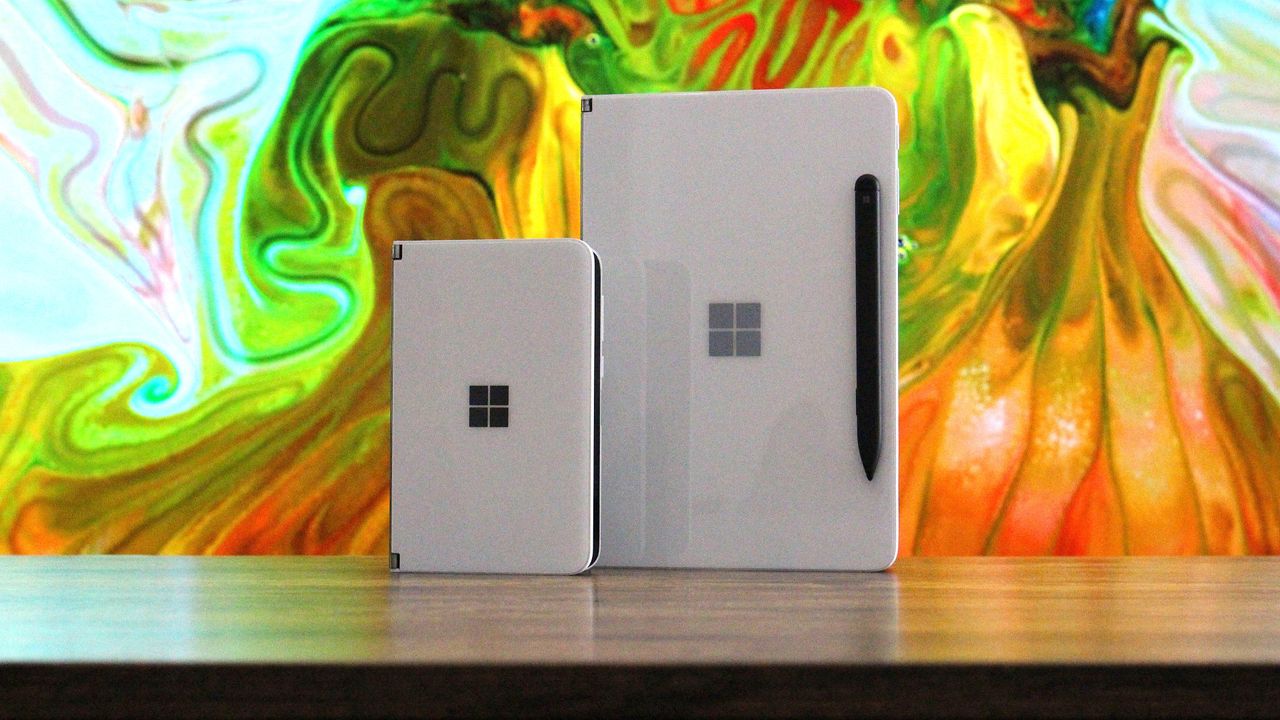
Surface Duo vs Surface Duo 2

(Image credit: Future)

Cut to 2026, and it's all dead. Microsoft gave up on Duo after just one iteration (Surface Duo 2 review), and it never even gave Neo a chance. The company's boneheaded shortsightedness led to the death of unique Surface hardware, and now today we're left with boring laptops and tablets from the Redmond giant.

It was inevitable that the Neo and Duo would forever be relegated to the history books, a hall of fame of unique devices that tried and failed to capture the market. Now, Apple has stormed in and stolen these names for their own products, which will only serve to further bury Microsoft's efforts.

I'm sure there are some Apple fans out there who think Apple never even thought about Microsoft when it named the MacBook Neo and iPhone Duo, but I think that's a lie. Apple is clearly aware that Neo and Duo were strongly tied to the Surface brand, but decided that didn't matter, which is the correct decision.

The MacBook Neo is an almost polar opposite of the Surface Neo. While Surface Neo was supposed to be a super expensive dual-screen flagship laptop, the MacBook Neo is Apple's cheapest laptop, undercutting much of the market. I don't know why, but that feels like an F.U. to Microsoft's vision for its Neo.

And now, there's iPhone Duo. This one hits much harder, as they're both playing in the same game. Surface Duo was a thin folding phone with pen support, and the iPhone Duo is pretty much exactly that. Of course, Apple's iPhone Duo refers to the fact that it's both an iPhone and an iPad, but seeing the Duo moniker on an Apple product just stings.
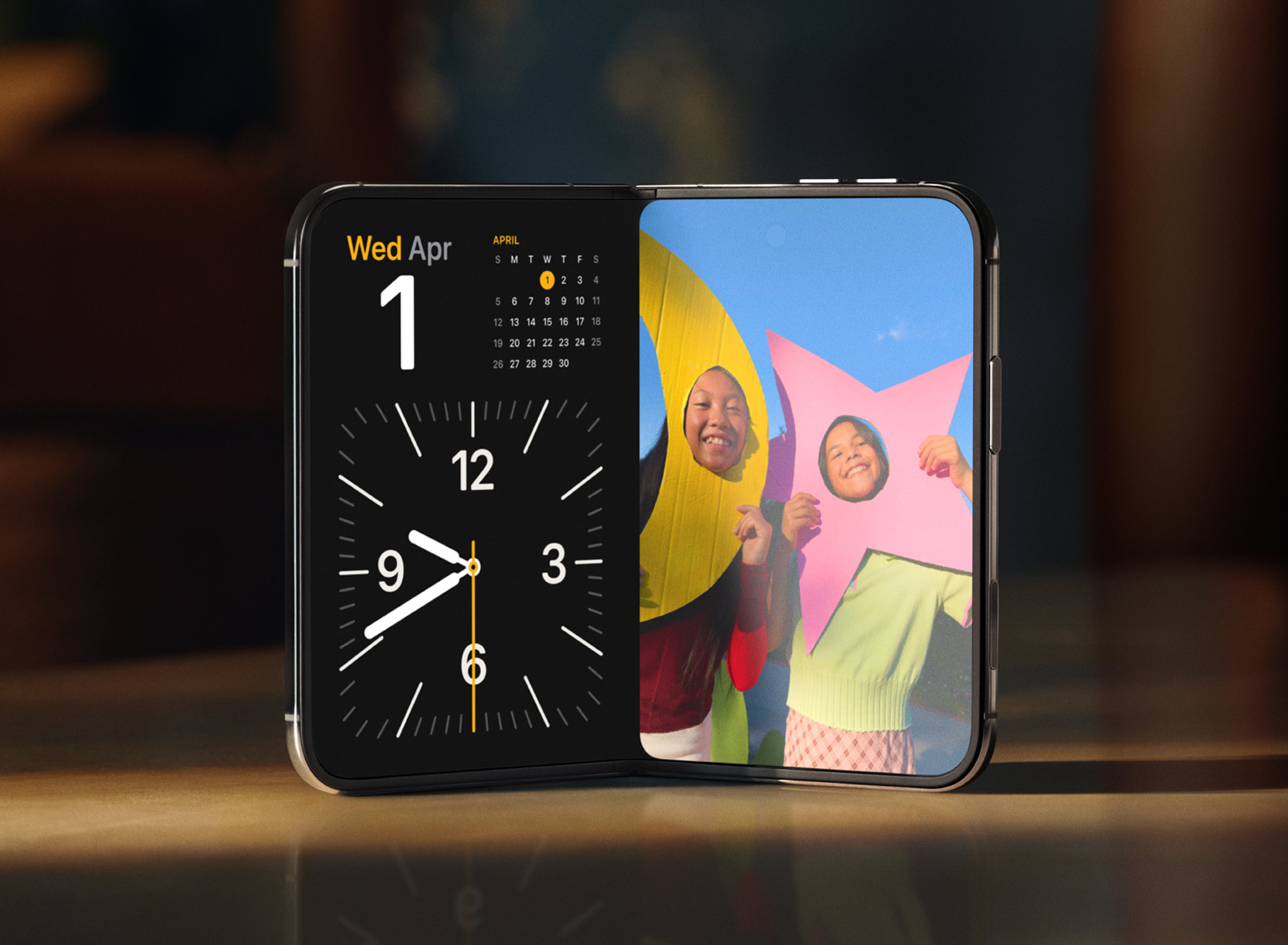
iPhone Duo

The iPhone Duo is a modern day Surface Duo. (Image credit: Apple)

If anything, it's just reminded me of what was possible had Microsoft pushed through and continued to innovate on the Surface Duo. The company had started working on a third-gen Surface Duo in 2022, which was going to pivot to a single-screen folding setup not dissimilar to the iPhone Duo.

But Microsoft just can't see a good thing through. Because Surface Duo 1 sold poorly, and Surface Duo 2 sold even less than that, the company decided that it was not worth continued investment in this category, which is just wrong. Folding phones were and still are the future, but Microsoft decided to pack it all in.

Now, Apple has just stolen the crown for the Duo moniker, with a product that seemingly does everything the Duo set out to achieve, but better in every way because Apple isn't going to give up after just one iteration. I get the impression that Duo is here to stay in Apple's lineup, unlike the Duo in Microsoft's lineup.

I'm mad that Apple has stolen the Neo and Duo moniker, but frankly, they deserve it. Microsoft clearly isn't doing anything with them, and they are cool product names for devices that stand out. MacBook Neo and iPhone Duo certainly do that, even if they're not in complete harmony like the Surface Neo and Surface Duo were supposed to be.

Congratulations on the launch of iPhone Duo, Apple.

Click to join us on r/WindowsCentral

Join us on Reddit at r/WindowsCentral to share your insights and discuss our latest news, reviews, and more.
  •  

Microsoft Surface and other Windows on Arm PCs can't use Outlook or Teams right now

A Windows 11 update appears to break Microsoft Teams and Outlook on Windows on Arm PCs. Issues started popping up after the rollout of KB5121003, which began shipping this month on Patch Tuesday.

Brian Stringfellow shared details about the problem through a Microsoft Learn report. Several people in that thread have similar issues.

PCs affected by the issue, including Stringfellow's Surface Laptop 7, see Microsoft Teams and Outlook close almost immediately after being opened. Specifically, the new Outlook is affected. Classic Outlook still works on PCs affected by the bug.

The problem seems to affect a variety of Windows on Arm devices. Julius Heng shared their experience:

"I have the exact same issue on Omnibook 3 running snapdragon. After the initial setup, Ms Teams works, but next day it doesnt work. It will have a white screen on teams and it will close right after it open. I tried various method, including reinstall webview 2 etc. None of it works. I tried to roll back all the update and it doesnt work. After did a factory reset Ms Teams works again. But to my dismay, the windows update itself and it breaks Teams again. right now, i'm back to square. Really hope that there's some way to rectify this."

It's not clear at this time why the issue is occuring or why the problem is limited to Windows on Arm PCs.

User Alex-L, who is listed as a moderator and Microsoft External Staff on Microsoft Learn, reported that similar issues are occurring on a variety of Windows on Arm systems:

"At this point, very similar symptoms on different Snapdragon/ARM64 systems. While these reports suggest a possible common factor, no one in this public forum can confirm Microsoft's internal investigations, determine the root cause, or verify whether this is a known issue affecting all ARM64 devices. Microsoft does not currently list a known issue for KB5121003 in the official release notes."

While we wait for official confirmation from Microsoft and a fix for the issue, users with Windows on Arm PCs may have to fall back to other versions of Outlook and Teams that are unaffected by the bug.

Click to join us on r/WindowsCentral

Join us on Reddit at r/WindowsCentral to share your insights and discuss our latest news, reviews, and more.

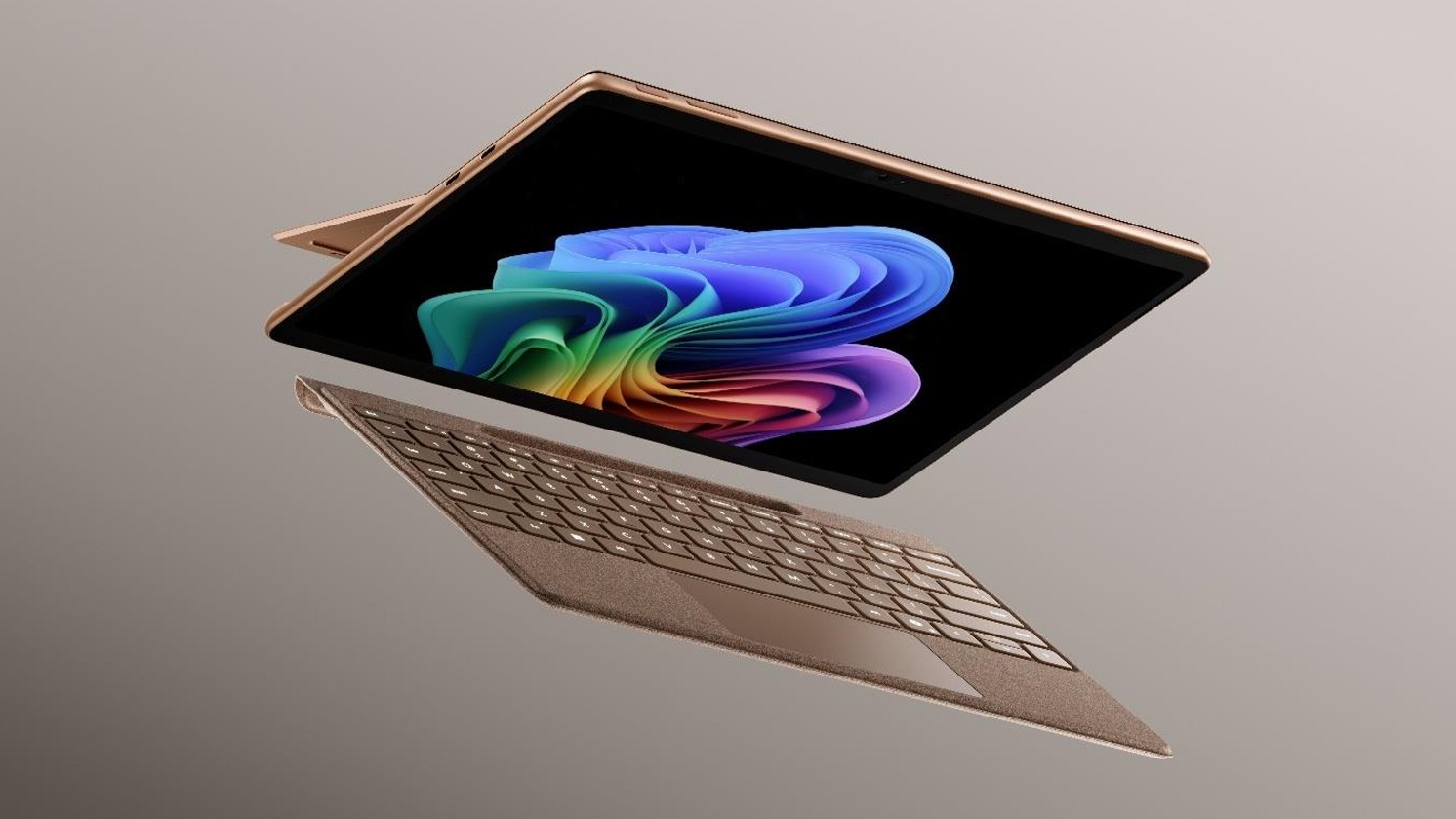
Microsoft's Surface Pro 12-inch 1st Edition (2025) powered by Qualcomm Snapdragon X Plus processor.

Microsoft's Surface Pro 12-inch 1st Edition (2025) powered by Qualcomm Snapdragon X Plus processor.

  •  

Did the Surface Phone FINALLY leak? The Windows Central Podcast breaks down what we know about the mysterious Windows Phone prototype, plus a recap of the latest news from Windows and Xbox

Join Zac Bowden and Jez Corden on this week’s Windows Central Podcast as they dive deep into unreleased Microsoft hardware, AI developments, and big Xbox announcements!

  • The Lost "Surface Phone" Prototype: Zach and Jez dissect newly leaked images and video of an unreleased 2013-era Microsoft-built Windows Phone prototype, reminiscing about the Lumia era, Nokia’s acquisition, and what could have been.
  • Microsoft Copilot’s Super App & AI Disillusionment: A look at the rollout of the new unified Copilot experience (merging consumer and Microsoft 365 features), dropped functionalities (Group Chat, Podcast mode, Deep Research), and a frank discussion on AI hype, practical workflows, and "AI psychosis".
  • Xbox Backward Compatibility Coming to Windows PC: The hosts break down the official announcement of original Xbox/Xbox 360 emulation on Windows, potential licensing hurdles, Play Anywhere integration, and upcoming achievement support.
  • Gaming Rumors & Franchise Future: Updates on The Elder Scrolls VI codename rumors (Sentinel), long development cycles across Bethesda/Obsidian, and a candid critique of the state of the Halo franchise following Halo Campaign Evolved and project cancellations.
  • New Xbox Console Features & Live Q&A: A discussion of the upcoming "Platinum Trophy" achievement equivalent, party/mic audio in Game DVR captures, and a live Q&A touching on Windows K2 progress, mobile shells for Windows on ARM, MSN's automation, and modern foldable vs. slab phones.

This episode of the Windows Central Podcast is sponsored by Surfshark VPN. Unlimited devices, access your content from anywhere, and auto-block malware on Windows, Edge, and other platforms from $2.50/mo, with 3 months extra FREE. Sign up today!

Have a question you want us to answer on the podcast? Send it to us at [email protected]

Hosts:

Subscribe to the Windows Central Podcast

If you like the show, please let us know by give us a rating on your podcast platform of choice. It really helps us!

LIVE Video Podcast

You can watch the live, uncut version of the Windows Central Podcast on our YouTube channel!

Click to join us on r/WindowsCentral

Join us on Reddit at r/WindowsCentral to share your insights and discuss our latest news, reviews, and more.
Zac and Jez on the Windows Central Podcast

Zac and Jez on the Windows Central Podcast

  •  

Is this Microsoft’s canceled Surface Phone from 2014? Mysterious Windows Phone prototype appears in new photos

Before Microsoft acquired Nokia, the company was heavily rumoured to be working on its own in-house Windows Phone device that was expected to ship in 2014 under the Surface moniker alongside its Surface Pro device. Unfortunately for Windows Phone fans, such a device never saw the light of day, but newly published images of a mysterious prototype might have just given us our first and only look at what Microsoft was exploring internally.

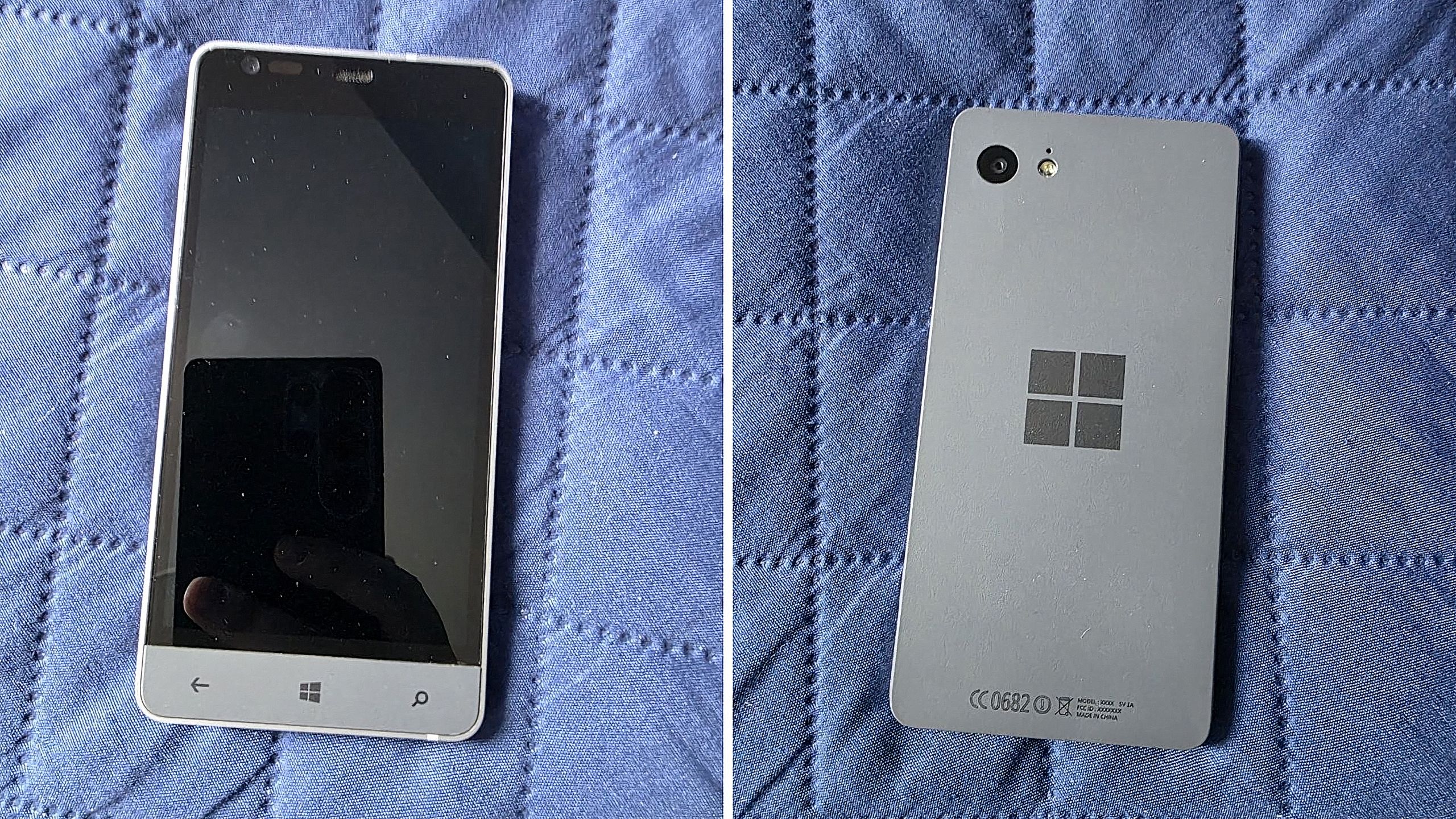
Possibly codenamed Raven, there isn't much information available about this prototype, other than the fact that it’s from the 2013-2014 time frame and is running an early pre-release build of Windows Phone 8.1. It’s powered by an unknown Qualcomm chip, has a 720p screen, features a Microsoft logo on the back, and a silver metal frame that matches the colour of the Surface 2 that released that same year.

We can see in the photos that it has dedicated hardware keys for navigation, which are also coated in the same silver color as the chassis. The build of Windows Phone that it’s running appears to be from September 2013, and is from an internal development branch building towards what eventually became Windows Phone 8.1.

Windows Phone Prototype

Real images of this mysterious Windows Phone prototype. (Image credit: Telegram/Discord)

While not viewable in the images, I understand the device features individual up and down volume buttons and a camera button on the right-hand side of the device, and a power button on the top of the device. It also features a micro-USB port and headphone jack on the bottom side, and a SIM card slot on the left side.

This is likely one of dozens of prototype designs that Microsoft’s hardware teams cooked up during this era, but it’s certainly a fascinating look at what could have been, and it does look so clean. Development on this device was likely paused once Microsoft moved to acquire Nokia in 2014.

Back in 2013, I remember hearing from sources that Microsoft was experimenting with the concept of a "Skype Phone," a Windows Phone device with mobile data that utilized Skype for calls and messaging instead of traditional carrier networks. Perhaps this device was going to be that? Who knows.

The Surface Phone we eventually got arrived as the Surface Duo, which started development in 2016 and launched to the public in 2020. In that time, Microsoft shipped Nokia designs in the form of the Lumia 640, 650, 950, and 550 running Windows Phone, before abandoning the platform in 2017.

Click to join us on r/WindowsCentral

Join us on Reddit at r/WindowsCentral to share your insights and discuss our latest news, reviews, and more.
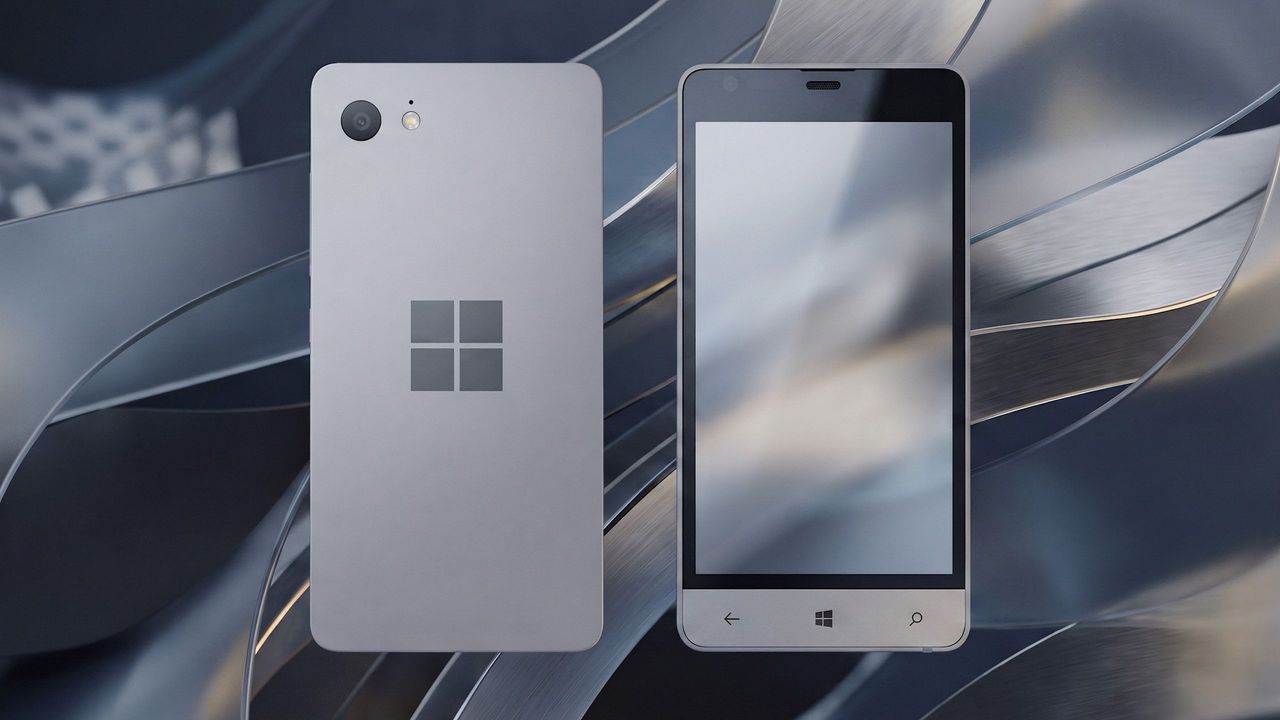
Surface Phone Render

Render based on real images of the prototype (seen below.)

  •  

Microsoft’s new Surface Pro finally feels worth its price — Snapdragon X2 models get massive $450 back-to-school cut

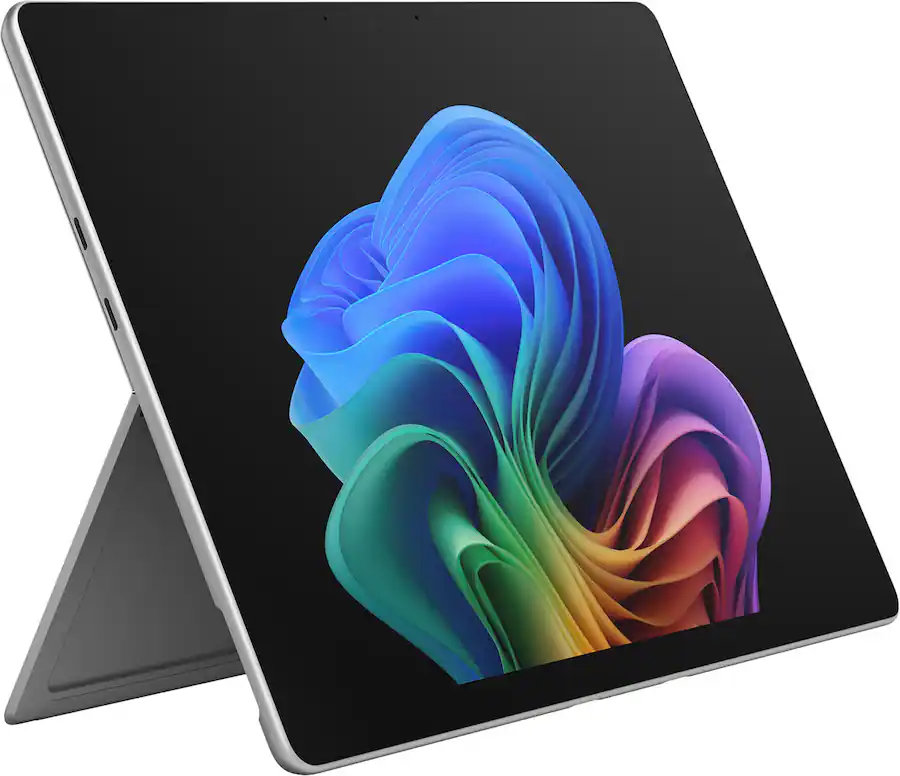
Microsoft's Surface Pro is on sale just in time for back-to-school season. The flagship 2-in-1 runs on Qualcomm's Snapdragon X2 Elite or Snapdragon X2 Plus processor, both of which promise a significant performance bump over the last generation.

A bunch of Surface Pro models are on sale right now across various retailers. I've listed the biggest deals below, starting with the 21% discount on the Surface Pro with Snapdragon X2 Elite, 16GB of RAM, and 1TB of storage.

CPU: Snapdragon X2 Elite
GPU: Qualcomm Adreno
RAM: 16GB
SSD: 1TB

This Surface Pro is both the best deal of the day and the highest spec'd configuration you can get through Amazon. It pairs the new Snapdragon X2 Elite with 16GB of RAM and 1TB of SSD storage. Plus, it has a lovely OLED screen for deep blacks and high contrast.

👉 See at AmazonView Deal

CPU: Snapdragon X2 Elite
GPU: Qualcomm Adreno
RAM: 16GB
SSD: 512GB

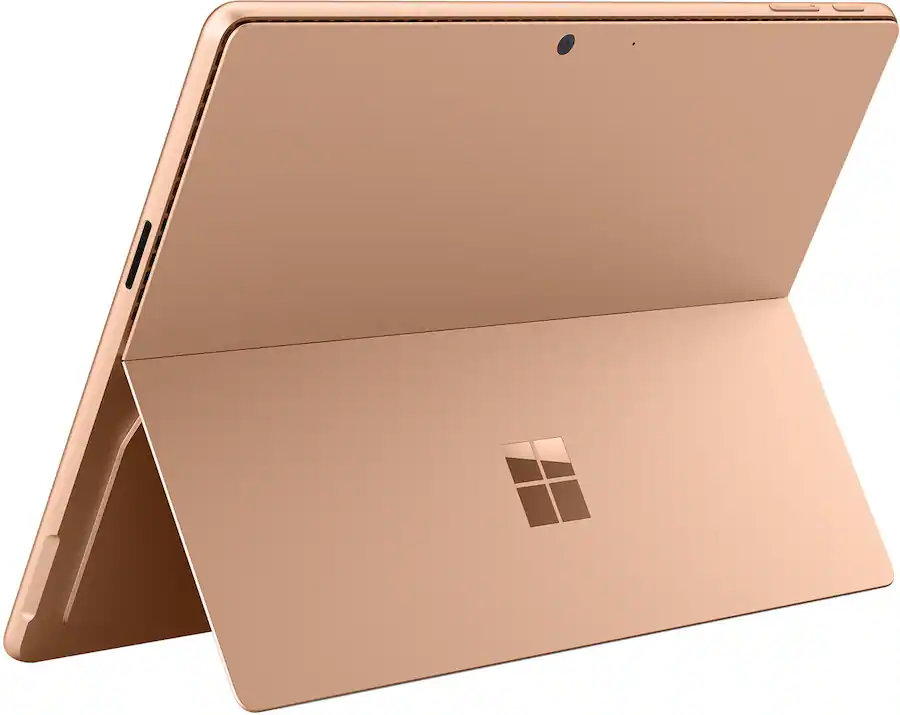
This is the Goldilocks model of the Surface Pro, balancing high-end specs like an OLED screen with value for money. At $300 off, it has the highest discount available through Best Buy. Its Dune color is stunning as well and a personal favorite.

👉 See at Best BuyView Deal

CPU: Snapdragon X2 Elite
GPU: Qualcomm Adreno
RAM: 16GB
SSD: 512GB

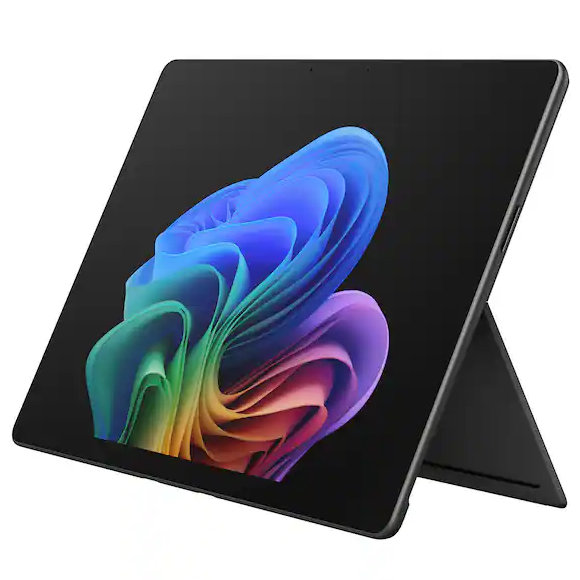
This Surface Pro has all the same specs as the Dune model highlighted above, but in a sleek black color.

👉 See at Best BuyView Deal

CPU: Snapdragon X2 Plus
GPU: Qualcomm Adreno
RAM: 16GB
SSD: 512GB

If you love the form factor of the Surface Pro but don't need the Snapdragon X2 Elite, this model is a great bargain that still features plenty of storage and RAM.

👉 See at AmazonView Deal

CPU: Snapdragon X2 Plus
GPU: Qualcomm Adreno
RAM: 16GB
SSD: 256GB

This is the most affordable Surface Pro you can grab. Its Snapdragon X2 Plus delivers snappy performance for everyday computing and you still get 16GB of RAM. Just be aware that it has only 256GB of storage.

👉 See at Best BuyView Deal

The biggest perk here is wireless functionality. You can detach the keyboard and type comfortably while keeping the tablet propped up at eye level, which is a lifesaver on cramped desks or airplane trays.

👉 See at Best BuyView Deal

Why buy a Surface Pro

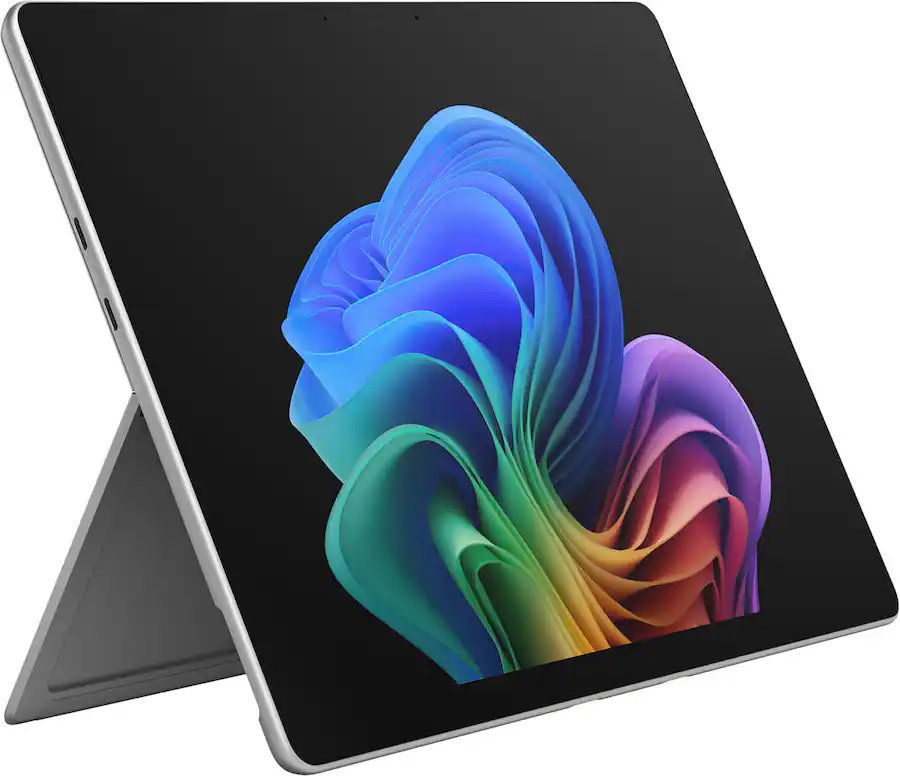
Surface pro open with Windows 11 wallpaper

(Image credit: Microsoft)

The main reason to grab a newer Surface Pro is the processor you'll get. The Snapdragon X2 Plus and Snapdragon X2 Elite offer over a 50% graphics improvement over the last gen.

That performance bump helps everything from photo editing to everyday productivity tasks feel smoother.

Microsoft refined the design of the Surface Pro over more than a decade, resulting in a premium device that defines the category. There are good reasons why Apple and other companies try to copy the Surface Pro.

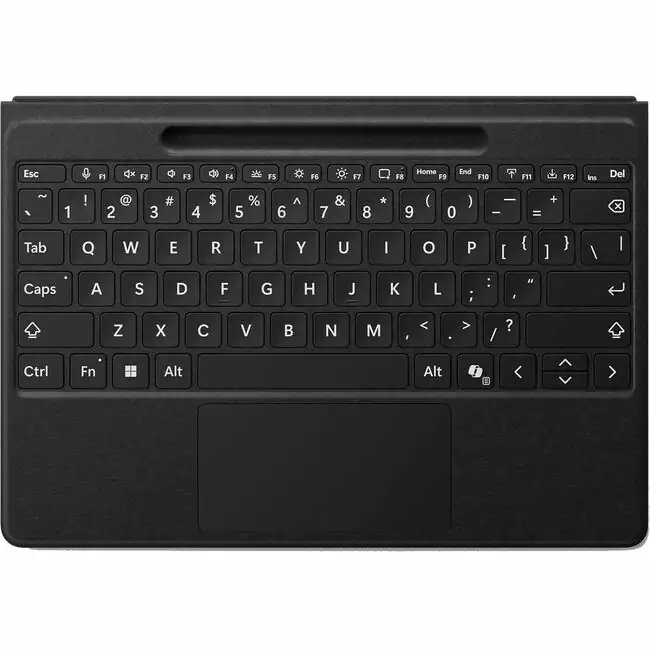
While imitation is a form of flattery, the Surface Pro still stands out because of its built-in kickstand that makes it easy to prop up. That kickstand-centered design is best taken advantage of with the Surface Pro Flex Keyboard, which happens to be discounted right now.

The Surface Pro Flex Keyboard that's on sale is compatible with the new Surface Pro that launched this year. If you're worried about compatibility, you can double-check your device on Microsoft's support document about Surface Pro keyboards.

The Surface Pro Flex Keyboard can be used wirelessly or when physically attached. If you've ever tried to use a laptop or a 2-in-1 on an airplane tray table or tiny desk, you'll know the struggle of feeling cramped. The Surface Pro Flex Keyboard lets you have the keyboard on your lap or a table while the PC sits elsewhere.

Like other PCs, the Surface Pro has crept up in price over the last year or so. The high price tag of the Surface Pro was the main complaint about the PC when it was announced. The current deals on the Surface Pro alleviate that issue, at least temporarily.

Click to join us on r/WindowsCentral

Join us on Reddit at r/WindowsCentral to share your insights and discuss our latest news, reviews, and more.
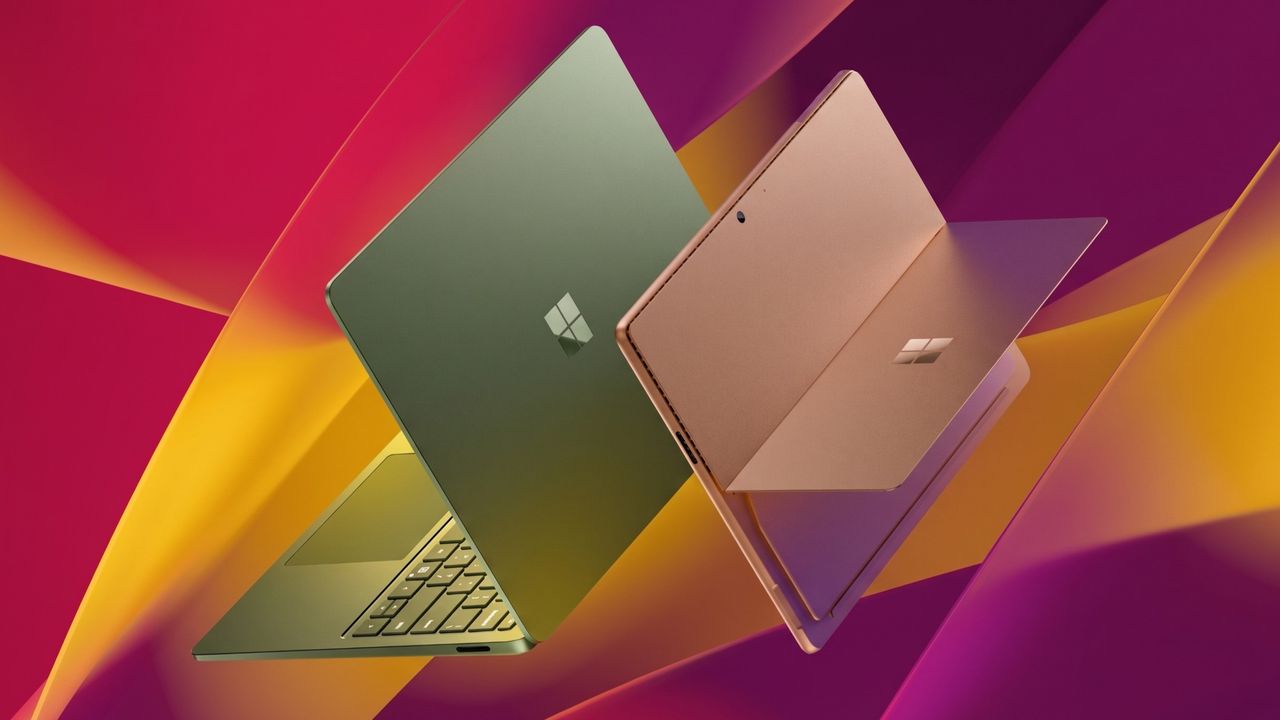
Surface Pro and Surface Laptop side by side on colorful background

Surface Pro and Surface Laptop side by side on colorful background

  •  

This Surface is the only laptop that supports Windows 11's best new feature

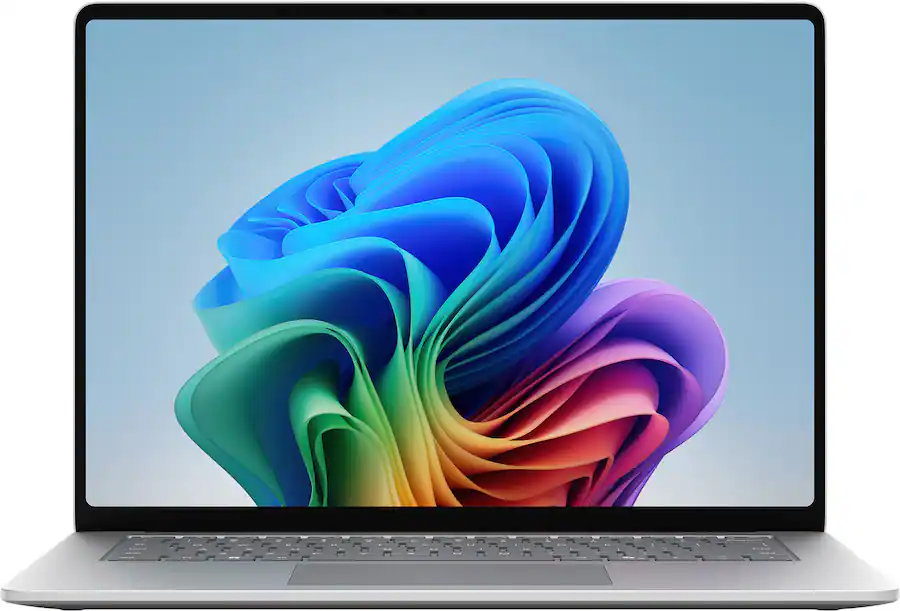
Microsoft's Surface Laptop 8 launched this summer, sporting new Snapdragon X2 chips. The flagship laptops promise a premium experience, better battery life than the previous generation, and improved graphics performance.

The bump in performance is expected considering the Surface Laptop 8 has a brand-new chip inside, so a different improvement is more noteworthy. The Surface Laptop 8 is one of the only devices to support Windows 11's new advanced haptics feature. It's the only laptop to support the feature.

Shop all Best Buy Surface deals

Advanced haptics sends a subtle bump through a touchpad, mouse, or stylus to let you feel Windows 11. For example, rearranging windows on your screen through Snap Layouts gives a clear indication of when you've hovered over a different layout.

Our Senior Editor Zac Bowden said "Windows 11's new 'Haptic Signals' feature is a quality of life upgrade [he] didn't realize the OS needed until [he] tried it." Now, you can experience the same thing since the Surface Laptop 8 is available for purchase.

CPU: Snapdragon X2 Plus
GPU: Qualcomm Adreno
RAM: 16GB
SSD: 512GB

The Surface Laptop 8 introduces Microsoft's new Dune colorway, giving a warm aesthetic to an otherwise unassuming PC.

👉 See at BestBuy.comView Deal

CPU: Snapdragon X2 Elite
GPU: Qualcomm Adreno
RAM: 16GB
SSD: 512GB

This Surface Laptop 8 runs on the Snapdragon X2 Elite, which lets it tackle tasks all day without running out of battery life.

👉 See at BestBuy.comView Deal

Why should I care about advanced haptics?

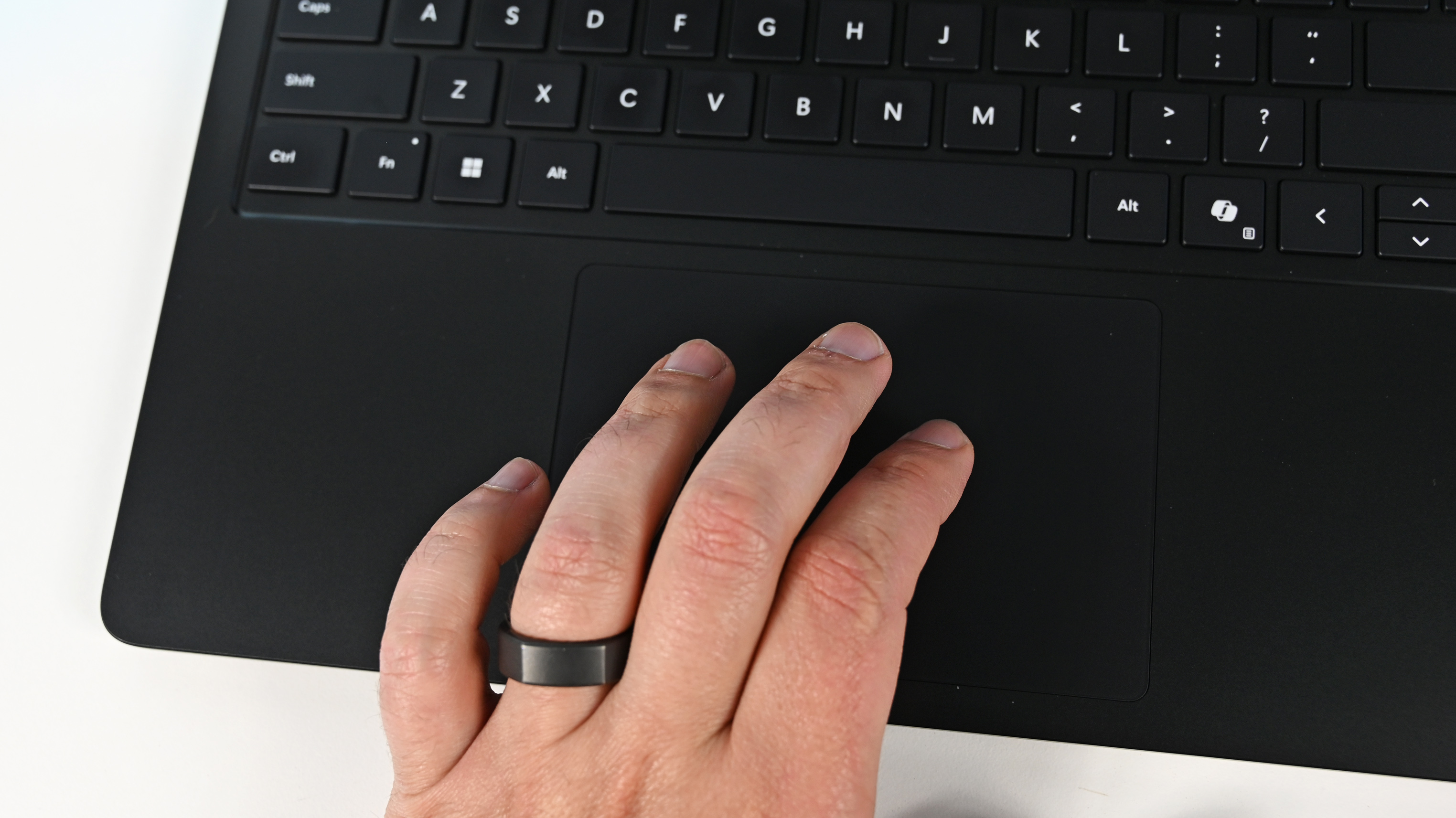
A hand wearing a black ring rests on the touchpad of a Surface Laptop for Business 8th Edition. The laptop keyboard is visible, highlighting the Shift, Ctrl, and Alt keys.

The haptic touchpad of the Surface Laptop 8 sends subtle vibrations when you perform certain actions, such as moving a file within File Explorer. (Image credit: Daniel Rubino)

As a quick point of clarity, the Surface Laptop 8 with Snapdragon X2 is what recently became available. Microsoft launched the Surface Laptop 8 for Business earlier this year. The business model runs on an Intel processor and comes with features you likely do not need as a general user.

Both the consumer and business versions of the Surface Laptop 8 support advanced haptics, but I recommend the consumer model to most people.

Advanced haptics is one of those small touches that makes Windows 11 feel polished. I appreciate UI changes and other Windows 11 improvements, but I'm more interested in features like advanced haptics because it changes the hands-on experience with a PC — quite literally.

"The new advanced haptic touchpad is a joy to use. It provides subtle tactile cues that confirm your actions," said our Editor-in-Chief Daniel Rubino in our Surface Laptop 8 review.

Our friends at Tom's Guide came away similarly impressed when reviewing the Surface Laptop 8:

"I’m also fond of the touchpad, which delivers satisfying haptic feedback when pressed. With some apps, you will even feel haptics when hovering over the X button on a window, which is quite fun and intuitive."

Right now, Windows 11 is the main way that you'll experience advanced haptics. But there's an API for the feature, so third-party developers can leverage it. Filmora, Affinity, and other third-party apps either already support the feature or will soon.

The only other way to use Windows 11's advanced haptics feature is to have a Logitech MX Master 4 or a supported stylus like the Surface Slim Pen 2. Over time, more devices should support the feature, but the Surface Laptop 8 beat everything else to the punch.

Click to join us on r/WindowsCentral

Join us on Reddit at r/WindowsCentral to share your insights and discuss our latest news, reviews, and more.
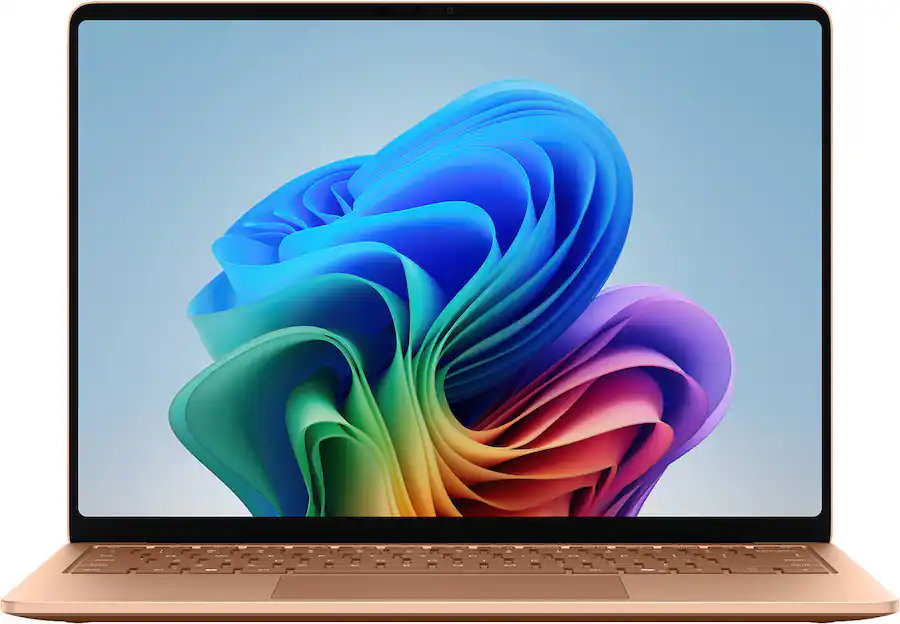
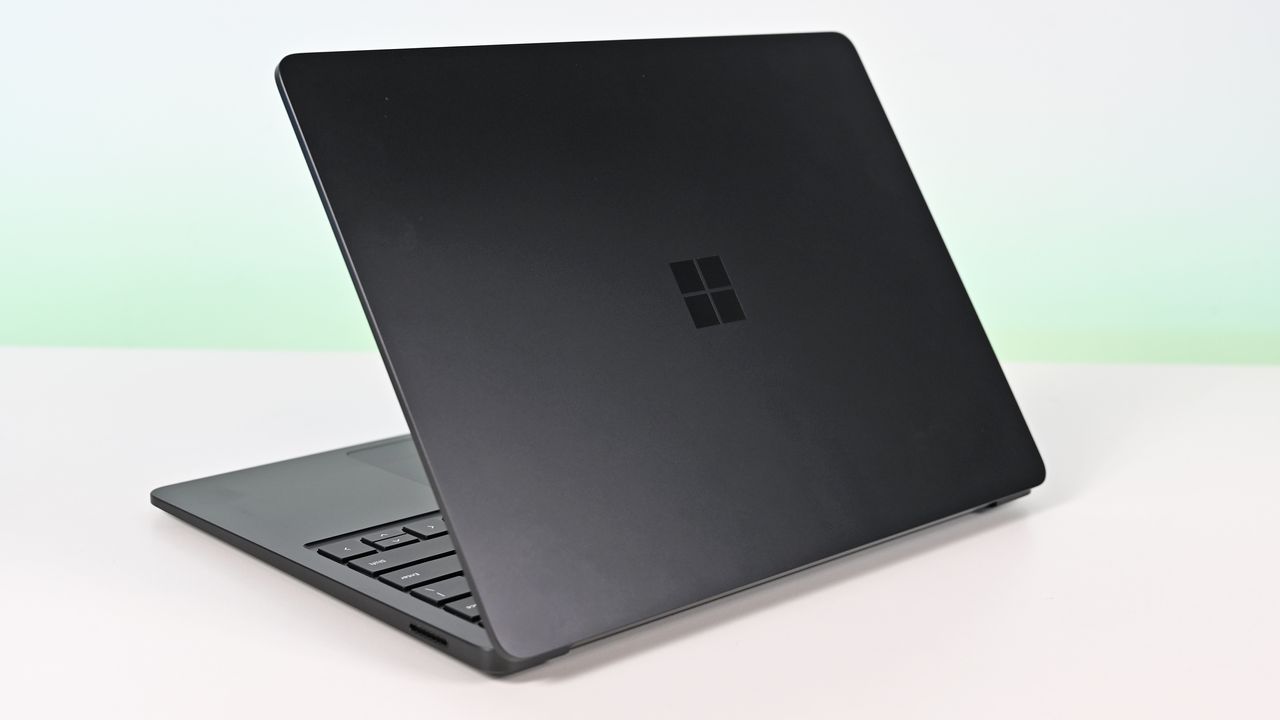
Surface Laptop for Business 8th Edition with a closed screen featuring a Windows logo, resting on a white surface. The background is a soft gradient from light blue to green.

Surface Laptop for Business 8th Edition with a closed screen featuring a Windows logo, resting on a white surface. The background is a soft gradient from light blue to green.

  •  

Microsoft's Snapdragon X2 Surface Laptop 8 and Pro 12 for Business are now available

The most exciting new Surface features in years are now available on a PC with a Snapdragon X processor. The Surface Laptop 8 for Business can now be purchased with a Snapdragon X2 Plus or Snapdragon X2 Elite.

For those who prefer a 2-in-1 over a traditional laptop, the Surface Pro 12 for Business (13-inch) is also available with a Snapdragon X2 chip. Like its clamshell sibling, the Surface Pro for Business also had an Intel model launch earlier this year.

The official names of the new PCs are "Surface Pro for Business 12th Edition" and "Surface Laptop for Business 8th Edition" but I've referred to them as the Surface Pro 12 for Business and Surface Laptop 8 for Business in this piece for ease of reading.

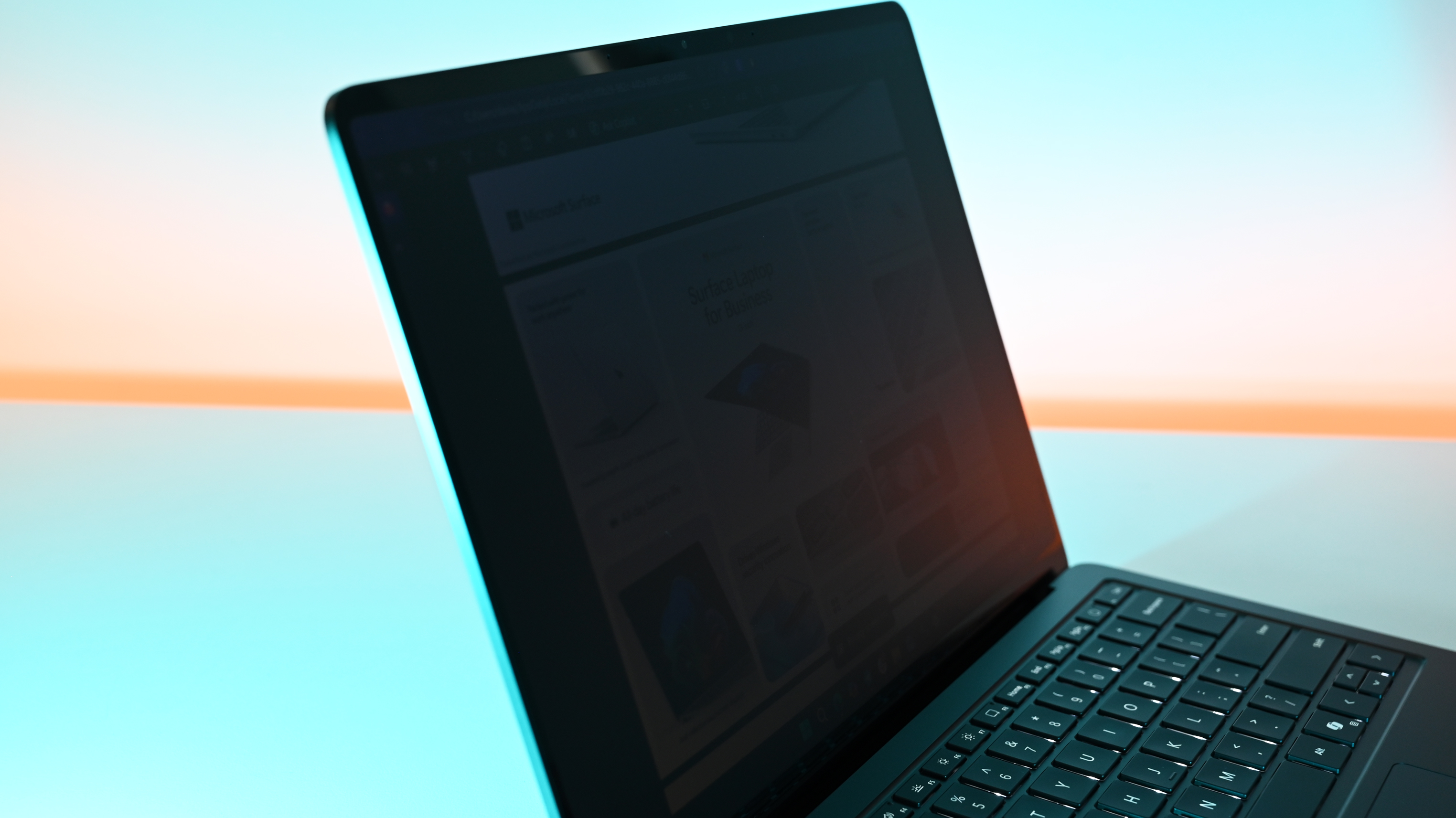
The standout feature of this year's Surface lineup is the privacy screen seen in the Surface Laptop 8 for Business. That display can be set to obscure content on your screen when people try to view it at an angle. It's similar to Samsung's screen on the Galaxy S26 Ultra.

The built-in privacy screen of the Surface Laptop 8 for Business combats creeping eyes from all angles, as opposed to third-party privacy screen protectors that only work from the sides.

The Intel version of the Surface Laptop 8 for Business launched earlier this year and received high marks from our Editor-in-Chief. The vast majority of what makes that laptop great extends to the Surface Laptop 8 for Business with Snapdragon X2, which are now available to order.

Demonstration of Surface Laptop for Business 8th Edition's privacy screen engaged, making the slightly tilted laptop's display difficult to read due to being so dim.

The Surface Laptop 8 for Business is the only version with the built-in privacy screen. (Image credit: Daniel Rubino)

The haptic trackpad of the Surface Laptop 8 for Business is also a key addition. Thanks to a recent update to Windows 11, you can now feel the operating system and supported apps as you interact with them. Haptic buzzes occur when you drag files in File Explorer or perform certain actions.

The Surface Laptop 8 for Business is one of few devices to support the new haptic experience.

The new Surface Pro 12 for Business is largely a spec bump when compared to its predecessor. The Snapdragon X2 chip inside delivers better graphics performance than the first-gen Snapdragon X.

The Surface Pro has matured over more than a decade of refinement, so it's hard to complain about Microsoft sticking with what works.

What's special about Surface for Business PCs?

When Microsoft first introduced Snapdragon X chips to its Surface hardware, a split was formed that saw Intel on business PCs and Snapdragon X on consumer hardware. That's no longer the case, since you can order Snapdragon X processors in consumer or business PCs.

Notably, there are no new Intel-powered Surface PCs for consumers in 2026.

There are several differences between the consumer and business models of the latest Surface devices. Here are the features seen only on the business side:

  • Pre-installed Windows 11 Pro or Enterprise
  • Integrated Privacy Screen option
  • Advanced Exchange Warranty service
  • Device Firmware Configuration Interface (DFCI) cloud management
  • Windows Autopilot tenant pre-registration
  • Access to the cloud-based Surface Management Portal
  • Native corporate domain onboarding pathways during initial setup
  • Intel models available

Most of the features seen in the Surface for Business PCs are options general consumers would never use. The exception being the privacy screen that I wish was available on consumer versions of the Surface Laptop.

One key difference between the Snapdragon X2-powered Surface Pro 12 for Business and its Intel counterpart is that you can only get 5G connectivity with the Intel model.

Anyone can purchase a Surface for Business device. You don't need to own a business or have some sort of special account. But again, you're likely paying for unneeded features compared to the consumer Surface PCs unless you really need a privacy screen.

Blank Pixel

Click to join us on r/WindowsCentral

Join us on Reddit at r/WindowsCentral to share your insights and discuss our latest news, reviews, and more.
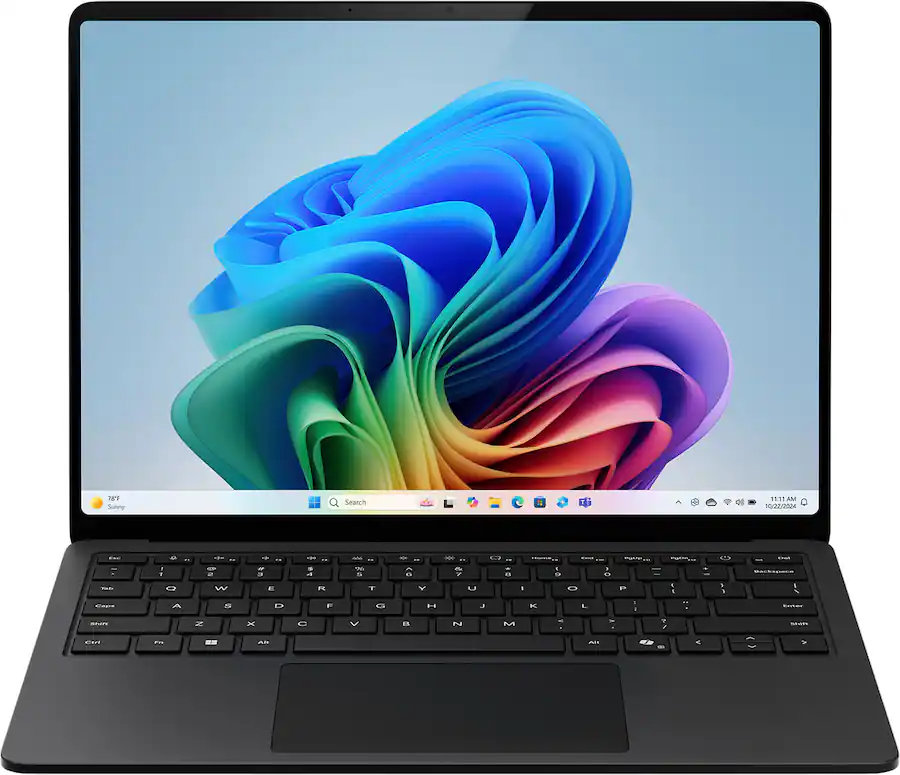
A sleek laptop with a black keyboard and a modern design, displaying a blue abstract swirl on its screen, set against a light gradient background.

A sleek laptop with a black keyboard and a modern design, displaying a blue abstract swirl on its screen, set against a light gradient background.

  •  

Microsoft’s powerful new Snapdragon X2 Surface PCs are here, and they're more than a spec bump

The highly anticipated upgrades to the Surface Pro and Surface Laptop just launched. Both PCs pack the latest Snapdragon X2 processors from Qualcomm, promising better performance while still delivering great battery life.

The biggest upgrade in the lineup is performance. Microsoft promises up to 53% faster graphics performance on the Surface Pro than the previous generation. The Surface Laptop sees an even larger bump of up to 58% when compared to the last generation.

Those improvements are thanks to the Snapdragon X2 processors inside the Surface Laptop and Surface Pro.

Now, Best Buy has a wide range of configurations available for the Surface Laptop and Surface Pro. I've included a mix of various colors, storage options, and processors. But there are plenty of other configurations up for grabs if you want to mix and match.

Shop all Best Buy Surface deals

The new chips from Qualcomm perform well and let your PC last all day. Exact performance will vary based on the full specs of a PC, but the Snapdragon X2 Elite competes with Apple's M4 Pro. The Snapdragon X2 Plus stands toe-to-toe with Apple's M3 Pro.

Benchmarks and spec sheets aside, any Surface with a Snapdragon X2 chip will handle a wide range of workloads and tackle productivity tasks easily.

While the Snapdragon X2 chips are the stars of the show, they're not the only upgrades worth checking out in the new Surface Laptop and Surface Pro.

CPU: Snapdragon X2 Plus
GPU: Qualcomm Adreno
RAM: 16GB
SSD: 512GB

This Dune-colored Surface Laptop stands out in a sea of black and silver laptops. It does not come with Dave Bautista, but it does feature a Snapdragon X2 Plus.

👉 See at BestBuy.comView Deal

CPU: Snapdragon X2 Elite
GPU: Qualcomm Adreno
RAM: 16GB
SSD: 512GB

This sleek Surface Laptop is unassuming with its clean, black finish, but it's a portable powerhouse with a Snapdragon X2 Elite.

👉 See at BestBuy.comView Deal

CPU: Snapdragon X2 Plus
GPU: Qualcomm Adreno
RAM: 16GB
SSD: 512GB

This Surface Laptop has a 15-inch, 3K display with the 3:2 aspect ratio Surface is known for. It provides an excellent space to work without taking up too much space in your bag.

👉 See at BestBuy.comView Deal

CPU: Snapdragon X2 Plus
GPU: Qualcomm Adreno
RAM: 16GB
SSD: 256GB

This is the best choice for those who love the Surface Pro form factor but don't need the most expensive processor or a massive amount of storage. It's the most affordable way to get the latest Surface Pro.

👉 See at BestBuy.comView Deal

CPU: Snapdragon X2 Elite
GPU: Qualcomm Adreno
RAM: 16GB
SSD: 512GB

This Surface Pro balances high-end specs with value. It features a Snapdragon X2 Elite, 13-inch OLED display, 16GB of RAM, and 512GB of storage.

👉 See at BestBuy.comView Deal

The first Surface Pro Flex Keyboard launched alongside the Surface Pro 11. The accessory is still the best way to use your Surface Pro like a laptop, and it can also be used when detached for even more flexibility.

👉 See at BestBuy.comView Deal

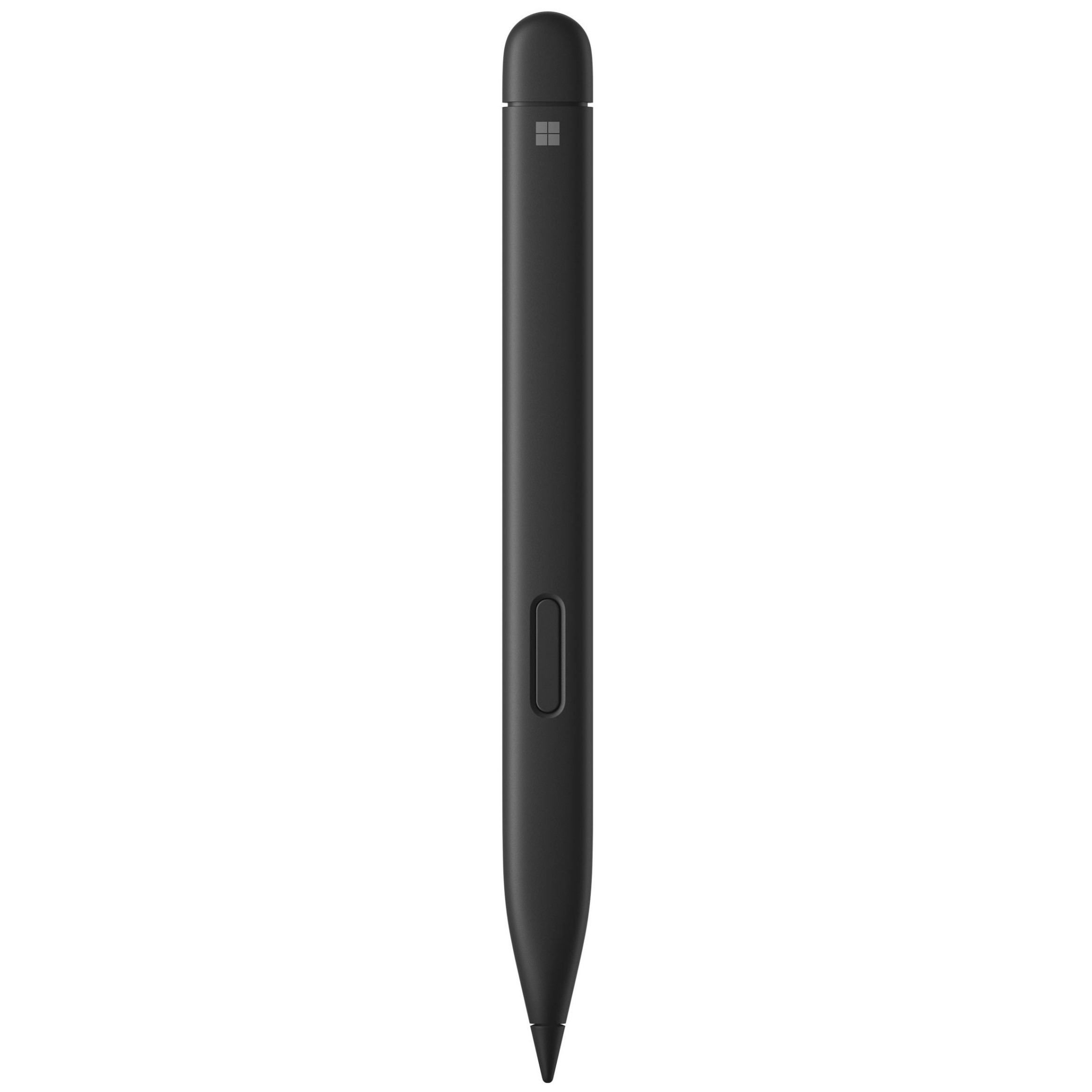
The Surface Slim Pen 2 is excellent for natural note-taking and drawing, and it now supports Windows 11's updated haptic feedback experience to give you tactile cues while you navigate.

👉 See at BestBuy.comView Deal

What's new with the latest Surface Pro and Surface Laptop?

A sleek laptop with a black keyboard and a modern design, displaying a blue abstract swirl on its screen, set against a light gradient background.

(Image credit: Daniel Rubino)

There are more display options than ever across the Surface lineup. The new Surface Pro is available with either an OLED display or an LCD screen. The new Surface Laptop 15-inch has a screen with 262 PPI, which is much higher than the last generation offered.

But the new Surface Pro and Surface Laptop are more than a spec bump. While they share much of their designs with the last generation, both offer a new way to use haptics.

The Surface Laptop now features a haptic trackpad that allows you to feel Windows 11 and supported apps. The Surface Pro delivers a similar experience when paired with the latest Surface Slim Pen.

The new experience comes courtesy of Windows 11's new haptic feedback system. That system sends subtle vibrations when you perform certain tasks, such as dragging files in File Explorer or snapping windows.

The new Surface Laptop and Surface Pro build on over a decade of refinement by Microsoft. The overall form factor has matured, but Microsoft has figured out how to squeeze innovation from designs that were already almost perfect.

Click to join us on r/WindowsCentral

Join us on Reddit at r/WindowsCentral to share your insights and discuss our latest news, reviews, and more.

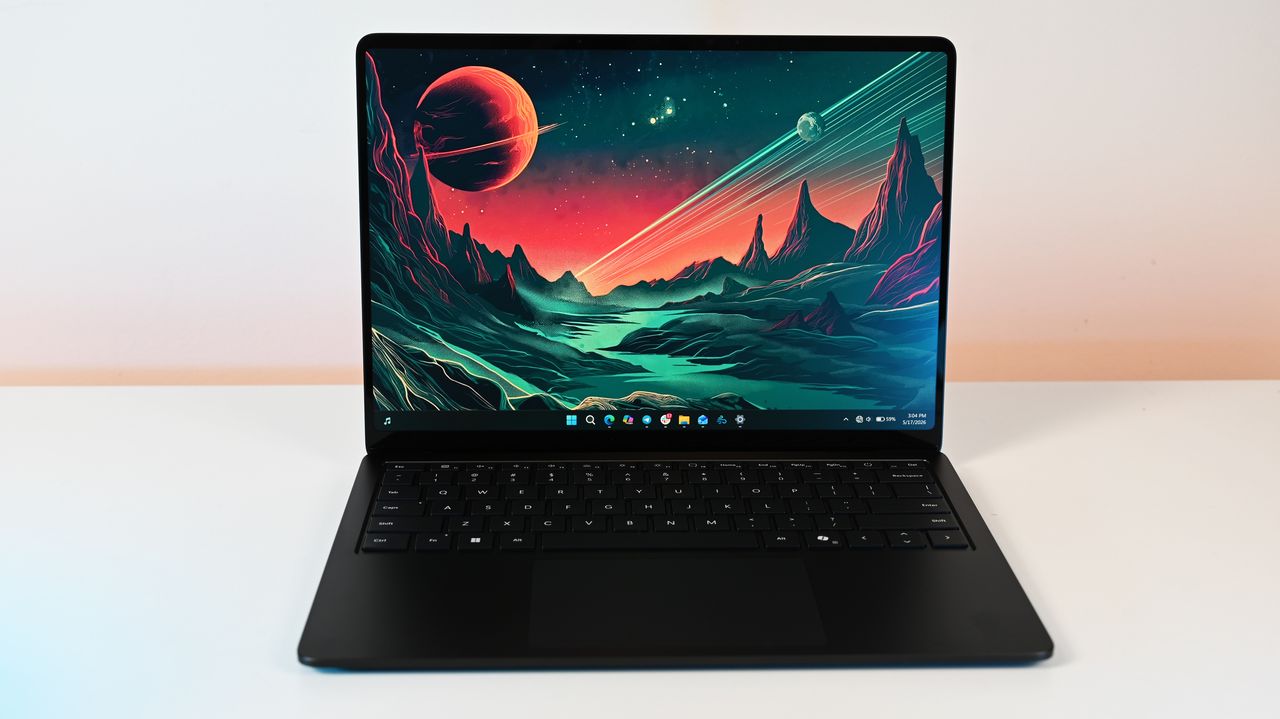
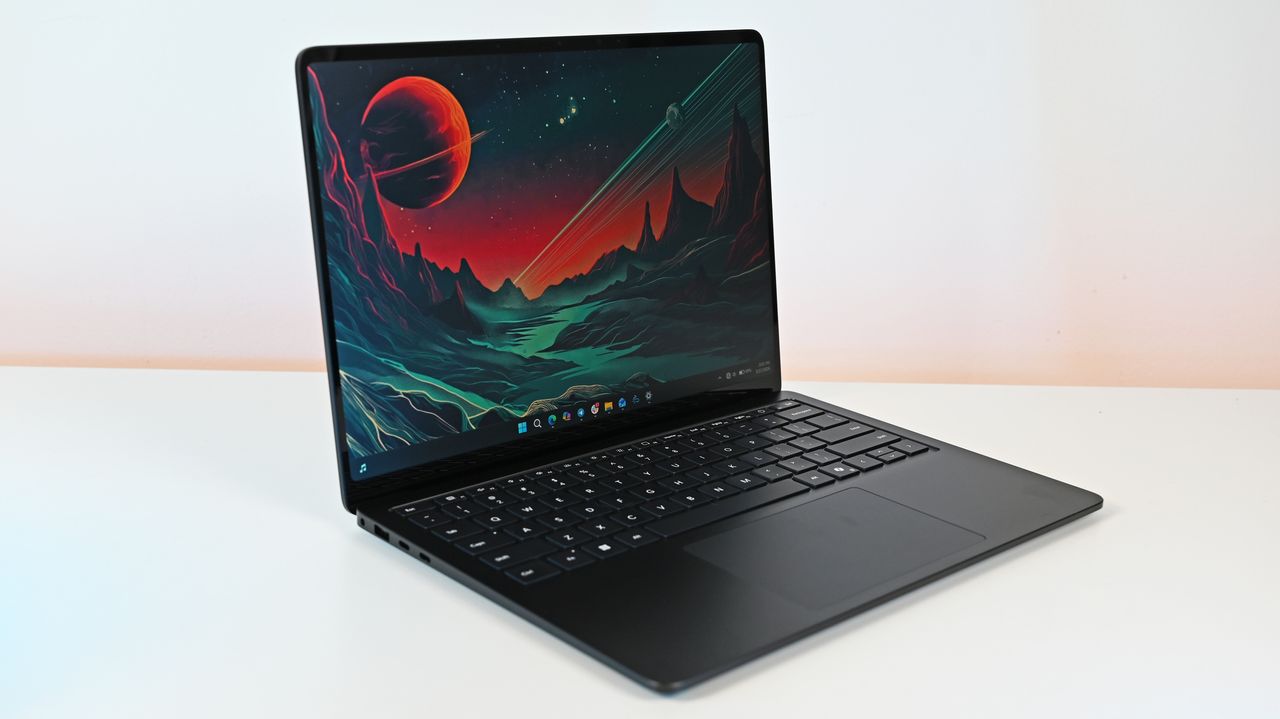
Surface Laptop for Business 8th Edition sits open on a white surface, displaying a vibrant sci-fi landscape wallpaper with a red planet and mountainous terrain.

Surface Laptop for Business 8th Edition sits open on a white surface, displaying a vibrant sci-fi landscape wallpaper with a red planet and mountainous terrain.

  •  

Une seule commande, et votre Surface se transformait en presse-papier

Une seule petite ligne de code envoyée au mauvais endroit pouvait transformer un Surface Laptop en bloc de métal inutilisable. C'est sur cette faille que Microsoft a discrètement travaillé pendant trois mois, avant qu'elle ne soit rendue publique le 12 juin.

L'histoire commence de façon assez improbable. Jack Darcy, un chercheur en sécurité australien, a demandé à Microsoft Copilot (l'assistant IA intégré à Windows) de régler le rétroéclairage de son écran, rien de dingue donc. Bien gentil, Copilot écrit tout seul un script Python, l'exécute, et la paf, il rend l'ordinateur totalement inopérant. Plus de démarrage, plus d'accès au BIOS, rien, queudalle.

En creusant, Darcy comprend ce qui vient de se passer. Le script a écrit n'importe quoi dans le firmware du SAM, le Surface Aggregator Microcontroller, cette petite puce qui coordonne le matériel sur les Surface : alimentation, ventilateurs, clavier, capteurs. Une fois sa mémoire corrompue, la machine ne sait tout simplement plus démarrer.

Le problème de fond, c'est que cette puce n'avait aucun garde-fou. Elle acceptait n'importe quelle valeur en écriture sans vérifier si elle avait le moindre sens. Pire, les commandes de lecture et celles d'écriture partageaient la même numérotation, ce qui rendait toute exploration prudente impossible. "Vous ne pouvez littéralement pas scanner deux commandes qui se suivent sans une chance sur deux de tomber sur une commande d'écriture", résume Darcy.

Du coup, un seul paquet expédié pouvait griller la carte mère pour de bon. Aucune réparation logicielle, aucune réinitialisation d'usine, aucun accès USB de secours : direction le remplacement complet de la carte mère, soit plusieurs centaines d'euros.

Tout n'est pas si noir quand même. Pour déclencher la catastrophe, il fallait déjà disposer des droits administrateur sur la machine et avoir désactivé Secure Boot et Secure Core, les deux protections activées par défaut sur les Surface. Autrement dit, un parc d'entreprise géré normalement ne risquait rien, et les seules machines réellement exposées étaient celles des bidouilleurs tournant sous Linux, en configuration gaming allégée ou avec des pilotes maison.

Les modèles concernés vont du Surface Laptop 3 au Surface Laptop 6 et du Surface Book 1 au Surface Book 3. Les Surface Go semblent épargnés, et les versions ARM n'ont pas été testées.

Côté correctif, Microsoft a plutôt bien joué le jeu. Prévenu le 10 mars, l'éditeur a reconnu le défaut puis déployé des mises à jour de firmware via Windows Update dès le mois de mars, si bien que la grande majorité des appareils touchés sont désormais protégés. Darcy a récupéré un Surface tout neuf pour le dédommager.

Un point chiffonne quand même. Microsoft a refusé d'attribuer un CVE, l'identifiant officiel qui répertorie une faille de sécurité, estimant que le bug "n'atteignait pas le seuil" requis. Pour un défaut capable de tuer une machine de façon irréversible, l'argument laisse songeur.

Pour la suite, Redmond mise sur le langage Rust, réputé pour empêcher ce genre de débordements mémoire. Le firmware embarqué est en cours de réécriture intégrale, baptisée "Secure EC", tout comme une partie de l'UEFI sous le nom de "Project Patina".

Bref, un Copilot qui brique tout seul le PC sur lequel il tourne, voilà une démo involontaire dont Microsoft se serait bien passé.

Source : The Register

  •  

You can feel Windows 11 with the Surface Slim Pen 2 — no need for an overpriced Surface Pro 12 or Surface Laptop 8

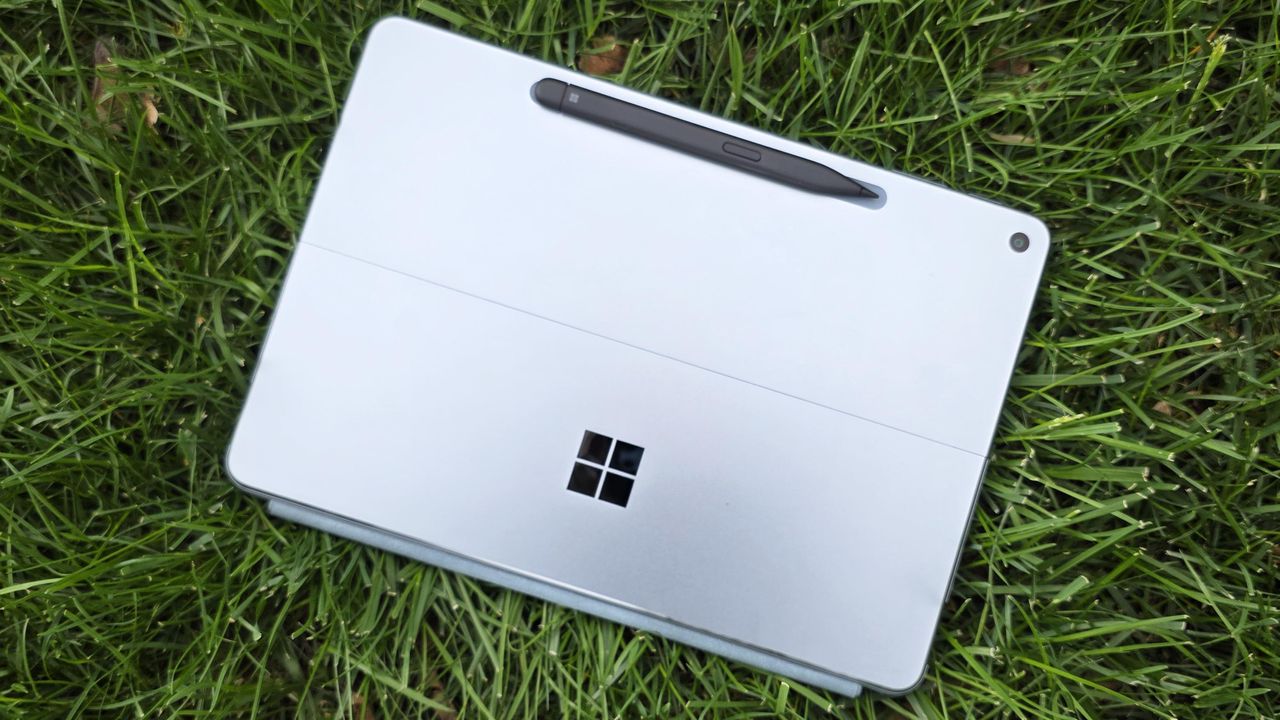
Microsoft has updated the Surface Slim Pen 2 with support for Windows 11’s new system‑level haptics. The change lets older (and more affordable) Surface devices use the same tactile feedback that ships with the latest Surface hardware.

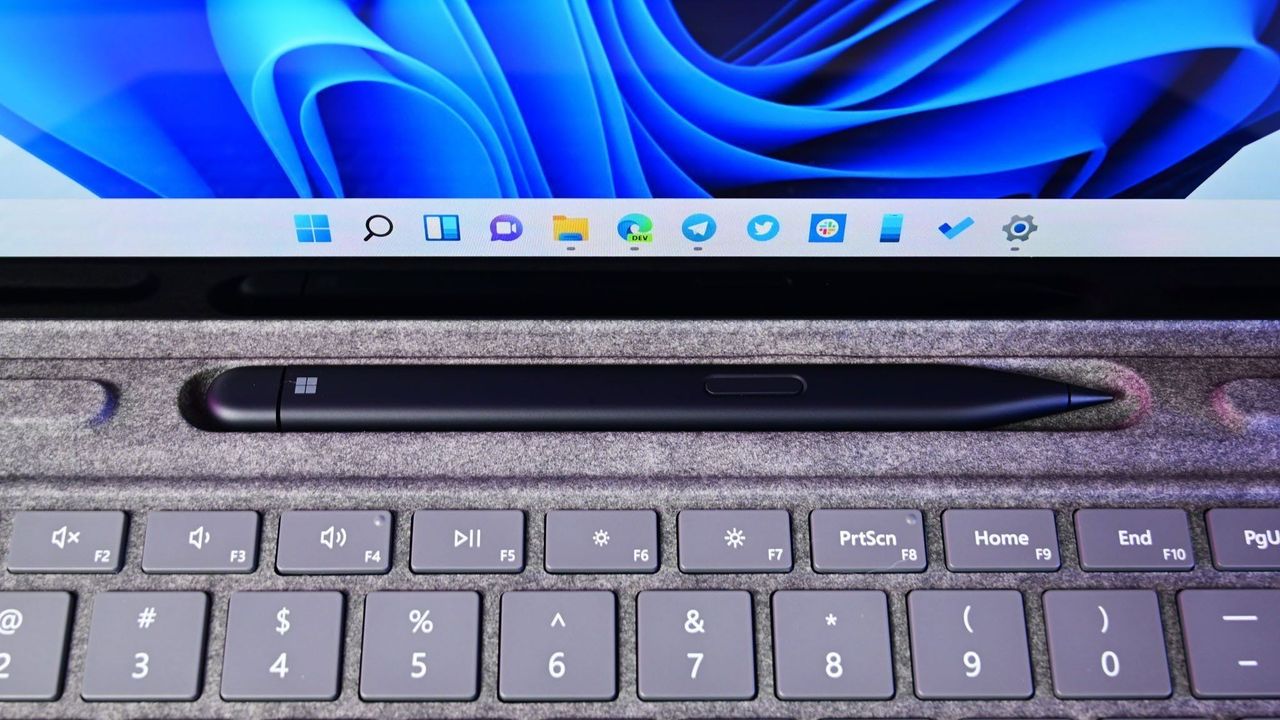
A Surface Slim Pen 2 rests in a recessed slot above a grey keyboard, with a tablet screen displaying the Windows 11 taskbar in the background.

The Surface Slim Pen 2 now supports haptics that integrated with Windows 11.

  •  

"Leave it to Surface to do it best": Privacy screens are changing, and I dug into how Microsoft's approach differs from HP, Lenovo, and Dell

Microsoft upgraded its Surface Laptop for Business (8th Edition) with an integrated privacy screen unlike the others. I went back into our archives to figure out which laptop brand did it first, who followed up, and why Surface has the new best implementation.

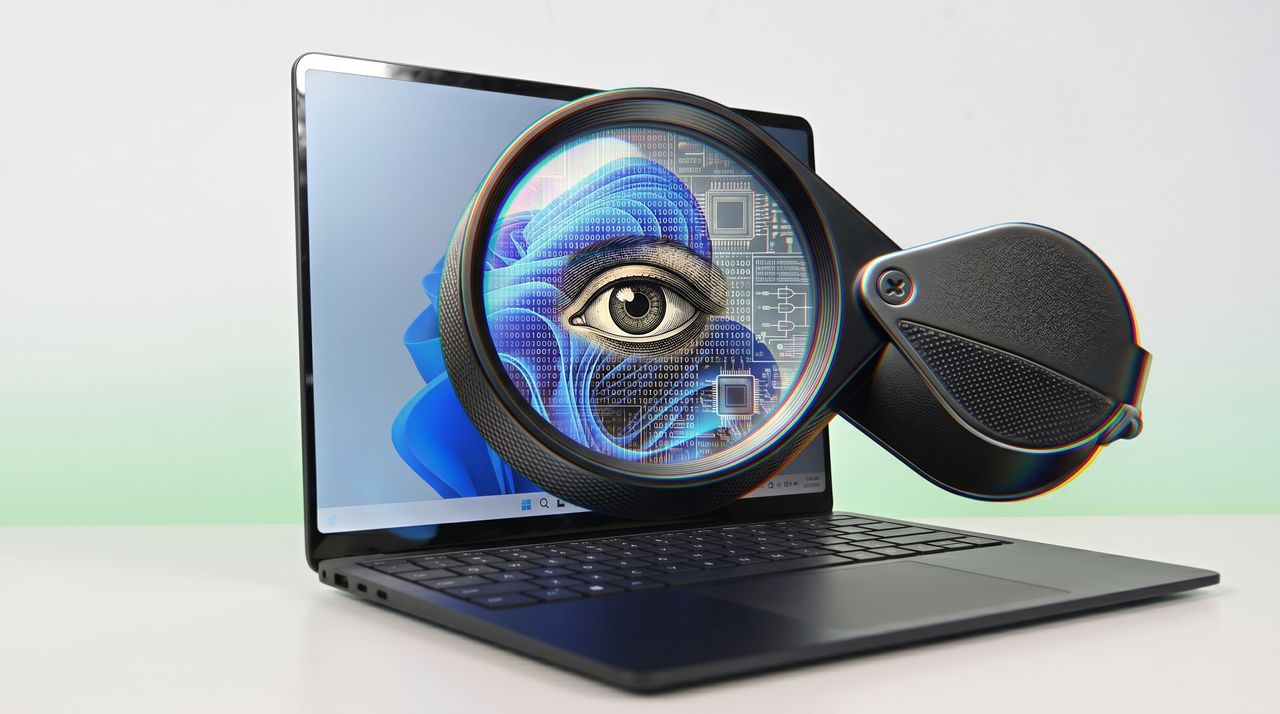
A Surface Laptop 8 displays a digital face blending with circuit patterns, under a magnifying glass highlighting an eye, symbolizing technology and digital surveillance.

A Surface Laptop 8 displays a digital face blending with circuit patterns, under a magnifying glass highlighting an eye, symbolizing technology and digital surveillance.

  •  

Microsoft nearly solved one of folding phones’ worst problems: New patent reveals spring-loaded hinge design for canceled Surface Duo 3

The company had explored a next-gen folding phone design that included a spring-loaded button for popping open the device without prying it with your fingers.

Surface Duo Thumb

Surface Duo Thumb

  •  

Surface fans are now 3D‑printing the hardware Microsoft won’t build

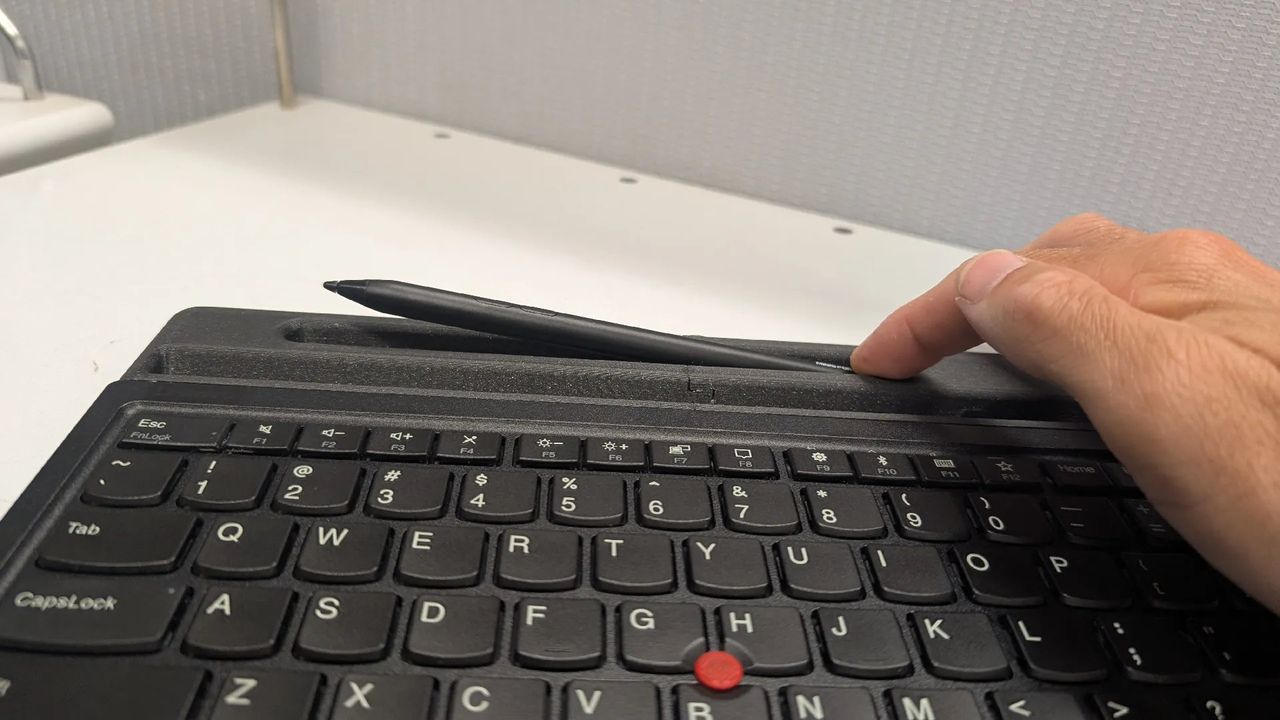
A Surface fan designed a 3D‑printed dock that improves lapability and pairs the Surface Pro with Lenovo’s TrackPoint keyboard.

A hand places a stylus onto a keyboard's built-in holder. The keyboard is black, with a distinct red pointer, and rests on a white desk.

You can place your Surface Pen and your Surface Pro inside this 3-D printed dock.

  •  

Microsoft prepares display upgrades and two stage launch for new Surface Pro and Surface Laptop with Intel and Snapdragon chips this year

New PCs from Microsoft will consist of new chips, display upgrades, and higher starting prices this spring and summer.

First images of Microsoft's Surface Pro 12-inch tablet PC.

First images of Microsoft's Surface Pro 12-inch tablet PC.

  •  

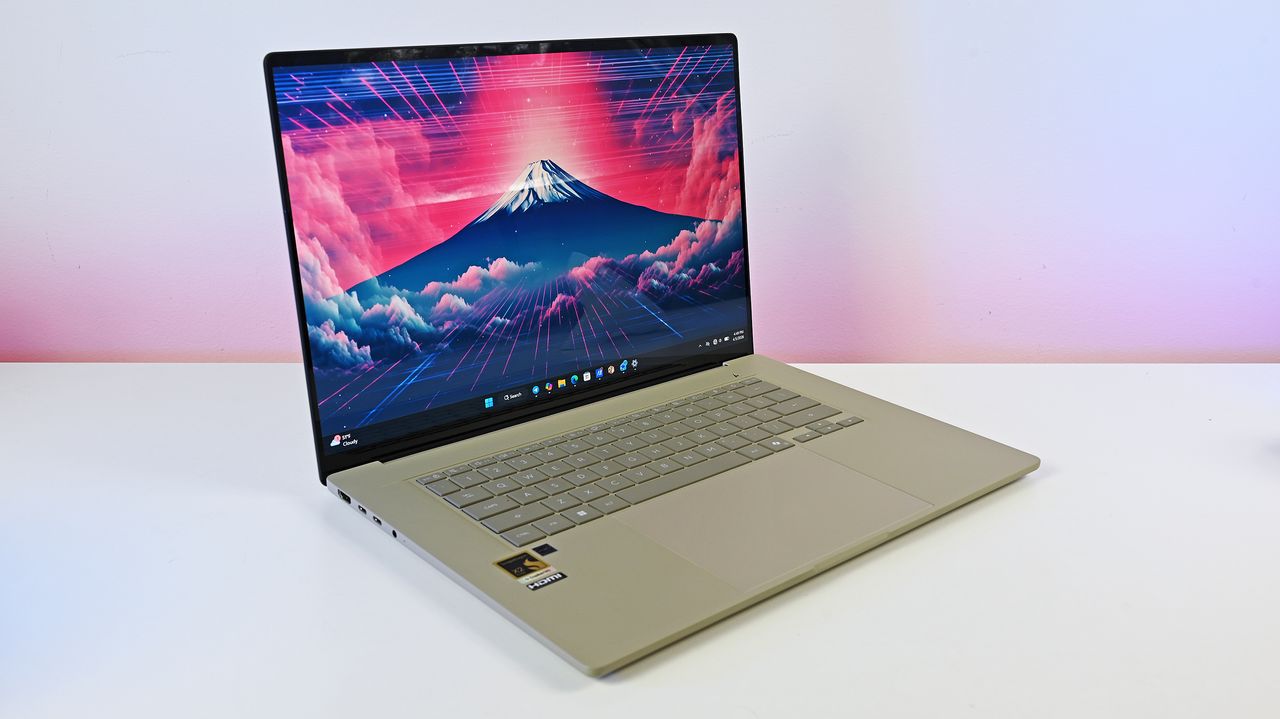
This incredible new Zenbook is a warning that Microsoft needs to stop obsessing over Copilot+ PCs for Surface: "I would probably leave with more questions than answers."

The ASUS Zenbook A16 is a Copilot+ PC by definition, but its 5-star success proves no one cares. Major reviews are hailing its 18-core Snapdragon power, lightweight build, and MacBook-beating performance while completely ignoring Microsoft's "Copilot+ PC" label.

Studio photos of the 2026 ASUS Zenbook A16 laptop featuring the new Qualcomm Snapdragon X2 Elite Extreme processor.

The ASUS Zenbook A16 is technically a Copilot+ PC, but you wouldn’t know it from reading reviews of the laptop.

  •  

The Surface Pro 11 for Business's "unusable" pen is finally fixed — and so is its inaccurate and unresponsive touchscreen

Microsoft finally released a firmware fix for the Surface Pro 11 for Business, resolving "hover-inking" and touch accuracy issues that plagued the Intel model for a year.

The Surface Pro 11's versatile 2-in-1 form factor, with stand and detachable keyboard pictured here, helps make it our top choice for most people.

The Surface Pro 11 for Business has had touch and pen issues since last year.

  •  
❌