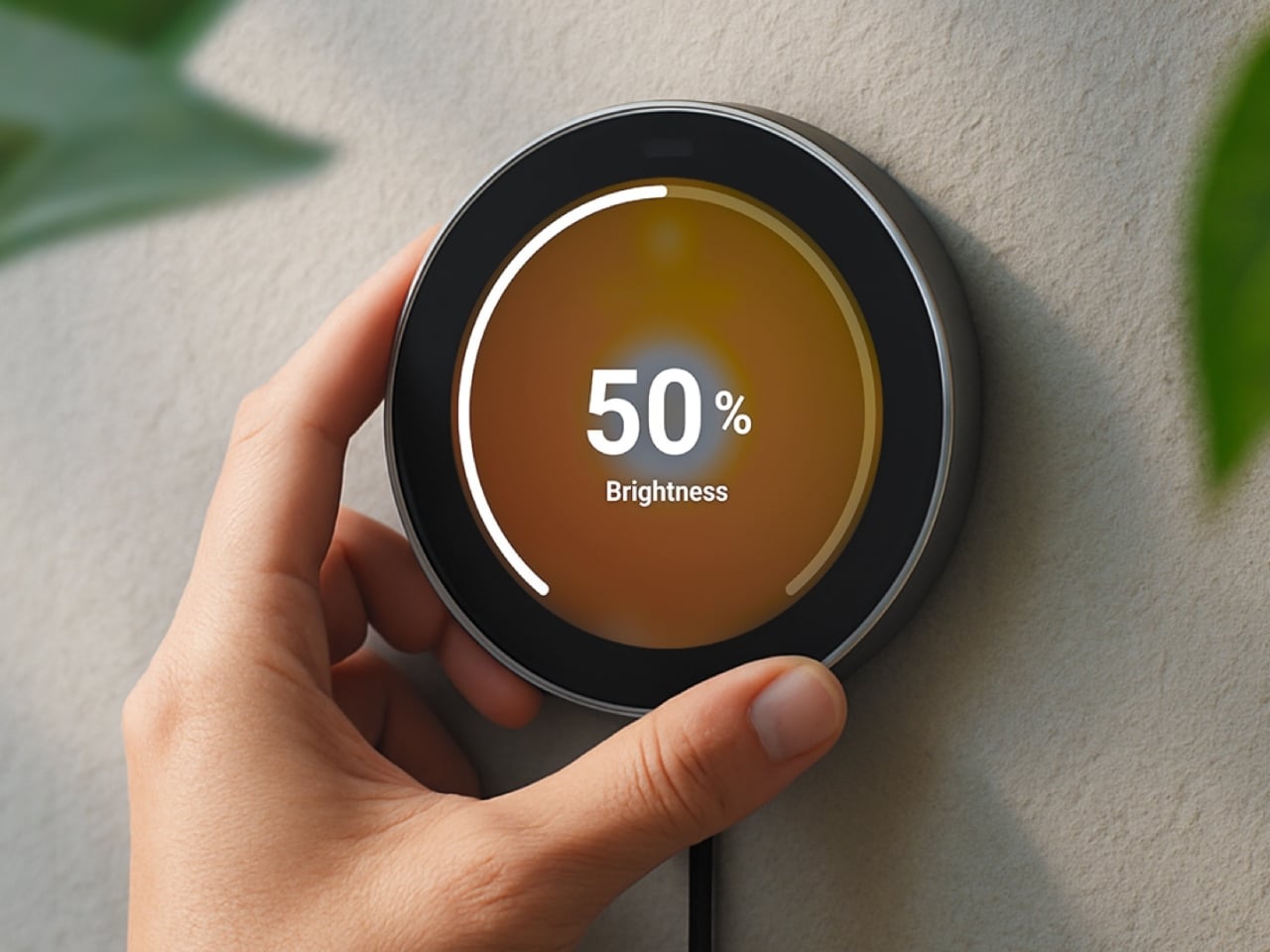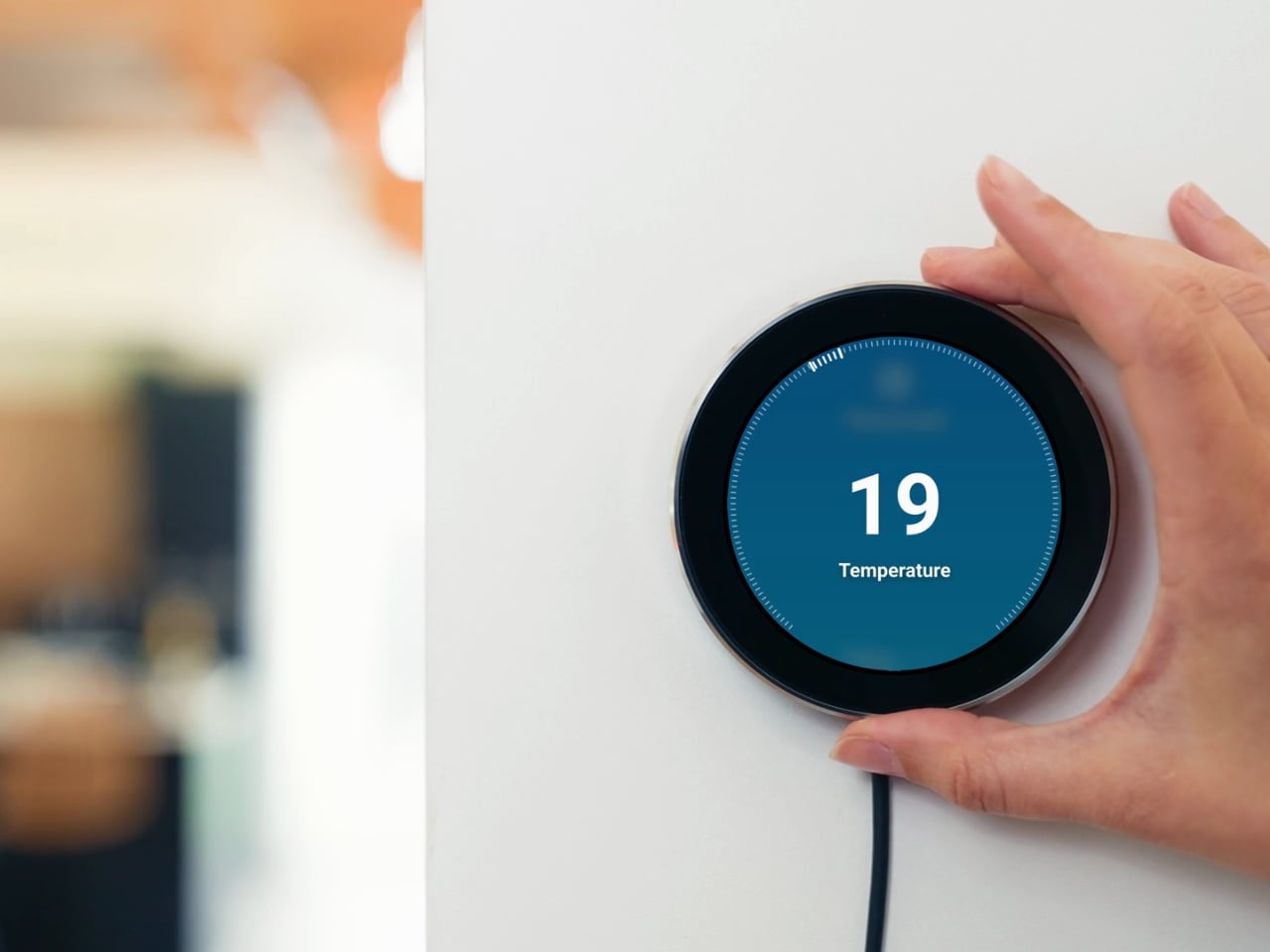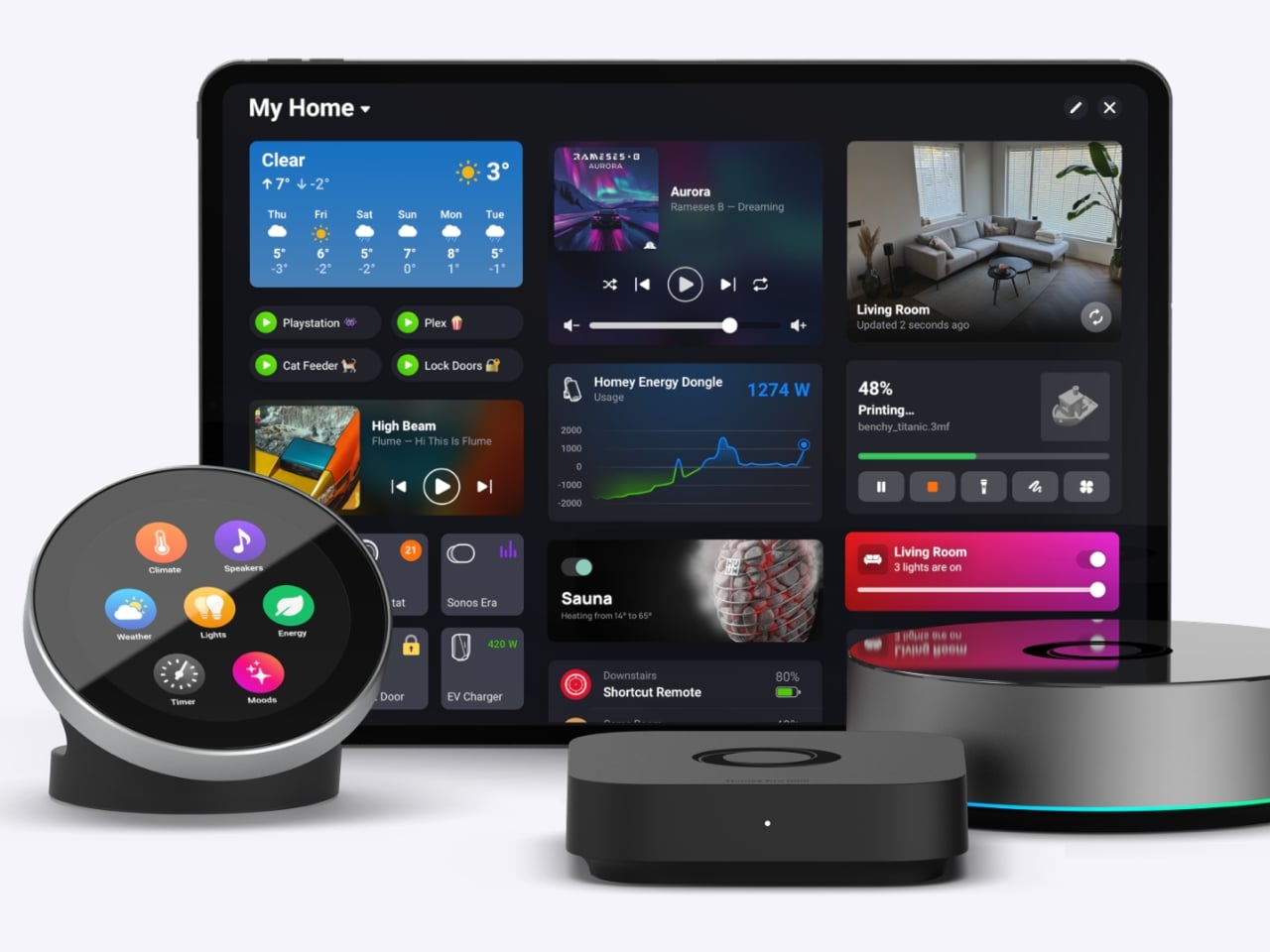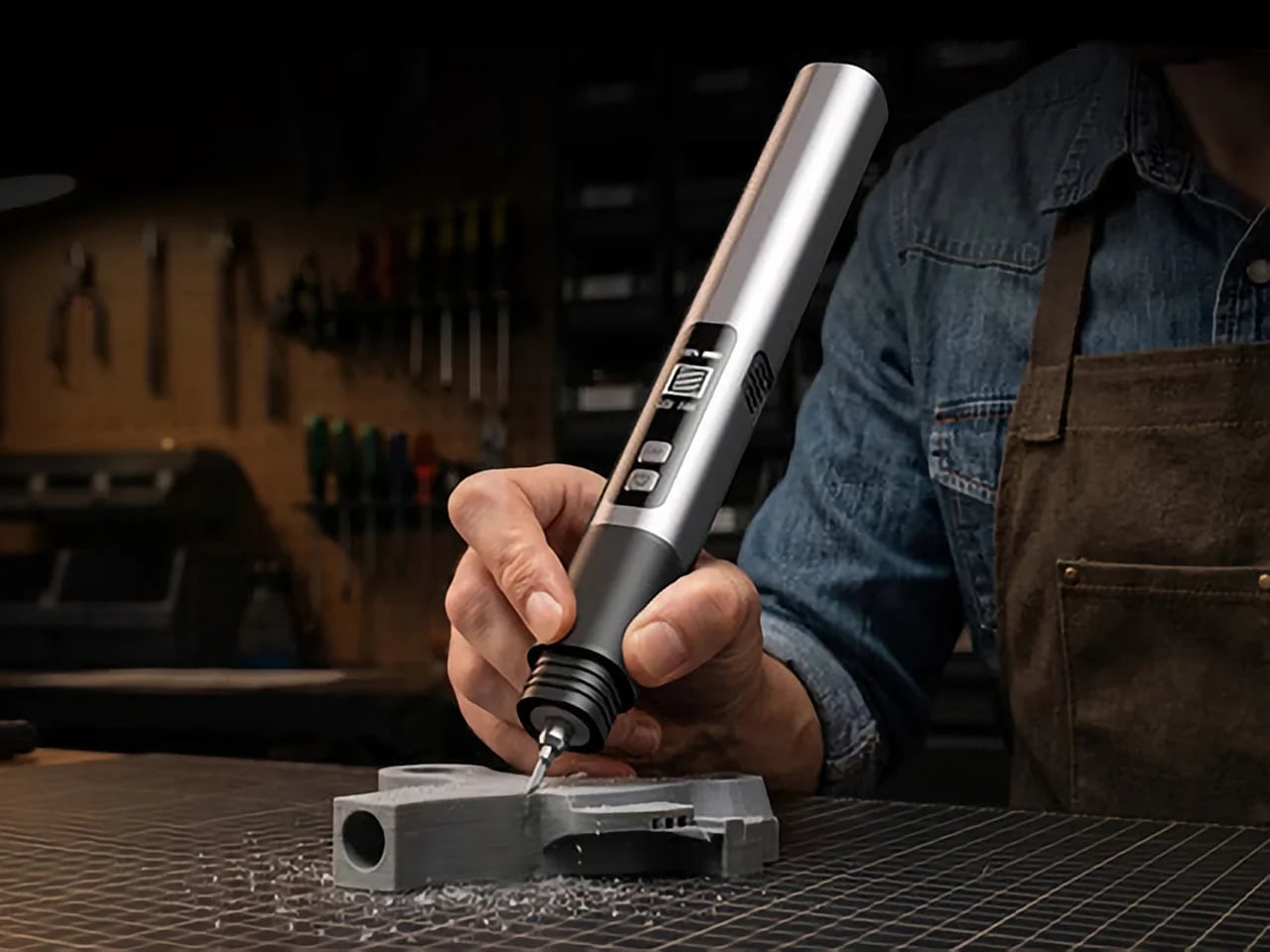
Remote work has fundamentally changed how often people need access to devices they aren’t sitting in front of. The tools built for this, however, haven’t kept up. Software-based remote access drops the moment a device sleeps or the screen locks, traditional KVMs demand a tangle of HDMI, USB, power, and Ethernet cables, and phones and tablets have been left out of the picture entirely.
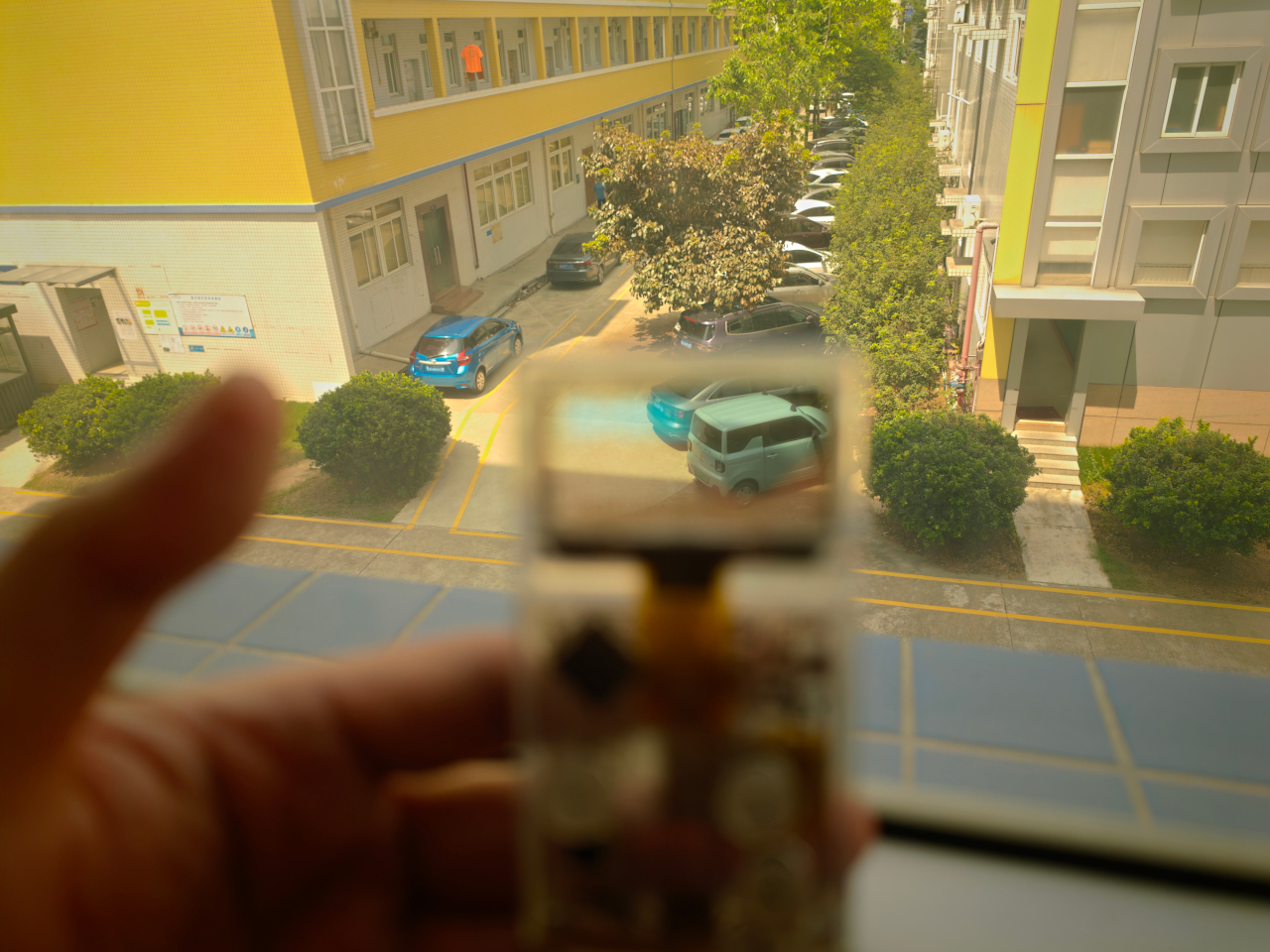
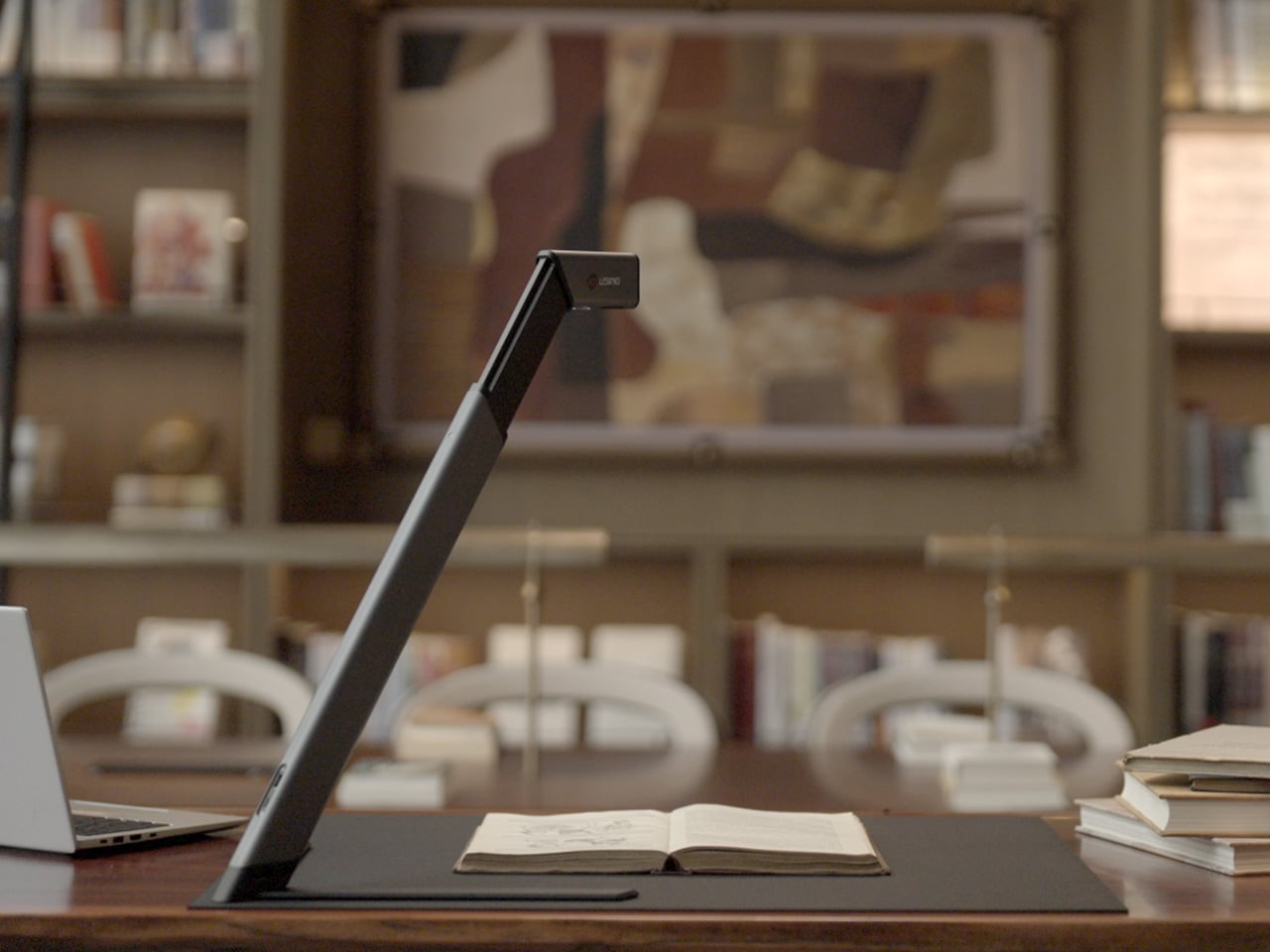
GL.iNet, the Hong Kong-based networking company behind a range of popular OpenWrt routers, has built the Comet Q to tackle all three of those problems at once. Officially designated the GL-RMQ1, it’s described as the world’s first browser-based, pocket-sized remote-control device built specifically for USB-C devices, covering laptops, phones, tablets, and Mac minis. You plug it in, open a browser, and you’re in.
What sets the Comet Q apart is that it operates at the hardware level, not through software installed on the target device. That distinction matters more than it sounds. Traditional remote desktop software relies on the operating system and an active network connection, failing the moment a device sleeps, locks, or loses Wi-Fi. The Comet Q keeps working through all of that, as long as the device stays powered on and hasn’t entered a hibernation state that cuts off its HDMI/USB output.
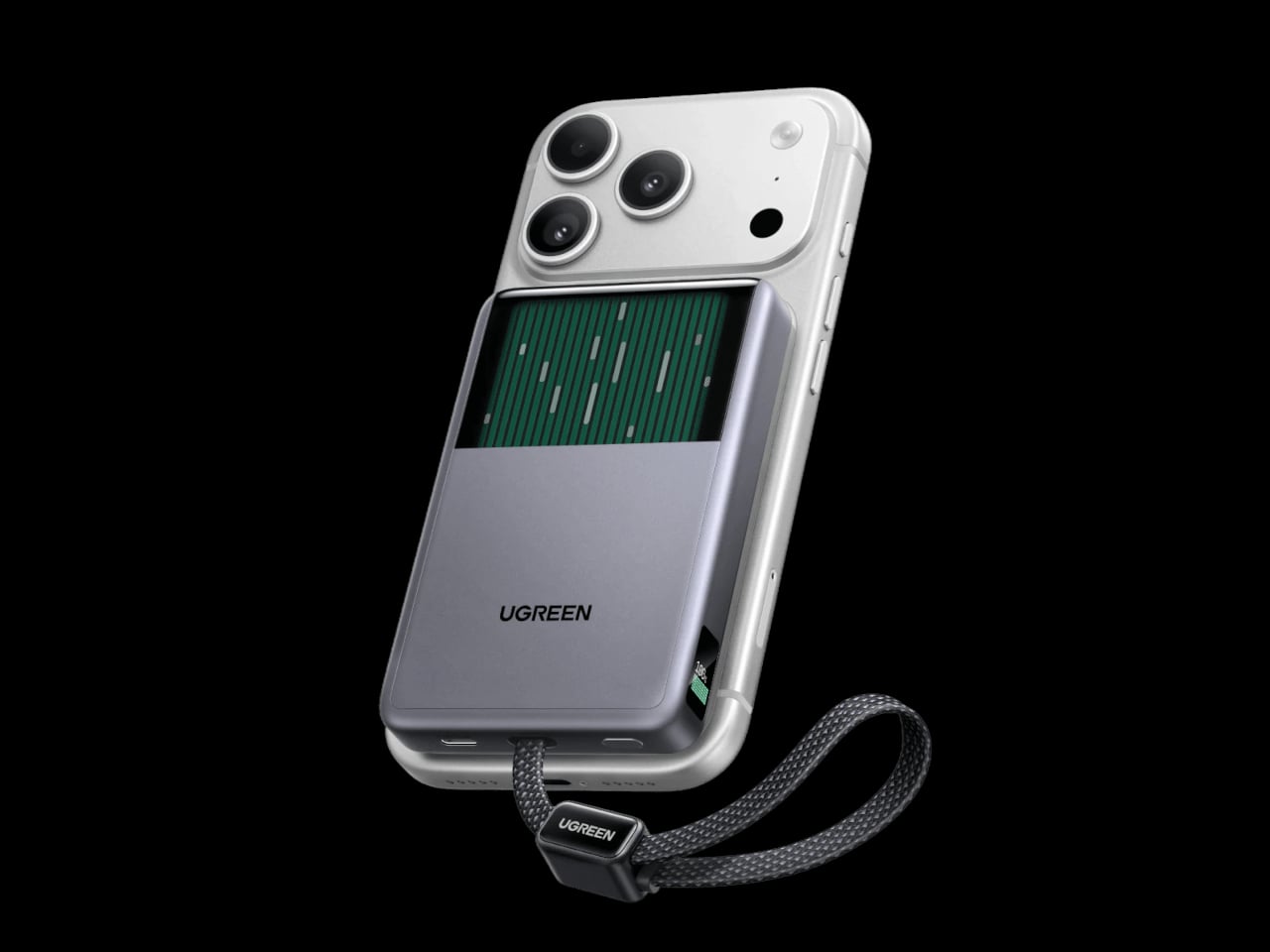
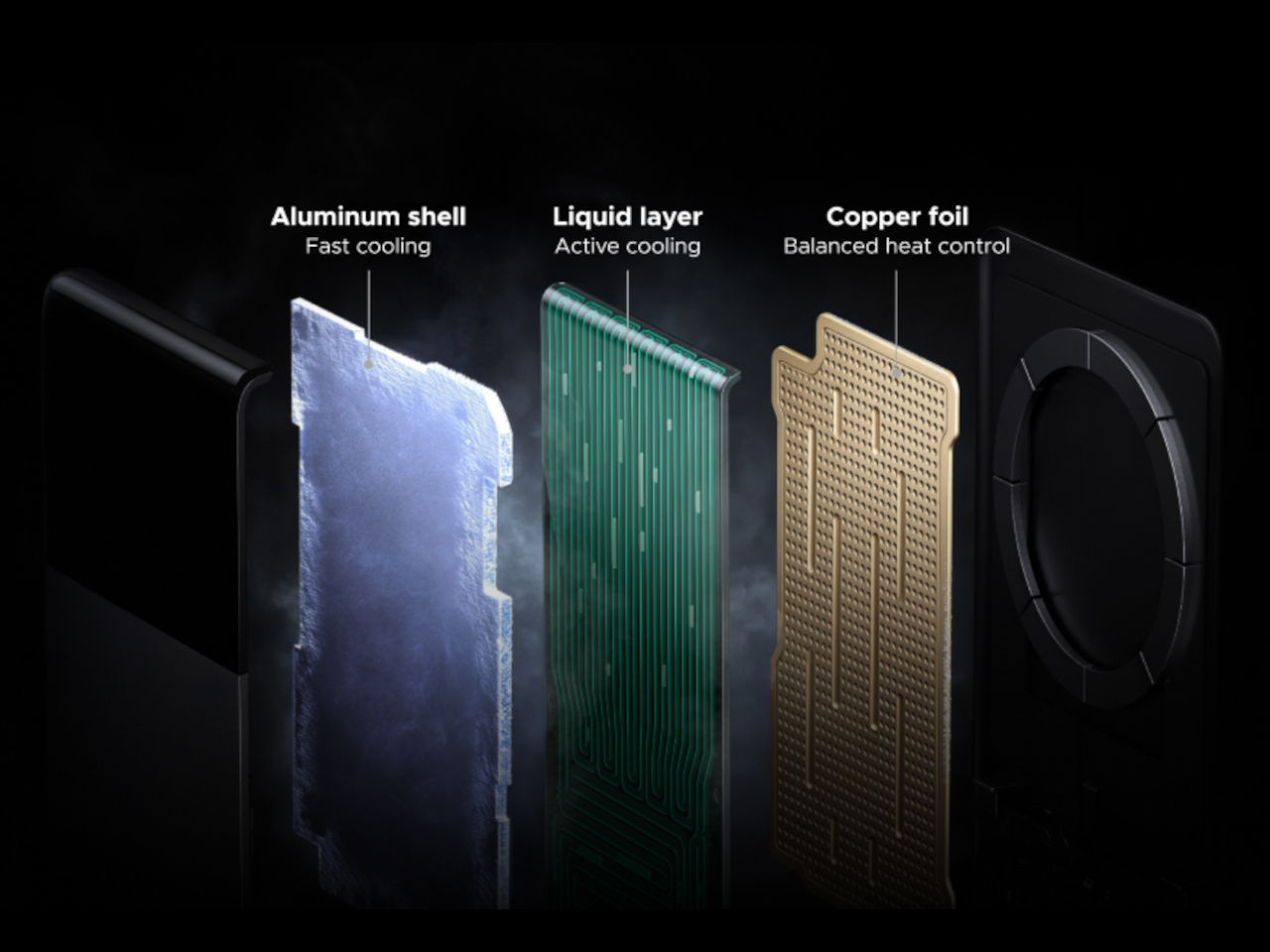
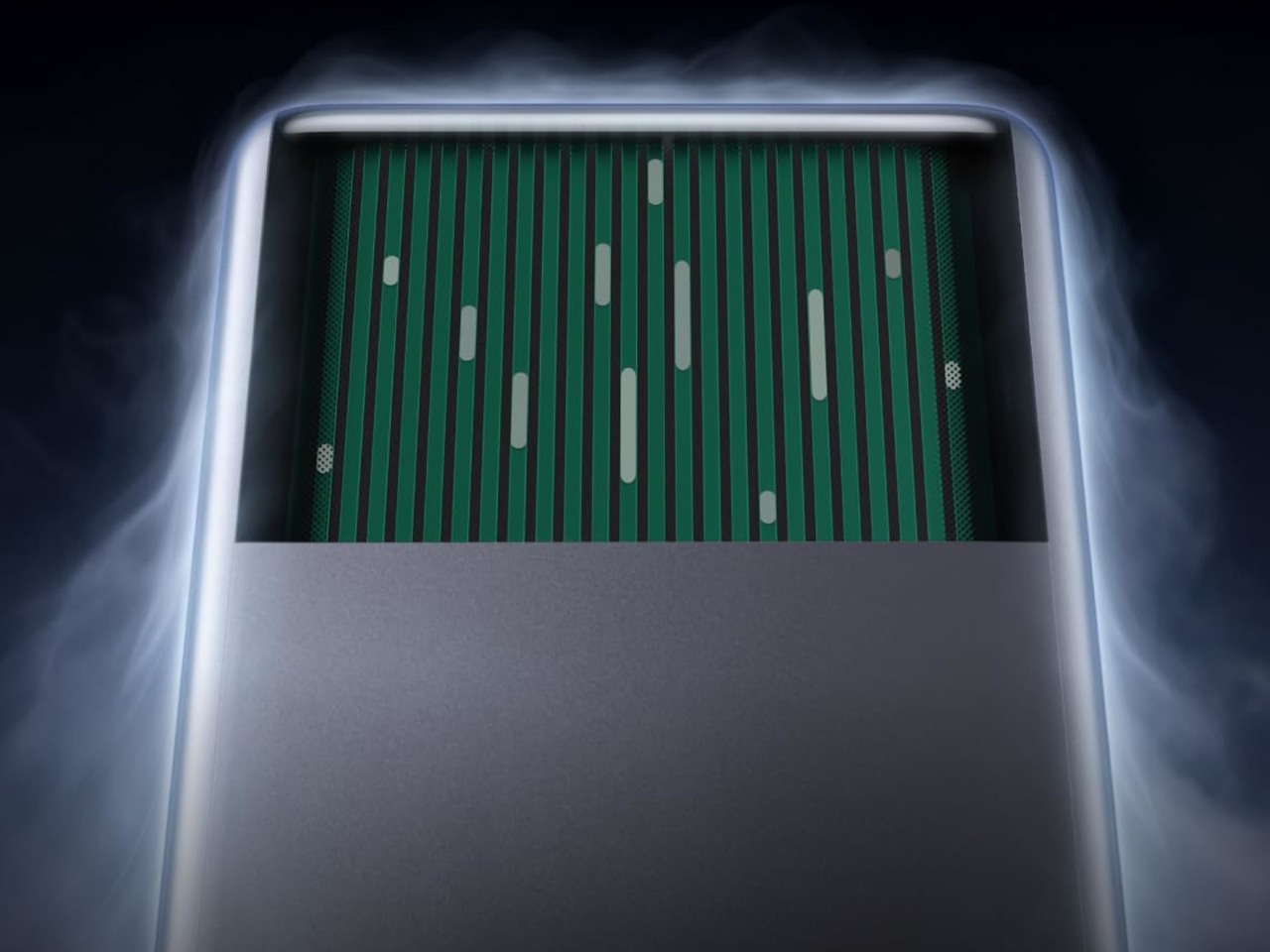

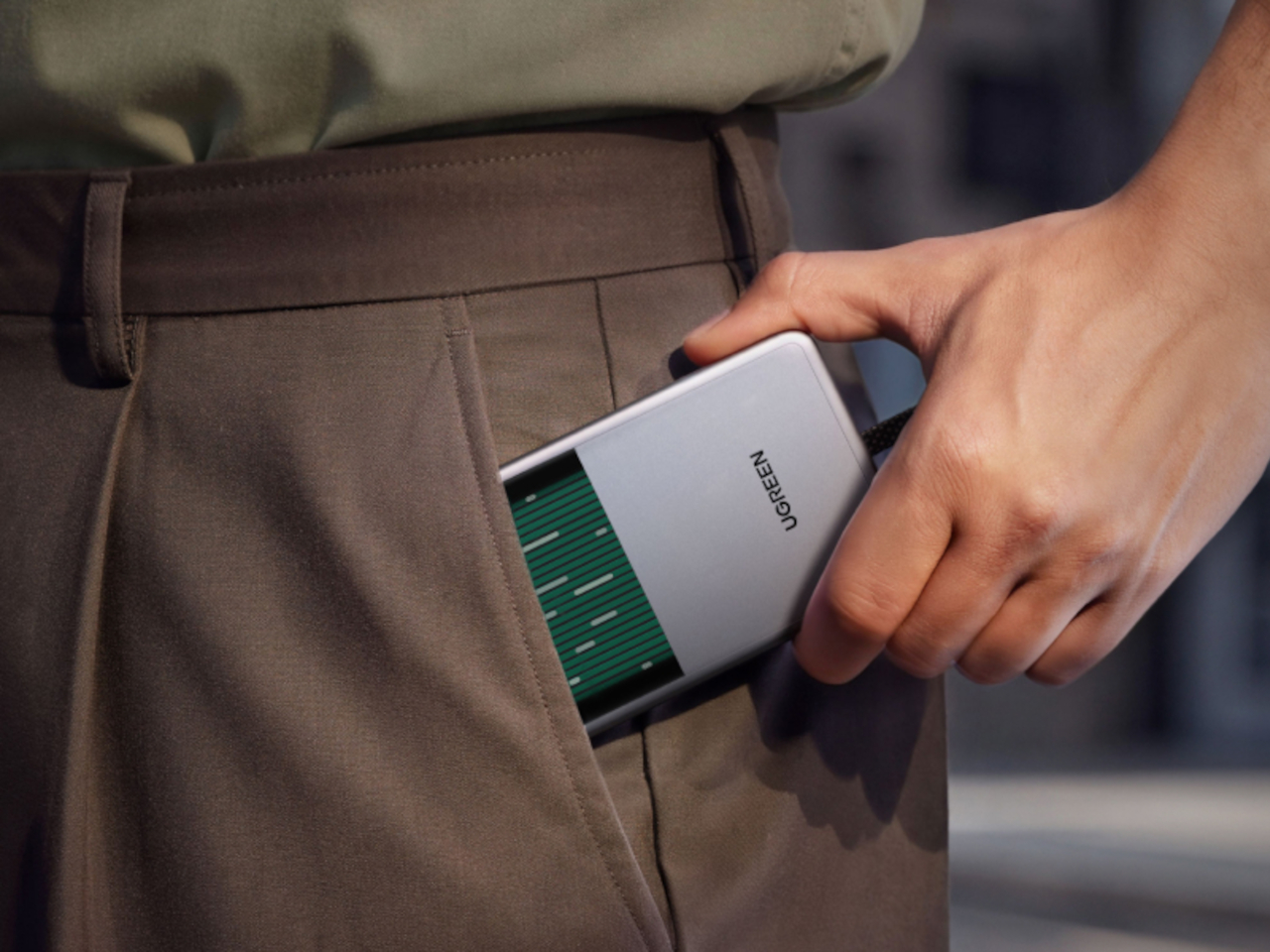
That control comes through a single USB-C cable that simultaneously carries video, data, and power, doing away with the HDMI dongle and USB hub that traditional KVMs require. Video output reaches up to 2K at 60 fps with two-way audio, and a built-in USB-C passthrough port means the device being controlled stays charged throughout the session. It’s a genuinely pocket-sized setup that actually earns that description.
Where the Comet Q breaks new ground is with mobile devices. No KVM was ever built for them, and if something went wrong remotely, there was no clean solution short of being physically present. It connects directly through the USB-C port, working with iPhones from the iPhone 15 onward (excluding the iPhone 16e and later budget models), iPads, and a wide range of Android phones and tablets, provided the port supports DisplayPort Alt Mode.
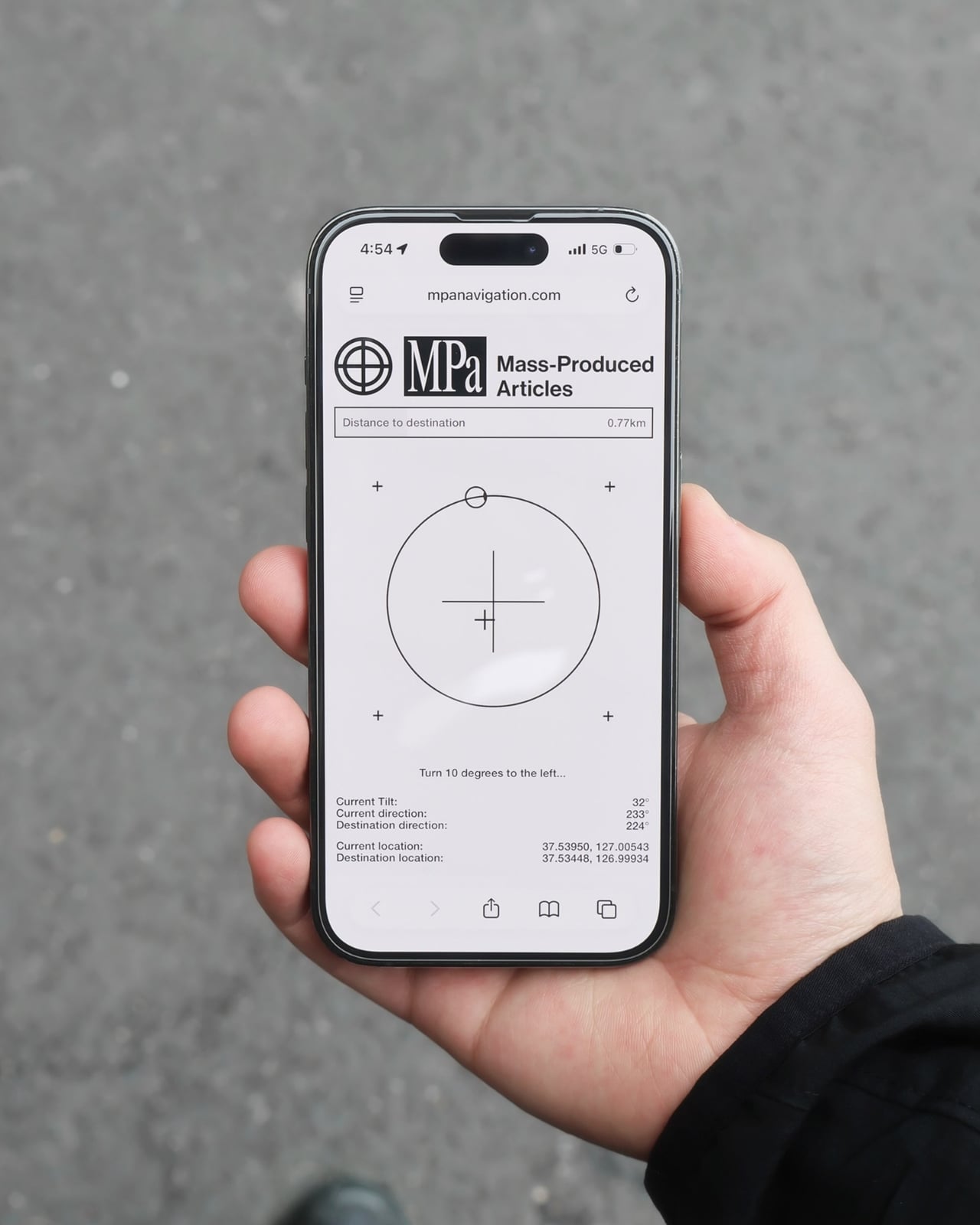
All of that also means the OS combination no longer matters. Users can control an iPhone from a Windows PC, a MacBook from an Android tablet, or an iPad from a Linux machine. Developers can manage test devices without being at their desks, IT teams can monitor a fleet of phones from one interface, and content creators can run a dedicated recording device from anywhere in the same room.
There’s a surprisingly personal side to this. If you’ve ever tried walking a parent through a tech problem over the phone, knowing you could take over their screen remotely would have saved everyone a lot of stress. The Comet Q makes that possible, and since Wi-Fi credentials can be preset before shipping the device, the person receiving it doesn’t need to set it up.
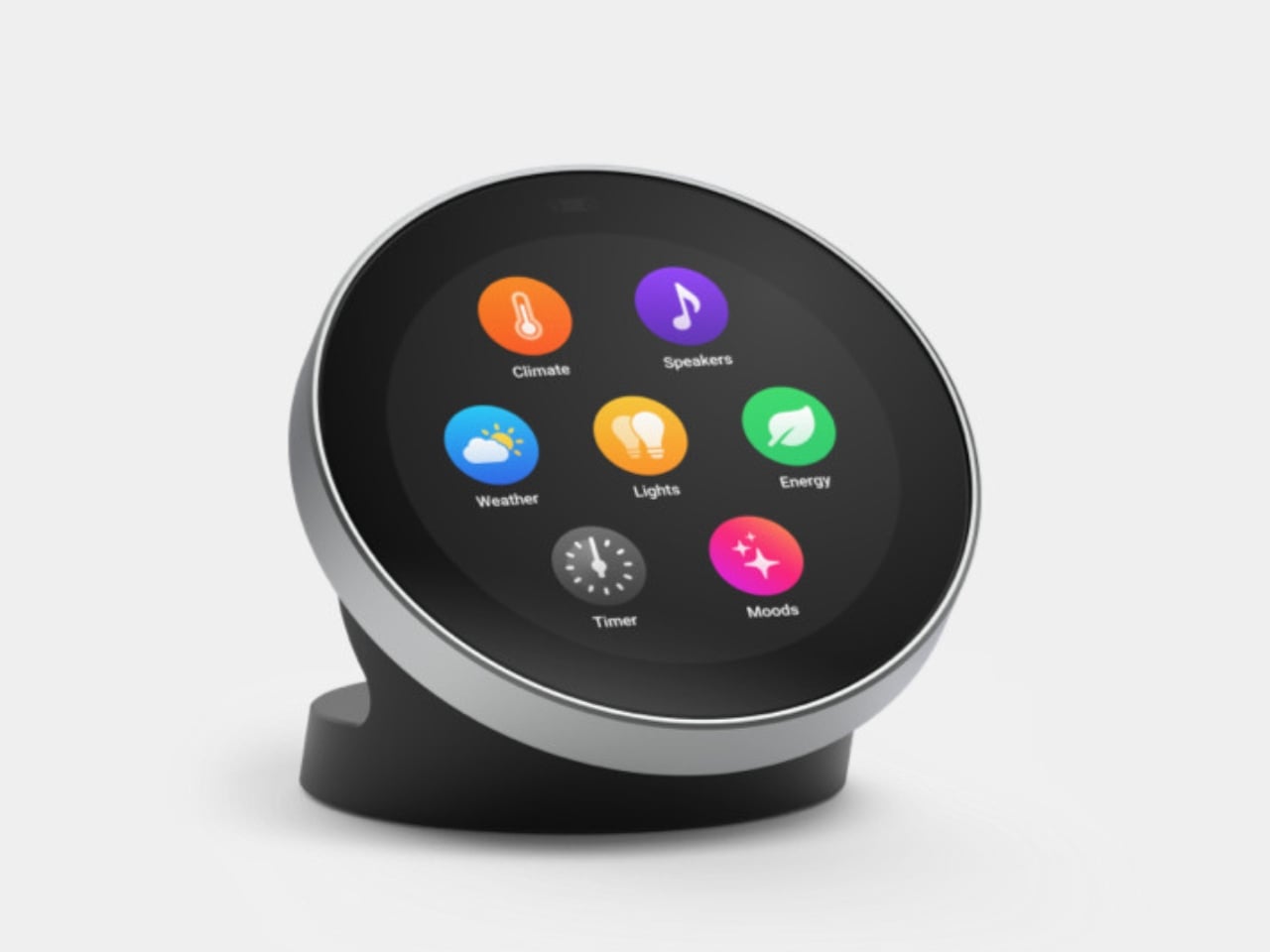
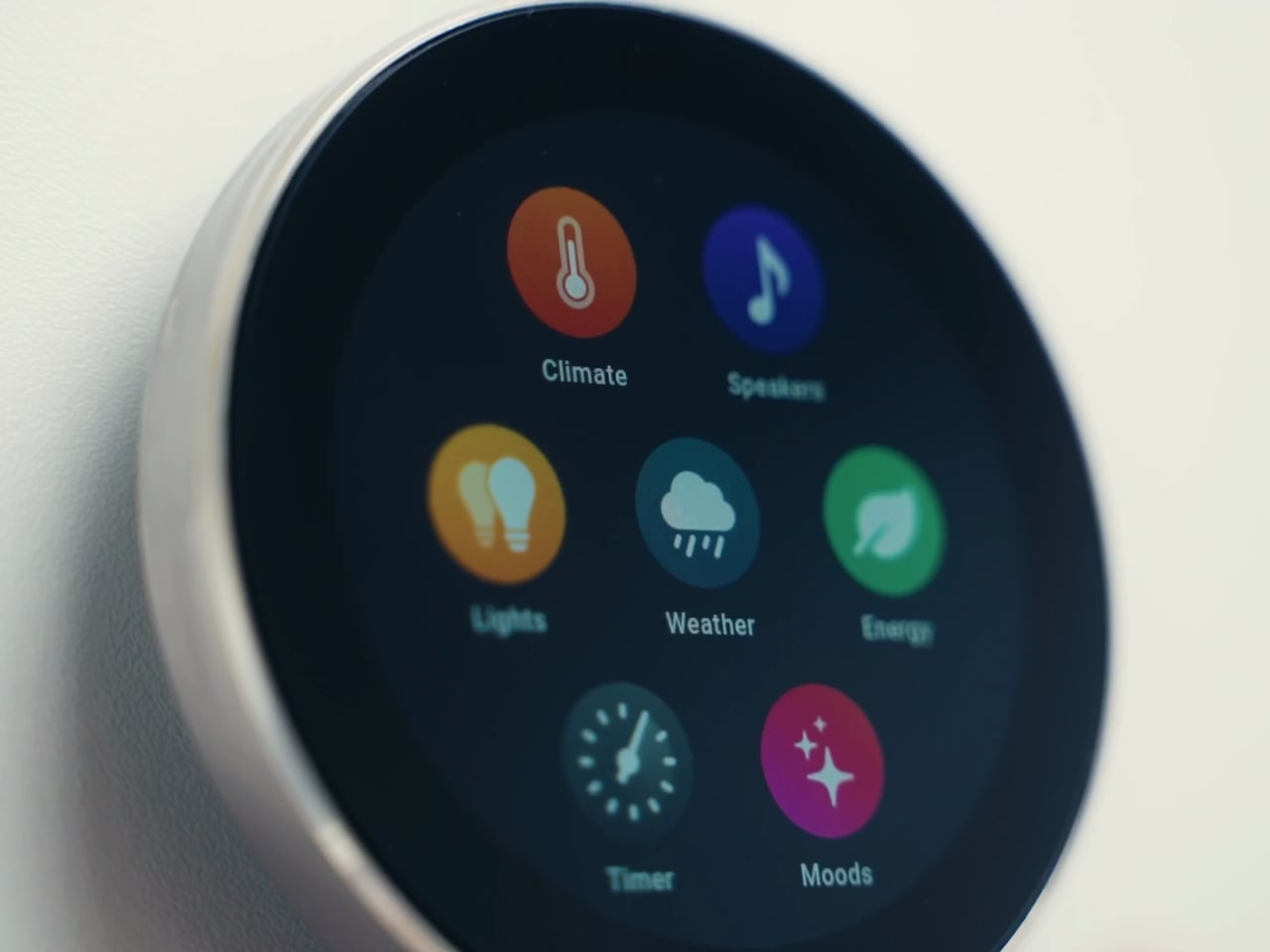
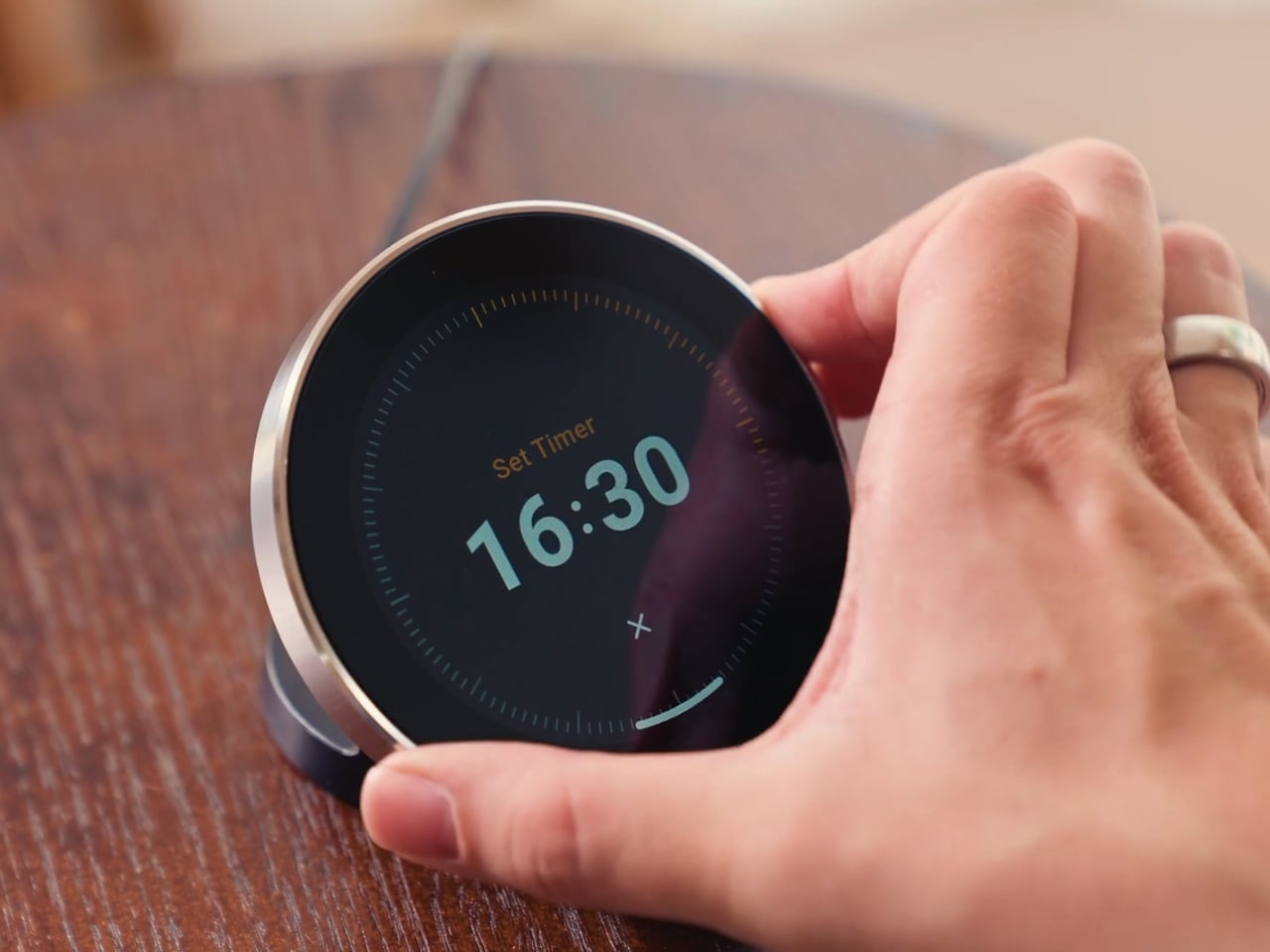
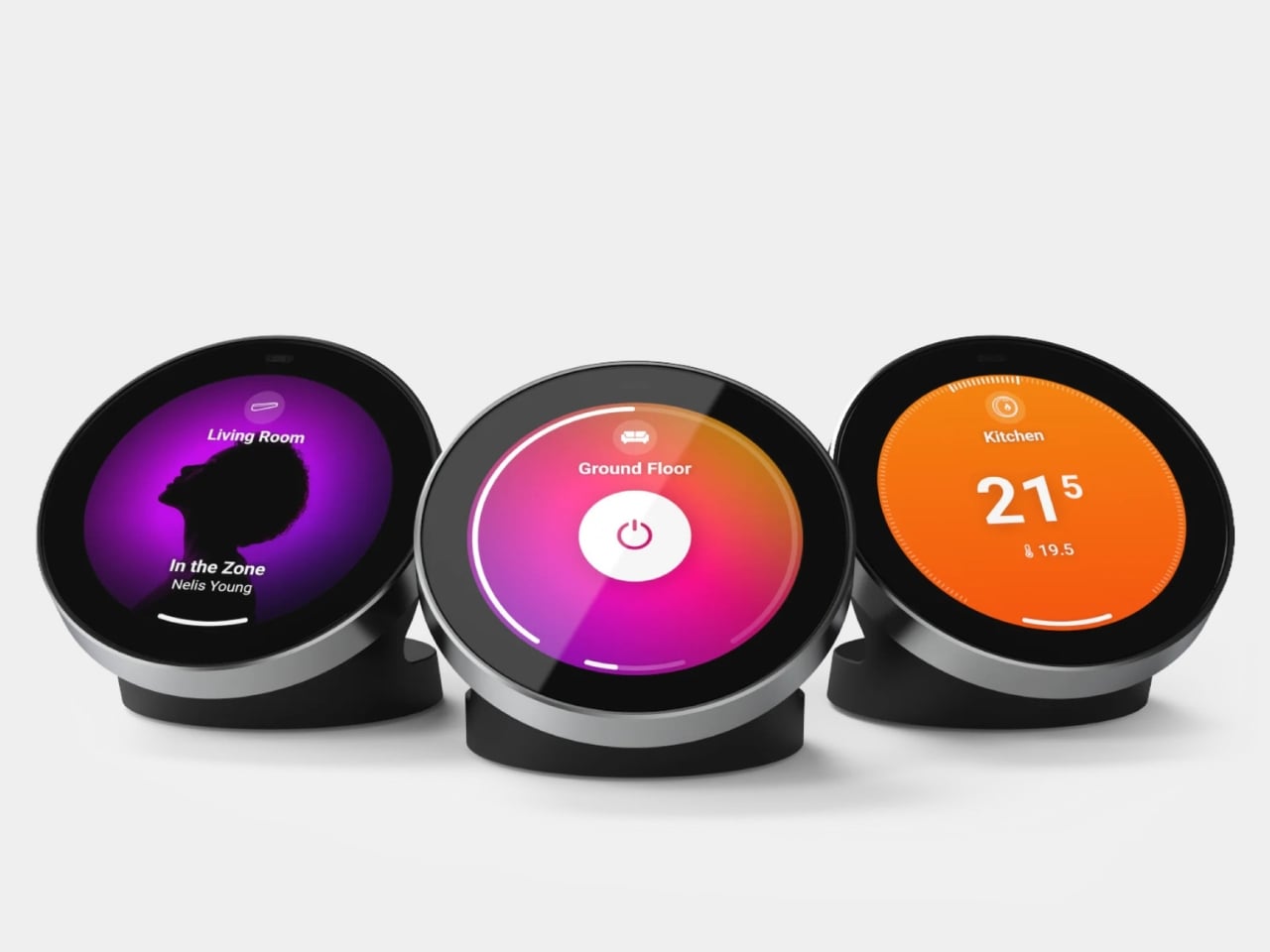
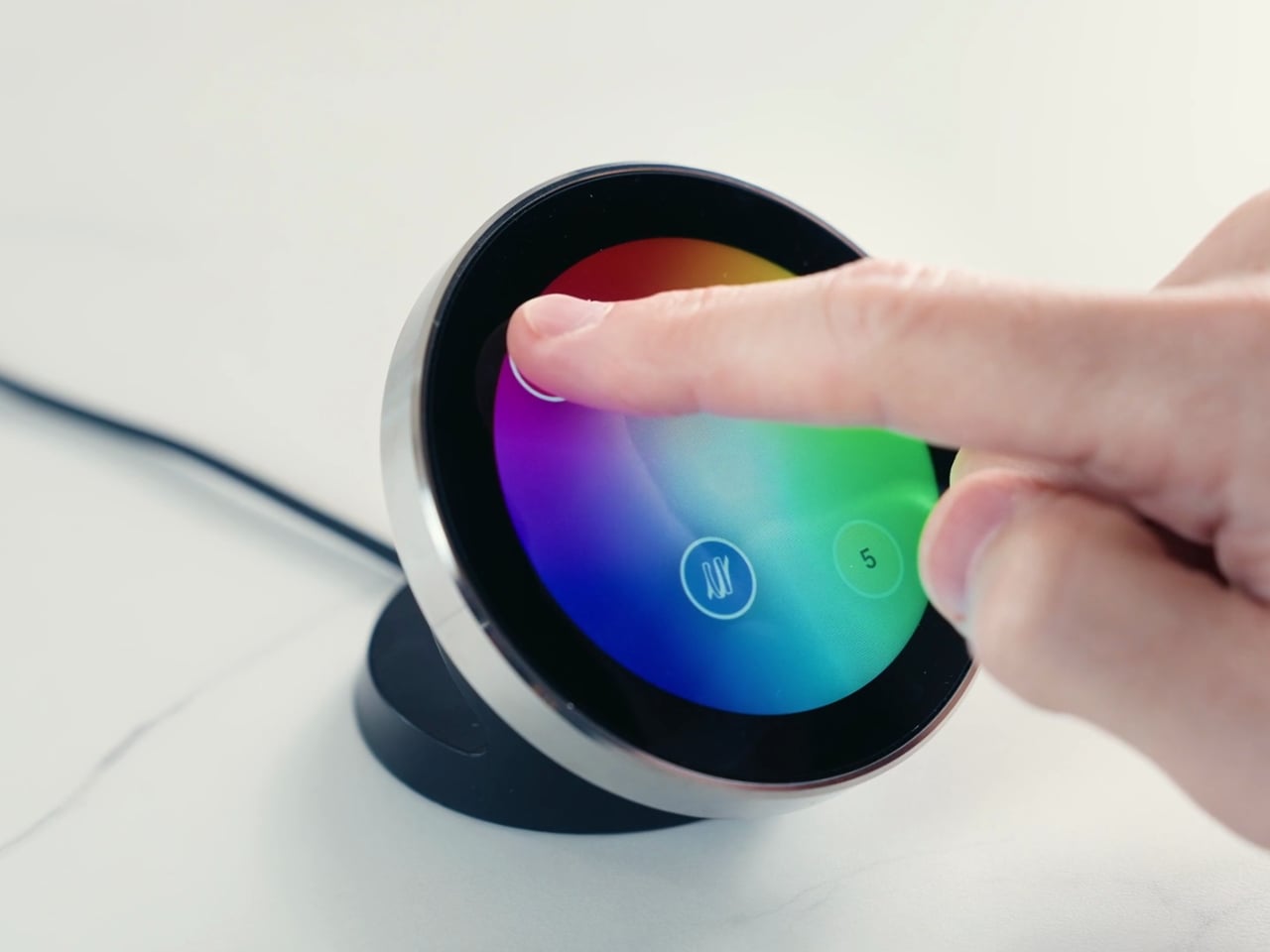
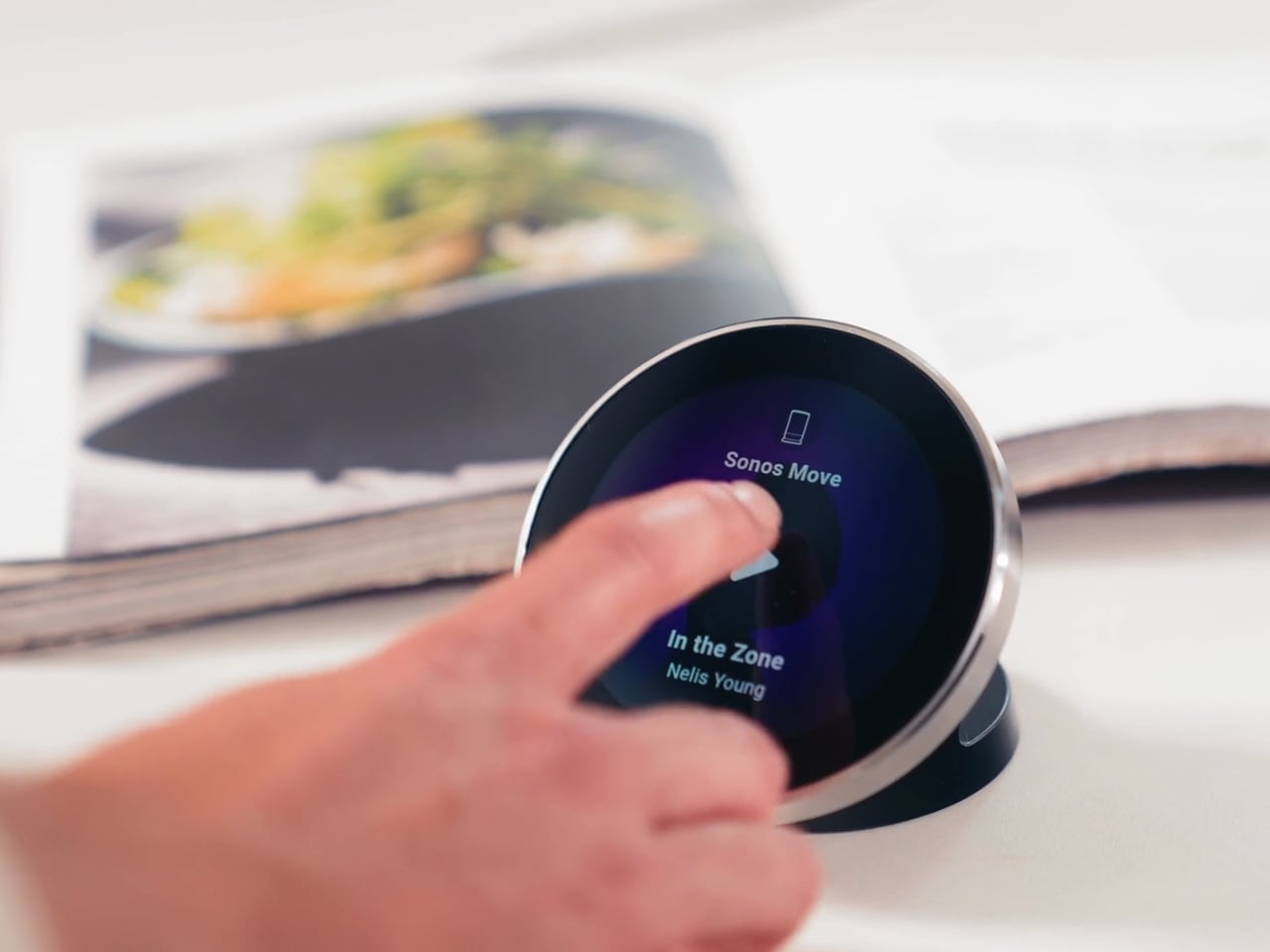
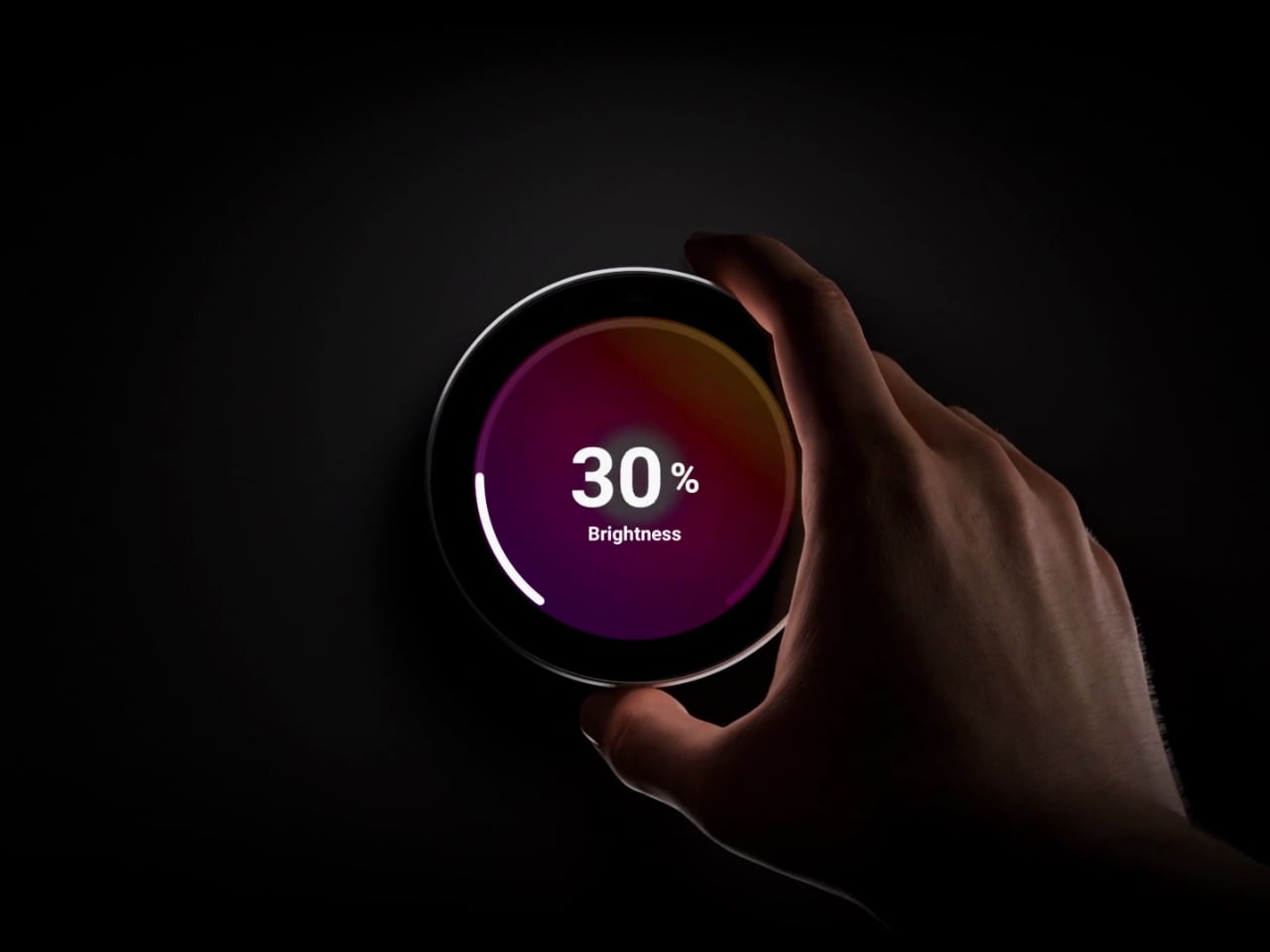
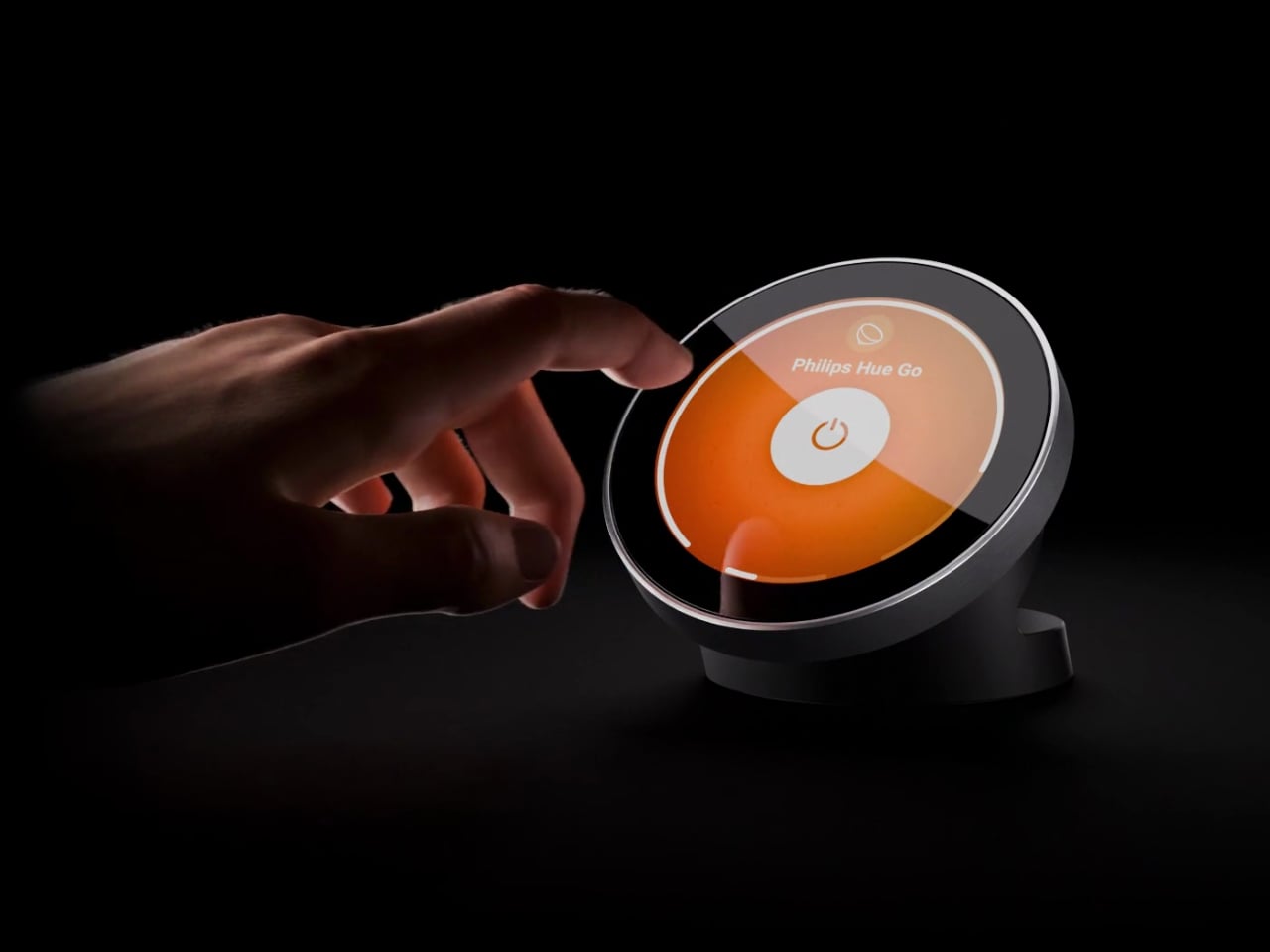
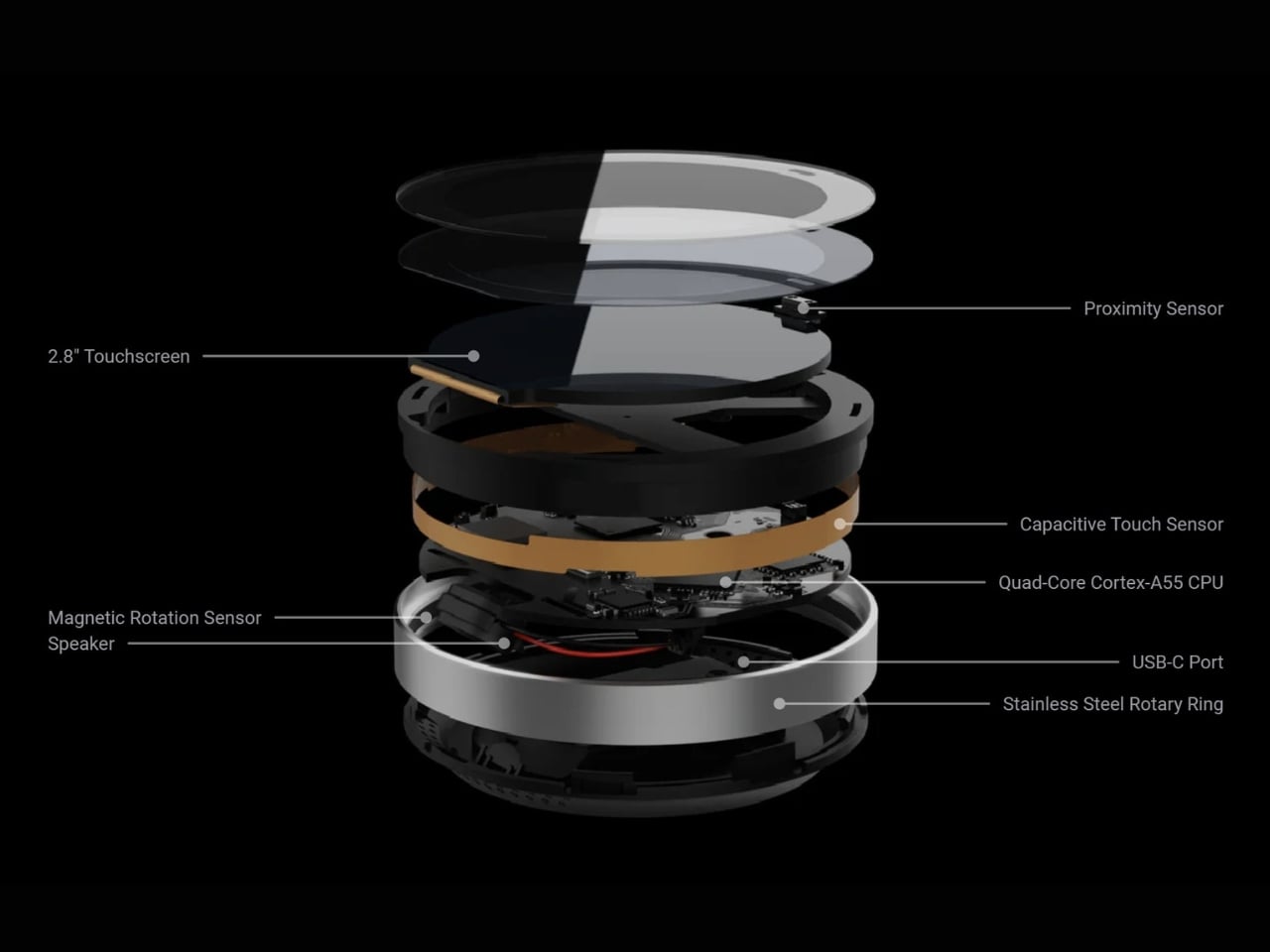
Accessing the Comet Q doesn’t require any downloads. From a laptop or desktop, any browser pointed to glkvm.com is enough to take full control, with no account creation needed. When controlling from a phone or tablet, the GLKVM app, available on Windows, macOS, App Store, and Google Play, handles touch gestures more precisely. A 1.8-inch circular touchscreen on the device also makes initial setup possible without opening a laptop.
Security runs through every layer of the design. Each session ends the moment the Comet Q is physically disconnected, leaving no residual access or background processes behind. Built-in support for Tailscale, ZeroTier, and WireGuard VPN keeps remote connections encrypted and firewall-friendly, while two-factor authentication adds yet another layer on top. Remote access that works through hardware rather than software has been a long time coming for phones and tablets.
Le bidouilleur Starlarkus vient de sortir son nouveau projet, le
GB-Link USB V2
qui n'est ni plus ni moins qu'un petit adaptateur permettant de brancher une VRAIE Game Boy sur le net.
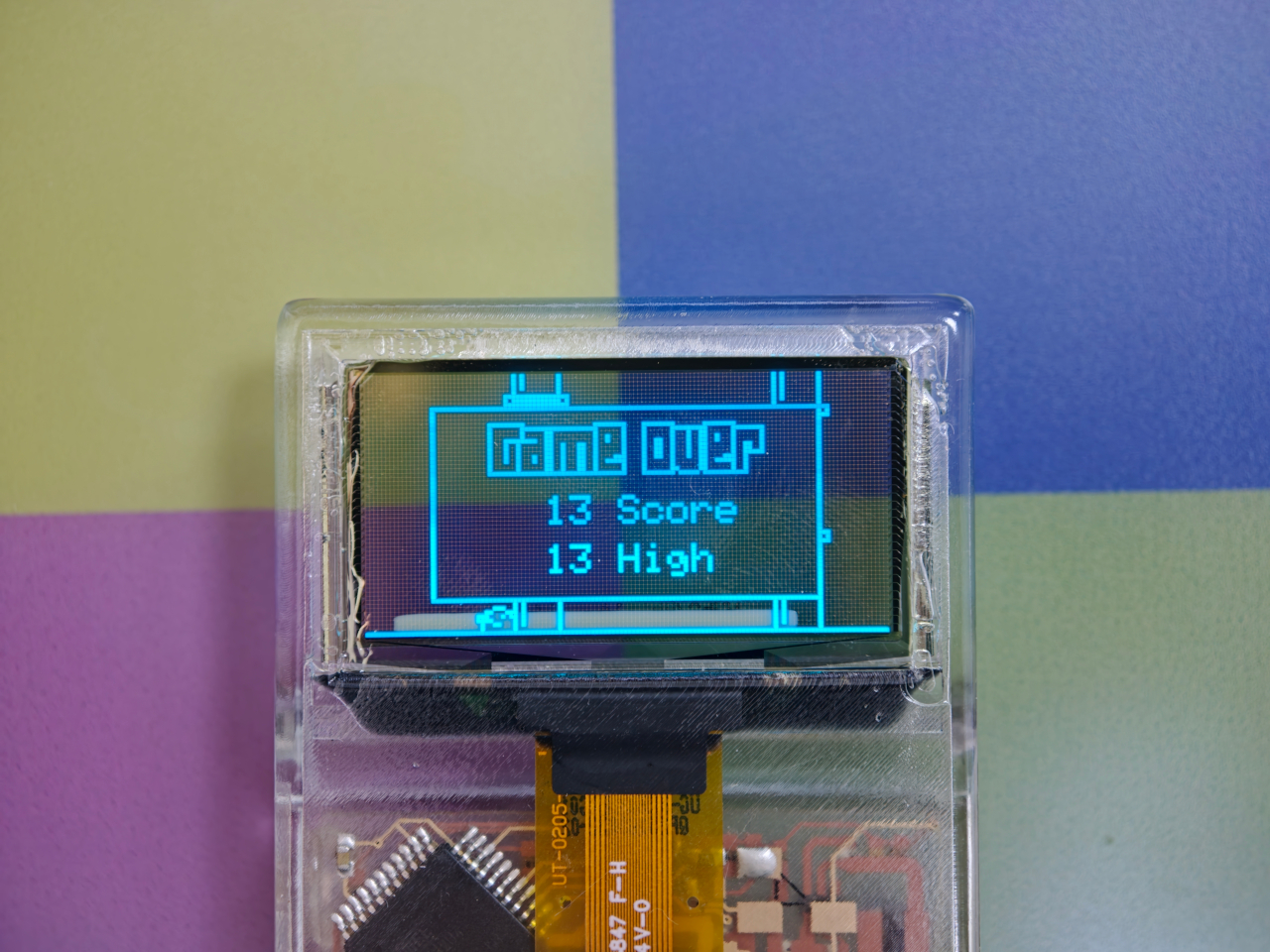
Le truc se fait passer pour un câble link tout ce qu'il y a de plus normal, et la console n'y voit que du feu. D'un côté y'a le port link de la Game Boy, de l'autre un port USB-C que vous branchez sur un ordi ou un smartphone Android. Et là, tout passe ensuite par le navigateur en WebUSB. Vous ouvrez une page web et vous pouvez retrouver un autre joueur et enfin échanger des Pokemon comme en 1999 ou vous mettre sur la gueule avec un Tetris, tout ça à distance.
C'est magique ! Sous la coque en plastique de l'appareil, on retrouve surtout un PCB maison monté sur une puce RP2040 (la même puce que dans le Raspberry Pico) et ça cause avec la Game Boy, la Game Boy Color et la Game Boy Advance, et même avec les
clones FPGA modernes
.
Côté jeux, ça va de Dr. Mario à Advance Wars en passant par tous les Pokémon de la première à la troisième génération.
Le firmware, le client web et le launcher sont tous open source et le GB-Link USB V2 en lui-même sera bientôt dispo dans un
crowdfunding
.
Si vous avez encore une Game Boy qui prend la poussière dans un tiroir, c'est peut-être donc le moment de lui offrir une seconde vie connectée !
Our homes are filled with appliances that have become smaller, smarter, and more independent over time. Vacuums now navigate rooms on their own, and countertop ovens can execute complex recipes with minimal input. Yet the world of garment care has remained stubbornly analog and labor-intensive, still revolving around large tumble dryers and the manual work of an iron. The category has been waiting for a device that truly understands the constraints of modern living, particularly for those in small apartments or constantly on the move. That wait may be ending.
Foldryn presents a compelling vision for what the evolution of this category could look like. It is a portable self-ironing device that collapses the functions of a dryer, an iron, and a clothes steamer into one compact, travel-friendly unit. The core innovation is its use of inflatable forms that hold clothes in their intended shape while circulating hot air, effectively removing wrinkles as the fabric dries. This approach shifts garment care from a dedicated, multi-step task to a single, automated action you can initiate from a hanger anywhere you have a power outlet. The whole system is compact enough to live permanently in a carry-on bag.
At 170 x 132 x 48mm and 565 grams, Foldryn has the aesthetic language of a personal tech device rather than a laundry appliance. Its glossy PC+ABS body, digital temperature display, and rounded profile place it closer to a portable smart speaker than anything you would find near a washing machine. Every visual reference to traditional garment care, irons, boards, steamers, has been designed out of the object entirely. It looks like something you would pack alongside your laptop charger, which is entirely deliberate. This aesthetic de-domestication is what allows the product to feel genuinely new rather than a shrunken version of an existing tool.
Dual high-speed motors pair with graphene heating technology to reach 80 degrees Celsius within one second, with a thermal accuracy of plus or minus one degree. A humidity sensor chip reads the environment continuously, and an AI thermal control chip adjusts heat and airflow in real time. Two modes give users a choice between Fast at 80 degrees for quick turnarounds and Normal at 65 degrees for delicate fabrics like silk and wool. Drying a standard T-shirt in around 25 minutes while simultaneously smoothing wrinkles follows directly from keeping that airflow stable and contained inside the garment cover. Stable heat that circulates rather than lingers is the engineering principle the device is built on.
Rather than applying heat to loosely hung fabric, Foldryn inflates shaped bags that hold each garment in its natural silhouette throughout the cycle, continuously infusing a unique hot airflow into a specially designed drying bag that also releases excess heat, making it suitable for all fabric types without causing damage. A large drying bag accommodates five to six garments at once. Dedicated torso and pants airbags hold individual pieces in their proper form for faster, more targeted results. The torso airbag handles hoodies, jackets, and sweaters, while the pants airbag manages trousers, jeans, and shorts. Giving the garment a form to press against the airflow is what separates this from the generic portable dryers that have populated travel accessory markets for years.
UV-C sterilization runs during the Normal mode cycle, adding a hygiene dimension most compact travel dryers skip entirely, ensuring you always have clean garments ready for any environment. At a noise level of just 40 decibels at full capacity, the device operates quietly enough for hotel rooms, tents, and shared living spaces. The 100-240V wide voltage input and power cords compatible with various international plugs mean it works out of the box in any country, removing the adapter friction that plagues most travel appliances. For frequent travelers who pack light, those three attributes make a stronger cumulative case than any single headline feature. Near-silence, universal compatibility, and built-in sanitization are the quiet specs that matter most when you are far from home.
Packing fewer clothes becomes a genuinely viable travel strategy when a single device can refresh, dry, and smooth a garment on demand in under 25 minutes. For anyone who has hunted down a hotel iron five minutes before a meeting, the appeal is immediate. At 170 x 132 x 48mm, Foldryn fits cleanly inside most hard-shell carry-on cases alongside a laptop and a charger. Its presence makes packing duplicate garments as wrinkle insurance an unnecessary habit. The device is designed to replace the ironing board, and leaves everything else in your routine untouched.
The Foldryn Standard Kit, which includes the dryer unit, a drying bag, and a hanger, carries an MSRP of $149. The Ultimate Kit adds the torso airbag, pants airbag, and a dedicated storage bag for $199. Individual airbag attachments are available separately at $19 MSRP each. Both kits ship with power cords matched to the buyer’s regional plug standard, and the device is rated for 100-240V input, making it globally compatible. Shipping is anticipated for July 2026, with more information available on the Foldryn campaign page.
J'ai posé le Dreo
TurboCool 516S
sur mon bureau au début de la vague de chaleur, et c'est vite devenu mon arme anti-canicule pour bosser. Ce n'est ni un ventilateur classique, ni un de ces brumisateurs de terrasse qui finissent par coller les touches du clavier.
L'idée tient dans la techno maison, baptisée TurboCool Ultra Mist. Une petite plaque ultrasonique fait vibrer l'eau à 1,7 MHz pour la casser en gouttelettes microscopiques de 11 microns, soit bien plus fines que la bruine d'un brumisateur ordinaire.
Du coup, la brume s'évapore quasi instantanément dans le flux d'air au lieu de mouiller ce qu'elle touche. Ma température ressentie baisse d'environ 3 degrés, que je confirme clairement, et le bureau reste sec. J'ai tenté le test du mouchoir devant la sortie d'air : il ne prend pas l'humidité, c'est assez fou.
Screenshot
Le réservoir de 1,3 litre tient une bonne journée de boulot, jusqu'à 12 heures sur le débit le plus faible. On a six vitesses de ventilation, deux modes et trois niveaux de brumisation, de quoi doser entre le petit souffle frais et la rafale qui décoiffe. Le moteur est très discret, autour de 20 dB au minimum, je l'oublie complètement quand je bosse.
Là où ça devient intéressant pour le geek que je suis, c'est le côté connecté. Le 516S embarque un capteur de température et d'humidité. Vous fixez un taux d'humidité cible dans l'appli Dreo, et la brumisation se coupe toute seule une fois la cible atteinte, histoire de ne pas transformer le coin bureau en serre tropicale.
Un petit anneau lumineux RVB vire au rouge quand l'air devient trop humide, alerte visuelle immédiate, pas besoin d'aller checker un écran. C'est trop bien.
L'appli Dreo pilote le reste à distance si besoin : vitesses, programmes horaires, mode humidificateur seul sans le ventilo, et un verrouillage des commandes bien pratique si des gamins traînent autour. Comme l'engin parle aussi à Alexa et Google Assistant, je déclenche la brume à la voix sans lâcher le clavier. Il y a aussi une télécommande si besoin.
Côté entretien, il est vraiment pas pénible. Pas de pompe, aucun filtre à racheter. Le bloc se démonte en moins de dix secondes pour un rinçage, ce qui évite l'eau stagnante et les bactéries qui squattent les vieux rafraîchisseurs à coussinet humide.
Le
516S se trouve autour de 99,99 euros sur Amazon
, en stock en ce moment. Pour un appareil de bureau qui remplace à lui seul un ventilateur, un brumisateur et un humidificateur, c'est plutôt bien placé.
Bref, sur un bureau il fait exactement le job : du frais, du sec, du silencieux, et du connecté qui sert vraiment à quelque chose. Je valide à 100%.
The problem with buying tech for someone who follows tech is that he’s usually already seen it. His desk is deliberate. His bag is considered. His tech doesn’t accumulate — it earns a place and stays there. Shopping for him isn’t hard because he’s difficult. It’s hard because he’s usually right, and anything that doesn’t clear his bar comes back with a polite explanation.
The ten things on this list are the ones he hasn’t gotten to yet. Some of them are brand new. A few are still taking shape as concepts or patent filings worth tracking closely. None of them are the safe, obvious choice you grab when you’re not sure. Safe choices are what you give someone you don’t actually know that well, and the guy who has everything will see right through them.
1. Google Home Speaker
Google’s first new standalone smart speaker in nearly six years arrived in June 2026, and the gap is written into everything about it. The Nest Audio it replaces launched when people were buying anything that made a room feel less empty. The Google Home Speaker is a more considered object: small and rounded, available in colors the hardware team has always gotten right — the kind that make a shelf look slightly more curated without announcing a brand — with 360-degree audio and a light ring that tells you when Gemini is listening, thinking, or ready to respond.
The Gemini integration is the actual reason this speaker exists. Every Google product with enough surface area has been rewired into the AI model since 2025, and the kitchen turned out to be the most underserved room in the portfolio. What that means in practice is a speaker that answers hands-free cooking questions, manages a calendar, controls the broader smart home, and holds a conversation more fluently than any Nest device before it. Whether Google maintains attention on the category this time around is the only question worth watching.
What We Like
Gemini integration makes ambient AI genuinely useful in a room that needed it most
Soft, rounded form and considered color options read as a design object rather than tech hardware
What We Dislike
A six-year product gap makes long-term hardware commitment harder to trust
Full Gemini functionality requires staying inside the Google ecosystem to get the most out of it
2. OrigamiSwift Folding Mouse
Most travel mice solve the portability problem by building a smaller, worse mouse. The OrigamiSwift, designed by Horace Lam, takes a different approach entirely. It folds completely flat to 0.18 inches thick, slips into a pocket, and unfolds into a full-sized ergonomic form in under half a second. The triangular structure that makes the fold work comes directly from origami geometry, which gives the collapsed state enough rigidity to survive a bag without a case, and the open position enough stability for accurate, comfortable tracking on almost any surface you set it on.
At 40 grams, you stop noticing it in your bag within the first day of carrying it, which is exactly the point. A 4,000 CPI infrared sensor handles tracking, Bluetooth 5.2 keeps the connection fast and reliable, and a single USB-C charge on the built-in lithium polymer battery lasts up to three months. The soft-click buttons are quiet enough for a shared workspace without drawing any attention. For anyone who has carried a full-sized mouse in their bag out of sheer stubbornness about ergonomics, the OrigamiSwift is the design that finally makes the case for stopping.
Opens from flat to full-sized ergonomic form in under 0.5 seconds with no mechanical fuss
Three months of battery life per USB-C charge removes recharging from the equation entirely
What We Dislike
The slim profile and 40-gram weight take adjustment for anyone used to heavier, more substantial mice
Stock is very limited — only a handful of units remain in the shop
3. Volla Plinius
The Volla Plinius is named after Pliny the Elder, which is the kind of product name that tells you something about the people who built it. It’s a Google-free Android phone with an IP68 dust and water rating, a 6.67-inch FHD+ OLED display running at up to 120Hz, a 64MP main camera with phase-detection autofocus, an 8MP ultra-wide, and a 2MP macro, with 5G and a MediaTek Dimensity 7300 processor underneath. Out of the box, it runs Volla OS, a Google-free Android build with a clean, text-based interface and a Security Mode that governs which apps communicate with the outside world.
The detail that separates the Plinius from every other privacy phone is a user-replaceable battery you can swap with a standard screwdriver, even with the IP68 waterproofing intact. The 5,300mAh cell handles a full day comfortably, with 30W fast charging and 15W wireless charging both covered. Ubuntu Touch is available as a fully Linux-based OS from the UBports Foundation that doubles as a desktop environment when connected to a monitor. The standard Plinius starts at €598, with the Plus model adding 12GB of RAM, 256GB of storage, and a Pogo PIN connector for magnetic accessories at €698.
What We Like
User-replaceable battery with a standard screwdriver is a genuinely rare feature at any price, let alone with IP68 in place
Dual OS support means you can run Volla OS or full Ubuntu Touch on the same hardware
What We Dislike
The Pogo PIN modular accessory system is still early in its development
4. piBrick Pocket-CM5
The piBrick Pocket-CM5 is an open-source handheld computer built around the Raspberry Pi Compute Module 5, a custom PCB designed for manufacturing at JLCPCB, and a 3D-printed shell. The whole parts list totals around $172, and what that buys is a device at smartphone proportions — 80mm × 145mm × 19.6mm — with a 3.92-inch AMOLED display at 1080 × 1240 pixels and 90Hz, a 5,000mAh battery, a compact QWERTY keyboard derived from the BlackBerry layout with an integrated trackpad, side rotary encoders, and five user-programmable buttons that give it a tactile depth no touchscreen-only device can replicate.
The feature that elevates the piBrick from impressive project to genuinely useful tool is USB-HID mode. Plug it into any external computer or server, and the keyboard and trackpad operate as a fully functional USB input device, independent of the Raspberry Pi running inside it. A sysadmin arriving at a server rack without a spare keyboard doesn’t need to find one. Full-size and micro-HDMI outputs allow the same device to drive an external display. NVMe SSD support in 2230 or 2242 formats adds storage beyond the SD card. The schematics, PCB files, and build instructions are open-source, making $172 the floor rather than the price.
What We Like
USB-HID mode turns it into a functioning keyboard and trackpad for any external computer or server
Full open-source hardware means the design belongs to anyone who wants to build on or modify it
What We Dislike
Requires hands-on assembly from a parts list rather than arriving as a finished, ready-to-use consumer device
The 3D-printed shell is functional but lacks the material quality of commercial hardware at this price level
5. StillFrame Headphones
The StillFrame headphones are designed by Tatsufumi Funayama and weigh 103 grams, which is light enough that you genuinely stop noticing them across a full workday. The 40mm drivers produce a wide, open soundstage tuned for music that rewards real listening rather than functioning as background wallpaper. A stainless steel headband holds the structure with the right balance of strength and flex, and the fabric ear cushions attach magnetically, making swaps between the included colorways quick and satisfying in the way that small, well-engineered interactions tend to be. The form takes its reference from the quiet geometry of CD players from the 1980s and 1990s, and the connection is immediate once you see it.
At $245, the StillFrame competes on philosophy as much as on specification. Active noise cancellation and Transparency Mode are both on board, Bluetooth 5.4 handles wireless streaming, and a USB-C cable supports high-resolution wired playback for when the signal matters more than the convenience. Battery life runs to 24 hours. The internal circuit board is deliberately exposed within the housing, treated as part of the visual experience rather than something to hide behind plastic. The White model ships with Light Gray and Turquoise cushions included — two moods for the same object, quietly expressive without trying to be.
103g and an open soundstage make these the kind of headphones you wear for hours without wanting to take them off
The exposed circuit board and magnetic cushion system give the object a physical personality that most headphones flatten out entirely
What We Dislike
Only 4 units remain in the shop, which makes these effectively a limited run at this point
The on-ear design sits between over-ear and in-ear, and the level of passive isolation won’t suit everyone
6. Oppo Bubble
The rear camera has been the better camera for over a decade. Every benchmark, every low-light comparison, every zoom test confirms it, and yet selfie culture built itself entirely around the front-facing lens because there was no practical way to see what the good camera was capturing while it was pointed away from you. The Oppo Bubble is a small circular AMOLED touchscreen that attaches magnetically to the back of a phone and mirrors the rear camera’s live feed wirelessly, up to 10 meters away. It launched in China on May 25, 2026, alongside select Oppo Reno 16 devices, and includes a built-in remote shutter trigger. Apple has had the magnetic infrastructure for something like this since 2020. Oppo just claimed the screen real estate it left empty.
The circular AMOLED display is what makes the Bubble credible rather than merely clever. A low-resolution preview would sink the concept at its most basic job, so Oppo putting a proper screen in here is the detail that earns the price. A 550mAh battery keeps it running independently, and when the camera is off, the Bubble displays custom wallpapers, live photos, videos, and animated themes. Ten meters of wireless range repositions it from selfie mirror to legitimate remote shooting monitor — the kind of tool that used to require a separate Bluetooth trigger and a lot of hoping for the best.
What We Like
Ten meters of wireless range turns it from a selfie mirror into a proper remote monitor for tripod-mounted shooting
The circular AMOLED form gives it enough design personality to work as an accessory rather than just a functional attachment
What We Dislike
Live camera preview only works with select Reno 16 series Oppo devices at launch, which is a real limitation right now
No confirmed international release outside China as of June 2026
7. Lenovo ThinkTab X11
Rugged tablets have almost always meant choosing between enterprise-grade hardware at enterprise-grade prices, or pressing a consumer device into field conditions it was never designed to handle. The Lenovo ThinkTab X11 is an attempt to close that gap at $499, bringing it into reach for the people who actually use tablets in logistics, construction, transportation, manufacturing, and energy. The 10.95-inch display runs at 90Hz, reaches 800 nits under high brightness mode, and handles gloved hands and wet fingers without issue — the Snapdragon 7s Gen 3 runs the processing, with up to 12GB of RAM and 512GB of UFS 3.1 storage configurable depending on the deployment.
The battery design is what makes this genuinely interesting. The 10,200mAh cell removes on a screwless mechanism, so a worker can swap a depleted pack for a fresh one mid-shift without stopping to find a power outlet. In vehicle or fixed workstation deployments, the ThinkTab can run directly from DC power with no battery installed at all, eliminating heat buildup from continuous charging and removing long-term degradation from the equation entirely. The included case carries MIL-STD-810H certification, the device itself carries IP68, and the whole package ships with Android 16 alongside four years of security patches and two guaranteed major OS upgrades.
What We Like
Screwless hot-swap battery means mid-shift power changes are a practical workflow option, not a maintenance event
Battery-less DC operating mode for fixed deployments removes heat and degradation entirely from continuous-use scenarios
What We Dislike
At $499, it sits above consumer tablets doing lighter work, though well below comparable enterprise-only hardware
The Snapdragon 7s Gen 3 is a capable rather than cutting-edge processor for the price bracket
8. Nothing Book
This is a concept, and it’s worth saying that plainly before anything else. The Nothing Book is a design exploration by Nikita Bukoros that takes the brand’s philosophy to its logical conclusion: a performance laptop that treats its internal architecture as the visual statement rather than hiding it. The see-through body layers the cooling system, circuit boards, and internal components into a composition that Bukoros describes as industrial art as much as consumer electronics. The see-through aesthetic Nothing built its identity around, originally inspired by the translucent polycarbonate designs of the late 1990s, reaches its most ambitious expression here.
The secondary screen mounted on the lid is the detail that makes the concept worth following. It is a slim external display that breaks the closed-laptop monotony entirely — you can push messages, symbols, emojis, or anything else in the classic Nothing font to whoever is looking at the back of your machine in a meeting or a cafe. Nikita moves beyond Nothing’s usual monochrome palette and offers the concept in hot red, cool green, subtle pink, and magnetic teal. A purpose-built charging dock triggers a cooling animation on the secondary display when the laptop is docked, which is the kind of considered detail that separates a design worth remembering from one worth scrolling past.
What We Like
The secondary lid screen is a genuinely original idea that gives the closed laptop a visual identity and purpose
See-through architecture makes the internal engineering part of the aesthetic rather than something to conceal behind a plain surface
What We Dislike
This is a concept, not a product — Nothing has confirmed a laptop is in development
The exposed internals aesthetic would face real structural and thermal engineering challenges in a shipping device
9. Canon Pocket Gimbal Camera
Canon filed a patent in April 2026 for a compact handheld camera with a fully integrated three-axis gimbal, a fixed lens, a grip with a screen, and a folding mechanism that protects the stabilizer head during storage. It is the most refined and product-ready of three gimbal-related patents Canon has filed since 2021, and the one that reads most like a brief handed to an engineering team rather than a thought experiment. The key detail is a smart shutdown sequence that uses magnetic sensors and image analysis to guide the gimbal safely into a folded position before cutting motor power, addressing a mechanical wear issue that has quietly frustrated gimbal camera owners for years.
The competitive timing is pointed. DJI’s drone business has faced regulatory scrutiny in the United States, and Canon has been tracking the pocket gimbal category across three progressive patent filings over five years — moving from cinema-level ambition in 2021, to an auto-flipping mechanism in 2025, to this fixed-lens, behavior-smart design in 2026. Canon’s color rendering, the warm, accurate output that photographers have built careers around, is a form of credibility no spec sheet can manufacture quickly. Whether this patent becomes a product remains unconfirmed, but the arc from moonshot to practical brief is the clearest signal yet that Canon intends to ship something.
What We Like
Smart shutdown using magnetic sensors and image analysis is a specific, practical engineering improvement, not a theoretical feature
Three filings over five years show a product being genuinely refined rather than filed and forgotten
What We Dislike
This is a patent, not an announcement — Canon’s 2021 interchangeable-lens gimbal concept never shipped
Fixed lens removes the ambition of the earlier patents, which some creators will register as a step back
10. Battery-Free Amplifying iSpeakers
The premise behind the Battery-Free Amplifying iSpeakers is simple enough to say in one sentence: they amplify your iPhone’s audio through acoustic design alone, with no power source, no Bluetooth pairing, and no charging cycle to manage. At $179, they sit on a counter as a sculptural object even when the phone is nowhere near them, which is the standard any speaker worth keeping should meet before it earns a permanent place in the room. The best design objects don’t ask anything of you when they’re not being used. They just sit there, doing the room a favor.
For the guy who has accumulated Bluetooth speakers, wireless earbuds, a smart speaker with a subscription, and a desk speaker that needs a firmware update, a passive amplifier is the unexpected move. There is nothing to configure, nothing to pair, nothing to update, and nothing that goes wrong. You set the phone in, the sound fills the room, and that is the complete interaction.
Requires no power, no pairing, and no maintenance — the interaction is entirely physical
Functions as a display object on the counter whether a phone is in it or not
What We Dislike
Passive amplification has natural limits on output volume compared to any powered speaker
Works best in quiet rooms rather than competing with ambient noise
The Things He Didn’t Know He Was Missing
The man who already has everything doesn’t need more things. He needs the specific thing he hasn’t encountered yet — the speaker that finally has a brain worth talking to, the mouse that folds flat without a compromise on feel, the phone that keeps its data to itself, the handheld computer that doubles as a keyboard for any machine it’s plugged into. These aren’t impulse picks. Each one is here because it does something the obvious alternatives don’t, and because the guy you’re shopping for will notice the difference within the first ten minutes.
A few of these are still taking shape — a concept waiting on a decision, a patent waiting on a factory floor. That’s worth saying plainly, but it’s not a reason to dismiss them. The guy who has everything is usually the first to know what’s coming, and the first to make up his mind about it. A list that only includes what you can buy today isn’t a list for him. It’s a list for someone else entirely.
Anbernic has slowly clawed its way into the Android handheld market with stellar offerings that have excellent build, quality, a nostalgic design language, and powerful guts that can play AAA games without breaking a sweat. The shell options and the freedom to choose from a variety of form factors, right from tiny pocket devices to Nintendo-inspired designs, make their handheld gaming consoles special.
Now the Guangdong-based gaming accessories maker has just revealed the RG 55G1 handheld, which has more of the Nintendo-style layout. There were rumors in the air that the company was working on a couple of handhelds based on the discontinued Nintendo devices, but for now, the maker has announced just one of them. This is the Anbernic RG 55G1 handheld, which gives off the Nintendo Switch Lite vibes. If I compare it to the existing models, the new handheld does look pretty similar to the Retroid Pocket 6.
While on the superficial level, the handheld is inspired by the Switch Lite, on a closer look, it has some key differences. The device has “double shot” face buttons teased in the video trailer. While I don’t exactly have an idea what that means, it could be the buttons being made out of dual layers of molded plastic – one for the button functionality and the other for text function. Glass on the handheld is gently curved at the edge, and Anbernic calls it the 2.5D glass design. Predictably, the handheld gets the Hall-Effect joysticks and triggers, along with the USB-C port and SD card slot to complete the functionality set.
The horizontal orientation handheld is speculated to have a 5.5-inch display and could most likely be powered by the Snapdragon G1 Gen 2 SoC. If the latter is true, this will be the first time an Anbernic handheld will have a Qualcomm processor, as opposed to the MediaTek or RockChip processors in previous versions. These two speculations stem from the fact that the naming convention usually gives away the device’s specifications, as with the previously released versions. If the handheld has this hardware, playing PlayStation 2 games should be a breeze on this retro-futuristic device.
For now, there is no revelation about the other hardware specs, nor is there any hint of the release date or the pricing. The only thing conclusive is the color options that the RG 55G1 will be released in – Indigo, Retro Gray, and Black. This is the second handheld announcement this week, along with the AYANEO Pocket Micro 2 powered by a Snapdragon chip, on which we’ll have more in the coming days.
L'expert en électronique connu sous le pseudo de Krauseler s'est mis en tête un truc que la plupart des ingénieurs auraient lâché au bout d'une semaine, à savoir fabriquer un vrai ordinateur qui tient dans le format exact d'une carte bancaire.
Et pas "à peu près la taille d'une carte" comme on dit tous pour un Raspberry Pi, non, non, la vraie norme ISO 7810, 85 mm sur 54, et surtout l'épaisseur, soit moins d'un millimètre. Sa Muxcard, il l'a sortie tout seul, chez lui, après des mois de bidouille, et le résultat est très impressionnant !
Alors déjà, "ordinateur", c'est lui-même qui le met entre guillemets. En réalité sous la fine couche de Kapton se cache un ESP32-C3, le microcontrôleur que tous les makers connaissent bien, avec du WiFi, du Bluetooth et une intégration Arduino aux petits oignons.
Donc pas de Windows ni de Linux là-dessus, ne rêvez pas, mais ça tourne sur du firmware maison flashé directement sur la puce, façon Arduino. C'est donc surtout ça qui fait râler les experts en expertise de Reddit, mais j'suis désolé, un machin qui calcule et exécute du code, ça reste un ordinateur. Et sinon, oui, avant que vous posiez la question, ça fait tourner DOOM... À 0,7 image par seconde, certes, mais ça tourne !
Mais le plus dingue, ce n'est pas d'avoir réussi à caser tous les composants car malgré ce qu'on pourrait croire, trouver des pièces assez fines, c'était la partie facile. Le vrai cauchemar, c'est la mécanique car à cette épaisseur, tout devient fragile. Le moindre pli, la moindre pression localisée, et paf, les soudures lâchent.
Krauseler a donc conçu des "îlots" rigides autour des puces et des zones de souplesse calculées ailleurs, pour que la carte plie sans jamais forcer sur les points sensibles.
Et la partie qui va parler aux bidouilleurs, c'est le circuit imprimé. Plutôt que d'attendre 3 semaines une commande de flexPCB chez un fabricant à l'autre bout du monde et de prier pour que ça marche, il a tout simplement gravé le sien à la maison.
Du ruban Kapton avec une feuille de cuivre laminée, une couche de photorésine, et une imprimante 3D détournée en machine de photolithographie pour insoler les pistes.... Ajoutez à cela le pochoir pour la pâte à souder, qu'il a fabriqué en empilant du film photorésine à usage unique, et voilà.
Le moment le plus douloureux, de ce que j'ai compris, ça a été le branchement de l'écran. Les connecteurs étaient trop épais, alors il a soudé chaque fil à la main en retenant sa respiration tellement c'est petit.
Maintenant, le point faible c'est la batterie. Un accu LiPo aussi fin, ça n'aime ni la chaleur, ni les chocs, ni qu'on s'assoie dessus avec le portefeuille dans la poche arrière. Une mini perforation et hop ça part en fumée, au sens propre.
Krauseler le reconnaît sans détour, et c'est sa plus grosse contrainte. Mais rassurez-vous, il bosse déjà sur des feuilles d'acier inox pour blinder l'accu contre la pression. Pas simple quand on sait que chaque solution crée un nouveau problème...
Bon, et qu'est-ce qu'on en fait au juste de cette Muxcard ?
Hé bien pour l'instant le proto affiche surtout des trucs sur son
écran e-paper
et joue les cartes de visite qui claquent. Mais pour moi, son potentiel qui fait rêver, ce serait d'imaginer qu'avec le NFC en lecture-écriture et l'ESP32, vous avez là de quoi bricoler un générateur de codes 2FA, un gestionnaire de mots de passe hors ligne, un portefeuille de QR codes pour vos billets de transport et autres, un portefeuille crypto, voire un petit outil de pentesting dans l'esprit du
Flipper Zero
.
Le tout dans un objet qui se glisse dans votre portefeuille sans que personne ne remarque la différence. En fait, le seul vrai frein, c'est qu'il faut savoir coder son propre firmware Arduino pour en tirer quoi que ce soit.
Maintenant, est-ce qu'on peut le refaire chez soi ?
Bien sûr, Krauseler a mis les schémas, le layout et un firmware d'exemple sur son
GitHub
mais attention quand même, c'est sous licence CC-BY-NC-SA, donc vous avez le droit de vous amuser à le reproduire mais pas de le vendre.
Maintenant, je pense que vous l'avez compris, reproduire ce truc relève de l'exploit. Il faut l'équipement de photolithographie, une soudure de précision de chirurgien, et surtout une batterie de moins d'un millimètre d'épaisseur que lui-même galère à sourcer. Et sur le coût total de tout ça, on n'a pas l'info ! Dommage, j'aurais bien aimé savoir combien ça coûte.
Bref, c'est moins un produit qu'une démonstration de force. Et c'est surtout une preuve de plus qu'un passionné seul peut encore repousser des limites que l'industrie jugerait pas assez rentable pour s'y coller...
Before streaming queues and binge-watching algorithms rewired how we consume film and television, there was a ritual. You drove to the video store, walked the aisles, made your pick, and came home to slide that chunky black cassette into a slot that swallowed it with a satisfying mechanical thunk. The VCR wasn’t just a piece of consumer electronics. It was the centerpiece of a whole cultural ceremony, the thing that turned an ordinary Tuesday night into a genuine event. Polar-Angel_UA, a LEGO builder and 10K Club Member from Ukraine, has captured exactly that feeling in brick form with the Video Home System.
The build recreates a classic VHS setup with the kind of specificity that only someone who actually lived through the era could pull off. The main unit nails the flat, utilitarian slab aesthetic of a proper 80s or 90s VCR deck, complete with a cassette slot, a row of playback controls, and a PAUSE indicator rendered in green. A top-loading lid flips open to reveal the tape mechanism inside, and the real delight here is in that interaction. The tapes go in. The tapes come out. For a build that’s ostensibly a static display piece, that single interactive element transforms the whole experience.
Designer: Polar-Angel_UA
Four items accompany the main unit: a movie cassette, a cartoon cassette, a remote control, and a VHS case. The distinction between the movie tape and the cartoon tape is a quietly brilliant design decision because if you grew up in that era, you absolutely had a dedicated shelf section for each. Saturday morning cartoons lived in their own plastic sleeve, carefully rewound and stacked away from the movie collection. Polar-Angel_UA understands the taxonomy of the VHS-era household intimately, and it shows.
The MOC’s inherently block-ish nature (thanks to the LEGO bricks) works well for this product. VCRs were not delicate objects. They were heavy, deliberately black, and looked like they meant business sitting under your television set, blinking 12:00 in perpetuity because nobody ever set the clock. This LEGO version carries that same hulking, I-mean-business energy, with the cassettes propped against it like they’re already queued up for a double feature. The remote control sitting casually beside the deck is a small touch that completes the tableau perfectly. You can almost feel the carpet under your feet and smell the takeaway boxes.
The Video Home System is currently gathering votes on the LEGO Ideas platform, where fan-created builds compete for the chance to become official retail sets. Cross the 10,000 vote threshold and LEGO’s internal team reviews the submission for potential production. With 688 supporters on the board right now and 422 days left on the clock, there is plenty of runway here. Head to the LEGO Ideas page and cast your vote!
What do you do with your Altoids tins after devouring the mints? Maybe for keeping your coins, hand it over to your mom for storing the sewing accessories, for keeping handy a first aid, or perhaps keep the watercolor paint for your little niece. DIYer “Exercising Ingenuity,” however, has a very unique use for the aluminium container.
The inventive YouTuber wanted to build a fully functional Cyberdesk inside of the Altoids tin. Sounds bizarre? Surely it is, given the size of the thing. In his video, he asked himself, “That looks like a tiny computer?” It was clear from the outset that the assembly would require the utmost level of detail and sourcing all the hardware inside the tiny housing. While it might not be the most powerful machine you can own, it surely is ultra-portable and quite nice nonetheless.
Normally, Cyberdesks are built inside ammo cans, rugged Pelican cases, or anything that has a boxy form factor. The machines piqued in popularity during the 1980s after the science fiction novel Neuromancer. Altoid tins have all these attributes, just the smaller size makes them a very odd proposition in the Cyberdesk world. That said, he set out anyway on putting together the hardware. For the CPU, he used the Raspberry Pi Zero W he had lying around, and a 2-inch LCD from another unfinished project. The power comes from a 750mAh lithium-ion polymer battery.
The real challenge was to find the tiny mechanical keyboard and fit it inside the small space. According to him, this was the most enjoyable part of the project, even though the video suggests it was a difficult one. It required learning how to construct the diode matrix for configuring the input, along with the assembling and soldering methodology of each of the keys. The final step here involved painting the keys with a white ink pen. Once this bit was taken care of, the DIY headed into the moderate level difficulty (at least for us). The next step was to create a 3D-printed frame to keep all the components inside the tin in place.
Wiring had to be kept to a minimum, and soldering of other components had to be done efficiently, as space was a premium. As a last step to make more room for components like the UPS HAT board and the display, the original hinge was extended with another Altoids tin hinge for a makeshift, slightly bigger replacement. Once all the hardware components were secured properly inside the tin, it was just a matter of running the system using the software. To make the thing look and feel like a vintage desktop computer, the DIYer painted the front panel beige.
May 2026 is a good time to be paying attention. Gadgets aren’t just getting faster or thinner; the best ones this month are getting more intentional. There’s a shared thread running through every standout: each was built around a real constraint, a real behavior, or a real cultural moment, rather than a spec sheet searching for an audience. Five products rose above the rest, and each earns its spot for a distinctly different reason.
From a foldable phone that demolishes the category’s $800 price floor to a Nintendo Switch add-on that turns a gaming console into a live production rig, the range here is unusually wide. What connects them is the quality of thinking underneath. These aren’t renders looking for investment. They’re real objects designed to change how you work, listen, create, and move through a day. That’s the only brief that actually matters.
1. NASA Artemis Watch 2.0
NASA’s Artemis II lifted off from Kennedy Space Center on April 1, 2026, carrying four astronauts on humanity’s first crewed lunar journey in over 50 years. CircuitMess timed the NASA Artemis Watch 2.0 directly into that cultural gravity. At $129, it’s a fully assembled, ready-to-use programmable smartwatch built around a dual-core ESP32 microcontroller, with a full-color LCD screen, accelerometer, gyroscope, compass, and temperature sensor packed into a wristband designed for anyone aged nine and up who wants more than a fitness tracker strapped to their wrist.
What makes it worth your attention is the depth it offers without demanding anything upfront. Out of the box, it pairs with iOS and Android over Bluetooth for activity tracking and notifications. When curiosity takes over, the firmware is fully open-source and reprogrammable in Python, CircuitBlocks, or the Arduino IDE. Build custom watch faces, write your own apps, and modify sensor behavior as far down as you want to go. The Artemis Watch 2.0 is one of the rarer gadgets at this price: it genuinely grows with the person wearing it.
What we like
Fully open-source firmware supports Python, CircuitBlocks, and Arduino, giving both beginners and experienced coders meaningful room to explore and build
Ships fully assembled and ready to use straight out of the box, lowering the barrier to entry without removing any of the technical depth underneath
What we dislike
At $129, it asks for more commitment than most impulse purchases in the kids’ tech category allow for
Screen performance in direct sunlight hasn’t been addressed in any available documentation
2. OrigamiSwift Mouse
Every frequent traveler has made the same quiet compromise: leave the proper mouse at home or carry something too small to work with comfortably for more than an hour. OrigamiSwift was built precisely around that problem. It’s a Bluetooth mouse that folds flat when not in use, weighs just 40 grams, and opens into full working position in under half a second. The origami-inspired form isn’t a styling exercise. It’s a structural answer to the oldest tension in portable peripherals: comfort has always cost you size.
The ergonomic shaping holds up across extended work sessions, which matters more than most product pages acknowledge. Whether you’re finalizing a presentation at an airport gate or editing documents in a co-working space, OrigamiSwift stays comfortable in your hand and disappears into a bag when you’re done. The ultra-thin profile and minimal build weight mean it never adds anything meaningful to your load. For anyone who genuinely works from wherever they happen to be, this is the mouse that finally makes sense to own.
40-gram weight and flat-fold profile make it practically invisible in any bag, disappearing entirely until you actually need it
Sub-0.5-second activation means there’s no friction at all between being packed and being productive
What we dislike
Available listings don’t confirm DPI range or scroll wheel responsiveness for anyone doing precision work
Bluetooth-only connectivity may create compatibility friction with older desktop setups that lack wireless support
3. Ai+ Nova Flip
The foldable phone category has spent five years convincing itself that the flip experience carries a natural premium of $800 or more. Ai+ is testing that assumption head-on with the Nova Flip, launched in India at Rs 29,999, roughly $320, making it the most accessible foldable phone on the market. The inner display is a 6.9-inch AMOLED panel resolving at 2790 x 1188 pixels, complemented by a 3.1-inch AMOLED cover screen. MediaTek’s Dimensity 7300 handles processing, paired with 8GB of LPDDR4X RAM and 256GB of internal storage.
The spec list doesn’t read like a budget compromise. A 50-megapixel primary camera, a 32-megapixel front shooter, and a 4325mAh battery with 33W wired charging all hold credibly against devices at double the price. 5G, NFC, and an IP64 dust and splash rating close out a package that would feel serious in any category. The Nova Flip doesn’t just undercut the competition on price. It quietly forces a harder conversation about what the flip form factor has genuinely been worth at $1,000 all along.
What we like
$320 pricing opens the foldable phone experience to an entirely new audience that the category has ignored since its beginning
The 4325mAh battery is a genuinely surprising capacity for the flip form factor at any price point, let alone this one
What we dislike
The 2-megapixel depth lens reads as the weakest component in an otherwise strong and well-considered camera array
Long-term hinge durability at this price tier is unproven and worth tracking carefully over time
4. Akai MPC Switch
Alquemy’s Akai MPC Switch concept asks a question that feels obvious the moment someone finally puts it to you: if laptop-grade software can run on portable hardware, why can’t a capable gaming console handle serious music production? The MPC Switch is a pair of controller units designed to snap directly onto the sides of a Nintendo Switch, replacing the Joy-Cons with MIDI inputs, outputs, and a full DAW running on the console’s own screen. The control layout reflects real production workflows rather than a stylized render built for social media.
The appeal runs deeper than the novelty of the form. The concept treats the Switch as a legitimate interface surface: something you game on when you need to and produce or perform on when the moment calls for it. Swap the Joy-Cons for the MIDI setup, and you’re there. Whether Nintendo or Akai ever moves this into production is a separate question entirely, but Alquemy has made a persuasive case that the idea deserves a real answer. The best concepts don’t just look good. They make you wonder why nobody shipped it first.
What we like
MIDI integration and a credible DAW interface position the Switch as a serious production platform rather than a novelty peripheral
The Joy-Con snap mechanism makes the transition between gaming and music production genuinely seamless in concept
What we dislike
No confirmed production timeline means this remains aspirational, with no clear path in your hands
The Switch’s processing ceiling may be a real constraint for complex, multi-layer production sessions
5. StillFrame Headphones
Most headphone designs land at one of two poles: the over-ear build that announces itself before you even put it on, and the in-ear solution that disappears but gives nothing back in soundstage. StillFrame lands somewhere more considered than either. At 103 grams, it sits closer to weightless than wearable. The 40mm drivers are tuned for a wide, open soundstage that pulls spatial detail and melodic texture out of tracks that most headphones flatten into undifferentiated background noise.
Active noise cancellation closes you off when focus demands it. Transparency mode reconnects you to the room when the world around you matters more. Battery holds at 24 hours, covering a full workday, an overnight flight, and the morning after with no cable required. Switching between modes takes a single tap. StillFrame was designed around the premise that how you listen should adapt to where you are, not the other way around. That’s a harder brief to execute cleanly than it sounds, and the weight alone suggests it’s been taken seriously.
103 grams is a genuinely rare achievement for an over-ear headphone carrying both ANC and full-size 40mm drivers
24-hour battery life covers the kind of all-day, real-world use that most headphones in this category only claim to handle
What we dislike
No published information on codec support, like LDAC or aptX, for listeners who prioritize wireless audio fidelity
Colorway and finish options appear limited in current listings, which may be a sticking point for buyers who care about visual identity
The Only Standard That Matters Is the One You Can Feel
May 2026’s strongest gadgets share something harder to write into a spec sheet than battery life or pixel count. Each was designed around a specific friction point and resolved it with a precision that feels purposeful rather than accidental. The Artemis Watch converts a cultural moment into a learning platform. The Nova Flip resets the floor of an entire category. The OrigamiSwift solves a portability problem that dozens of mice before it never genuinely addressed.
StillFrame and the Akai MPC Switch represent opposite ends of the development spectrum, one shipping and one conceptual, but both make the same underlying argument: that considered design changes the terms of what a product is allowed to be. Whether you’re optimizing a travel bag or rethinking a music studio from a gaming console, the standard these five set is worth taking seriously. The best gadgets this month aren’t the loudest ones in the room. They’re the most resolved.
Tabletop roleplaying games have an accessory problem. The dice alone can take over a corner of any gaming table, each one representing a different die type that the rules will inevitably call for at the least convenient moment. Tracking down the right d10 mid-session, or explaining to a new player why there are two different ten-sided dice in the bag, is just one of those small but reliable annoyances that experienced players have long since stopped questioning.
The Console’88 from d64Computing is a compact digital dice roller that handles the entire set from d4 through d100 in a single device, the size of a pocket calculator. What makes it genuinely interesting, though, isn’t just the function; it’s that the designer chose to dress it up as a miniature 1980s computer, complete with a CGA color display, vector graphics, boot-screen text, and the kind of visual language that looks like it was pulled straight out of a 1984 computer catalog.
Selecting a die type is done through a rotary dial and a button underneath the faux keyboard, which fits the era aesthetically and keeps the interaction simple. Spin it to the die you want, and get your result. The randomness runs at microsecond precision, so the results are genuinely unpredictable rather than cycling through a predictable sequence. For anyone who’s ever side-eyed an app-based roller and wondered about its actual randomness, that’s a meaningful detail.
The sounds are what push it over from clever gadget into something with real personality. The Console’88 plays 1980s video game audio when you roll, and it apparently has dedicated sound effects for critical successes and critical failures, which is the kind of contextually appropriate design decision that’s easy to appreciate at an actual gaming table. A crit that’s announced by a triumphant eight-bit jingle lands differently than a number quietly appearing on a phone screen.
There’s an argument to be made for physical dice that has nothing to do with practicality. Rolling actual dice is tactile, dramatic, and central to the experience for a lot of players. But for anyone who travels frequently to gaming sessions, runs games for beginners without their own dice, or simply wants something that takes up less space on an already crowded table, a single device covering every die type is a reasonable swap to make.
The design commitment here is what separates the Console’88 from a generic electronic dice app. This thing looks like it belongs on a desk next to a Commodore 64, and reviews consistently call out the visual quality of the vector graphics and the charm of the retro computer case. It’s a product that clearly started from an aesthetic vision rather than pure function, and the function turned out to be genuinely good on top of it.
The pointing stick is one of the more divisive input devices in computing history. Lenovo’s TrackPoint has a devoted following, built around people who never want to lift their hands off the keyboard home row just to move a cursor. Everyone else finds the red nub somewhere between baffling and genuinely annoying. Either way, it has stayed locked to laptop keyboards for decades, with essentially no standalone options available.
Ploopy, the Canadian open-source hardware company known for its lineup of trackballs and trackpads, has changed that with the Bean. It’s a standalone external pointing stick that connects over USB-C and sits flat on a desk. Think of it as a TrackPoint you don’t have to buy a ThinkPad to access, with a few deliberate improvements added to address the weaknesses that nub has always had.
The Bean measures 84mm x 64mm x 16mm and houses a red pointing nub near the center of its flat, 3D printed case. Unlike the fixed nubs built into laptop keyboards, this one has additional travel in its movement, which Ploopy says helps reduce fatigue from pushing a stiffer stick over long sessions. Four buttons flank the nub, covering the standard left, right, middle click, and scroll by default.
None of those defaults is locked in. The Bean runs QMK open-source firmware on a Raspberry Pi RP2040 microcontroller, and remapping any of the four Omron D2LS-21 buttons takes just a few minutes using the free VIA web app. There are no drivers to install and no proprietary software to deal with, just a browser-based tool that reads the device and lets you assign functions however you like.
For anyone who finds the conventional mouse hard on their wrist, or simply prefers keeping their hands positioned in front of them rather than reaching out to one side constantly, a pointing stick can make a noticeable difference over long sessions. You nudge the nub, and the cursor moves without your palm going anywhere. It’s a small thing until it isn’t, especially for people managing repetitive strain concerns.
Like everything else Ploopy makes, the Bean is completely open source. Hardware design files and firmware are both on GitHub, so anyone who wants to print their own case, modify the button layout, or write custom firmware from scratch has everything they need to do it. That kind of transparency is unusual for any consumer input device and puts Ploopy in a different category from virtually every competitor.
The Bean is available now for $70 CAD (around $52 USD), which is reasonable for a device with this much flexibility built in. It isn’t going to pull in anyone who has never thought about pointing sticks before, but for the enthusiast crowd that has been waiting for a standalone option this customizable and this open, it’s about as close to a purpose-built answer as anyone has delivered.
Working on the go rarely looks as tidy as productivity-tool adverts suggest. Most people who travel with serious work needs end up carrying at least two or three things that don’t quite fit together: a tablet or laptop, a compact keyboard if the touchscreen isn’t enough, maybe a portable monitor, and a cable situation that somehow multiplies every time you pack.
VitaLink is trying to simplify that. The concept combines a full-size keyboard and a large touch display into one foldable object in a CNC aluminum shell. Connect it to any USB-C device and your workspace expands immediately, without a separate stand, a monitor arm, or a bag pocket devoted to adapters. It folds down to 20mm and opens into something that feels genuinely designed.
The integrated 13-inch display sits directly above the keyboard in what amounts to a compact laptop form factor. The screen runs at a 3840×1600 pixel resolution, a 2.4:1 ultra-wide format rather than a standard 16:9 panel, giving it an unusual amount of horizontal room. There’s enough space to keep two apps open side by side without either feeling squeezed into a corner.
The 180-degree hinge is what makes the compact form actually practical. When you’re done, everything closes into a flat 20mm slab that slips into a laptop sleeve without awkward bulk. The open footprint sits at around 34 × 15 cm, compact enough for a plane tray table, a crowded café counter, or a hotel desk that never seems to fit anything comfortably.
The panel supports 10-point touch, runs at 60 Hz, and delivers 298 PPI pixel density with 100% sRGB color coverage. Touching a screen this size changes how you interact with content. You can swipe, drag, and tap directly on the display while still using the keyboard below, which means managing layers in an editor, scrubbing a timeline, or pulling up references doesn’t require switching between input modes.
The keyboard uses scissor-switch mechanisms with 0.8mm of key travel and wider-than-typical spacing. That added spacing sounds like a minor detail until you’ve spent an hour trying to type accurately on a portable board that prioritizes size above everything else. Three RGB backlight modes let you set the visual tone, and the keys are designed to stay quiet enough for cafés and shared offices.
Two USB-C ports handle video, data, and power delivery through a single cable, and the plug-and-play setup works across Windows, macOS, Linux, iOS, and Android without requiring additional drivers. That compatibility extends to mini PCs, tablets, and handheld gaming consoles, so VitaLink isn’t tied to one kind of device. You’re not locked into a single workflow or a single ecosystem, which is most of the appeal.
Think about what that actually means. You’re in a hotel room with just your iPad and need a proper keyboard and enough screen space to write, edit, and reference something at once. Or you’re at a café with a mini PC and want a setup that doesn’t take over the whole table. Those are the moments where having the keyboard and the display in one object makes a real difference.
The aluminum body does more than keep things thin. CNC-machined aluminum with a frosted anodized finish gives it a rigidity that plastic travel accessories rarely have, protecting the display in transit and keeping the keyboard deck from flexing during typing sessions. It carries more like a slim hardcover notebook than a peripheral, which is a meaningful difference for anyone who’s dealt with a flimsy portable monitor in a crowded bag.
There’s something worth noting in the fact that portable work setups have gotten faster without necessarily getting more cohesive. The bag is still a loose collection of things that don’t quite belong together. VitaLink is at least making a case that the keyboard and the display belong in a single intentional object, built from the start for people whose work doesn’t stay in one place.
Après le
test du Yoto Player Gen 3
, on a voulu voir ce que valait la version portable. La
Yoto Mini
coûte environ 70 euros, tient dans une poche et promet 20 heures d'autonomie. On l'a confiée au même testeur de 4 ans, le fils d'une amie. Et on a été plutôt convaincus.
Un petit bloc qui encaisse
La
Yoto Mini
fait 7 cm de côté. C'est un petit bloc dense, qui a l'air de pouvoir survivre à peu près à tout, surtout avec sa protection en silicone : chute sur le bitume, fond de sac à dos, mains d'un enfant de 4 ans. On retrouve les deux gros boutons rotatifs orange pour le volume et la navigation, pas d'écran tactile, pas de lumière bleue. Juste de la mécanique simple que notre cobaye a prise en main tout de suite.
Elle se recharge en USB-C et affiche une autonomie d'environ 20 heures, de quoi traverser la France sans trop de stress. Et point important : la Mini fonctionne toute seule. Pas besoin d'avoir le gros modèle pour l'utiliser, c'est un appareil indépendant. Pour les parents qui hésitent à mettre 100 euros dans le cube de salon, c'est une bonne entrée en matière à 70 euros.
La prise jack et les cartes personnalisables
La vraie différence avec le modèle de salon, c'est la prise jack. On branche un casque, et l'enfant écoute ses histoires sans imposer le générique de ses dessins animés à tout le wagon. La qualité audio est très bonne pour un si petit appareil, on n'est pas sur un jouet qui crachote. Et en Bluetooth, la Mini peut tout à fait servir de petite enceinte une fois arrivé à destination.
Côté contenu, on retrouve le système de cartes physiques Yoto. Les cartes vierges "Make Your Own" sont d'ailleurs le vrai bon plan : en quelques clics sur l'application, on peut y lier un flux RSS de podcast ou des MP3, et l'enfant se balade avec sa propre bibliothèque. Un peu comme nos baladeurs cassettes dans les années 90.
Les cartes ne contiennent pas les données audio, elles servent de clés. Pour écouter en avion, en train ou en rase campagne, il faut juste que le contenu ait été téléchargé dans la mémoire de la Mini avant de partir.
Rien de compliqué : on la laisse sur le Wi-Fi à la maison la veille du départ, et c'est réglé. L'application mobile gère tout le reste : bridage du volume (indispensable sous un casque pour un enfant), état des téléchargements, et le Yoto Daily, un petit podcast matinal gratuit qui est devenu un rituel chez notre testeur.
Pour 70 euros, la Yoto Mini fait le job et elle le fait bien. Solide, simple à utiliser, 20 heures d'autonomie et une vraie qualité audio pour sa taille. Le système de cartes personnalisables est malin, et la prise jack résout le problème numéro un des trajets en famille : le bruit.
Que ce soit en complément du gros cube ou comme premier appareil Yoto, c'est franchement difficile de trouver mieux dans cette catégorie. Un achat qu'on ne regrette pas, pour peu que vous ayez un enfant bien sûr. Disponible par ici sur Amazon !
Et si vous pouviez renommer n'importe quel lieu sur la carte du monde ?
Genre, transformer "Paris" en "Pain au Chocolat City" ou "Bordeaux" en "Chocolatine Land" ? Hé bien c'est exactement ce que propose
Rename World
, et y'a déjà plus de 40 000 renommages au compteur.
Le principe est hyper simple : vous cliquez sur un nom de lieu, vous proposez un nouveau nom, et la communauté vote. Les meilleures propositions restent, les autres disparaissent dans l'oubli. Y'a pas besoin de créer un compte pour explorer la carte, c'est ouvert à tout le monde et c'est dispo en français !
J'ai d'abord cru que ça allait être un festival de noms vulgaires et de spam... mais en fait non. Le créateur (qui se fait appeler kafk) a mis en place un filtre de mots plus un dashboard d'administration qui lui permet de dégager les trolls en quelques clics. Sur les 40 000+ propositions, le spam reste donc marginal et la majorité des renommages sont soit créatifs, soit du jeu de mots inoffensif. Après évidemment, si quelqu'un challenge votre proposition, faudra convaincre la communauté de voter pour vous.
Je vous présente Clermont-Ferrand ^^ :
Mais le site ne s'arrête pas au simple renommage. Y'a aussi un mode Name Duel où deux propositions s'affrontent en face à face, un Quiz pour tester vos connaissances géo, et un Leaderboard pour les plus prolifiques. Du coup c'est devenu un vrai petit jeu communautaire.
Il y a également un bouton "Hide NZ" qui permet de supprimer carrément la Nouvelle-Zélande de la cartographie mondiale. Si vous traînez un peu sur r/MapsWithoutNZ, vous comprendrez la référence. Et un bouton "Show NZ" pour les gens bien, évidemment.
Côté technique, kafk a préféré utiliser des PMTiles (40 Go stockées chez Cloudflare) plutôt que des tuiles raster classiques, ce qui rend la navigation bien plus fluide. Le rendu vectoriel s'appuie comme d'hab sur
OpenStreetMap
et tourne sur le serveur d'un de ses potes équipé de 256 Go de RAM (oui, on a les amis qu'on mérite ^^). Attention par contre, si vous cherchez à renommer un endroit précis (genre votre village de consanguins) et que le libellé ne s'affiche pas, faudra jouer avec le niveau de zoom car c'est du vectoriel, les étiquettes géographiques apparaissent à des échelles différentes.
Si vous avez déjà perdu des heures sur des
cartes interactives de Westeros
, attendez de voir ce qui se passe quand Internet a le droit de renommer le monde réel. Perso, j'ai cherché ce que les gens avaient fait de ma ville... et j'ai pas été déçu. Y'a aussi un
Discord
pour la communauté si vous voulez proposer des idées ou signaler des soucis.
Bref, allez-y, renommez votre bled, la préfecture de votre département, et bon courage à kafk pour la modération !
Minimalism in product design has gotten boring. We’re swimming in smooth white rectangles, touch controls that offer zero feedback, and devices designed to vanish. Apple spent two decades training the industry to sand away every visible seam, and now we live in a world where a Bluetooth speaker looks like a cylinder because a cylinder offends nobody. Bang & Olufsen understood early that audio equipment could occupy space like sculpture, could earn its place in a room through presence instead of absence. Teenage Engineering proved that mechanical honesty and playful geometry could coexist with premium materials. Both approaches work because they have a point of view.
TRETTITRE’s TTT series combines those instincts into something harder to categorize. The TTT-LP3 wireless vinyl player uses CNC-machined aluminum for the main frame and features a diffused lighting panel that spreads light evenly across the surface when music plays. The TTT-DP3 Bluetooth CD player takes inspiration from a UFO-like form with a transparent magnetic cover that rotates open to reveal the spinning disc. The TTT-CP3 cassette player uses a metal housing with sharp geometric lines and mechanical transport keys that deliver clear physical response. All three mount on the TTT-W magnetic modular wall rack, turning physical media playback into a visible, functional part of interior design.
TTT-LP3: A Vinyl Player That Doubles as Ambient Light
The back of the LP3 includes a hidden mounting structure that allows it to hang directly on a wall. You can mount it vertically so the record becomes part of the visual display, or go for the classic horizontal layout. When you want to move it, you lift the silicone leather handle at the top and take it down. The player detaches easily and gives you the freedom to listen wherever you choose. Traditional turntables usually stay exactly where you put them, limiting your options for when and where you listen. The LP3 works a little differently because of the battery and the wall mount’s wireless charging system, which keeps it powered without a visible cable.
Behind the LP3 sits a diffused lighting panel that spreads light evenly across the surface of the unit. When it’s on, the entire body of the player glows softly, designed to feel closer to ambient lighting than decorative lighting. You can change the lighting effects with the touch of a button. When a record spins, the moving shadows create a quiet visual effect. You can also leave the player mounted on the wall as a soft light source even when no music is playing. That ambient quality pushes the LP3 from well-designed product into something more considered: a slow, breathing light fixture that happens to play records.
The LP3 uses a self-balancing tonearm system that automatically sets the correct pressure when the player powers on. You place the record on the platter and lower the needle, and the system handles the rest. Many turntables require careful calibration before they can be used properly, with tonearm balance, tracking pressure, and counterweight adjustment all part of the process. For experienced collectors that process can be enjoyable, but for beginners it often feels complicated. The LP3 removes that barrier entirely while preserving the tactile experience people enjoy. The player supports both 33 RPM and 45 RPM records, and includes a manual control dial that allows small adjustments to playback speed (roughly ±0.5%), useful for older records that may not spin perfectly at their original speed anymore.
Wireless audio is handled through Qualcomm Bluetooth v5.3 with SBC, aptX, aptX HD, and aptX Adaptive, which allows higher-quality and lower-latency wireless audio than basic Bluetooth streaming. For wired setups, the player also includes a 3.5mm audio output. The built-in battery provides up to 6 hours of vinyl playback or up to 3 hours when used purely as an ambient light source. Full specs: dimensions 342×233×87mm, weight 1430g, Audio-Technica AT3600L moving magnet stereo cartridge, CNC-machined aluminum frame with silicone leather carrying strap. The LP3 arrives in June 2026 for Early Bird backers, May 2026 for Fast Delivery backers.
TTT-DP3: Giving the Compact Disc Its Aura Back
The DP3 keeps the reliability of CDs but gives the player a different visual presence. The design takes inspiration from a UFO-like form with a transparent magnetic cover. When the cover rotates open, the disc is partially visible as it spins, turning something simple into a small visual moment. A CD player shaped like a flying saucer with a rotating transparent lid is an audacious idea, and it works because it doesn’t try to evoke nostalgia. It reframes a CD player as a mechanical object of curiosity, something you watch as much as use.
The control buttons include raised tactile dots combined with a gold-embossed finish, making it easy to identify the buttons by touch alone. You can pause or skip tracks without needing to look down at the player. A small OLED display on the player shows track numbers, playback status, and battery level. The interface is intentionally simple so the information you need is visible immediately. A built-in battery allows the DP3 to run for several hours on its own, so you can move it from room to room, bring it to a small gathering, or take it while traveling. Full specs: Ø170×27mm, 324g, supports CD-DA and HDCD formats, Bluetooth 5.4, SNR >70dB, THD <3%, ABS+PC+Metal construction. The DP3 ships in May 2026.
TTT-CP3: Cassette Hardware for Modern Audio Setups
The CP3 keeps the tactile mechanical elements people associate with tapes while updating the electronics inside. The player uses a metal housing with sharp geometric lines that give it a distinctly industrial appearance. Instead of trying to imitate retro plastic designs, the CP3 leans into a more modern interpretation of cassette hardware. The playback controls use independent mechanical keys similar to piano keys. Each press has a clear physical response. Play, rewind, and stop feel deliberate instead of soft or mushy.
Inside the CP3 sits a Bluetooth module that allows cassette audio to stream wirelessly to speakers or headphones. The player decodes analog audio signals with high precision, helping reduce background noise and preserve more detail from the original recording. The result still sounds like cassette tape, but with greater clarity. Full specs: 122×120×32mm, 360g, supports Type I-IV cassette cartridges, Bluetooth 5.4, SNR ≥55dB, THD <3.5%, Metal+PC+ABS construction. The CP3 ships in May 2026.
When Storage Becomes Part of the Spectacle
The TTT-W Magnetic Modular Wall Rack uses an all-metal geometric structure that allows multiple TTT players to be arranged into a clean wall display while keeping them organized and ready to use. The rack integrates magnetic alignment and wireless charging for the vinyl player, so the LP3 can stay powered without visible cables while being part of the room’s design. Two configurations are available: a T-shaped rack (263×196×27mm, 300g) and a magnetic modular wall rack (612×302×27mm, 775g, combined style T+3). Both support wireless charging at 5-10W and use USB-C 5V 2A input.
The Supporting Cast, from Sculptural Speakers to Planar IEMs
TRETTITRE offers a range of add-ons designed to complement the TTT system. The TreSound1 Speaker arrives in concrete and wooden editions, delivering 2×30W + 1×60W output power with a 1″ tweeter, 2.75″ mid-range, and 5.25″ subwoofer for 30Hz-25KHz frequency response. The conical speaker features 360° surround sound, Bluetooth 5.2 with Qualcomm aptX HD, and a sculptural form that occupies space like a piece of furniture. The TreSound Mini is a portable Bluetooth speaker with a 5200mAh battery, 30W RMS output, and 360° surround sound. The TTT-E3 in-ear headphones use a 13mm planar magnetic driver with a 4-strand silver-copper hybrid conductor, available in 3.5mm and 4.4mm configurations. An aluminum alloy side table (300×300×750mm, 1.75kg, max load 50kg) rounds out the ecosystem.
What It Costs to Build the Setup, and When It Ships
The TTT-LP3 wireless vinyl player is available at $229 for Early Bird backers (June 2026 delivery), down from a planned $449 MSRP. The TTT-DP3 Bluetooth CD player is priced at $79 standalone ($179 MSRP), while the TTT-CP3 cassette player is also $79 standalone ($199 MSRP). If you’re a bonafide audiophile, a $399 bundle gets you all three devices. Optional add-ons include the TreSound Mini Bluetooth Speaker at $169 ($299 MSRP), TreSound1 Wooden Edition at $449 ($659 MSRP), TreSound1 Concrete Edition at $499 ($799 MSRP), TTT-E3 planar IEMs at $139 ($239 MSRP), and the TTT Side Table at $89 ($199 MSRP). The campaign runs through April 9, 2026, with worldwide delivery beginning May 15, 2026.