It's a rough time to be shopping for PC hardware and laptops. Believe me, as a PC gamer, I know the struggle. Prices are incredibly high because of AI-driven component shortages, and some relief can go a long way.
That's why I'm happy to share some exclusive discount codes redeemable at Newegg. All codes offer an additional discount on top of any sales that Newegg already has running, so you can absolutely stack sales.
These exclusive deals cover everything from PC components to accessories to pre-built PCs and monitors, giving you plenty of variety. I've rounded up some eye-catching deals below, and I've also made this quick-hit list of discounts with links to Newegg for each broader category.
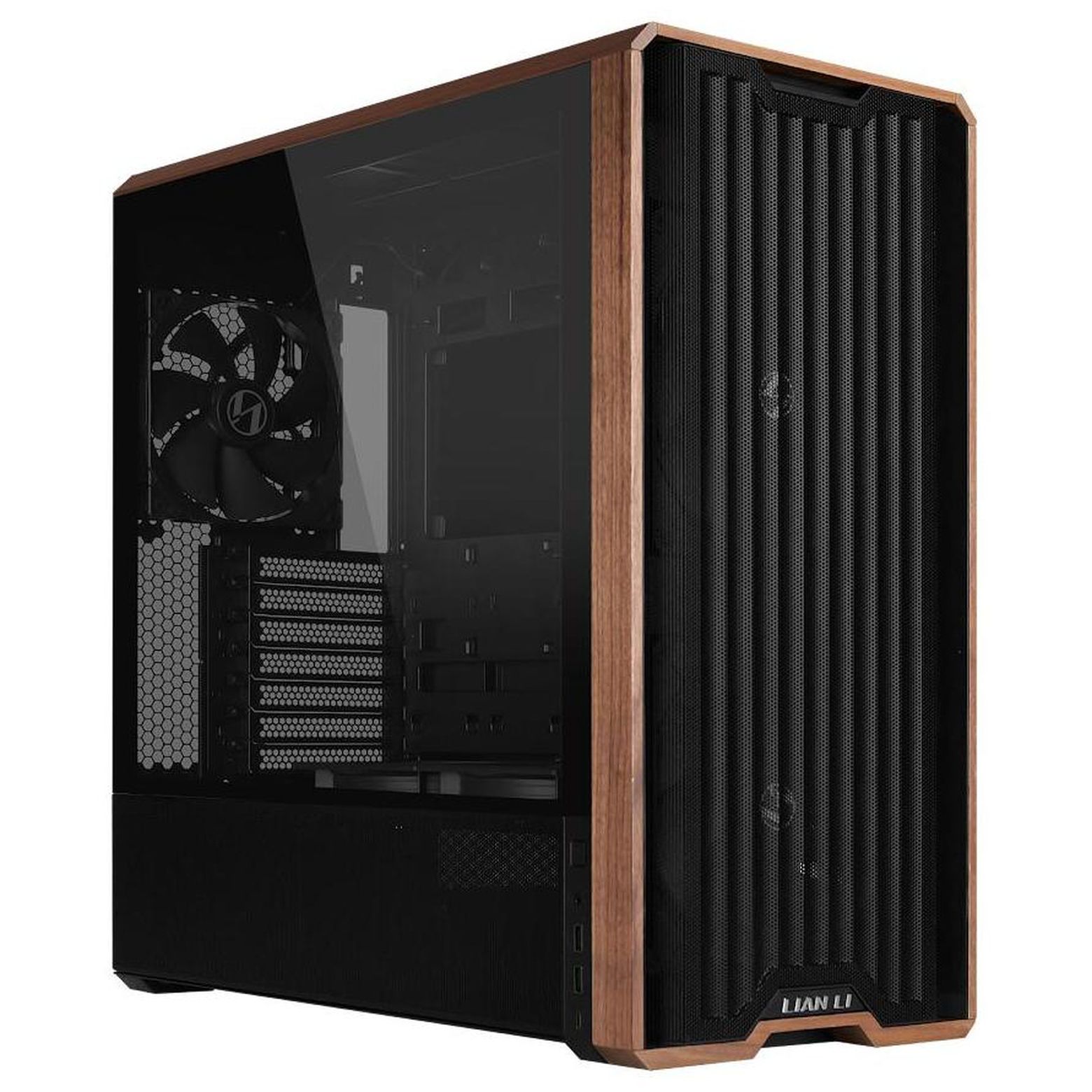
Lian Li's LANCOOL 217 ATX PC case has a slick walnut finish on the front and outstanding air flow throughout. It comes with five pre-installed fans. It's currently on sale for $119.99, and you can get an extra 3% off with exclusive code FUTURECASE3 at checkout.View Deal
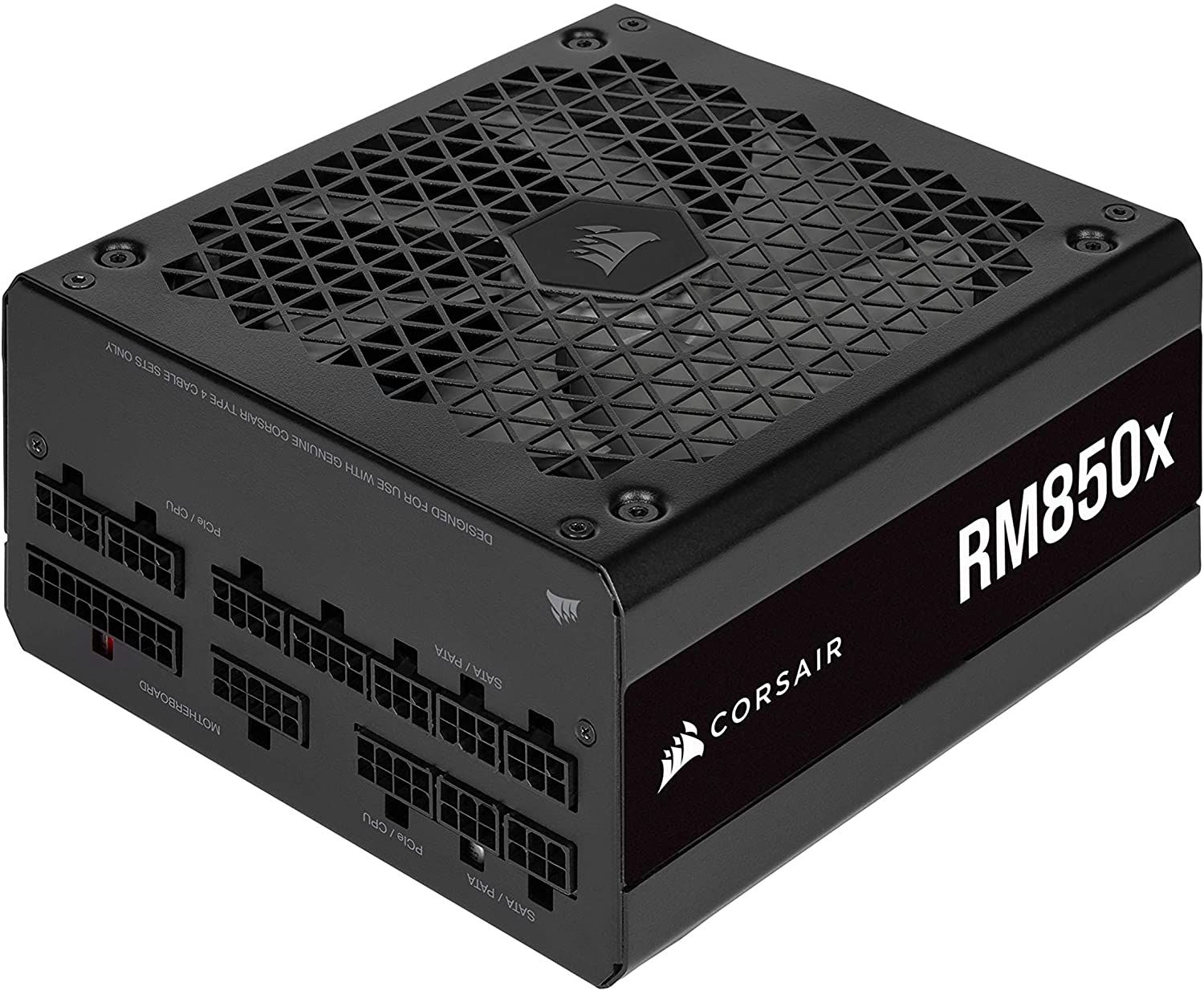
Corsair's highly-rated 850W fully modular PSU is ideal for most gamers with mid-range systems, and it's currently on sale for $139.99. Get an extra 3% off with exclusive code FUTURECASE3 at checkout.View Deal
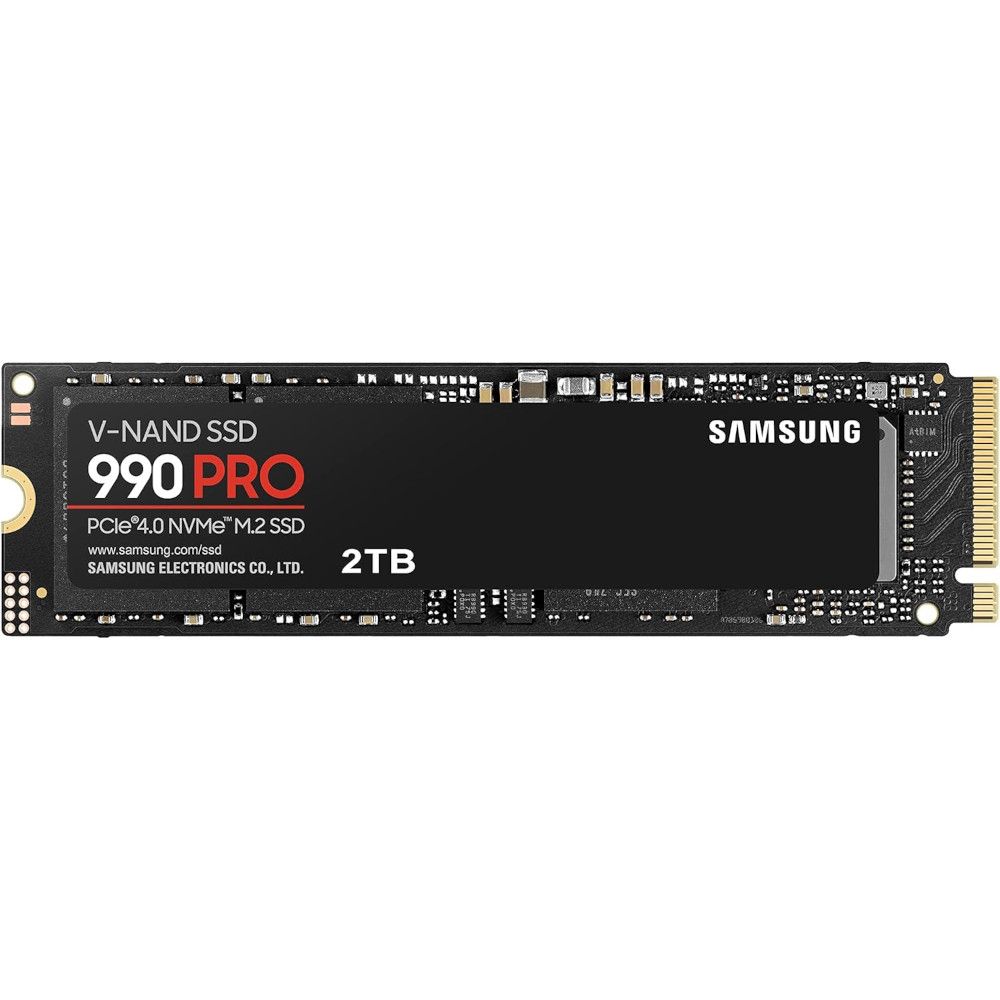
Storage is crazy expensive these days, so this discount on one of the best SSDs on the market is a nice change. It's currently $250 off at Newegg, and you can save another 3% by using exclusive code FUTURESSSD3 at checkout.View Deal
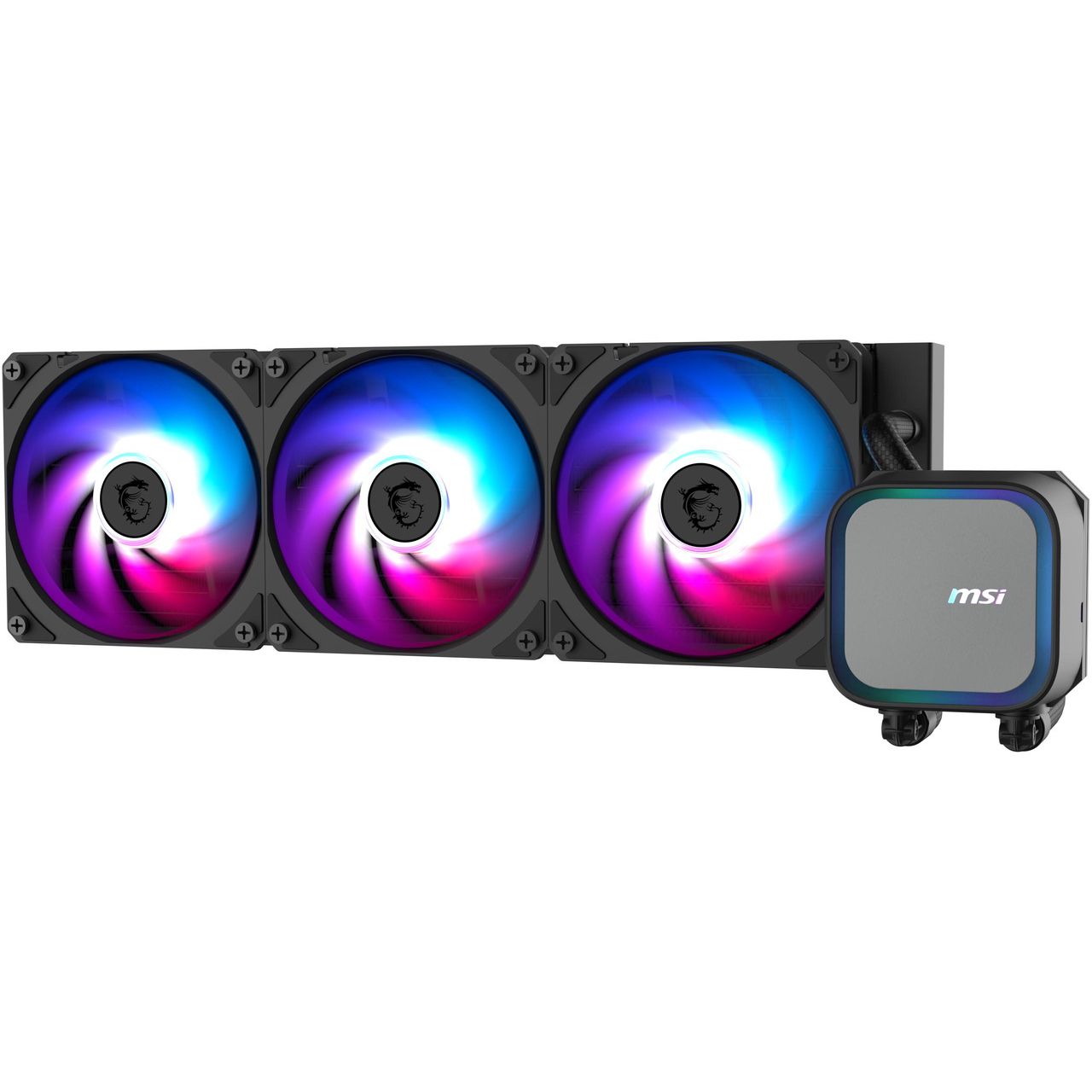
A 360mm AiO liquid CPU cooler is what you want in your high-performance PC, and the best part is that you don't have to spend more than you would on an air cooler. MSI's MAG Coreliquid A13 is already down to $64.99 at Newegg, and you can save another 5% with code FUTUREACPC3 at checkout.View Deal
Save more on Windows PCs and monitors with our special discounts
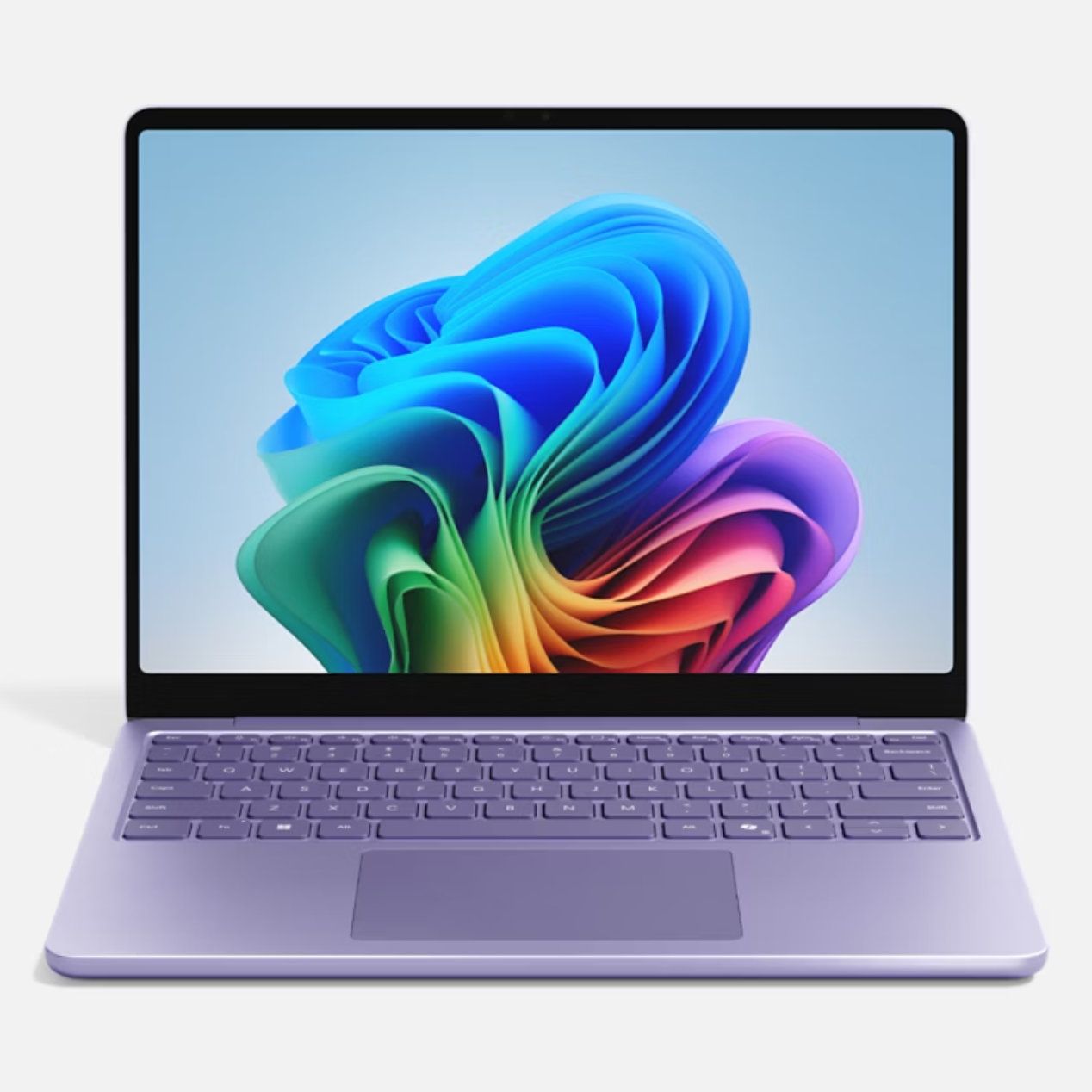
Microsoft's 13-inch Surface Laptop has a Snapdragon X Plus chip, 16GB of RAM, 256GB SSD, and an FHD+ touch display, altogether making it an outstanding portable option for students, home, or general use. It's now down to $979.99, and you can save 3% more when you use code FUTURENB3 at checkout.View Deal
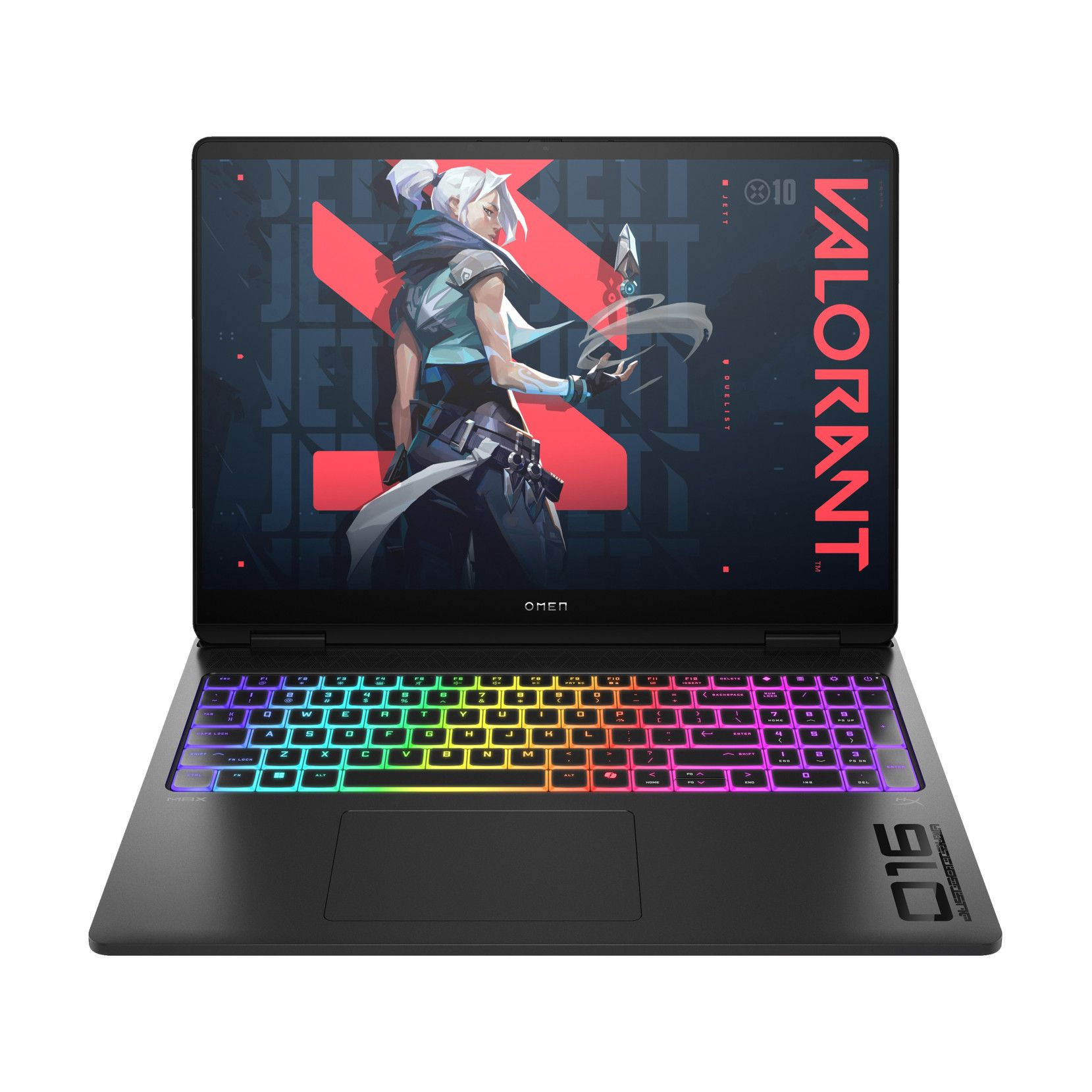
With a Core Ultra 7 255HX CPU, NVIDIA RTX 5070 mobile GPU, 16GB of DDR5 RAM, 1TB SSD, and 15.6-inch FHD+ display at 165Hz, this HP gaming laptop will handle anything you throw its way. It's down to $1,749.99 right now, and you can take off an extra 3% with code FUTURENB3.View Deal
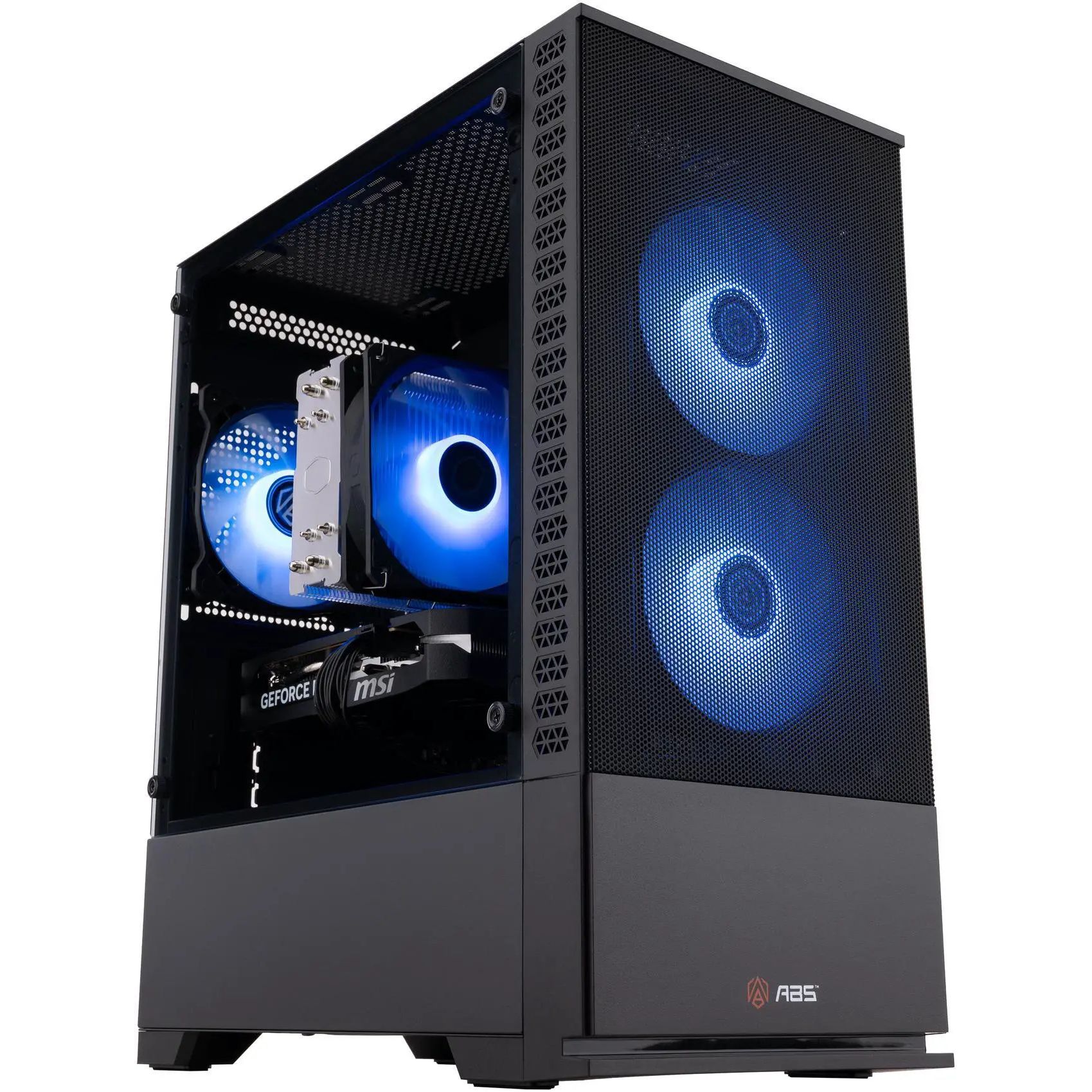
Newegg's ABS pre-built brand is one I can recommend after testing, and this model has a Core i7-14700F CPU, RTX 5060 Ti GPU with 16GB RAM, a 1TB SSD, and 16GB of DDR5 memory. It's $100 cheaper already, and you can shave off another 3% with code FUTUREDPC3.View Deal
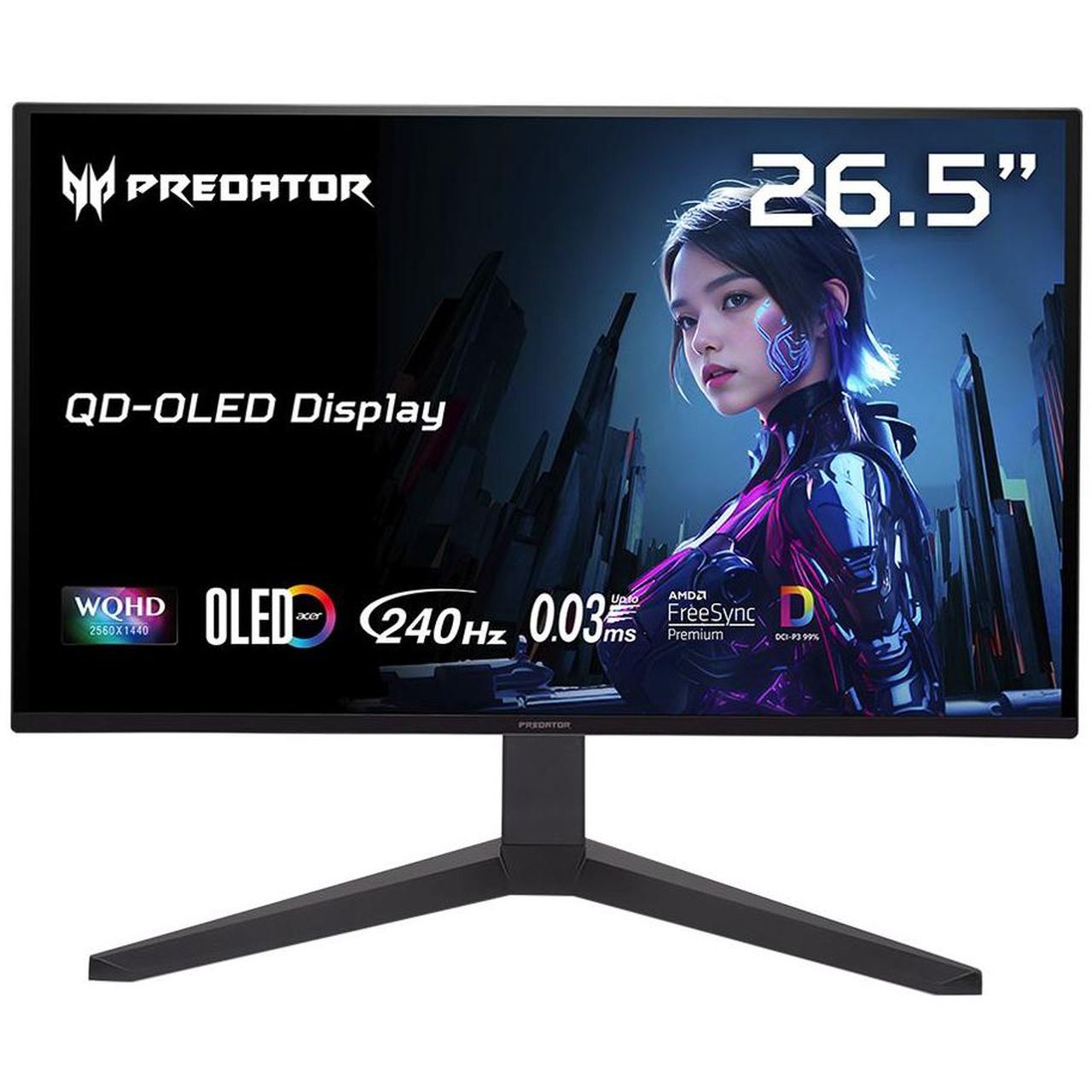
Acer's Predator X27U delivers a 26.6-inch QD-OLED panel with incredible color and contrast. It hits 1440p with a 240Hz refresh rate, and it comes with AMD FreeSync Premium support. It's down to $319.99 right now, but you'll save an extra 3% with code FUTUREMN3.View Deal
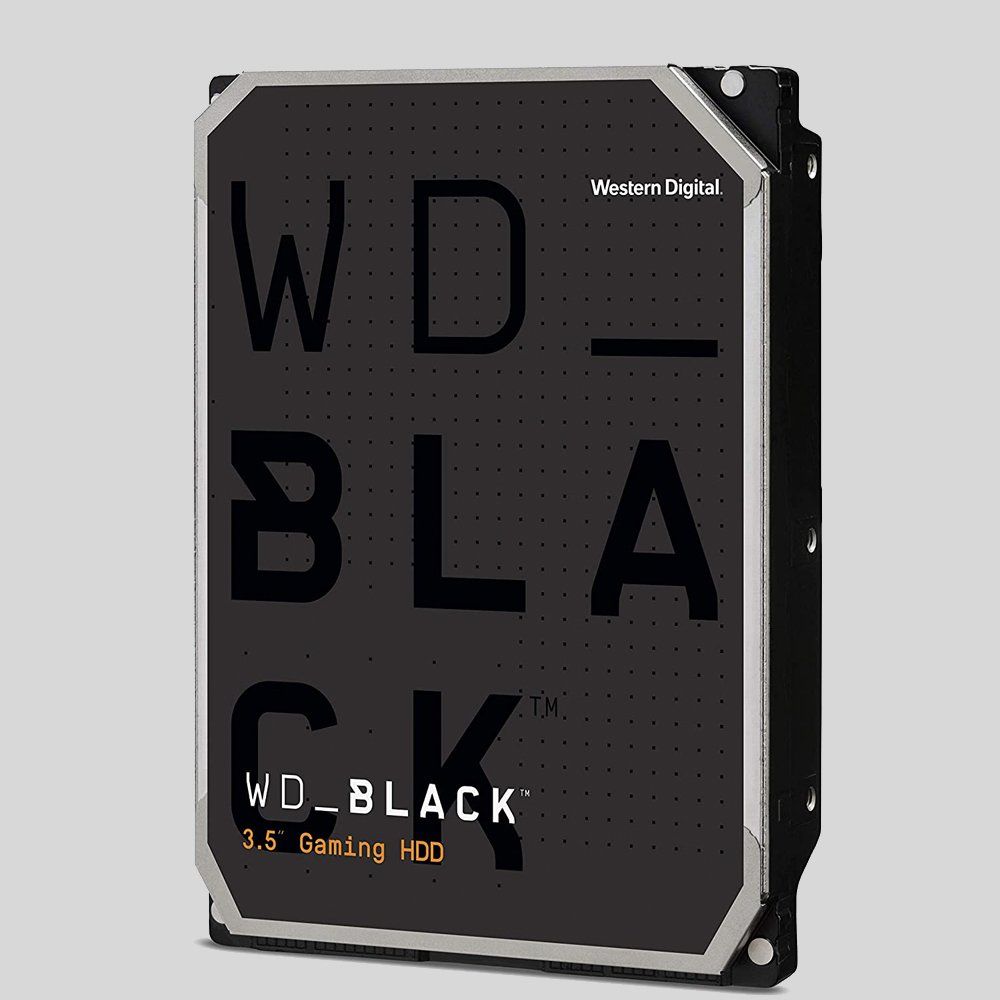
A wide range of WD hard-disk drives for internal and external use are already discounted at Newegg, and you can save a further 3% when you use code FUTUREHD3 at checkout. Check out this Newegg page for eligible drives.View Deal
FAQ
How do I redeem these exclusive codes at Newegg?
To redeem a special discount code, add the item you want to buy to your Newegg cart. Then navigate to the cart, click "Add Promo Code" on the right side of the windows, and add the code.
Do these exclusive discounts only apply to items already on sale?
No. The codes I've listed here can be used on any products within their appropriate segments. A device doesn't have to be on sale to be eligible for the additional discount.
When do these exclusive Future discounts stop working?
These additional discounts are live now and are expected to run until November 30. That gives you plenty of time to line up a strong Newegg discount for a bit of extra savings.
Join us on Reddit at r/WindowsCentral to share your insights and discuss our latest news, reviews, and more.
AMD CEO Lisa Su, in an interview with Yahoo Finance, said yesterday that AMD is "a data center first company." Somewhere, a gamer clutched their Radeon GPU like it's a priceless heirloom.
This quote from Su seems to have made waves in the tech world. I get it. Nobody wants to hear that another company we're used to seeing sell consumer tech to us gamers and enthusiasts is going a different way.
But before we start singing hymns, let's see what Su actually meant with her data center tidbit.
People have a right to be worried, especially these days
AMD CEO Lisa Su's recent data center comments are making waves. (Image credit: Getty Images | Chip Somodevilla)
I don't think there's anyone who follows tech markets, even from a distance, who doesn't know that there's an AI-driven memory and RAM shortage forcing consumer prices through the roof.
We are a data center-first company. That is our profile. People need more computing to power all these applications.
AMD CEO Lisa Su, speaking with Yahoo Finance
Not just that, but companies that were once focused on consumer products have been flipping over to the AI side, where there's a lot more money to be made. Micron did just that in late 2025, when it killed off its consumer Crucial brand to focus entirely on data center supply.
People have every right to be worried when a company like AMD, which makes consumer products, begins spewing data center rhetoric.
Hasn't AMD always been a data center company?
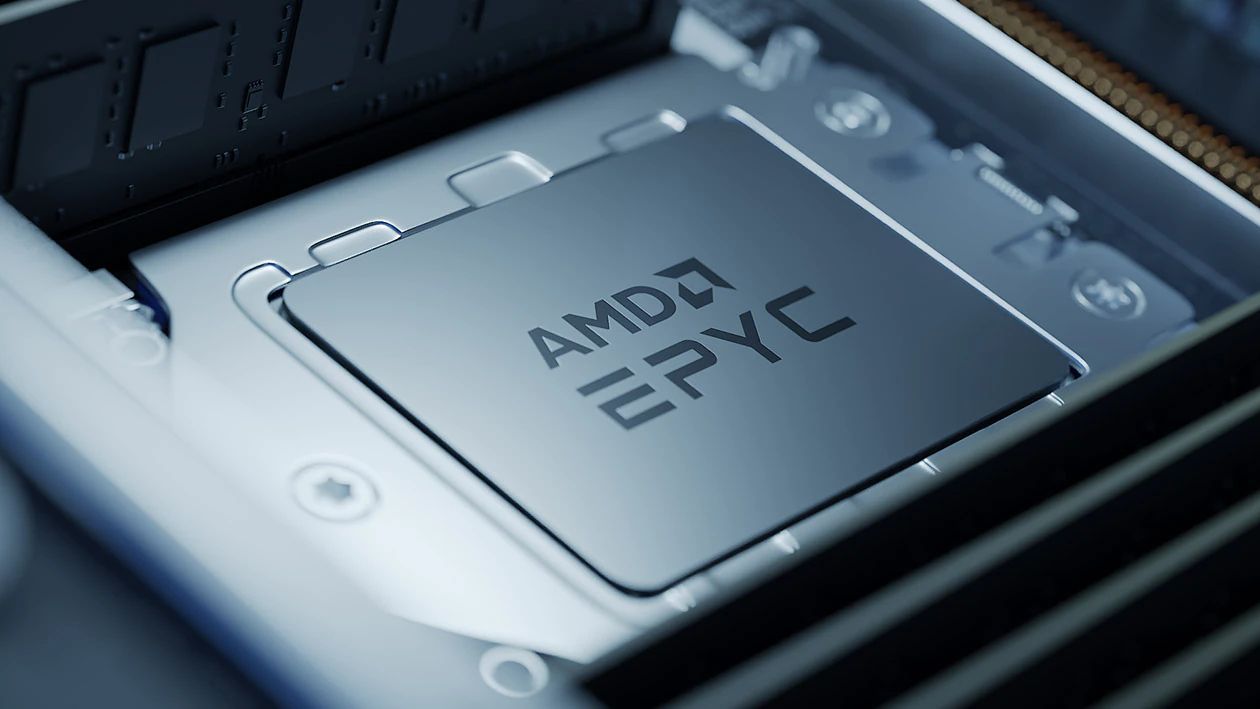
AMD's Epyc and Instinct AI accelerators are not new products. (Image credit: AMD)
Some of you might be asking why this is big news. I get it. AMD has, after all, been a data center company for ages, selling its EPYC and Instinct AI accelerators for big money.
But that was before AMD's data center revenue surpassed consumer and client revenue in 2026. Before we saw other big tech companies, like Micron, make massive pivots that left consumers without anything to buy.
I get why consumers are nervous, especially when AMD offers the best CPUs for PC gaming and is really the only counterpoint to NVIDIA's GPU dominance.
But why would Su go on Yahoo Finance and talk about anything else but where AMD gets most of its money?
Fears that AMD is abandoning gamers are unfounded ... so far
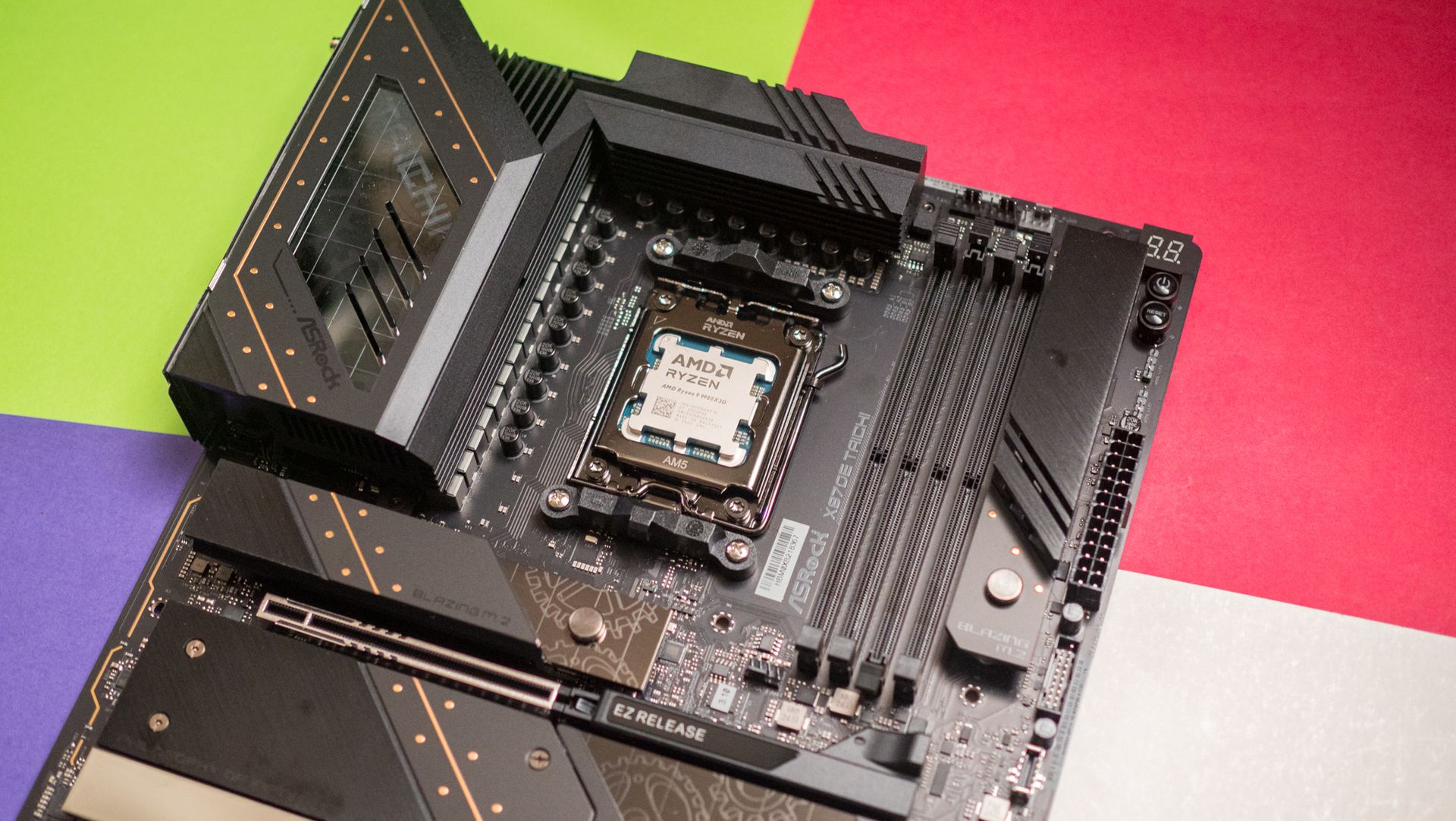
AMD still makes the best CPUs for gaming, and it's not even close. (Image credit: Harish Jonnalagadda / Windows Central)
As I said, I get why consumers are upset over the data center rhetoric coming from Team Red. Thankfully, AMD's moves lately seem like anything but abandonment.
This doesn't seem to me like the actions of a company that's already checked out of the consumer stack. Will that hold? I can't answer that, but the idea of AMD pulling up its consumer stakes seems too far-fetched to believe.
Treat your old GPU with care
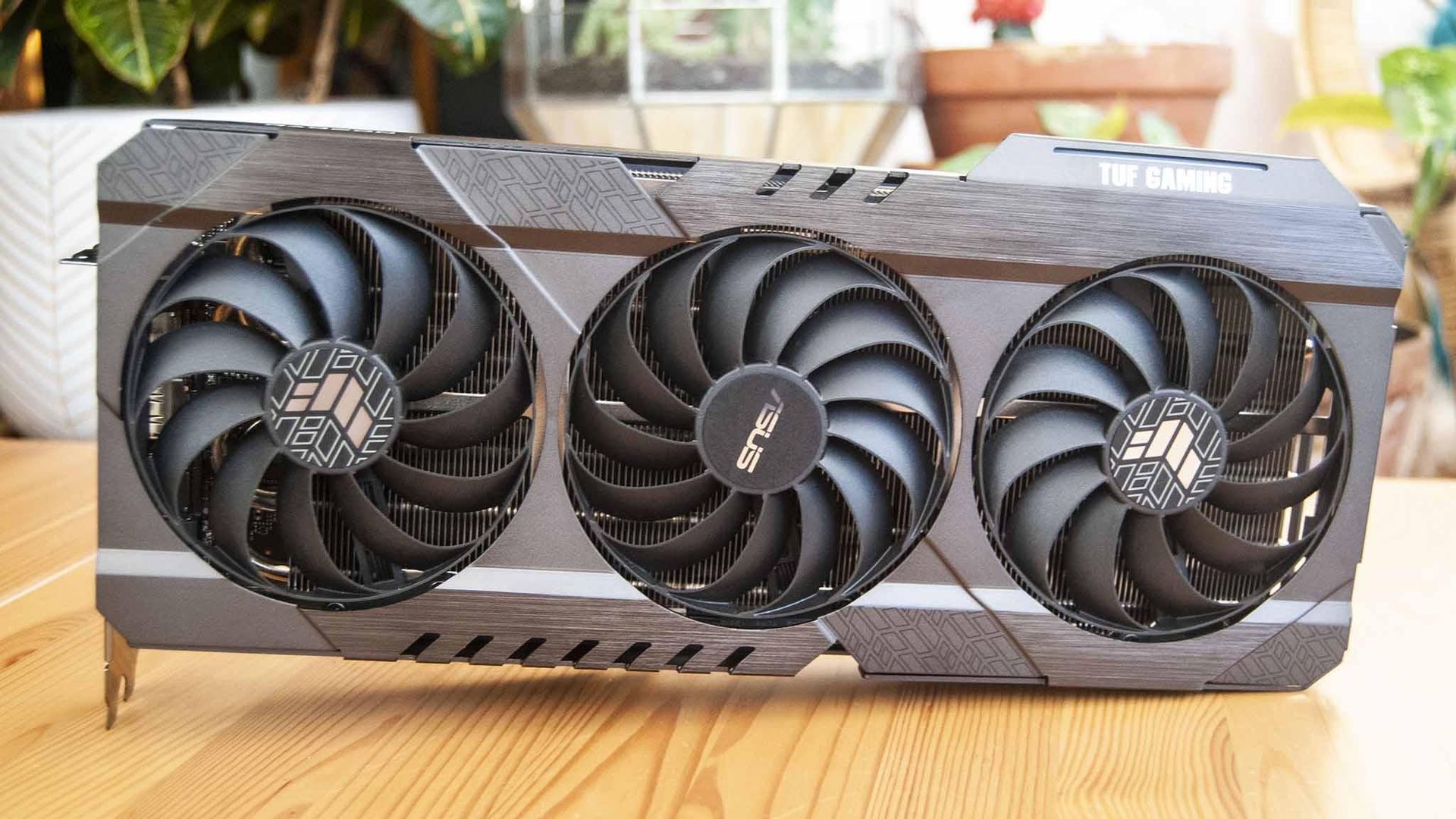
Keep your old GPU in top shape. You never know how long it'll need to last. (Image credit: Future)
AMD's data center revenue only surpassed consumer and client revenue in Q2 2026, and it's worth pointing out that its Ryzen and Radeon consumer lines still rake in billions of dollars in revenue.
That could change over time, especially as consumers deal with years of hardship and PC sales plummet, but we'll cross that bridge when we come up to it.
What I'm more concerned with right now is not a complete halt to consumer production, but instead how AMD will be using its resources going forward. Shareholders always need more money, and right now, data centers are the easiest way to earn it.
For now, I don't think fans of Team Red need to panic.
If data center demand continues to explode, does AMD eventually pull all of its best into that division? Do the gaming and consumer teams get the leftover scraps?
For now, I don't think fans of Team Red need to panic. Lisa Su's recent comments, taken in context, are not shocking. They're not even new.
Still, some skepticism never really hurt anyone. Neither does keeping your aging GPU in tip-top shape as markets face continued uncertainty.
Do you agree with my take? Are Su's words as big a deal as many are making them? Where do you see AMD in 5 years? 10 years? Let me know in the comments section below!
Join us on Reddit at r/WindowsCentral to share your insights and discuss our latest news, reviews, and more.
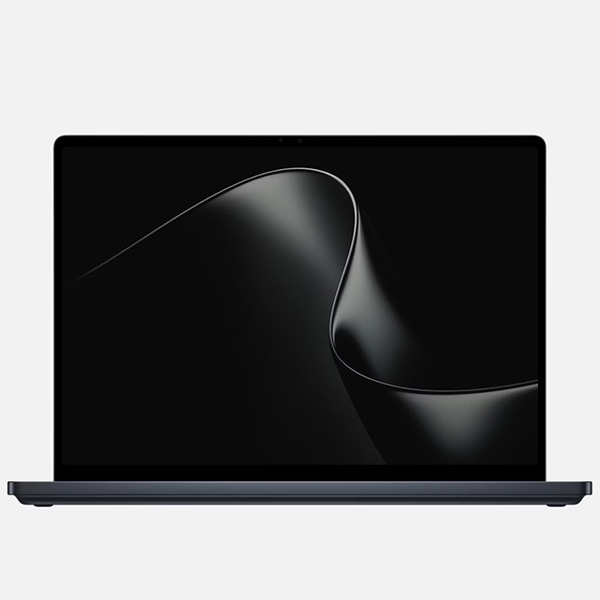
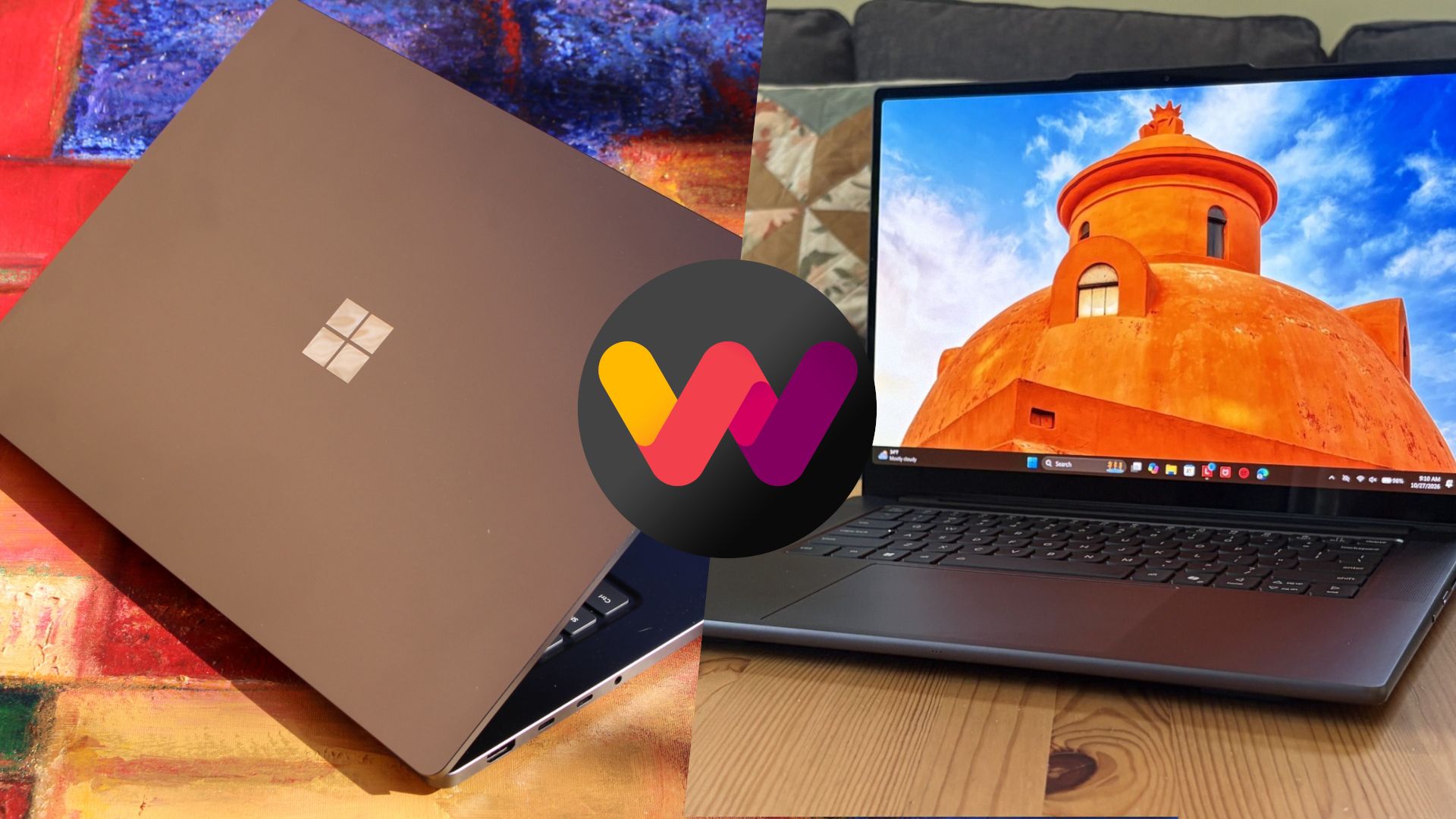
The Surface Laptop Ultra starts at a more affordable price, but evens out as you add hardware. It lacks pen support, its mini-LED display isn't as impressive, plus it's overall thicker and heavier.
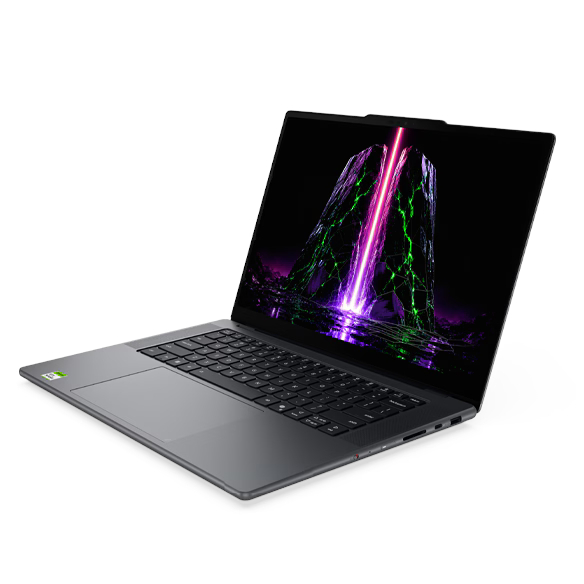
Lenovo's Pro 9n starts at a higher price, but actually gets cheaper than Surface as you add hardware. Its OLED display, top-firing speakers, haptic touchpad with inking, and 9.1MP webcam are all benefits you won't get from Surface.
Pros
Superior webcam and top-firing speakers
OLED display delivers better contrast and no blooming
Thinner and lighter
165Hz refresh rate and NVIDIA G-Sync are good for gaming
Although we reviewed both laptops favorably, there are some major differences beyond the new NVIDIA chip that you'll certainly want to know about before buying.
Surface Laptop Ultra vs. Lenovo Pro 9n: Specifications and price
There are plenty of similar specs across these laptops, and I know it's handy to have a quick reference table to compare.
12.95 x 9.40 x 0.71-0.75 inches (328.8mm x 238.7mm x 17.99-19.16mm)
13.66 x 9.53 x 0.66 inches (347mm x 242mm x 16.7mm)
Weight
4.41 pounds (2kg)
3.64 pounds (1.65kg)
Colors
Platinum, Nightfall
Thunder Grey
The Surface Laptop Ultra starts at $2,599.99 for a model with the 18-core CPU, 5120-core GPU, 24GB of RAM, and 512GB SSD.
Lenovo's Pro 9n with the 18-core CPU, 5120-core GPU, 32GB of RAM, and 512GB SSD starts at 2,999.99. I imagine a lot of that price difference comes from the extra RAM, but as you'll see below, Lenovo's laptop also has some concrete benefits over the Surface.
Surface Laptop Ultra models with upgraded 20-core CPU, 6144-core GPU, 32GB of RAM, and 1TB SSD start at $3,699.99.
Lenovo's Pro 9n jumps to a 20-core CPU, 6144-core GPU, 64GB of RAM, and 1TB SSD for the higher-end config, starting at $4,249.99. If I compare a similar Surface Laptop Ultra config with these specs, it comes out to 4,299.99.
Basically, the Surface Laptop Ultra starts at a more affordable price thanks to more config options, but once you make the performance hardware comparable, Lenovo's PC actually becomes more affordable.
Lenovo's laptop is thinner and lighter than the Surface Laptop Ultra
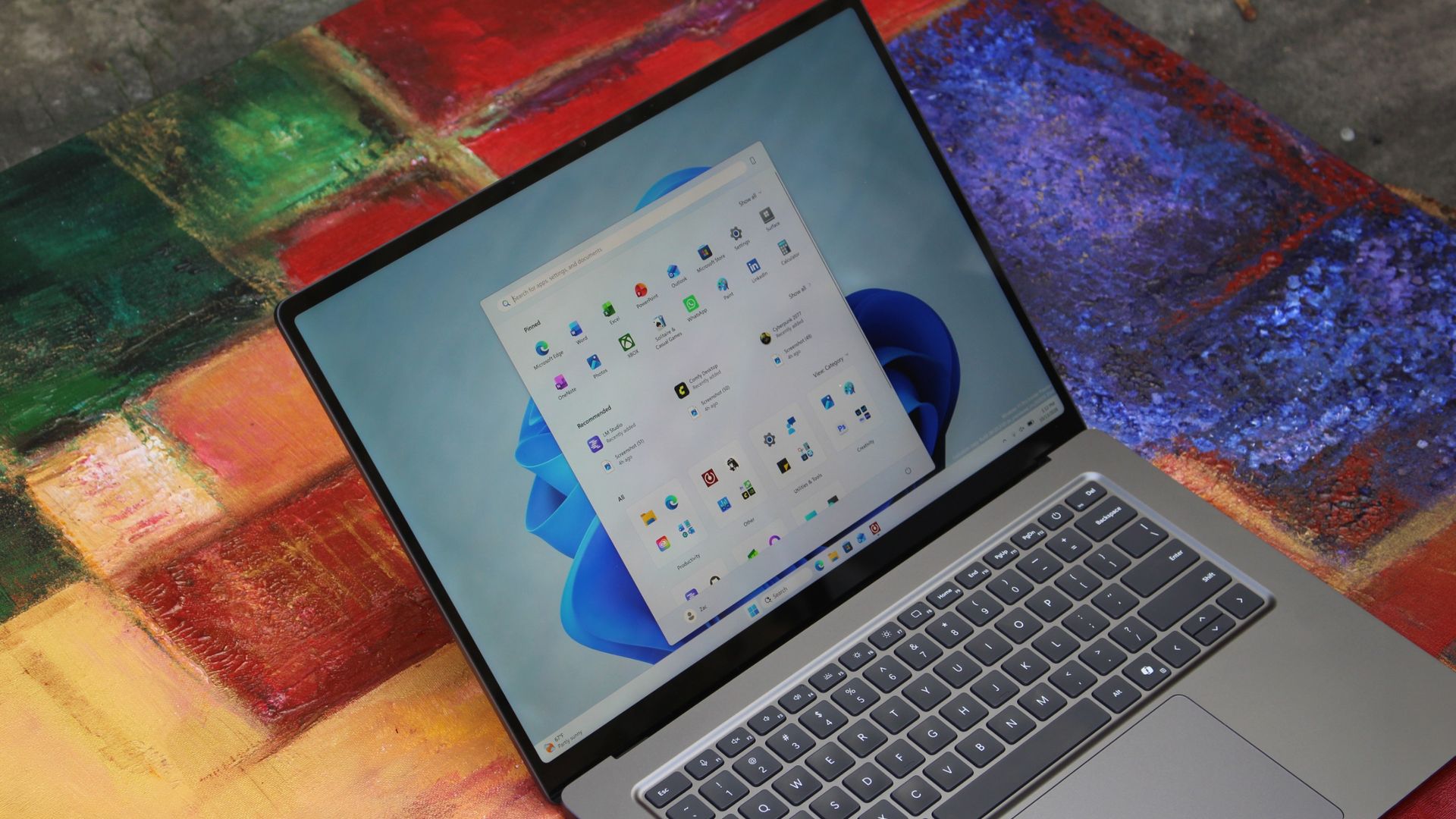
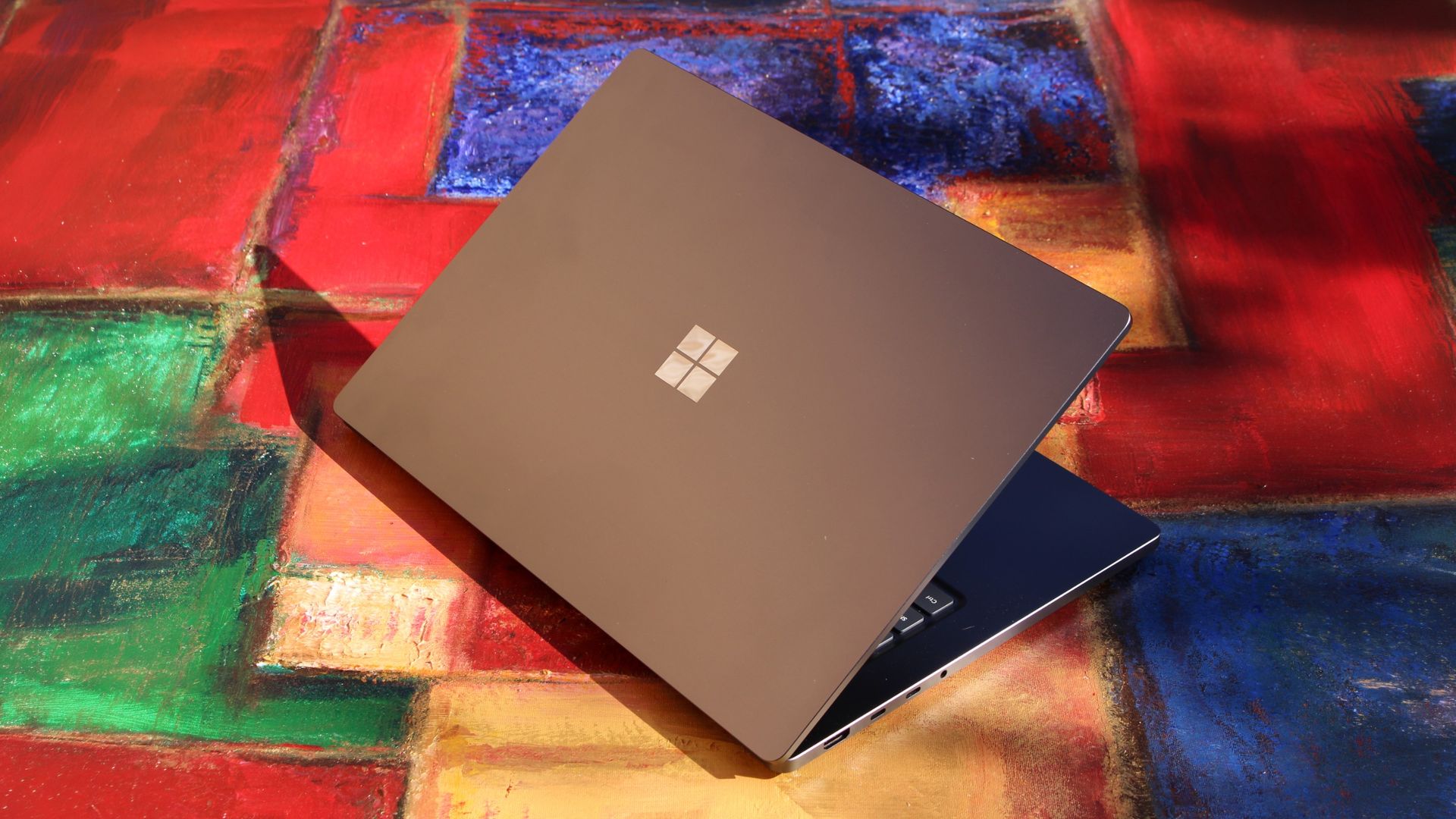
The Surface Laptop Ultra is rather sleek, but it's not as thin and light as the Lenovo Pro 9n. (Image credit: Zac Bowden / Windows Central)
Microsoft's new Surface Laptop Ultra has a slightly smaller footprint than the Lenovo Pro 9n, but I don't think it's enough to make a difference in your bag. The real story is the Pro 9n's 0.66-inch chassis that's noticeably thinner than the Laptop Ultra's 0.71-0.75-inch measurement.
Lenovo's laptop is also lighter, starting at 3.64 pounds compared to the Surface Ultra's 4.41 pounds. That's a considerable difference that you'll notice each time you use the PC, and if you're always on the move, this should be a win for Lenovo.
Lenovo's Pro 9n is thinner and lighter than the Surface Laptop Ultra. (Image credit: Future)
Both laptops are built into a sleek aluminum chassis that doesn't get much more premium. Windows Central Senior Editor Zac Bowden commented in his Surface Laptop Ultra review:
Yes, Surface Laptop Ultra looks an awful lot like a MacBook Pro. [...[...] But I'm not here to tell you that's a bad thing. The MacBook Pro is a beautiful device, which is to say Surface Laptop Ultra is also very beautiful. In fact, I think it even improves upon the MacBook Pro's design in subtle ways.
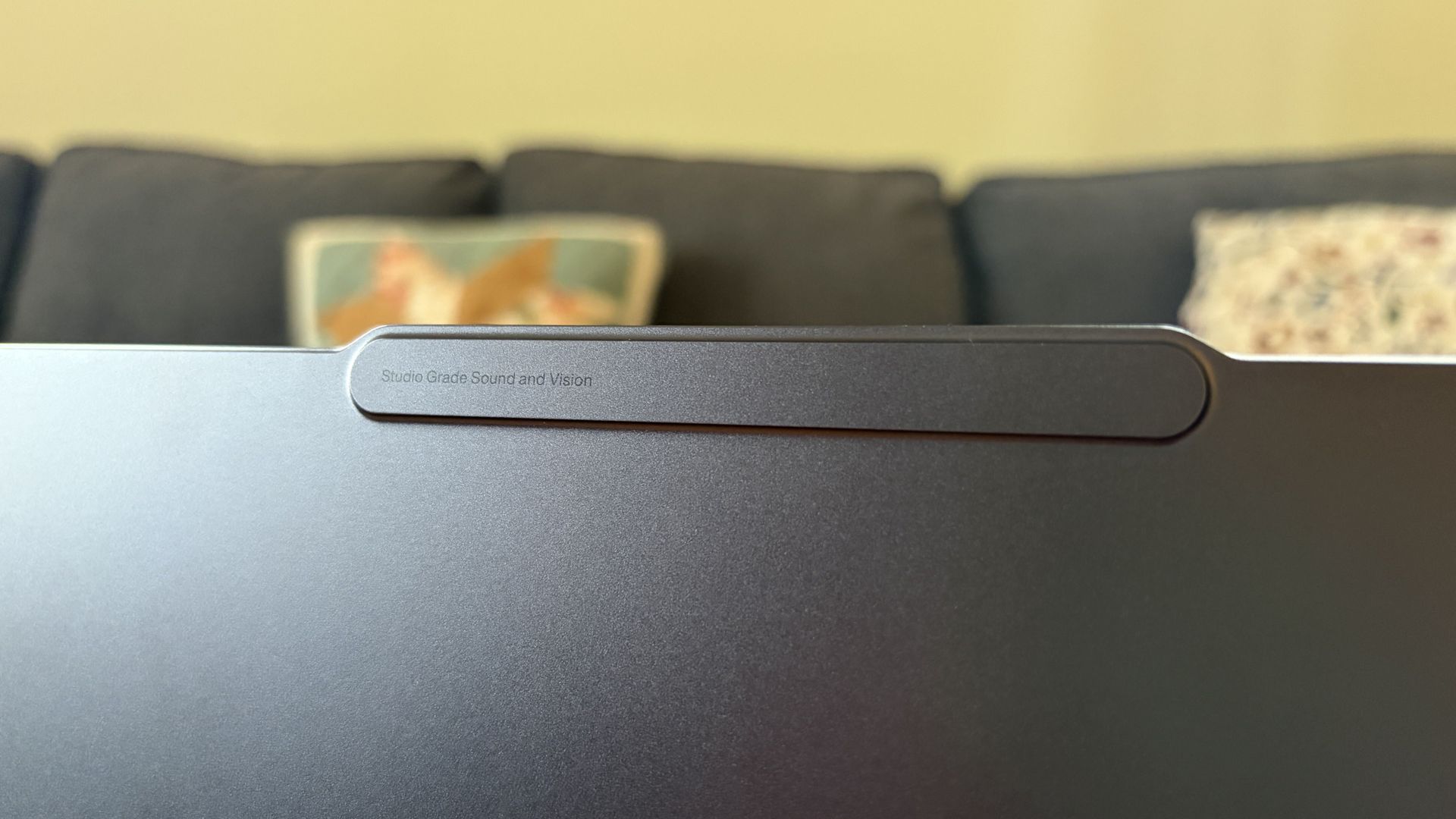
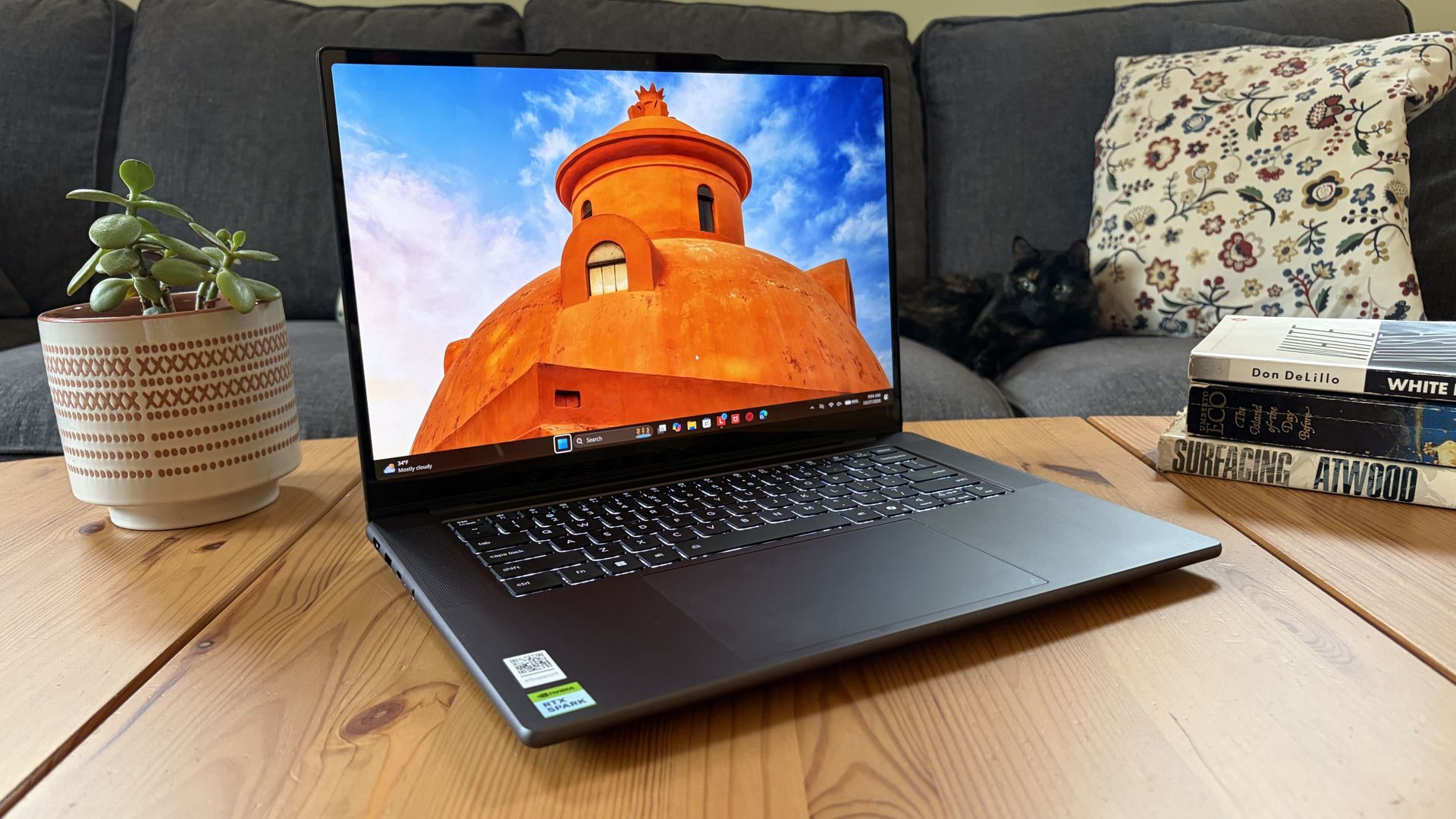
Lenovo's Pro 9n takes a slightly different approach, often seen in its Yoga series, with rounded edges, top-firing speakers flanking the keyboard, and a raised comms bar above the display to fit a superior webcam.
The raised comms bar on the Lenovo Pro 9n leaves more space for a superior webcam. (Image credit: Future)
On that note, anyone who's often taking video calls, Teams meetings, etc. should consider Lenovo's 9.2MP webcam over the Surface Laptop Ultra's rather standard 1080p camera.
Both will get the job done, sure, but Lenovo's camera offers more clarity. I also found it quite good at dealing with low light. At least both laptops come with an IR sensor for facial recognition through Windows Hello.
Which laptop has better ports?
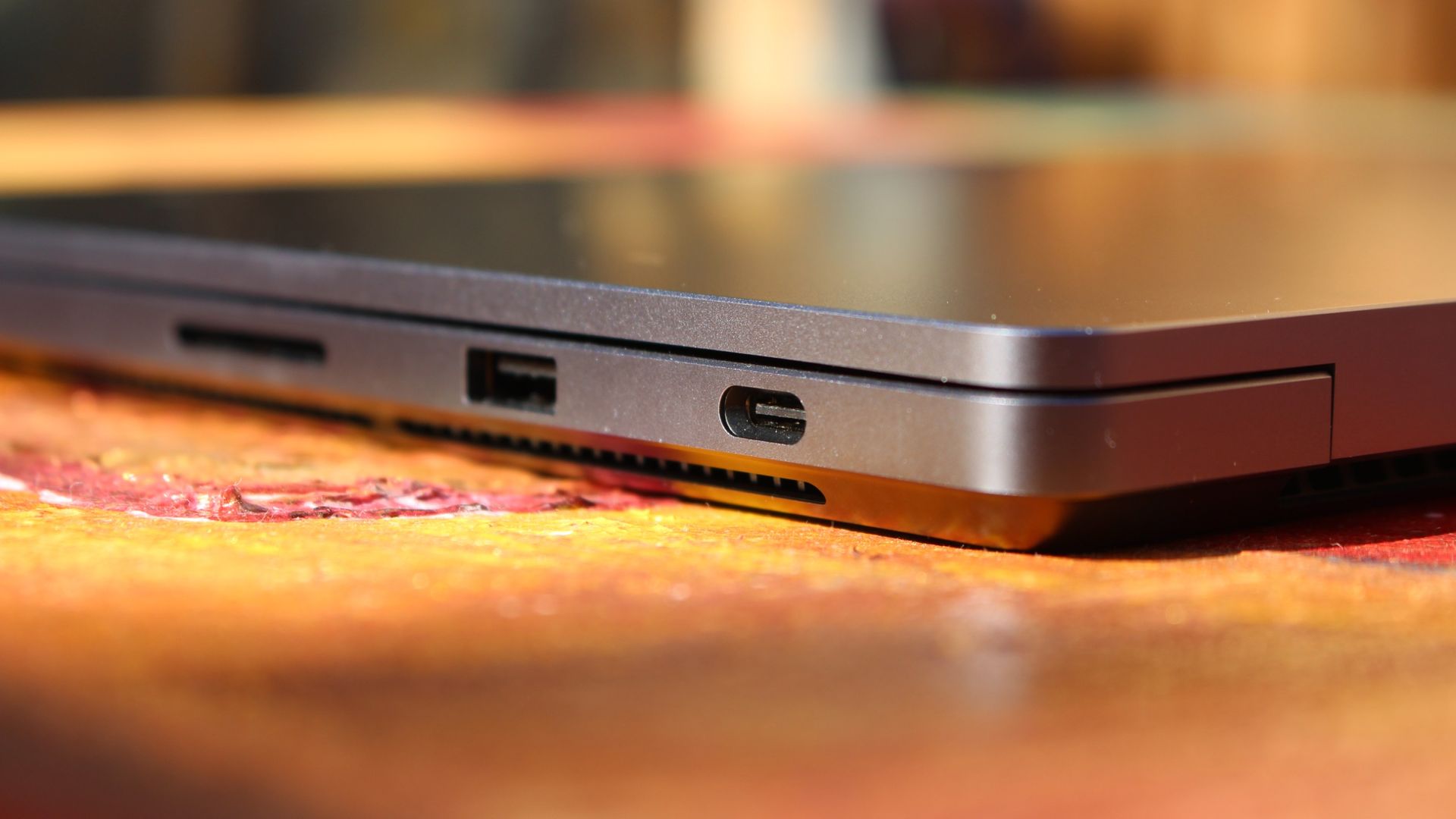
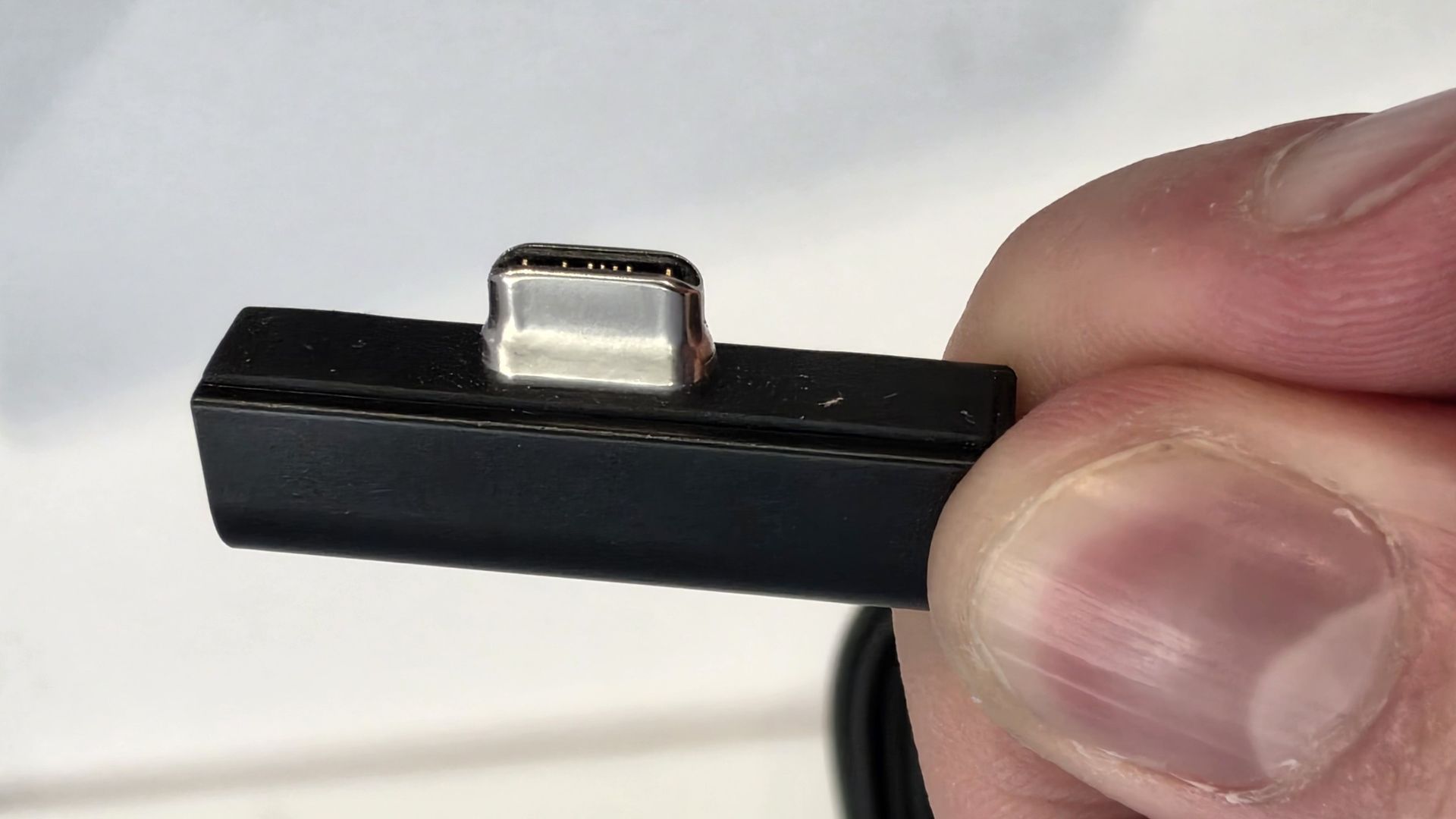
A look at the Surface Laptop Ultra's magnetic USB-C adapter. (Image credit: Zac Bowden / Windows Central)
Ports across both laptops are the same except for one major standout. I'm talking about the Surface Laptop Ultra's additional magnetic USB-C connector that's designed to pull away from the PC when it gets snagged or tripped over.
It's a lot like Apple's MagSafe tech, and I'm all about it; I hope it comes to more Windows PCs soon.
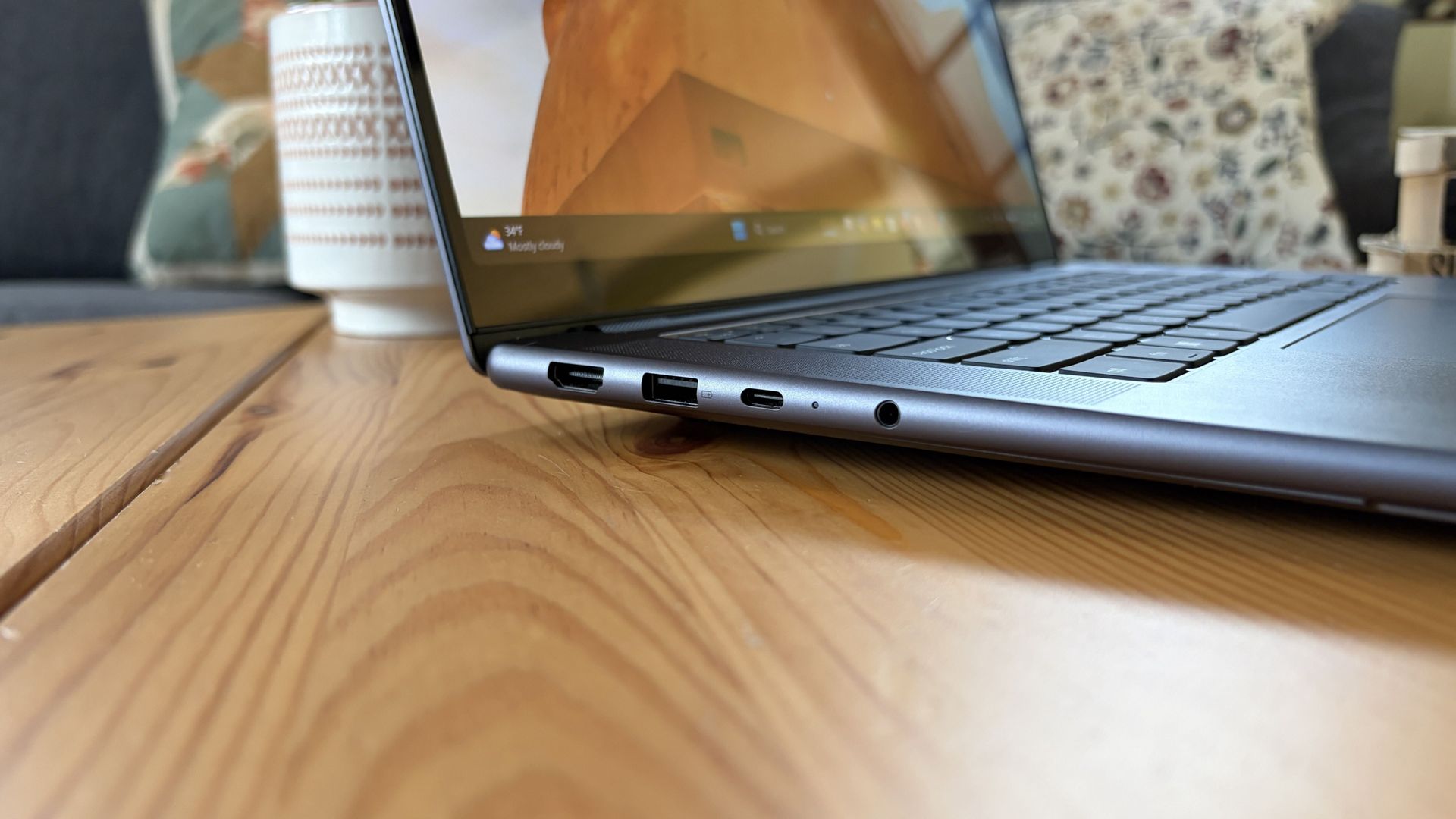
Other than the extra USB-C port, the Surface Laptop Ultra and Lenovo Pro 9n have the same selection of ports, including dual USB4, dual USB-A at 10Gbps each, HDMI 2.1, UHS-II SD card reader, and 3.5mm audio jack.
Is there a superior keyboard or touchpad?
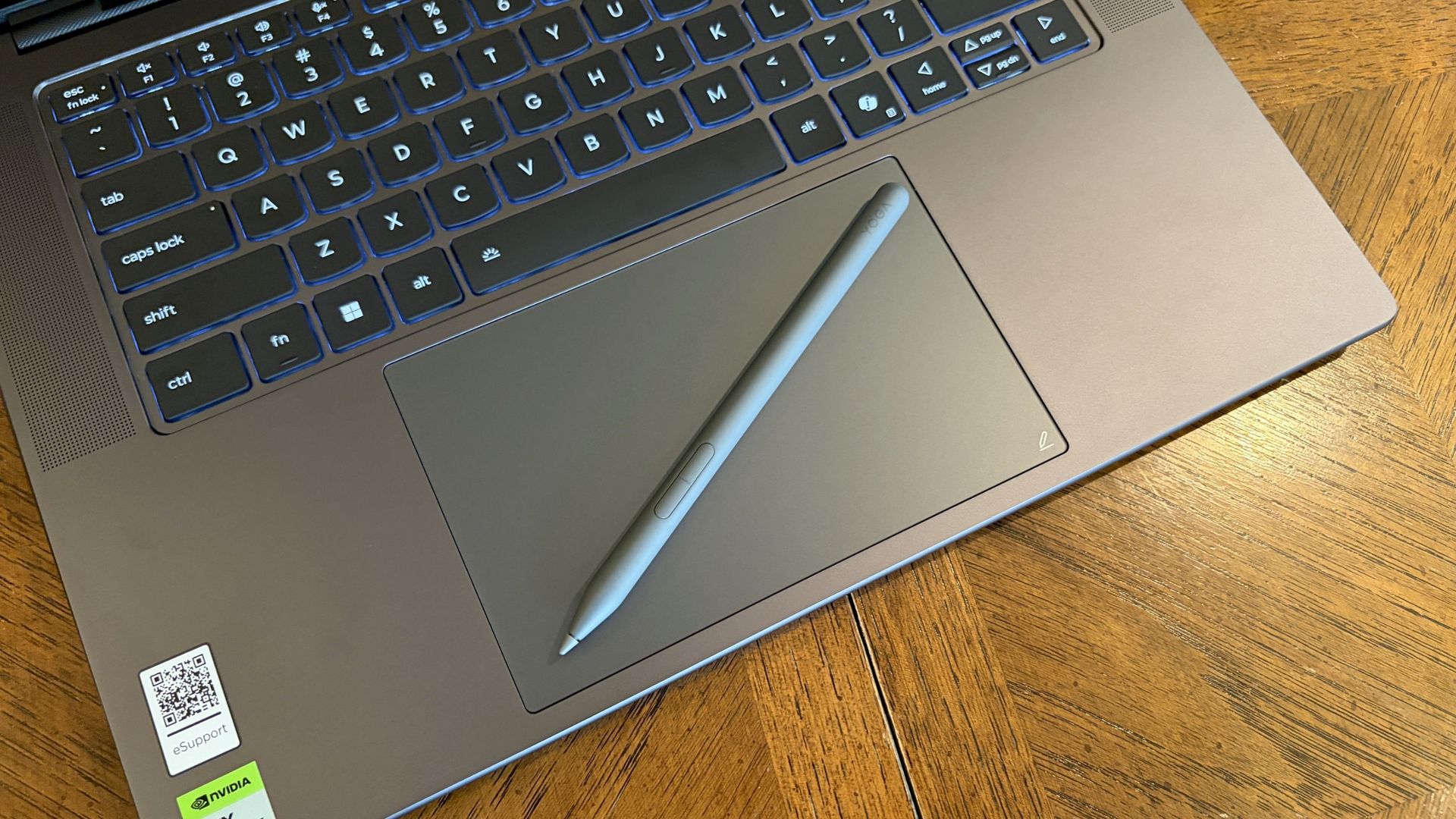
Lenovo's Pro 9n includes a Yoga Pen 2 that writes directly on the haptic touchpad. (Image credit: Future)
Windows Central Senior Editor Zac Bowden said, "This isprobably the best keyboard and trackpad experience I've ever had on a Windows laptop to date" in his review. I'd wager that the Yoga Pro 9n takes things one step further.
Whereas the Surface Laptop Ultra has 1.4mm key travel, Lenovo pushes it to 1.5mm. Lenovo's touchpad is also slightly larger than the one on the Surface, giving you more space to point.
Both use haptic touchpads, meaning there aren't any moving parts. Clicks and feedback are simulated with small haptic motors below the surface. There are fewer mechanical parts to break down, and generally, you get a smoother experience.
But Lenovo goes one step further with inking compatibility on its touchpad. Each Pro 9n comes with a Yoga Pen 2, and I found it to be quite handy when jotting down notes or sketching ideas.
Does one laptop have better speakers?
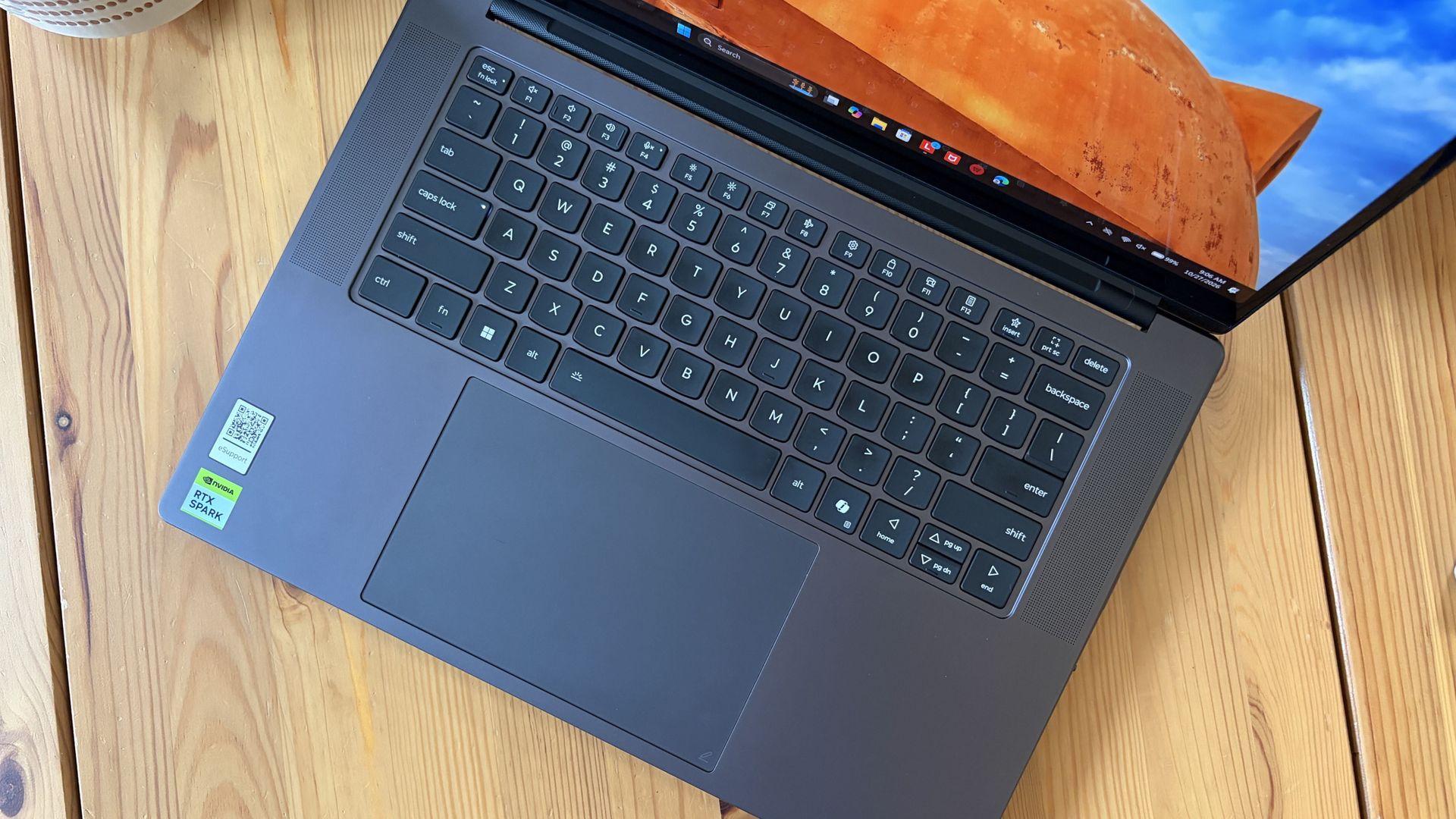
A look at the speakers flanking the Pro 9n's keyboard (Image credit: Future)
Having checked out both laptops, I'd say that audio quality is a wash unless you care about placement.
Both laptops have four speakers, and both produce some of the best audio we've ever heard in a Windows laptop. No matter what, you get deep bass, clear highs, and loud volume.
The big difference is that the Pro 9n has two of its speakers flanking the keyboard for unmuffled audio. The Surface Laptop Ultra keeps all four of its speakers on the underside of the chassis.
Microphones are also excellent across both laptops. You won't need to worry at all about adding a microphone for calls and video chats.
Do you value brightness or color in your display?
A look at the Lenovo Pro 9n's OLED display. (Image credit: Future)
Display preferences could make or break your decision here. The Surface Laptop Ultra has a 15-inch mini-LED screen with a 3270x2180 resolution, 3:2 aspect ratio, 120Hz variable refresh rate, and Dolby Vision IQ support.
Its mini-LED panel has 1,344 dimming zones, and it manages to climb to about 2,000 nits brightness with HDR enabled. Otherwise, it tops out at about 1,000 nits.
This is great if you're often working in brightly lit areas, as you'll have much less trouble there than with the Pro 9n's maximum of 1,100 nits. However, as Zac Bowden notes, the mini-LED panel can show "a bit of blooming around bright elements on a dark background."
That's not the case with the OLED panel in the Lenovo Pro 9n. It offers perfect contrast and deep color, so there's no blooming or backlighting issues whatsoever.
Lenovo's laptop also offers a higher 165Hz variable refresh rate, and it's able to cover all color gamuts for specialized work. That higher refresh rate can help with gaming, as can the display's NVIDIA G-Sync compatibility.
The big downside is that it doesn't have as many pixels with a 2560x1600 resolution.
Is there a difference in RTX Spark performance?
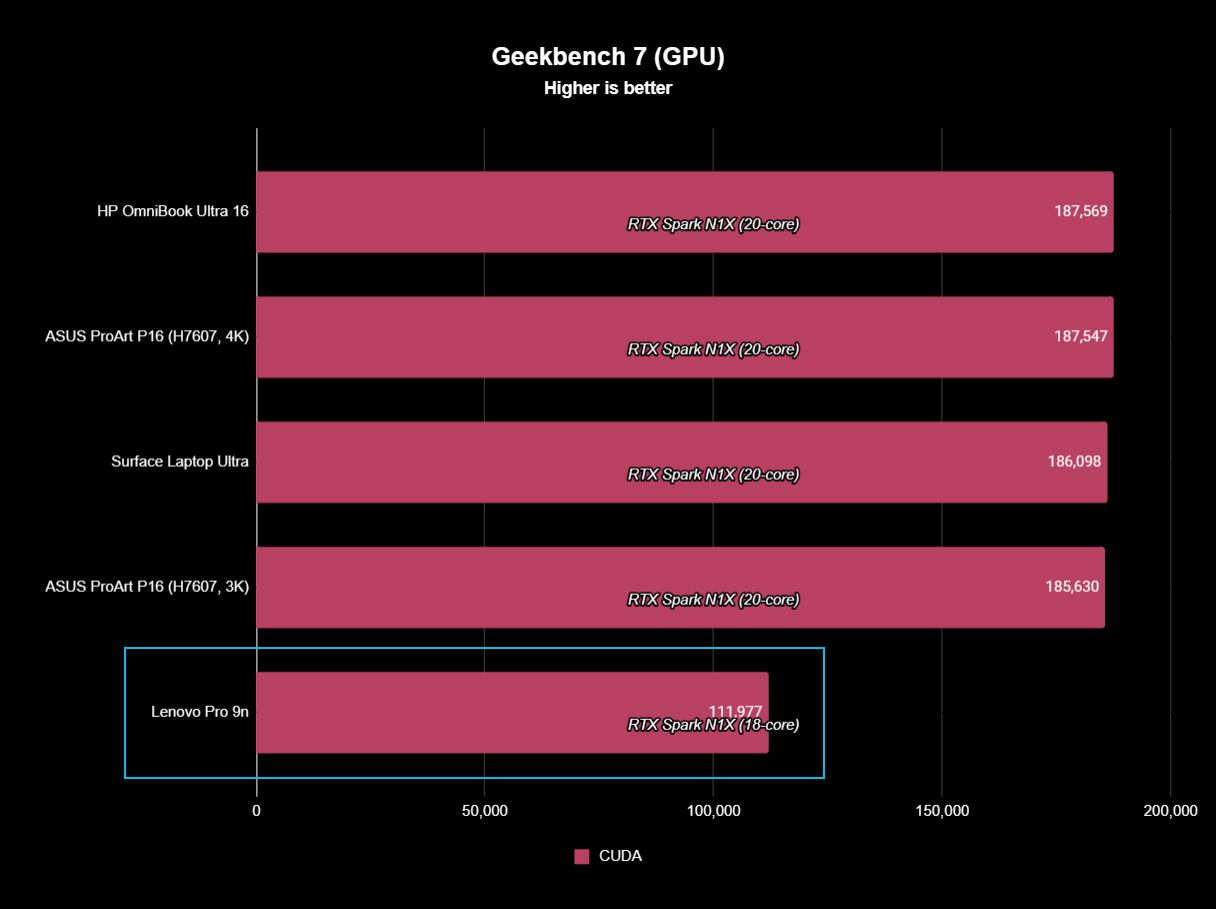
The Surface Laptop Ultra has the same NVIDIA RTX Spark chip options as the Lenovo Pro 9n.
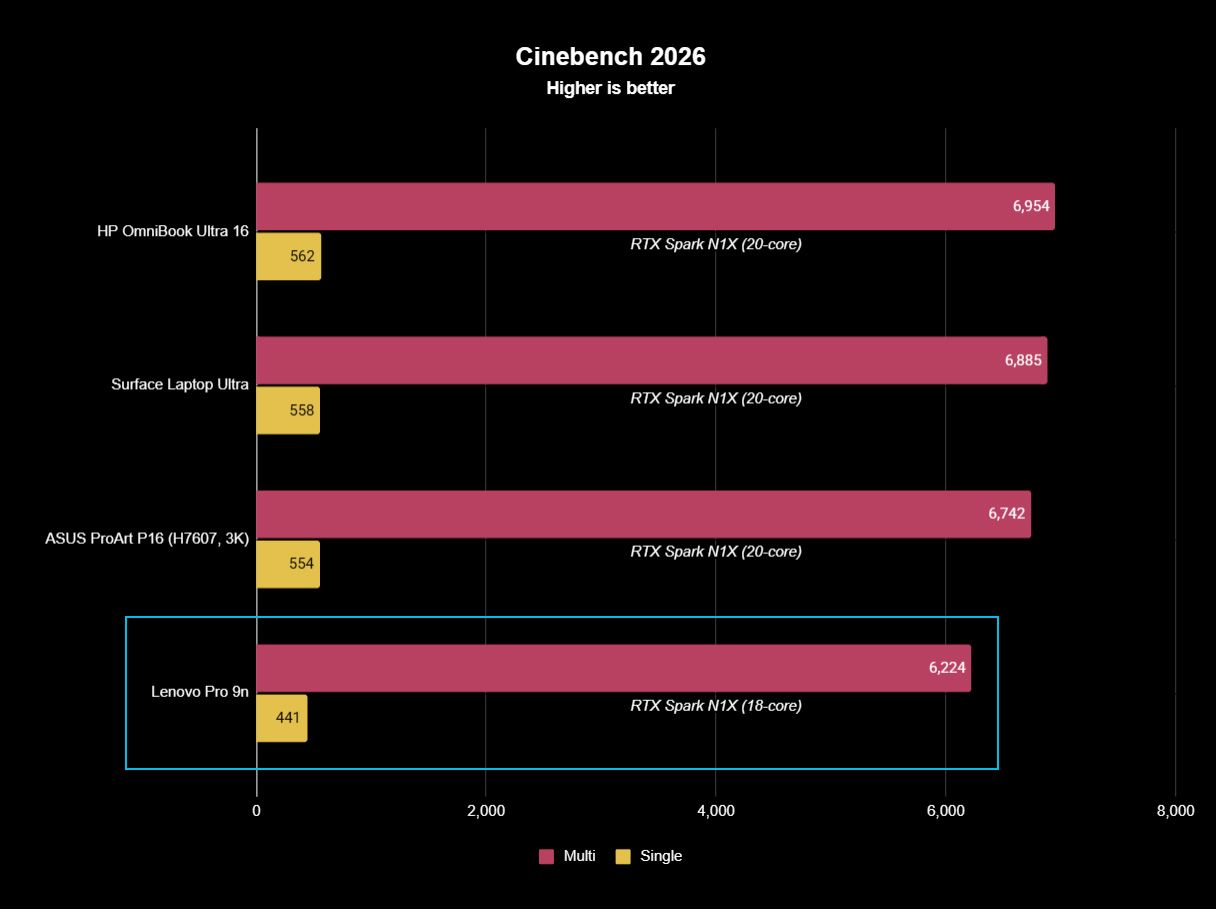
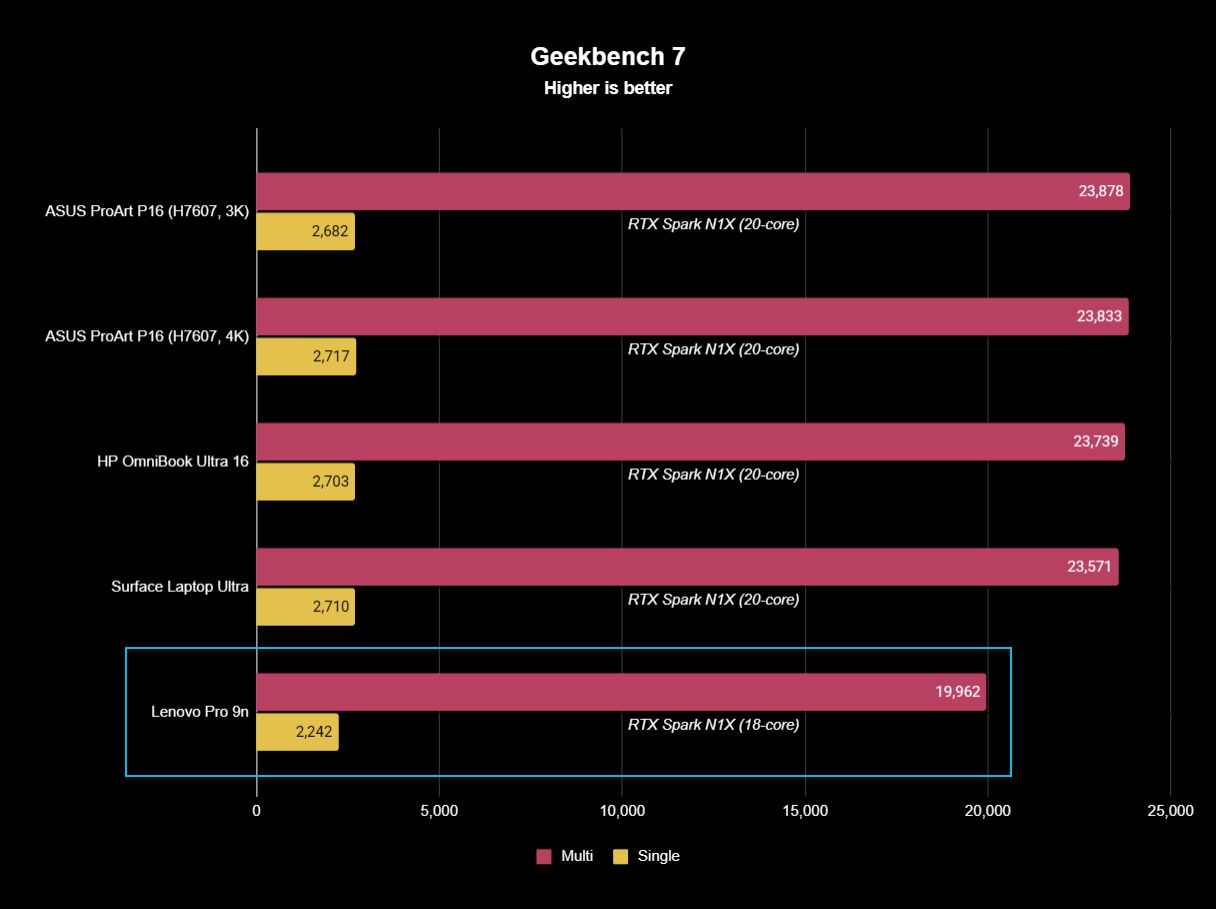
What's probably not a surprise for many is that NVIDIA's RTX Spark system-on-chip (SoC) performs similarly across laptop brands.
In this case, Zac Bowden tested the Surface Laptop Ultra with the 20-core CPU and 6144-core GPU, while I tested the 18-core CPU and 5120-core GPU in the Lenovo Pro 9n.
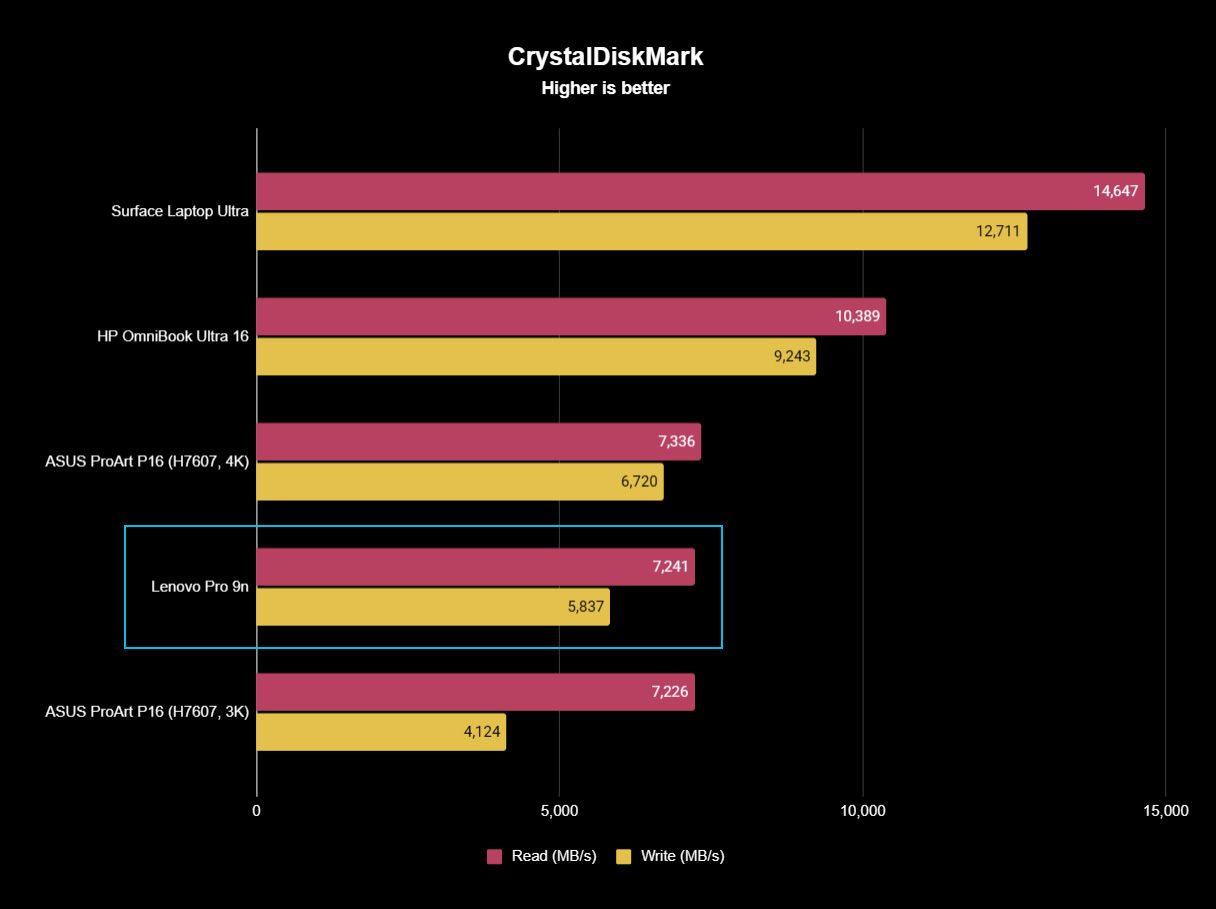
Unsurprisingly, the more expensive chip in the Surface Laptop Ultra comes out ahead in all relevant tests we performed. The gap isn't huge, and, of course, you can always add the 20-core chip to the Pro 9n to make up the difference.
FutureFutureFutureFuture
The Pro 9n model I tested arrived with an M.2 PCIe 4.0 NVMe SSD, which is a generation behind the M.2 PCIe 5.0 NVME SSD in the Surface Laptop Ultra model we tested.
It's no surprise that the newer SSD is faster, and keep in mind that both laptops have the option for the upgraded PCIe 5.0 drive.
Which laptop has better battery life?
The Surface Laptop Ultra's battery is rated for 0.5Wh more than the Pro 9n. (Image credit: Zac Bowden / Windows Central)
Battery capacity across laptops only differs by 0.5Wh, and in our experience, both laptops were able to hit around 10 hours of real-world usage before needing a charge.
I'm talking about lighter fare for that 10-hour runtime, like web browsing, Excel, Word, email, streaming, etc.
Once you start adding demanding tasks that press the GPU — especially AI-related work — you'll see battery life falling quite a bit faster.
For reference, when I gamed on the Lenovo Pro 9n, The Witcher 3: Wild Hunt Remastered with settings cranked up and ray tracing enabled was only seeing about 10 minutes of playtime for each 10% of battery life.
Surface Laptop Ultra vs. Lenovo Pro 9n
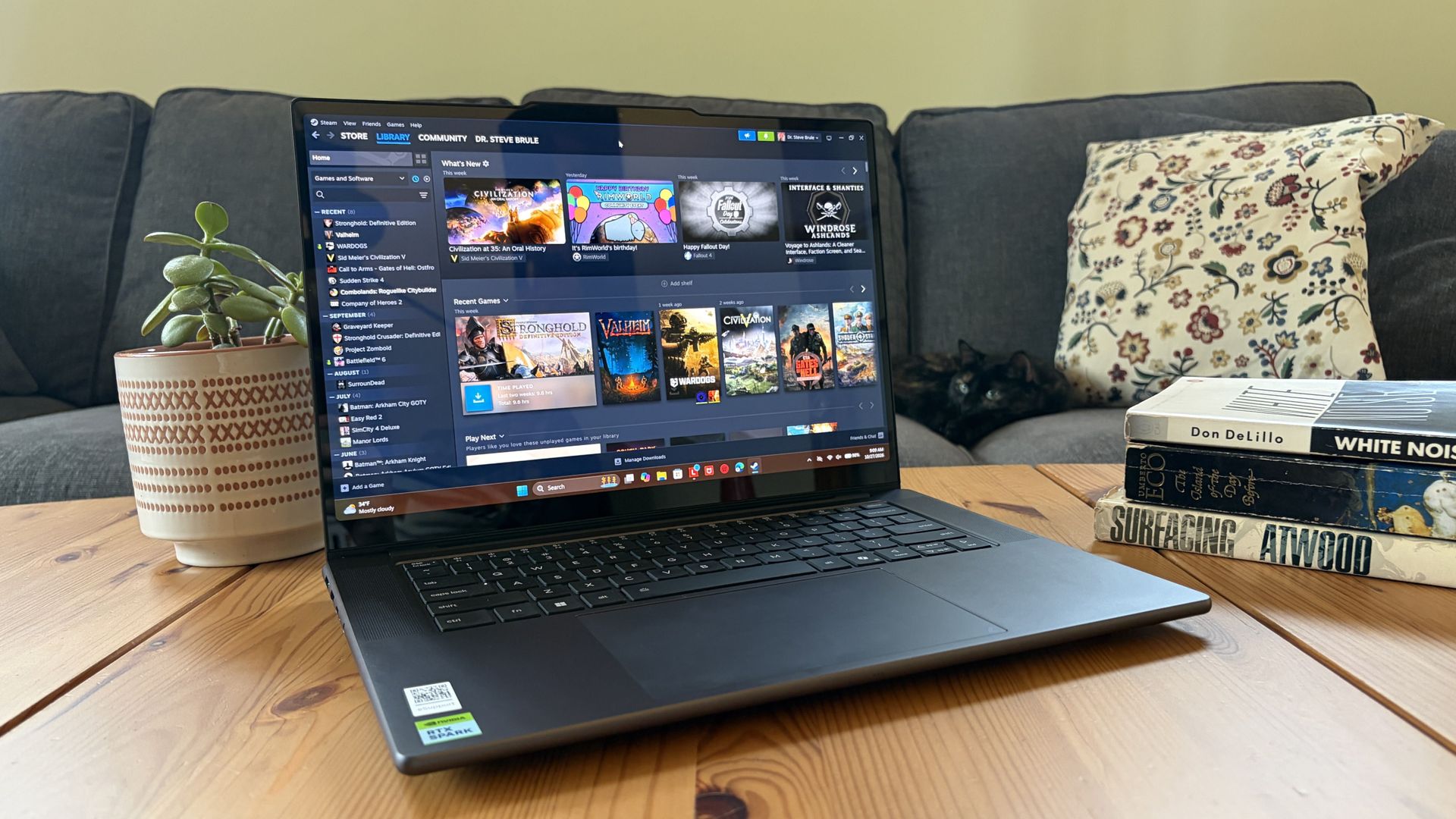
I'm taking the Lenovo Pro 9n over the Surface Laptop Ultra, but your decision might be different. (Image credit: Future)
Microsoft's Surface Laptop Ultra starts at a more affordable price, and that will resonate with a lot of people despite it coming with less powerful hardware. If you're just looking for a more affordable RTX Spark system, Surface is the way to go.
However, once you start adding similar hardware tiers, Lenovo's PC becomes more affordable. With the price in mind alongside the host of benefits from the Pro 9n that I've laid out above, I'm leaning towards Lenovo.
Mini-LED
Microsoft
Surface Laptop Ultra
The Surface Laptop Ultra starts at a more affordable price, but evens out as you add hardware. It lacks pen support, its mini-LED display isn't as impressive, plus it's overall thicker and heavier.
OLED
Lenovo
Pro 9n
Lenovo's Pro 9n starts at a higher price, but actually gets cheaper than Surface as you add hardware. Its OLED display, top-firing speakers, haptic touchpad with inking, and 9.1MP webcam are all benefits you won't get from Surface.
Join us on Reddit at r/WindowsCentral to share your insights and discuss our latest news, reviews, and more.

 Connexion