The US government backs OpenAI and Microsoft in a major copyright fight, arguing AI training is fair use and important to national security.
The post OpenAI Gets US Government Backing in Major AI Copyright Fight appeared first on TechRepublic.
A "ready-to-code distraction-free Windows experience" is on the way for developers. Microsoft just detailed how Windows 11 will be optimized for people with developer-class devices.The idea behind Project Zenith is to save developers time by preinstalling apps and having Settings pre-enabled that are optimized for development. For example, File Explorer will show file extensions, hidden files, and the full path in the title bar.Those options are not new, but they
A "ready-to-code distraction-free Windows experience" is on the way for developers. Microsoft just detailed how Windows 11 will be optimized for people with developer-class devices.
The idea behind Project Zenith is to save developers time by preinstalling apps and having Settings pre-enabled that are optimized for development. For example, File Explorer will show file extensions, hidden files, and the full path in the title bar.
Those options are not new, but they can take a while to set up when you also have to install a bunch of apps and tweak other settings.
We already knew about some of these experiences because of announcements made at Build 2026, but we now know a name for the project and more information about how Windows 11 will be optimized for developer-class devices.
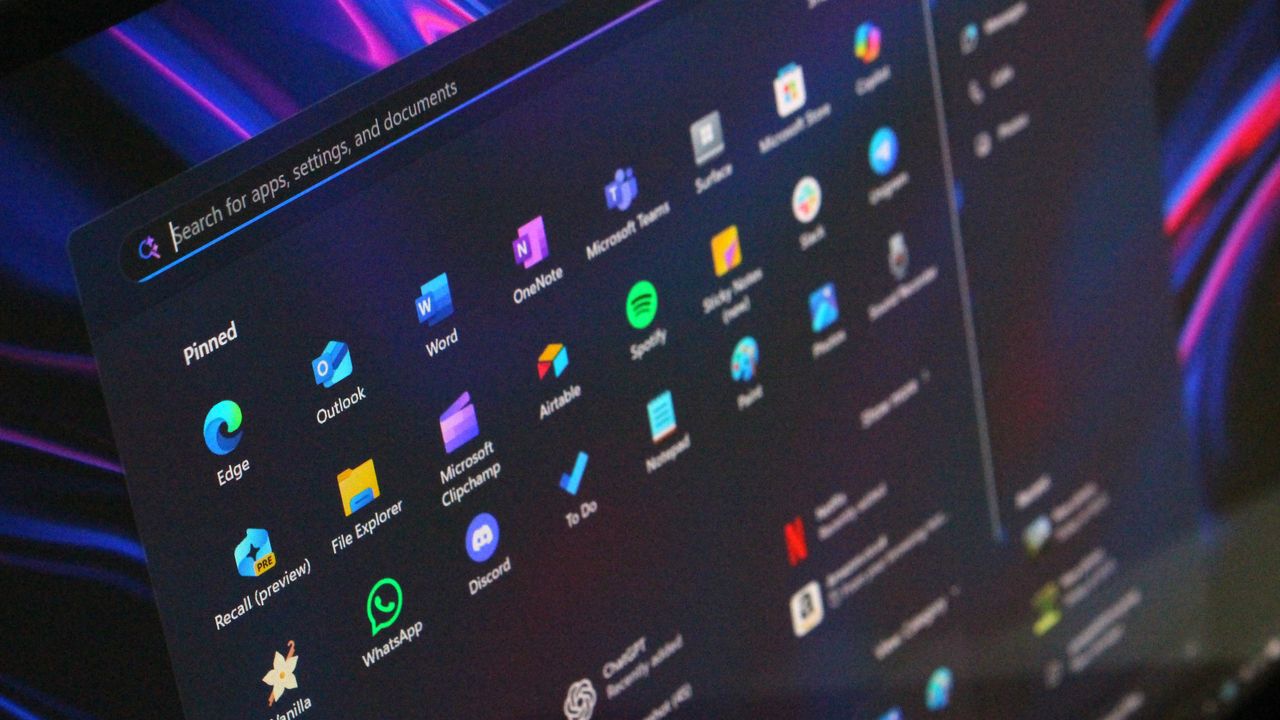
Those devices will be able to run 30B+ parameter models locally and unmetered and use a variety of tools out of the box. Windows Terminal and Visual Studio Code are pinned to the Taskbar by default. GitHub Copilot, PowerToys, WinAppCLI, and Windows Dev Skills will also be preinstalled, according to The Verge.
Project Zenith will launch first on AMD's Ryzen AI Halo devices, but it will make its way to other systems over the coming months.
To classify as a developer-class device, a system will need at least 64 GB of unified memory and at least 250 GB/s memory bandwidth.
The best version of Windows 11
A natural response to Microsoft's blog post is to ask, "don't we all want a distraction-free Windows experience?" I don't know anyone clamoring for more distractions on their PC. But I believe Project Zenith is specific to developers for a good reason.
Many developers have a similar workflow or rely on a set of tools. What would be considered a useful preinstalled app for developers would be viewed as bloat for general users.
Similarly, the enabled settings viewed as useful by developers would make Windows 11 feel crowded for everyday computing.
A better approach would be to tailor Windows 11 to different use cases. We're starting to see that with Xbox Mode on Windows 11 and now Project Zenith for developers.
Of course, Project Zenith devices, PCs running Xbox Mode, and all other Windows 11 devices benefit from the general improvements to Windows 11, such as reducing memory usage and improving Search and File Explorer. Many of those changes can be seen in the latest major update to Windows 11.
Join us on Reddit at r/WindowsCentral to share your insights and discuss our latest news, reviews, and more.
Microsoft Teams will soon let you temporarily pause notifications for a set period of time. Teams already has a variety of mute functions, but the new feature should make it easier to quiet down anything from Teams for a bit.The feature starts rolling out this month and should be available to all users by early October.The Microsoft 365 Message Center Archive has a record of the change:"Microsoft Teams will introduce a new capability that allows users to temporar
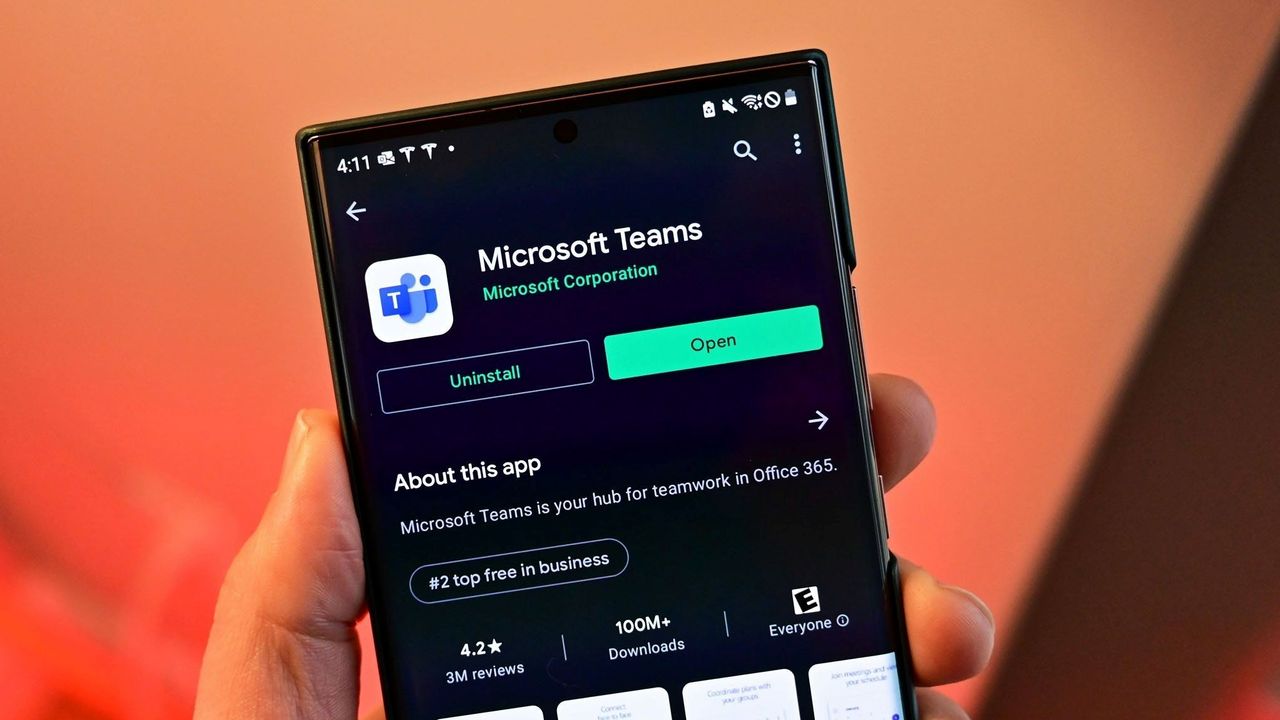
Microsoft Teams will soon let you temporarily pause notifications for a set period of time. Teams already has a variety of mute functions, but the new feature should make it easier to quiet down anything from Teams for a bit.
The feature starts rolling out this month and should be available to all users by early October.
"Microsoft Teams will introduce a new capability that allows users to temporarily pause notifications for a selected period of time. This feature gives users greater control over interruptions, helps reduce notification overload, and enables focused work, meetings, and other activities without requiring changes to existing notification settings."
All versions of Teams will have the option to temporarily pause Teams notifications for a set duration. The feature will be accessible through the profile menu in the upper-right corner of Teams.
The new capability in Teams is a bit like "Focus" in Windows 11, though it's specific to Teams. If you're working on a project, you may want to receive notifications through Windows 11 but keep Teams quiet.
Many workers have to use a variety of communication platforms. Pausing Teams notifications for a while could come in handy when presenting on Zoom. Microsoft accidentally shared discussions about other companies during a presentation by having a Teams notification appear. Pausing notifications would have prevented that.
It appears that one of the key differences in using this new feature compared to Do Not Disturb is how you'll appear to your colleagues. Setting Teams to Do Not Disturb is simple and effective, but it changes your public status indicator to red. I believe pausing notifications will leave your status unchanged.
Muting channels in Teams is also an existing feature, but it is done on a per-channel or per-chat basis. Pausing notifications should work across the board.
Neowin first spotted the new feature for Teams, but at the time details were scarce. Microsoft has since detailed how the feature will work and how the option differs from other methods of muting Teams.
It's unclear if pausing notifications will sync across all of your devices or if it is on a per-instance basis. I would hope there is an option to sync the pausing or pick which devices will continue to receive notifications.
Join us on Reddit at r/WindowsCentral to share your insights and discuss our latest news, reviews, and more.
In a new blog post, Microsoft has announced that starting in October 2026, "Memory Integrity Protection" will become enabled on more eligible devices. The feature, which is already enabled by default on most modern Windows PCs, is a kernel-level security feature designed to protect PCs from "sophisticated attacks with little or no additional configuration.""Built on Virtualization-based Security (VBS), memory integrity helps protect critical parts of Windows from
In a new blog post, Microsoft has announced that starting in October 2026, "Memory Integrity Protection" will become enabled on more eligible devices. The feature, which is already enabled by default on most modern Windows PCs, is a kernel-level security feature designed to protect PCs from "sophisticated attacks with little or no additional configuration."
"Built on Virtualization-based Security (VBS), memory integrity helps protect critical parts of Windows from tampering," Microsoft says. "It forms a foundation for modern security innovations such as hotpatch updates that improve user experience and productivity, as well as protection."
The company says that memory integrity protection will begin being enabled by default on eligible PCs starting next month, enhancing security with no additional setup required. "Windows quality updates will begin enabling memory integrity protection on eligible devices. If not already enabled, these updates will also enable VBS, helping make additional security capabilities available"
Of course, users still have control over whether they want memory integrity protection enabled. Most Windows PCs today come with it enabled by default already, but the user is able to control whether it is turned on or off. If you've already manually disabled memory integrity protection, it won't be automatically enabled next month.
"To help ensure a reliable device experience, Windows automatically evaluates readiness before enabling memory integrity."
The automatic rollout will only really apply to older PCs that never had it enabled to begin with. For those users, this will be an invisible change that makes your PC more secure. "Memory integrity helps make this possible by allowing only trusted kernel-mode code and drivers to run."
Microsoft has been working to make Windows 11 more secure while also reducing the frequency and annoyances of Windows Update. In recent months, the company has announced a complete overhaul to the Windows Update system, reducing how often it prompts users to restart to just once a month.
With features like hotpatch on commercial editions of Windows, Microsoft is now also able to update the OS on the fly without restarting the OS. While hotpatching isn't yet available on Windows 11 Home or Pro, it's something that we would love to see on consumer editions of Windows in the future too.
Join us on Reddit at r/WindowsCentral to share your insights and discuss our latest news, reviews, and more.
A major Windows 11 update is just around the corner. Microsoft just shipped Windows 11 version 26H2 to the Release Preview Channel and general rollout of the update starts in a few weeks.The upcoming update to Windows 11 includes UI changes such as the ability to move the Taskbar and under-the-hood improvements. It's a more substantial change than we've seen in previous years, which begs the question, "Where is the Surface to showcase all these improvements to Wi
A major Windows 11 update is just around the corner. Microsoft just shipped Windows 11 version 26H2 to the Release Preview Channel and general rollout of the update starts in a few weeks.
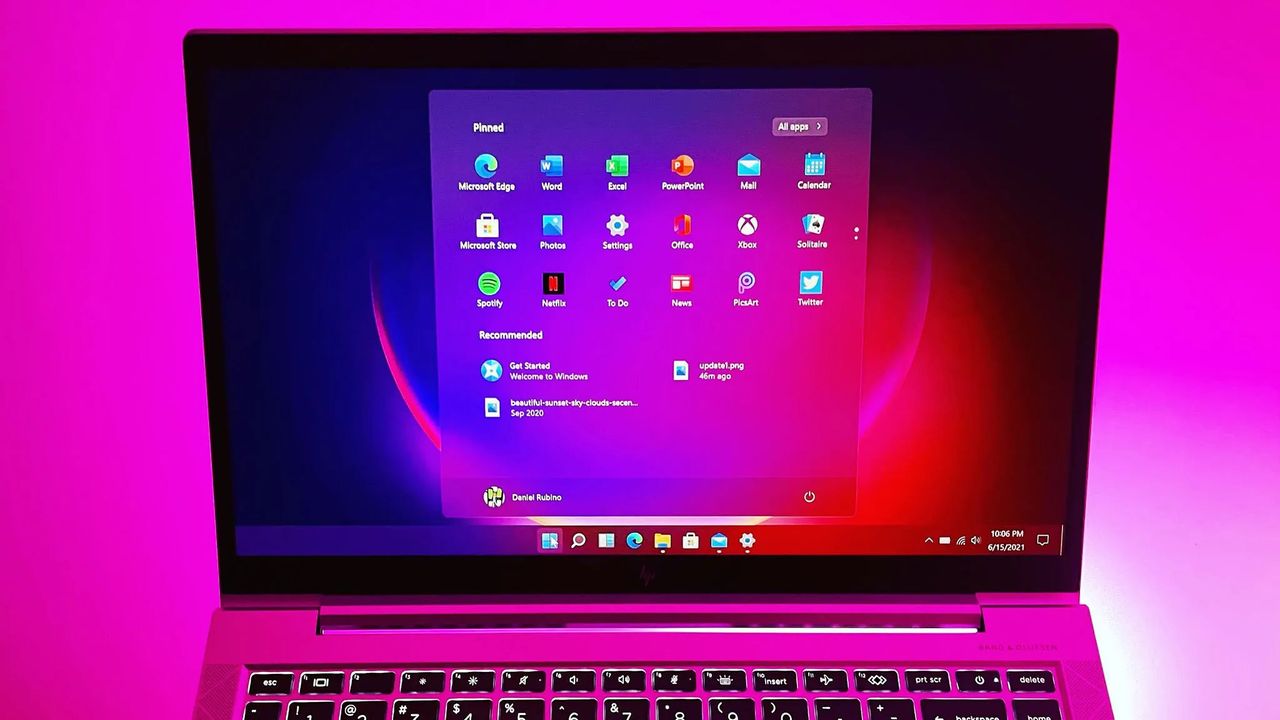
The upcoming update to Windows 11 includes UI changes such as the ability to move the Taskbar and under-the-hood improvements. It's a more substantial change than we've seen in previous years, which begs the question, "Where is the Surface to showcase all these improvements to Windows 11?"
Microsoft appears serious about its push to improve Windows 11 and listen to feedback about the operating system. The first real wave of improvements is essentially here, so why isn't there someone on stage showing them on a Surface?
Biggest News of the Week
Microsoft is a gigantic company and its teams often don’t talk to each other enough to create full unity of design. I talked about this last week in the Windows Wrap when discussing the app situation on Windows 11. While Microsoft is working to fix many of its inbox apps, it's not addressing the same inconsistencies across Microsoft 365, Teams, and other apps.
Microsoft has shuffled things around over the years, combining Surface with Windows and changing how leadership is structured. But right now it feels like Windows and Surface are distant. Microsoft does not have a unified marketing push to highlight all the changes to Windows 11. There isn’t an announced event or upcoming device that would showcase the major Windows 11 improvements that will ship to PCs in only a couple of weeks.
Surface is supposed to show the best of Windows and Microsoft will miss an opportunity unless it has an ace up its sleeve. Microsoft used to announce Surface hardware in April and October. I’d love to see Microsoft surprise us with something that showcases Windows 11.
Windows and Snapdragon
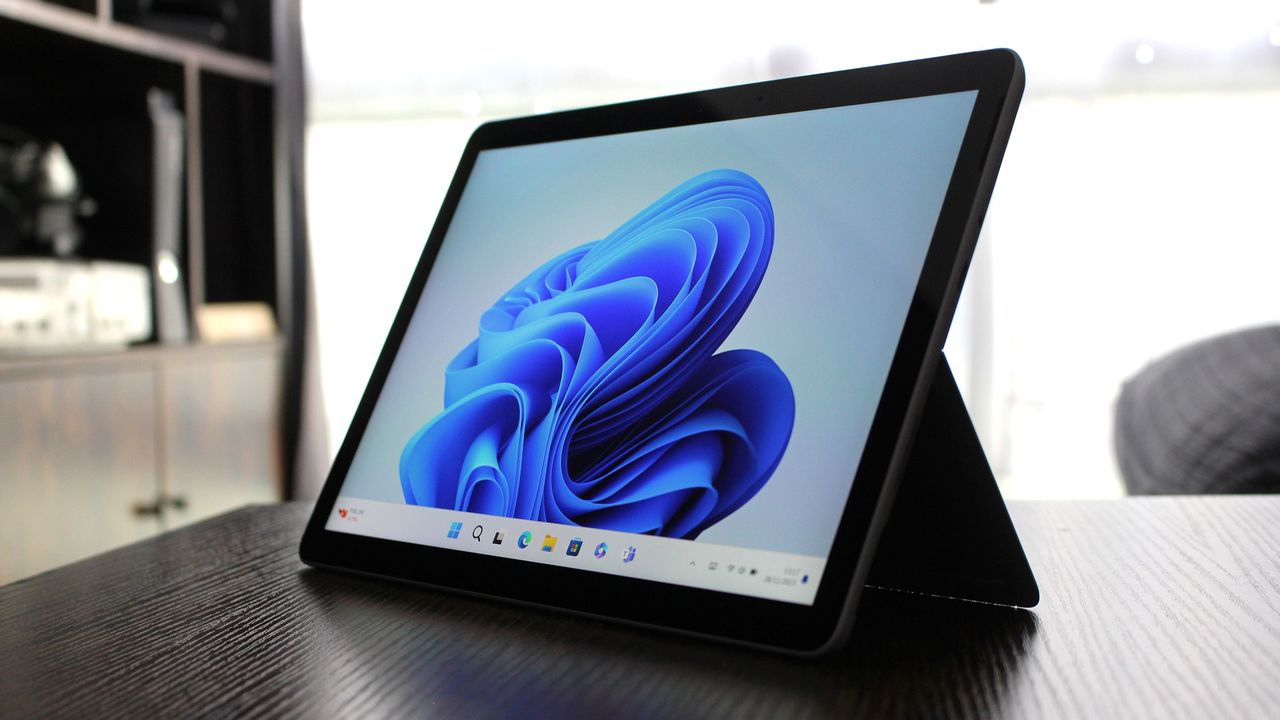
The Surface Pro 11 was one of many Surface devices that demonstrated what Snapdragon-powered PCs can do. (Image credit: Daniel Rubino)
Microsoft did a good job pairing Windows 11 and Snapdragon developments. At one point the Surface Pro X showed that a Snapdragon-powered PC can be fanless. Microsoft later shifted away from that, instead emphasizing the power efficiency and unplugged performance offered by Snapdragon PCs.
But the principal remained the same; Microsoft used it’s flagship hardware to highlight improvements to Windows 11 on Arm. Microsoft's faith in Snapdragon also pushed other PC manufacturers to make laptops powered by Qualcomm's chips. Snapdragon PCs are sold side-by-side with laptops powered by Intel or AMD chips.
Of course, it’s easier to use Windows 11 to show hardware improvements when there are concrete examples such as improve battery life or better unplugged performance. Microsoft has more of a mountain to climb when it comes to marketing the ability to move the taskbar and improved start menu. Under the hood improvements are tricky to show off.
That challenge is why I asked earlier this month if the next major Windows 11 update should be Windows 12. But that’s precisely why Microsoft needs to use Surface to highlight the improvements to Windows 11. Without a major marketing push about an OS upgrade, Microsoft needs to use its other resources to make sure shoppers know that this isn’t the same old Windows 11.
Join us on Reddit at r/WindowsCentral to share your insights and discuss our latest news, reviews, and more.
Over 41,000 people have signed a petition to prevent the construction of Microsoft's hyperscale data center in Leeds, England. The petition was started by a collective of 100 people but has since garnered support from thousands of people, including local residents.Microsoft received the go-ahead to build the data center in April when the Leeds City Council unanimously approved the project, though a final decision requires permission from the local Chief Planning
Over 41,000 people have signed a petition to prevent the construction of Microsoft's hyperscale data center in Leeds, England. The petition was started by a collective of 100 people but has since garnered support from thousands of people, including local residents.
Microsoft received the go-ahead to build the data center in April when the Leeds City Council unanimously approved the project, though a final decision requires permission from the local Chief Planning Officer. In total, three data center buildings totaling around 424,000 sq ft and the required power and water infrastructure will be built.
The data center will stand on the former Skelton Grange power station site, which used to have two coal-fired power stations. Those stations have since been demolished.
Those in favor of the project cite that 740 jobs will be created during the building phase and that over 350 permanent roles will come as a result of the new data center being built. A piece from the Leeds Times focuses largely on the potential positive outcomes of the project.
People opposed to the project highlight the potential environmental impact of the data center.
"There is overwhelming evidence that this site would pose a risk to the health and wellbeing of local residents, and the surrounding environment," reads the petition to prevent the construction of the data center.
The petition flags the large amount of water needed to cool the chips in the data center any time outside temperatures rise above about 29 degrees Celsius (84.2 degrees Fahrenheit). England is at the tail end of one of its hottest summers on record.
Microsoft CEO Satya Nadella spoke on water requirements for data centers earlier this year. Nadella claimed that "the daily water usage over the course of an entire year is roughly equivalent to what a single restaurant would use."
The Microsoft CEO's remarks were general and did not specifically address concerns about the future data center in Leeds.
Power usage is also a concern raised by the petition:
"The site would use truly vast amounts of energy to power, making it by far the single biggest carbon emitter in Leeds. Over its planned 60 year lifetime it is projected to release more than 200,000,000 tonnes of carbon dioxide. This is almost the equivalent of one year of the UK’s entire emissions."
The Leeds Planning Committee has already approved the construction of Microsoft's data center in Leeds. The final decision on the project will come from Chief Planning Officer Martin Elliot.
The petition claims there was "insufficient scrutiny of the project’s impacts" before the project was approved. The makers of the petition hope to prevent the final approval of the project and suggest potential legal action could follow to challenge the construction.
Join us on Reddit at r/WindowsCentral to share your insights and discuss our latest news, reviews, and more.
Microsoft has began rolling out the next version of Windows 11 to testers in the Windows Insider Release Preview Channel, which is the very last phase of testing before general availability begins. With version 26H2 now in the Release PreviewChannel, the company is signalling that this new version is just about done, and testing of the final bits can begin.Windows 11 version 26H2 is similar to version 25H2 in scope. It's based on the same platform release as both
Microsoft has began rolling out the next version of Windows 11 to testers in the Windows Insider Release Preview Channel, which is the very last phase of testing before general availability begins. With version 26H2 now in the Release PreviewChannel, the company is signalling that this new version is just about done, and testing of the final bits can begin.
Windows 11 version 26H2 is similar to version 25H2 in scope. It's based on the same platform release as both 25H2 and 24H2 before it, which means it's not a major OS upgrade and won't be making major changes to the OS core. Instead, 26H2 serves to reset the support clock for Windows 11 users, with 26H2 offering a refreshed 24 months of support for consumers, and 36 months for commercial customers.
That's good news for users who usually dismiss new versions of Windows 11 for being unstable or buggy. 26H2 shares the same core OS, feature stack, and security updates as 25H2, meaning there are no compatibility or software quality concerns to be worried about. If it works on 25H2, it'll work on 26H2 also.
"As Windows 11, version 26H2 shares the same servicing branch as Windows 11, version 25H2, the update is implemented through an enablement package (eKB). This means your device will be updated to the next version through a single restart – providing a familiar, fast, and reliable update experience."
There may be some instances where 26H2 gets new features first, but for as long as 25H2 (and 24H2) are supported, they should get the same features also. For now, version 26H2 is at feature parity with version 25H2, which is expected to receive the same Windows K2 improvements such as the more customizable Start menu and new Windows Search pane at the same time.
Now that Windows 11 version 26H2 is now in the Release Preview Channel, that typically means we're just a few weeks away from general availability beginning. Bits that are flighted to the Release Preview Channel are production ready, and so now it's just a matter of ensuring the final bits don't have any last minute bugs or issues.
Should everything go according to plan, I expect we'll begin hearing about version 26H2 general availability in the next few weeks. Microsoft usually aims to begin rolling out new versions of Windows 11 towards the end of September and into October, and I expect the same to happen this year.
Join us on Reddit at r/WindowsCentral to share your insights and discuss our latest news, reviews, and more.
Microsoft's Link to Windows app for Android may soon support restarting or shutting down a computer or putting a PC to sleep. Code within the app was discovered that suggests the functionality is on the way, but nothing has been confirmed by Microsoft at this time.Windows Latest found evidence suggesting that a pairing of Link to Windows and Phone Link will soon gain greater control of your PC. It's already possible to lock your PC from your Android phone, but th
Microsoft's Link to Windows app for Android may soon support restarting or shutting down a computer or putting a PC to sleep. Code within the app was discovered that suggests the functionality is on the way, but nothing has been confirmed by Microsoft at this time.
Windows Latest found evidence suggesting that a pairing of Link to Windows and Phone Link will soon gain greater control of your PC. It's already possible to lock your PC from your Android phone, but the code suggests support for other actions is on the way.
I occasionally forget to turn off my PC, especially since I work from home and can get distracted after my work day ends. Being able to shut down my PC remotely without having to set up a Remote Desktop would be a nice option.
The feature could also come in handy if you need to leave your PC running unattended for a while. The other day I had to download a bunch of large files and knew my PC had to run for a while. If the new Link to Windows feature had been available, I could have shut down my PC after I knew the files were downloaded.
Putting your PC to sleep through Link to Windows will work a bit differently, according to Windows Latest. A warning message discovered by the outlet states, "After it’s asleep, it will be disconnected from this device. You need to go to your PC to wake it up."
Separate warnings appear when you try to restart or shut down your PC in the middle of an update.
Microsoft continues to work on integrating the smartphone and PC experience. The tech giant expanded the connection between devices by adding a section to the Start menu on Windows 11. Microsoft is also testing several flyouts and menus that will make it easier to connect your phone and your PC.
Join us on Reddit at r/WindowsCentral to share your insights and discuss our latest news, reviews, and more.
Samsung Galaxy Book3 Pro 14-inch laptop (2023)
Microsoft makes it easy to connect your Windows 11 PC and your Android smartphone through Phone Link and Link to Windows.
The Microsoft 365 Roadmap is gone. This week, the site was rebranded as the "AI at Work Roadmap." The baffling change raises questions about what's going on at Microsoft and why its leaders think they can label anything as AI.The roadmap lets you track features and updates to a variety of apps and services from Microsoft. Microsoft justifies the name change by highlighting that the roadmap now includes features from Dynamics 365, Power Platform, and Dataverse as
The Microsoft 365 Roadmap is gone. This week, the site was rebranded as the "AI at Work Roadmap." The baffling change raises questions about what's going on at Microsoft and why its leaders think they can label anything as AI.
The roadmap lets you track features and updates to a variety of apps and services from Microsoft. Microsoft justifies the name change by highlighting that the roadmap now includes features from Dynamics 365, Power Platform, and Dataverse as well.
But the AI at Work Roadmap still details plans for thousands of features that have nothing to do with AI.
Neowin's Usama Jawad shared an editorial on Microsoft's latest rebrand already, and I'll echo some of the same thoughts. But some decisions are so astonishingly stupid that they require editorials from multiple outlets.
The name isn't even accurate
The "AI at Work Roadmap" lists hundreds of features that have nothing to do with AI. (Image credit: Getty Images | SOPA Images)
Microsoft is so eager to push AI that its decision makers have not even considered if the new name of the Microsoft 365 Roadmap is accurate. Yes, the roadmap includes AI features across the Microsoft 365 suite. It also now outlines changes to Dynamics 365, Power Platform, and Dataverse.
Microsoft Teams: Coordinated meetings support on Teams Rooms on Android
Outlook: Manage multiple inbox rules at once.
Microsoft Teams: Hide organizer name in the calendar view on Teams Panels and MTR-A
Microsoft Teams: Breakout room support on Teams Rooms on Android
Microsoft Teams: Report a message or an external user for security concerns in Gov clouds.
As far as I can tell, none of those are AI features. Perhaps there's some AI-written code in there or AI working in the background, but I doubt anyone would refer to breakout rooms support as an AI feature.
Microsoft, what are we doing here? Have we reached a point of desperation so extreme that the option to hide an organizer name needs to fall under the AI umbrella? I suppose if every single feature to ever ship to Microsoft 365 is considered AI, that metrics measuring AI use will trend upward.
A history of bad branding
Microsoft rebranded its Office subscription to "Microsoft 365" several years ago. (Image credit: Jennifer Young - Windows Central)
Microsoft already had an established brand name recognized around the world in "Office." But the tech giant decided to rebrand its productivity suite as Microsoft 365. While that decision drew criticism, it at least made sense because Microsoft 365 includes several pieces of software that are not Office apps.
In 2025, Microsoft announced the baffling decision to rebrand Microsoft 365 as "Microsoft 365 Copilot." Our Executive Editor Jez Corden took Microsoft to task for that, and rightly so:
"The rebrand of Microsoft Office was dumb to start with, trampling on a legacy spanning decades. The second rebrand attaching Copilot is even more dumb, and follows the Copilot+ PC thought process of firmly putting the cart several miles before the horse. Copilot hasn't earned the right to be showcased alongside [technological] cultural milestones like Microsoft Excel or Microsoft Word."
Microsoft went on a spree in which it renamed a bunch of services to include some form of Copilot. The company had so many types of Copilots that it had to merge Copilot and Microsoft 365 Copilot.
That obsession with Copilot begs another question: If Microsoft needs to rename the Microsoft 365 Roadmap to mention AI, why not call it the Microsoft 365 Copilot Roadmap? I'd still hate the change but at least it would be somewhat consistent.
The idea of slapping "AI" onto anything is still silly, but at least Microsoft would be reusing a name that appears elsewhere.
Join us on Reddit at r/WindowsCentral to share your insights and discuss our latest news, reviews, and more.
Microsoft is changing the way it reports its business — and one of the biggest changes is something investors have been asking for years: actual Azure revenue numbers. Starting with its next fiscal year, Microsoft will disclose Azure revenue on a quarterly basis instead of only reporting the cloud platform’s year-over-year growth. The company is […]
Microsoft is changing the way it reports its business — and one of the biggest changes is something investors have been asking for years: actual Azure revenue numbers. Starting with its next fiscal year, Microsoft will disclose Azure revenue on a quarterly basis instead of only reporting the cloud platform’s year-over-year growth. The company is […]
Sony and Microsoft are pushing back against lawsuits from U.S. gamers who want their money back after paying higher prices for PlayStation and Xbox consoles during the tariff period. The legal fight has become particularly interesting because Sony is expected to receive roughly $508 million in tariff refunds from the U.S. government. Consumers suing the […]
Sony and Microsoft are pushing back against lawsuits from U.S. gamers who want their money back after paying higher prices for PlayStation and Xbox consoles during the tariff period. The legal fight has become particularly interesting because Sony is expected to receive roughly $508 million in tariff refunds from the U.S. government. Consumers suing the […]
Xbox Series X25 costs $100 more than the standard Series X without adding performance. Here’s what the anniversary premium actually buys.
The post Xbox Series X25 vs Xbox Series X: Is the $100 Premium Worth It? appeared first on TechRepublic.
Microsoft has confirmed that desktop settings are lost or reset on some Windows devices after installing the KB5120998 August 2026 preview update. [...]
Microsoft has confirmed that desktop settings are lost or reset on some Windows devices after installing the KB5120998 August 2026 preview update. [...]
Microsoft is working to fix a known issue that causes crashes and launch failures for Microsoft Teams and New Outlook users after installing updates released since the August 2026 Patch Tuesday. [...]
Microsoft is working to fix a known issue that causes crashes and launch failures for Microsoft Teams and New Outlook users after installing updates released since the August 2026 Patch Tuesday. [...]
Microsoft is investigating an issue causing the Defender for Office 365 security software to mistakenly block access to legitimate Google search links. [...]
Microsoft is investigating an issue causing the Defender for Office 365 security software to mistakenly block access to legitimate Google search links. [...]
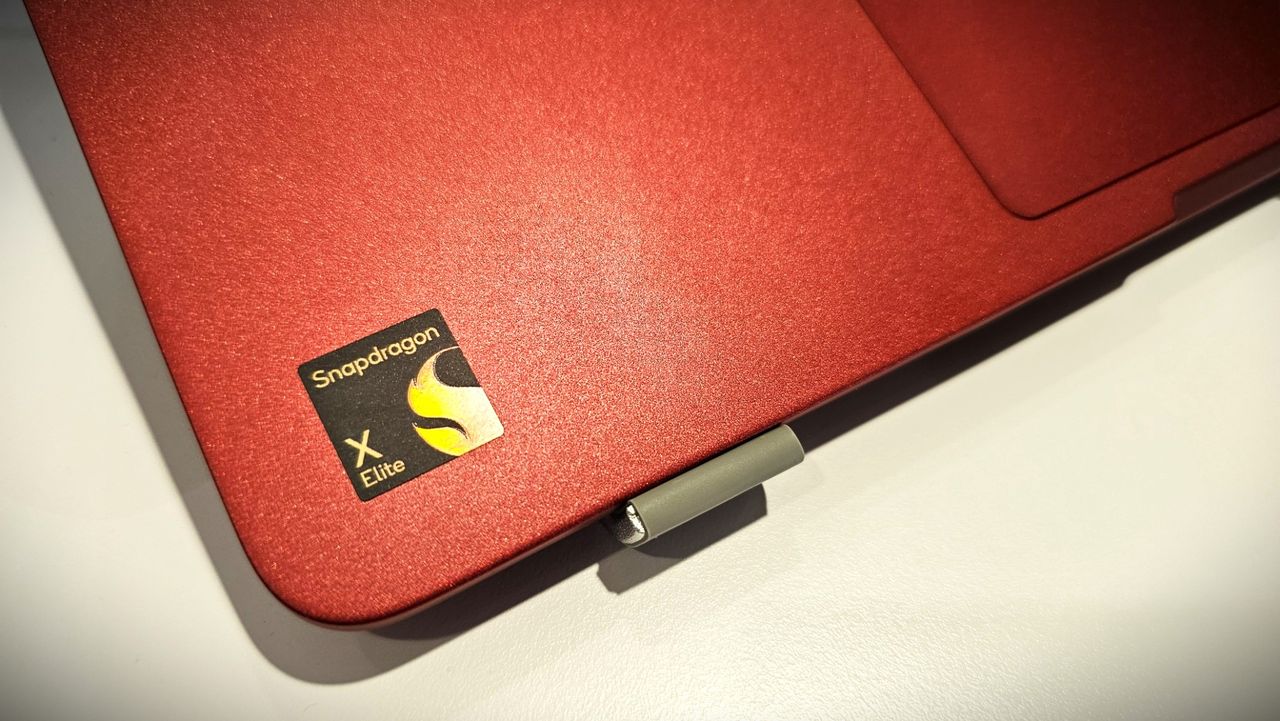
Microsoft has published a new blog post celebrating significant progress around the Windows on Arm platform over the last year. The company is excited to welcome NVIDIA to the Windows on Arm family with its RTX Spark SoC later this year, joining the Qualcomm Snapdragon X platform and solidifying the Windows on Arm platform as here to stay."The market is sending a clear signal: more silicon providers and more OEM partners are investing in Windows on Arm because cu
Microsoft has published a new blog post celebrating significant progress around the Windows on Arm platform over the last year. The company is excited to welcome NVIDIA to the Windows on Arm family with its RTX Spark SoC later this year, joining the Qualcomm Snapdragon X platform and solidifying the Windows on Arm platform as here to stay.
"The market is sending a clear signal: more silicon providers and more OEM partners are investing in Windows on Arm because customer demand is growing for these powerful and efficient Windows devices and experiences," says Klaus Diaconu, Partner Director at Microsoft. "In the fall of 2026, devices from Microsoft Surface, ASUS, Dell, HP, Lenovo, and MSI will be available [with RTX Spark.]"
In addition to highlighting silicon and hardware makers bringing Windows on Arm to market, Microsoft is also excited to spotlight Windows apps that are now available on the Arm platform, including STEM and education apps, security apps, productivity apps, creativity apps, entertainment and media apps.
MicrosoftMicrosoftMicrosoftMicrosoft
"Productivity apps remain the cornerstone of how people get work done on Windows. Whether managing projects, collaborating with teammates, organizing information, or communicating across teams, these apps are essential to our customers’ daily work. The growing list of productivity apps now available reflects both customer demand and increasing momentum from developers building with Arm as a first-class Windows platform."
Some of the highlights include apps like Sharex, Proton Mail, Signal, Discord, FxSound, and more. In fact, Microsoft says there are now over 7,000 compatible Windows on Arm apps being tracked on the "Works on WOA" website, which the company recommends as a comprehensive source for app compatibility information.
While most mainstream apps are now natively supported on Arm, there are still Windows apps that don't yet have an Arm native version. With the Windows Prism emulation layer, these apps still run on Windows on Arm, and on the latest Arm PCs they feel native thanks to improvements to performance from both the silicon and software.
"Windows on Arm is no longer defined by potential, but by a rapidly expanding ecosystem of devices with apps available across workloads that customers depend on most," Microsoft states. "As developers continue to invest in Arm-native experiences and compatibility, customers gain more choices, flexibility, and confidence in adopting the next generation of Windows devices."
Join us on Reddit at r/WindowsCentral to share your insights and discuss our latest news, reviews, and more.
On August 24, 2001, Microsoft released Windows XP to manufacturing (RTM), shipping its finished product to brands (OEMs) to begin implementing it in brand-new PCs. General availability wouldn't begin until October of that same year, when most of us had the chance to try the operating system previously known as "Neptune" for the first time.25 years later, Windows XP's influence is still felt worldwide, even internally, as Microsoft repeatedly referenced its style
On August 24, 2001, Microsoft released Windows XP to manufacturing (RTM), shipping its finished product to brands (OEMs) to begin implementing it in brand-new PCs. General availability wouldn't begin until October of that same year, when most of us had the chance to try the operating system previously known as "Neptune" for the first time.
25 years later, Windows XP's influence is still felt worldwide, even internally, as Microsoft repeatedly referenced its style in ugly holiday sweaters with its logo and, again, with a follow-up featuring its legendary "Bliss" wallpaper of rolling green hills and a blue cloudy sky. XP was the best-selling version of the operating system to date and had a cultural impact that will likely survive for decades.
Official social channels haven't thrown any specific celebrations (yet), with @Windows and @Microsoft presumably remaining quiet to treat the later October release date with more significance. Nevertheless, the impact of Windows XP can't be overstated, and enthusiasts (including myself) still feel nostalgic for the colorful OS as it becomes a relic with a quarter-century legacy.
Windows XP was my gateway to the internet, and it certainly made the PC feel like more than a simple word processor with games.
My family-owned desktop PCs started with Windows 3.1, followed by an upgrade to Windows 95 and a later migration to Windows 98 SE. I remember the fascination of seeing the likes of Program Manager being replaced with Explorer and its teal-colored default desktop, but none of it compared to the leap to Windows XP when we finally paid for an internet connection at home.
Microsoft co-founder Bill Gates with Windows XP in Times Square during an undoubtedly expensive marketing campaign. (Image credit: Getty Images)
Suddenly, MSN Messenger became my most-used program as our household set up proper profiles for each family member, all customized with our own icons and themes that were even better than everything I'd seen on "Microsoft Plus!". Indeed, Windows XP was my gateway to the internet, and it certainly made the PC feel like more than a simple word processor with games.
Still, I'm fully aware of what nostalgia does to me, and my rose-tinted glasses surely make Windows XP seem so much better simply because it arrived during my most formative years. Then again, I know many feel the same way, so I'm keeping my fingers crossed that October comes with a real celebration from Microsoft, so we can collectively look back and compare notes.
For now, I'm reminiscing about grouping up for games of Counter-Strike and Unreal Tournament via mIRC, between posting in opinionated threads on phpBB forums while diving into the fascinating world of Macromedia Flash animations. It might seem outdated and overrated now, but Windows XP was special to me, and I often miss reading Encarta instead of browsing Wikipedia.
Join us on Reddit at r/WindowsCentral to share your insights and discuss our latest news, reviews, and more.
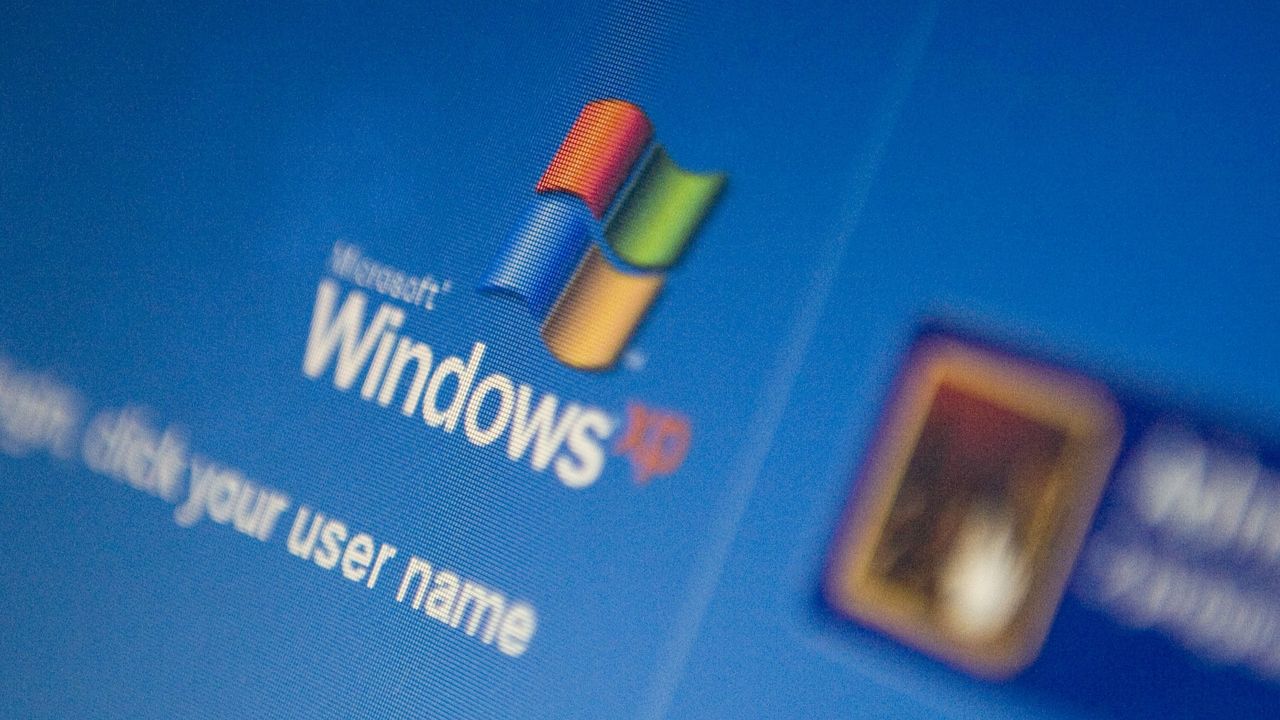
The Microsoft Windows XP log-in screen is displayed on a laptop computer.
Windows XP hit RTM 25 years ago, prepping the launch of Microsoft's most iconic OS, which became a bestseller with a lasting cultural impact.
Windows 11 will soon let you pick how much unified memory is reserved for graphics and AI. The feature is hidden in a recent Windows Insider build (29648) and was discovered by X user @XenoPanther.Unified memory is high-bandwidth memory that can be shared between a CPU, GPU, and other processors. Traditionally, PCs with discrete graphics cards have dedicated VRAM (video memory) that lives separately from other memory.Unified memory is still relatively new to PCs.
Windows 11 will soon let you pick how much unified memory is reserved for graphics and AI. The feature is hidden in a recent Windows Insider build (29648) and was discovered by X user @XenoPanther.
Unified memory is high-bandwidth memory that can be shared between a CPU, GPU, and other processors. Traditionally, PCs with discrete graphics cards have dedicated VRAM (video memory) that lives separately from other memory.
Unified memory is still relatively new to PCs. The upcoming NVIDIA RTX Spark lets you use up to 128GB of unified RAM. AMD's Ryzen AI Max already features unified RAM.
Apple popularized the concept of unified memory with its M-Series chips, though the technology is not exclusive to Apple.
If the unified memory feature in testing rolls out, Windows 11 will have a key differentiator from macOS.
Microsoft's new feature lets Windows 11 users "reserve additional unified memory for graphics and AI intensive games and applications." The setting would help ensure smooth performance for certain types of workloads that require a lot of memory.
Normally, Windows manages shared memory dynamically, shifting resources back and forth as apps demand them. That approach works fine for general multitasking, but it runs into problems with heavy workloads like local AI inference or 3D gaming.
When memory is shared like that, background OS tasks and apps can contend for the same pool of RAM. That competition can cause latency spikes, frame drops, or total out-of-memory crashes when you're trying to run something demanding.
By letting users reserve memory, workloads with high demands for graphics and AI have uninterrupted access to high-speed memory.
The feature is not finished and has not been announced by Microsoft, so it requires some extra work to see. You can force it to appear using ViveTool.
I'd recommend waiting until the feature enters testing or even ships to general users before using it. In most cases, it's worth letting Microsoft work out any issues and polish the experience rather than use a hidden feature.
Join us on Reddit at r/WindowsCentral to share your insights and discuss our latest news, reviews, and more.
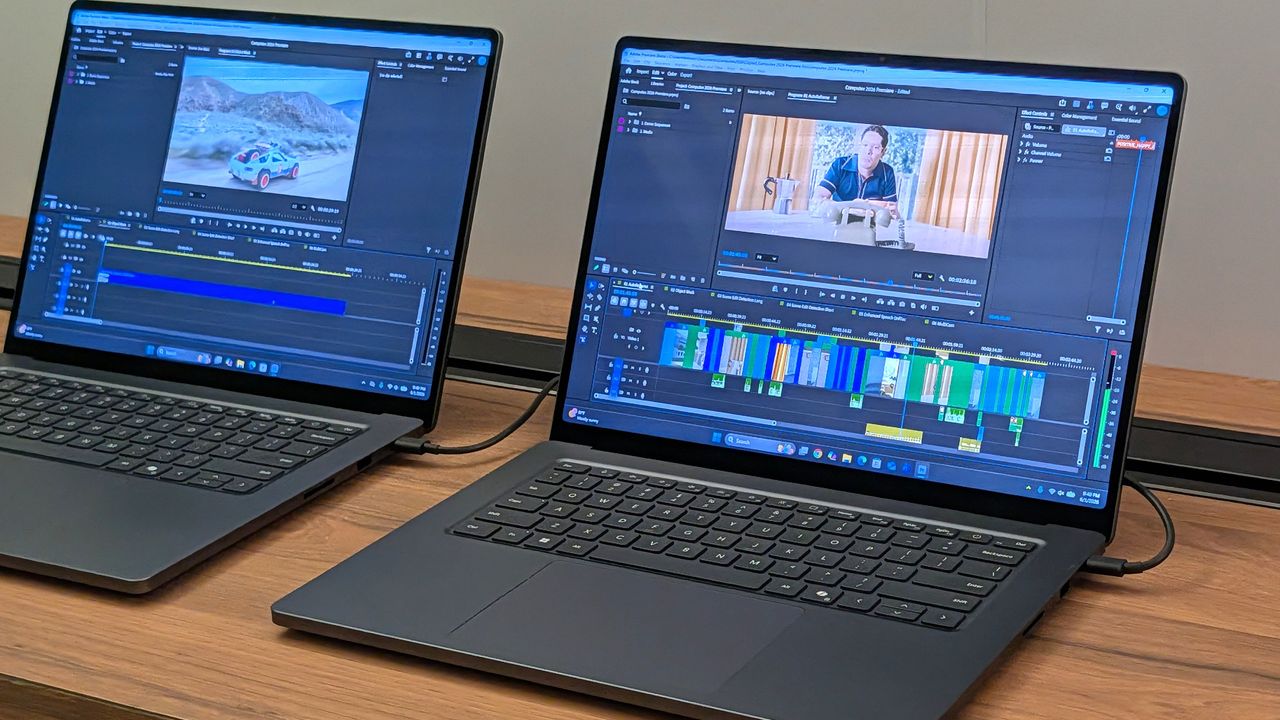
Surface Laptop Ultra running Premiere Pro
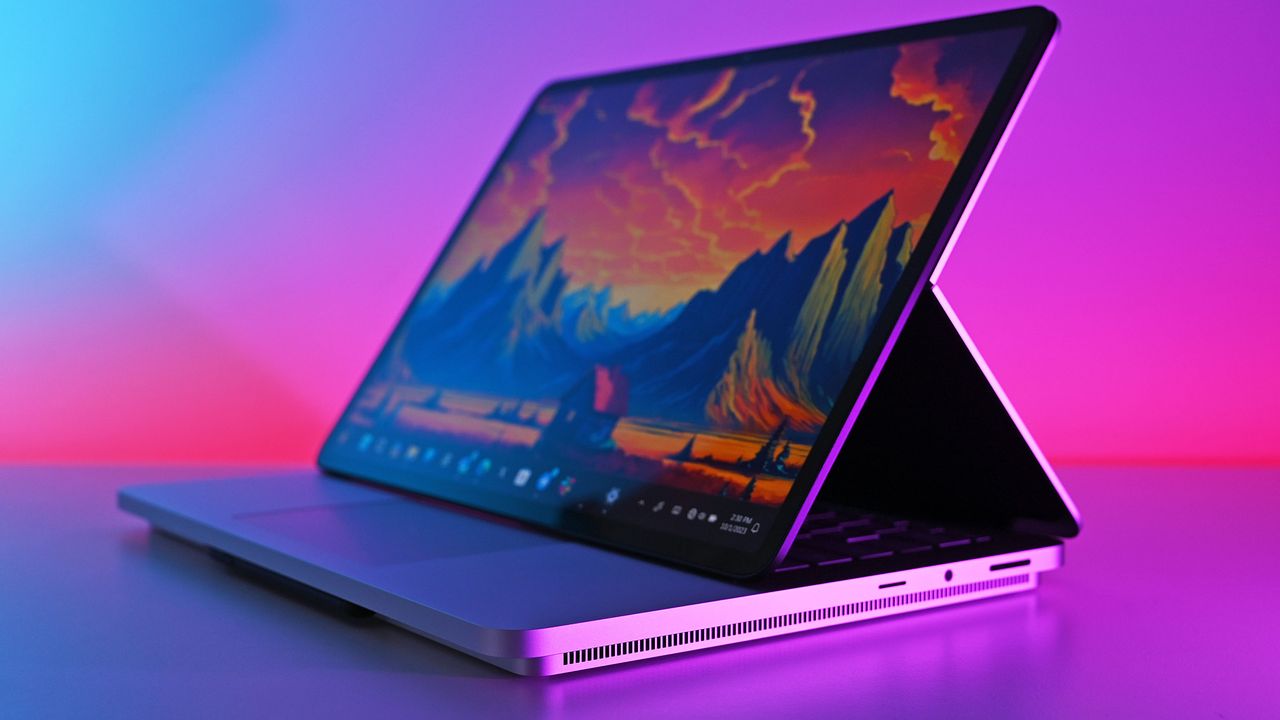
The Surface Laptop Ultra is powered by an RTX Spark chip that features unified memory.
Believe it or not, there was a time when people lined up outside of actual stores to buy the latest version of Windows. Such was the case on August 24, 1995, when Microsoft officially launched Windows 95.Yes, I find it hard to believe, but it's been 31 years since Microsoft made what is arguably the biggest change ever to its operating system. I didn't line up outside of Best Buy to secure my copy, but I do remember some of the hype ahead of the launch.Stars of t
Believe it or not, there was a time when people lined up outside of actual stores to buy the latest version of Windows. Such was the case on August 24, 1995, when Microsoft officially launched Windows 95.
Yes, I find it hard to believe, but it's been 31 years since Microsoft made what is arguably the biggest change ever to its operating system. I didn't line up outside of Best Buy to secure my copy, but I do remember some of the hype ahead of the launch.
Stars of the hit TV show Friends, Jennifer Aniston and Matthew Perry, were tapped to create an hour-long Windows 95 video guide in which they answered questions and highlighted new features. It's ... quite a watch.
At the launch event, Jay Leno helped CEO/Chairman Bill Gates and company demo the software onstage as camera flashes erupted throughout the room.
And who can forget the classic Windows 95 launch sizzler featuring Start Me Up by The Rolling Stones?
Compared to the hesitant Windows launches of today — countless millions of people are still using Windows 10 today despite Windows 11 being on the market since 2021 — the launch of Windows 95 was a huge deal.
It wasn't just hype for no reason, either. The jump from Windows 3.1 to Windows 95 was massive, and a lot of its appeal rested in the bottom-left corner of the screen.
Windows introduces the Start button, and PCs are never the same
The old Windows 3.1 Program Manager in all of its glory. (Image credit: Mauro Huculak)
For many modern Windows users, the Start button has always been a staple of the OS. But before Windows 95, everything looked a lot different. You can probably see why Start Me Up was used as a promo song.
Windows 3.1 used a full-screen Program Manager tool to keep apps sorted. It involved nested windows containing icons, and you can see some of the inspiration for the eventual Start menu here.
However, Program Manager left users without any sort of unified system control dashboard or taskbar. Those comfortable with Windows 3.1 put up with it (what else was there?), but it wasn't exactly easy for an average person to sit down and start computing.
Windows 95 modernized the UI, making it a lot easier to use in the process.
All hail the Windows 95 Start button, which has stuck with us for 31 years. (Image credit: Future)
The Start menu was suddenly the aptly named first place to click when you booted your Windows 95 PC. It contained quick shortcuts to installed software and stored files, a trove of settings, and a Shut Down option.
Attached to the Start button and sitting across the bottom of the screen was a taskbar, which could keep track of which apps you'd opened and made it easy to swap between them. Windows 95 received the first instance of the Recycle Bin tool, making file deletion reversible.
Everything you need was easily accessible through Windows 95's Start menu. (Image credit: Mauro Huculak)
The addition of right-click context menus was massive, as users no longer had to hunt through menus. They could just right-click to pull up options.
Windows Explorer as we (mostly) know it today was also introduced in Windows 95. It replaced Windows 3.1's File Manager tool and organized files into much more comprehensive categories.
Microsoft didn't exactly invent any of these ideas, but it did group them all together into one package. The new interface proved to be a hit, and you can still see the DNA of Windows 95 every time you boot up Windows 11.
The lasting legacy of Windows 95 ... 31 years later
Windows 11 looks a lot different than Windows 95, but the foundational UI aspects remain. (Image credit: Windows Central | Zachary Boddy)
Windows 95 was the first OS I really remember using in earnest, and 31 years later, Windows 11 still feels like home. There's still a Start button, there's still a taskbar, there are still right-click menus, and there's still a Recycle Bin.
Sure, the appearance of these tools might have changed many times over the years, but they've survived three decades as the hardware around them has morphed from chunky beige towers to sleek laptops and RGB-infused desktops.
I'm sitting here trying to think of other user interfaces that have proven as resilient as the changes made in Windows 95. Plenty have come and gone in the meantime, while those from Windows 95 have become a foundation.
Can you think of any good examples of UI elements that have survived for 31 years? Were you around for the launch of Windows 95? How did it go? Let me know in the comments section below!
Join us on Reddit at r/WindowsCentral to share your insights and discuss our latest news, reviews, and more.
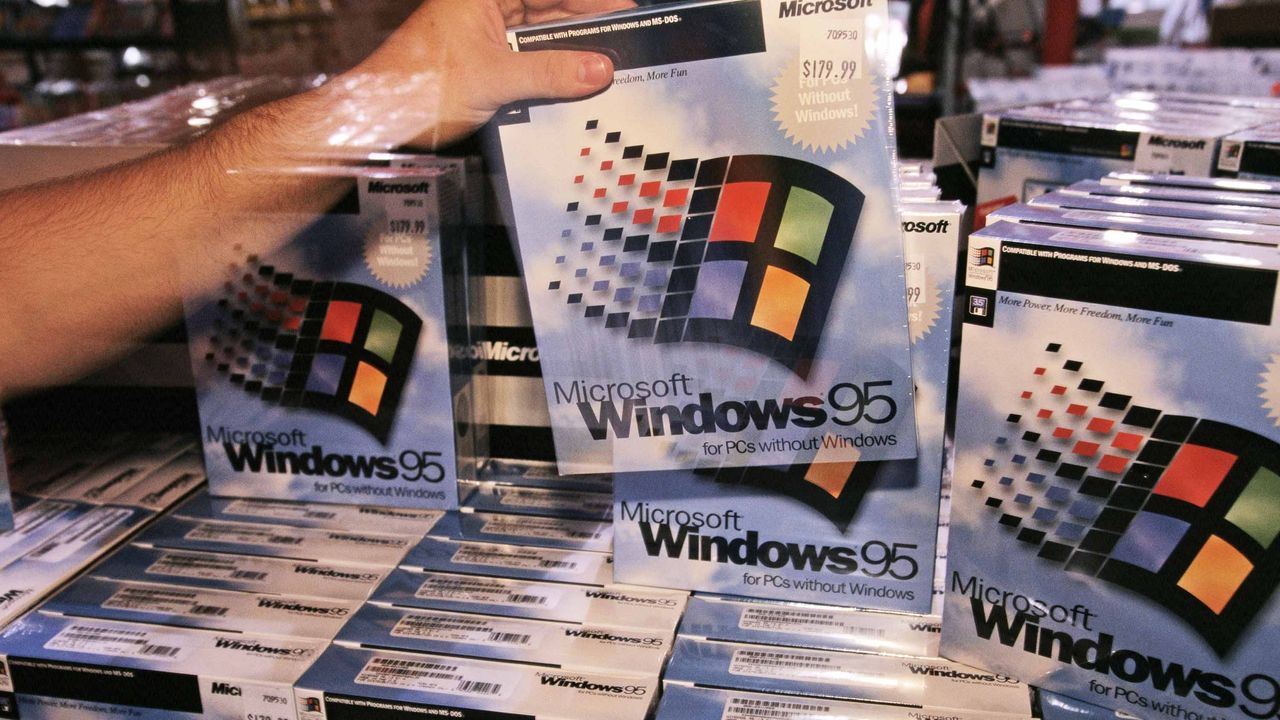
New Microsoft Operating System Windows 95 Goes on Sale.
New Microsoft Operating System Windows 95 Goes on Sale.
In this week's episode of the Windows Central Podcast, Daniel Rubino and Zac Bowden break down the latest Windows 11 insider features, focusing heavily on major overhauls coming to context menus, File Explorer polish, and options to force apps to open full-screen. They also dive into a surprising new Signal 65 processor study highlighting how Qualcomm's Snapdragon X2 chips stack up against Intel and AMD, wrap up recent Windows 11 improvements from March onward, a
In this week's episode of the Windows Central Podcast, Daniel Rubino and Zac Bowden break down the latest Windows 11 insider features, focusing heavily on major overhauls coming to context menus, File Explorer polish, and options to force apps to open full-screen. They also dive into a surprising new Signal 65 processor study highlighting how Qualcomm's Snapdragon X2 chips stack up against Intel and AMD, wrap up recent Windows 11 improvements from March onward, and touch on various tech ecosystem shifts.
This episode of the Windows Central Podcast is sponsored by Surfshark VPN. Unlimited devices, access your content from anywhere, and auto-block malware on Windows, Edge, and other platforms from $2.50/mo, with 3 months extra FREE. Sign up today!
00:00 — Introduction & Welcome: Daniel Rubino and Zach Bowden kick off Episode 402 of the Windows Central Podcast.
03:45 — Qualcomm Snapdragon X2 vs. Intel & AMD: Analyzing the Signal 65 processor study results, showing how Qualcomm beats out Intel and AMD chips in recent laptop testing.
10:15 — Windows 11 Context Menu Overhaul: Breaking down new customizable, faster context menus in Windows 11 Insider builds, including default cleanups and third-party app management.
24:30 — File Explorer Improvements: Reviewing massive performance updates, elimination of freezing/hang delays, and better UI polish for File Explorer.
42:10 — Forcing Apps to Open Full-Screen: Discussing the new Windows settings toggle that allows users to automatically launch apps in full-screen mode.
52:00 — Recap of Windows 11 K2 Features & General State of the OS: A look back at the overall quality-of-life improvements rolled out to Windows 11 since March.
1:05:15 — Wrap-Up & Outro: Final thoughts, social media handles, and sign-offs until next week's episode.
Have a question you want us to answer on the podcast? Send it to us at [email protected]

 Connexion