Vue normale

I've avoided OLED screens for a while, but this ASUS ROG Strix gaming monitor is convincing me to finally switch

The ROG Strix OLED XG32UQWMS gaming monitor is planned for release in September 2026. ASUS provided a sample, but the company had no input on the article nor saw its contents before publishing.

OLED gaming monitors have been around for a while, but concerns about text clarity and burn-in left me less excited to buy something like the ASUS ROG Strix OLED XG32UQWMS. Given the chance to test an upcoming model from its range shown at Computex earlier this year, I couldn't resist, and my review could be the moment that helps me overcome my apprehension. Here's what I learned.

How much does the 32-inch Strix OLED cost?

ASUS ROG Strix OLED XG32UQWMS monitor displays a vivid Hong Kong Victoria Harbor lock screen with the time, date, and descriptive text, surrounded by a desk setup.

4K looks fantastic in Windows 11, and UHD is perhaps better suited to gaming if you don't want to stress your PC. (Image credit: Ben Wilson | Windows Central)

The ROG Strix XG32UQWMS is targeting a September launch for $899, with specific US retailers to be confirmed. In the United Kingdom, that converts to £819, with planned third-party resellers including Amazon UK, Currys, and Very. In the meantime, you can sign up for availability notifications on the monitor's official ASUS listing for your region.

ROG Strix XG32UQWMS sample specifications

Component

Spec

Display type

WOLED

Resolution

UHD (3840 x 2160)
FHD (1920 x 1080)

Refresh rate

240 Hz (UHD)
480 Hz (FHD)

Brightness

330 cd/m² (typical)
Up to 1,500 cd/m² (peak)

Viewing angle

178°/ 178° (vertical/horizontal)

Response

0.03 ms (Gray-to-Gray)

Dimensions

28.27" x 22.13" x 7.40" (71.8 x 56.2 x 18.8 cm)

Weight

10.64 – 14.46 lbs
(4.83 – 6.56 kg)


Originally announced at Computex 2026, ASUS targets a September launch in the United States at $899, with sign-ups offered for availability notifications.View Deal

Is the 32-inch Strix OLED easy to set up?

Back of the ASUS ROG Strix OLED monitor showing the ROG logo, mounting area, and labeled HDMI, DP, USB, and power ports.
The chunky middle section makes it much easier to move this monitor around.Ben Wilson | Windows Central
Underside of the ASUS ROG monitor stand mount displaying certification labels and product markings.
This push-button release system is inspired and makes the stand easy to attach.Ben Wilson | Windows Central
ASUS ROG Strix OLED stand mounting arm with the ROG logo and push-release button in view.
The height-adjustable table stand is heavy, but it's definitely sturdy.Ben Wilson | Windows Central
ASUS ROG Strix OLED rear mounting bracket with the central ROG logo and four‑point screw mount.
If you prefer a VESA mount, you'll have to provide your own screws.Ben Wilson | Windows Central
Hand tightening the ASUS ROG monitor stand screw, with the cable‑management section visible.
The footplate fixes tight with a simple thumbscrew and feels secure.Ben Wilson | Windows Central

I'm a big fan of toolless setups wherever they appear, and ASUS ROG wins points for delivering a straightforward process here. Everything hinged on a push-button release mechanism that either gripped the stand or the VESA mount; I used the former and attached the footplate with a simple thumbscrew.

I'm a big fan of toolless setups wherever they appear, and ASUS ROG wins points for delivering a straightforward process here.

The display alone weighs 9.92 lbs (4.5 kg), and adding the VESA mount brings the total to 10.64 lbs (4.83 kg) in a mounted setup. Otherwise, the foot plate and strut together weigh 4.54 lbs (2.06 kg), controlling height with a sturdy but not overly stiff response. On my desk, the monitor is 14.46 lbs (6.56 kg) overall.

Close-up of the ASUS ROG Strix OLED monitor’s I/O panel featuring power, HDMI, DisplayPort, USB upstream/downstream, and headphone jack.
Ports aplenty, but you only get a DisplayPort cable and AC power in the box.Ben Wilson | Windows Central
Close‑up of the ASUS ROG Strix OLED monitor’s front sensor module attached beneath the display.
The proximity sensor helps the monitor automatically dim when I move away, preventing burn-in.Ben Wilson | Windows Central
ASUS ROG Strix OLED monitor accessories arranged on a desk, including stand parts, cables, a carrying case, and setup materials.
ASUS throws in a cute pouch for spare parts I won't use.Ben Wilson | Windows Central
ASUS ROG Strix OLED monitor on a workspace desk, powered off, with crafting tools, organizers, and a second display visible in the background.
A big, satisfying peel of a protective plastic film under the advertisements is all that remains.Ben Wilson | Windows Central

Attaching the stand gave me a clear view of the ports and navigation via the multi-function button (MFB) located behind the bottom-mounted ASUS ROG logo and its accompanying "Neo" proximity sensor. It's a pretty standard affair that matches rival brands, and its controls should feel familiar to most people.

While there are two HDMI 2.1 ports, a pair of USB-A 3.2 Gen 1 with a hub port, and a headphone jack, there's only a single DisplayPort cable in the box for its matching DP 1.4 port, along with the AC cord. Bundling a free USB-B cable shouldn't be too expensive, and I'm disappointed to see it missing here.

Does the 32-inch Strix OLED look good?

ASUS ROG Strix OLED XG32UQWMS monitor shows Euro Truck Simulator 2 hauling a yellow bulldozer along a mountain road, with delivery details and route information visible on‑screen.

Now that I've played on an OLED monitor, it'll be hard to go back to my IPS screen. (Image credit: Ben Wilson | Windows Central)

Moving from a 27-inch IPS Alienware monitor to an OLED panel made its benefits immediately obvious, with an experience similar to the one I get from my LG C2 TV in the living room. High contrast, deep blacks, and crisp visuals come with its 4K resolution and that smooth 240Hz refresh rate. Windows 11 adjusted my settings accordingly, and the monitor looks great out of the box.

The UHD @ 240Hz mode looks fantastic, and I'm left wondering who would ever want to switch to 1080p for the sake of 480Hz on a 32-inch display.

In motion, the UHD @ 240Hz mode looks fantastic, and I'm left wondering who would ever want to switch to 1080p for the sake of 480Hz on a 32-inch display. I know it has its place in ultra-competitive shooters like Counter-Strike 2 and its many rivals, but 240Hz still feels like plenty to me. If you're the target audience, I think you'll be happy, because FHD gameplay still looks quite good.

The ASUS ROG Strix OLED XG32UQWMS monitor shows its on‑screen display open to gaming settings, highlighting Variable Refresh Rate and AdaptiveSync options.
There are plenty of visual tweaks to make in the OSD, primarily balancing brightness, if you need them.Ben Wilson | Windows Central
A close‑up of the ASUS ROG Strix OLED XG32UQWMS monitor showing a Windows desktop with Recycle Bin, Microsoft Edge, and Discord icons against a light blue background.
Text looks fine, aided mostly by the sheer clarity offered by 4K in the first place.Ben Wilson | Windows Central

Up close, the clarity of on-screen text looks fine; nothing particularly groundbreaking, but nothing looks noticeably fringed when I sit at a comfortable distance in UHD mode. Adjusting ClearType in Windows 11 might give results that better suit you, but I didn't feel like anything looked out of place during my usual daily work and gaming.

The OSD is at least easy to navigate, and I could install the DisplayWidget Center if I really wanted to use a mouse to tweak several settings at once. Otherwise, the "TrueBlack Glossy" panel looks significantly darker at a glance than the other screens in my office, which certainly helps with the deep blacks OLED is famous for, and I found the visible room reflections were tolerable.

Testing the display

ASUS ROG Strix OLED XG32UQWMS gaming monitor test results with SpyderX colorimeter

Out of the box, the XG32UQWMS defaults to "Racing mode", hitting 99% of the DCI-P3 color gamut as advertised, and sRGB accuracy earns a perfect score, while Adobe RGB maxes out at 93%. Without changing settings, a 100% brightness level reached around 306 to 311 nits, so getting it to 330 nits will require a bit of tweaking. On the whole, I'm satisfied with its stock settings.

Should you buy the 32-inch Strix OLED?

ASUS ROG Strix OLED XG32UQWMS monitor displays Forza Horizon 6 racing with an orange sports car drifting on a rural road, showing timers, drift objectives, convoy players, and speed indicators.

At this price, it's certainly considered an investment, but burn-in prevention tools make it much easier to recommend. (Image credit: Ben Wilson | Windows Central)

You should buy this if ...

✅ You want an OLED monitor built for preventing burn-in

✅ You're a competitive gamer who thrives on high refresh rates

You should not buy this if ...

❌ You want an out-of-the-box USB hub monitor

A built-in presence sensor probably sets off alarm bells for some gamers, but the proximity detection is literally there to help protect this OLED panel by switching off when you walk away. That, along with adjustments to uniform brightness and pixel-cleaning settings, helps prevent burn-in, which was my biggest concern with monitors like these. ASUS definitely could have thrown in a free upstream USB cable for its hub, but the display itself is solid, so it still wins praise.

ASUS ROG Strix OLED XG32UQWMS gaming monitor render

ASUS ROG
Strix OLED XG32UQWMS

Due for release in September 2026, this OLED gaming monitor should be at the top of your considerations if you're shopping around.

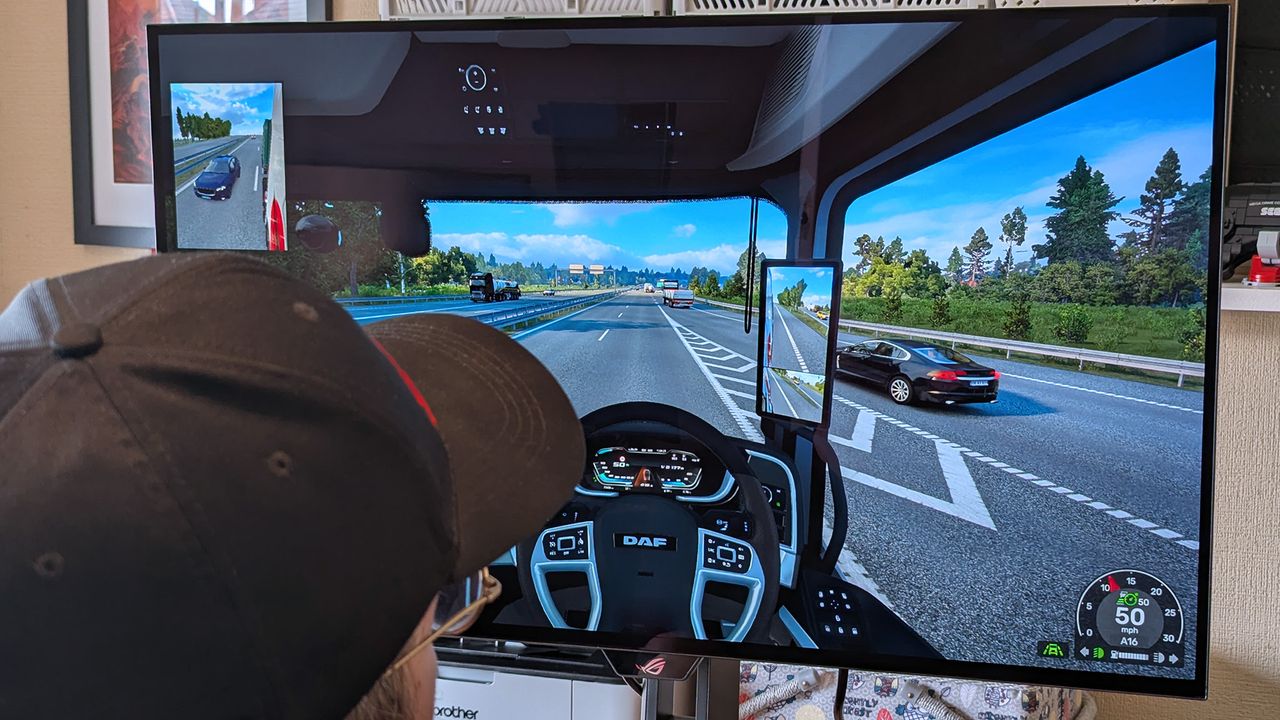
Windows Central's Ben Wilson wearing a black cap sits at a desk playing Euro Truck Simulator 2, with the ASUS ROG Strix OLED XG32UQWMS monitor showing a DAF truck interior.

Euro Truck Simulator 2 never looked so good.
I've used the same Dell PC monitor for work and gaming for nearly a decade and I still can't find one to beat it

Technology rarely stands still, and having a job like this means seeing newer, better, faster hardware on a regular basis. But through all of the upgrades I've made in the last decade, there's one piece of tech that has been with me throughout and won't be going anywhere anytime soon.

Many years ago, I bought a monitor to pair with my gaming PC of the time. You can read about it in my Dell S2417DG review, which I had to double-check the date on. I've had this monitor for 9 years now.

It's not the only PC monitor I've used in that time, of course. I've paired it with various other secondaries, and I've moved it off to use with another PC while I review other monitors.

But almost a decade after cracking open the box, it's still here. It's my primary display for work and for PC gaming, and unlike every other piece of tech I've got itchy feet over upgrading through the years, I've got no plans to get rid of the Dell S2417DG. It's still plenty good enough, even for gaming when refresh rates have gone through the roof. I absolutely adore it.

What makes the Dell S2417DG so good

When I originally bought and subsequently reviewed the Dell S2417DG, I was looking for three things in particular.

At a then-list price of $430, compared to a lot of the competition, the S2417DG represented phenomenal value. The key specs that drew me to this specific model are highlighted in the table below.

Category

Key Specification

Screen Size & Panel

23.8" QHD (2560 x 1440) TN

Refresh Rate

144 Hz (Overclockable to 165 Hz via DP)

Response Time

1 ms (GtG)

Adaptive Sync

NVIDIA G-Sync

Inputs

1x DisplayPort 1.2, 1x HDMI 1.4, 4x USB 3.0

Ergonomics

Height, Tilt, Swivel, Pivot (90°), 100x100 VESA

When I bought it, I'd just secured an NVIDIA GTX 1080 Ti, the beast of its time, and my previous primary monitor didn't have a refresh rate or resolution high enough to allow me to stretch its legs.

Fast forward 9 years and I'm still happy gaming at 1440p and still happy at 165Hz. Could I do 4K? Sure, I'm fortunate to be running an RTX 5090 these days. Could I do more frames? Absolutely.

I've tested laptops and monitors with higher resolution and/or refresh rates far in excess of 165Hz and never once felt I needed more in my own setup. Playing Call of Duty: Black Ops 7 at 240Hz rather than 165Hz is not going to suddenly change the game for me. It certainly won't help a gamer in his forties be any better at it.

For day-to-day use, I've long felt 120Hz is the sweet spot. I only really use 165Hz because this monitor has a factory overclock, so why not?

A photo of NVIDIA G-Sync and 3D Vision stickers on the base of the Dell S2417DG monitor.

Yes, I've left the stickers on for 9 years as well. (Image credit: Windows Central)

But it has everything I need. The color isn't the absolute greatest, but 98% sRGB is fine for my needs since I don't do any serious color accuracy work, and games still look great.

Even with an older DisplayPort standard, I haven't yet been held back, and the 1ms response has since been beaten by newer monitors, but again, it was more than enough back then for me, and it's still the same today.

In years past, I also made use of the USB 3.0 hub built into the monitor. Nowadays my desktop PC has enough USB ports that are faster than this that I don't need to. But in the early days it was extremely useful.

Only one area this monitor has started to underperform

Xbox Series X review 2024

The HDMI needed to keep up with the Xbox Series X is the only thing letting this monitor down. (Image credit: Windows Central)

Over the lifespan of this monitor, I've also used it hooked up to my Xbox console. It's only here, now, that it's starting to show its age.

The HDMI 1.4 port on the Dell S2417DG is hard-capped at 60Hz, even though it will still support the 1440p native resolution. Even dropping to 1080p, that 60Hz cap applies on this monitor.

It's not a total dealbreaker, since 60Hz has been fine on console for long enough, but with an Xbox Series X I'm not able to make full use of the 120Hz capabilities in supported games using this monitor anymore.

As such, the Xbox Series X has been hooked up to a more modern 1080p monitor with a newer spec HDMI connection. I'll take frame rate over resolution any day.

I don't see the point in 'upgrading' to a newer monitor

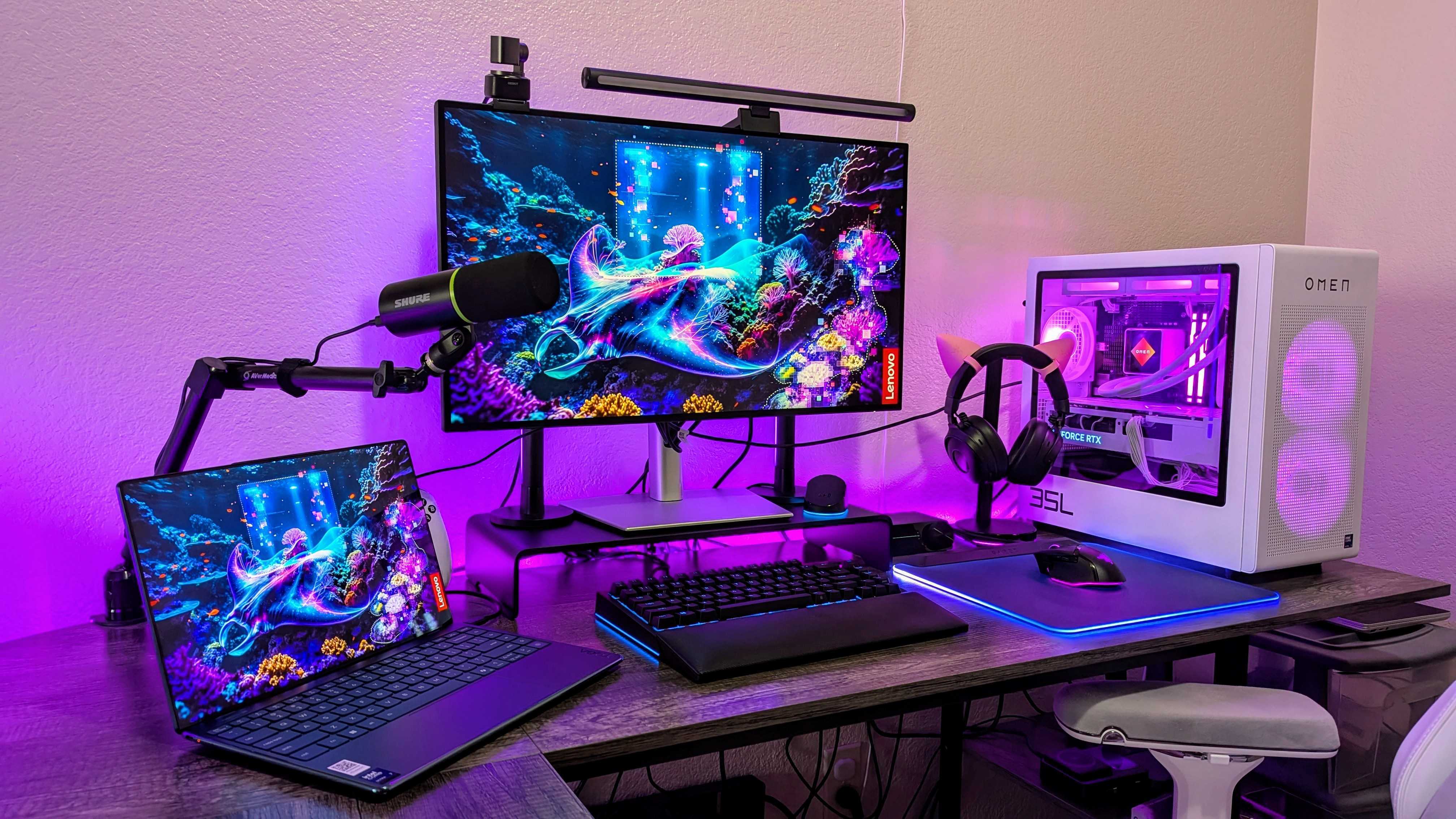
A computer monitor displays a vibrant mountain landscape with a colorful sunset. Nearby are a PC with RGB lighting and headphones with cat ears, creating a cozy gaming setup.

There are far more technically impressive monitors out there now, but I feel like I'd be wasting my money. (Image credit: Windows Central | Zachary Boddy)

Are there better monitors out there? Of course there are. There are plenty with 4K displays, OLED, faster refresh rates, and larger panels.

But I've long felt 1440p is the sweet spot for gaming. I don't have the space for large displays, and having tested higher refresh rate panels, I don't actually feel like I'd be getting anything beneficial.

Call of Duty is the only 'competitive' game I play, and I've got enough FPS to be comfortable in that. Looking at what's out there right now at prices I'd be comfortable paying, I feel like any new monitor would be a sidegrade, less so than an upgrade.

Would I be better off with more up-to-date ports? Most likely I would, but I've been fine for 9 years now without feeling like I'm held back. The old warhorse is still pulling along as well as it ever did.

I'm also a big believer in not adding to e-waste. I could sell this on to someone else, but it works well enough still, so what's the point in that? Times are hard, everything is more expensive than ever before, and you never know when you'll need to cash in a kidney to buy another stick of RAM or an SSD.

I truly can't think of another piece of tech I still own and have used for as long as this monitor consistently. I'm just praying that writing about it doesn't hex the whole thing and I wake up tomorrow and it decides it's had enough...

Click to join us on r/WindowsCentral

Join us on Reddit at r/WindowsCentral to share your insights and discuss our latest news, reviews, and more.

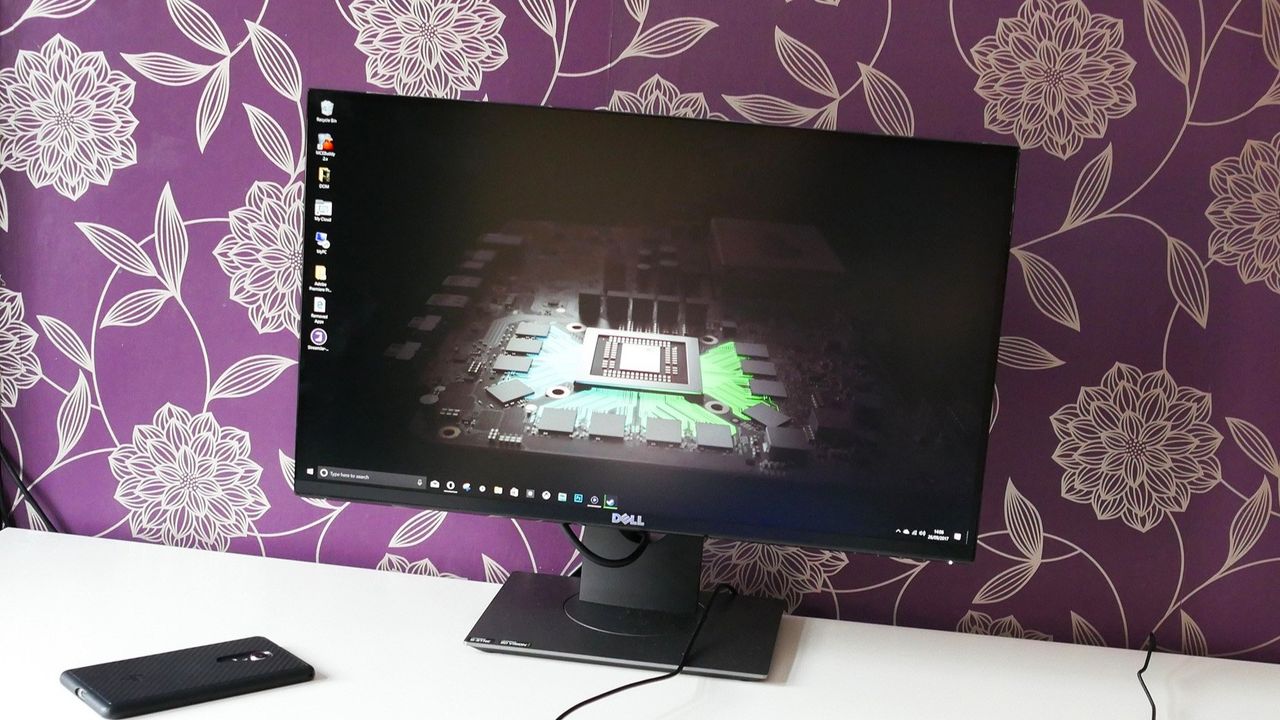
A photo of the Dell S2417DG pc monitor on a white desk next to a HP Elite X3 smartphone in front of a purple and gold patterned wall.

This was my monitor when it was new. It's got a few marks since then but, otherwise, remained faultless and still keeps up with today's games.

Portable monitor with 12,000+ five‑star reviews is back on sale — compact, reliable, and easy to recommend

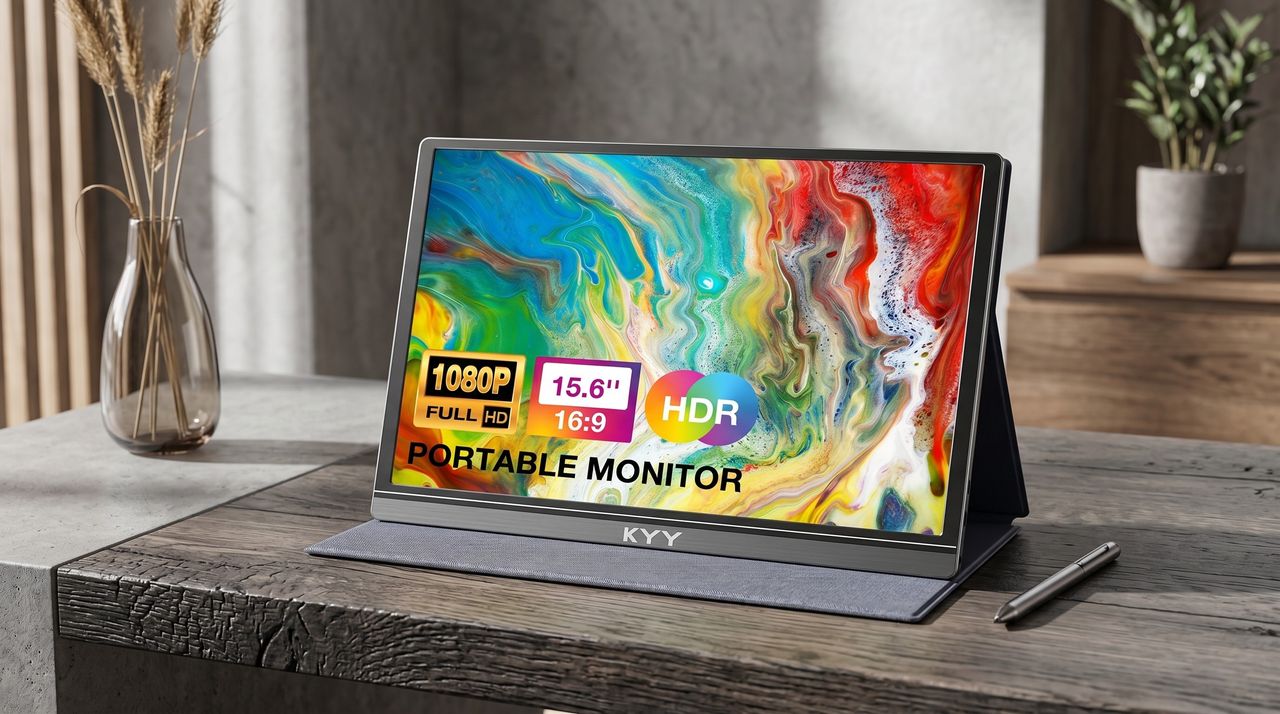
The KYY Portable Monitor is a pretty popular display on Amazon that's loved for its above-average performance rates and FHD resolutions, and it's now back on sale with a 34% discount.

Portable KYY monitor displaying vibrant abstract art. Features include 1080p resolution, 15.6" screen, HDR, and 16:9 aspect ratio. Set on a wooden desk with a stylus and vase nearby.

The KYY Portable Monitor is a pretty popular display on Amazon, and it's now back on sale with a 34% discount.

"Truly one of the best gaming monitors": 480Hz at 1080p or 240Hz at 4K — there's no game this discounted display can't handle

The ASUS ROG Swift 32" 4K OLED Gaming Monitor (PG32UCDP) is a perfect fit for both cinematic single-player and competitive multiplayer games, thanks to its dual-mode with 480Hz refresh rates, and it's now on a 31% discount.

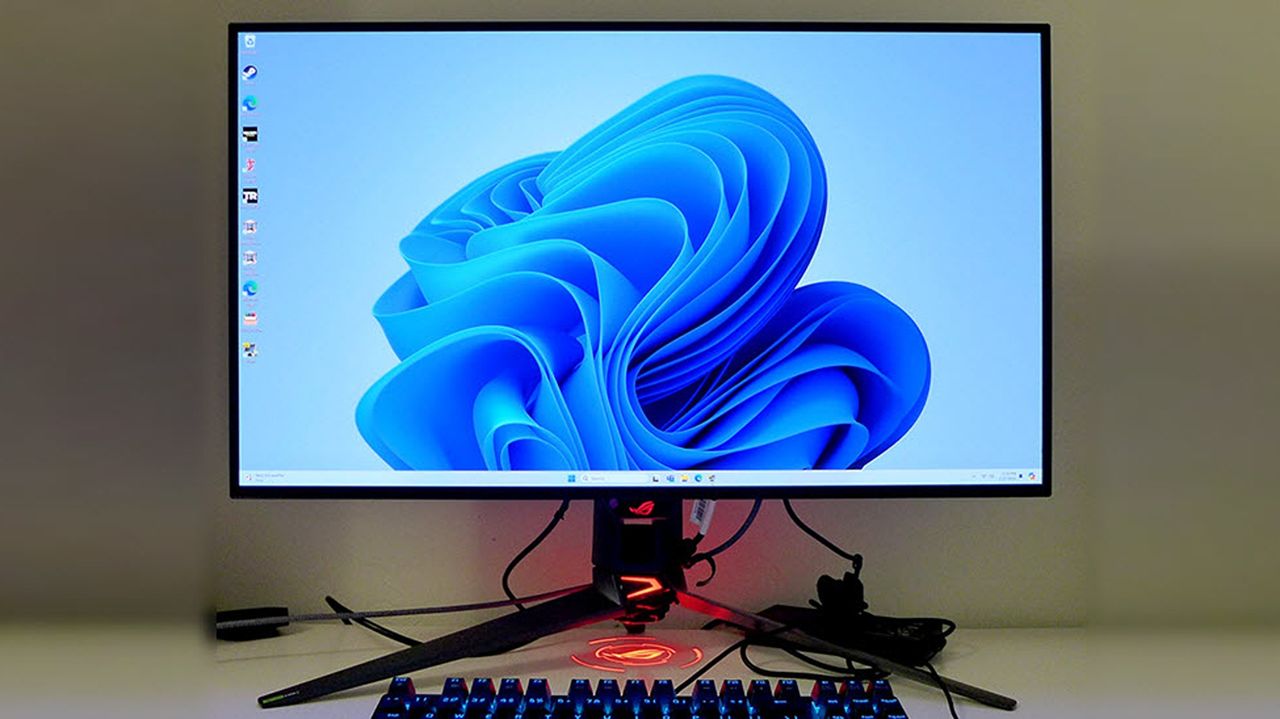
Photograph of an ASUS ROG Swift 32" OLED Gaming Monitor (PG32UCDP)

ASUS ROG Swift 32" 4K OLED Gaming Monitor (PG32UCDP) on display

My old monitor can't keep up with new PC games anymore — so it's time to upgrade with this 240Hz, 1440p monitor that won't break the bank

HP's OMEN 27qs gaming monitor is on sale at its namesake company's website with a generous 30% discount, giving PC gamers a chance to upgrade their rig with the ability to play games at 1440p and 240fps for under $350.

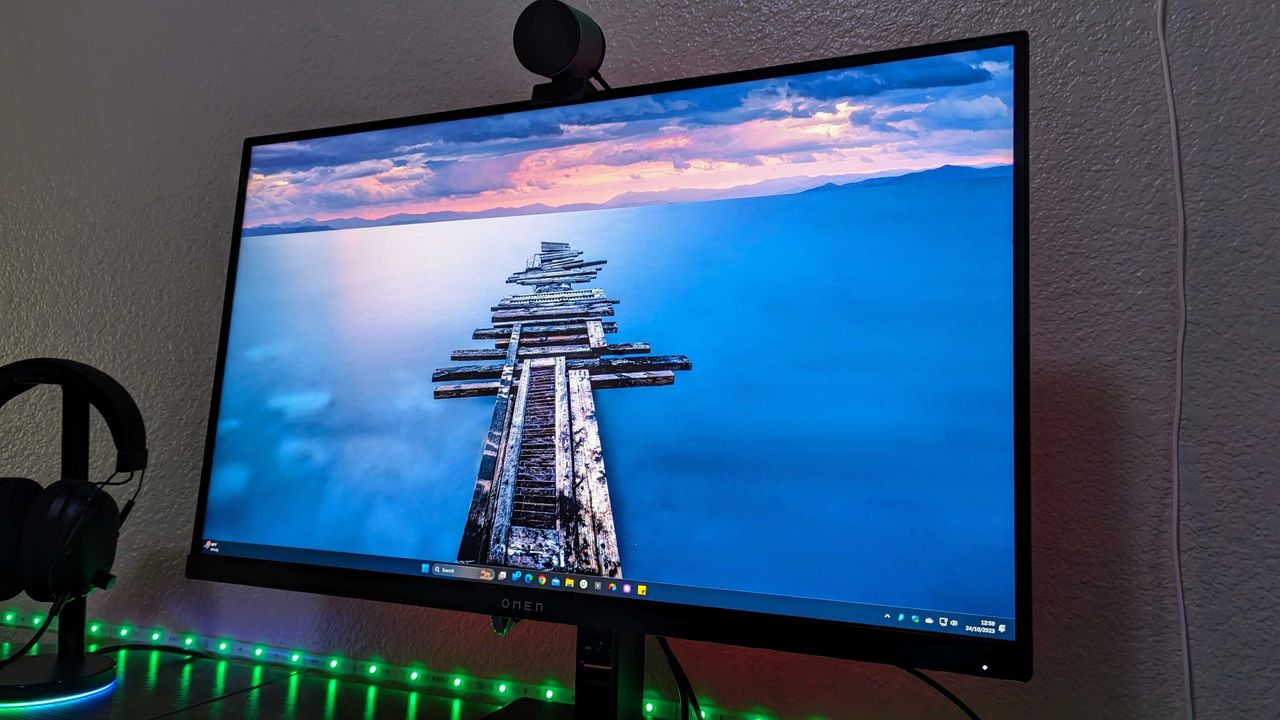
Image of the HP OMEN 27qs gaming monitor in use.

Budget-conscious PC players will want to take heed of the HP OMEN 27qs.

These top-grade portable monitors for laptops will save you tons of hassle while working abroad — they're at their biggest discounts yet for Christmas

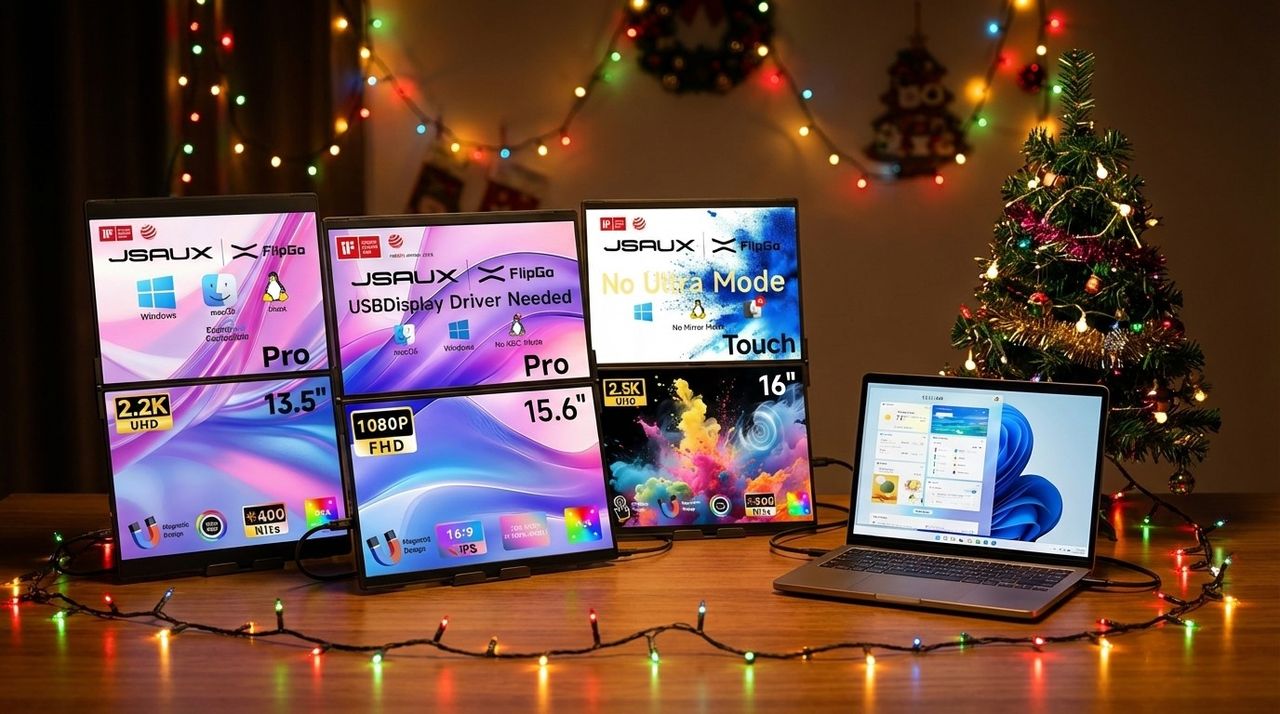
Amazon is offering several exclusive discounts for various models of the JSAUX FlipGo Portable dual-screen monitor, giving dedicated laptop users a chance to add more digital real estate space for their workplace apps and internet browser tabs for less.

AI Generated Hero image of several JSAUX FlipGo portable dual-screen monitors visualized

I reviewed this laptop monitor extender, and it genuinely boosted my workflow — it’s on sale now and ships in time for Christmas

Want to be more productive when working on your laptop? This monitor extender accessory provides two additional 15.6-inch screens, and it's currently on sale ahead of Christmas.

JSAUX FlipGo Horizon connected to a laptop with the left monitor in portrait mode and the right in landscpe orientation.

Samsung's fastest gaming monitor just hit an all-time low — 500Hz for under $800

Samsung’s Odyssey OLED G6 gaming monitor is down to its lowest price yet, offering a 500Hz refresh rate, QD-OLED visuals, and burn-in protection for $799.99.

Samsung Odyssey OLED G6 gaming monitor deal graphic

I've fallen in love with this stunning 5K monitor and its built-in KVM switch — it's ideal for my creative projects

I tested this 27-inch ProArt 5K monitor for three weeks, and its gorgeous color gamut tackled a wide range of creations — it's not perfect, but I love it.

ASUS ProArt PA27JCV monitor on a desk and displaying Adobe Photoshop with a vibrant image of a bluejay. An Editor's Choice award is in the bottom right of the image.

Turns out I really value having an entire Thunderbolt 4 hub built into my monitor

The Dell UltraSharp 27 4K Thunderbolt Hub Monitor is an excellent productivity-focused display with a feature I didn't know I needed — a full Thunderbolt 4 hub.

Image of the Dell UltraSharp 27 4K Thunderbolt Hub Monitor (U2725QE).

JSAUX's FlipGo Pro 16 dual-stack portable monitor makes my trips so much better — I'll never travel without it

The FlipGo Pro 16 is a fantastic dual-stack portable monitor that makes it easy to multitask on a business trip — our review.

JSAUX FlipGo Pro 16 set up and connected to a laptop in a hotel room.

If you're looking for an inexpensive gaming monitor, I just tested this 240Hz, 1ms, option and it's a great budget choice

The Titan Army P2510S is a great budget gaming monitor that makes some concessions in exchange for a value price. Our review.

Titan Army P2510S displaying Gale from Baldur's Gate III.

❌