Vue normale

Il y a de nouveaux articles disponibles, cliquez pour rafraîchir la page.
À partir d’avant-hierMicrosoft

Microsoft Forms just gave me another reason to prefer it over Google Forms

Microsoft Forms just got a major upgrade thanks to Copilot. Microsoft 365 Copilot chat now lives within Microsoft Forms, adding a familiar tool to those who use AI in Word, Excel, and PowerPoint.

Copilot in Microsoft Forms can suggest improvements to your polls and forms and present insights from responses.

The Copilot integration is available now to users with Microsoft 365 commercial Copilot licenses.

Microsoft listed all the changes to Forms in a blog post:

  • Smarter suggestions & refinements: Get targeted recommendations to improve your form’s structure, clarity, and effectiveness. Copilot can also apply refinements directly to the form, so you can save time making edits – just describe what you want, and watch Copilot make it happen.
  • Deeper analysis: Copilot can now analyze your results in-depth to provide clear insights and actionable takeaways for you and your team. You can even ask follow-up questions to help parse and summarize your data and unlock your next step.
  • More settings: Review and update form settings with ease, such as applying custom thank-you messages and close dates, so your form is ready to send. You can also adjust question settings in bulk, such as making questions required.
  • Open-ended chat: Copilot chat gives you access to a broad world of capabilities, whether you’re seeking inspiration on survey topics or consulting on how to configure your form – the possibilities are broad with Copilot at your fingertips.
  • Basic branching: Apply basic branching logic directly through the agent. (Note that some complex scenarios are not yet supported, and you should continue to review your branching logic prior to sending your forms.)

I use Microsoft Forms to gather feedback from my American football team. I admit that I first tried it because my job centers around knowing Microsoft products. But after using Microsoft Forms for a while, I grew to prefer it over Google Forms.

Microsoft Forms can sync with Excel documents, making it much easier to stay on top of responses. I'm deeply entrenched in the Microsoft ecosystem, so anything that works seamlessly with the rest of my workflow gets bonus points in my book.

I also prefer some of the features of Microsoft Forms, such as question-level branching. That feature makes filling out forms feel smoother when a poll includes branching questions because it keeps you on the same page.

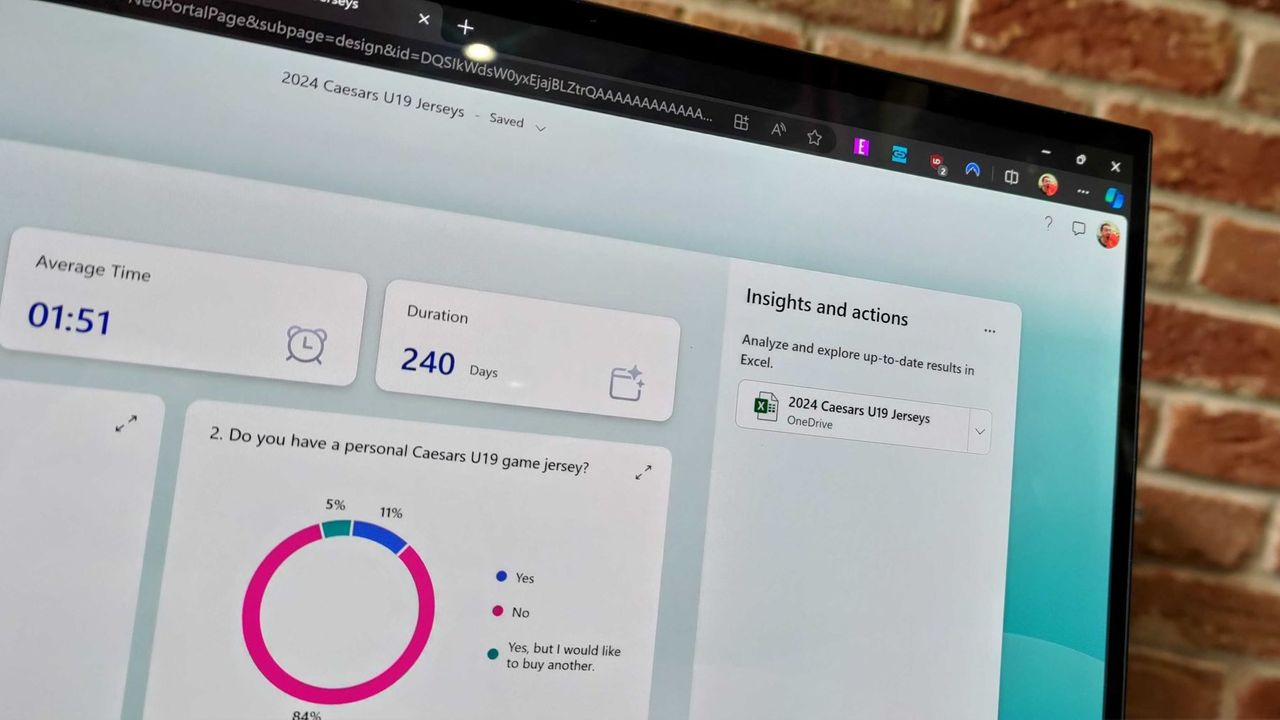
The layout of Microsoft Forms also presents results quicker because if you want to look at a chart, you don't need to open a separate spreadsheet.

The new Copilot experience in Forms could also be a boon to the platform, though I'll have to see it in action to judge. In my experience, Copilot as a general tool is good at suggesting improvements, performing bulk edits, and creating summaries, so it should thrive within Microsoft Forms.

Click to join us on r/WindowsCentral

Join us on Reddit at r/WindowsCentral to share your insights and discuss our latest news, reviews, and more.

Microsoft Forms results page

Microsoft Forms results page
Office LTSC 2021 Support Is Ending — Microsoft Is Pushing You to the Cloud

Par : Nayan
14 avril 2026 à 07:25
Microsoft Is Pulling the Plug on Office LTSC 2021 If you’re still using Office LTSC 2021, the clock is ticking. Microsoft has confirmed that support for Office LTSC 2021 will officially end on October 13, 2026. After that:  No security updates  No bug fixes  No technical support Your apps like Word, Excel, and PowerPoint will […]

Microsoft 365 is paywalling most of Copilot in Office apps — what's changing?

Microsoft is stripping Copilot Chat from Office sidebars for non-licensed users on April 15, 2026, rebranding the included version as "Copilot Chat (Basic)."

The Microsoft 365 Copilot logo appears on a smartphone screen in the Apple app store

Copilot Chat users will need to use the Microsoft 365 Copilot app rather than rely on an integrated version of Copilot in Office.

Has Microsoft renamed Office to Microsoft 365 Copilot app?

Par : Nishant Gola
6 janvier 2026 à 16:51

Microsoft 365 Copilot appThe entire internet is confused about the rebranding of Microsoft Office. People on some social media websites, including Reddit and X, are posting that Microsoft has renamed Office, even some websites are also claiming the same. But the question is — is it really true? Has Microsoft actually renamed Microsoft Office to the Microsoft Office […]

The post Has Microsoft renamed Office to Microsoft 365 Copilot app? appeared first on TheWindowsClub News.

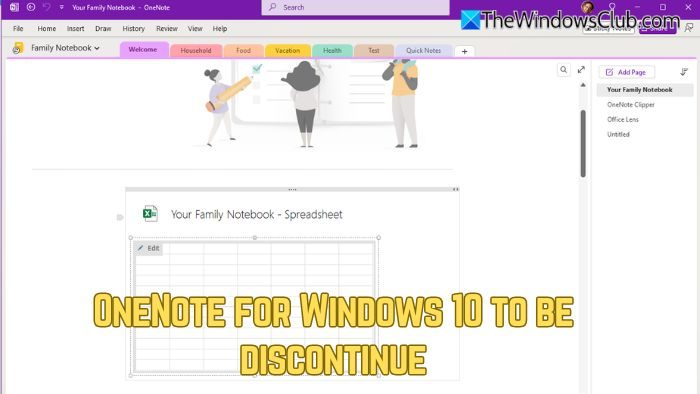
OneNote for Windows 10 to be discontinued; Which version are you using?

11 septembre 2025 à 04:32

OneNote for Windows 10 to be discontinueMicrosoft’s push towards Windows 11 adoption continues. In recent news, Microsoft has confirmed that OneNote for Windows 10, the Universal Windows Platform (UWP) version of its note-taking app, will be discontinued on October 14, 2025. After the deadline, the app will be switched to read-only mode, allowing users to view their content but no longer […]

The post OneNote for Windows 10 to be discontinued; Which version are you using? appeared first on TheWindowsClub News.

Copilot Agent Diagnostic tool for Teams released

Par : Nishant Gola
8 septembre 2025 à 17:20

Copilot Agent Diagnostic tool for TeamsMicrosoft has released the Copilot Agent Functionality Diagnostic tool for Microsoft Teams to ensure that Copilot Agents run smoothly in Teams. This tool is useful for IT admins, support engineers, and adoption leads. Copilot Agent Diagnostic tool for Teams Copilot Agent Functionality Diagnostic is a powerful tool designed to identify and resolve the issues preventing […]

The post Copilot Agent Diagnostic tool for Teams released appeared first on TheWindowsClub News.

Microsoft Excel gets more AI — and this time it’s actually useful

Microsoft is adding a COPILOT function to Excel, letting you use natural language prompts inside formulas to analyze, summarize, and categorize data.

Excel spreadsheet with checkboxes

Stack years of Microsoft 365 — this deal would have been a bargain in 2013

Microsoft 365 is down to $64.99 for Personal and $99.99 for Family. You can stack up to 5 years and get Word, Excel, OneDrive, and AI features at a major discount.

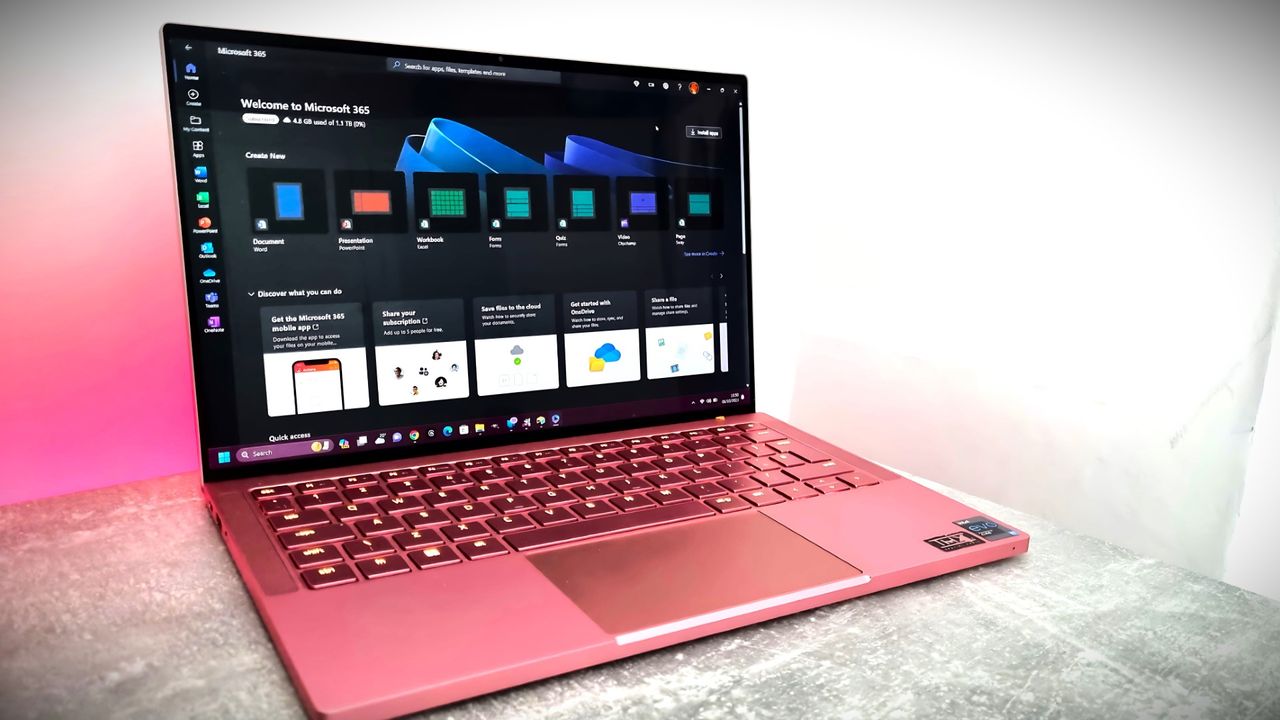
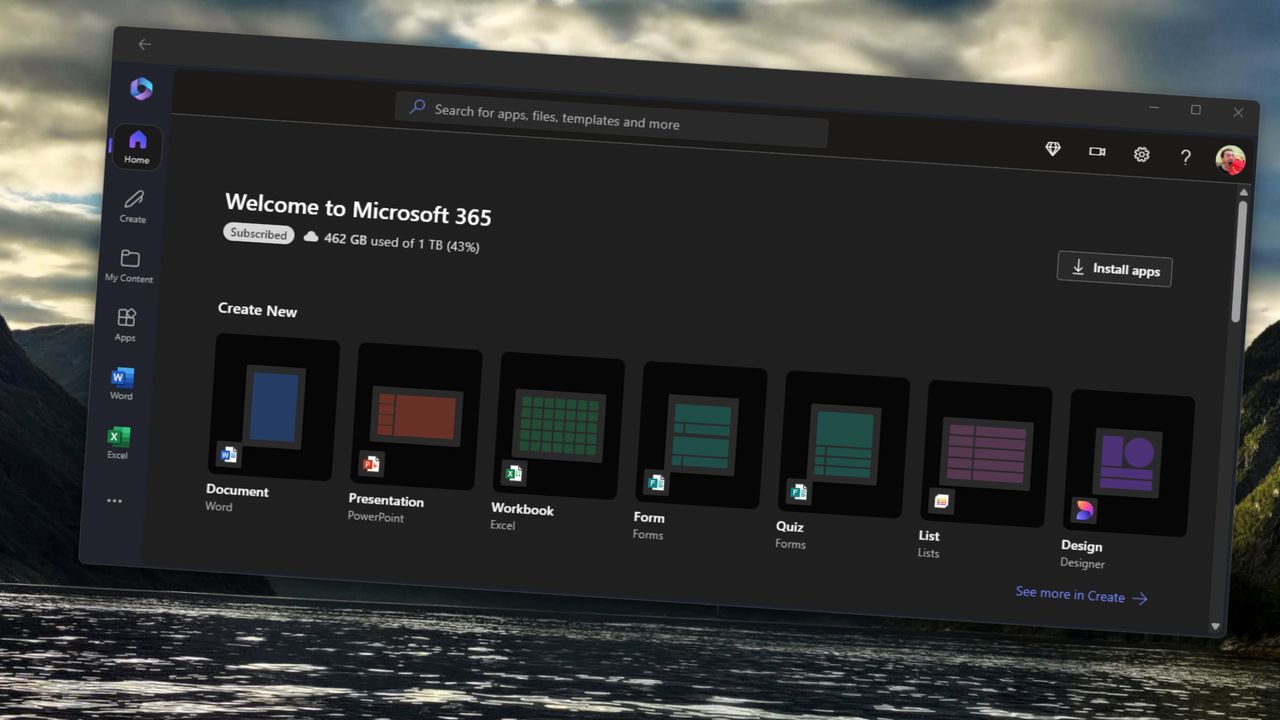
Microsoft 365 app on Windows 11 with shortcuts to create documents in Word, PowerPoint, Excel, and other Microsoft 365 applictions.

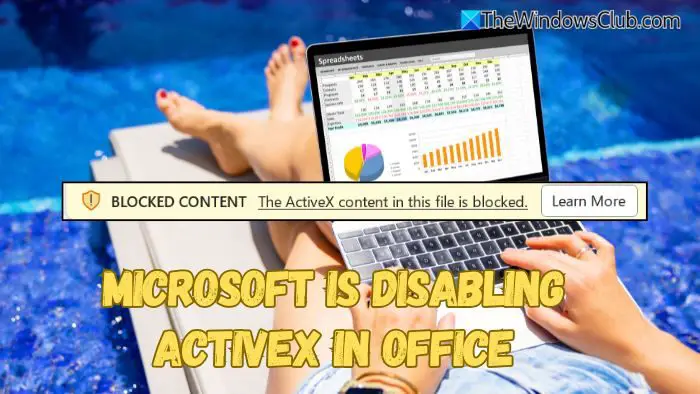
Microsoft to disable ActiveX in Office

17 avril 2025 à 09:07

Microsoft is disabling ActiveX in OfficeMicrosoft has announced that starting later this month, ActiveX controls will be disabled by default in all Windows versions of Microsoft 365 and Office 2024 apps—including Word, Excel, PowerPoint, and Visio. This update is part of a global push to improve security and protect users from evolving cyber threats. Why is Microsoft blocking ActiveX in […]

The post Microsoft to disable ActiveX in Office appeared first on TheWindowsClub News.

You can make Word and other Office apps startup faster now

Par : Nishant Gola
30 mars 2025 à 06:33

make Word other apps startup fasterMicrosoft is planning to boost the startup speed of Office apps by introducing a new Startup Boost task in the Task Scheduler. This update will roll out in mid-May 2025. Admins who do not want this feature will be able to disable it through the Group Policy Editor or the Office application settings. Microsoft will […]

The post You can make Word and other Office apps startup faster now appeared first on TheWindowsClub News.

Microsoft's new 'Microsoft 365' rebranding has us all perplexed. Again.

Microsoft Office is one of the world's most recognizable brands, used by billions. The first rebrand to "Microsoft 365" was dumb by itself, but yesterday, the firm made it even dumber.

Microsoft 365 Copilot

Microsoft releases Office LTSC version that doesn’t require a subscription

Par : Guru@TWCN
17 septembre 2024 à 16:02

Microsoft has focused and invested a lot on AI and almost every product from Microsoft has some form of AI tool built-in. Devoid of all the AI and internet services, Microsoft has released Office Long Term Servicing Channel (LTSC) 2024 now.  Microsoft releases Office LTSC version Since Microsoft’s focus has shifted to making better AI […]

The post Microsoft releases Office LTSC version that doesn’t require a subscription appeared first on TheWindowsClub News.

How Microsoft 365 excelled my American football team to back-to-back northern championships

My American football team has been to back-to-back national finals and won the UK's northern conference two years in a row. One of the keys to our success was Microsoft 365, including Excel, OneDrive, and Clipchamp.

American football using Microsoft technology

Microsoft to stop support to Publisher

17 février 2024 à 18:01

Microsoft PublisherMicrosoft Publisher is a great choice for creating visually rich and professional publications easily without any complications. It helps users create greeting cards, labels, catalogs, yearbooks, etc. It has been used by many around the world. Sadly, Microsoft will stop supporting Microsoft Publisher after October 2026. Microsoft to stop support to Publisher after October 2026 […]

The post Microsoft to stop support to Publisher appeared first on TheWindowsClub News.

❌
❌