Microsoft is testing a Windows 11 update that lets users enter their PIN without waiting for Windows Hello biometrics. Here's how it works and who can try it.
The post Windows 11 Is Fixing an Annoying Sign-In Problem: Here’s What Changes appeared first on TechRepublic.
Microsoft is testing a Windows 11 update that lets users enter their PIN without waiting for Windows Hello biometrics. Here's how it works and who can try it.
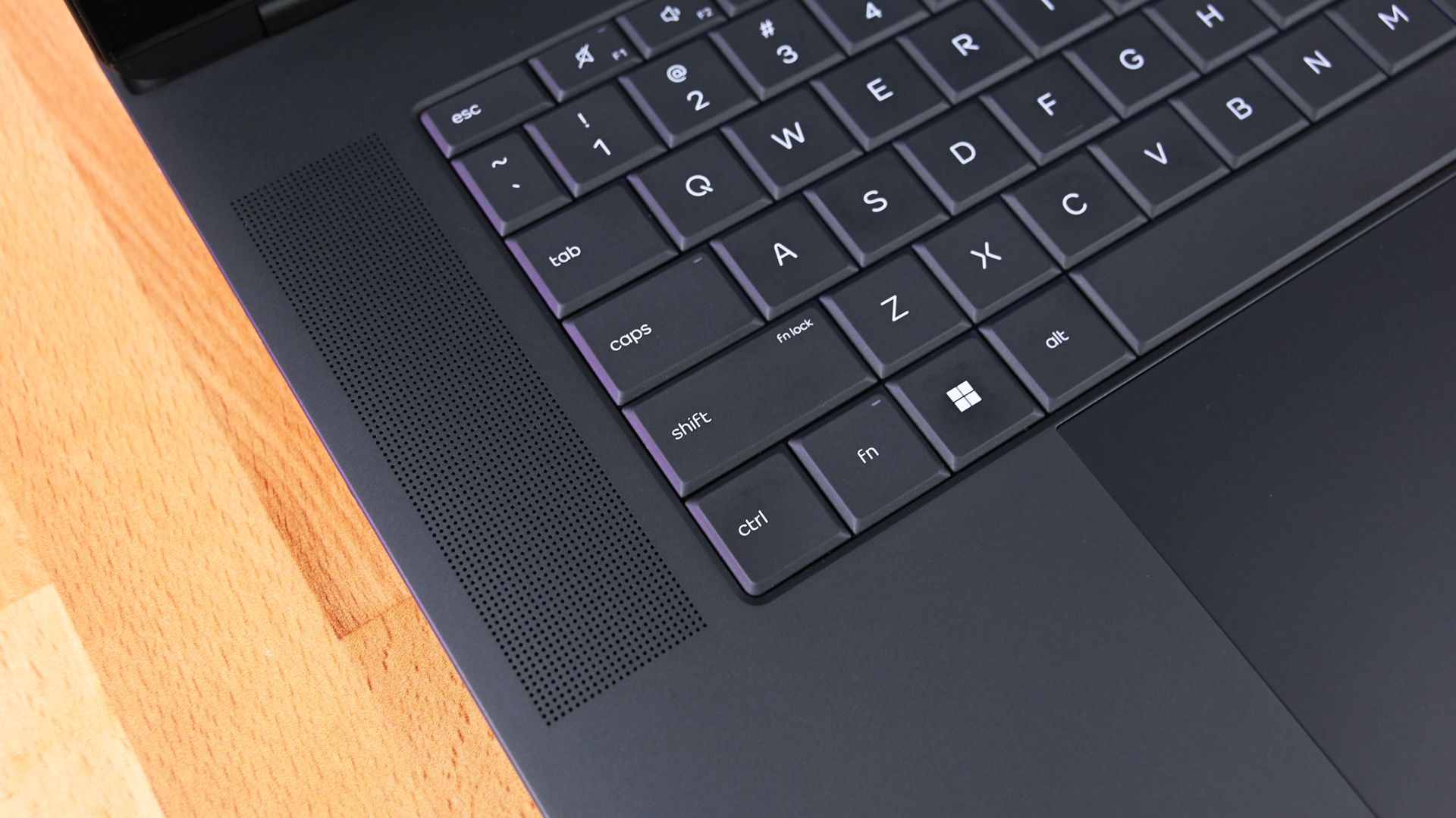
"Do you want to turn on Sticky Keys?" has likely popped up on your PC at some point. That prompt appears after you press the Shift key five times and allows you to enable the feature. Soon, Windows 11 will make it easier to stop that message from appearing.In one of the latest Windows Insider builds, Microsoft introduced an updated version of the prompt. Windows 11 will soon let you permanently disable the Sticky Keys shortcut directly from the prompt itself.The
"Do you want to turn on Sticky Keys?" has likely popped up on your PC at some point. That prompt appears after you press the Shift key five times and allows you to enable the feature. Soon, Windows 11 will make it easier to stop that message from appearing.
In one of the latest Windows Insider builds, Microsoft introduced an updated version of the prompt. Windows 11 will soon let you permanently disable the Sticky Keys shortcut directly from the prompt itself.
The same change is also coming to the prompt used for Filter Keys, another accessibility feature that can be enabled through a keyboard shortcut.
Windows 11 already lets you disable that shortcut, but it requires a couple of extra steps. Within Settings, you need to navigate to Accessibility > Keyboard > Sticky Keys. That section has other controls, such as turning off Sticky Keys when two keys are pressed at the same time.
The current Windows 11 prompt includes a quick link to that section of the Settings app, but the process will soon be streamlined. The updated prompt still includes a shortcut to all Sticky Keys settings.
Sticky Keys is a useful feature that improves accessibility. It lets you press one key at a time instead of holding multiple keys at once. For example, instead of pressing Ctrl + Alt + Delete simultaneously, you can press Ctrl, then Alt, then Delete.
The shortcut to enable Sticky Keys by pressing Shift five times has been part of Windows for decades. While useful, it can be triggered accidentally. Last week, I was in a creative program and pressed Shift five times as part of my normal workflow and accidentally summoned the prompt to enable Sticky Keys.
I took the opportunity to disable the shortcut through the Settings app, but soon that won't be necessary since the prompt will include a check box that prevents it from appearing again.
Join us on Reddit at r/WindowsCentral to share your insights and discuss our latest news, reviews, and more.
In this episode of the Windows Central Podcast, Daniel Rubino and Zac Bowden break down a major architectural efficiency victory in Windows 11 under the ongoing Windows K2 initiative: reducing memory footprint and improving responsiveness by 20% on 8 GB RAM machines through WinUI conversions, OEM memory budgets, and memory compression.We also analyze reporting on upcoming Windows 11 default wallpaper refreshes and detail why a full-blown Windows 12 release in 202
In this episode of the Windows Central Podcast, Daniel Rubino and Zac Bowden break down a major architectural efficiency victory in Windows 11 under the ongoing Windows K2 initiative: reducing memory footprint and improving responsiveness by 20% on 8 GB RAM machines through WinUI conversions, OEM memory budgets, and memory compression.
We also analyze reporting on upcoming Windows 11 default wallpaper refreshes and detail why a full-blown Windows 12 release in 2027 is looking increasingly unlikely. We discuss platform fragmentation across Germanium and Bromine codebases, component cost inflation ("Ramageddon"), and why Microsoft could move toward iterative annual OS branding rather than forced migrations.
The conversation also tracks Copilot’s new opt-in integration into Windows Search, its discontinuation on LG and Samsung smart TVs, and hands-on impressions of the major performance rewrite of the Xbox PC app on handhelds like the ROG Xbox Ally X20.
This episode of the Windows Central Podcast is sponsored by Surfshark VPN. Unlimited devices, access your content from anywhere, and auto-block malware on Windows, Edge, and other platforms from $2.50/mo, with 3 months extra FREE. Sign up today!
[05:41] – Windows 11 Uses Less RAM (Windows K2): How moving system UI to WinUI, stripping WebView dependencies, enforcing OEM memory budgets, and revamping RAM compression saves up to 1 GB on 8 GB PCs.
[09:54] – Responsiveness Benchmarks & Mac Comparisons: Testing 26H2 multitasking performance, 20% responsiveness gains, and parity with 8 GB macOS systems.
[17:26] – AI & NPU-Driven OS Optimization: Exploring machine learning prefetching to optimize system resources based on individual app usage habits.
[20:55] – Copilot App Overhaul & Reasoning Models: Daniel’s impressions of automated model selection, conversational depth, and critique of the Chromium-wrapped desktop client.
[29:39] – Copilot in Windows Search (Opt-In): The evolution of the former "Ask Copilot" taskbar feature into an optional, native WinUI search integration without forced AI prompts.
[37:27] – Copilot Discontinued on Smart TVs: Microsoft ends Copilot support on LG and Samsung smart TVs as the platform pivots away from consumer assistants toward productivity.
[44:12] – Why Windows 12 Is Unlikely in 2027: Analyzing Tom Warren's wallpaper leak, dual platform codebases (Germanium vs. Bromine), enterprise upgrade friction, and component shortages delaying an OS cycle.
[50:03] – Annual Windows Naming (Windows 27?): Comparing Microsoft's release cadence to macOS and Android annual versioning instead of disruptive numbered leaps.
[01:00:05] – Major Xbox PC App Rewrite: Massive performance boost (60% faster) on the newly overhauled Xbox Insider app, handheld scaling, and instant artwork loading on the ROG Xbox Ally X20.
Have a question you want us to answer on the podcast? Send it to us at [email protected]
Microsoft has pushed back against reports that the company has built a modernized Registry Editor app for Windows 11, clarifying that the newly discovered modern Registry Editor is just a sample app, and not intended to ship in Windows.Windows Latest was first to report on this new Registry Editor app, but stated within their article that the app is "not a mock-up," which led some people online to believe this app is a real replacement for the existing Registry E
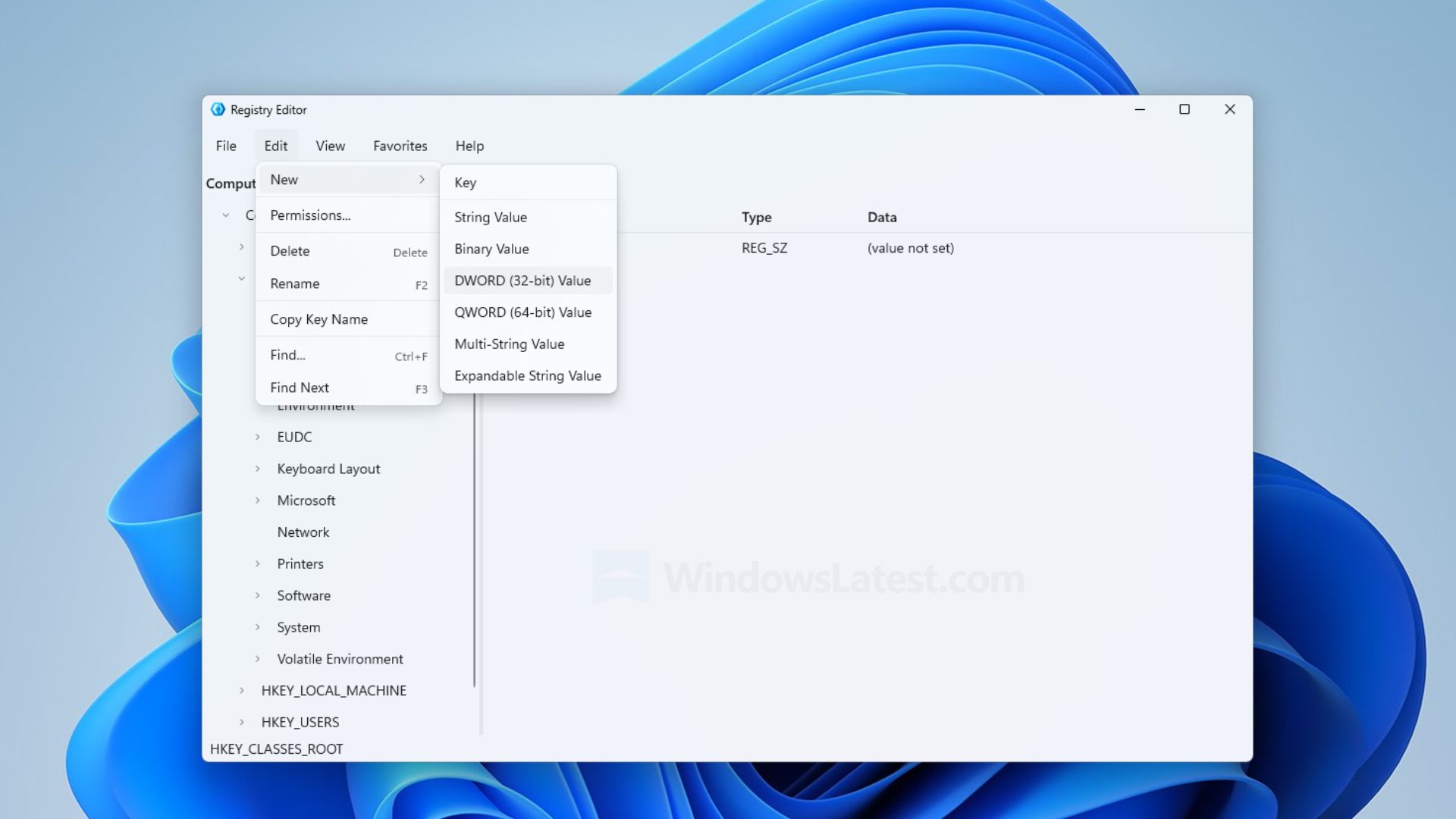
Microsoft has pushed back against reports that the company has built a modernized Registry Editor app for Windows 11, clarifying that the newly discovered modern Registry Editor is just a sample app, and not intended to ship in Windows.
Windows Latest was first to report on this new Registry Editor app, but stated within their article that the app is "not a mock-up," which led some people online to believe this app is a real replacement for the existing Registry Editor.
It appears that the app is a mockup, designed to showcase Microsoft.UI.Reactor technology, meaning it was only built to show developers what is possible with the tech and not representative of any modernization work ongoing by the Windows team.
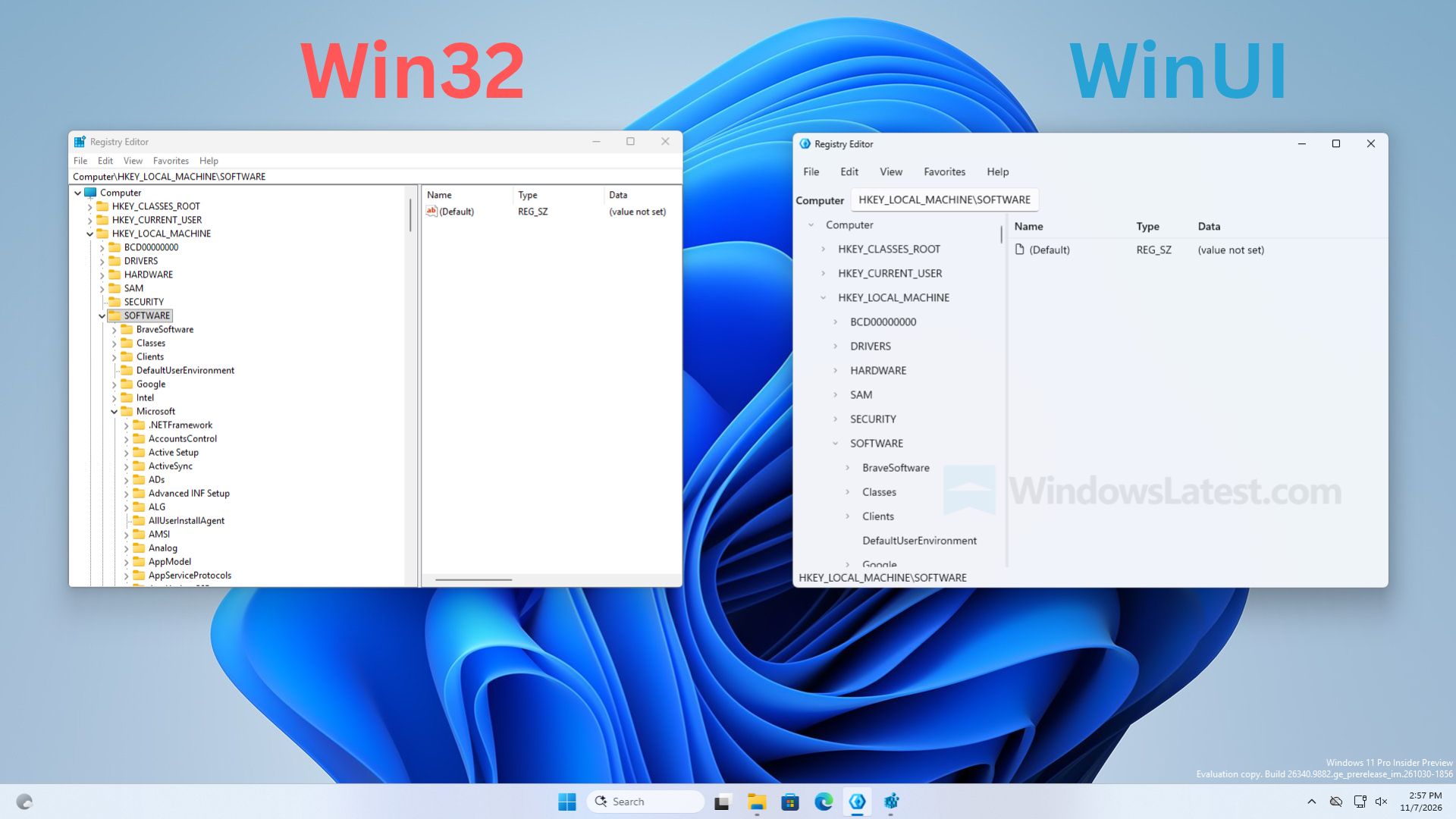
Left: The existing Registry Editor. Right: The sample Registry Editor being mistaken for a real app. (Image credit: Windows Latest)
"It’s a sample. You say it’s the new one and then in the last line of the tweet you point out it’s a sample," Microsoft VP Scott Hanselman said in a reply to Windows Latest on X. This was followed up by a post from Windows Insider lead and CVP Marcus Ash, who said "Right. A sample. Not a developer preview of a new regedit."
So, that's confirmation from Microsoft that this new Registry Editor is not coming to Windows 11, and is just a sample app designed to showcase to developers what is possible with Microsoft.UI.Reactor.
With that said, this doesn't mean the Windows team isn't working on a modernized Registry Editor. My own sources tell me the Registry Editor is on the list for a modern rejuvenation under the Windows K2 effort, but there are other pillars and higher priority items that need to be addressed first before the Registry Editor can be tackled.
The good news is a modern Registry Editor for Windows 11 is unlikely to look like the sample app being depicted in recent reports, and that a modernized Registry Editor is on the docket for the future.
Join us on Reddit at r/WindowsCentral to share your insights and discuss our latest news, reviews, and more.

 Connexion