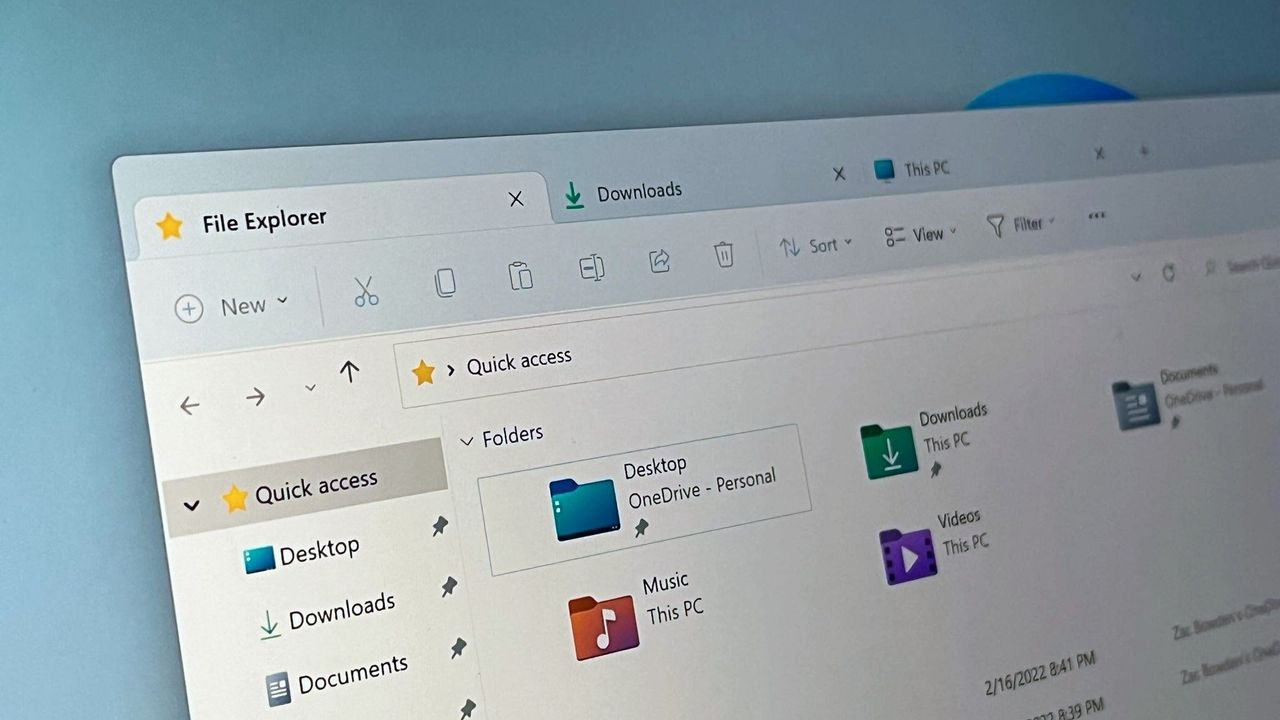
Microsoft optimizes WinUI 3 framework to increase Windows 11 responsiveness
Windows 11 file Explorer
![]()
File Explorer launch time is used as a benchmark for WinUI 3 performance improvements.
Windows 11 file Explorer
![]()
File Explorer launch time is used as a benchmark for WinUI 3 performance improvements.
Microsoft logo
![]()
Microsoft logo

A glowing green Xbox logo shines prominently in the center against a blurred background of Xbox Mode promotional image.
![]()
A glowing green Xbox logo shines prominently in the center against a blurred background of Xbox Mode promotional image.

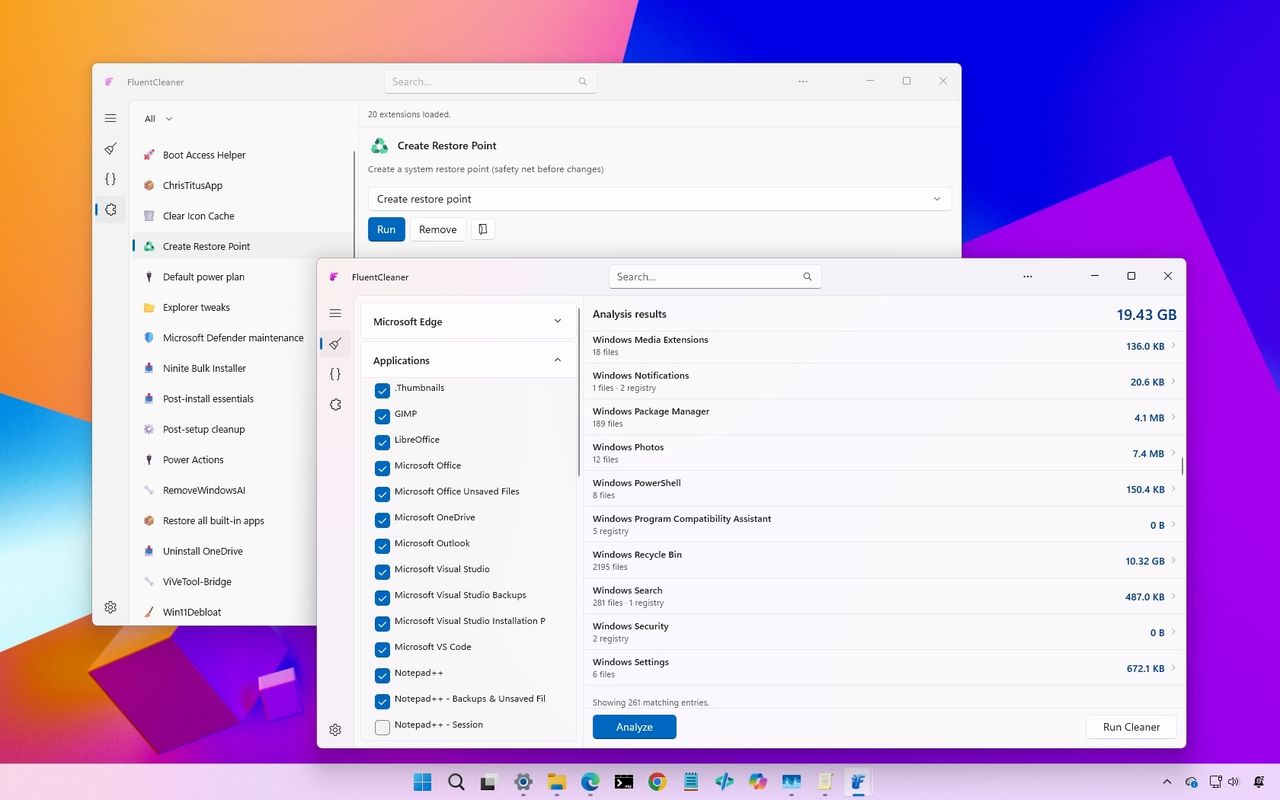
The image shows a desktop interface with two overlapping software windows. Both windows feature lists of files and options, with a colorful gradient background.
![]()
The image shows a desktop interface with two overlapping software windows. Both windows feature lists of files and options, with a colorful gradient background.

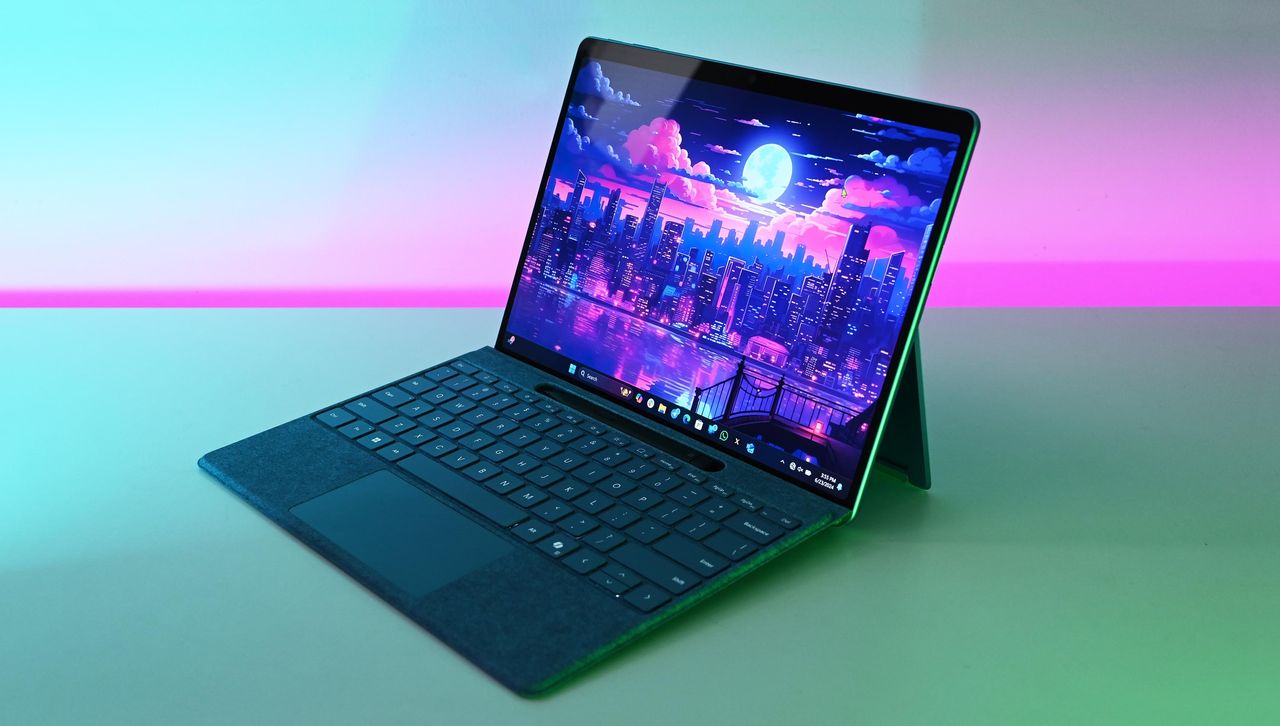
Microsoft Surface Pro 11 with Qualcomm Snapdragon X Elite
![]()
Third-party app Surface Charging Tray gives users more control over the battery life of devices like the Surface Pro 11.

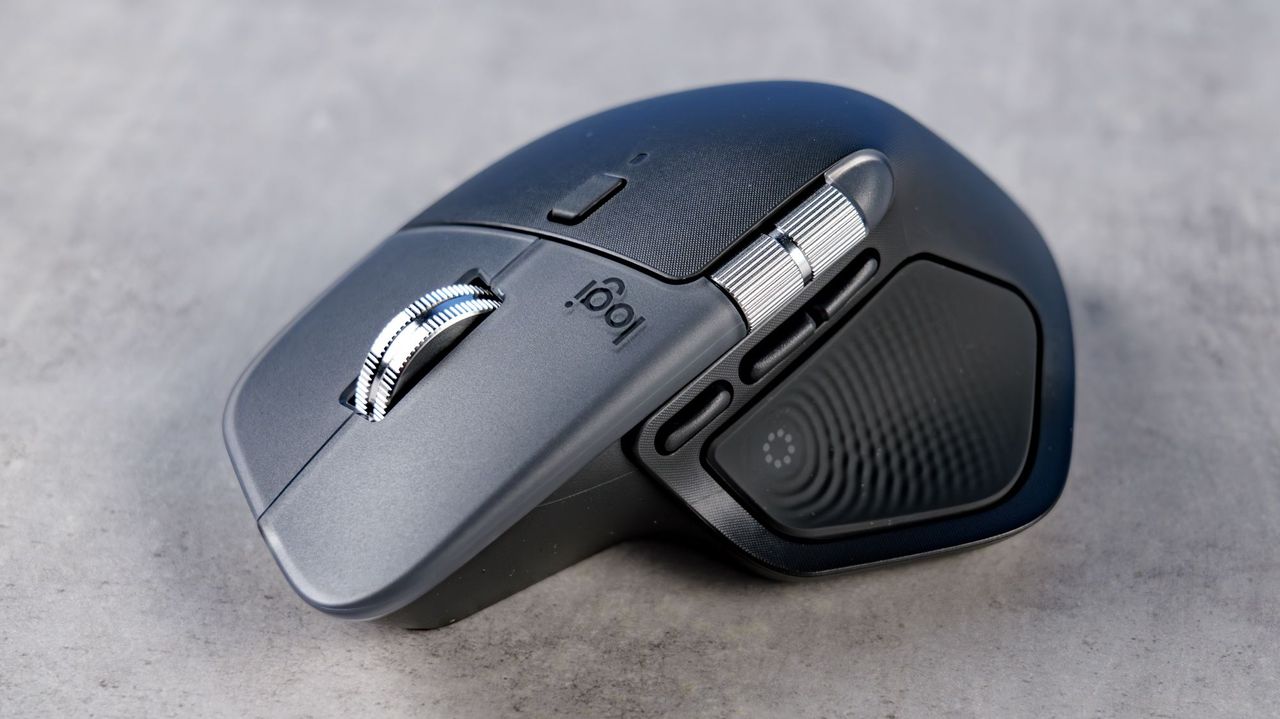
A sleek, ergonomic wireless mouse on a gray surface. It features a metallic scroll wheel and textured side grips, conveying a modern, professional design.
![]()
The Logitech MX Master 4 features haptic in a side button where your thumb rests.

The logos of OpenAI and Amazon on screens.
![]()
Internal emails show Microsoft worried OpenAI would storm off to Amazon and undermine Azure’s credibility.

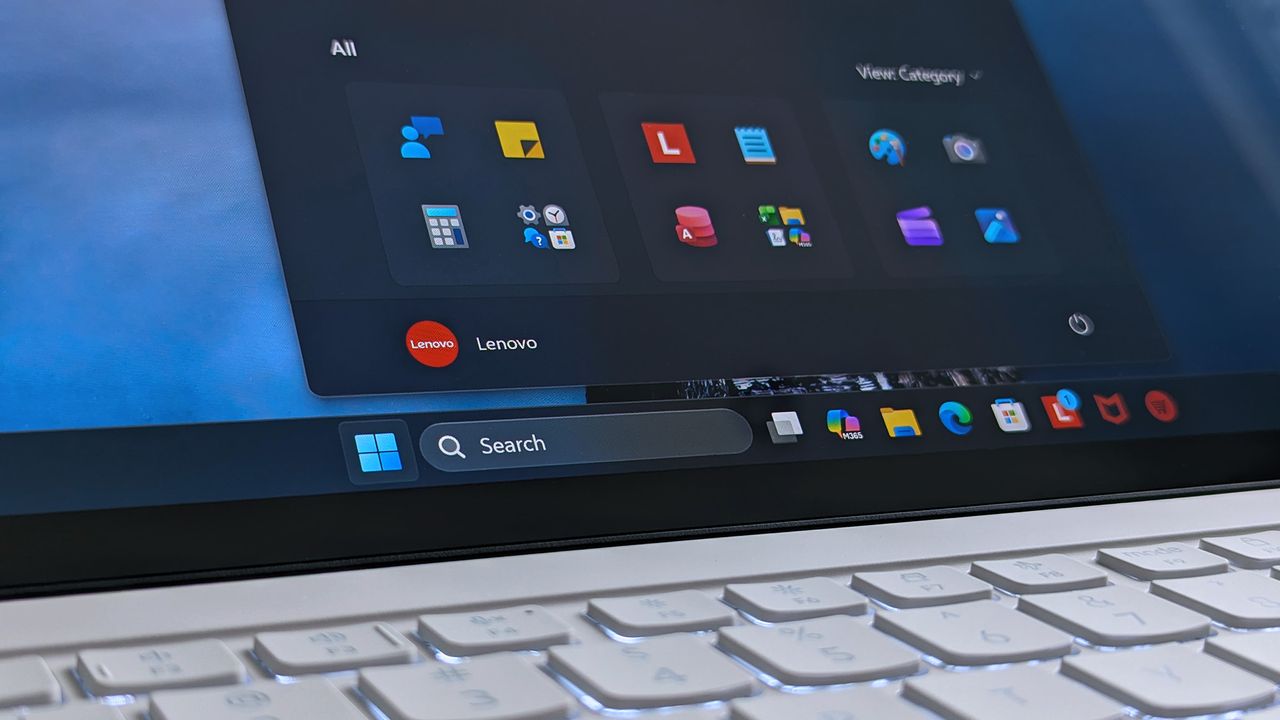
A Lenovo Yoga Slim 7i Ultra (Gen 11) Aura Edition laptop screen shows a home screen with open taskbar featuring app icons.
![]()
A Lenovo Yoga Slim 7i Ultra (Gen 11) Aura Edition laptop screen shows a home screen with open taskbar featuring app icons.

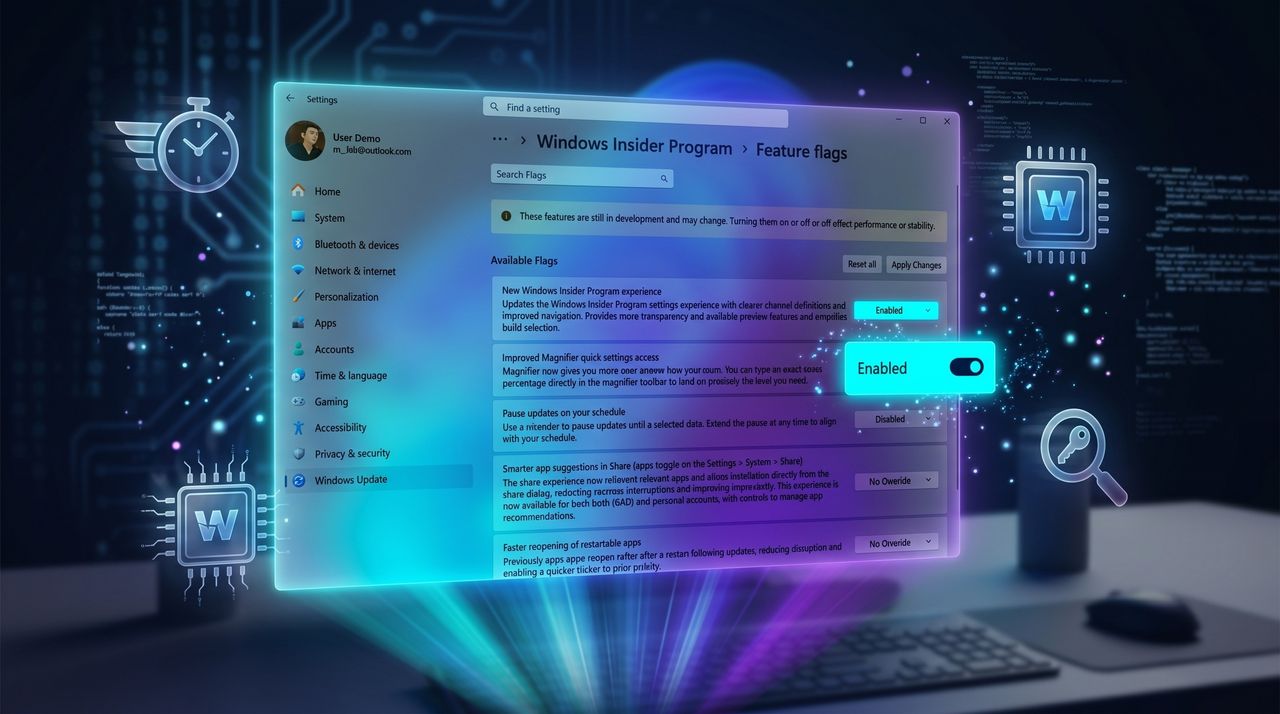
Windows Insider Program settings screen with feature flags. A highlighted toggle labeled 'Pause updates on your schedule' is switched on, set against a blue, futuristic background.
![]()
Windows Insider Program settings screen with feature flags. A highlighted toggle labeled 'Pause updates on your schedule' is switched on, set against a blue, futuristic background.

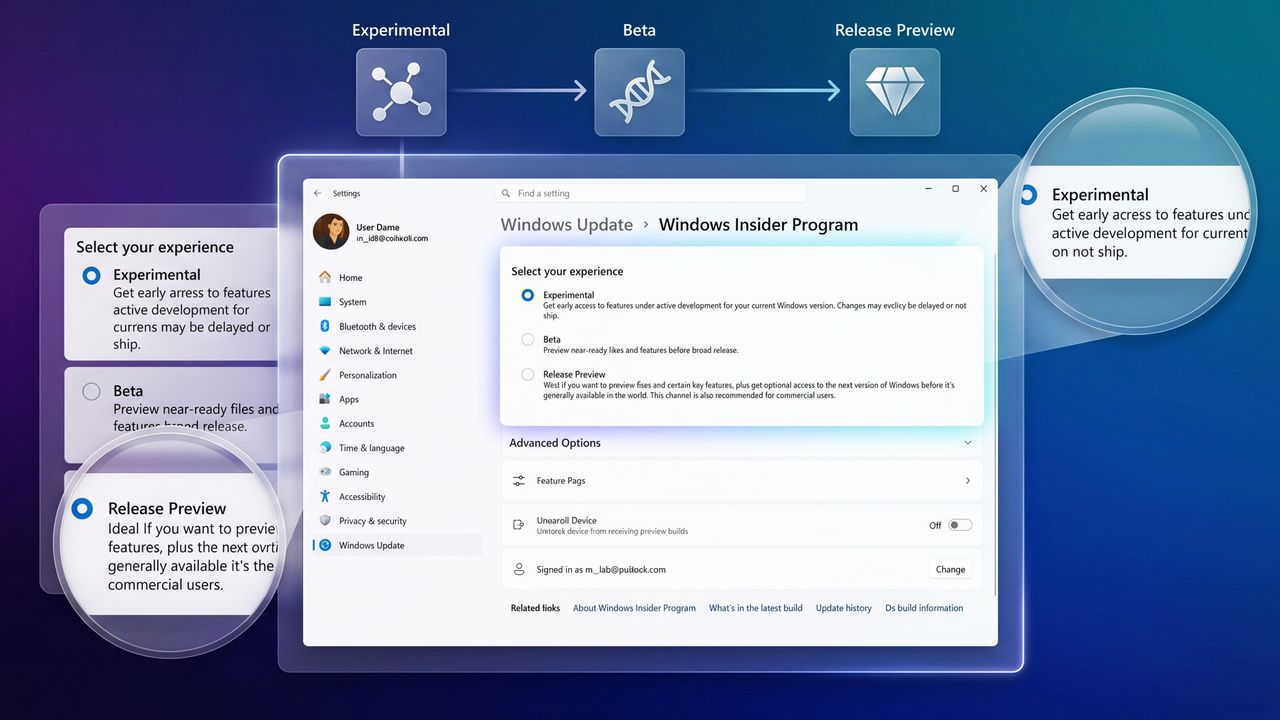
Settings interface for Windows Insider Program, showing options: Experimental, Beta, and Release Preview. Highlighted Experimental option offers early access.
![]()
Settings interface for Windows Insider Program, showing options: Experimental, Beta, and Release Preview. Highlighted Experimental option offers early access.

Rage face meme grabbing Surface Laptop with Start menu
![]()
Rage face meme grabbing Surface Laptop with Start menu

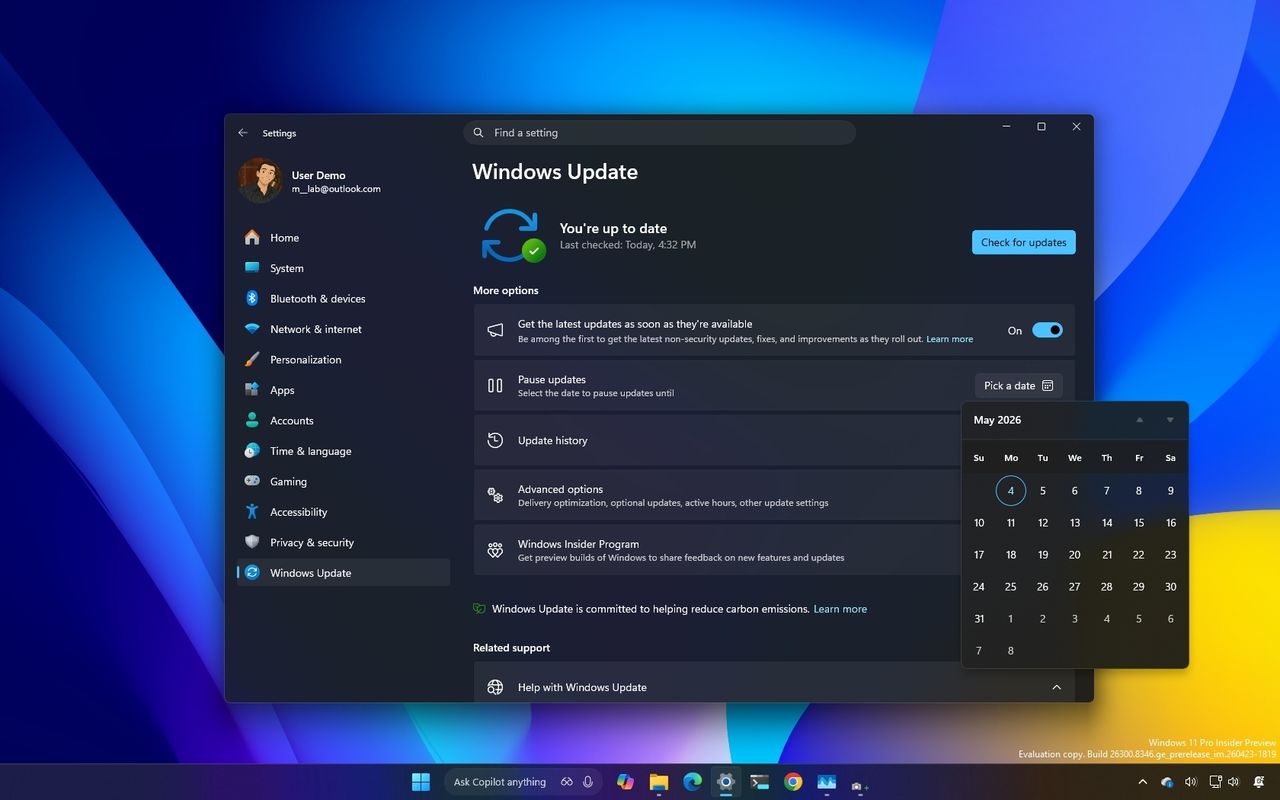
Windows Update settings window on a computer screen with a dark theme. The calendar is open, showing May 2025. The background is a gradient of blue, yellow, and purple.
![]()
Windows Update settings window on a computer screen with a dark theme. The calendar is open, showing May 2025. The background is a gradient of blue, yellow, and purple.

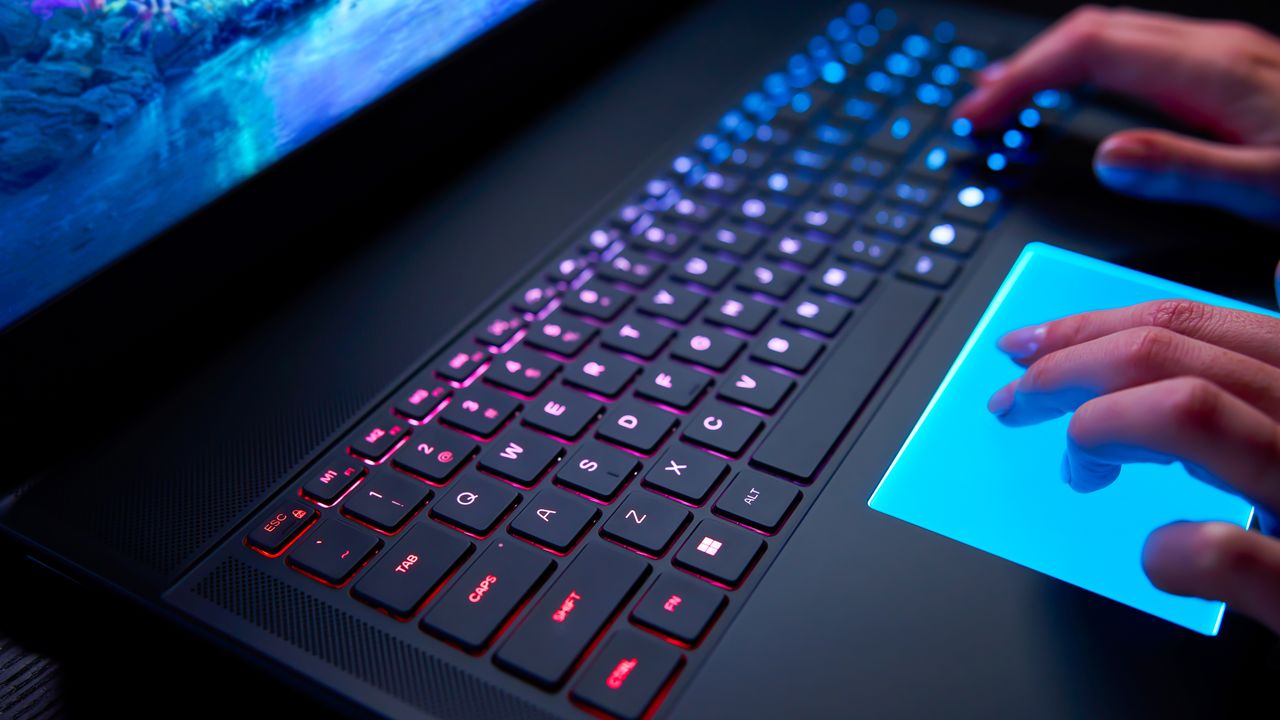
A closeup of the Alienware Area-51 laptop's backlit mechanical keyboard and RGB touchpad.
![]()
Windows 11 will soon support new gestures that improve scrolling and make it easier to navigate pages.

A laptop on a white desk faces a small sign with the Google Chrome logo, saying "No AI Thanks."
![]()
A laptop on a white desk faces a small sign with the Google Chrome logo, saying "No AI Thanks."

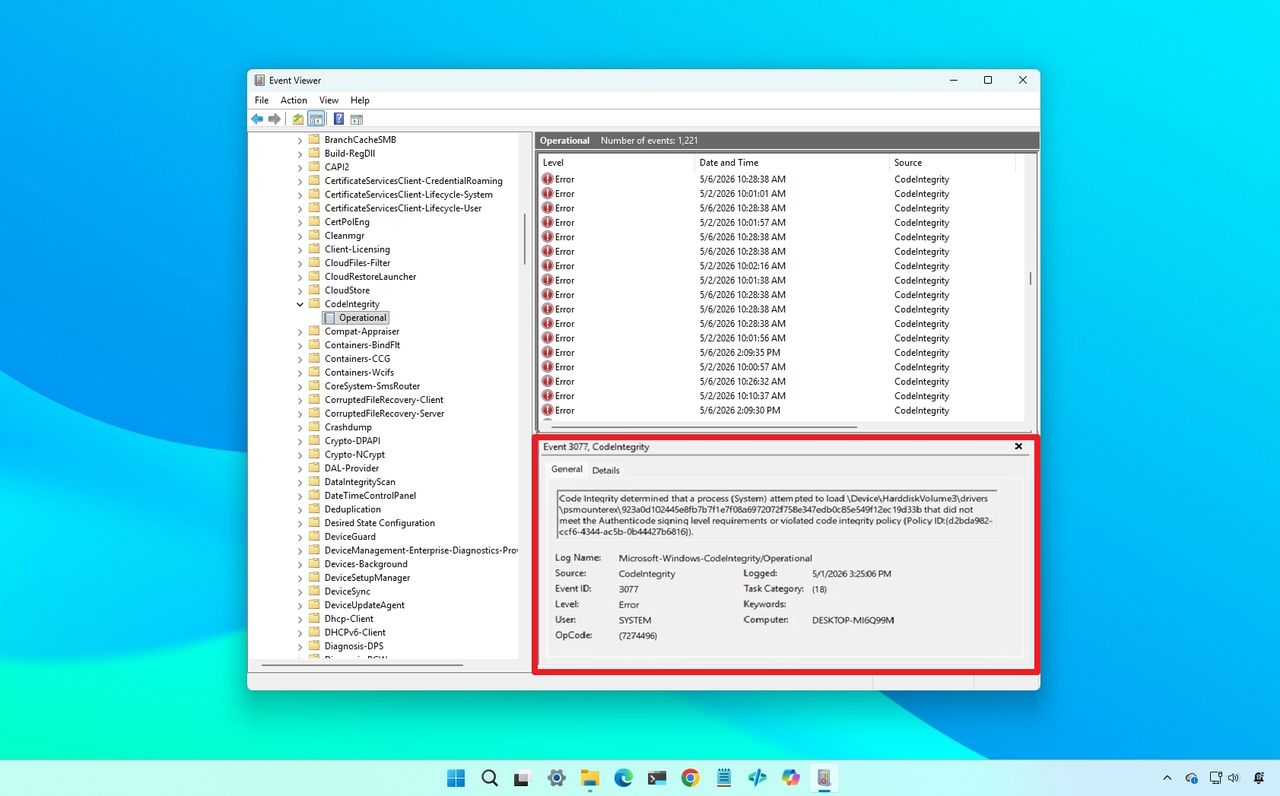
Windows Event Viewer on a blue desktop background, showing a list of "Code Integrity" errors highlighted in red, indicating driver blocked.
![]()
Windows Event Viewer on a blue desktop background, showing a list of "Code Integrity" errors highlighted in red, indicating driver blocked.

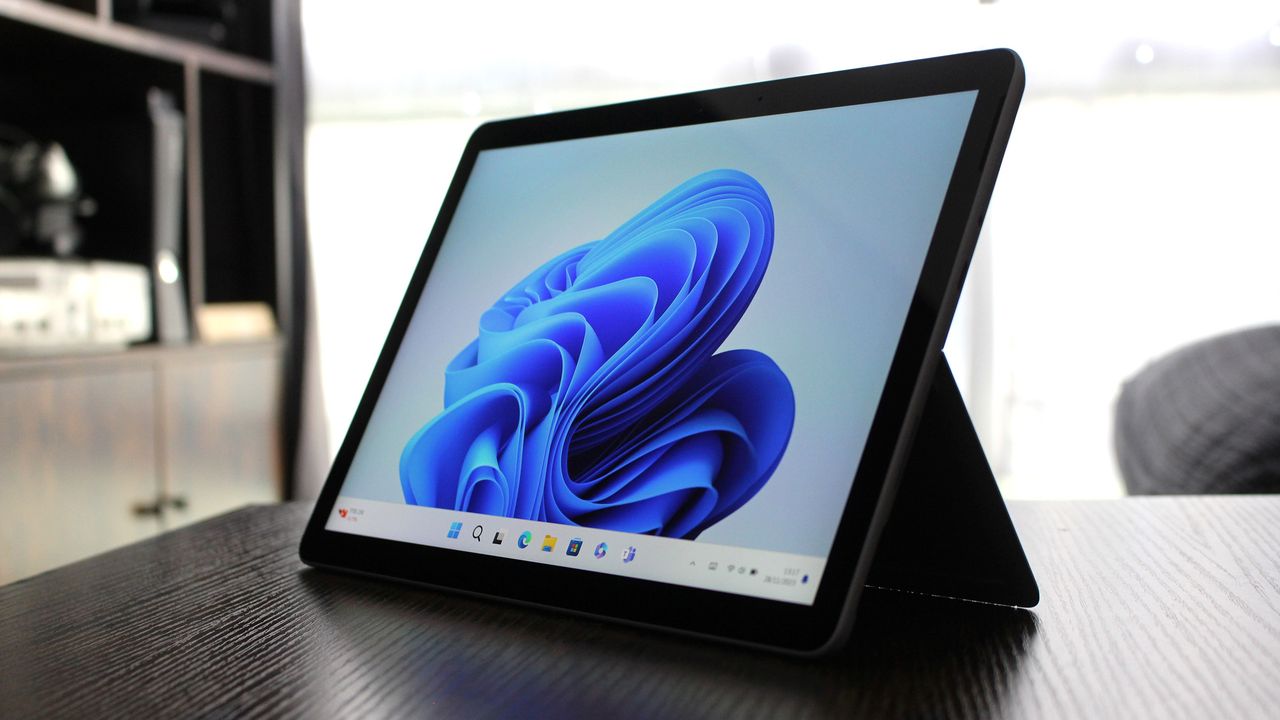
Surface Go 4 with Windows 11
![]()
Surface Go 4 with Windows 11

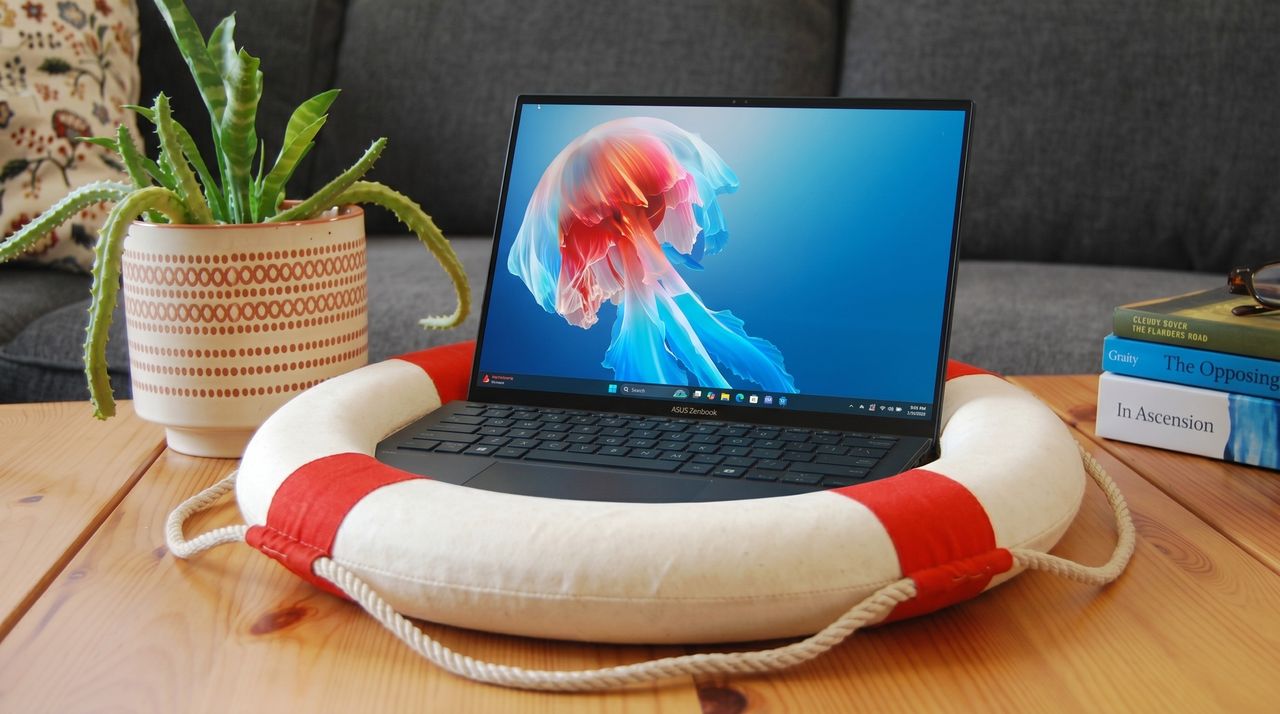
A laptop displaying a colorful jellyfish screensaver rests on a life preserver. A potted plant and stacked books add a cozy feel on the wooden table.
![]()
A laptop displaying a colorful jellyfish screensaver rests on a life preserver. A potted plant and stacked books add a cozy feel on the wooden table.

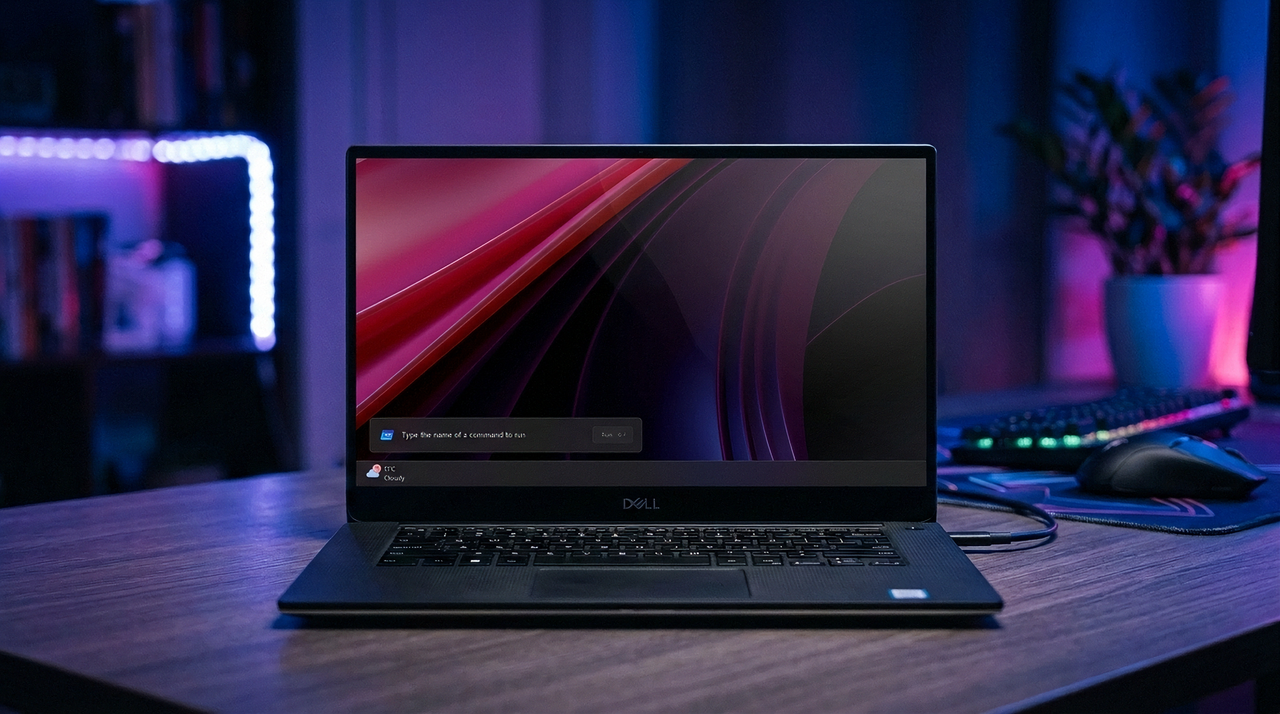
The new Windows Run box on Windows 11
![]()
The new Windows Run box on Windows 11

Microsoft Teams app seen displayed on a smartphone screen and a Microsoft Teams logo on a laptop in the background.
![]()
Microsoft Teams app seen displayed on a smartphone screen and a Microsoft Teams logo on a laptop in the background.

Microsoft Edge logo
![]()
Microsoft Edge logo