How to get the most out of Sticky Notes on Windows 11
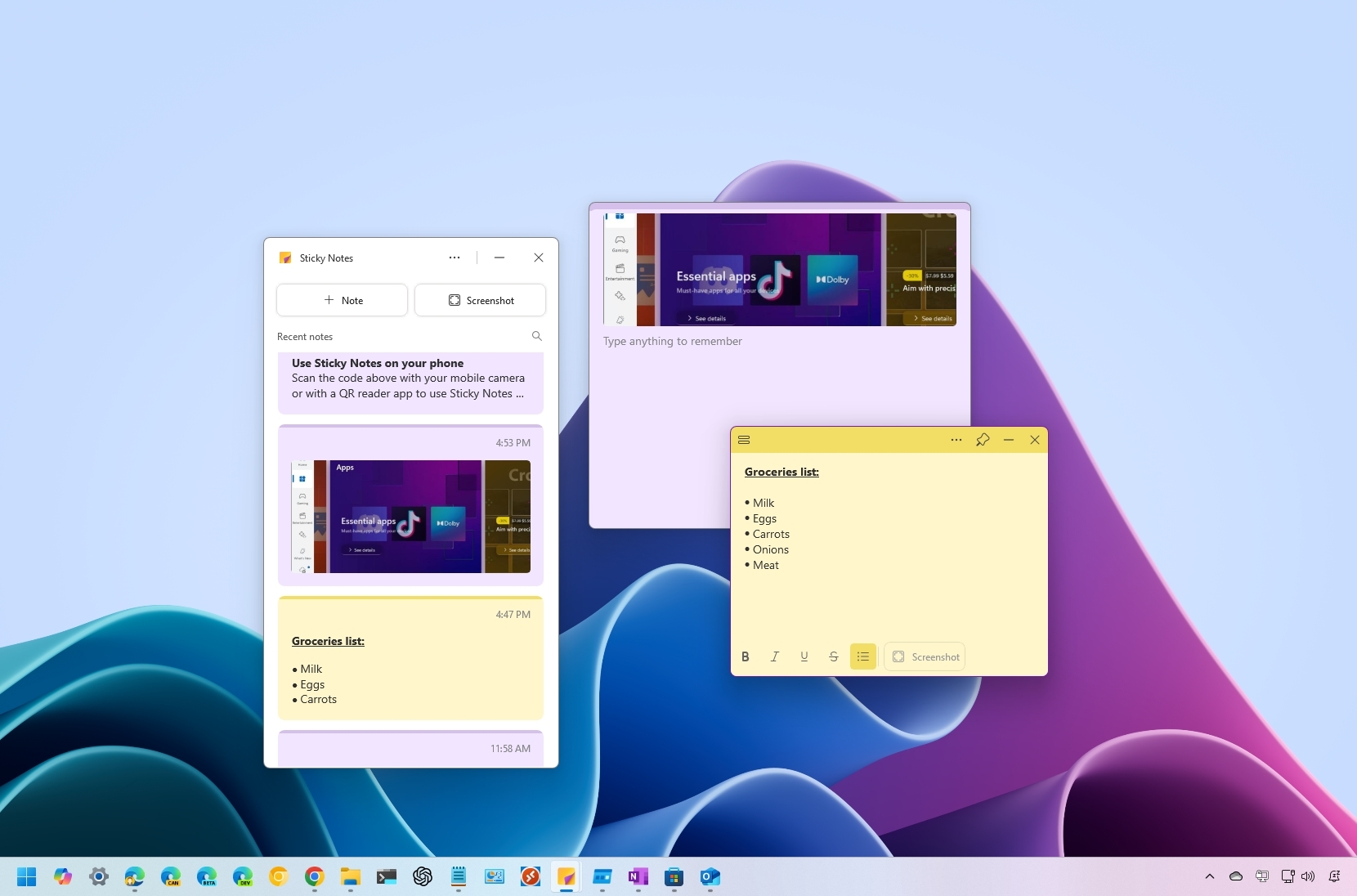
Sticky Notes for Windows 11
![]()

Sticky Notes for Windows 11
![]()

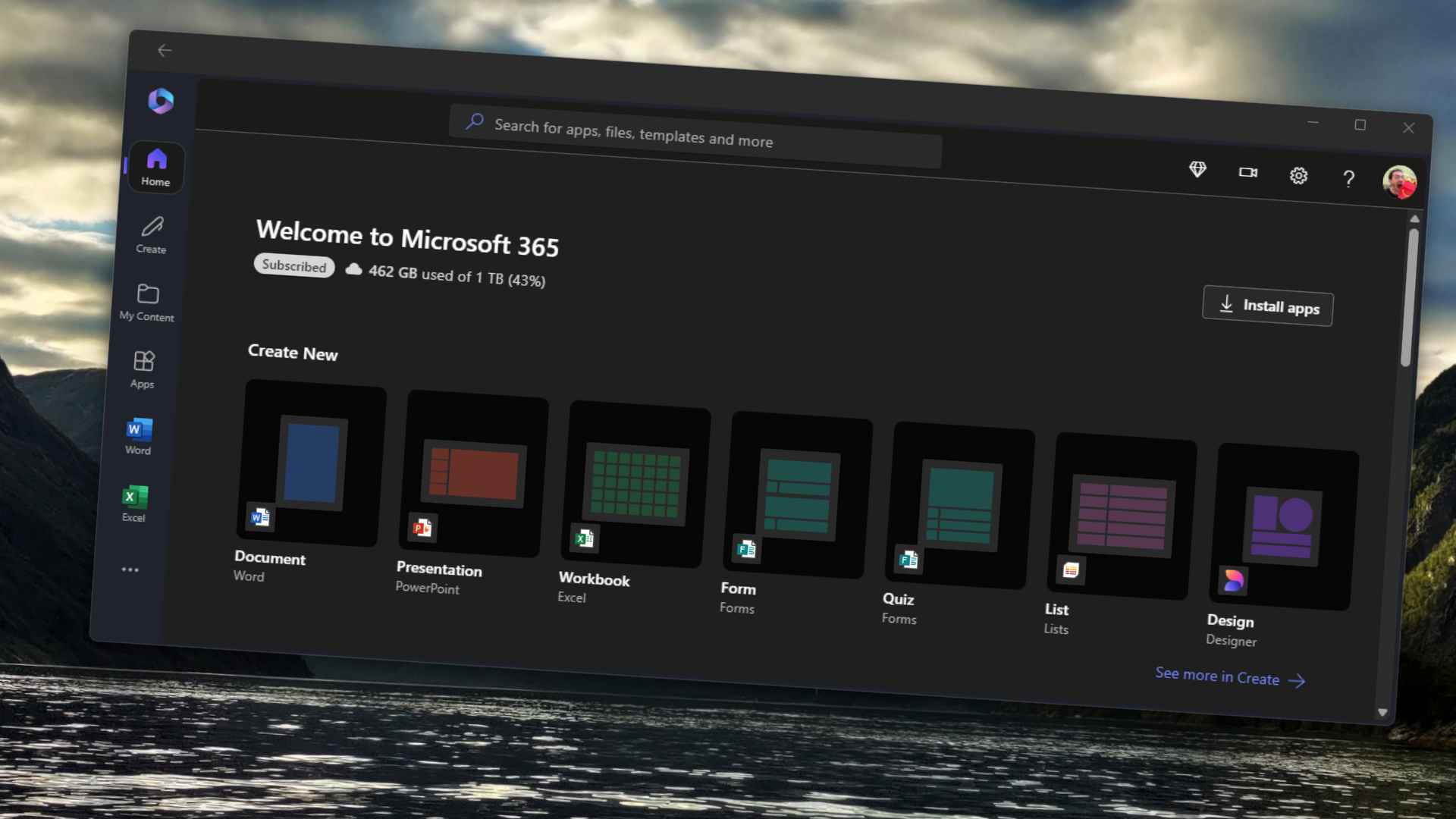
Microsoft 365 app on Windows 11 with shortcuts to create documents in Word, PowerPoint, Excel, and other Microsoft 365 applictions.
![]()

The OpenAI logo appears on the screen of a smartphone.
![]()

OpenAI and ChatGPT
![]()

Windows 10 logo on a clock close to striking midnight.
![]()

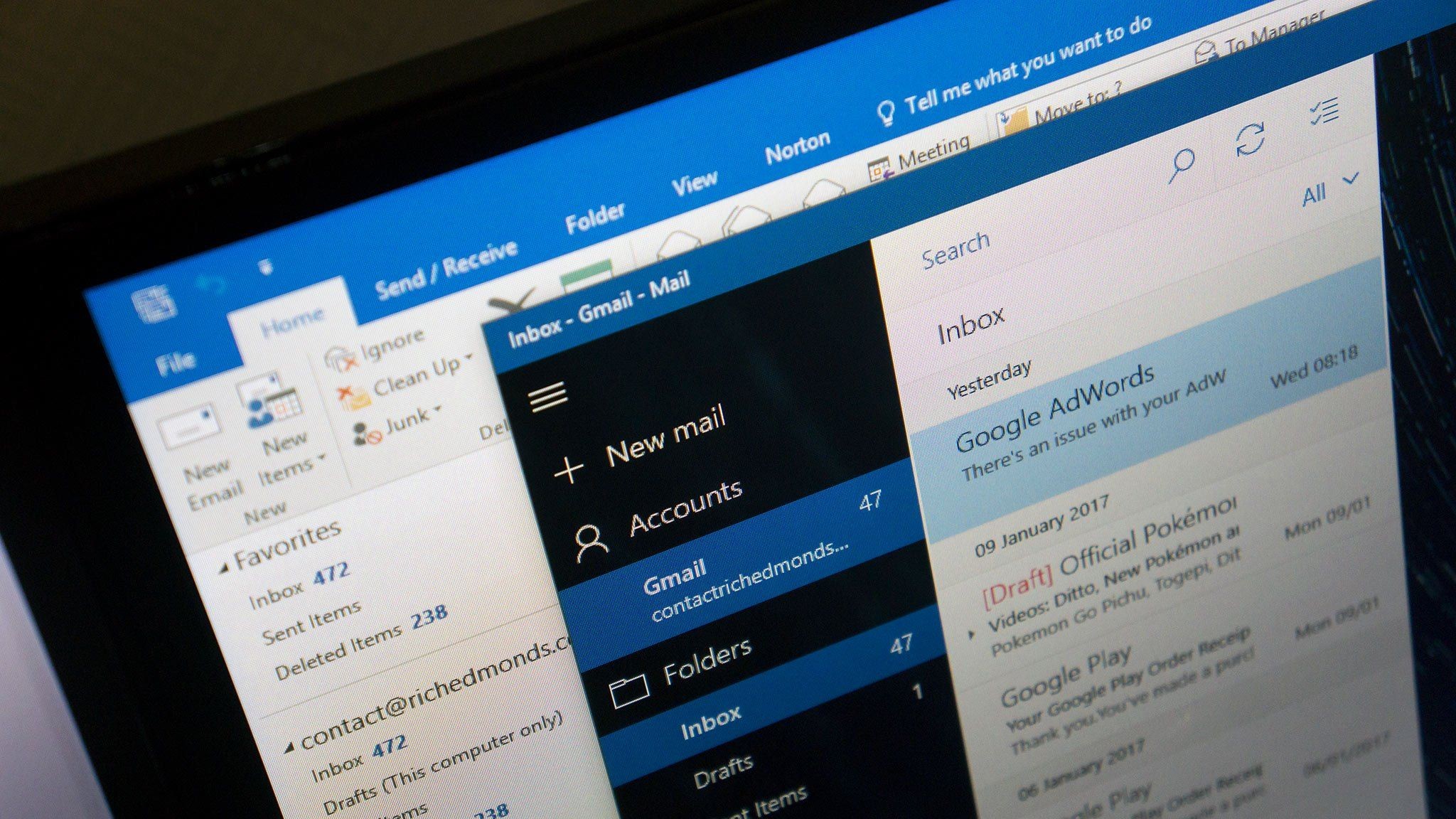
Classic Outlook and Mail & Calendar app on Windows 11
![]()

ChatGPT logo is seen displayed on a smartphone screen next to a laptop keyboard.
![]()

The X account of OpenAI CEO Sam Altman is displayed on a mobile phone with a ChatGPT logo.
![]()

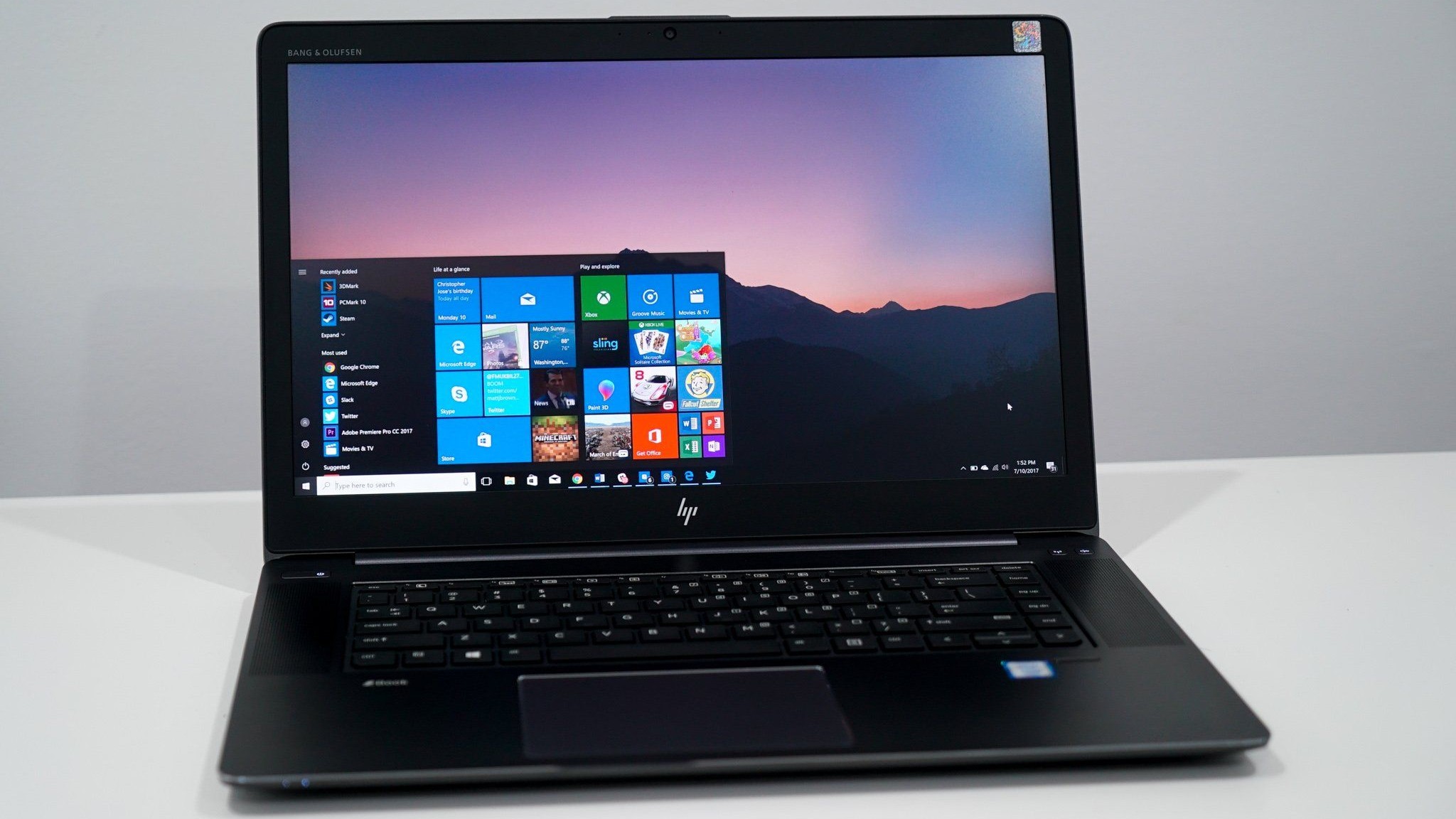
Windows 10 Start menu on HP ZBook Studio G4
![]()

Cisco Systems headquarters in San Jose, California, US
![]()

In this photo illustration, the Bluesky logo is displayed on a cell phone and computer monitor.
![]()

Windows 11 Taskbar Icons Surfacepro
![]()

Binary code displayed on a laptop screen and Guy Fawkes mask are seen in this illustration photo.
![]()

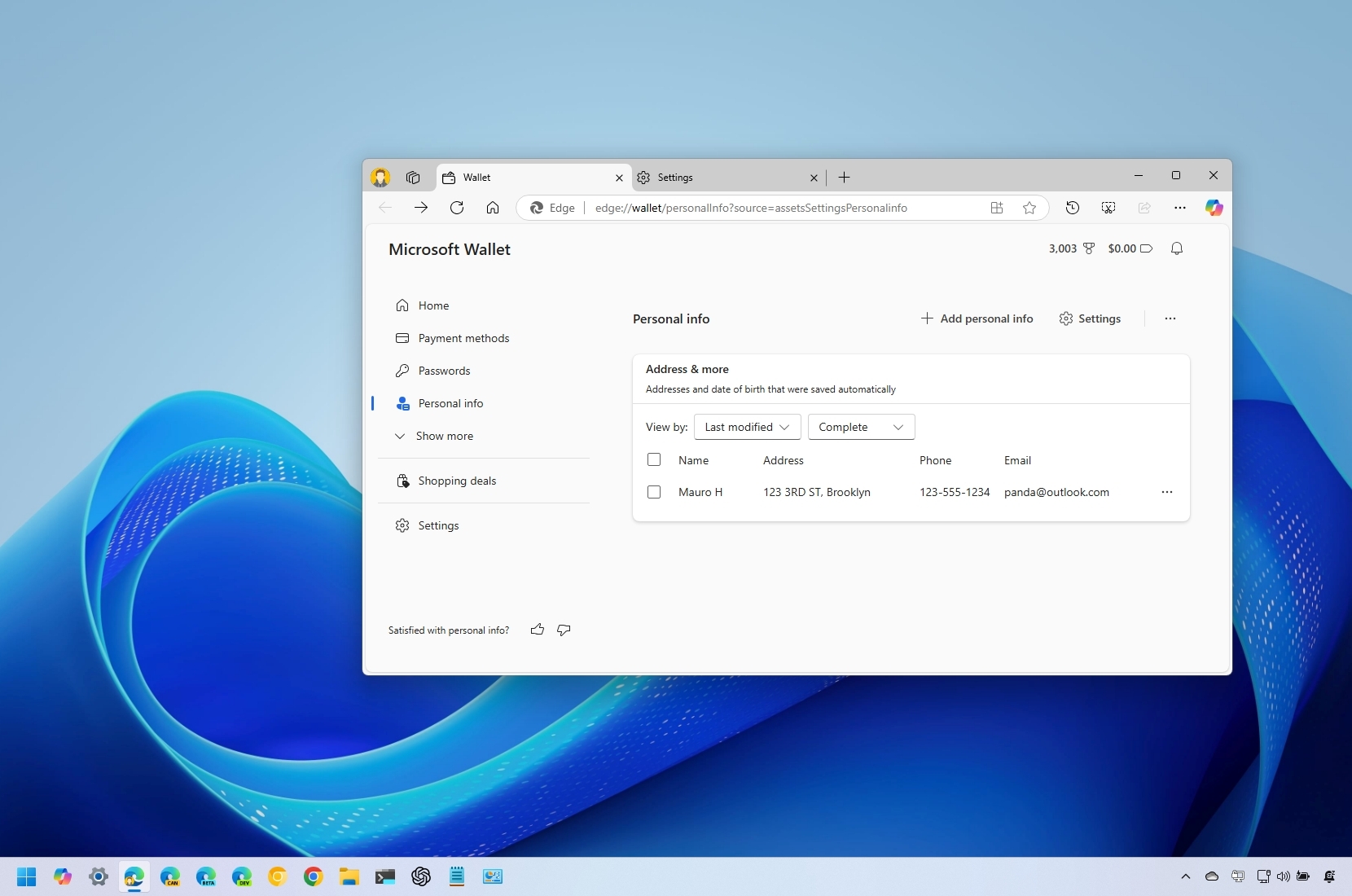
Microsoft Edge Personal info
![]()

Text of LlaMA by Meta on a phone's display resting on a laptop's keyboard.
![]()

Microsoft 365 Copilot
![]()

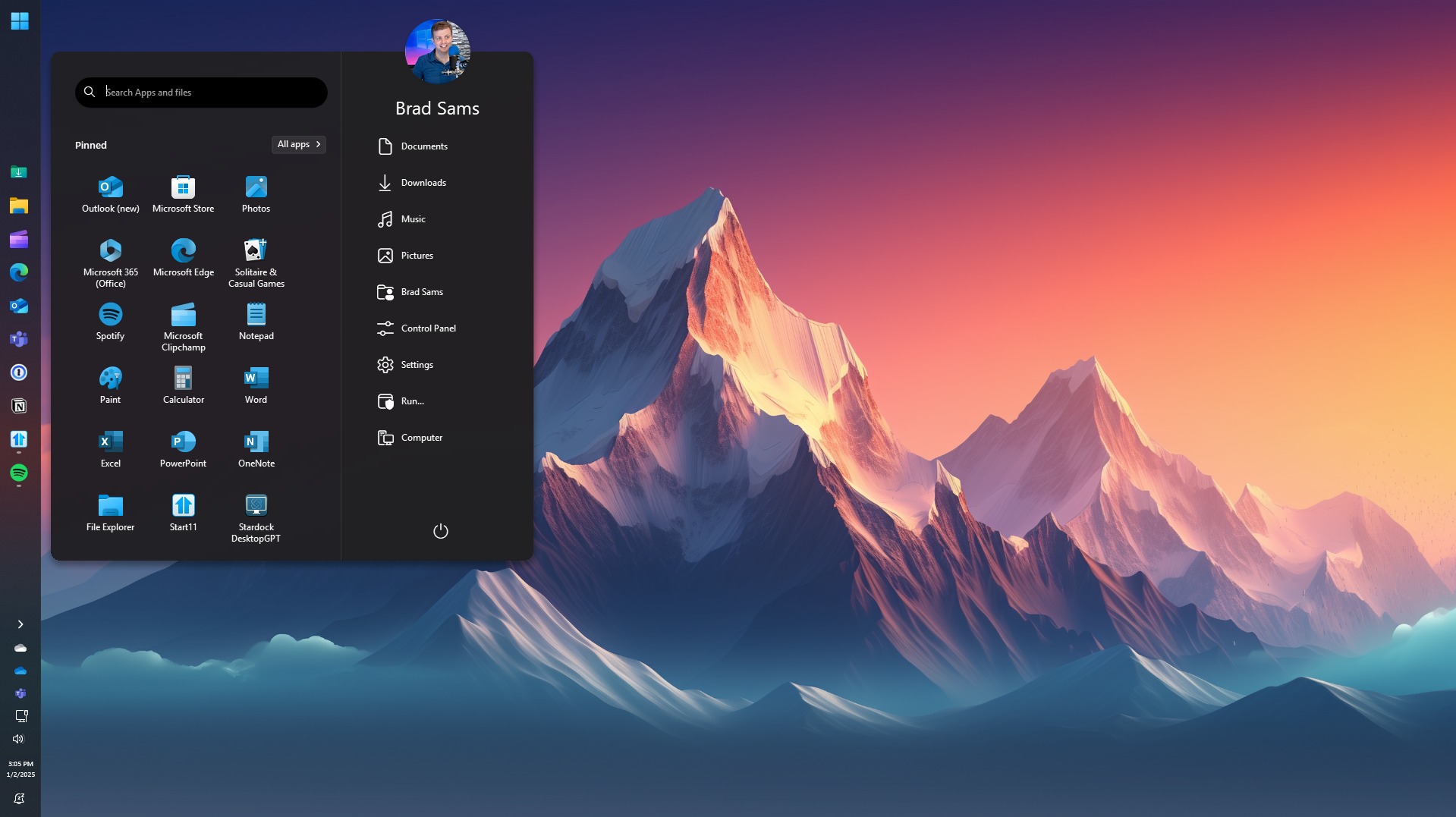
Start11 option to use vertical taskbars on Windows 11.
![]()

Microsoft CEO Satya Nadella in front of the Microsoft Copilot AI logo.
![]()

Microsoft Teams app and logo running on a laptop and smartphone.
![]()

In this photo illustration OpenAI icon is displayed on a mobile phone screen in Ankara, Turkiye on August 13, 2024.
![]()