Vue normale

Reçu — 10 mai 2026 Windows Central - News, Forums, Reviews, Help for Windows 10 and all things Microsoft.

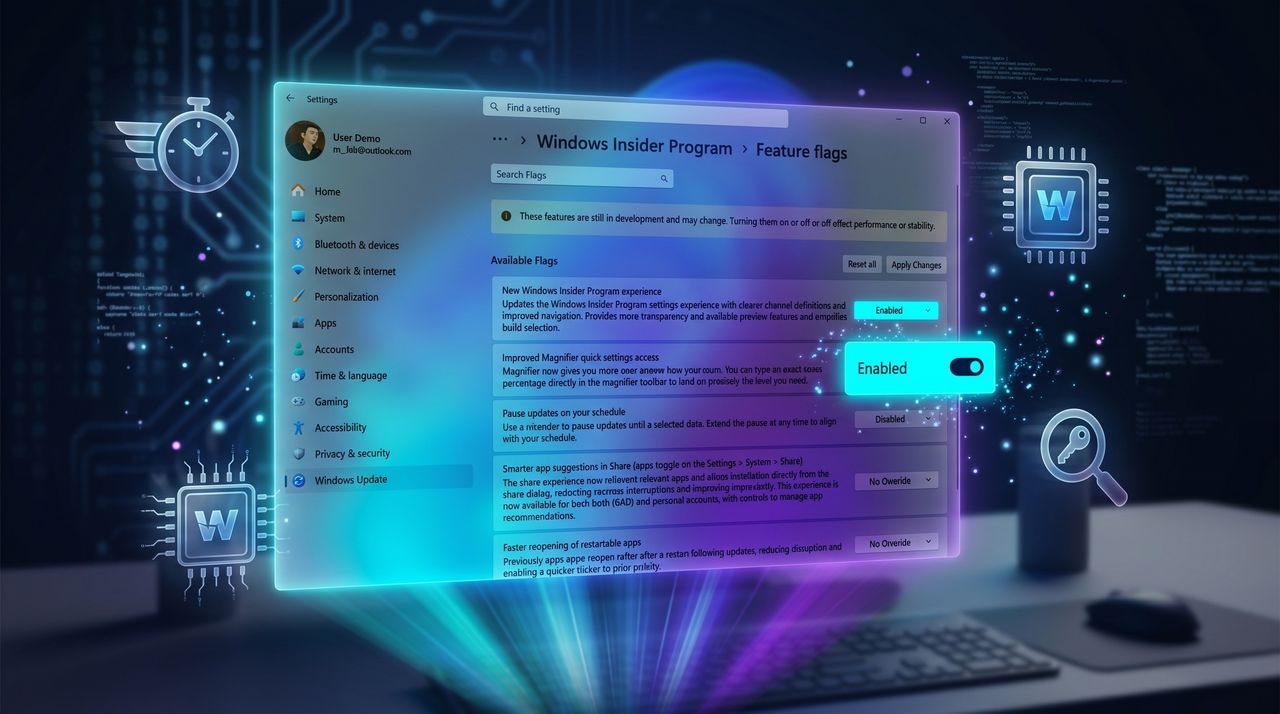
You can enable Windows 11’s experimental features right now and the process is easier than you think

Windows 11 now lets Insider users enable experimental features from Settings without ViveTool. Here's how "Feature flags" works.

Windows Insider Program settings screen with feature flags. A highlighted toggle labeled 'Pause updates on your schedule' is switched on, set against a blue, futuristic background.

Windows Insider Program settings screen with feature flags. A highlighted toggle labeled 'Pause updates on your schedule' is switched on, set against a blue, futuristic background.
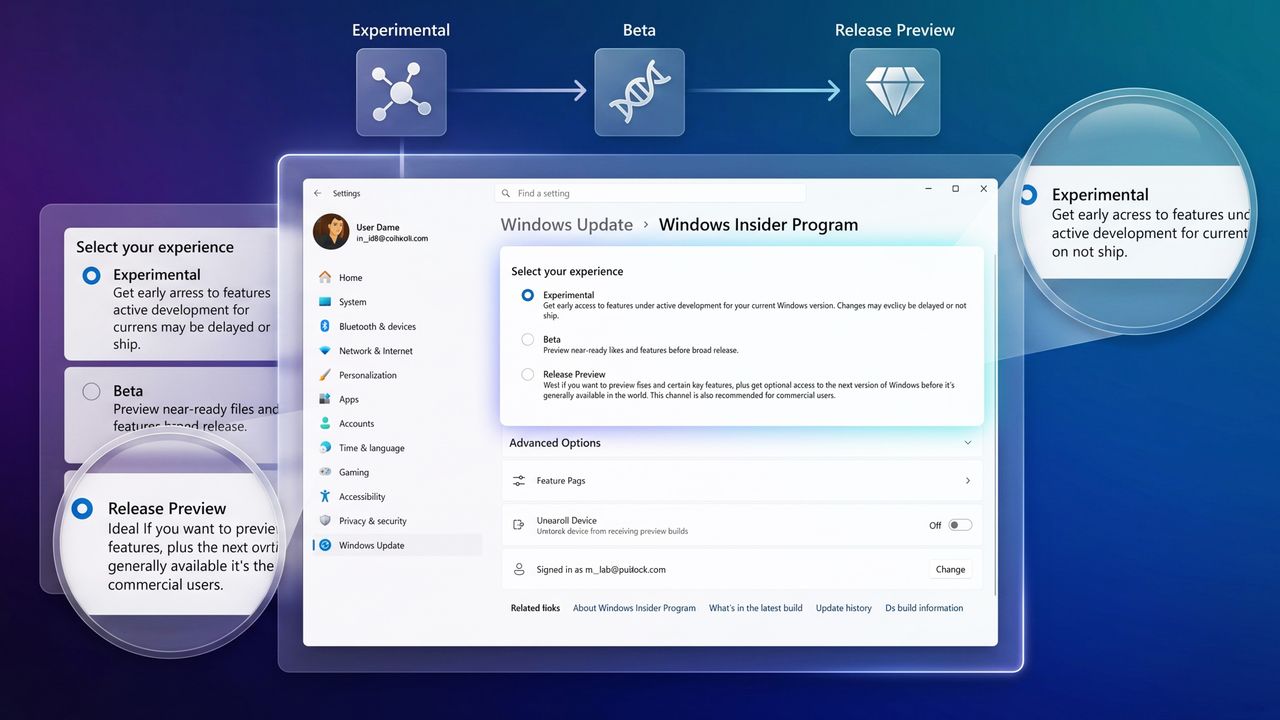
“I like where the program is going”: Microsoft’s Insider overhaul finally gives us a simpler path, but I had to dig in to understand what really changes next

Microsoft revamps the Windows Insider Program with fewer channels, built-in feature flags, and simpler testing for Windows 11 previews.

Settings interface for Windows Insider Program, showing options: Experimental, Beta, and Release Preview. Highlighted Experimental option offers early access.

Settings interface for Windows Insider Program, showing options: Experimental, Beta, and Release Preview. Highlighted Experimental option offers early access.

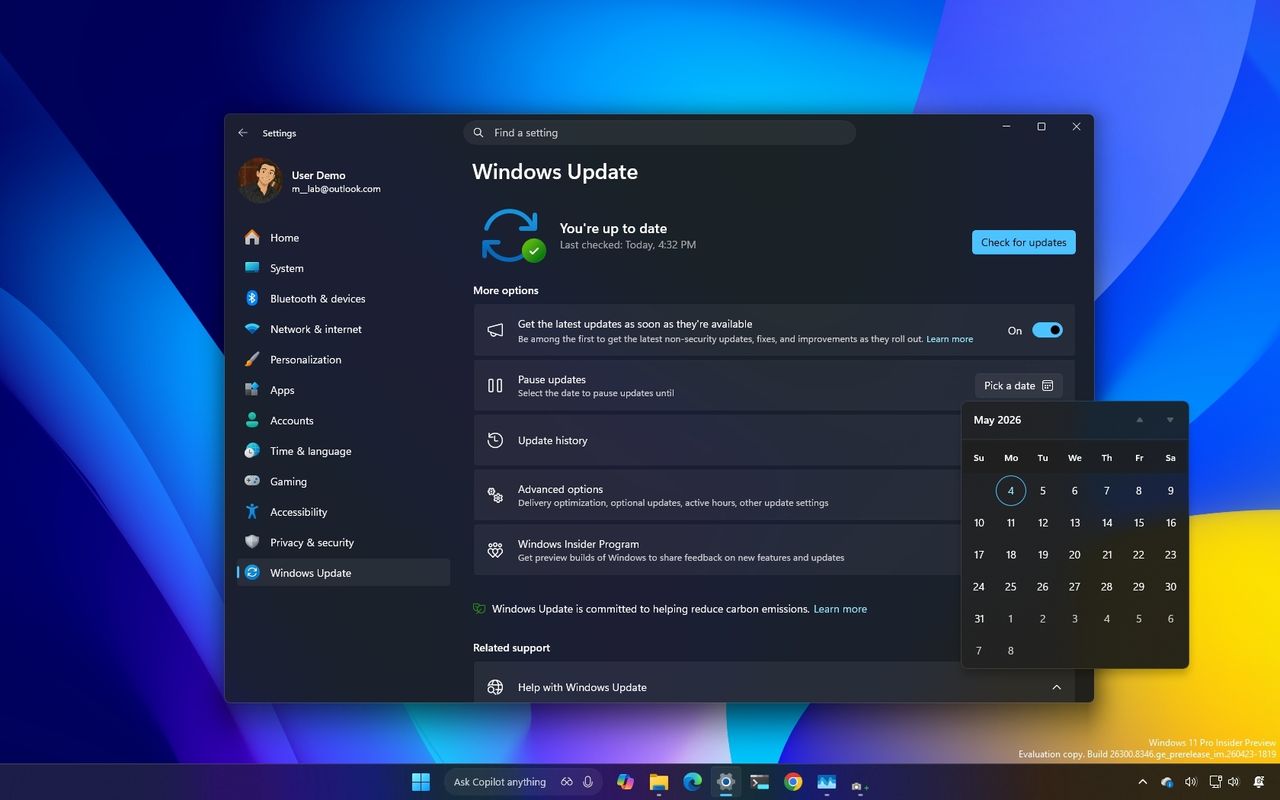
I dug into the new Windows Update rules coming to Windows 11, and these are the 5 things you need to know

Windows 11 is getting major Windows Update changes with fewer restarts, better controls, and smarter fixes. Here's what you need to know.

Windows Update settings window on a computer screen with a dark theme. The calendar is open, showing May 2025. The background is a gradient of blue, yellow, and purple.

Windows Update settings window on a computer screen with a dark theme. The calendar is open, showing May 2025. The background is a gradient of blue, yellow, and purple.

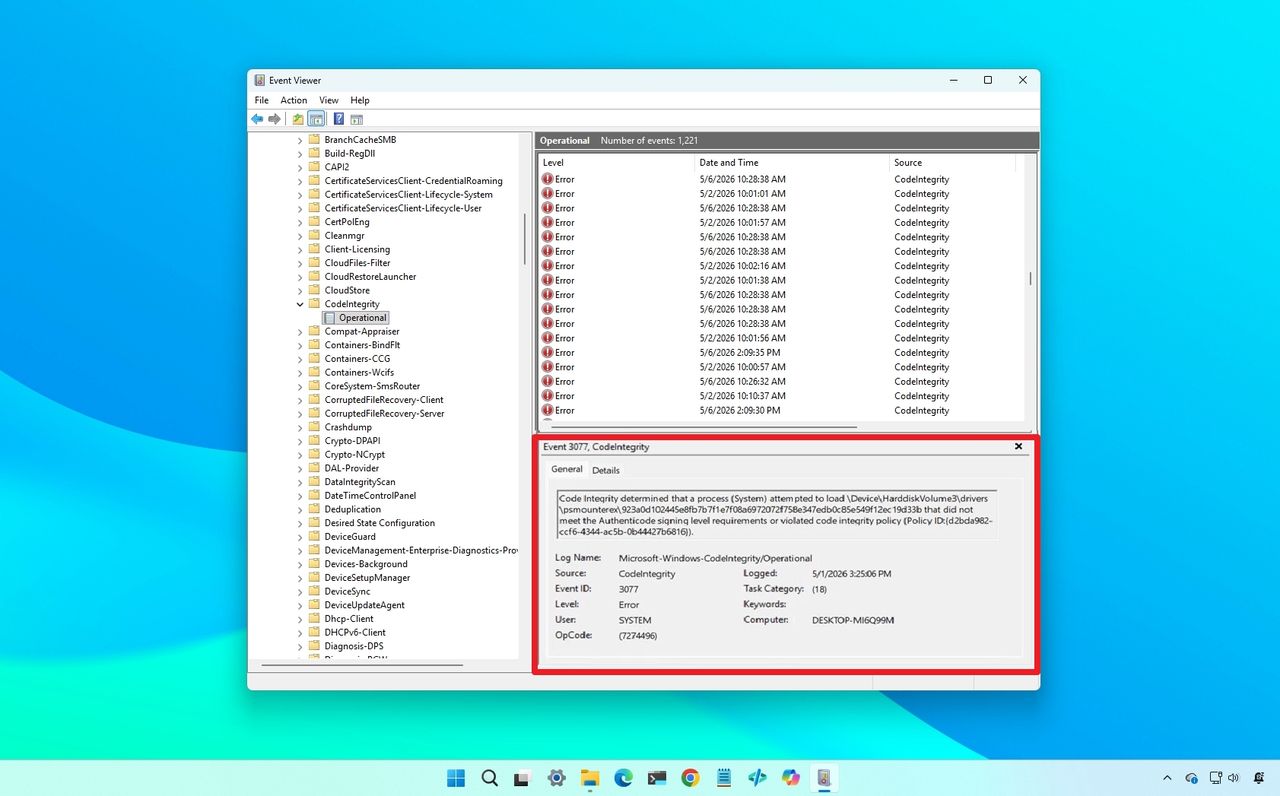
My Windows 11 backup broke after KB5083769 — Microsoft says this simple fix might save your files

Windows 11 update KB5083769 may break backups due to blocked drivers. Microsoft says it's not a bug and recommends updating your backup software.

Windows Event Viewer on a blue desktop background, showing a list of "Code Integrity" errors highlighted in red, indicating driver blocked.

Windows Event Viewer on a blue desktop background, showing a list of "Code Integrity" errors highlighted in red, indicating driver blocked.

❌